
CS 333 Introduction to Operating Systems Class 1
- Slides: 61
CS 333 Introduction to Operating Systems Class 1 - Introduction to OS-related Hardware and Software Jonathan Walpole Computer Science Portland State University
About the instructor q Instructor - Jonathan Walpole v v v Professor at OGI 1989 – 2004, PSU 2004 Research Interests: Operating System Design, Parallel and Distributed Computing Systems, Multimedia Computing and Networking http: //www. cs. pdx. edu/~walpole
About CS 333 q Goals of the class v understand the basic concepts of operating systems • designing & building operating systems, not using them! v q gain some practical experience so its not just words! Expectations v v v reading assignments should be read before class active participation in class discussions no cheating
Grading q Exams v v q Coursework v q Mid-term - 25% Final - 25% project - 40% Quizzes v in-class quizzes and discussions - 10%
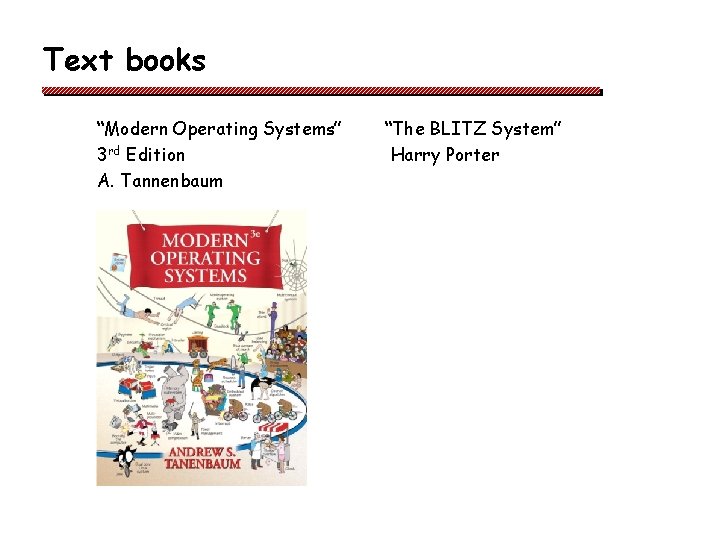
Text books “Modern Operating Systems” 3 rd Edition A. Tannenbaum “The BLITZ System” Harry Porter
The project q q q You will read, understand write real operating system code! We will be using the BLITZ system, written by Harry Porter About BLITZ v CPU emulator, assembler, high-level language, operating system, and debugging environment v Simple enough to understand in detail how everything works! v Realistic enough to understand in detail how everything works! v Runs on the departmental Sun machines (cs. pdx. edu), plus Macs and x 86/Linux
Administrative q Class web site v v q Class mailing list v q https: //mailhost. cecs. pdx. edu/cgi-bin/mailman/listinfo/cs 333 Project 0 v v q www. cs. pdx. edu/~walpole/class/cs 333/fall 2008/home. html Find my website from the faculty listing on the department website. Follow teaching link to Fall 2008 CS 333 read the class web site join the class mailing list Project 1 v v due next week! see class web site for project assignments
Class 1 - Introduction to OS-related Hardware and Software
Overview q What is an Operating System? q A review of OS-related hardware
What is an operating system? q Operating system --“a program that controls the execution of application programs and implements an interface between the user of a computer and the computer hardware” v Narrow view of a computer and OS • Traditional computer with applications running on it (e. g. PCs, Workstations, Servers) v Broad view of a computer and OS • Anything that needs to manage resources (e. g. router OS, embedded system, cell phone OS. . . )
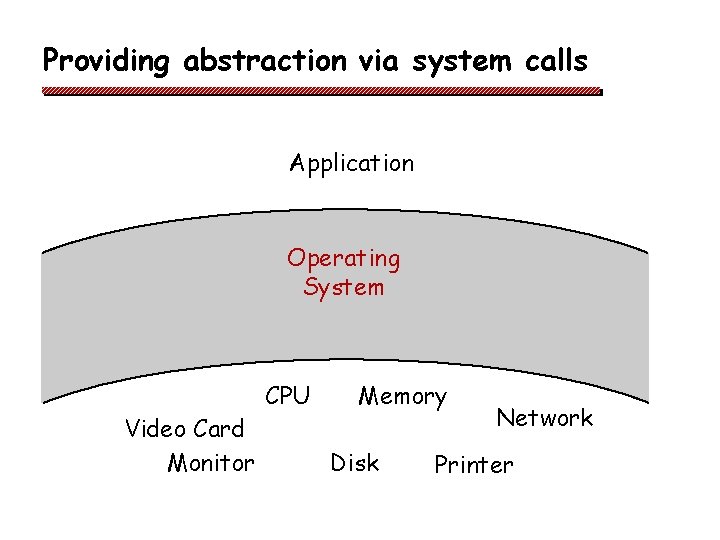
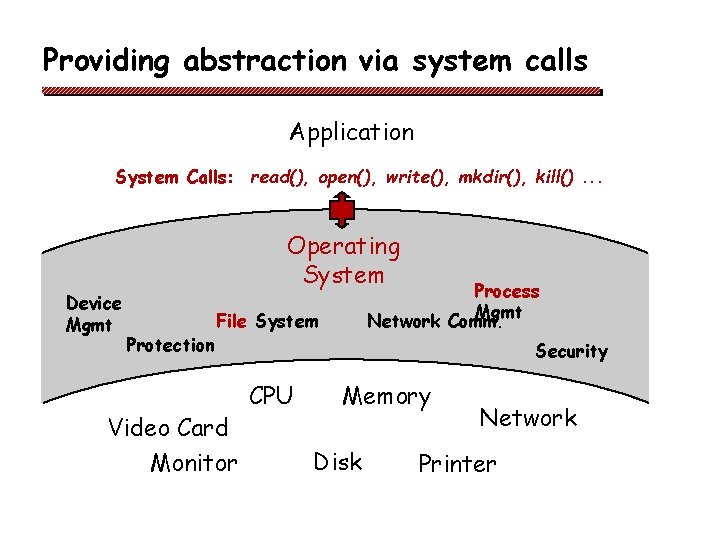
Two key OS functions q q Abstract Machine v Hides complex details of the underlying hardware v Provides common API to applications and services v Simplifies application writing Resource Manager v Controls accesses to shared resources • v CPU, memory, disks, network, . . . Allows for global policies to be implemented
Why is abstraction important? q q Without OSs and abstract interfaces, application writers must program all device access directly v load device command codes into device registers v handle initialization, recalibration, sensing, timing etc for physical devices v understand physical characteristics and layout v control motors v interpret return codes … etc Applications suffer severe code bloat! v very complicated maintenance and upgrading no portability writing this code once, and sharing it, is how OS began!
Providing abstraction via system calls Application Operating System Video Card Monitor CPU Memory Disk Network Printer
Providing abstraction via system calls Application System Calls: read(), open(), write(), mkdir(), kill(). . . Device Mgmt Operating System Protection Process Mgmt Network Comm. File System Video Card Monitor Security CPU Memory Disk Network Printer
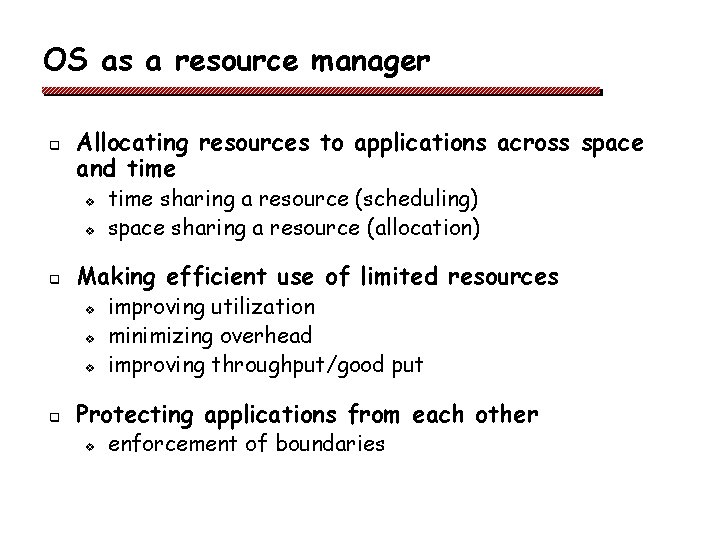
OS as a resource manager q Allocating resources to applications across space and time v v q Making efficient use of limited resources v v v q time sharing a resource (scheduling) space sharing a resource (allocation) improving utilization minimizing overhead improving throughput/good put Protecting applications from each other v enforcement of boundaries
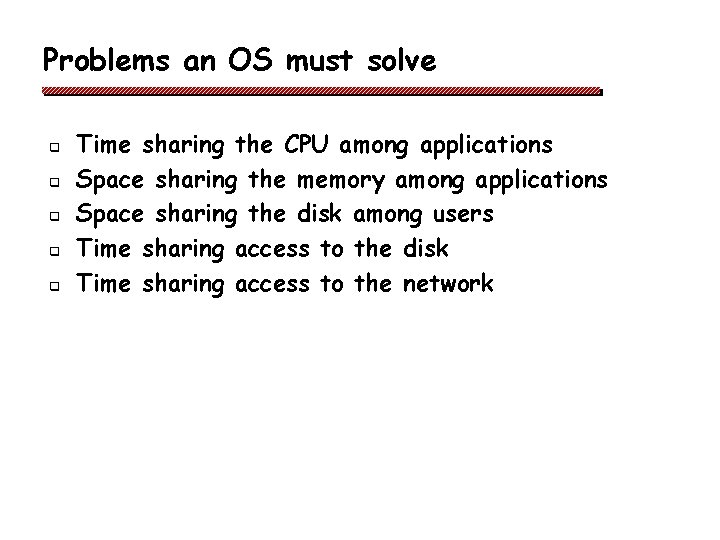
Problems an OS must solve q q q Time sharing the CPU among applications Space sharing the memory among applications Space sharing the disk among users Time sharing access to the disk Time sharing access to the network
More problems an OS must solve q Protection v v q of applications from each other of user data from other users of hardware/devices of the OS itself! The OS is just a program! It needs help from the hardware to accomplish these tasks! v v When an application is running, the OS is not running! When the OS is not running, it can’t do anything!
Overview q What is an Operating System? q A review of OS-related hardware
Instruction sets q A CPU’s instruction set defines what it can do v v different for different CPU architectures all have load and store instructions for moving items between memory and registers • Load a word located at an address in memory into a register • Store the contents of a register to a word located at an address in memory v q many instructions for comparing and combining values in registers and putting result into a register Look at the Blitz instruction set which is similar to a SUN SPARC instruction set
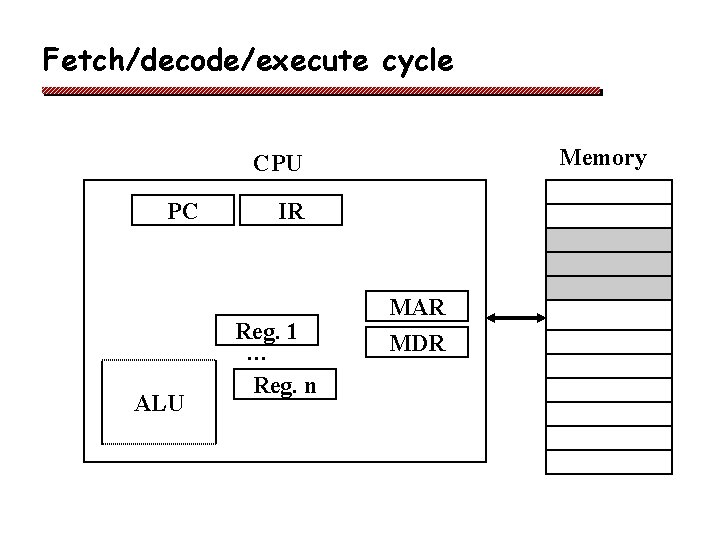
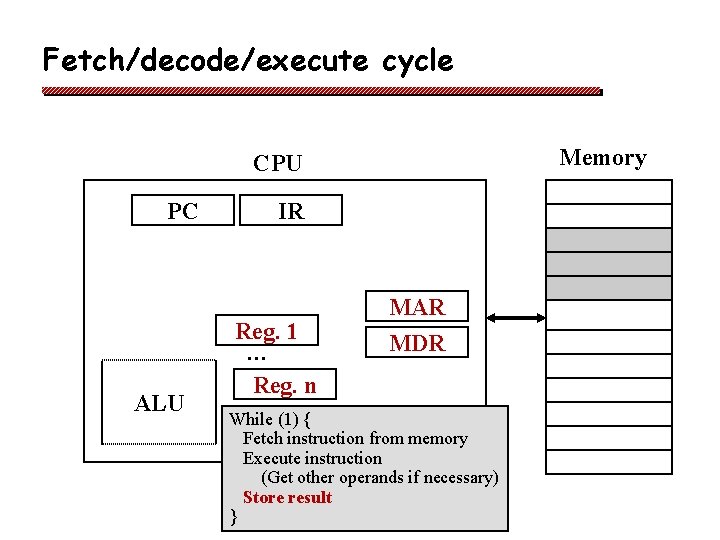
Basic anatomy on a CPU q Program Counter (PC)
Basic anatomy on a CPU q Program Counter (PC) v Holds the memory address of the next instruction
Basic anatomy on a CPU q Program Counter (PC) v q Holds the memory address of the next instruction Instruction Register (IR)
Basic anatomy on a CPU q Program Counter (PC) v q Holds the memory address of the next instruction Instruction Register (IR) v Holds the instruction currently being executed
Basic anatomy on a CPU q Program Counter (PC) v q Instruction Register (IR) v q Holds the memory address of the next instruction holds the instruction currently being executed General Registers (Reg. 1. . n)
Basic anatomy on a CPU q Program Counter (PC) v q Instruction Register (IR) v q Holds the memory address of the next instruction holds the instruction currently being executed General Registers (Reg. 1. . n) v hold variables and temporary results
Basic anatomy on a CPU q Program Counter (PC) v q Instruction Register (IR) v q holds the instruction currently being executed General Registers (Reg. 1. . n) v q Holds the memory address of the next instruction hold variables and temporary results Arithmetic and Logic Unit (ALU)
Basic anatomy on a CPU q Program Counter (PC) v q Instruction Register (IR) v q holds the instruction currently being executed General Registers (Reg. 1. . n) v q Holds the memory address of the next instruction hold variables and temporary results Arithmetic and Logic Unit (ALU) v performs arithmetic functions and logic operations
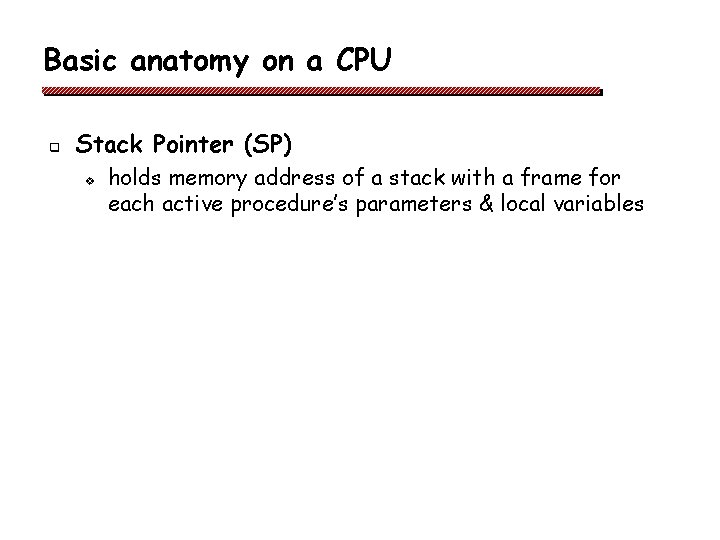
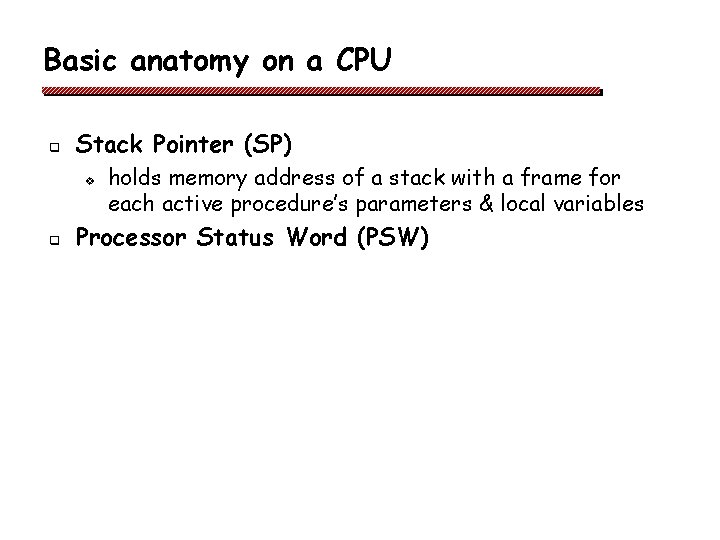
Basic anatomy on a CPU q Stack Pointer (SP)
Basic anatomy on a CPU q Stack Pointer (SP) v holds memory address of a stack with a frame for each active procedure’s parameters & local variables
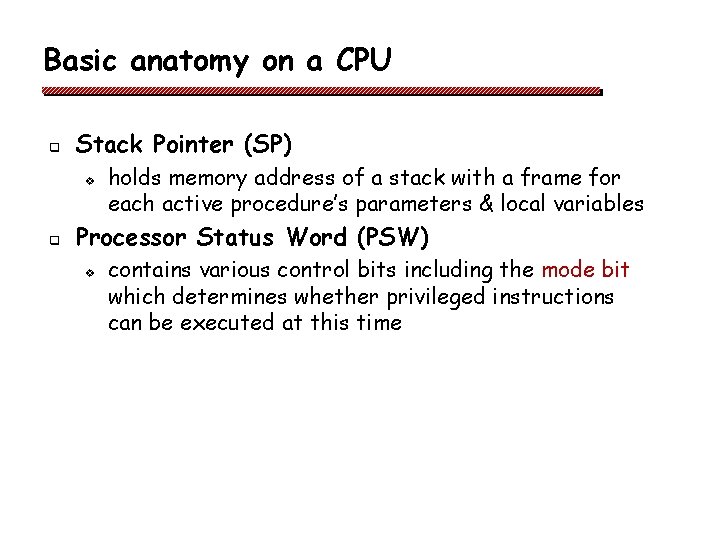
Basic anatomy on a CPU q Stack Pointer (SP) v q holds memory address of a stack with a frame for each active procedure’s parameters & local variables Processor Status Word (PSW)
Basic anatomy on a CPU q Stack Pointer (SP) v q holds memory address of a stack with a frame for each active procedure’s parameters & local variables Processor Status Word (PSW) v contains various control bits including the mode bit which determines whether privileged instructions can be executed at this time
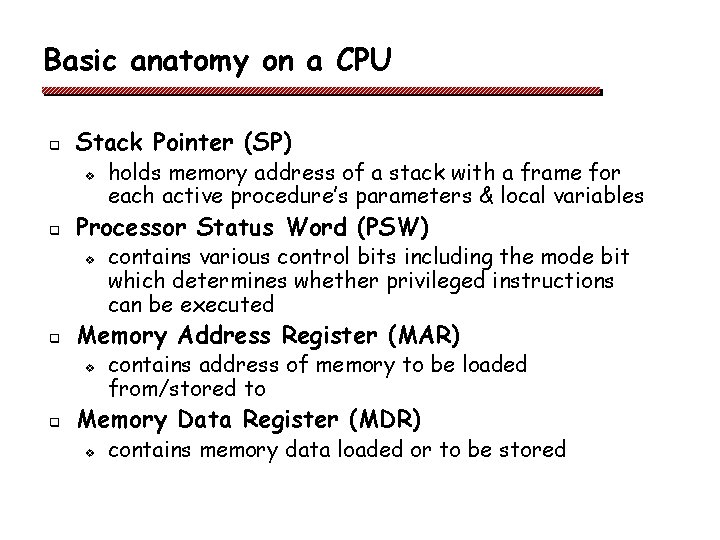
Basic anatomy on a CPU q Stack Pointer (SP) v q Processor Status Word (PSW) v q contains various control bits including the mode bit which determines whether privileged instructions can be executed Memory Address Register (MAR) v q holds memory address of a stack with a frame for each active procedure’s parameters & local variables contains address of memory to be loaded from/stored to Memory Data Register (MDR) v contains memory data loaded or to be stored
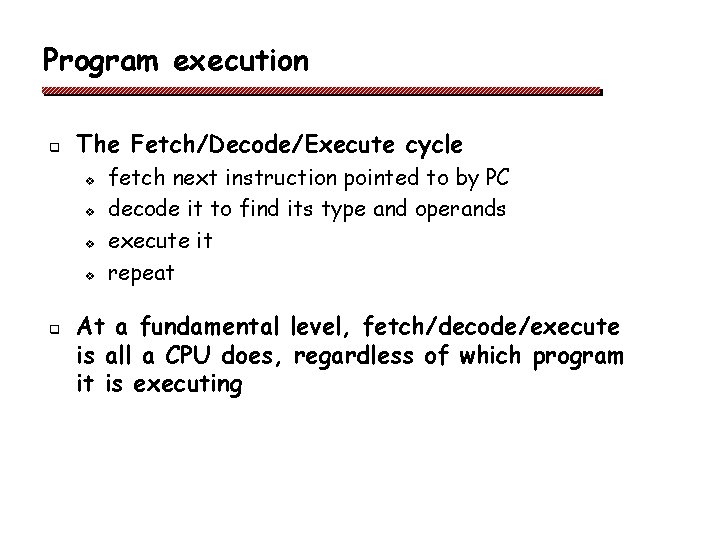
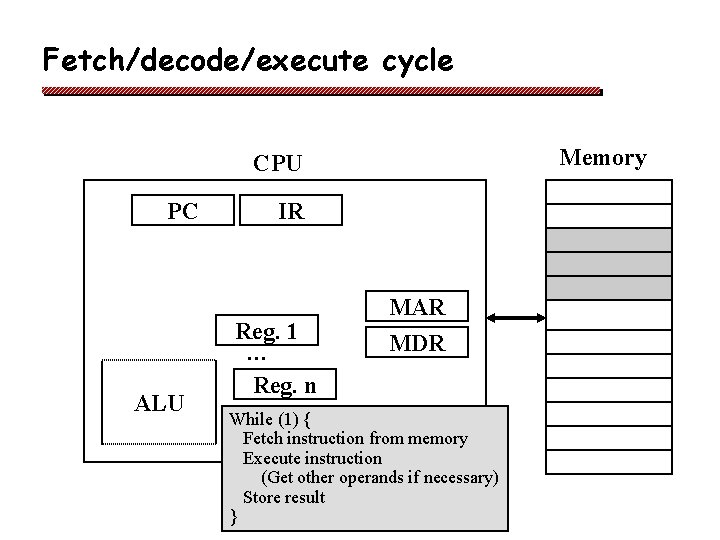
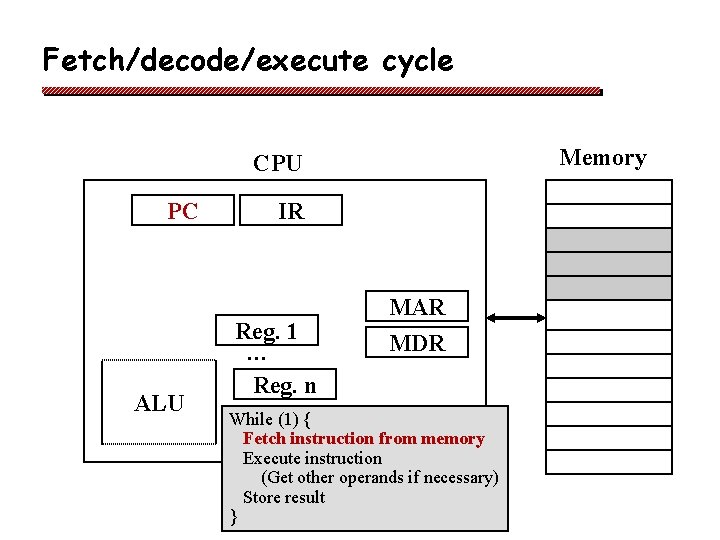
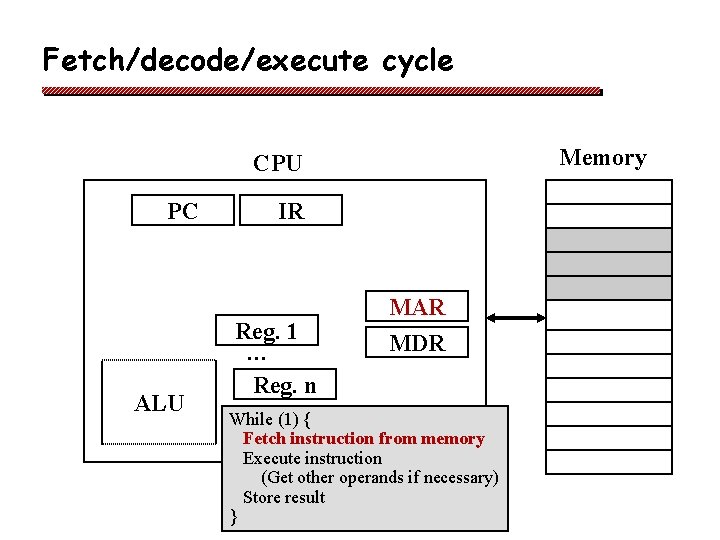
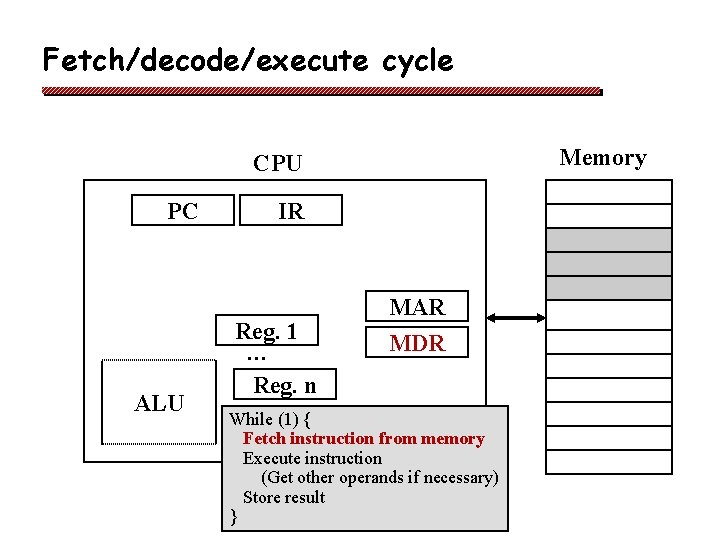
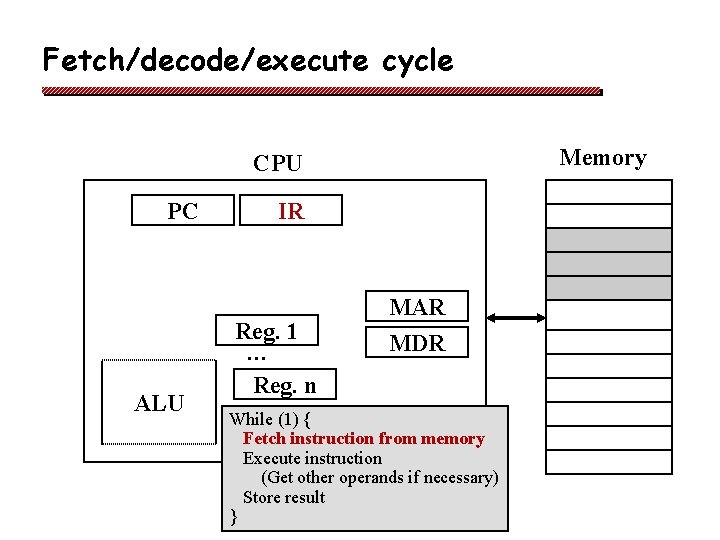
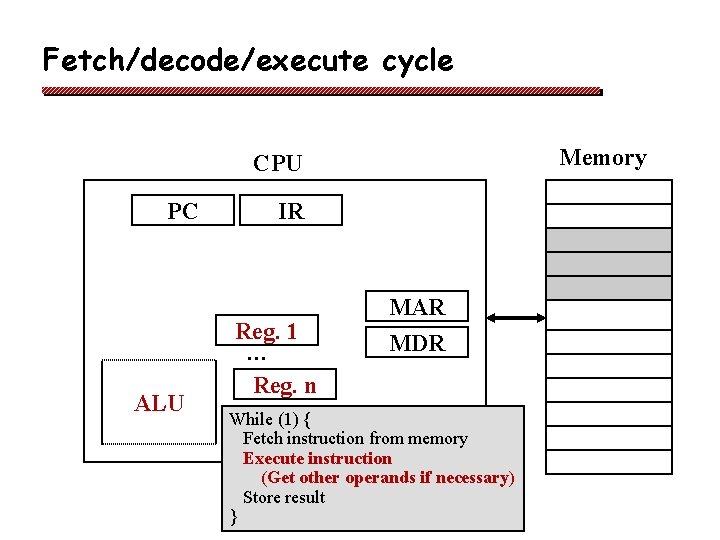
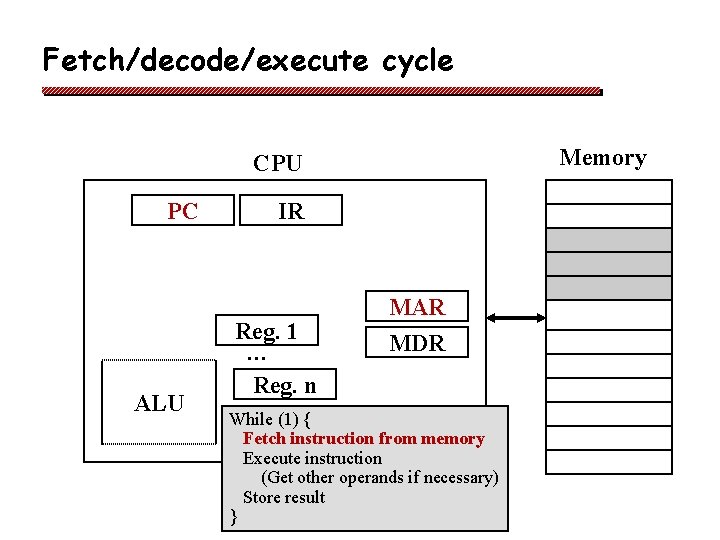
Program execution q The Fetch/Decode/Execute cycle v v q fetch next instruction pointed to by PC decode it to find its type and operands execute it repeat At a fundamental level, fetch/decode/execute is all a CPU does, regardless of which program it is executing
Fetch/decode/execute cycle Memory CPU PC ALU IR Reg. 1 … Reg. n MAR MDR
Fetch/decode/execute cycle Memory CPU PC ALU IR Reg. 1 … Reg. n MAR MDR While (1) { Fetch instruction from memory Execute instruction (Get other operands if necessary) Store result }
Fetch/decode/execute cycle Memory CPU PC ALU IR Reg. 1 … Reg. n MAR MDR While (1) { Fetch instruction from memory Execute instruction (Get other operands if necessary) Store result }
Fetch/decode/execute cycle Memory CPU PC ALU IR Reg. 1 … Reg. n MAR MDR While (1) { Fetch instruction from memory Execute instruction (Get other operands if necessary) Store result }
Fetch/decode/execute cycle Memory CPU PC ALU IR Reg. 1 … Reg. n MAR MDR While (1) { Fetch instruction from memory Execute instruction (Get other operands if necessary) Store result }
Fetch/decode/execute cycle Memory CPU PC ALU IR Reg. 1 … Reg. n MAR MDR While (1) { Fetch instruction from memory Execute instruction (Get other operands if necessary) Store result }
Fetch/decode/execute cycle Memory CPU PC ALU IR Reg. 1 … Reg. n MAR MDR While (1) { Fetch instruction from memory Execute instruction (Get other operands if necessary) Store result }
Fetch/decode/execute cycle Memory CPU PC ALU IR Reg. 1 … Reg. n MAR MDR While (1) { Fetch instruction from memory Execute instruction (Get other operands if necessary) Store result }
Fetch/decode/execute cycle Memory CPU PC ALU IR Reg. 1 … Reg. n MAR MDR While (1) { Fetch instruction from memory Execute instruction (Get other operands if necessary) Store result }
The OS is just a program! q The OS is a sequence of instructions that the CPU will fetch/decode/execute v v v How can the OS cause application programs to run? How can the OS switch the CPU to run a different application and later resume the first one? How can the OS maintain control? In what ways can application code try to seize control indefinitely (ie. cheat)? And how can the OS prevent such cheating? How can applications programs cause the OS to run?
How can the OS invoke an application?
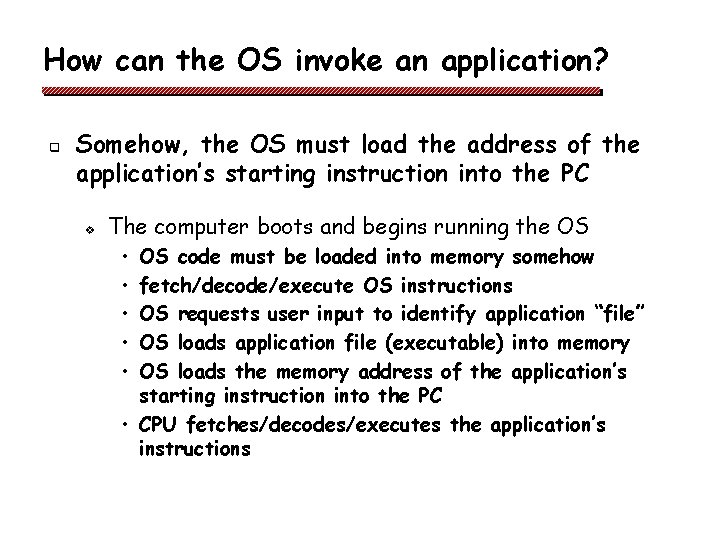
How can the OS invoke an application? q Somehow, the OS must load the address of the application’s starting instruction into the PC v The computer boots and begins running the OS • • • OS code must be loaded into memory somehow fetch/decode/execute OS instructions OS requests user input to identify application “file” OS loads application file (executable) into memory OS loads the memory address of the application’s starting instruction into the PC • CPU fetches/decodes/executes the application’s instructions
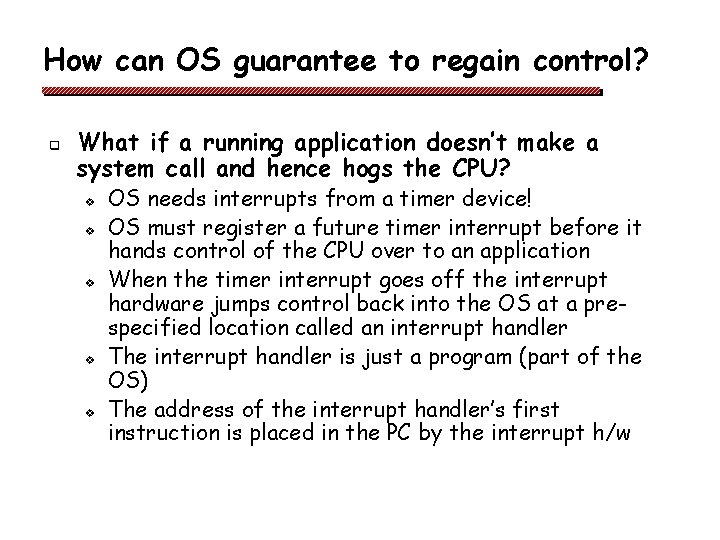
How can OS guarantee to regain control? q What if a running application doesn’t make a system call and hence hogs the CPU? v v v OS needs interrupts from a timer device! OS must register a future timer interrupt before it hands control of the CPU over to an application When the timer interrupt goes off the interrupt hardware jumps control back into the OS at a prespecified location called an interrupt handler The interrupt handler is just a program (part of the OS) The address of the interrupt handler’s first instruction is placed in the PC by the interrupt h/w
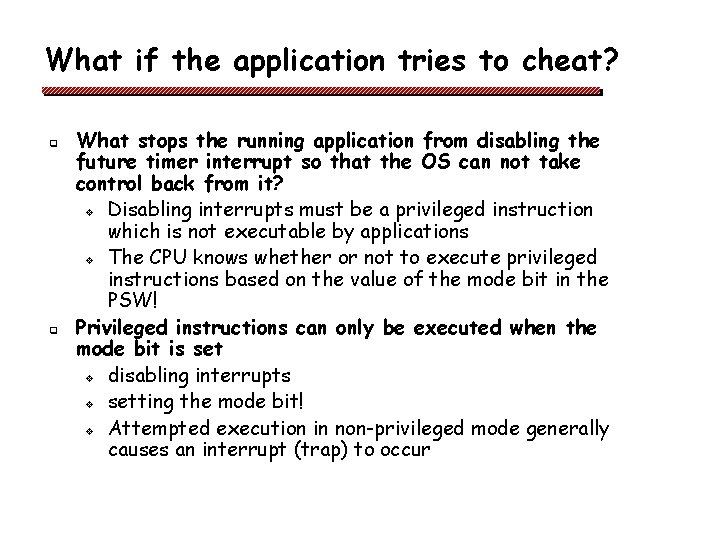
What if the application tries to cheat? q q What stops the running application from disabling the future timer interrupt so that the OS can not take control back from it? v Disabling interrupts must be a privileged instruction which is not executable by applications v The CPU knows whether or not to execute privileged instructions based on the value of the mode bit in the PSW! Privileged instructions can only be executed when the mode bit is set v disabling interrupts v setting the mode bit! v Attempted execution in non-privileged mode generally causes an interrupt (trap) to occur
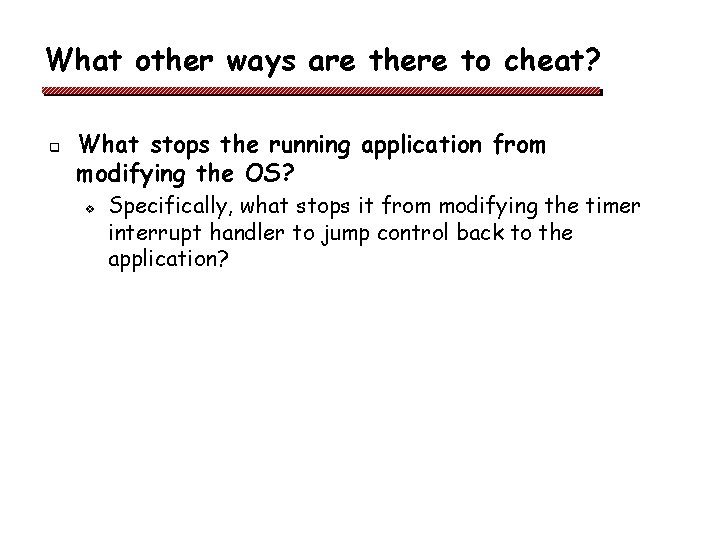
What other ways are there to cheat? q What stops the running application from modifying the OS? v Specifically, what stops it from modifying the timer interrupt handler to jump control back to the application?
What other ways are there to cheat? q What stops the running application from modifying the OS? v v v q Memory protection! Memory protection instructions must be privileged They can only be executed with the mode bit set … Why must the OS clear the mode bit before it hands control to an application?
How can applications invoke the OS? q Why not just set PC to an OS instruction address and transfer control that way?
How can applications invoke the OS? q q Special instruction causes a trap / interrupt Trap instruction changes PC to point to a predetermined OS entry point instruction and simultaneously sets the mode bit v v v q application calls a library procedure that includes the appropriate trap instruction fetch/decode/execute cycle begins at a prespecified OS entry point called a system call CPU is now running in privileged mode Traps, like interrupts, are hardware events, but they are caused by the executing program rather than a device external to the CPU
How can the OS switch to a new application? q To suspend execution of an application simply capture its memory state and processor state v v v preserve all the memory values of this application copy values of all CPU registers into a data structure which is saved in memory restarting the application from the same point just requires reloading the register values
Why its not quite that simple. . . q q q Pipelined CPUs Superscalar CPUs Multi-level memory hierarchies Virtual memory Complexity of devices and buses Heterogeneity of hardware
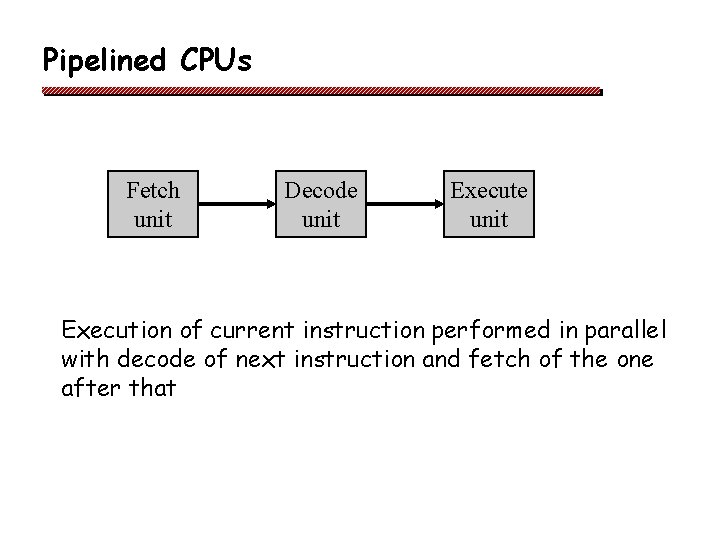
Pipelined CPUs Fetch unit Decode unit Execution of current instruction performed in parallel with decode of next instruction and fetch of the one after that
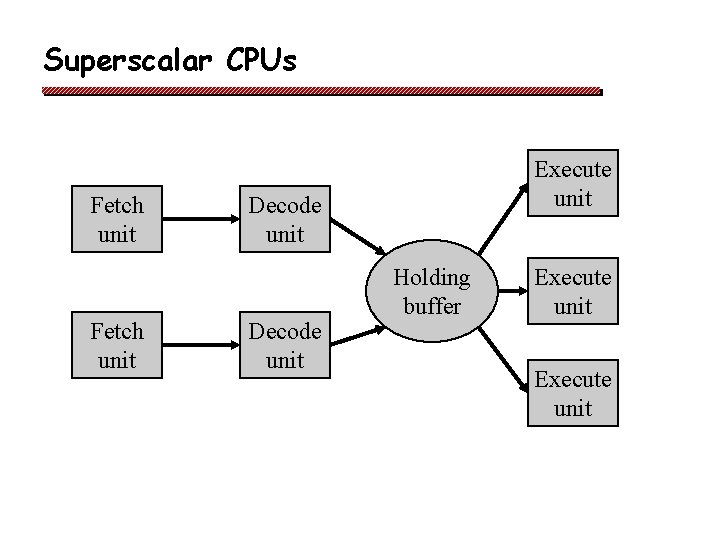
Superscalar CPUs Fetch unit Execute unit Decode unit Holding buffer Execute unit
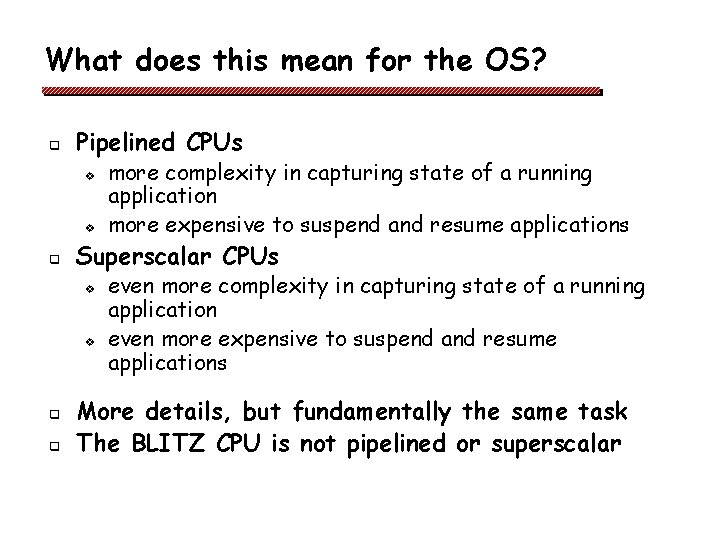
What does this mean for the OS? q Pipelined CPUs v v q Superscalar CPUs v v q q more complexity in capturing state of a running application more expensive to suspend and resume applications even more complexity in capturing state of a running application even more expensive to suspend and resume applications More details, but fundamentally the same task The BLITZ CPU is not pipelined or superscalar
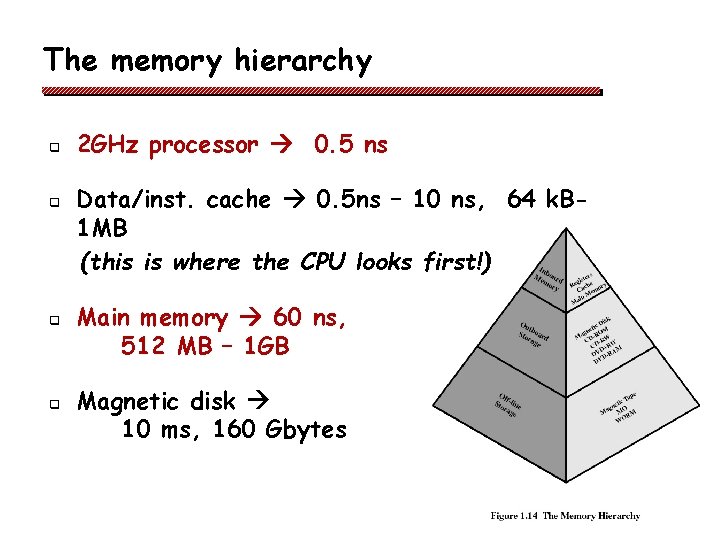
The memory hierarchy q q 2 GHz processor 0. 5 ns Data/inst. cache 0. 5 ns – 10 ns, 64 k. B 1 MB (this is where the CPU looks first!) Main memory 60 ns, 512 MB – 1 GB Magnetic disk 10 ms, 160 Gbytes
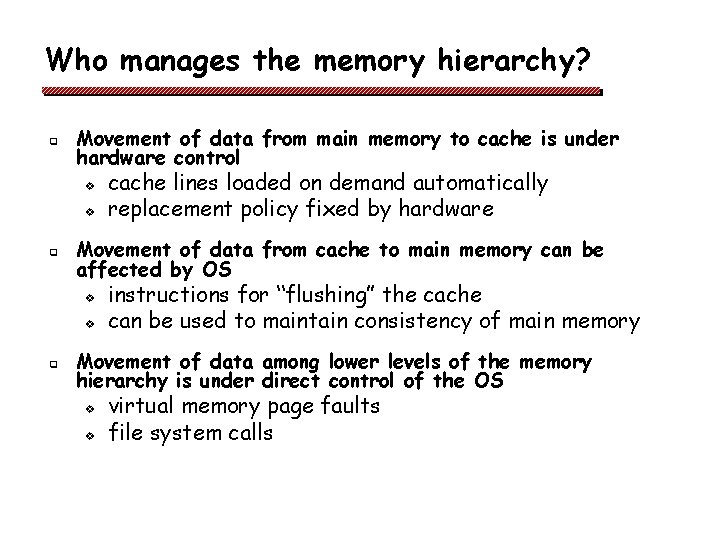
Who manages the memory hierarchy? q Movement of data from main memory to cache is under hardware control v v q Movement of data from cache to main memory can be affected by OS v v q cache lines loaded on demand automatically replacement policy fixed by hardware instructions for “flushing” the cache can be used to maintain consistency of main memory Movement of data among lower levels of the memory hierarchy is under direct control of the OS v v virtual memory page faults file system calls
OS implications of a memory hierarchy? q q q How do you keep the contents of memory consistent across layers of the hierarchy? How do you allocate space at layers of the memory hierarchy “fairly” across different applications? How do you hide the latency of the slower subsystems? • These include main memory as well as disk! q q How do you protect one application’s area of memory from other applications? How do you relocate an application in memory?
Quiz How does the OS solve these problems: v v v Time sharing the CPU among applications? Space sharing the memory among applications? Protection of applications from each other? Protection of hardware/devices? Protection of the OS itself?
What to do before next class q q Reading for today’s class - pages 1 -80 Reading for Wednesday’s class - pages 81 -117 Assignment 0 – read class web page and join class email list Start project 1 – Introduction to BLITZ