
CS 324 e Elements of Graphics and Visualization
- Slides: 26
CS 324 e - Elements of Graphics and Visualization Java 2 D Graphics
Java 2 D Graphics • Render – Heating animal remains to extract fat – generating an image from a (mathematical) model • Java 2 D can handle primitive shapes, text, images • The Graphics object is an abstraction used to perform the rendering 2
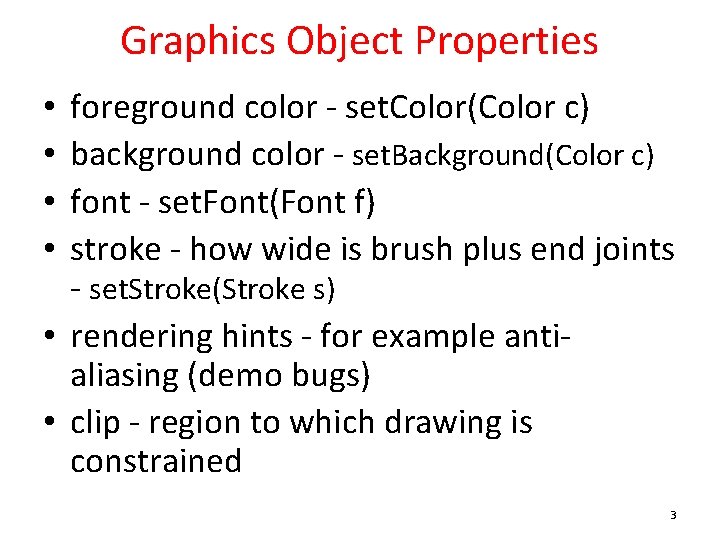
Graphics Object Properties foreground color - set. Color(Color c) background color - set. Background(Color c) font - set. Font(Font f) stroke - how wide is brush plus end joints - set. Stroke(Stroke s) • rendering hints - for example antialiasing (demo bugs) • clip - region to which drawing is constrained • • 3
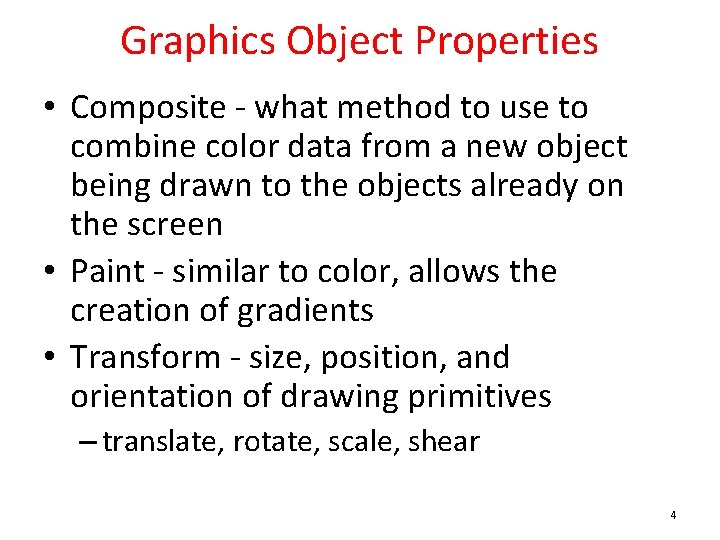
Graphics Object Properties • Composite - what method to use to combine color data from a new object being drawn to the objects already on the screen • Paint - similar to color, allows the creation of gradients • Transform - size, position, and orientation of drawing primitives – translate, rotate, scale, shear 4
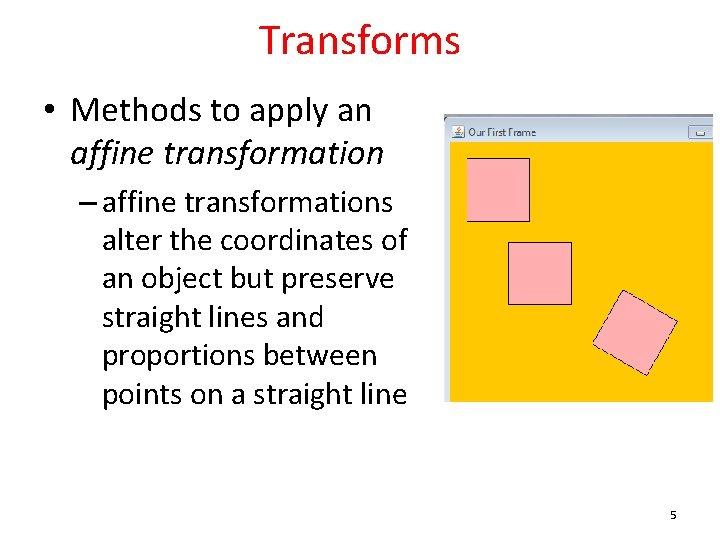
Transforms • Methods to apply an affine transformation – affine transformations alter the coordinates of an object but preserve straight lines and proportions between points on a straight line 5
Examples • Translate • Rotate – translate after a rotation • Scale • Shear – If you specify a non-zero x shear, then x values will be more and more shifted to the right the farther they are away from the y axis. For example, an x shear of 0. 1 means that the x value will be shifted 10% of the distance the point is away from the y axis. Y shears are similar: points are shifted down in proportion to the distance they are away from the x axis. – http: //www. apl. jhu. edu/~hall/java/Java 2 DTutorial. html#Java 2 D-Tutorial-Transforms-Shear 6
Graphics Primitives • the Graphics 2 D fill and draw methods accept parameters of type Shape – polymorphism • Built in Shapes – Arc 2 D – Ellipse 2 D – Line 2 d – Polygon – Rectangle 2 D – and more! 7
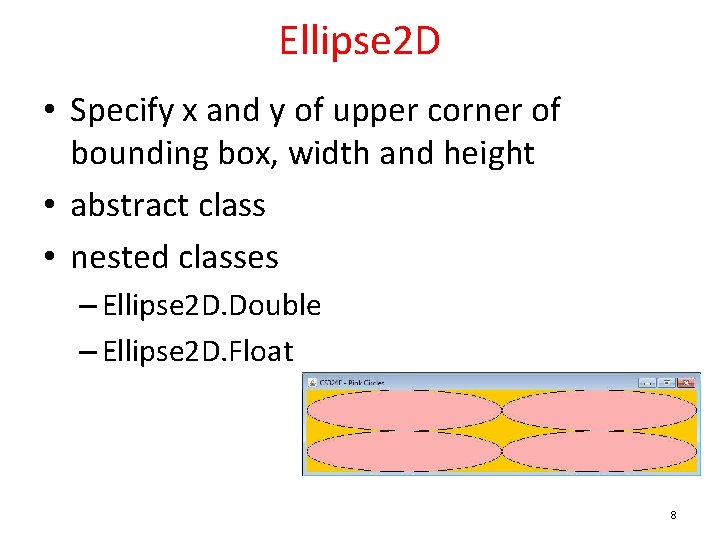
Ellipse 2 D • Specify x and y of upper corner of bounding box, width and height • abstract class • nested classes – Ellipse 2 D. Double – Ellipse 2 D. Float 8
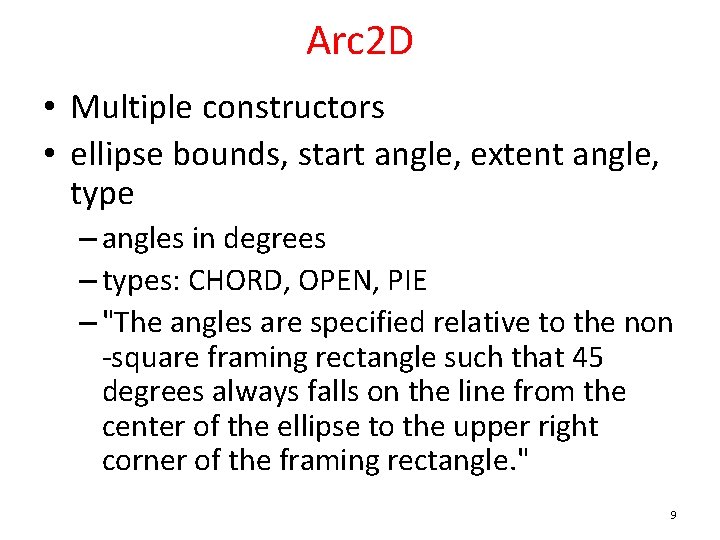
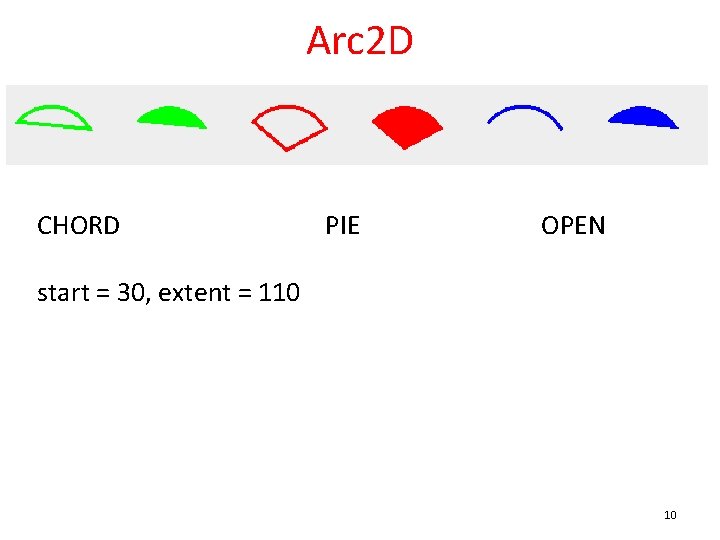
Arc 2 D • Multiple constructors • ellipse bounds, start angle, extent angle, type – angles in degrees – types: CHORD, OPEN, PIE – "The angles are specified relative to the non -square framing rectangle such that 45 degrees always falls on the line from the center of the ellipse to the upper right corner of the framing rectangle. " 9
Arc 2 D CHORD PIE OPEN start = 30, extent = 110 10
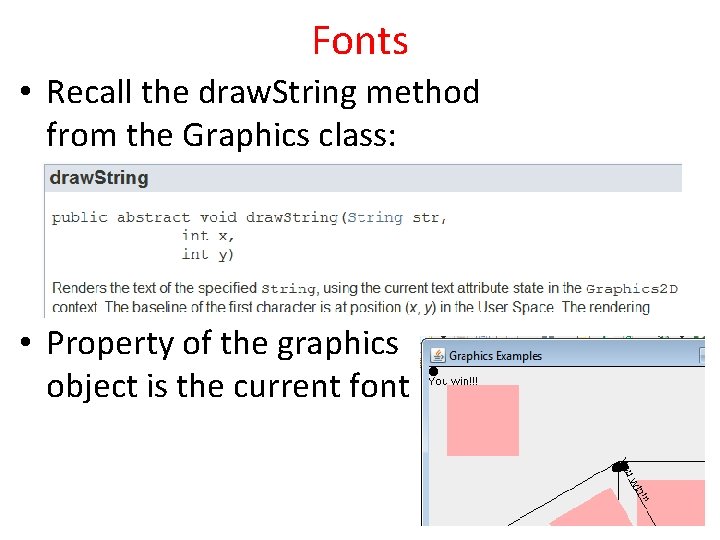
Fonts • Recall the draw. String method from the Graphics class: • Property of the graphics object is the current font 11
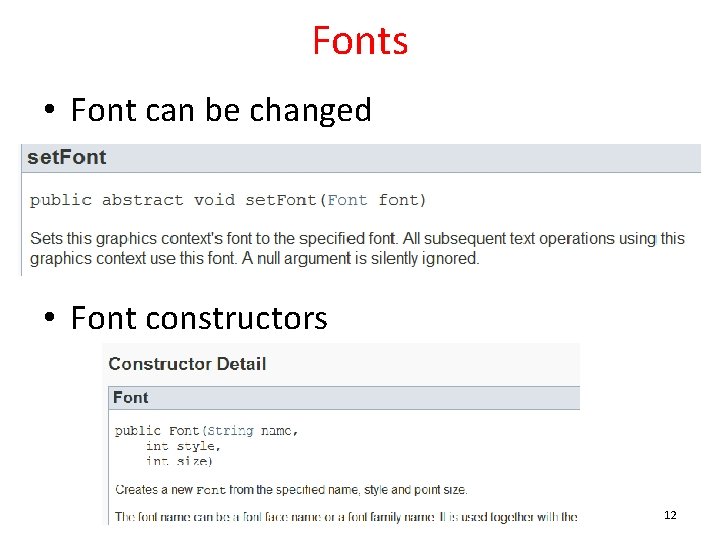
Fonts • Font can be changed • Font constructors 12
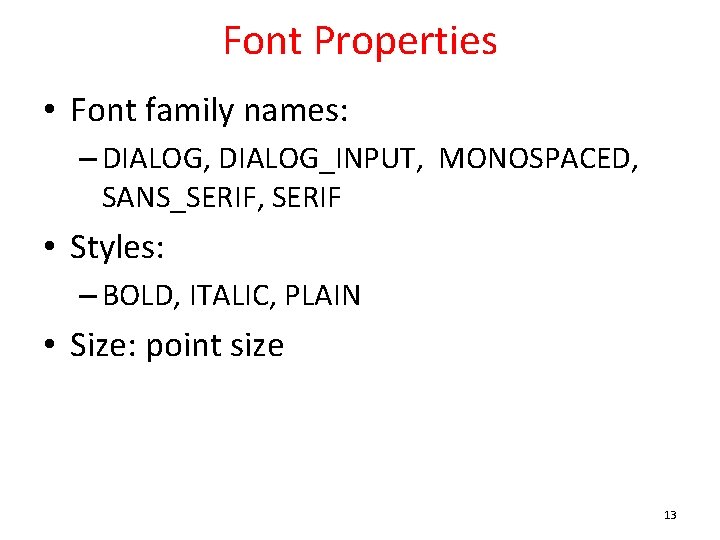
Font Properties • Font family names: – DIALOG, DIALOG_INPUT, MONOSPACED, SANS_SERIF, SERIF • Styles: – BOLD, ITALIC, PLAIN • Size: point size 13
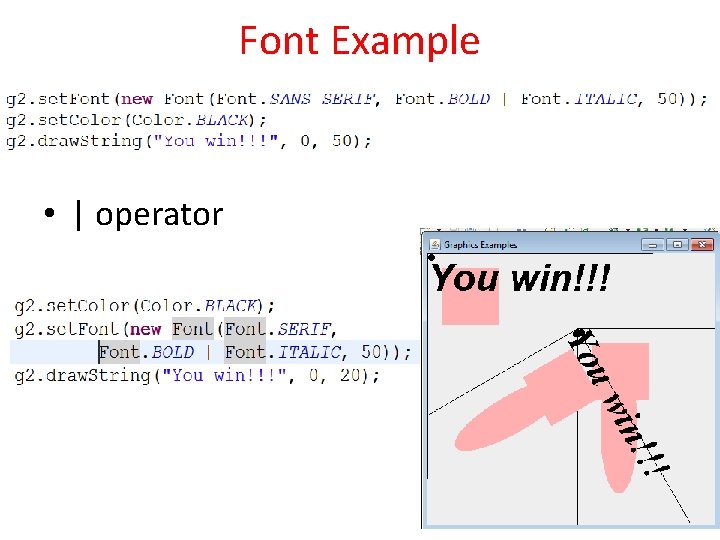
Font Example • | operator 14
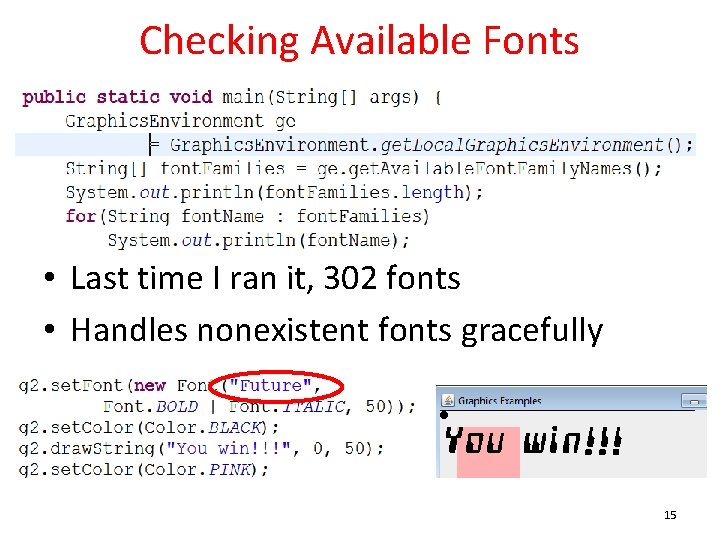
Checking Available Fonts • Last time I ran it, 302 fonts • Handles nonexistent fonts gracefully 15
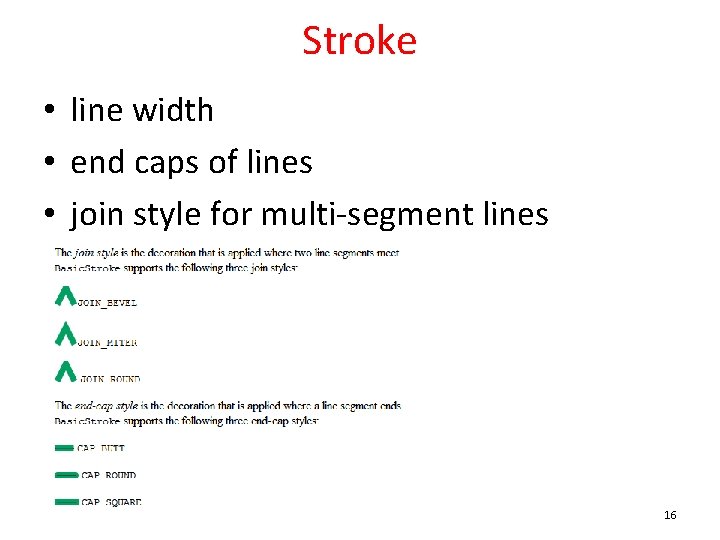
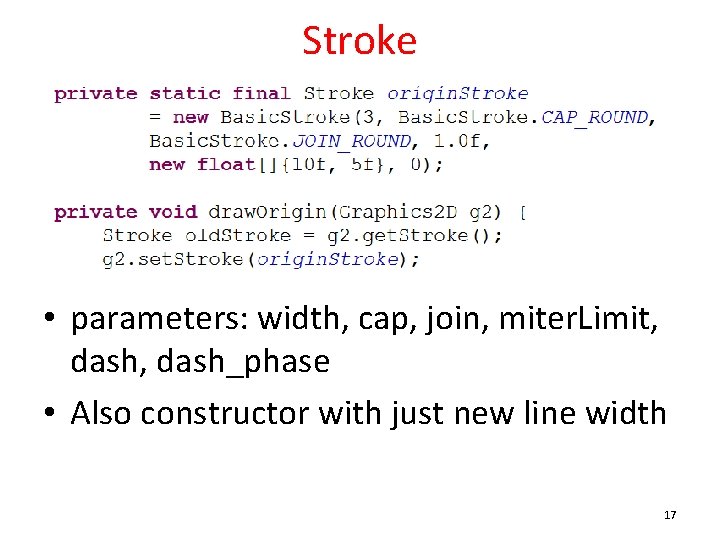
Stroke • line width • end caps of lines • join style for multi-segment lines 16
Stroke • parameters: width, cap, join, miter. Limit, dash_phase • Also constructor with just new line width 17
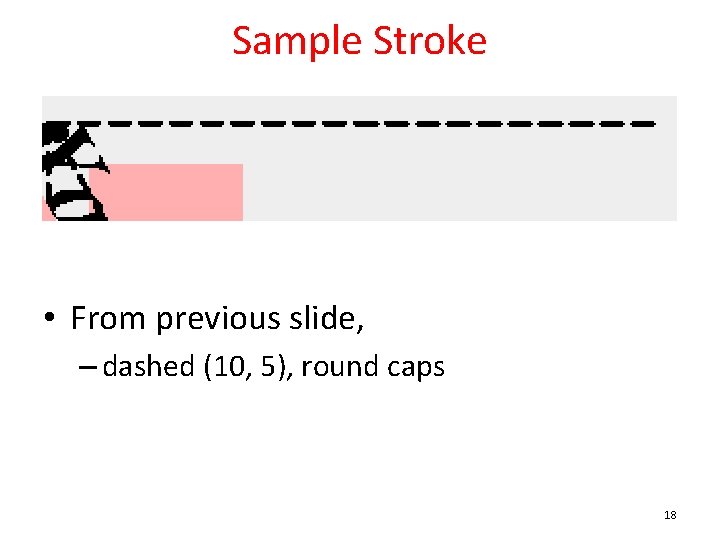
Sample Stroke • From previous slide, – dashed (10, 5), round caps 18
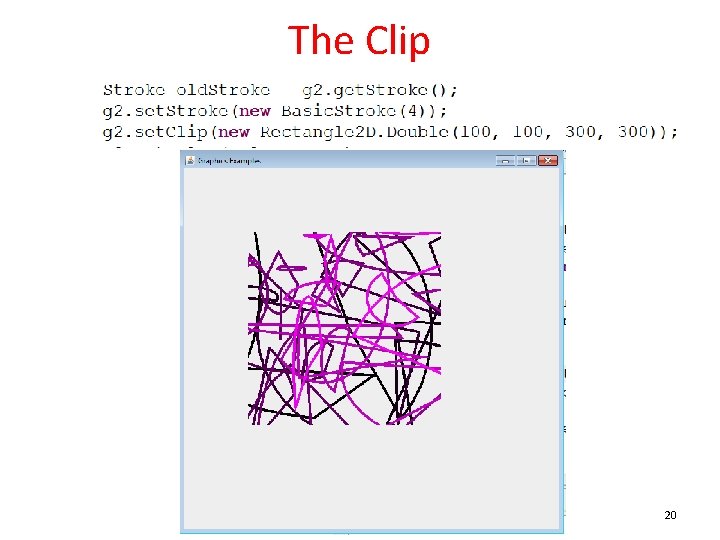
The Clip • Restrict area the graphics object will draw on • Can be any Shape – so far just primitives, ellipses, rectangles, arcs – More advanced possible 19
The Clip 20
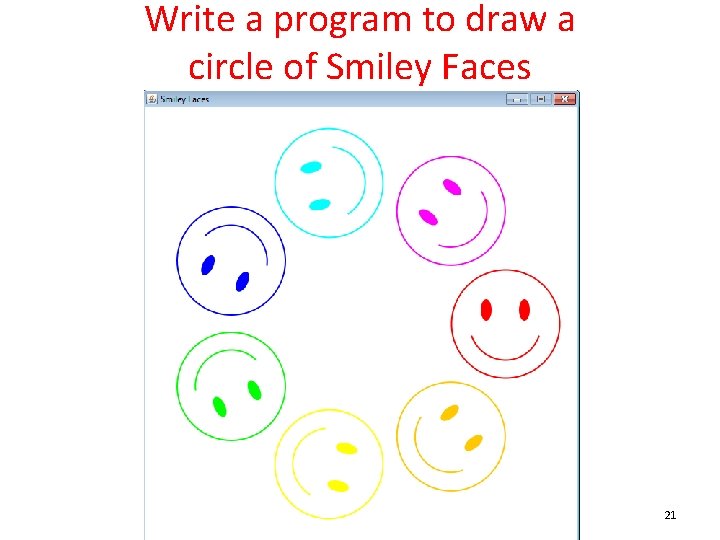
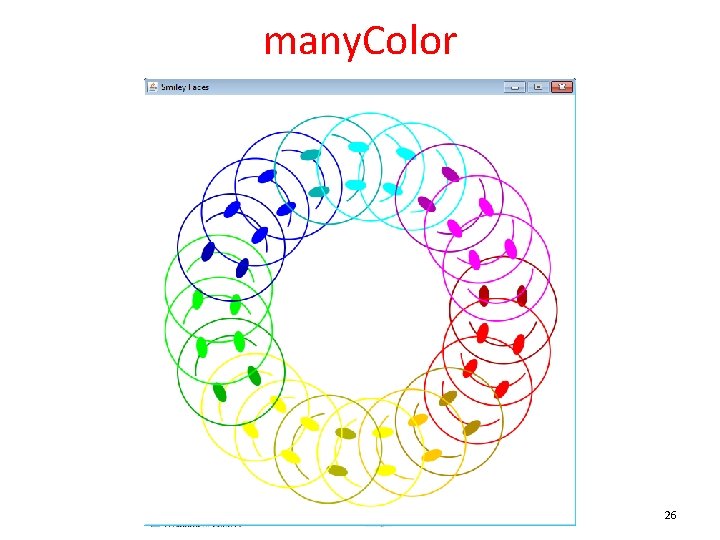
Write a program to draw a circle of Smiley Faces 21
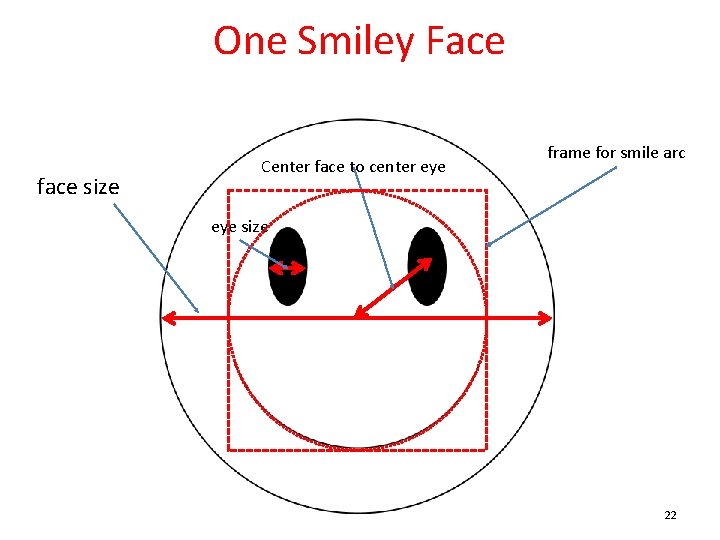
One Smiley Face face size Center face to center eye frame for smile arc eye size 22
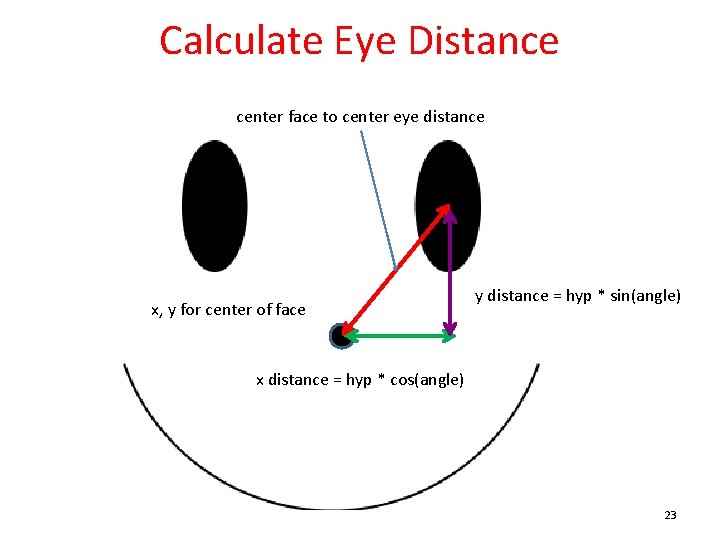
Calculate Eye Distance center face to center eye distance x, y for center of face y distance = hyp * sin(angle) x distance = hyp * cos(angle) 23
Use Constants! • Constants for various dimensions • Could even have constants for various ellipses and arcs – no need to recalculate each time if the graphics object is translated and rotated correctly • Complete code to draw one face at a given location and angle – generalize the solution!! 24
Drawing Many • To draw many smiley faces translate graphics to middle of panel • determine angle increment for each face • calculate center point for each face – trigonometry again • array of colors for faces 25
many. Color 26