
CS 3220 Web and Internet Programming Custom Tag
CS 3220 Web and Internet Programming Custom Tag Library Chengyu Sun California State University, Los Angeles
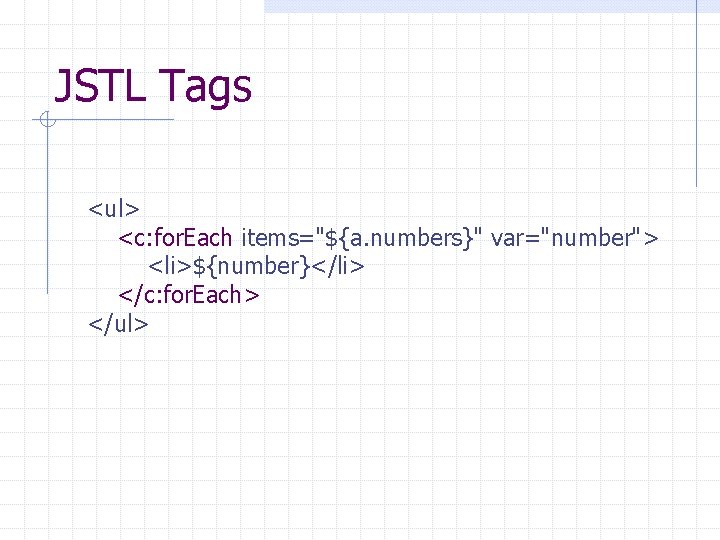
JSTL Tags <ul> <c: for. Each items="${a. numbers}" var="number"> <li>${number}</li> </c: for. Each> </ul>
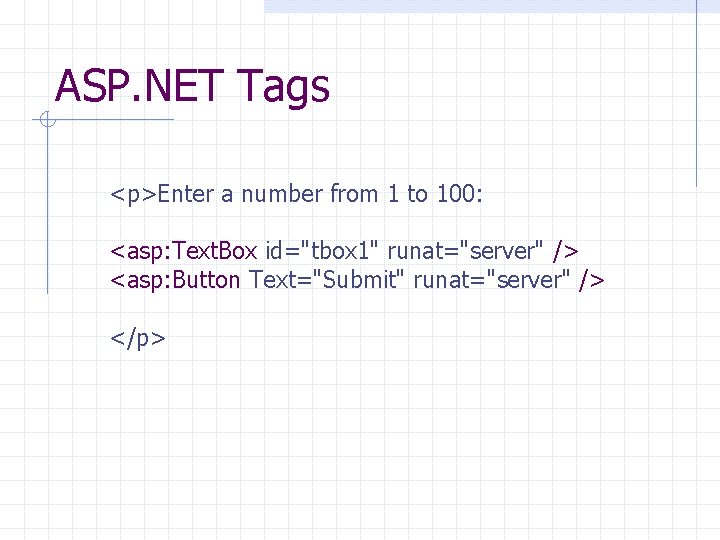
ASP. NET Tags <p>Enter a number from 1 to 100: <asp: Text. Box id="tbox 1" runat="server" /> <asp: Button Text="Submit" runat="server" /> </p>
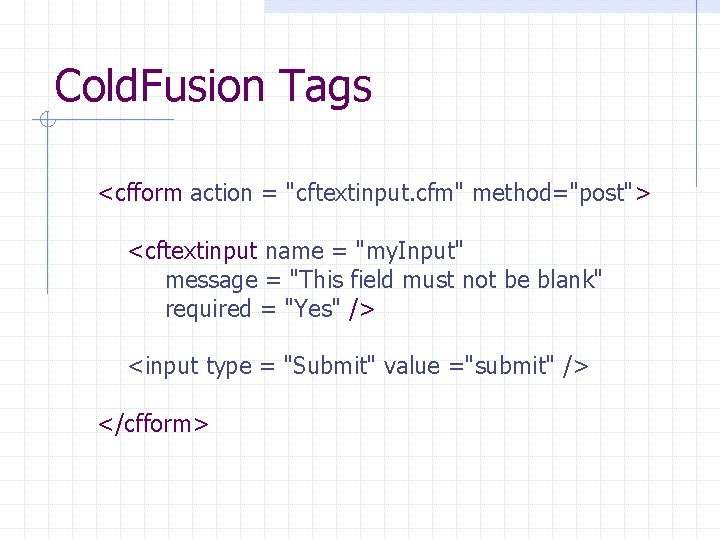
Cold. Fusion Tags <cfform action = "cftextinput. cfm" method="post"> <cftextinput name = "my. Input" message = "This field must not be blank" required = "Yes" /> <input type = "Submit" value ="submit" /> </cfform>
What These Tags Have in Common Not standard HTML tags custom tags Interpreted by application server, not browser Generate code and/or HTML text Simpler than code n n Easier to learn, especially by non-programmers Easier to parse, validate, and interpret by IDEs
Create JSP Custom Tags Implement a tag n n Using Java code Using a tag file (basically a JSP file) Declare the tag in a Tag Library Descriptor (TLD) file
Example: Add Tag <cs 3220: add op 1="10" op 2="20" /> 30 cs 3220. tld Add. Tag. java Taglib. Test. jsp
Tag Library Descriptor (TLD) A JSP custom tag must belong to a tag library TLD is an XML document that contains information about a tag library and the tags in the library TLDs are used by application servers and development tools to validate the tags
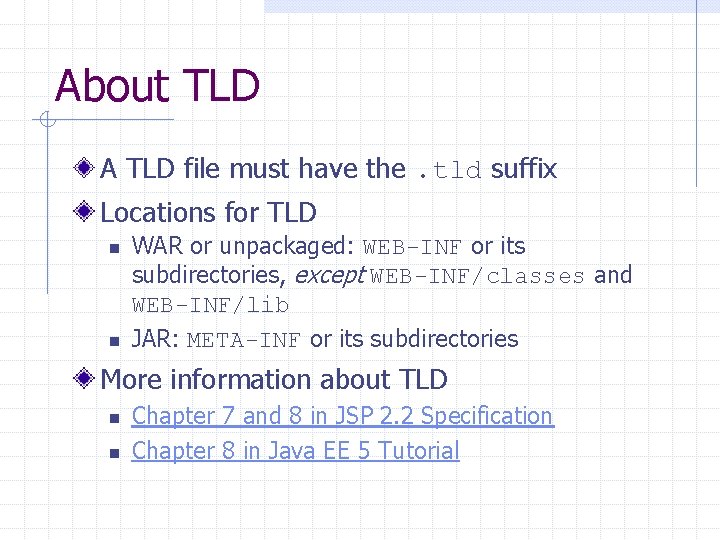
About TLD A TLD file must have the. tld suffix Locations for TLD n n WAR or unpackaged: WEB-INF or its subdirectories, except WEB-INF/classes and WEB-INF/lib JAR: META-INF or its subdirectories More information about TLD n n Chapter 7 and 8 in JSP 2. 2 Specification Chapter 8 in Java EE 5 Tutorial
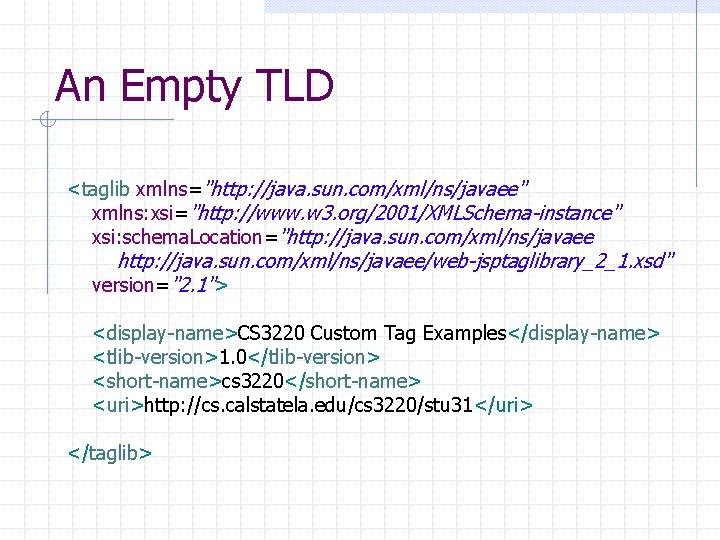
An Empty TLD <taglib xmlns="http: //java. sun. com/xml/ns/javaee" xmlns: xsi="http: //www. w 3. org/2001/XMLSchema-instance" xsi: schema. Location="http: //java. sun. com/xml/ns/javaee/web-jsptaglibrary_2_1. xsd" version="2. 1"> <display-name>CS 3220 Custom Tag Examples</display-name> <tlib-version>1. 0</tlib-version> <short-name>cs 3220</short-name> <uri>http: //cs. calstatela. edu/cs 3220/stu 31</uri> </taglib>
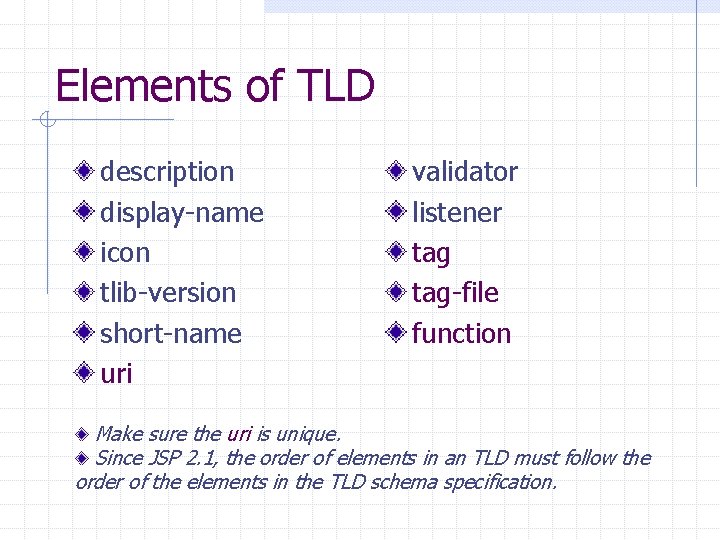
Elements of TLD description display-name icon tlib-version short-name uri validator listener tag-file function Make sure the uri is unique. Since JSP 2. 1, the order of elements in an TLD must follow the order of the elements in the TLD schema specification.
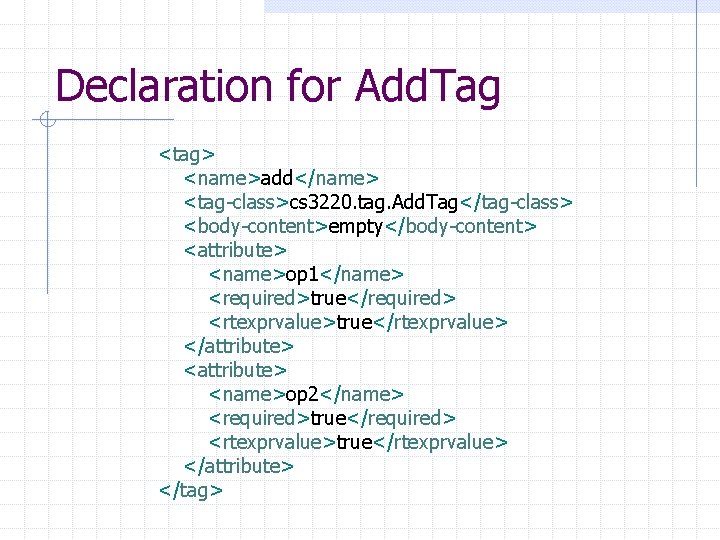
Declaration for Add. Tag <tag> <name>add</name> <tag-class>cs 3220. tag. Add. Tag</tag-class> <body-content>empty</body-content> <attribute> <name>op 1</name> <required>true</required> <rtexprvalue>true</rtexprvalue> </attribute> <name>op 2</name> <required>true</required> <rtexprvalue>true</rtexprvalue> </attribute> </tag>
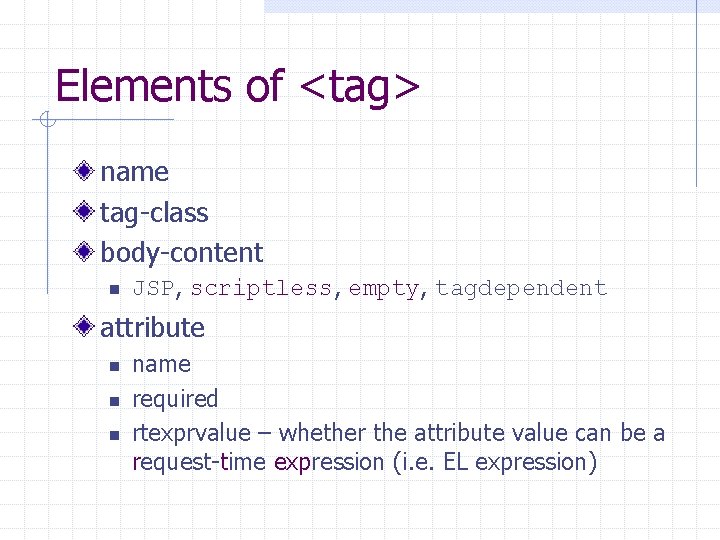
Elements of <tag> name tag-class body-content n JSP, scriptless, empty, tagdependent attribute n name required rtexprvalue – whether the attribute value can be a request-time expression (i. e. EL expression)
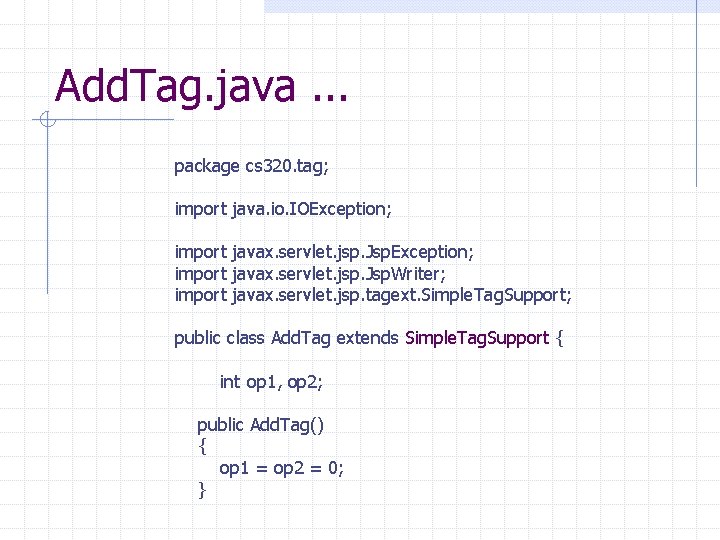
Add. Tag. java. . . package cs 320. tag; import java. io. IOException; import javax. servlet. jsp. Jsp. Writer; import javax. servlet. jsp. tagext. Simple. Tag. Support; public class Add. Tag extends Simple. Tag. Support { int op 1, op 2; public Add. Tag() { op 1 = op 2 = 0; }
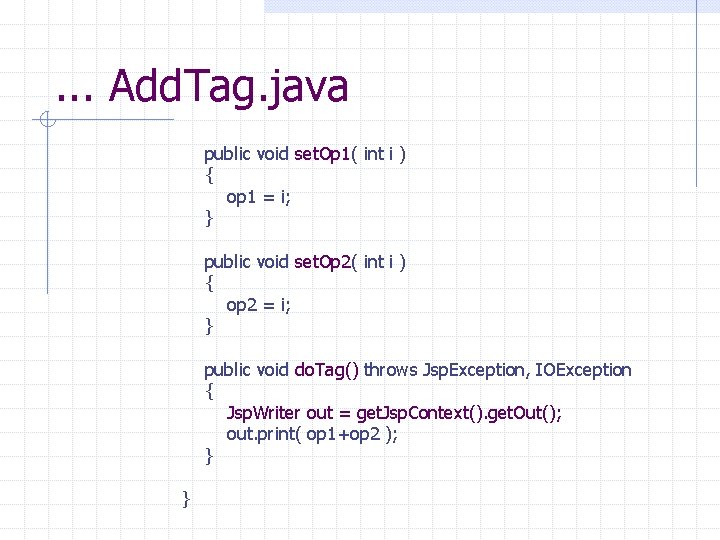
. . . Add. Tag. java public void set. Op 1( int i ) { op 1 = i; } public void set. Op 2( int i ) { op 2 = i; } public void do. Tag() throws Jsp. Exception, IOException { Jsp. Writer out = get. Jsp. Context(). get. Out(); out. print( op 1+op 2 ); } }
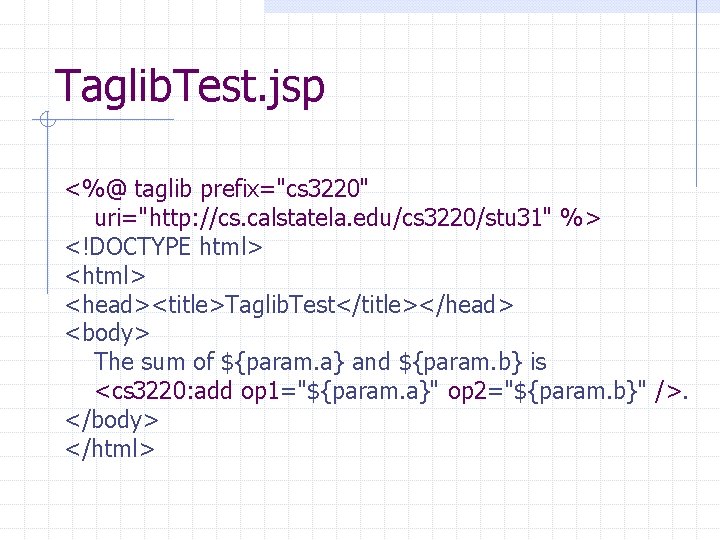
Taglib. Test. jsp <%@ taglib prefix="cs 3220" uri="http: //cs. calstatela. edu/cs 3220/stu 31" %> <!DOCTYPE html> <head><title>Taglib. Test</title></head> <body> The sum of ${param. a} and ${param. b} is <cs 3220: add op 1="${param. a}" op 2="${param. b}" />. </body> </html>
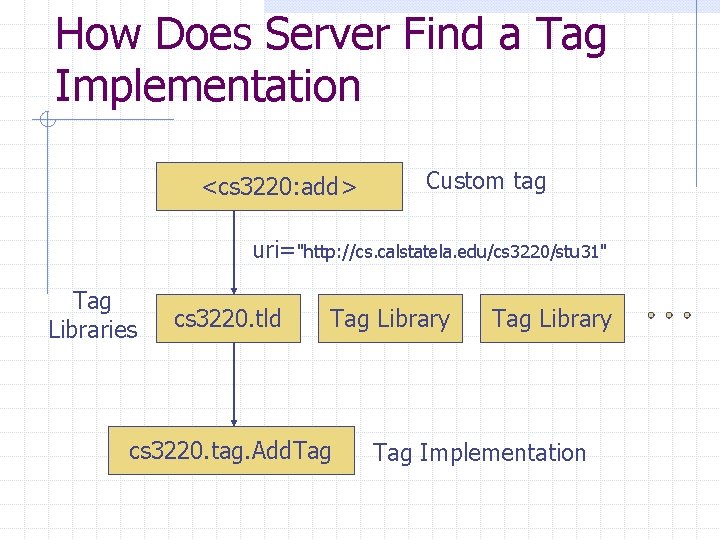
How Does Server Find a Tag Implementation <cs 3220: add> Custom tag uri="http: //cs. calstatela. edu/cs 3220/stu 31" Tag Libraries cs 3220. tld Tag Library cs 3220. tag. Add. Tag Library Tag Implementation
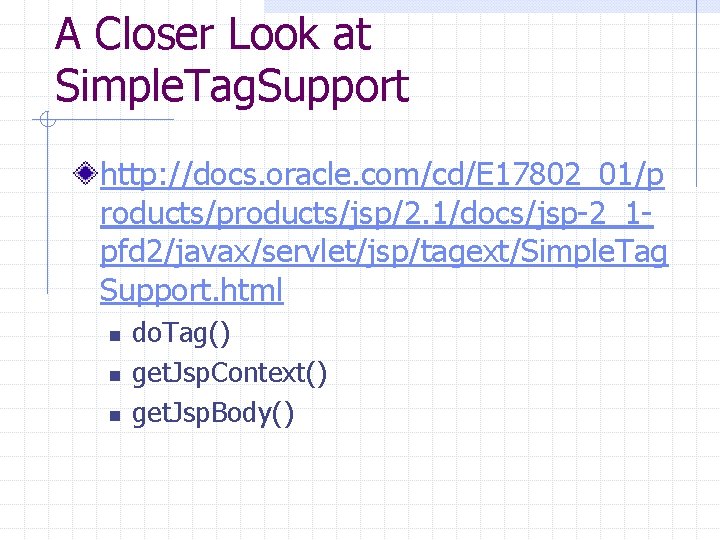
A Closer Look at Simple. Tag. Support http: //docs. oracle. com/cd/E 17802_01/p roducts/products/jsp/2. 1/docs/jsp-2_1 pfd 2/javax/servlet/jsp/tagext/Simple. Tag Support. html n n n do. Tag() get. Jsp. Context() get. Jsp. Body()
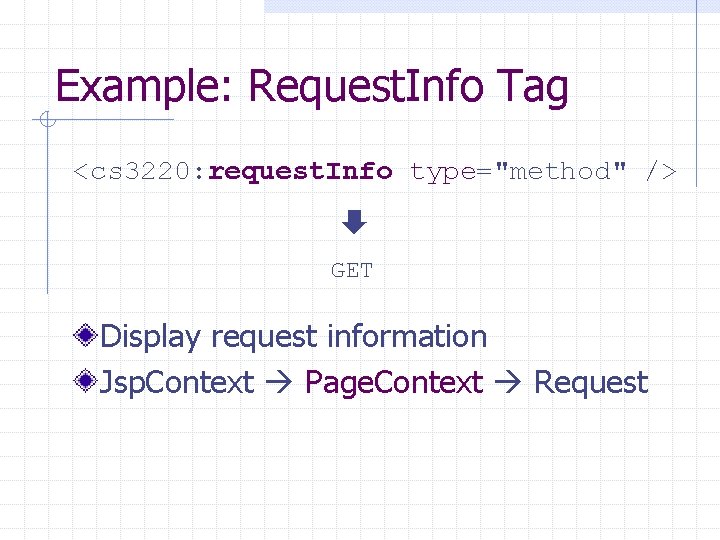
Example: Request. Info Tag <cs 3220: request. Info type="method" /> GET Display request information Jsp. Context Page. Context Request
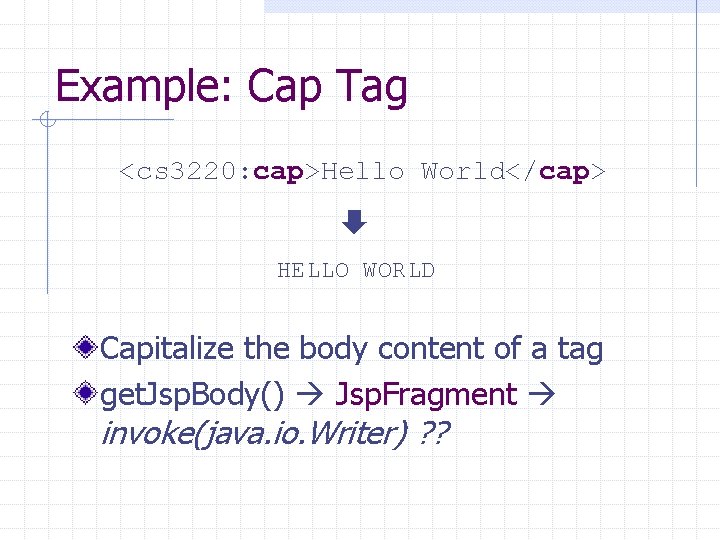
Example: Cap Tag <cs 3220: cap>Hello World</cap> HELLO WORLD Capitalize the body content of a tag get. Jsp. Body() Jsp. Fragment invoke(java. io. Writer) ? ?
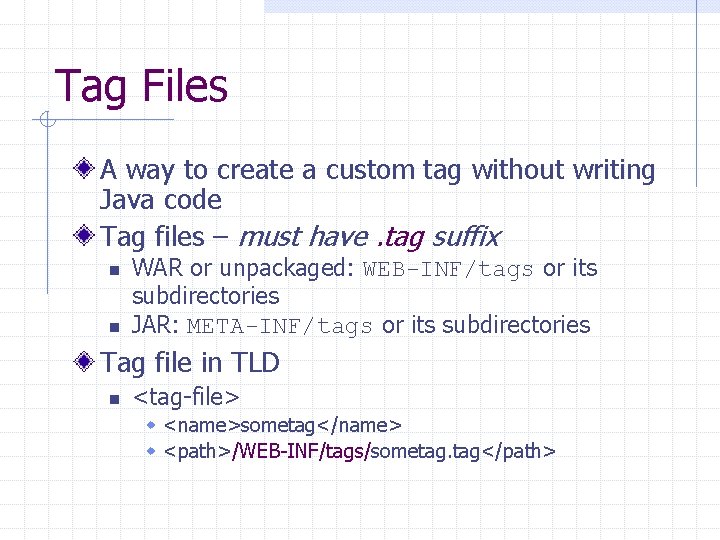
Tag Files A way to create a custom tag without writing Java code Tag files – must have. tag suffix n n WAR or unpackaged: WEB-INF/tags or its subdirectories JAR: META-INF/tags or its subdirectories Tag file in TLD n <tag-file> w <name>sometag</name> w <path>/WEB-INF/tags/sometag. tag</path>
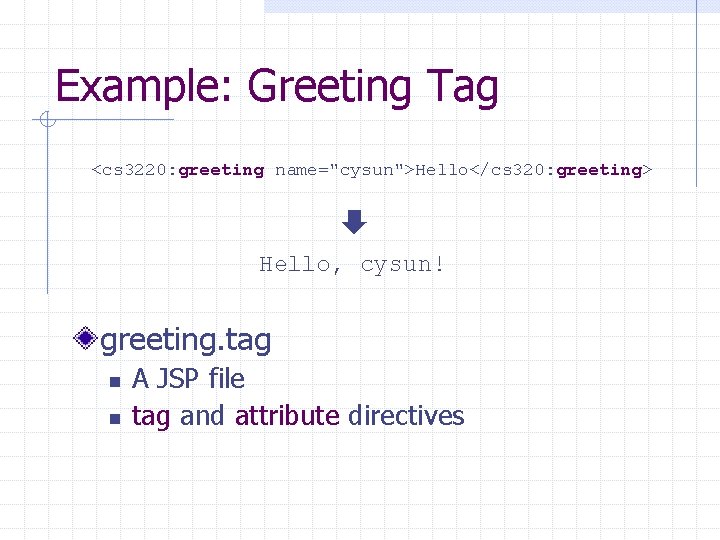
Example: Greeting Tag <cs 3220: greeting name="cysun">Hello</cs 320: greeting> Hello, cysun! greeting. tag n n A JSP file tag and attribute directives
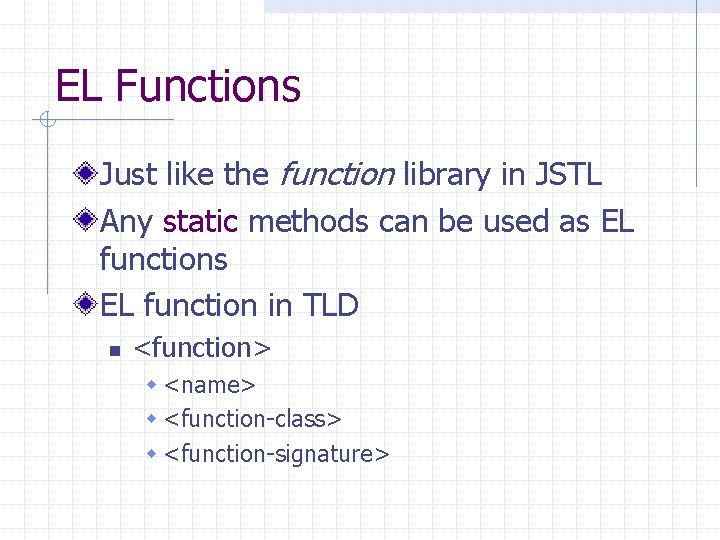
EL Functions Just like the function library in JSTL Any static methods can be used as EL function in TLD n <function> w <name> w <function-class> w <function-signature>
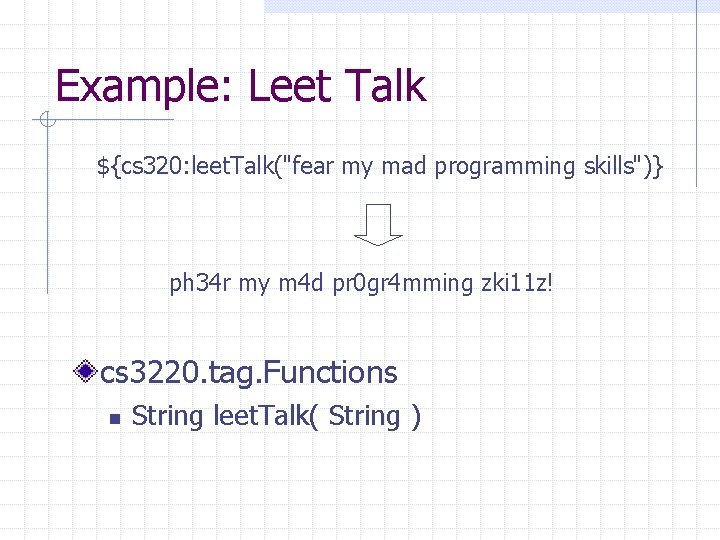
Example: Leet Talk ${cs 320: leet. Talk("fear my mad programming skills")} ph 34 r my m 4 d pr 0 gr 4 mming zki 11 z! cs 3220. tag. Functions n String leet. Talk( String )
When to Create Custom Tags Model Class: data representation Servlet: processing Custom Tag: reusable presentation logic n For example w Display file size in KB or MB w Display Roman numerals
More Custom Tag Examples Tomcat JSP Examples http: //cs 3. calstatela. edu: 8080/examples /jsp/ JSTL Source code from http: //tomcat. apache. org/taglibs/
- Slides: 26