
CS 303 E Lecture 3 A First Java
![Window Design [See Fig. 2. 3, text p. 20. ] Remember: <type> <name> =](https://slidetodoc.com/presentation_image_h2/67539052c64a1edbeea3c3b922215bd7/image-24.jpg "Window Design [See Fig. 2. 3, text p. 20. ] Remember: <type> <name> =")
- Slides: 68
CS 303 E Lecture 3 A First Java Program L & O Chapter 2 If you can't write it down in English, you can't code it. -Peter Halpern, Brooklyn, New York CS 303 E The First Java Program 1
Syntax and Semantics Syntax: Form or grammar. Will give syntax rules for the language. THIS PART IS FRUSTRATING!! Semantics: Meaning. What a particular element of the language causes to happen. THIS PART IS CHALLENGING!! CS 303 E The First Java Program 2
English is Easier than Java 8 Git over here and tale mee where libary is at. • The meaning can still be determined if the syntax is not perfect. Not so in programming languages. 8 Kitty get over here and fast. • The meaning of this statement? CS 303 E The First Java Program 3
Variables Variable A place in memory that holds a value that may be altered Declared to have a name and type: e. g. , int fahrenheit; Declare variable for age and another for number of credit hours Name variables to minimize confusion about the semantics of the statement. CS 303 E The First Java Program 4
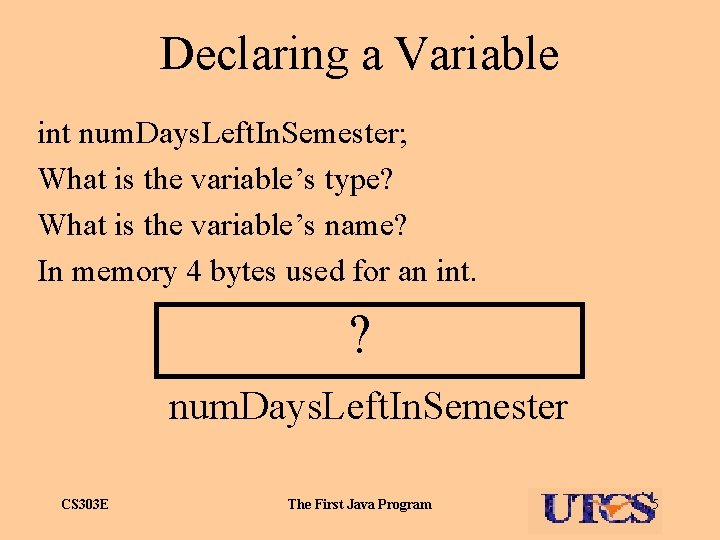
Declaring a Variable int num. Days. Left. In. Semester; What is the variable’s type? What is the variable’s name? In memory 4 bytes used for an int. ? num. Days. Left. In. Semester CS 303 E The First Java Program 5
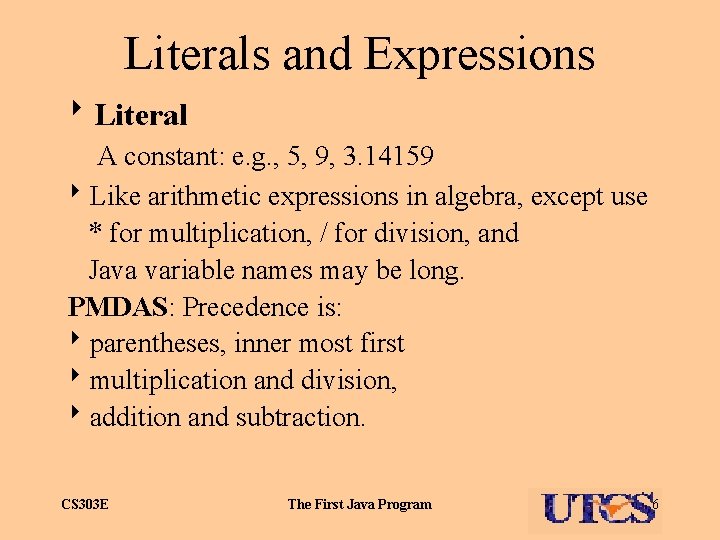
Literals and Expressions 8 Literal A constant: e. g. , 5, 9, 3. 14159 8 Like arithmetic expressions in algebra, except use * for multiplication, / for division, and Java variable names may be long. PMDAS: Precedence is: 8 parentheses, inner most first 8 multiplication and division, 8 addition and subtraction. CS 303 E The First Java Program 6
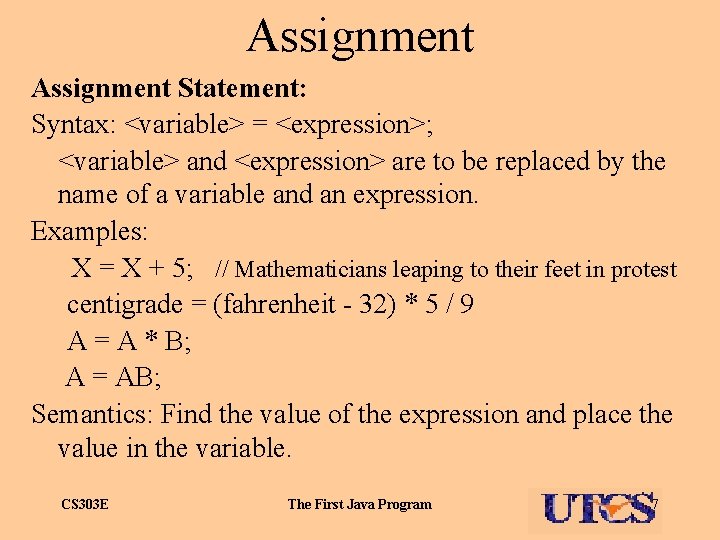
Assignment Statement: Syntax: <variable> = <expression>; <variable> and <expression> are to be replaced by the name of a variable and an expression. Examples: X = X + 5; // Mathematicians leaping to their feet in protest centigrade = (fahrenheit - 32) * 5 / 9 A = A * B; A = AB; Semantics: Find the value of the expression and place the value in the variable. CS 303 E The First Java Program 7
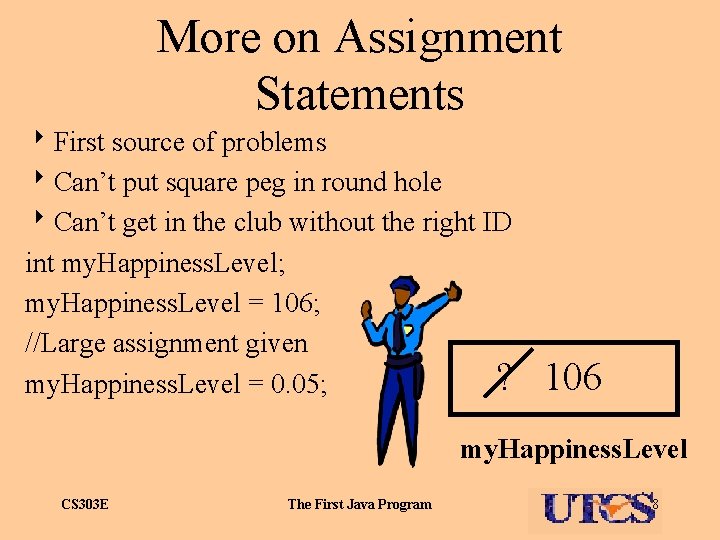
More on Assignment Statements 8 First source of problems 8 Can’t put square peg in round hole 8 Can’t get in the club without the right ID int my. Happiness. Level; my. Happiness. Level = 106; //Large assignment given ? my. Happiness. Level = 0. 05; 106 my. Happiness. Level CS 303 E The First Java Program 8
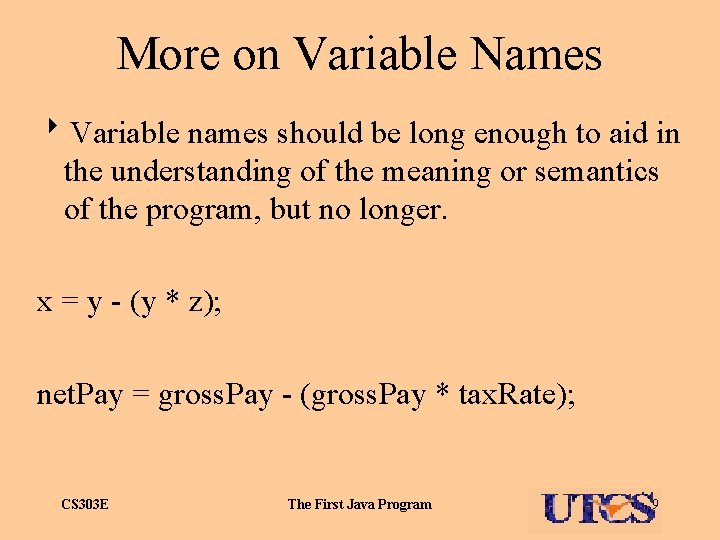
More on Variable Names 8 Variable names should be long enough to aid in the understanding of the meaning or semantics of the program, but no longer. x = y - (y * z); net. Pay = gross. Pay - (gross. Pay * tax. Rate); CS 303 E The First Java Program 9
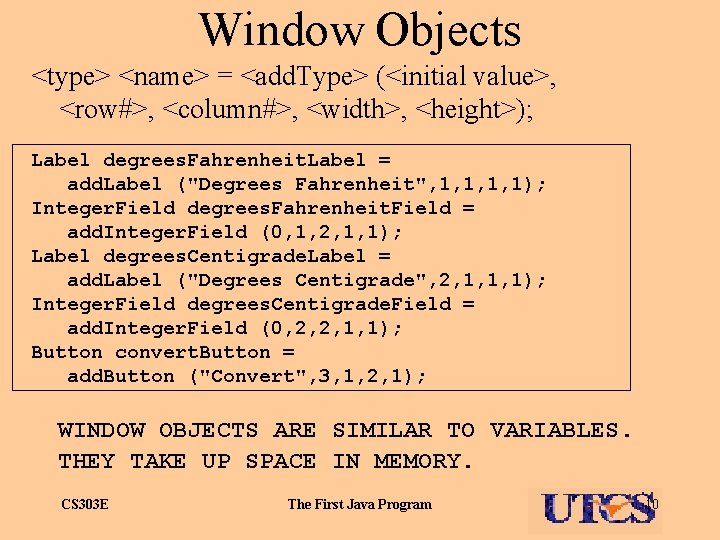
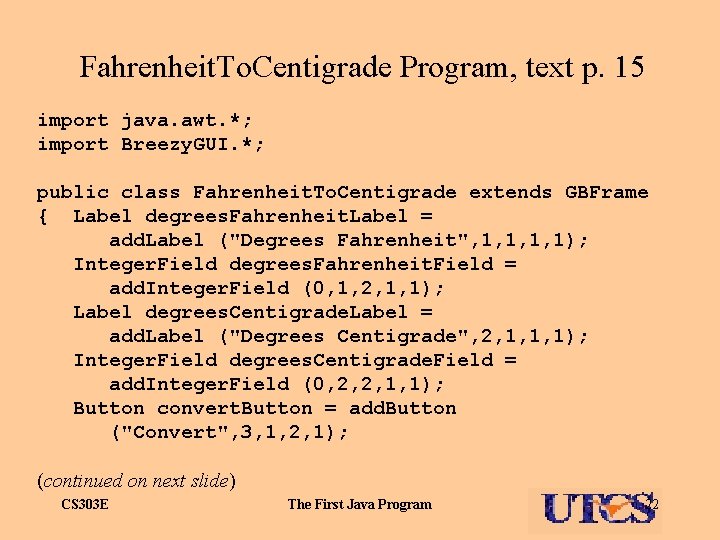
Window Objects <type> <name> = <add. Type> (<initial value>, <row#>, <column#>, <width>, <height>); Label degrees. Fahrenheit. Label = add. Label ("Degrees Fahrenheit", 1, 1); Integer. Field degrees. Fahrenheit. Field = add. Integer. Field (0, 1, 2, 1, 1); Label degrees. Centigrade. Label = add. Label ("Degrees Centigrade", 2, 1, 1, 1); Integer. Field degrees. Centigrade. Field = add. Integer. Field (0, 2, 2, 1, 1); Button convert. Button = add. Button ("Convert", 3, 1, 2, 1); WINDOW OBJECTS ARE SIMILAR TO VARIABLES. THEY TAKE UP SPACE IN MEMORY. CS 303 E The First Java Program 10
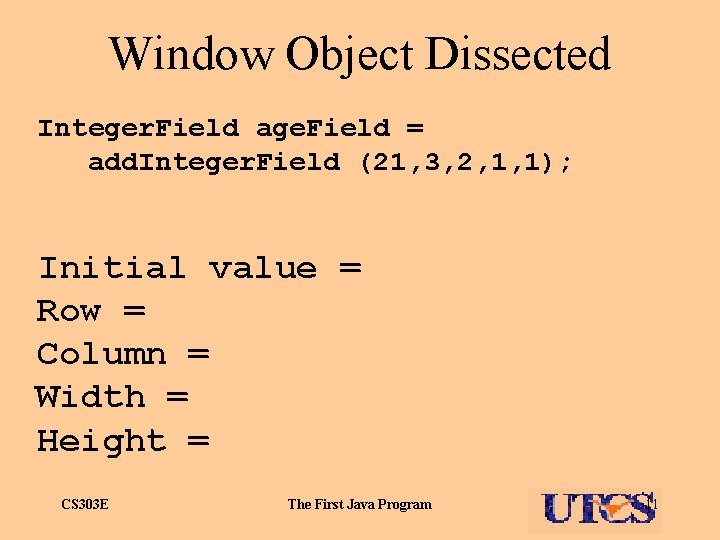
Window Object Dissected Integer. Field age. Field = add. Integer. Field (21, 3, 2, 1, 1); Initial value = Row = Column = Width = Height = CS 303 E The First Java Program 11
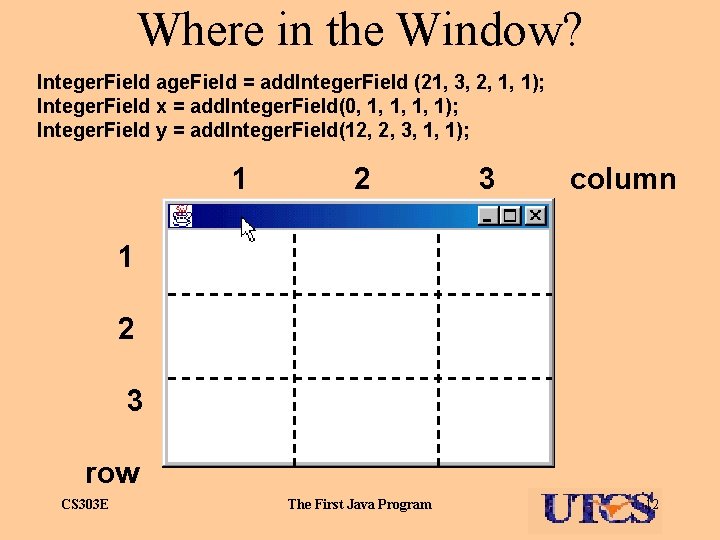
Where in the Window? Integer. Field age. Field = add. Integer. Field (21, 3, 2, 1, 1); Integer. Field x = add. Integer. Field(0, 1, 1); Integer. Field y = add. Integer. Field(12, 2, 3, 1, 1); 1 2 3 column 1 2 3 row CS 303 E The First Java Program 12
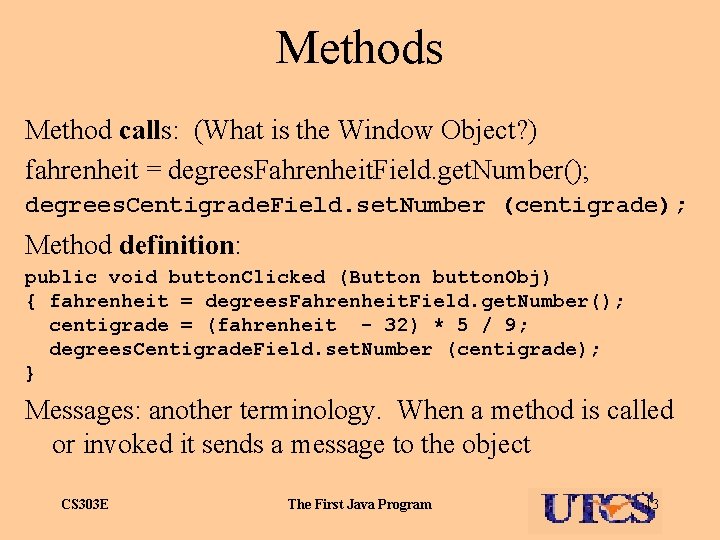
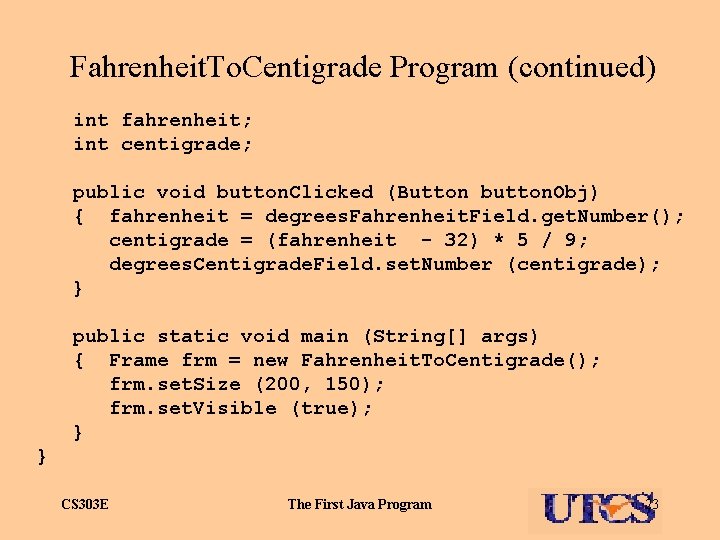
Methods Method calls: (What is the Window Object? ) fahrenheit = degrees. Fahrenheit. Field. get. Number(); degrees. Centigrade. Field. set. Number (centigrade); Method definition: public void button. Clicked (Button button. Obj) { fahrenheit = degrees. Fahrenheit. Field. get. Number(); centigrade = (fahrenheit - 32) * 5 / 9; degrees. Centigrade. Field. set. Number (centigrade); } Messages: another terminology. When a method is called or invoked it sends a message to the object CS 303 E The First Java Program 13
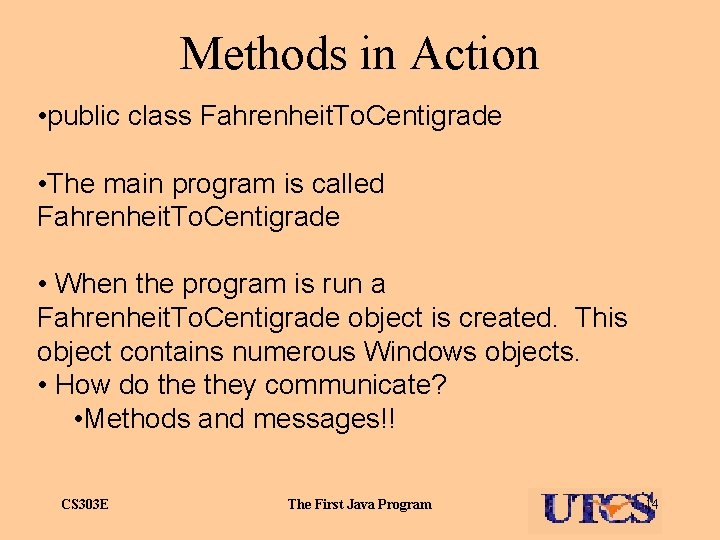
Methods in Action • public class Fahrenheit. To. Centigrade • The main program is called Fahrenheit. To. Centigrade • When the program is run a Fahrenheit. To. Centigrade object is created. This object contains numerous Windows objects. • How do they communicate? • Methods and messages!! CS 303 E The First Java Program 14
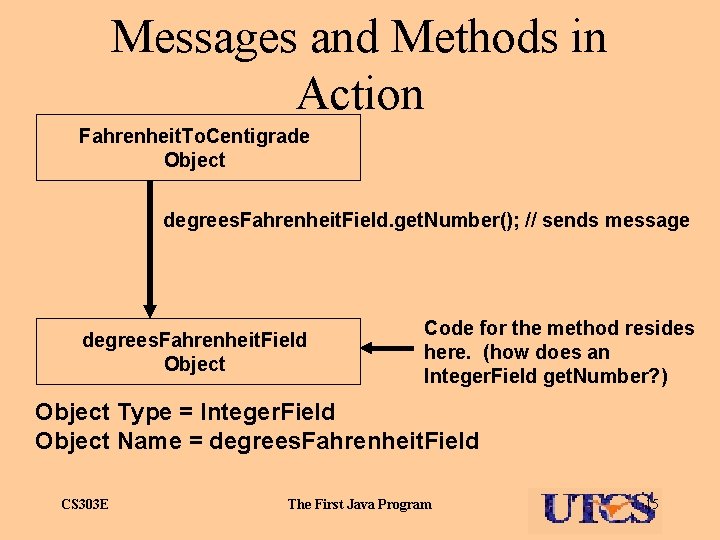
Messages and Methods in Action Fahrenheit. To. Centigrade Object degrees. Fahrenheit. Field. get. Number(); // sends message degrees. Fahrenheit. Field Object Code for the method resides here. (how does an Integer. Field get. Number? ) Object Type = Integer. Field Object Name = degrees. Fahrenheit. Field CS 303 E The First Java Program 15
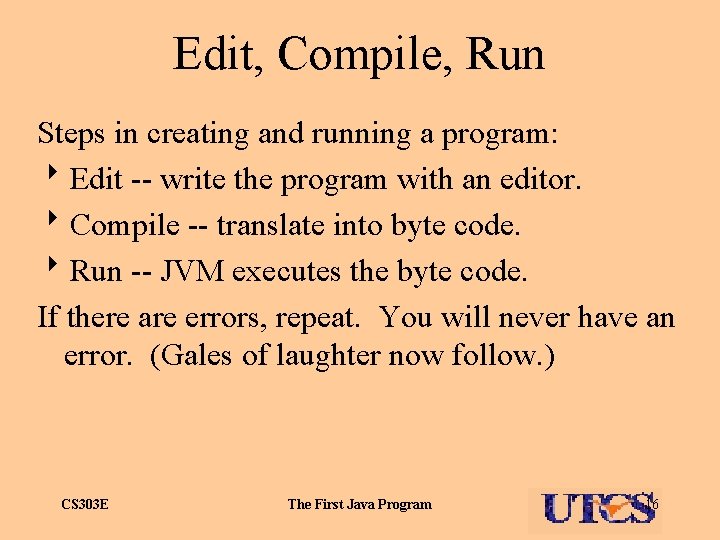
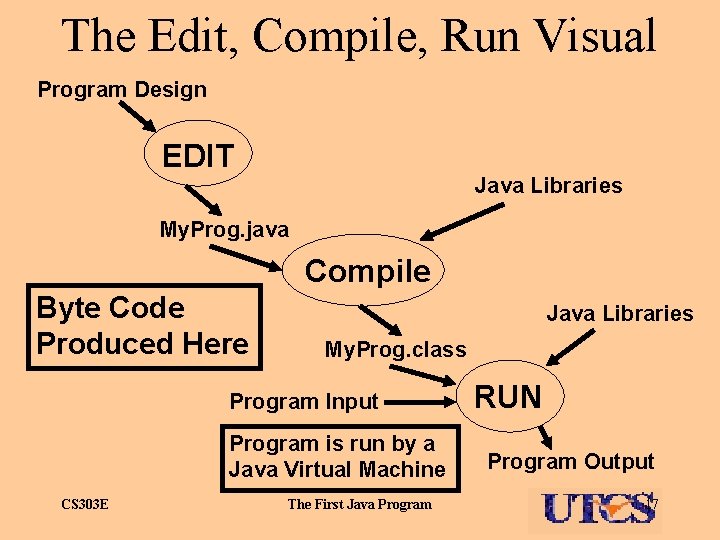
Edit, Compile, Run Steps in creating and running a program: 8 Edit -- write the program with an editor. 8 Compile -- translate into byte code. 8 Run -- JVM executes the byte code. If there are errors, repeat. You will never have an error. (Gales of laughter now follow. ) CS 303 E The First Java Program 16
The Edit, Compile, Run Visual Program Design EDIT Java Libraries My. Prog. java Compile Byte Code Produced Here Java Libraries My. Prog. class Program Input Program is run by a Java Virtual Machine CS 303 E The First Java Program RUN Program Output 17
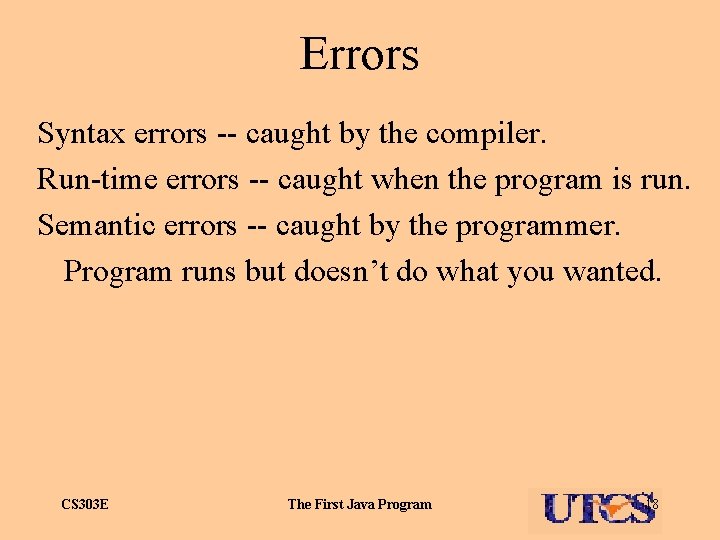
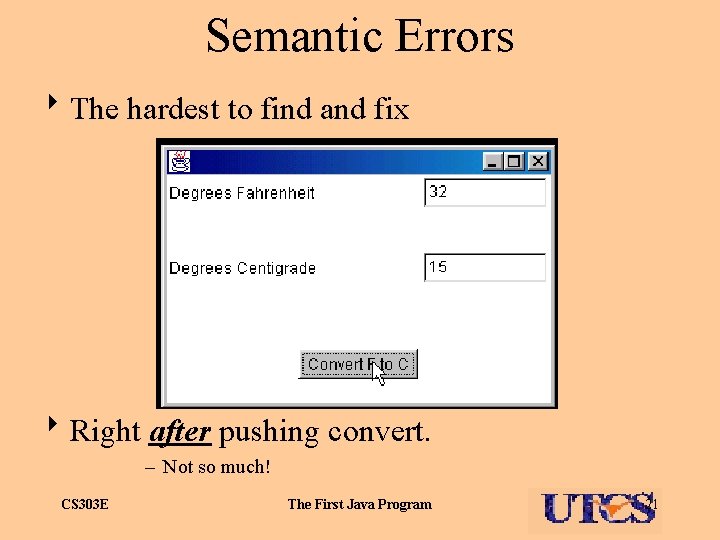
Errors Syntax errors -- caught by the compiler. Run-time errors -- caught when the program is run. Semantic errors -- caught by the programmer. Program runs but doesn’t do what you wanted. CS 303 E The First Java Program 18
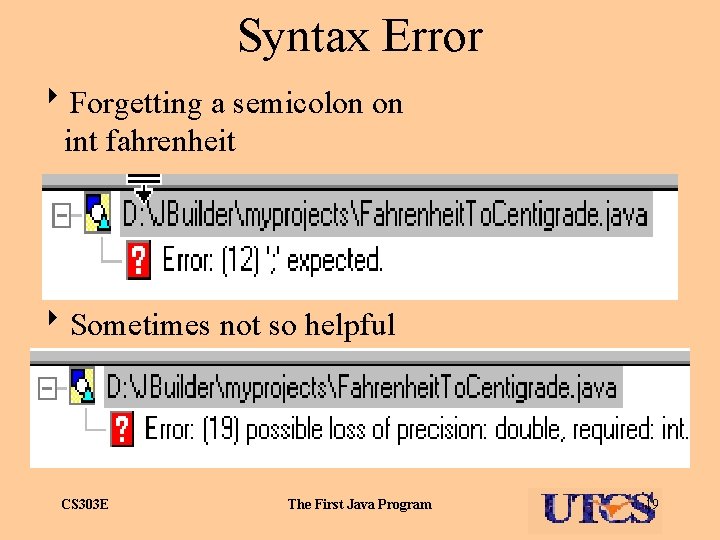
Syntax Error 8 Forgetting a semicolon on int fahrenheit 8 Sometimes not so helpful CS 303 E The First Java Program 19
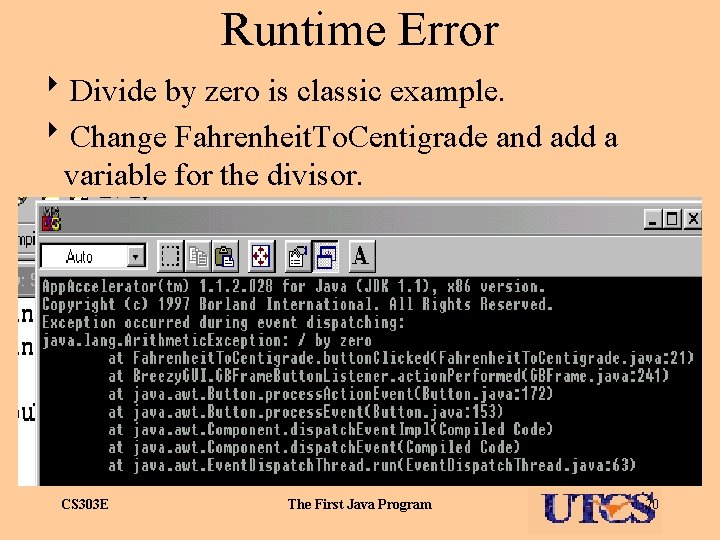
Runtime Error 8 Divide by zero is classic example. 8 Change Fahrenheit. To. Centigrade and add a variable for the divisor. CS 303 E The First Java Program 20
Semantic Errors 8 The hardest to find and fix 8 Right after pushing convert. – Not so much! CS 303 E The First Java Program 21
Fahrenheit. To. Centigrade Program, text p. 15 import java. awt. *; import Breezy. GUI. *; public class Fahrenheit. To. Centigrade extends GBFrame { Label degrees. Fahrenheit. Label = add. Label ("Degrees Fahrenheit", 1, 1); Integer. Field degrees. Fahrenheit. Field = add. Integer. Field (0, 1, 2, 1, 1); Label degrees. Centigrade. Label = add. Label ("Degrees Centigrade", 2, 1, 1, 1); Integer. Field degrees. Centigrade. Field = add. Integer. Field (0, 2, 2, 1, 1); Button convert. Button = add. Button ("Convert", 3, 1, 2, 1); (continued on next slide) CS 303 E The First Java Program 22
Fahrenheit. To. Centigrade Program (continued) int fahrenheit; int centigrade; public void button. Clicked (Button button. Obj) { fahrenheit = degrees. Fahrenheit. Field. get. Number(); centigrade = (fahrenheit - 32) * 5 / 9; degrees. Centigrade. Field. set. Number (centigrade); } public static void main (String[] args) { Frame frm = new Fahrenheit. To. Centigrade(); frm. set. Size (200, 150); frm. set. Visible (true); } } CS 303 E The First Java Program 23
Window Design [See Fig. 2. 3, text p. 20. ] Remember: <type> <name> = <add. Type> (<initial value>, <row#>, <column#>, <width>, <height>); So far we have: • Label • Integer. Field • Button 8 Many more to come. CS 303 E The First Java Program 24
CS 303 E Lecture 4 Java Basics 1 Chapter 3 Once a person has understood the way variables are used in programming, (s)he has understood the quintessence of programming. -Dijkstra CS 303 E The First Java Program 25
Case 3. 1 -- Area of Circle 8 Makes simple transformations from program Fahrenheit. To. Centigrade. • If you can reuse your code in this class, do it! 8 Type double numbers, Double. Field boxes. • Extraordinarily similar to what? CS 303 E The First Java Program 26
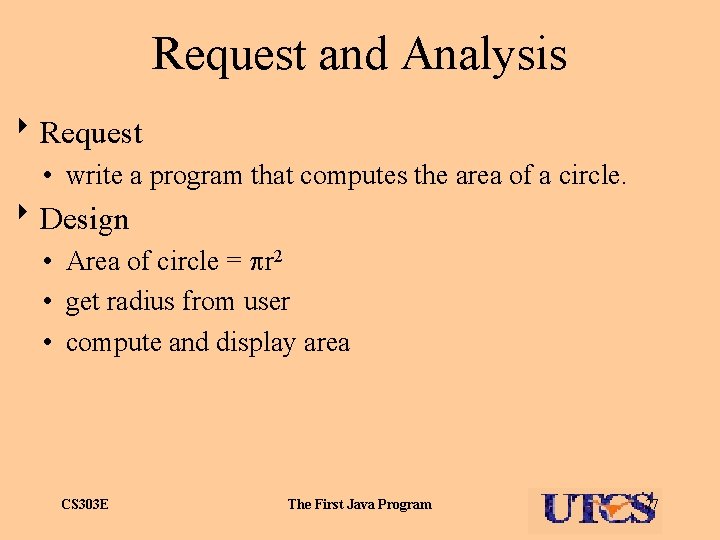
Request and Analysis 8 Request • write a program that computes the area of a circle. 8 Design • Area of circle = r 2 • get radius from user • compute and display area CS 303 E The First Java Program 27
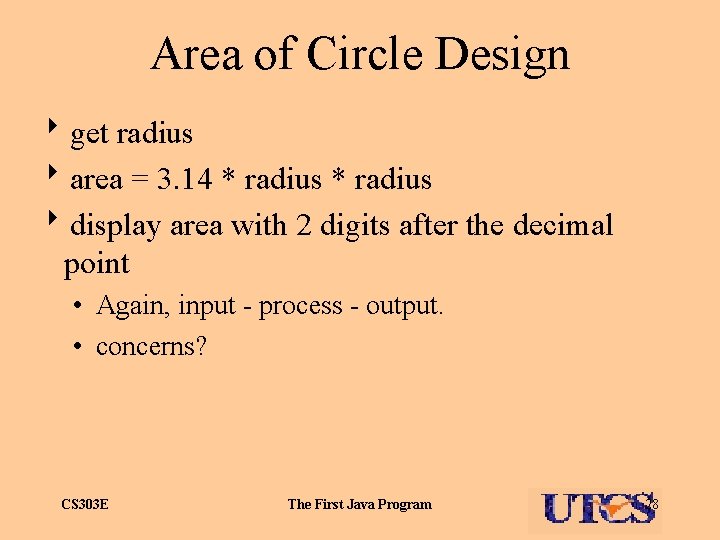
Area of Circle Design 8 get radius 8 area = 3. 14 * radius 8 display area with 2 digits after the decimal point • Again, input - process - output. • concerns? CS 303 E The First Java Program 28
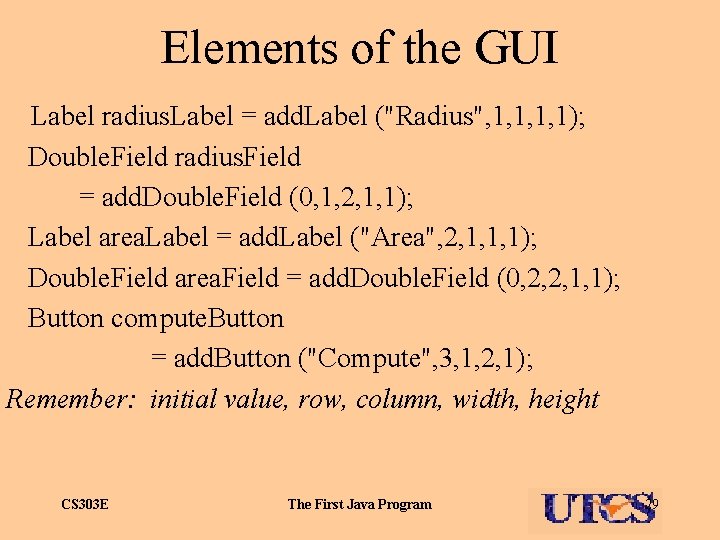
Elements of the GUI Label radius. Label = add. Label ("Radius", 1, 1); Double. Field radius. Field = add. Double. Field (0, 1, 2, 1, 1); Label area. Label = add. Label ("Area", 2, 1, 1, 1); Double. Field area. Field = add. Double. Field (0, 2, 2, 1, 1); Button compute. Button = add. Button ("Compute", 3, 1, 2, 1); Remember: initial value, row, column, width, height CS 303 E The First Java Program 29
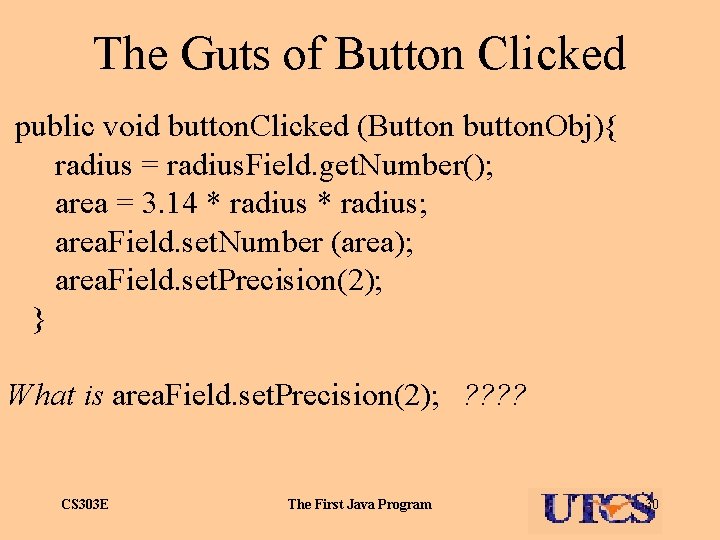
The Guts of Button Clicked public void button. Clicked (Button button. Obj){ radius = radius. Field. get. Number(); area = 3. 14 * radius; area. Field. set. Number (area); area. Field. set. Precision(2); } What is area. Field. set. Precision(2); ? ? CS 303 E The First Java Program 30
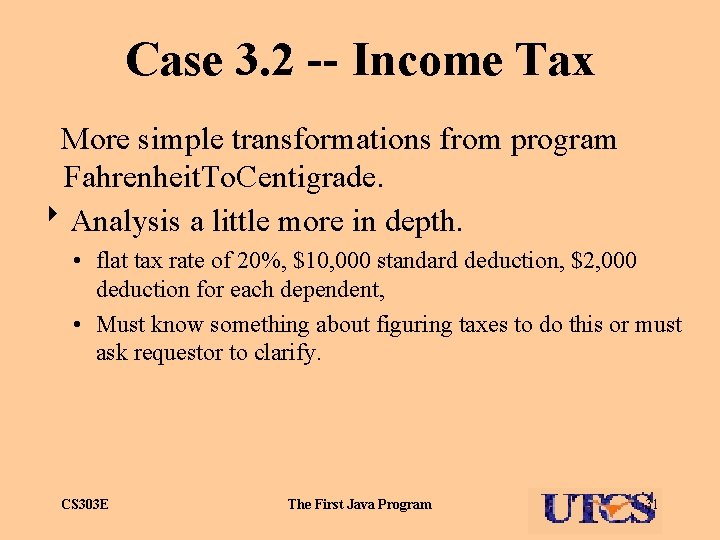
Case 3. 2 -- Income Tax More simple transformations from program Fahrenheit. To. Centigrade. 8 Analysis a little more in depth. • flat tax rate of 20%, $10, 000 standard deduction, $2, 000 deduction for each dependent, • Must know something about figuring taxes to do this or must ask requestor to clarify. CS 303 E The First Java Program 31
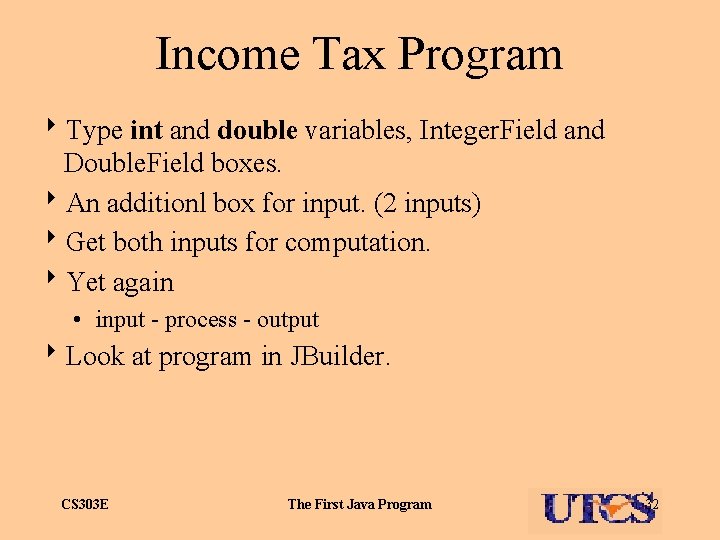
Income Tax Program 8 Type int and double variables, Integer. Field and Double. Field boxes. 8 An additionl box for input. (2 inputs) 8 Get both inputs for computation. 8 Yet again • input - process - output 8 Look at program in JBuilder. CS 303 E The First Java Program 32
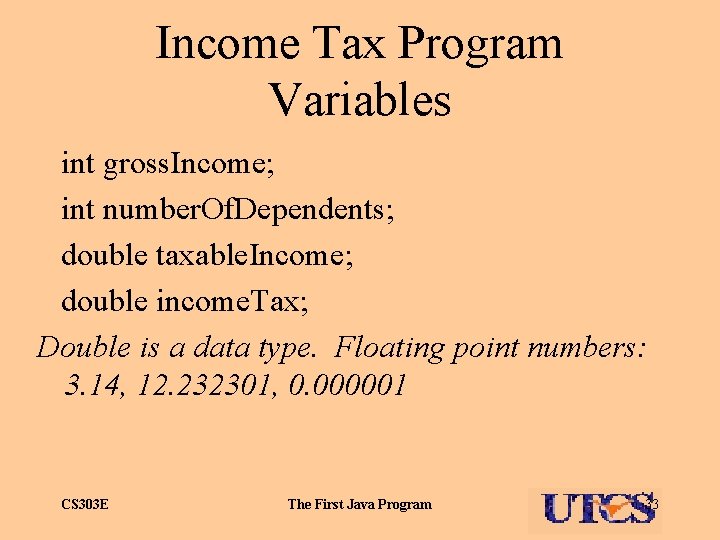
Income Tax Program Variables int gross. Income; int number. Of. Dependents; double taxable. Income; double income. Tax; Double is a data type. Floating point numbers: 3. 14, 12. 232301, 0. 000001 CS 303 E The First Java Program 33
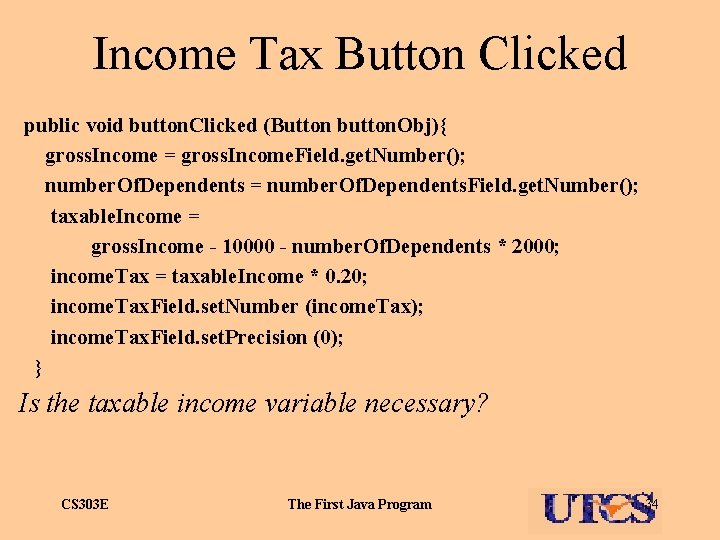
Income Tax Button Clicked public void button. Clicked (Button button. Obj){ gross. Income = gross. Income. Field. get. Number(); number. Of. Dependents = number. Of. Dependents. Field. get. Number(); taxable. Income = gross. Income - 10000 - number. Of. Dependents * 2000; income. Tax = taxable. Income * 0. 20; income. Tax. Field. set. Number (income. Tax); income. Tax. Field. set. Precision (0); } Is the taxable income variable necessary? CS 303 E The First Java Program 34
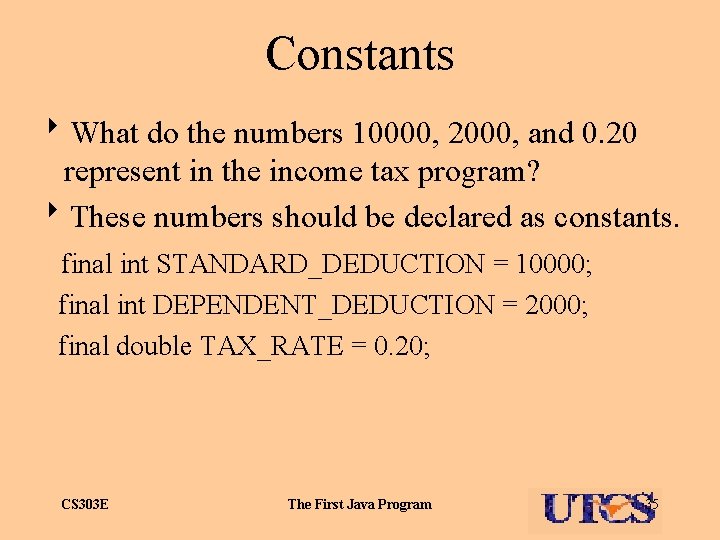
Constants 8 What do the numbers 10000, 2000, and 0. 20 represent in the income tax program? 8 These numbers should be declared as constants. final int STANDARD_DEDUCTION = 10000; final int DEPENDENT_DEDUCTION = 2000; final double TAX_RATE = 0. 20; CS 303 E The First Java Program 35
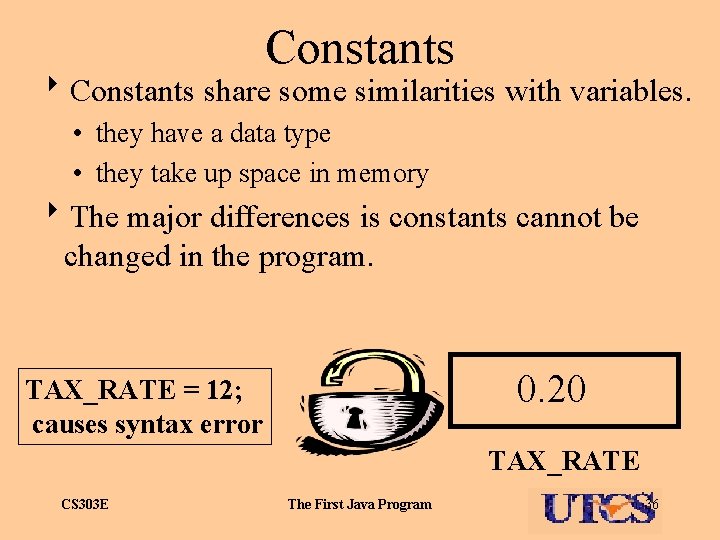
Constants 8 Constants share some similarities with variables. • they have a data type • they take up space in memory 8 The major differences is constants cannot be changed in the program. 0. 20 TAX_RATE = 12; causes syntax error TAX_RATE CS 303 E The First Java Program 36
Binary Represenation Bits , bytes. 8 Integers, floating point numbers, characters, Strings and other data, and instructions 8 All are represented in binary using bits, short for binary digit, 1 s and 0 s Memory -- an array of bytes. Self Test 8 How much memory to store a picture 20 by 30 pixels, each pixel can be 1 of 256 possible colors. CS 303 E The First Java Program 37
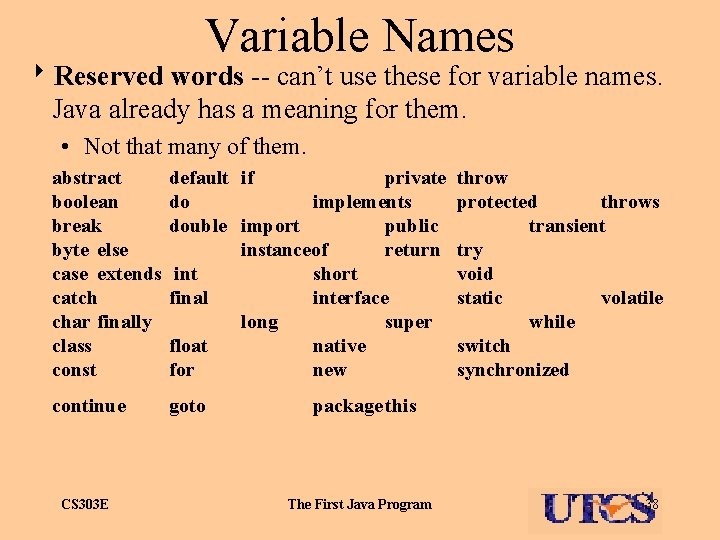
Variable Names 8 Reserved words -- can’t use these for variable names. Java already has a meaning for them. • Not that many of them. abstract boolean break byte else case extends catch char finally class const default if private do implements double import public instanceof return int short final interface long super float native for new continue goto CS 303 E throw protected throws transient try void static volatile while switch synchronized package this The First Java Program 38
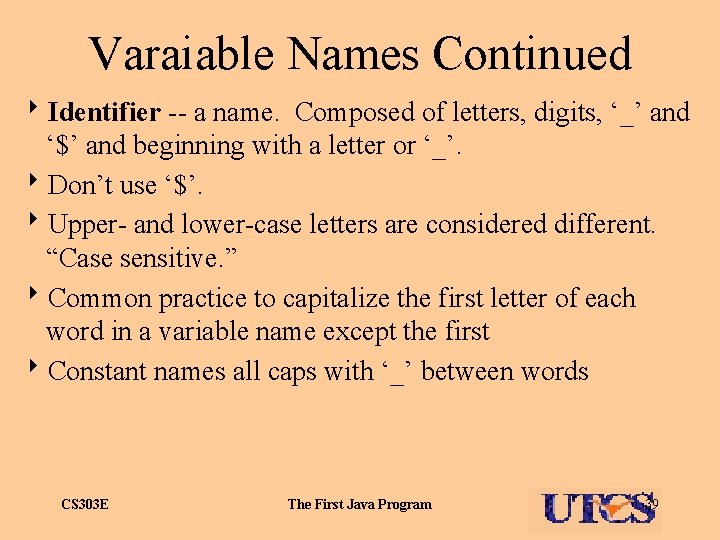
Varaiable Names Continued 8 Identifier -- a name. Composed of letters, digits, ‘_’ and ‘$’ and beginning with a letter or ‘_’. 8 Don’t use ‘$’. 8 Upper- and lower-case letters are considered different. “Case sensitive. ” 8 Common practice to capitalize the first letter of each word in a variable name except the first 8 Constant names all caps with ‘_’ between words CS 303 E The First Java Program 39
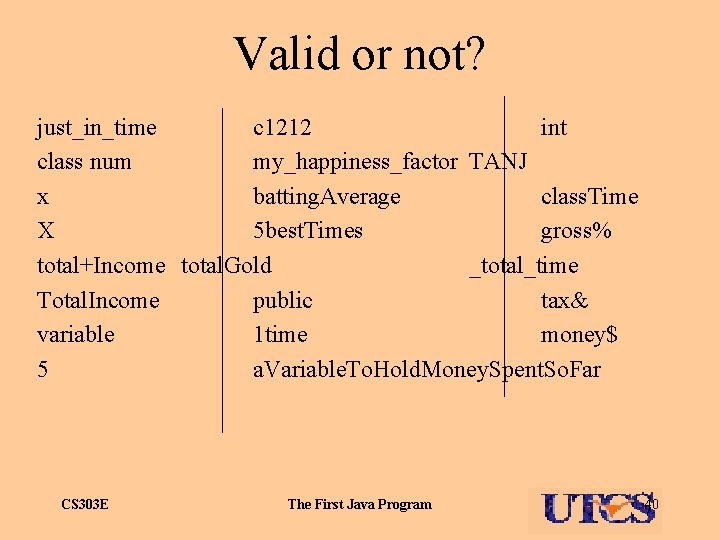
Valid or not? just_in_time c 1212 int class num my_happiness_factor TANJ x batting. Average class. Time X 5 best. Times gross% total+Income total. Gold _total_time Total. Income public tax& variable 1 time money$ 5 a. Variable. To. Hold. Money. Spent. So. Far CS 303 E The First Java Program 40
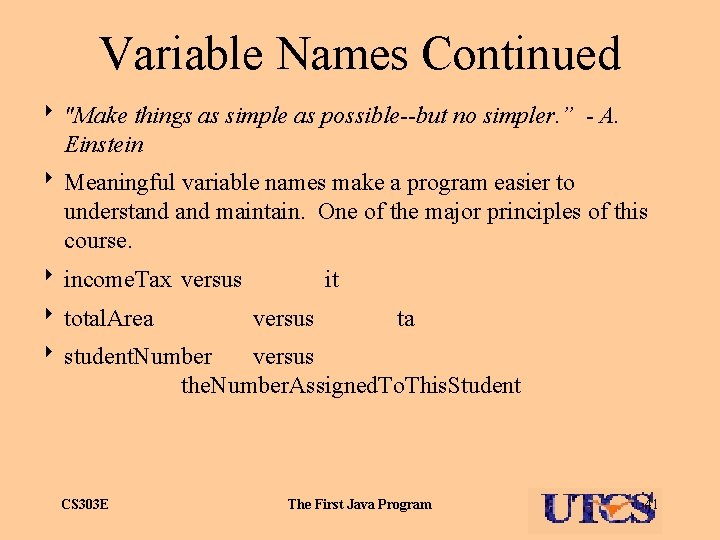
Variable Names Continued 8 "Make things as simple as possible--but no simpler. ” - A. Einstein 8 Meaningful variable names make a program easier to understand maintain. One of the major principles of this course. 8 income. Tax versus 8 total. Area it versus ta 8 student. Number versus the. Number. Assigned. To. This. Student CS 303 E The First Java Program 41
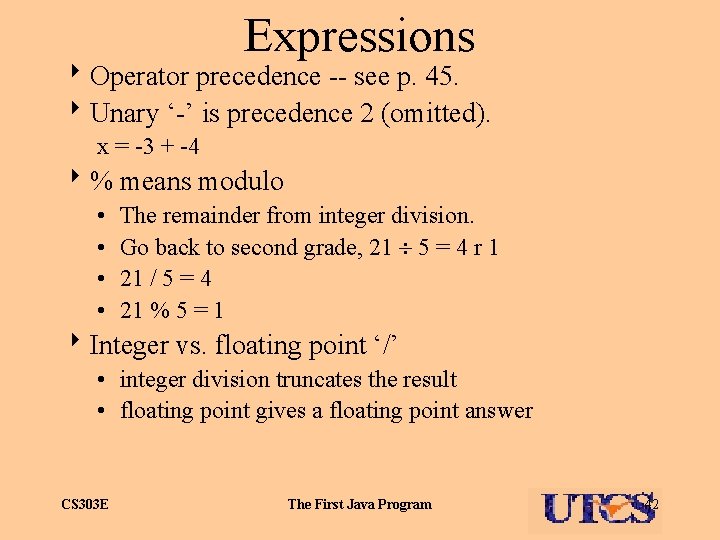
Expressions 8 Operator precedence -- see p. 45. 8 Unary ‘-’ is precedence 2 (omitted). x = -3 + -4 8% means modulo • • The remainder from integer division. Go back to second grade, 21 5 = 4 r 1 21 / 5 = 4 21 % 5 = 1 8 Integer vs. floating point ‘/’ • integer division truncates the result • floating point gives a floating point answer CS 303 E The First Java Program 42
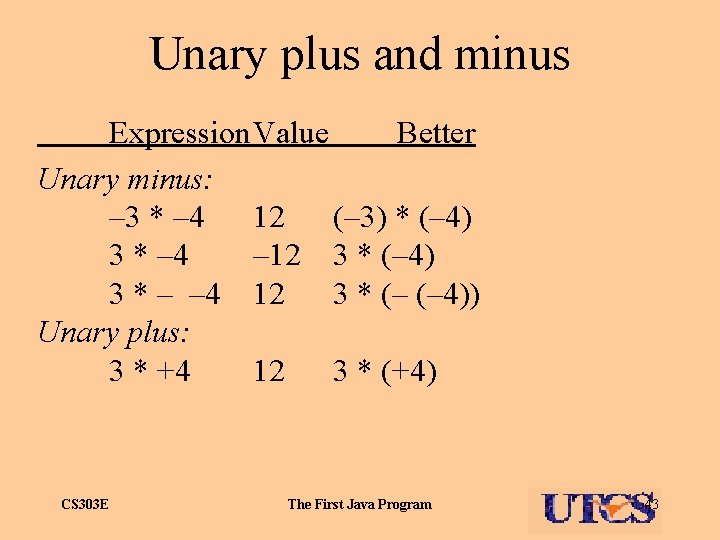
Unary plus and minus Expression. Value Better Unary minus: – 3 * – 4 12 (– 3) * (– 4) 3 * – 4 – 12 3 * (– 4) 3 * – – 4 12 3 * (– (– 4)) Unary plus: 3 * +4 12 3 * (+4) CS 303 E The First Java Program 43
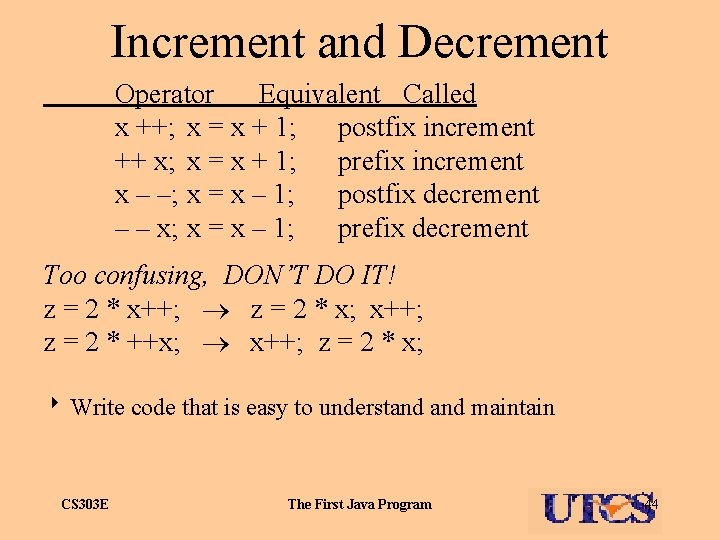
Increment and Decrement Operator Equivalent Called x ++; x = x + 1; postfix increment ++ x; x = x + 1; prefix increment x – –; x = x – 1; postfix decrement – – x; x = x – 1; prefix decrement Too confusing, DON’T DO IT! z = 2 * x++; z = 2 * x; x++; z = 2 * ++x; x++; z = 2 * x; 8 Write code that is easy to understand maintain CS 303 E The First Java Program 44
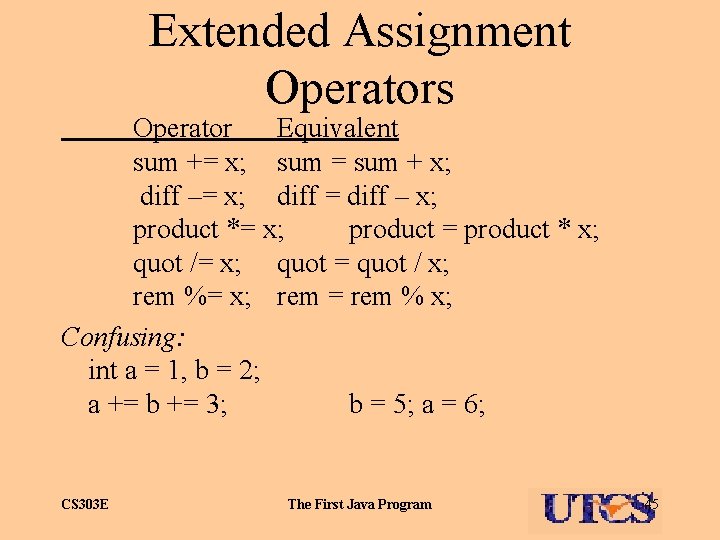
Extended Assignment Operators Operator Equivalent sum += x; sum = sum + x; diff –= x; diff = diff – x; product *= x; product = product * x; quot /= x; quot = quot / x; rem %= x; rem = rem % x; Confusing: int a = 1, b = 2; a += b += 3; b = 5; a = 6; CS 303 E The First Java Program 45
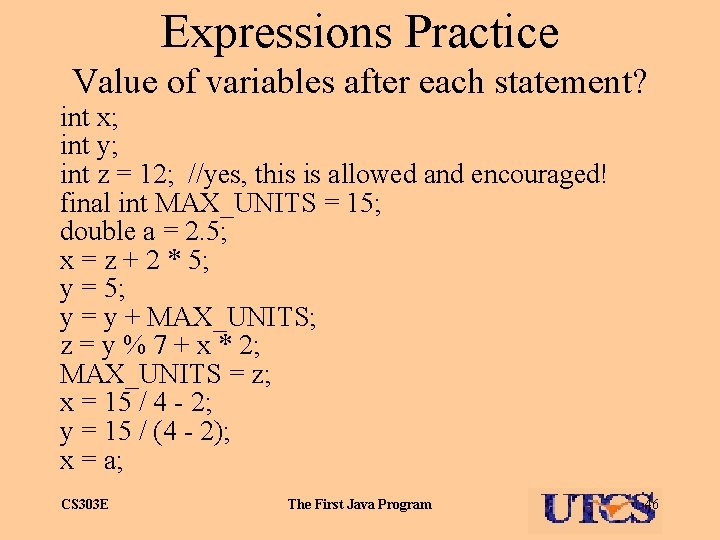
Expressions Practice Value of variables after each statement? int x; int y; int z = 12; //yes, this is allowed and encouraged! final int MAX_UNITS = 15; double a = 2. 5; x = z + 2 * 5; y = y + MAX_UNITS; z = y % 7 + x * 2; MAX_UNITS = z; x = 15 / 4 - 2; y = 15 / (4 - 2); x = a; CS 303 E The First Java Program 46
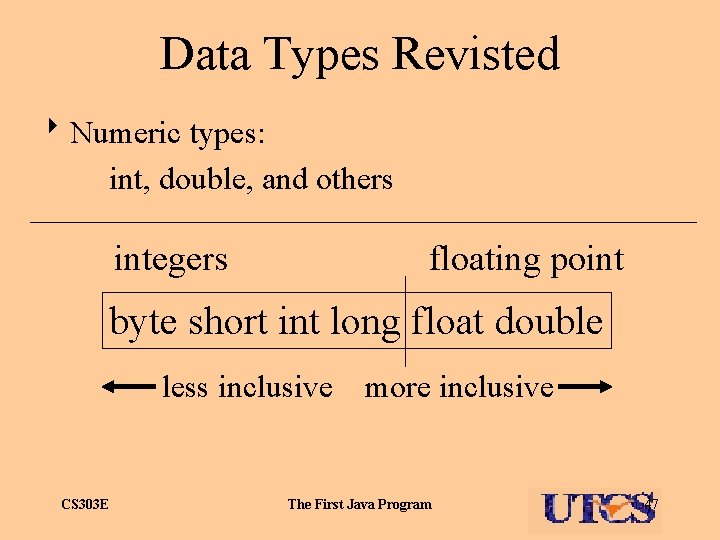
Data Types Revisted 8 Numeric types: int, double, and others integers floating point byte short int long float double less inclusive more inclusive CS 303 E The First Java Program 47
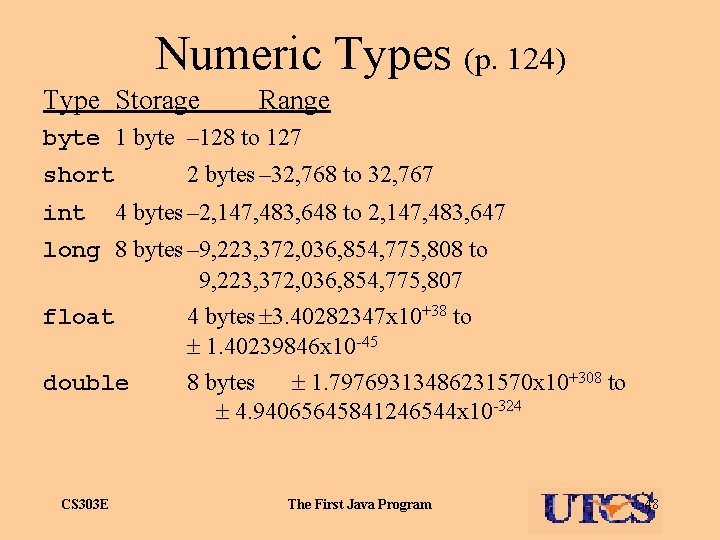
Numeric Types (p. 124) Type Storage Range byte 1 byte – 128 to 127 2 bytes – 32, 768 to 32, 767 short int 4 bytes – 2, 147, 483, 648 to 2, 147, 483, 647 long 8 bytes – 9, 223, 372, 036, 854, 775, 808 to 9, 223, 372, 036, 854, 775, 807 float 4 bytes 3. 40282347 x 10+38 to 1. 40239846 x 10 -45 double 8 bytes 1. 79769313486231570 x 10+308 to 4. 94065645841246544 x 10 -324 CS 303 E The First Java Program 48
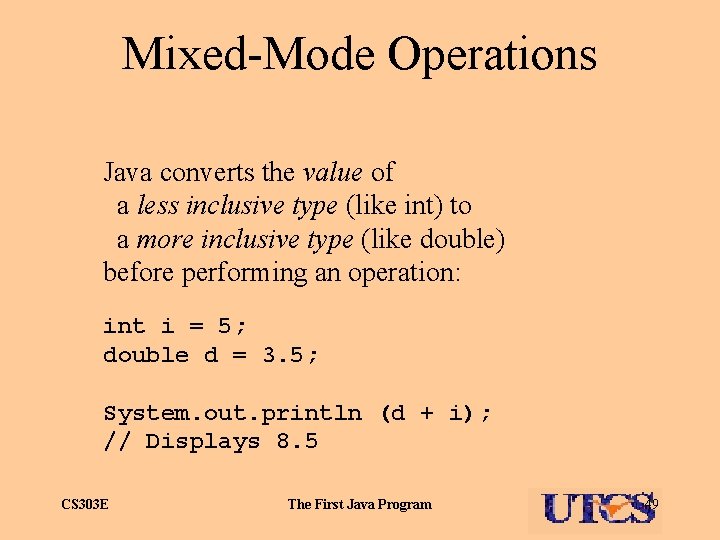
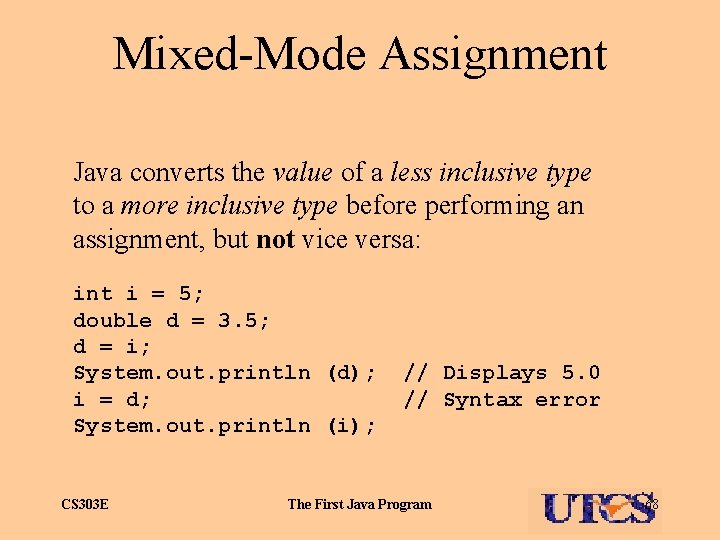
Mixed-Mode Operations Java converts the value of a less inclusive type (like int) to a more inclusive type (like double) before performing an operation: int i = 5; double d = 3. 5; System. out. println (d + i); // Displays 8. 5 CS 303 E The First Java Program 49
CS 303 E Lecture 5 Java Basics 2 Chapter 3 "In a way, staring into a computer screen is like staring into an eclipse. It's brilliant and you don't realize the damage until its too late. " - Bruce Sterling CS 303 E The First Java Program 50
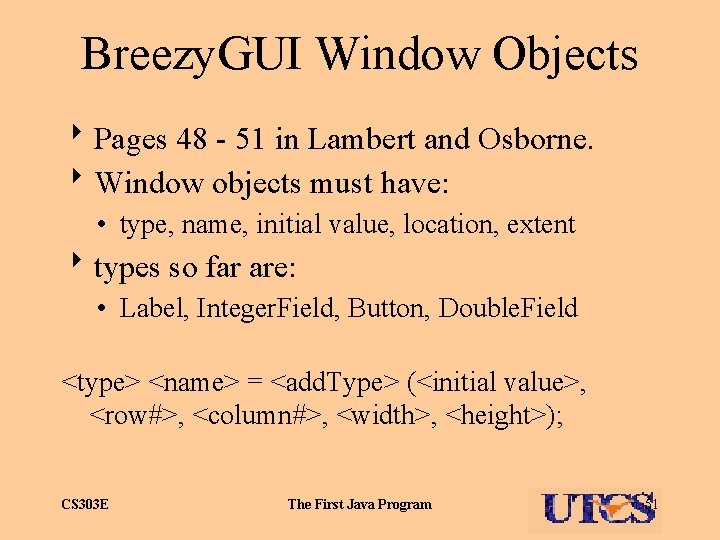
Breezy. GUI Window Objects 8 Pages 48 - 51 in Lambert and Osborne. 8 Window objects must have: • type, name, initial value, location, extent 8 types so far are: • Label, Integer. Field, Button, Double. Field <type> <name> = <add. Type> (<initial value>, <row#>, <column#>, <width>, <height>); CS 303 E The First Java Program 51
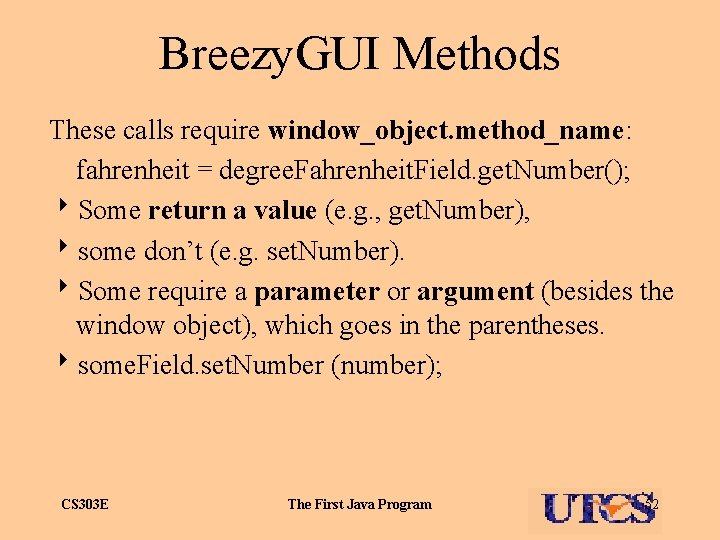
Breezy. GUI Methods These calls require window_object. method_name: fahrenheit = degree. Fahrenheit. Field. get. Number(); 8 Some return a value (e. g. , get. Number), 8 some don’t (e. g. set. Number). 8 Some require a parameter or argument (besides the window object), which goes in the parentheses. 8 some. Field. set. Number (number); CS 303 E The First Java Program 52
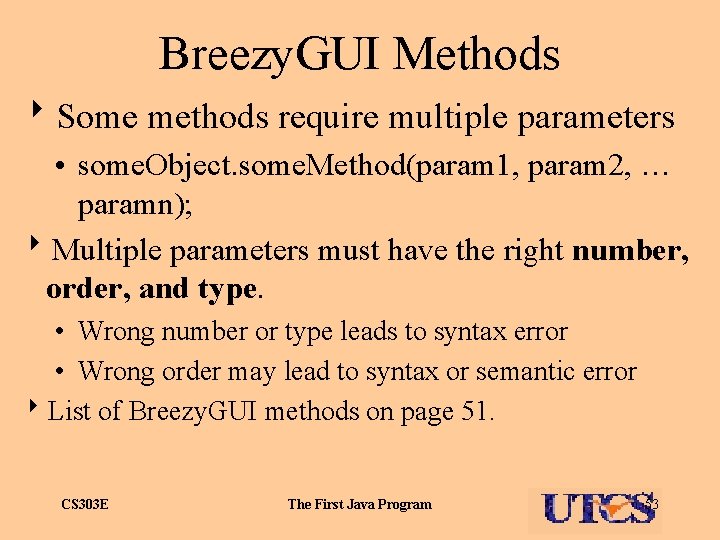
Breezy. GUI Methods 8 Some methods require multiple parameters • some. Object. some. Method(param 1, param 2, … paramn); 8 Multiple parameters must have the right number, order, and type. • Wrong number or type leads to syntax error • Wrong order may lead to syntax or semantic error 8 List of Breezy. GUI methods on page 51. CS 303 E The First Java Program 53
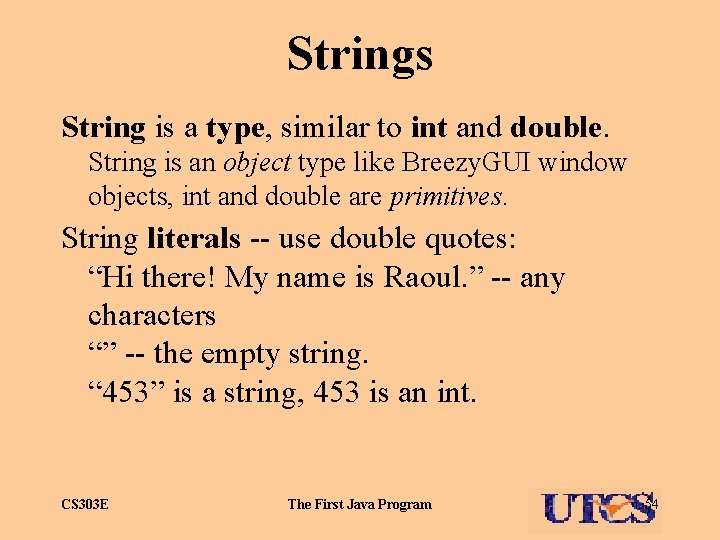
Strings String is a type, similar to int and double. String is an object type like Breezy. GUI window objects, int and double are primitives. String literals -- use double quotes: “Hi there! My name is Raoul. ” -- any characters “” -- the empty string. “ 453” is a string, 453 is an int. CS 303 E The First Java Program 54
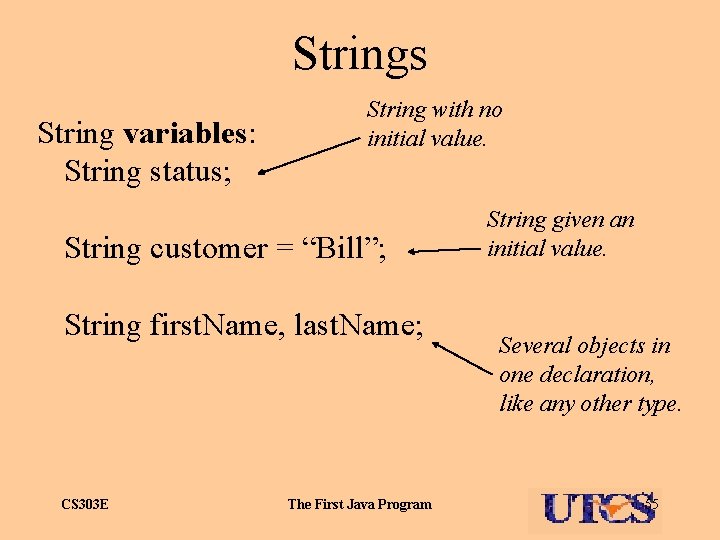
Strings String variables: String status; String with no initial value. String customer = “Bill”; String first. Name, last. Name; CS 303 E The First Java Program String given an initial value. Several objects in one declaration, like any other type. 55
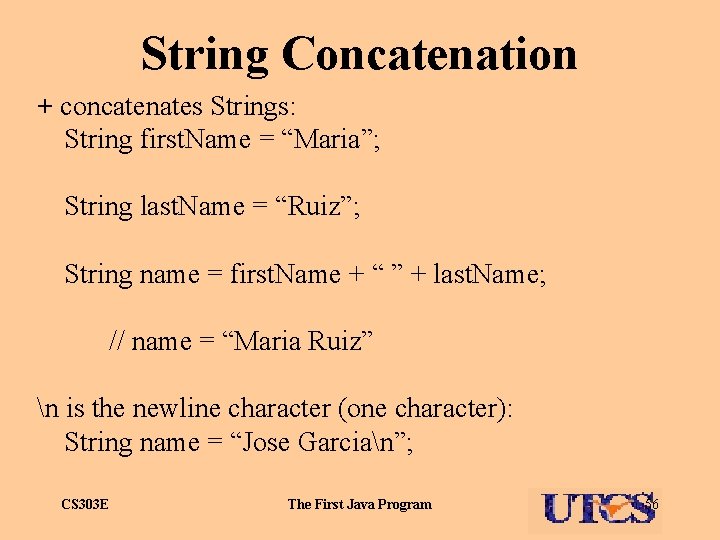
String Concatenation + concatenates Strings: String first. Name = “Maria”; String last. Name = “Ruiz”; String name = first. Name + “ ” + last. Name; // name = “Maria Ruiz” n is the newline character (one character): String name = “Jose Garcian”; CS 303 E The First Java Program 56
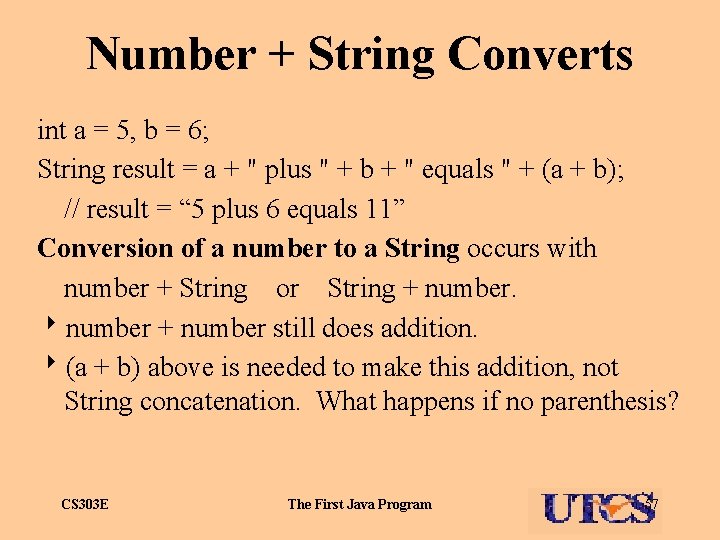
Number + String Converts int a = 5, b = 6; String result = a + " plus " + b + " equals " + (a + b); // result = “ 5 plus 6 equals 11” Conversion of a number to a String occurs with number + String or String + number. 8 number + number still does addition. 8(a + b) above is needed to make this addition, not String concatenation. What happens if no parenthesis? CS 303 E The First Java Program 57
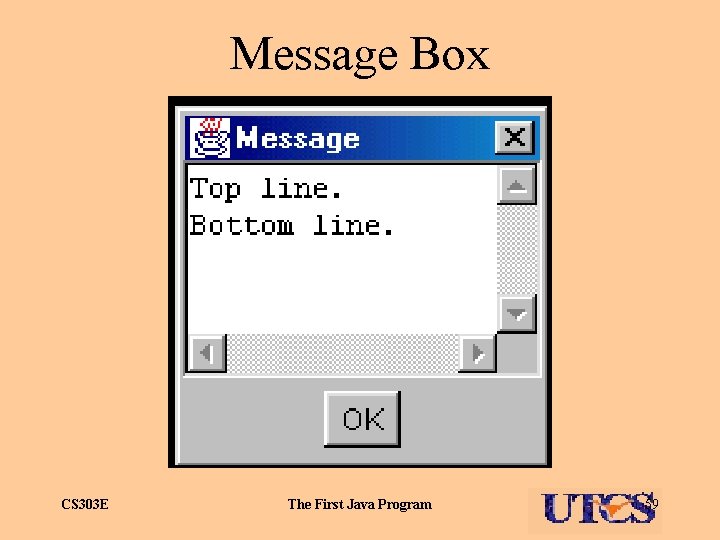
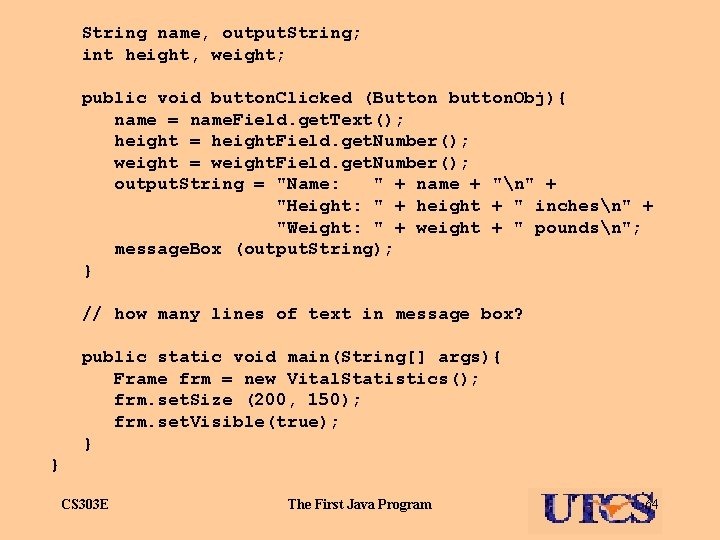
Message Boxes Breezy. GUI provides message boxes: message. Box (“Hey there!”); 8 Pops up a separate window called a message box containing the text provided as an argument. String line 1 = “Top line. n”; String line 2 = “Bottom line. ”; message. Box (line 1 + line 2); 8 Message box contains 2 lines. CS 303 E The First Java Program 58
Message Box CS 303 E The First Java Program 59
Message Box Behavior 8 Message Boxes are modal. 8 Nothing can be done in the original window until the message box is acknowledged by closing it clicking ‘x’ in upper right corner. 8 Too many message boxes make for a very annoying program. Use sparingly. CS 303 E The First Java Program 60
Text Fields Text. Field -- Breezy. GUI window component type containing one line of String data. Declared like other window components: Text. Field <name> = add. Text. Field (<initial value>, <row#>, <col#>, <width>, <height>); Methods: name. get. Text() -- returns String name. set. Text (a. String) -- sets field content. CS 303 E The First Java Program 61
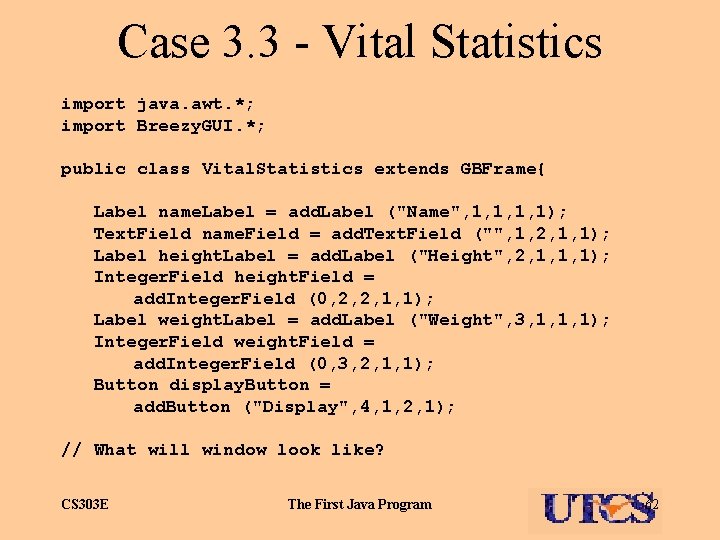
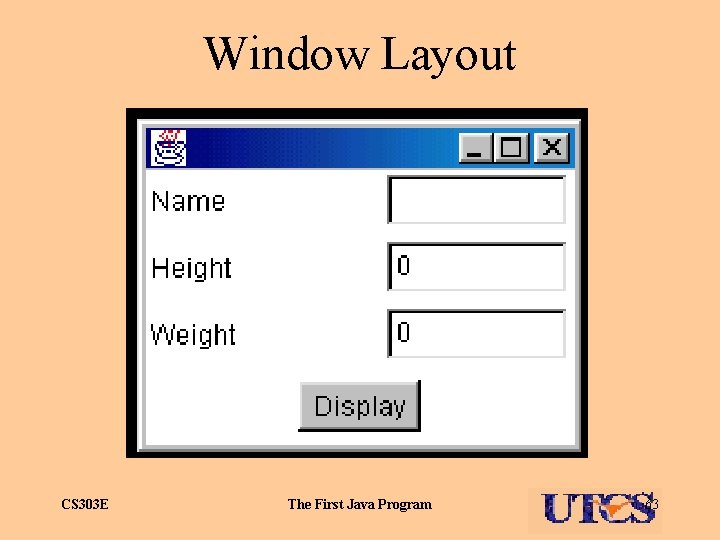
Case 3. 3 - Vital Statistics import java. awt. *; import Breezy. GUI. *; public class Vital. Statistics extends GBFrame{ Label name. Label = add. Label ("Name", 1, 1); Text. Field name. Field = add. Text. Field ("", 1, 2, 1, 1); Label height. Label = add. Label ("Height", 2, 1, 1, 1); Integer. Field height. Field = add. Integer. Field (0, 2, 2, 1, 1); Label weight. Label = add. Label ("Weight", 3, 1, 1, 1); Integer. Field weight. Field = add. Integer. Field (0, 3, 2, 1, 1); Button display. Button = add. Button ("Display", 4, 1, 2, 1); // What will window look like? CS 303 E The First Java Program 62
Window Layout CS 303 E The First Java Program 63
String name, output. String; int height, weight; public void button. Clicked (Button button. Obj){ name = name. Field. get. Text(); height = height. Field. get. Number(); weight = weight. Field. get. Number(); output. String = "Name: " + name + "n" + "Height: " + height + " inchesn" + "Weight: " + weight + " poundsn"; message. Box (output. String); } // how many lines of text in message box? public static void main(String[] args){ Frame frm = new Vital. Statistics(); frm. set. Size (200, 150); frm. set. Visible(true); } } CS 303 E The First Java Program 64
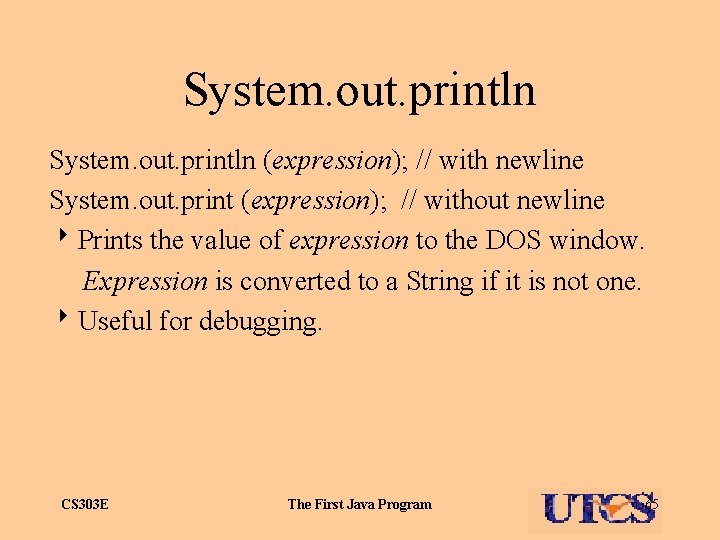
System. out. println (expression); // with newline System. out. print (expression); // without newline 8 Prints the value of expression to the DOS window. Expression is converted to a String if it is not one. 8 Useful for debugging. CS 303 E The First Java Program 65
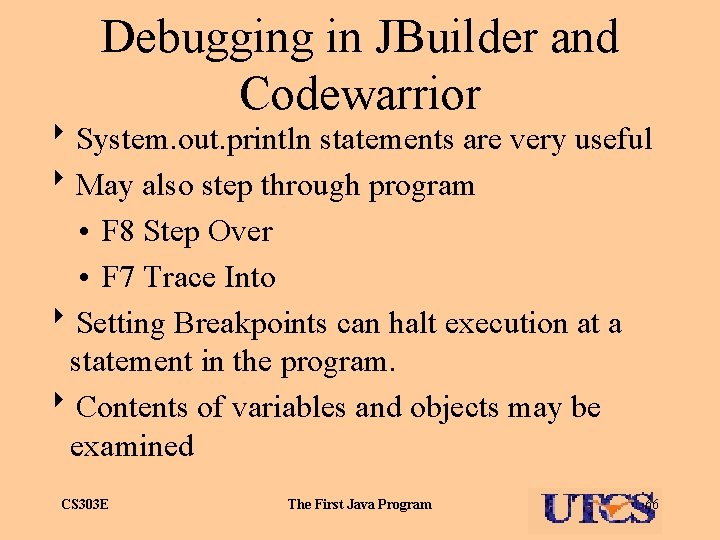
Debugging in JBuilder and Codewarrior 8 System. out. println statements are very useful 8 May also step through program • F 8 Step Over • F 7 Trace Into 8 Setting Breakpoints can halt execution at a statement in the program. 8 Contents of variables and objects may be examined CS 303 E The First Java Program 66
Assignment 2 8 Handed out today CS 303 E The First Java Program 67
Mixed-Mode Assignment Java converts the value of a less inclusive type to a more inclusive type before performing an assignment, but not vice versa: int i = 5; double d = 3. 5; d = i; System. out. println (d); i = d; System. out. println (i); CS 303 E // Displays 5. 0 // Syntax error The First Java Program 68