
CS 179 GPU Programming Lecture 6 CUDA Graphics
- Slides: 21
CS 179: GPU Programming Lecture 6: CUDA & Graphics
Today § CUDA and Graphics § Textures § Buffers
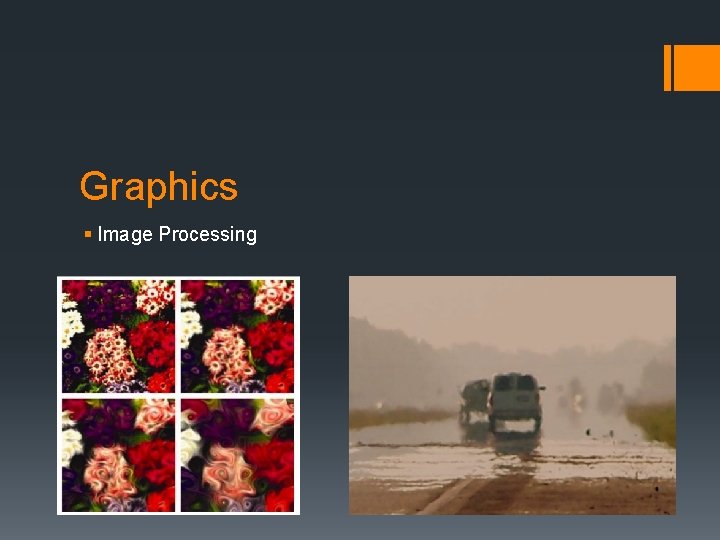
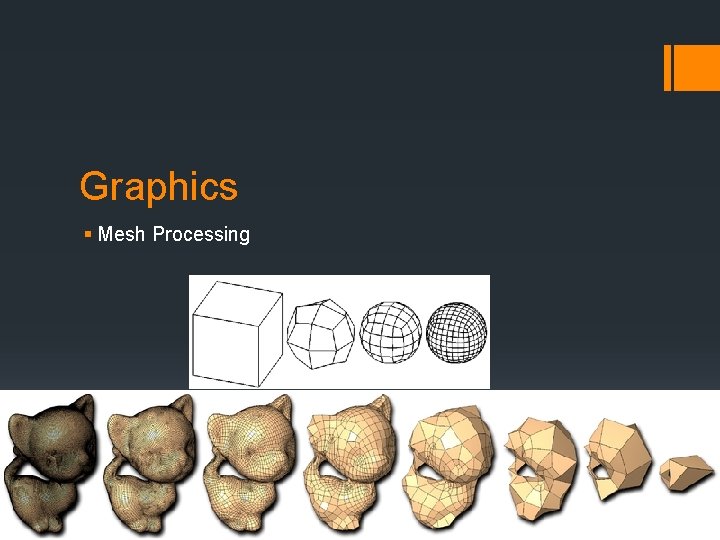
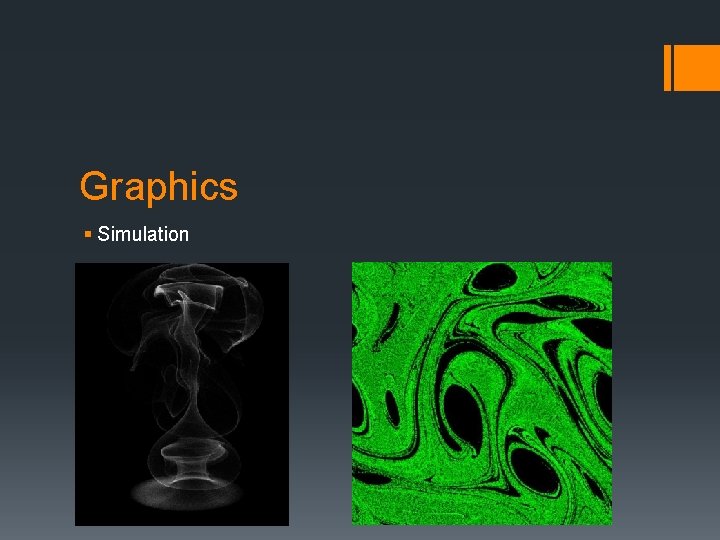
Graphics § Oftentimes a good candidate for parallelism § …which is why the graphics card exists! § Examples of large data in graphics: § Image processing (operate per-pixel) § Mesh processing (operate per-vertex) § Simulation (operates per-element) § These translate well into CUDA problems: § Image processing: each thread handles a pixel § Mesh processing: each thread handles a vertex § Simulation: each thread handles an element
Graphics § Image Processing
Graphics § Mesh Processing
Graphics § Simulation
Textures § Storage format for graphics data § Efficient: stored in texture memory, not on CPU § Faster & bigger than arrays § Arrays a limited in memory -- usually a few k. B § Textures can be much bigger § Can be 1 D, 2 D, or 3 D
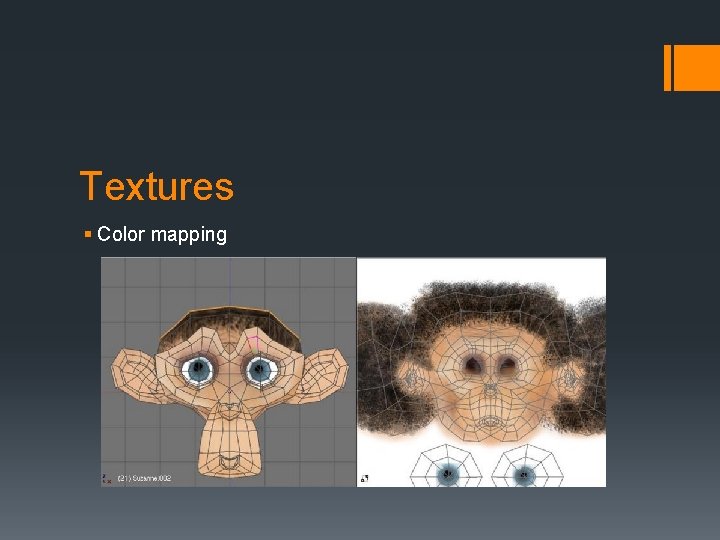
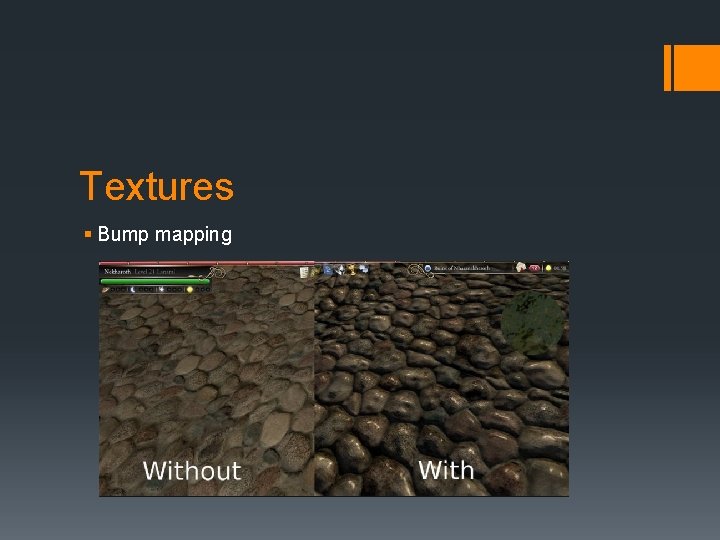
Textures § Uses: § Mapping R 3 to R 2 (mesh parameterization) § Color maps § Bump maps § Large data storage/manipulation § Render to texture § Image processing § General purpose data manipulation
Textures § Color mapping
Textures § Bump mapping
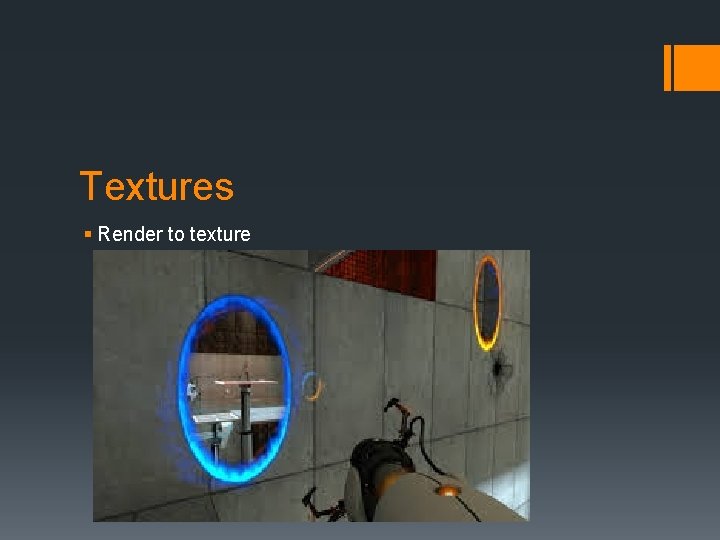
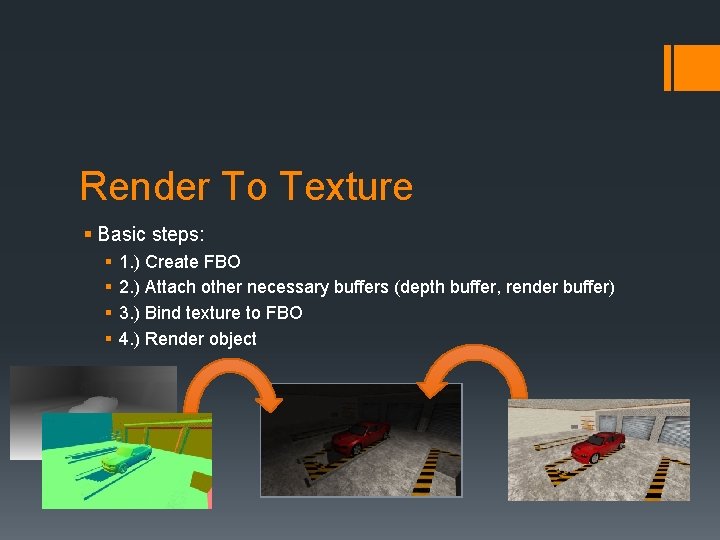
Textures § Render to texture
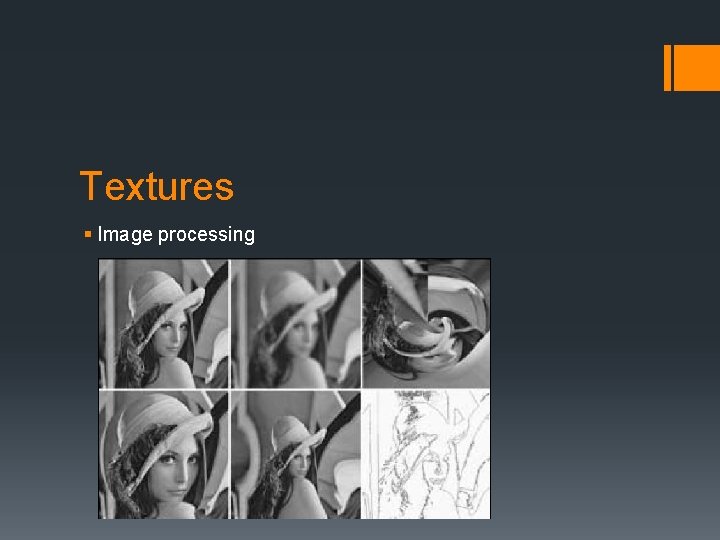
Textures § Image processing
Buffers § Similar to textures § Basically just data storage § Buffers have more function-specific applications § Many different kinds: § Framebuffers § Vertex buffers § Renderbuffers, depth buffers, stencil buffers, etc.
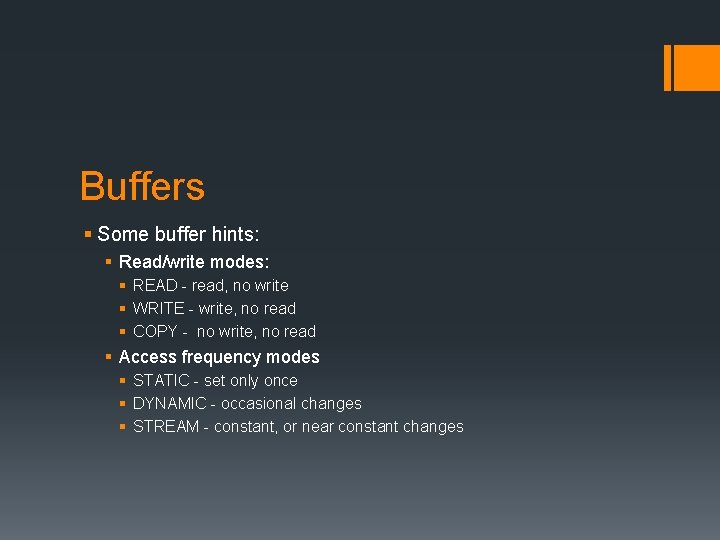
Buffers § Some buffer hints: § Read/write modes: § READ - read, no write § WRITE - write, no read § COPY - no write, no read § Access frequency modes § STATIC - set only once § DYNAMIC - occasional changes § STREAM - constant, or near constant changes
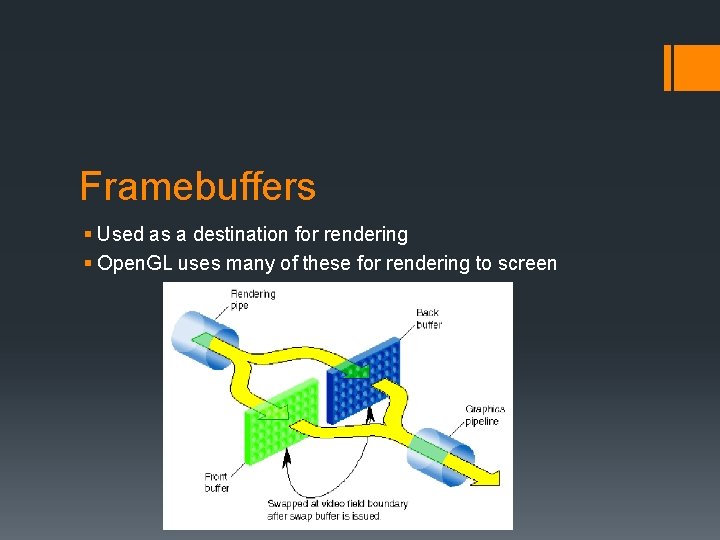
Framebuffers § Used as a destination for rendering § Open. GL uses many of these for rendering to screen
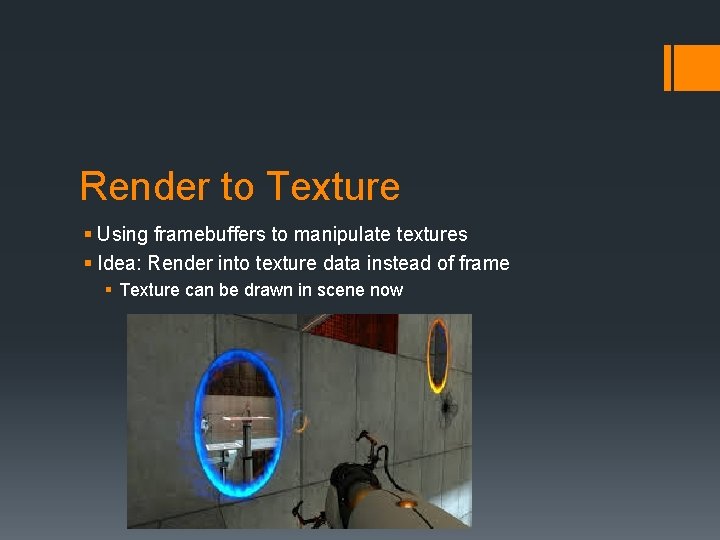
Render to Texture § Using framebuffers to manipulate textures § Idea: Render into texture data instead of frame § Texture can be drawn in scene now
Render To Texture § Basic steps: § § 1. ) Create FBO 2. ) Attach other necessary buffers (depth buffer, render buffer) 3. ) Bind texture to FBO 4. ) Render object
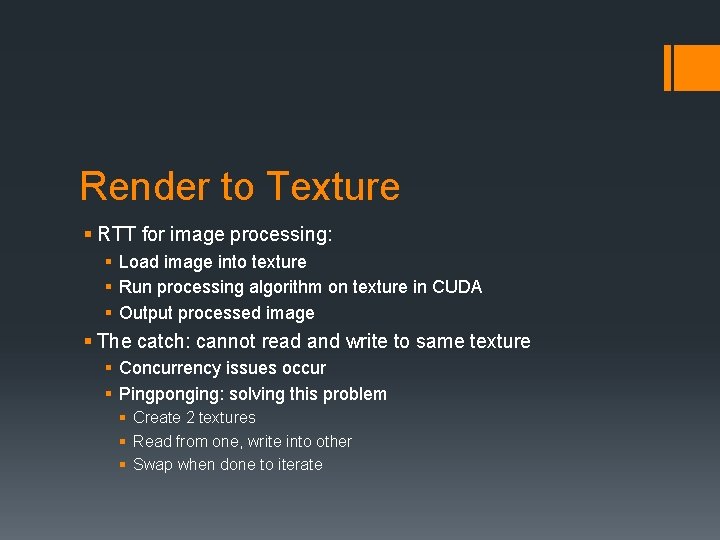
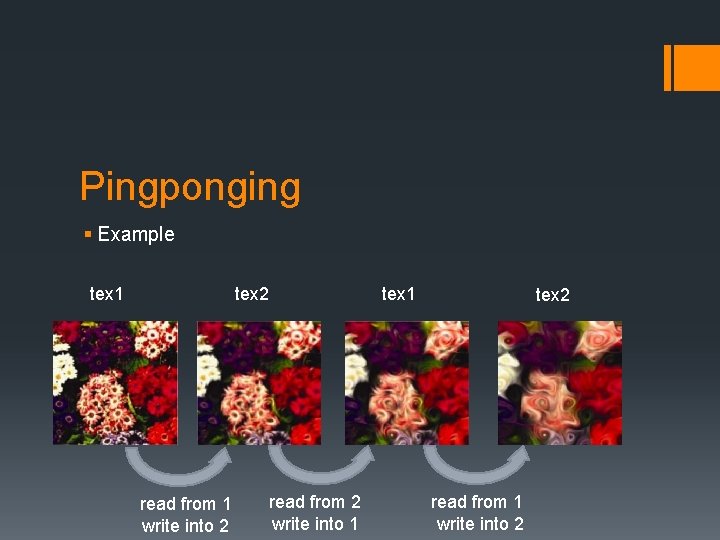
Render to Texture § RTT for image processing: § Load image into texture § Run processing algorithm on texture in CUDA § Output processed image § The catch: cannot read and write to same texture § Concurrency issues occur § Pingponging: solving this problem § Create 2 textures § Read from one, write into other § Swap when done to iterate
Pingponging § Example tex 1 tex 2 read from 1 write into 2 tex 1 read from 2 write into 1 tex 2 read from 1 write into 2
Vertex Buffers § Stores vertex data § Position, normal, color, etc. § Creates a faster way to render meshes § All data is now on GPU already § Lab 3 will see VBO’s for particle data
Next Time § Lab 3 review § Open. GL, CUDA, and you! § Flocking simulations