
CS 160 Introduction to Computer Science Who are

- Slides: 23
CS 160 Introduction to Computer Science
Who are we Instructor Tu N. Nguyen, Ph. D. Assistant Professor Department of Computer Science Purdue University, Fort Wayne Office: ETCS 215 H Phone: (260) 481 -6343 Email: nguyent@pfw. edu URL: https: //users. pfw. edu/nguyent/
Who are we Teaching assistant Sanjeev Khemani Email: khemsd 01@pfw. edu
Class information • Class website: https: //users. pfw. edu/nguyent/teaching/fall 20/cs 160/ • Class Brightspace (for submission only) • Announcement Page – Check the web page periodically • Tentative schedule (the schedule is subject to change 24 hours in advance with an announcement). – Will be updated via website: • Help Hot Line: nguyent@pfw. edu
Course Requirements • Syllabus
What we are doing here?
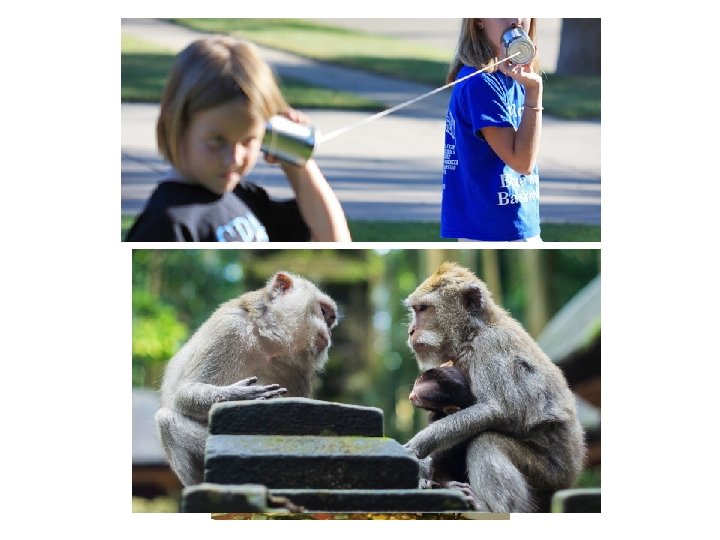
Communication
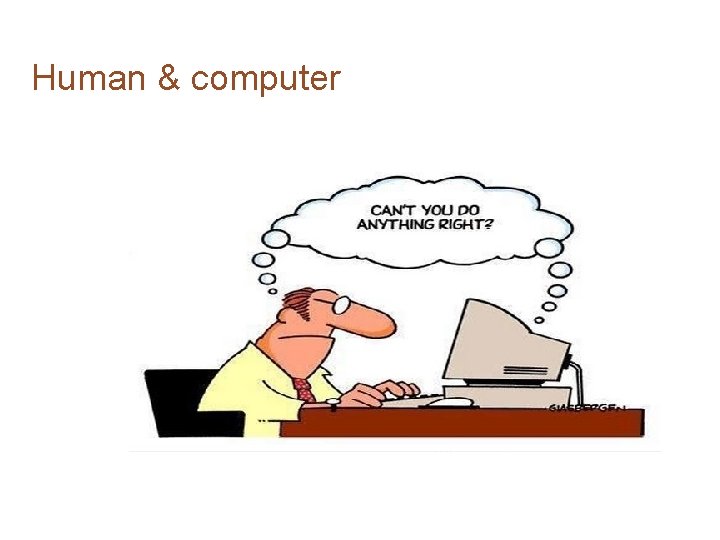
Human & computer
Why Program? ■ ■ Computers can do countless things How? They are programmable! They are used in nearly every industry Computer programming is an art and a science
What is a Program? ■ Computers follow instructions ■ A computer program is a set of instructions ■ We need to learn its language to properly instruct it! ■ There are many, but we will use Java
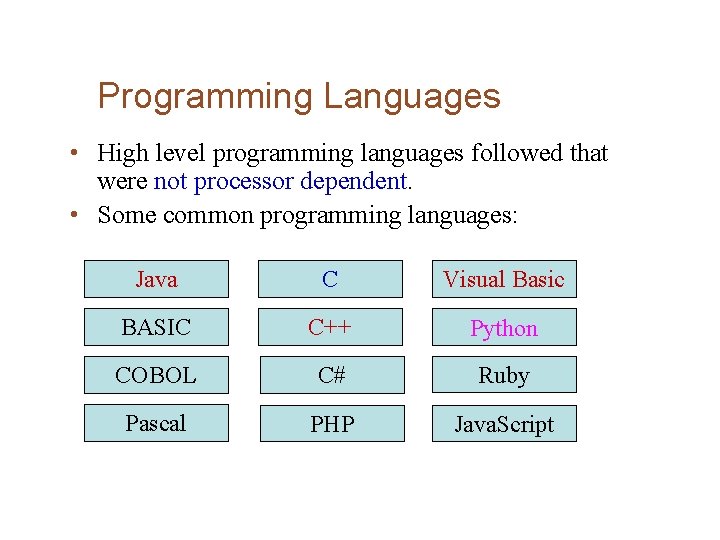
Programming Languages • High level programming languages followed that were not processor dependent. • Some common programming languages: Java C Visual Basic BASIC C++ Python COBOL C# Ruby Pascal PHP Java. Script
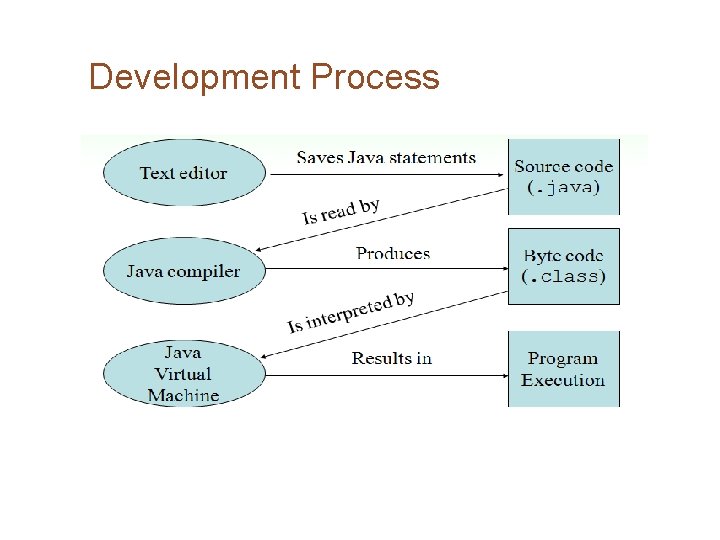
Development Process
Running Your Code ■ Integrated Developer Environments (IDEs) give you everything you need! – Text editor – Debugger – Other handy features ■ We will use Eclipse in class and in lab – Netbeans or Intelli. J is fine too ■ This class won’t use command line → wait for C and Unix!
Compiler ■ A compiler is a program that translates source code into an executable form. ■ Syntax errors that may be in the program will be discovered during compilation. – These violate a language’s rules – Errors prevent compilation, so code will not run! ■ Average compilers: source code → executables, machine code ■ Java uses. byte files with byte code instead, for the sake of Portability
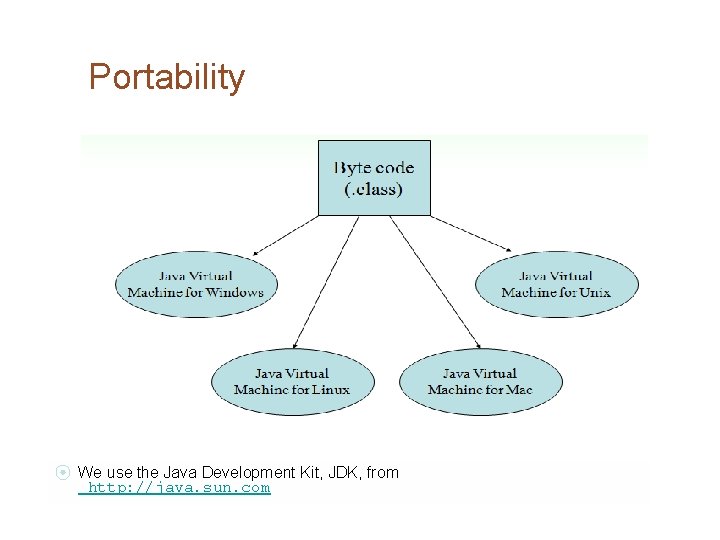
The Java Virtual Machine ■ Java byte codes are same on all computers. Java code is highly portable as a result! ■ JVMs exist on many platforms: • Windows • Mac • Linux • Uni x • BS D • Etc.
Portability ⦿ We use the Java Development Kit, JDK, from http: //java. sun. com
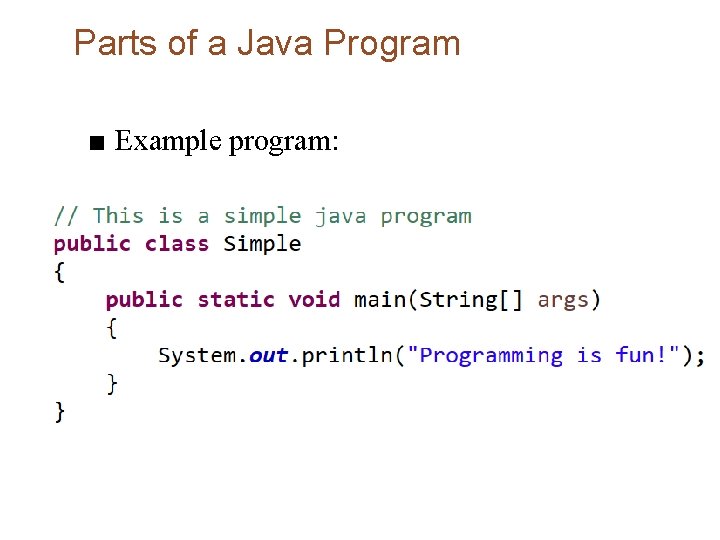
Parts of a Java Program ■ Example program:
Live Demo ■ JDK ■ Eclipse
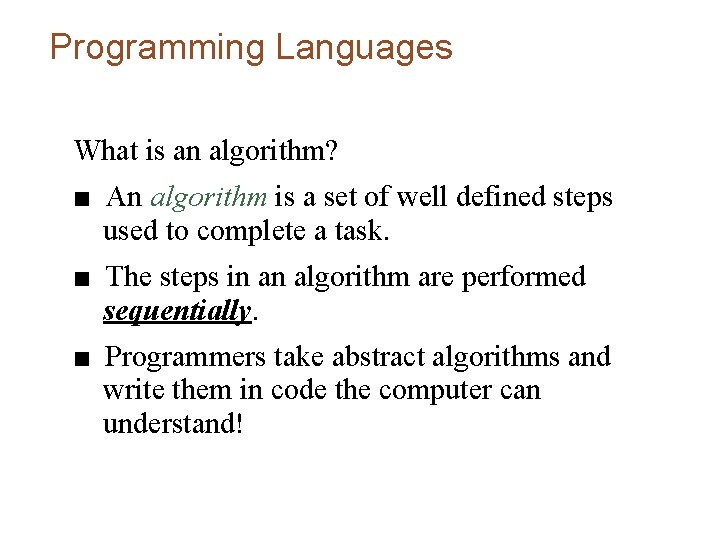
Programming Languages What is an algorithm? ■ An algorithm is a set of well defined steps used to complete a task. ■ The steps in an algorithm are performed sequentially. ■ Programmers take abstract algorithms and write them in code the computer can understand!
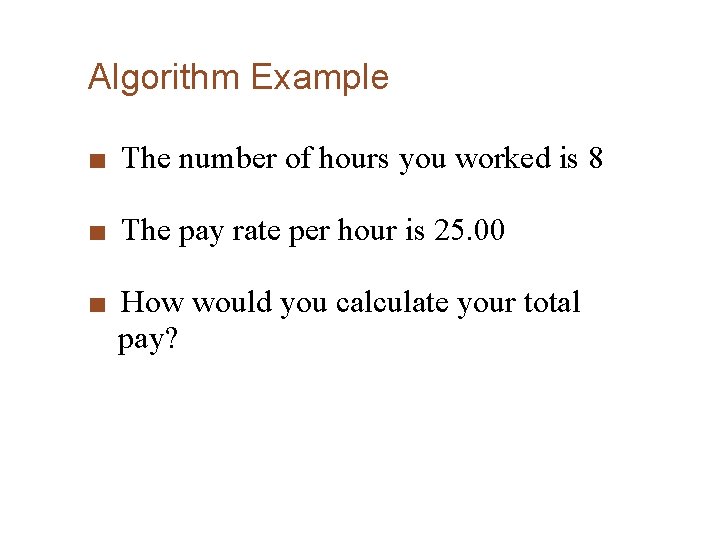
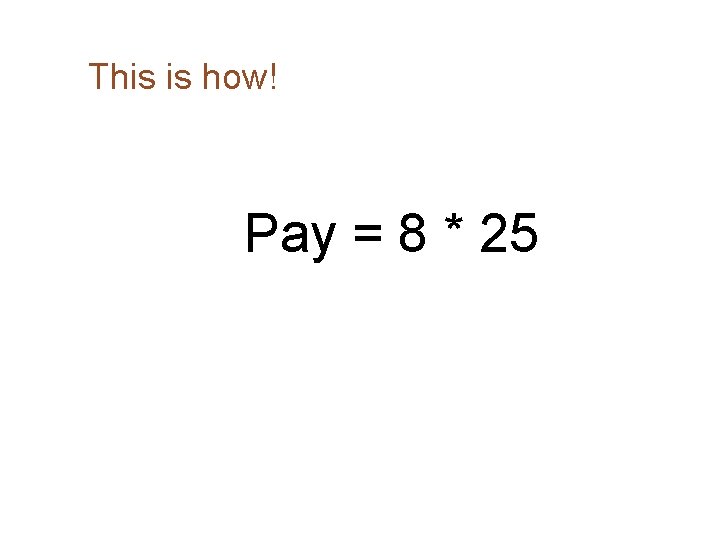
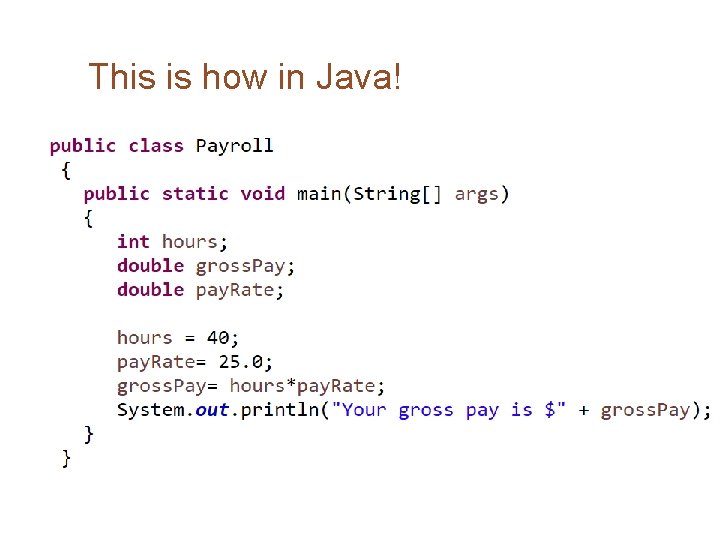
Algorithm Example ■ The number of hours you worked is 8 ■ The pay rate per hour is 25. 00 ■ How would you calculate your total pay?
This is how! Pay = 8 * 25
This is how in Java!