
CS 140 Introduction to Computer Science Lecture 3
- Slides: 37
CS 140 Introduction to Computer Science Lecture 3 - Decision Structures Dr. Sampath Jayarathna Cal Poly Pomona
The if Statement • The if statement decides whether a section of code executes or not. • The if statement uses a boolean to decide whether the next statement or block of statements executes. if (boolean expression is true) execute this statement;
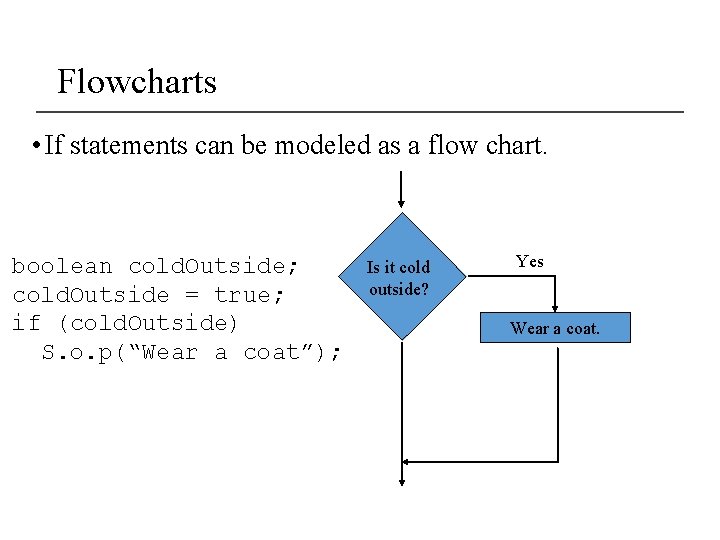
Flowcharts • If statements can be modeled as a flow chart. boolean cold. Outside; cold. Outside = true; if (cold. Outside) S. o. p(“Wear a coat”); Is it cold outside? Yes Wear a coat.
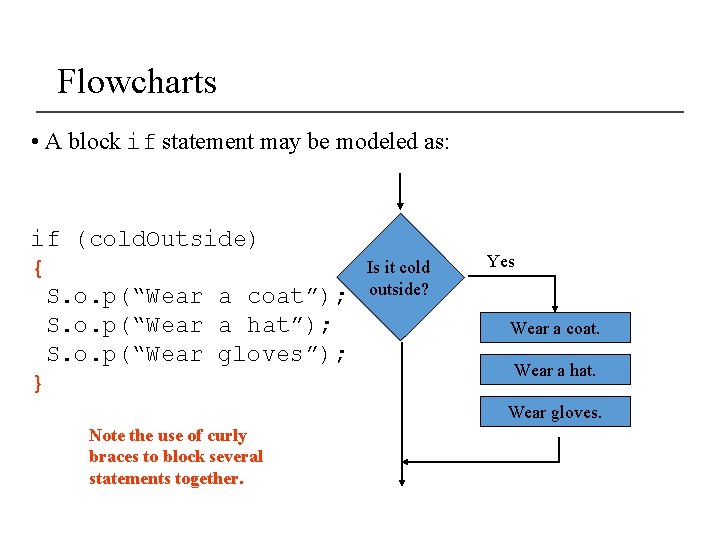
Flowcharts • A block if statement may be modeled as: if (cold. Outside) { S. o. p(“Wear a coat”); S. o. p(“Wear a hat”); S. o. p(“Wear gloves”); } Is it cold outside? Yes Wear a coat. Wear a hat. Wear gloves. Note the use of curly braces to block several statements together.
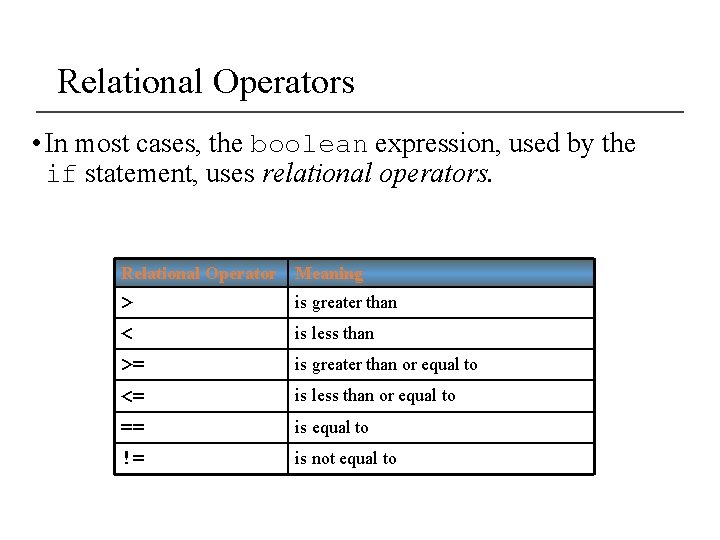
Relational Operators • In most cases, the boolean expression, used by the if statement, uses relational operators. Relational Operator Meaning > is greater than < is less than >= is greater than or equal to <= is less than or equal to == is equal to != is not equal to
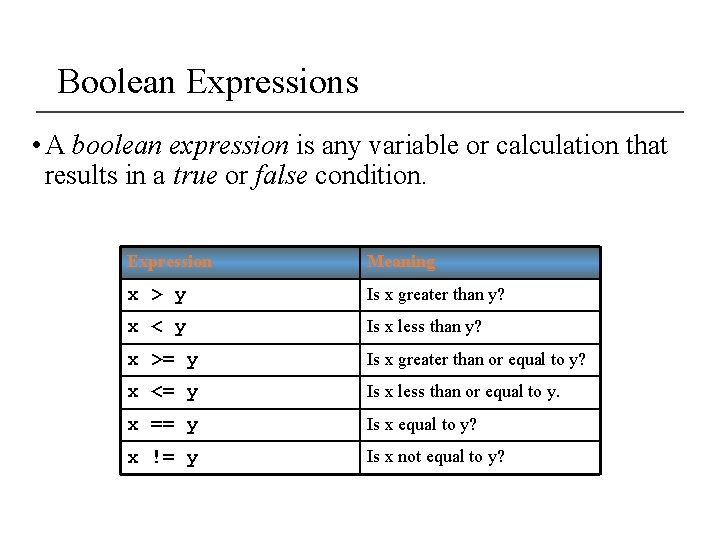
Boolean Expressions • A boolean expression is any variable or calculation that results in a true or false condition. Expression Meaning x > y Is x greater than y? x < y Is x less than y? x >= y Is x greater than or equal to y? x <= y Is x less than or equal to y. x == y Is x equal to y? x != y Is x not equal to y?
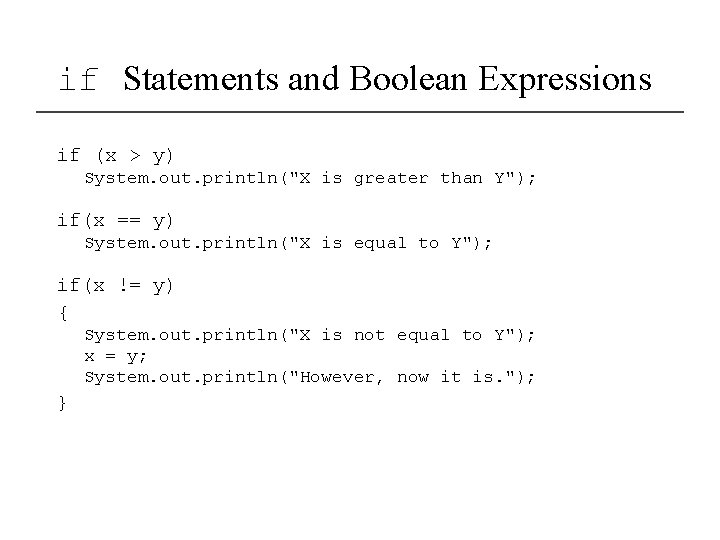
if Statements and Boolean Expressions if (x > y) System. out. println("X is greater than Y"); if(x == y) System. out. println("X is equal to Y"); if(x != y) { System. out. println("X is not equal to Y"); x = y; System. out. println("However, now it is. "); }
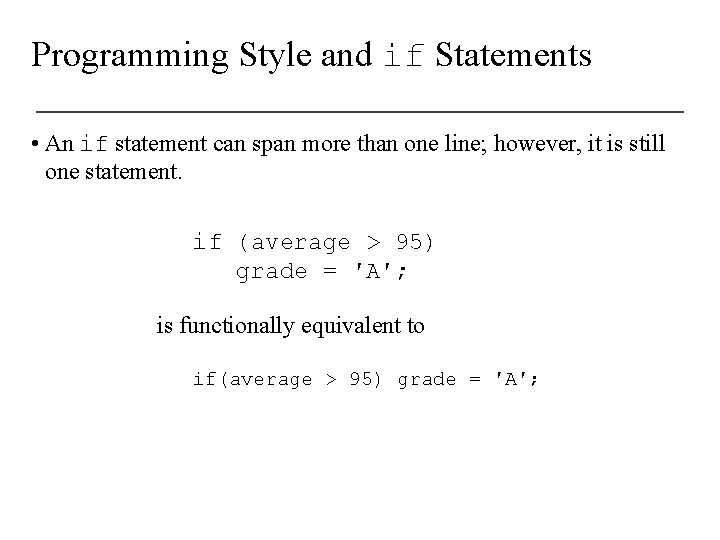
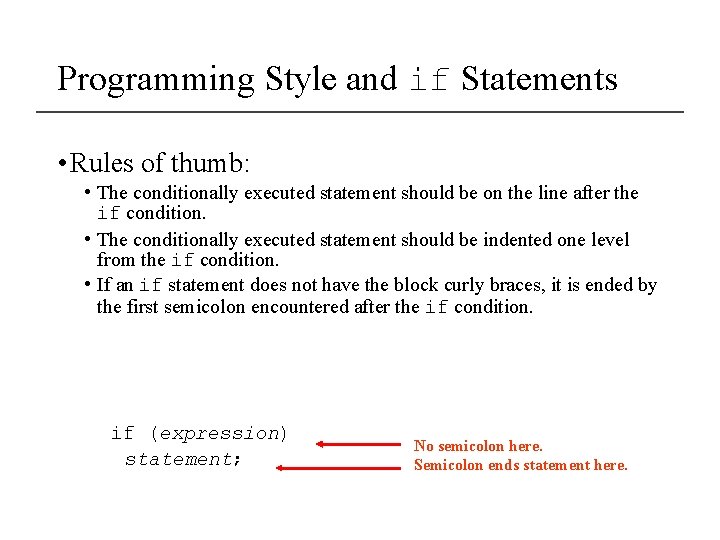
Programming Style and if Statements • An if statement can span more than one line; however, it is still one statement. if (average > 95) grade = ′A′; is functionally equivalent to if(average > 95) grade = ′A′;
Programming Style and if Statements • Rules of thumb: • The conditionally executed statement should be on the line after the if condition. • The conditionally executed statement should be indented one level from the if condition. • If an if statement does not have the block curly braces, it is ended by the first semicolon encountered after the if condition. if (expression) statement; No semicolon here. Semicolon ends statement here.
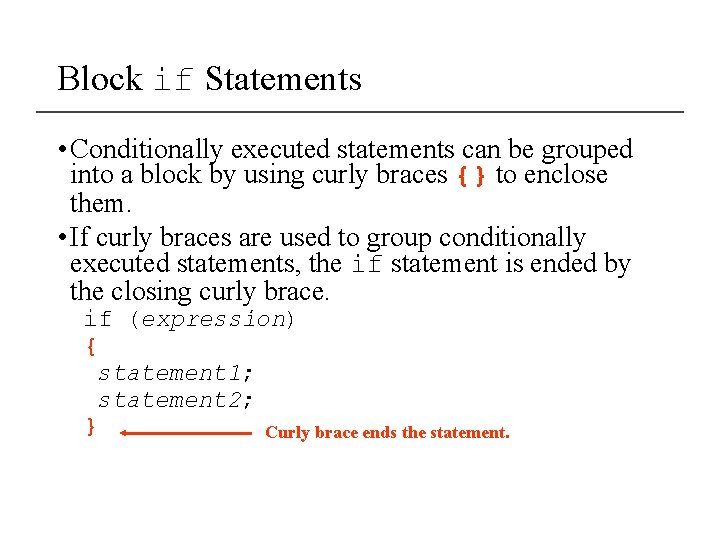
Block if Statements • Conditionally executed statements can be grouped into a block by using curly braces {} to enclose them. • If curly braces are used to group conditionally executed statements, the if statement is ended by the closing curly brace. if (expression) { statement 1; statement 2; } Curly brace ends the statement.
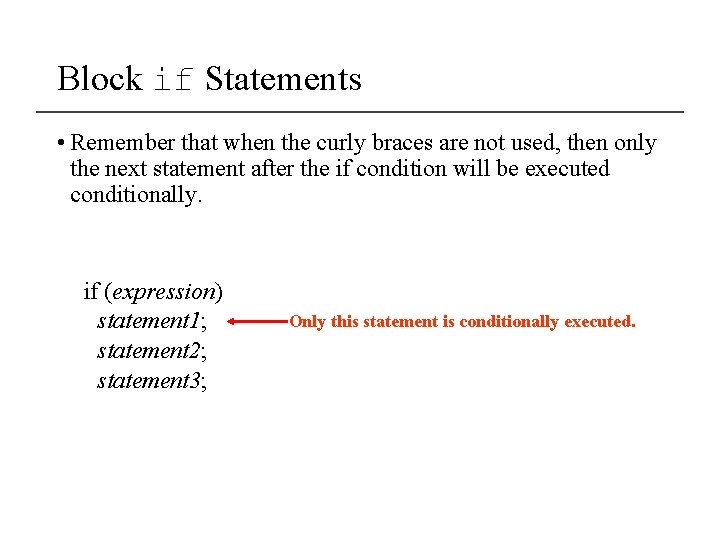
Block if Statements • Remember that when the curly braces are not used, then only the next statement after the if condition will be executed conditionally. if (expression) statement 1; statement 2; statement 3; Only this statement is conditionally executed.
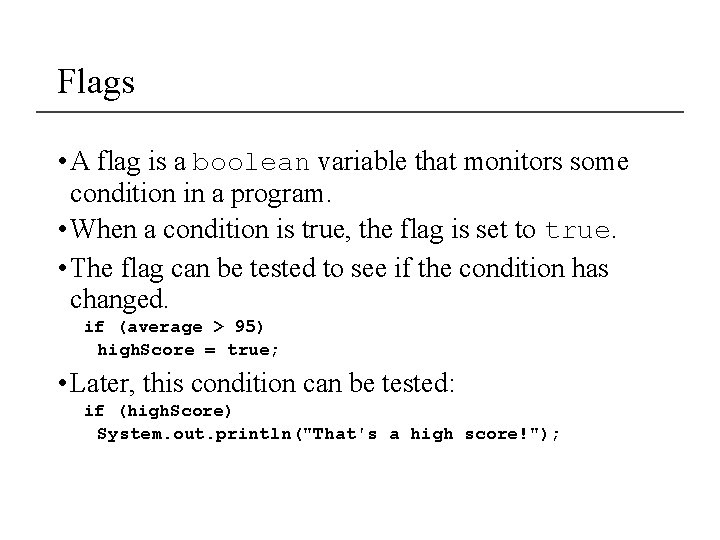
Flags • A flag is a boolean variable that monitors some condition in a program. • When a condition is true, the flag is set to true. • The flag can be tested to see if the condition has changed. if (average > 95) high. Score = true; • Later, this condition can be tested: if (high. Score) System. out. println("That′s a high score!");
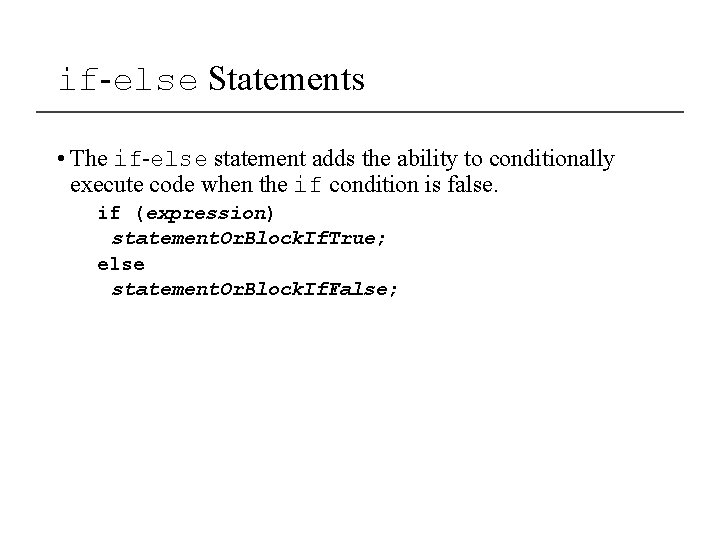
if-else Statements • The if-else statement adds the ability to conditionally execute code when the if condition is false. if (expression) statement. Or. Block. If. True; else statement. Or. Block. If. False;
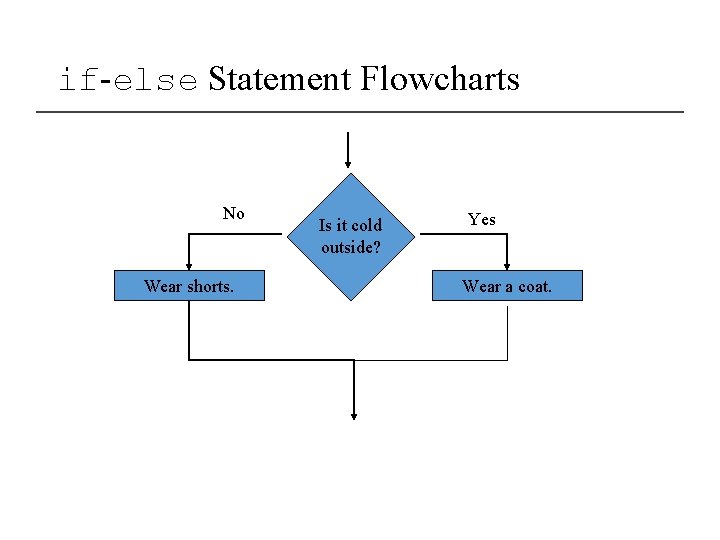
if-else Statement Flowcharts No Wear shorts. Is it cold outside? Yes Wear a coat.
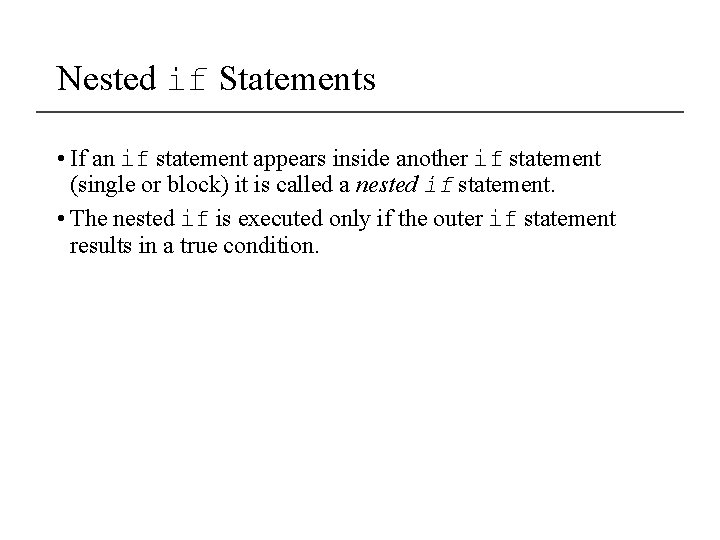
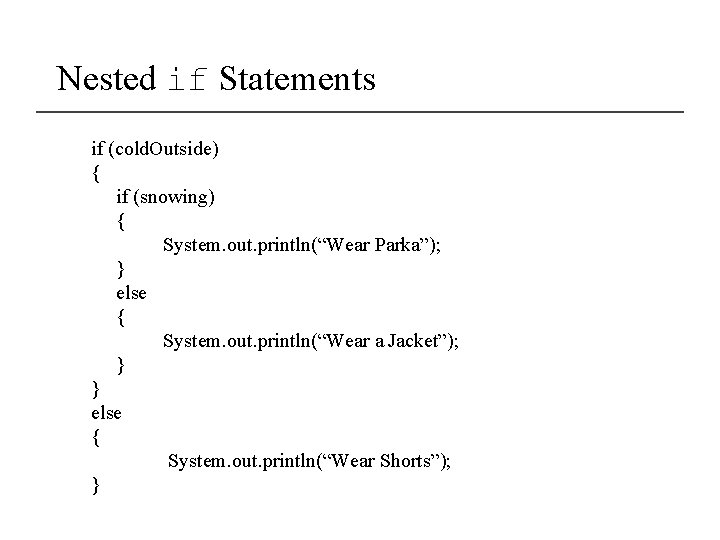
Nested if Statements • If an if statement appears inside another if statement (single or block) it is called a nested if statement. • The nested if is executed only if the outer if statement results in a true condition.
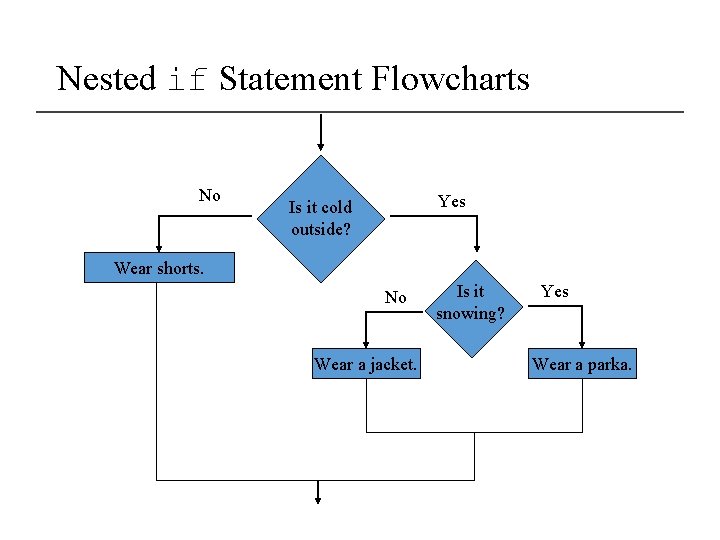
Nested if Statement Flowcharts No Yes Is it cold outside? Wear shorts. No Wear a jacket. Is it snowing? Yes Wear a parka.
Nested if Statements if (cold. Outside) { if (snowing) { System. out. println(“Wear Parka”); } else { System. out. println(“Wear a Jacket”); } } else { System. out. println(“Wear Shorts”); }
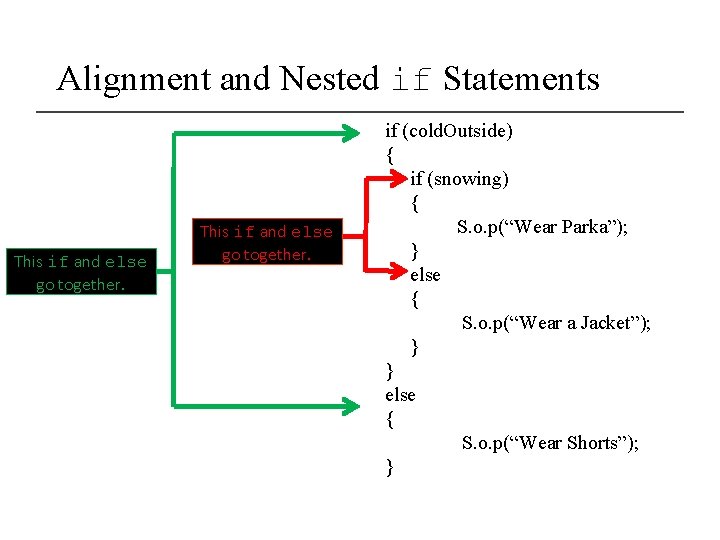
if-else Matching • Curly brace use is not required if there is only one statement to be conditionally executed. • However, sometimes curly braces can help make the program more readable. • Additionally, proper indentation makes it much easier to match up else statements with their corresponding if statement.
Alignment and Nested if Statements This if and else go together. if (cold. Outside) { if (snowing) { S. o. p(“Wear Parka”); } else { S. o. p(“Wear a Jacket”); } } else { S. o. p(“Wear Shorts”); }
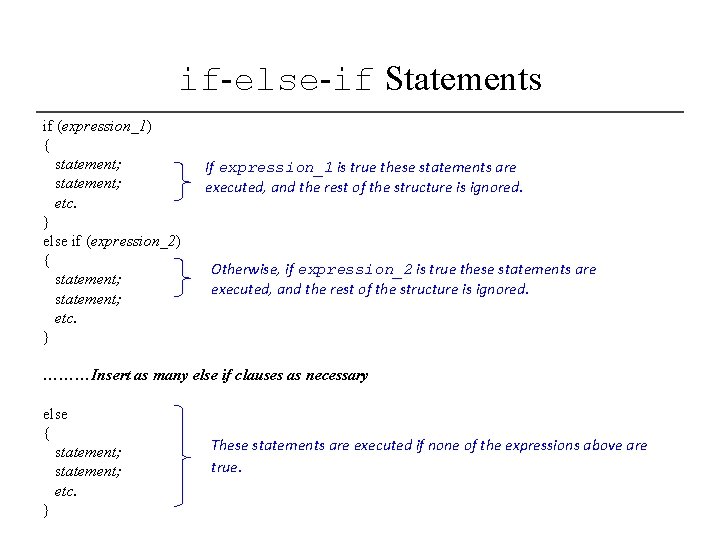
if-else-if Statements if (expression_1) { statement; etc. } else if (expression_2) { statement; etc. } If expression_1 is true these statements are executed, and the rest of the structure is ignored. Otherwise, if expression_2 is true these statements are executed, and the rest of the structure is ignored. ………Insert as many else if clauses as necessary else { statement; etc. } These statements are executed if none of the expressions above are true.
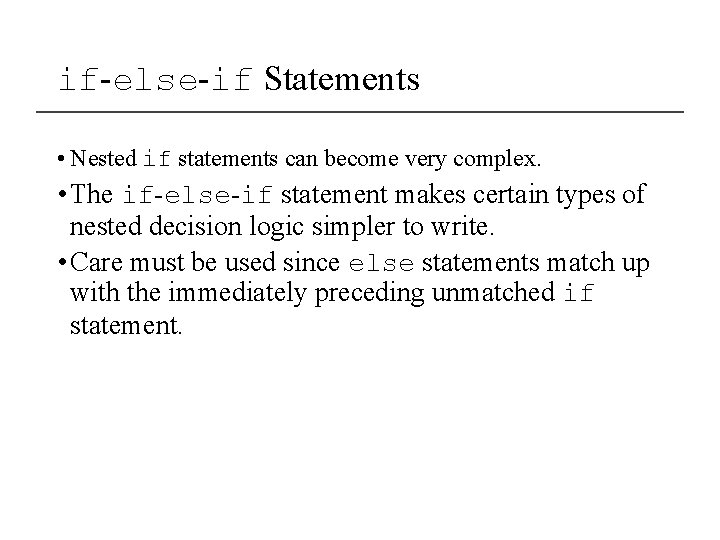
if-else-if Statements • Nested if statements can become very complex. • The if-else-if statement makes certain types of nested decision logic simpler to write. • Care must be used since else statements match up with the immediately preceding unmatched if statement.
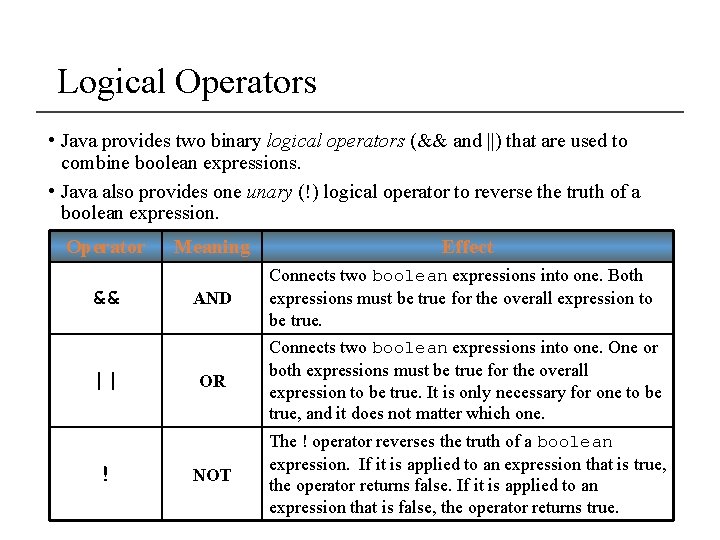
Logical Operators • Java provides two binary logical operators (&& and ||) that are used to combine boolean expressions. • Java also provides one unary (!) logical operator to reverse the truth of a boolean expression. Operator && || ! Meaning Effect AND Connects two boolean expressions into one. Both expressions must be true for the overall expression to be true. OR Connects two boolean expressions into one. One or both expressions must be true for the overall expression to be true. It is only necessary for one to be true, and it does not matter which one. NOT The ! operator reverses the truth of a boolean expression. If it is applied to an expression that is true, the operator returns false. If it is applied to an expression that is false, the operator returns true.
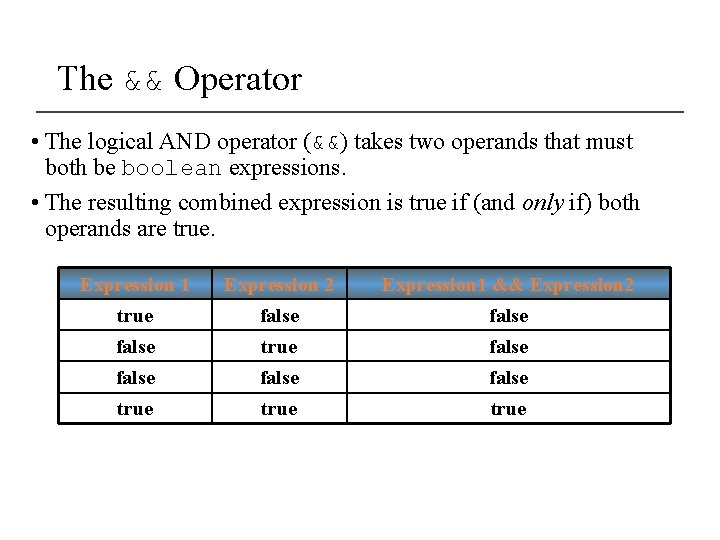
The && Operator • The logical AND operator (&&) takes two operands that must both be boolean expressions. • The resulting combined expression is true if (and only if) both operands are true. Expression 1 Expression 2 Expression 1 && Expression 2 true false false true
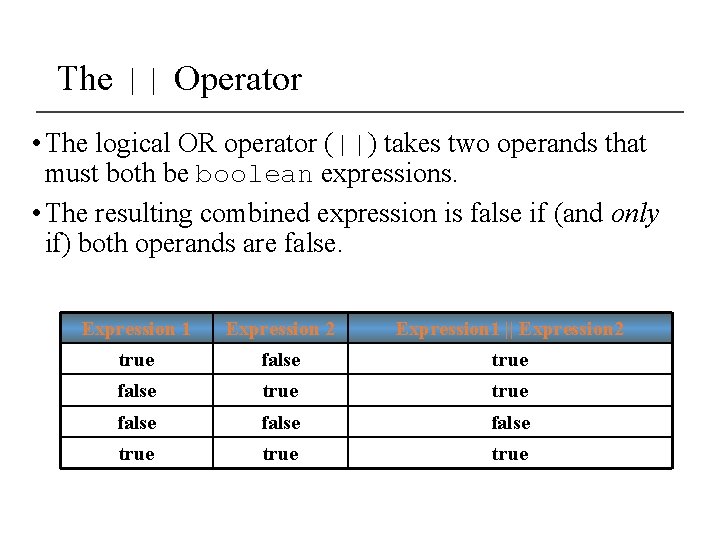
The || Operator • The logical OR operator (||) takes two operands that must both be boolean expressions. • The resulting combined expression is false if (and only if) both operands are false. Expression 1 Expression 2 Expression 1 || Expression 2 true false false true
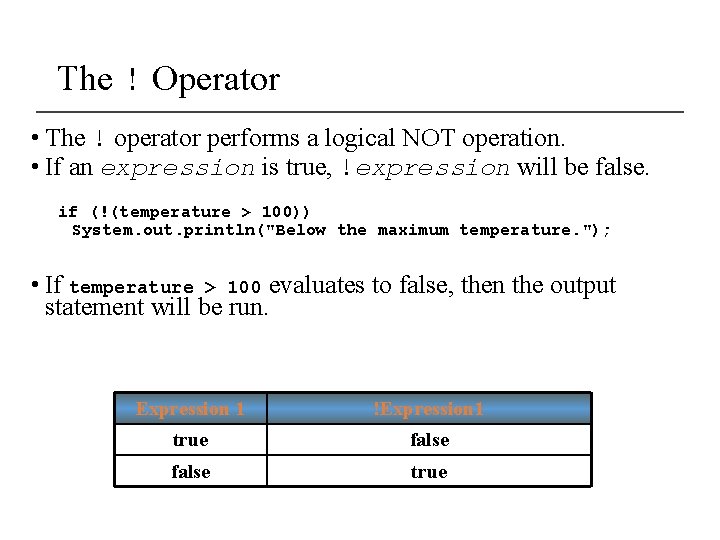
The ! Operator • The ! operator performs a logical NOT operation. • If an expression is true, !expression will be false. if (!(temperature > 100)) System. out. println("Below the maximum temperature. "); • If temperature > 100 evaluates to false, then the output statement will be run. Expression 1 !Expression 1 true false true
Short Circuiting • Logical AND and logical OR operations perform short-circuit evaluation of expressions. • Logical AND will evaluate to false as soon as it sees that one of its operands is a false expression. • Logical OR will evaluate to true as soon as it sees that one of its operands is a true expression.
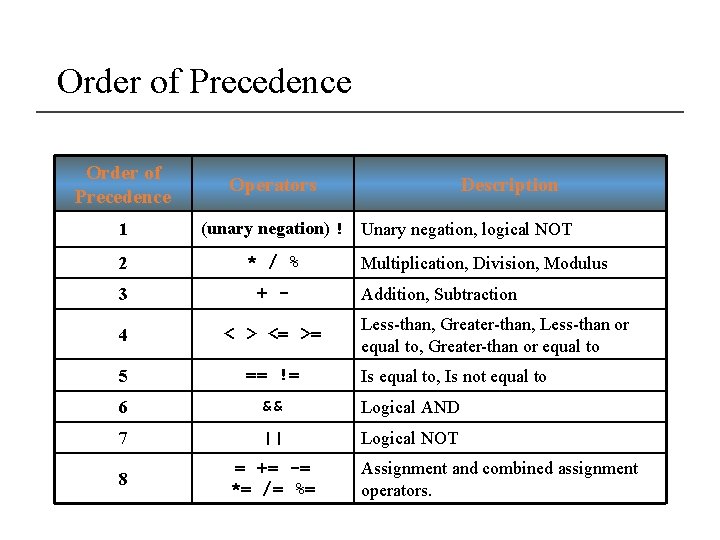
Order of Precedence • The ! operator has a higher order of precedence than the && and || operators. • The && and || operators have a lower precedence than relational operators like < and >. • Parenthesis can be used to force the precedence to be changed.
Order of Precedence 1 Operators Description (unary negation) ! Unary negation, logical NOT 2 * / % 3 + - 4 < > <= >= 5 == != 6 && Logical AND 7 || Logical NOT 8 = += -= *= /= %= Multiplication, Division, Modulus Addition, Subtraction Less-than, Greater-than, Less-than or equal to, Greater-than or equal to Is equal to, Is not equal to Assignment and combined assignment operators.
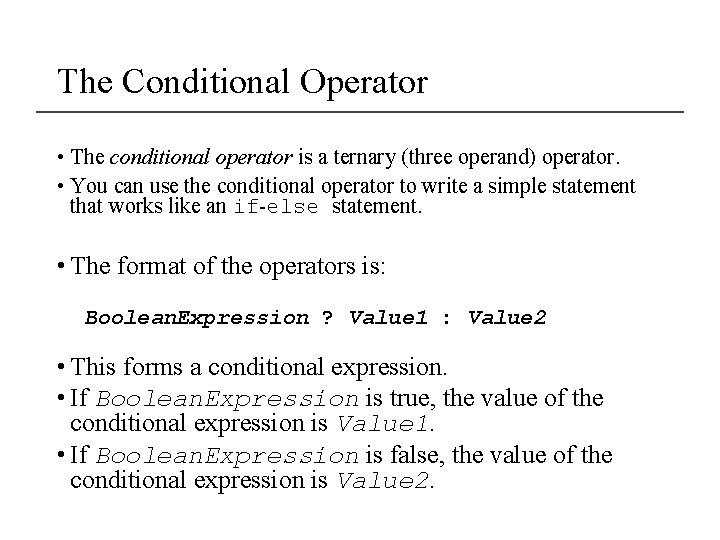
The Conditional Operator • The conditional operator is a ternary (three operand) operator. • You can use the conditional operator to write a simple statement that works like an if-else statement. • The format of the operators is: Boolean. Expression ? Value 1 : Value 2 • This forms a conditional expression. • If Boolean. Expression is true, the value of the conditional expression is Value 1. • If Boolean. Expression is false, the value of the conditional expression is Value 2.
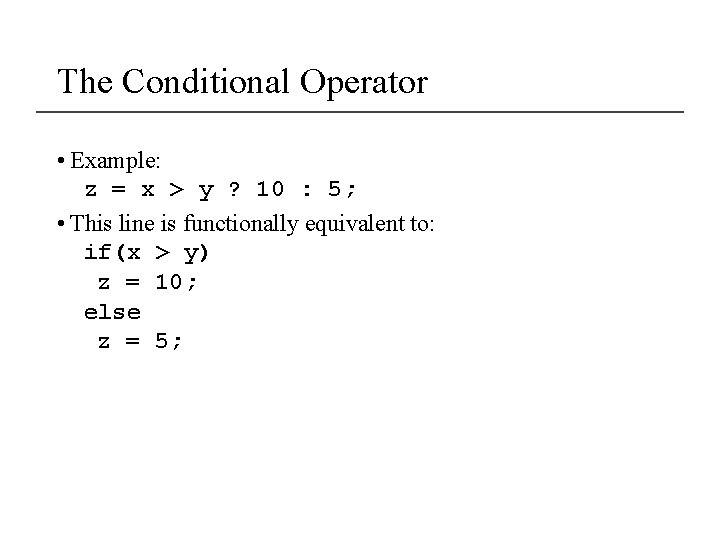
The Conditional Operator • Example: z = x > y ? 10 : 5; • This line is functionally equivalent to: if(x > y) z = 10; else z = 5;
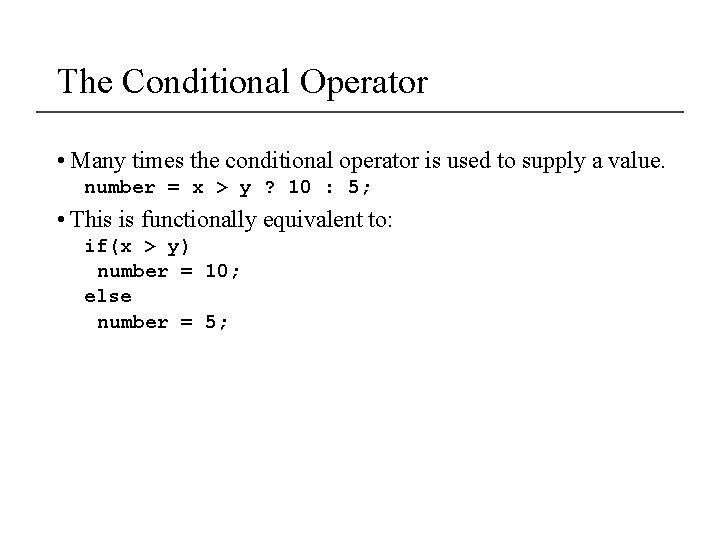
The Conditional Operator • Many times the conditional operator is used to supply a value. number = x > y ? 10 : 5; • This is functionally equivalent to: if(x > y) number = 10; else number = 5;
The switch Statement • The if-else statement allows you to make true / false branches. • The switch statement allows you to use an ordinal value to determine how a program will branch. • The switch statement can evaluate an integer type or character type variable and make decisions based on the value.
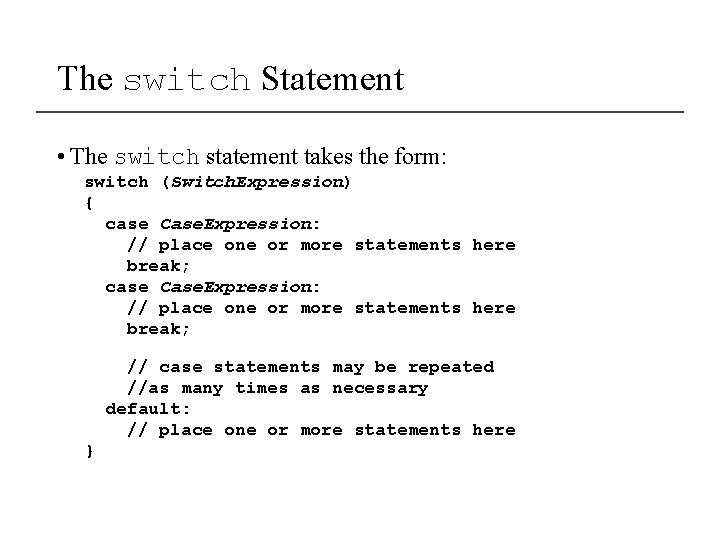
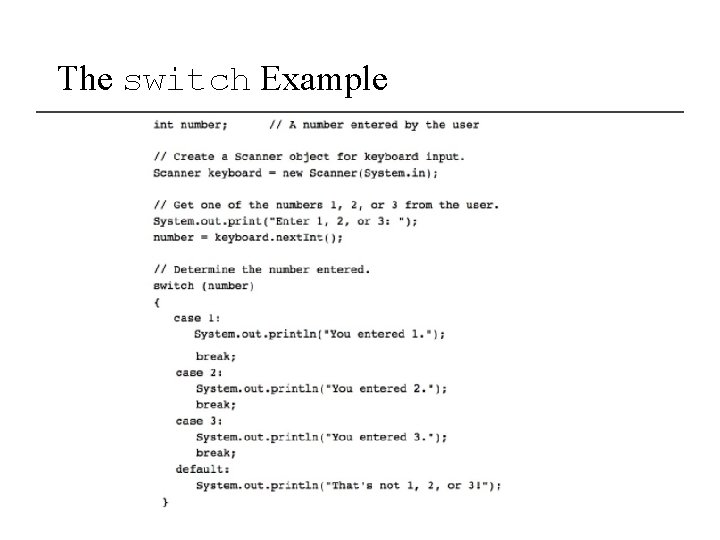
The switch Statement • The switch statement takes the form: switch (Switch. Expression) { case Case. Expression: // place one or more statements here break; // case statements may be repeated //as many times as necessary default: // place one or more statements here }
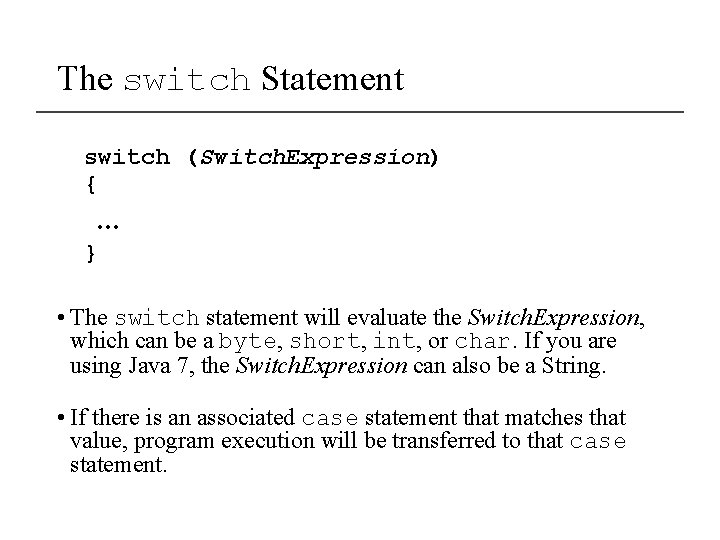
The switch Statement switch (Switch. Expression) { … } • The switch statement will evaluate the Switch. Expression, which can be a byte, short, int, or char. If you are using Java 7, the Switch. Expression can also be a String. • If there is an associated case statement that matches that value, program execution will be transferred to that case statement.
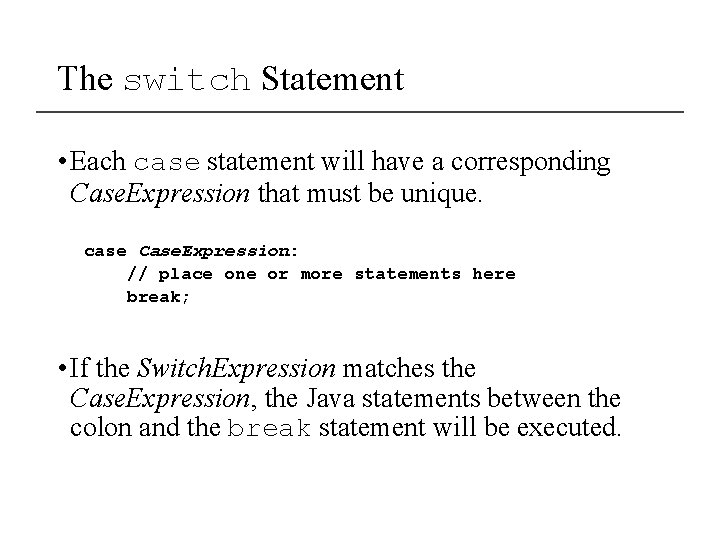
The switch Statement • Each case statement will have a corresponding Case. Expression that must be unique. case Case. Expression: // place one or more statements here break; • If the Switch. Expression matches the Case. Expression, the Java statements between the colon and the break statement will be executed.
The case Statement • The break statement ends the case statement. • The break statement is optional. • If a case does not contain a break, then program execution continues into the next case. • The default section is optional and will be executed if no Case. Expression matches the Switch. Expression.
The switch Example