
CS 120 The Information Era Chapter 4 More
- Slides: 7
CS 120 The Information Era Chapter 4 – More HTML Specifics TOPICS: Frames 3/28/05 CS 120 The Information Era 1
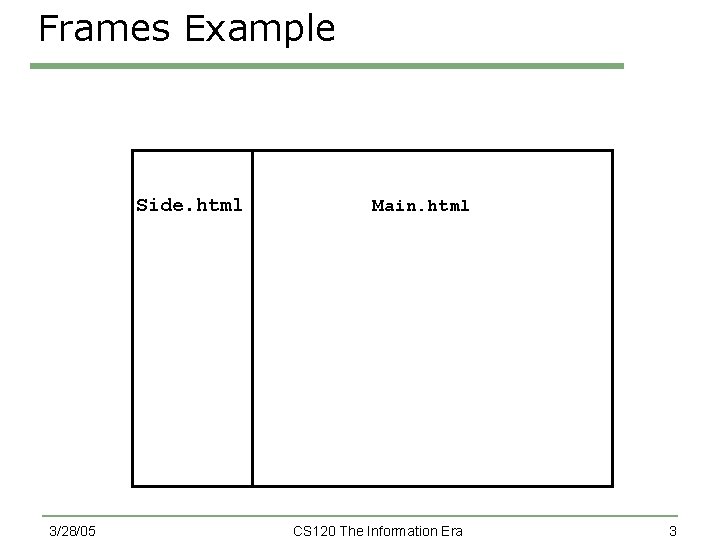
Frames · When you build a large web site, you need to start thinking about how your readers are going to navigate your web site · You can make the navigation of your site by using HTML frames · A frame allows you to partition a web page into several sections so that you can display a different file in each section 3/28/05 CS 120 The Information Era 2
Frames Example Side. html 3/28/05 Main. html CS 120 The Information Era 3
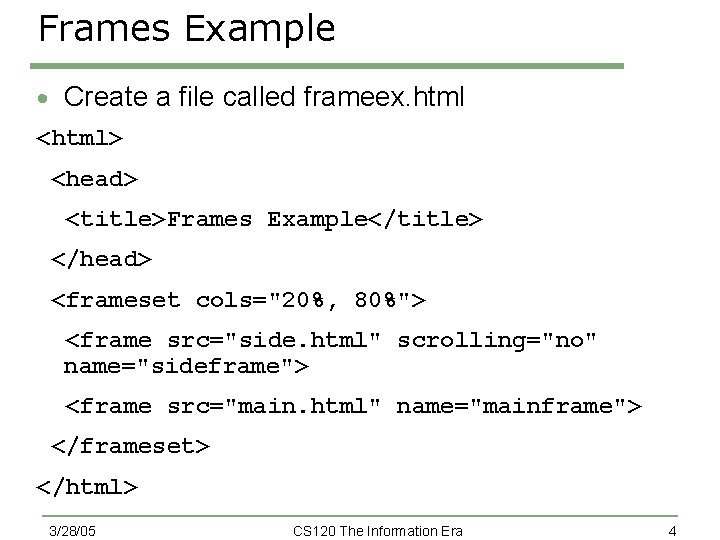
Frames Example · Create a file called frameex. html <html> <head> <title>Frames Example</title> </head> <frameset cols="20%, 80%"> <frame src="side. html" scrolling="no" name="sideframe"> <frame src="main. html" name="mainframe"> </frameset> </html> 3/28/05 CS 120 The Information Era 4
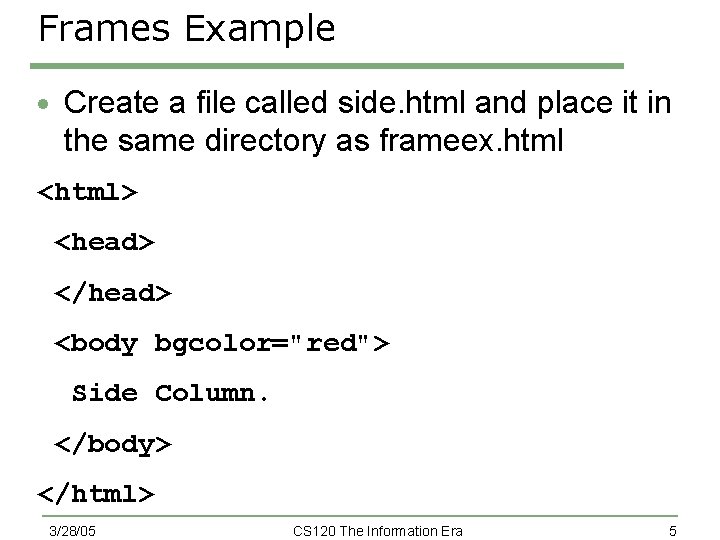
Frames Example · Create a file called side. html and place it in the same directory as frameex. html <html> <head> </head> <body bgcolor="red"> Side Column. </body> </html> 3/28/05 CS 120 The Information Era 5
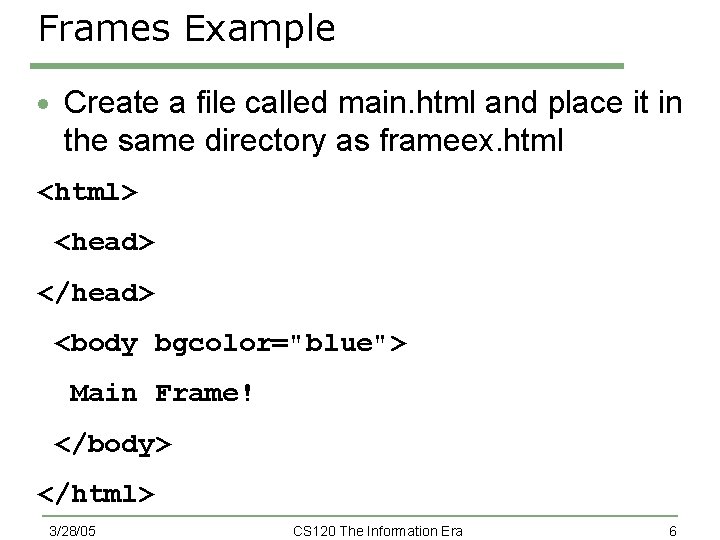
Frames Example · Create a file called main. html and place it in the same directory as frameex. html <html> <head> </head> <body bgcolor="blue"> Main Frame! </body> </html> 3/28/05 CS 120 The Information Era 6
Your Turn · Create a webpage that has a frame on the left hand side containing links to your favorite sites · When the user clicks on the link, the page should appear in the frame on the right o Hint: use the target attribute in the <a href> tag 3/28/05 CS 120 The Information Era 7