
CS 115 Introduction Fundamentals of computer science computers





- Slides: 29
CS 115 Introduction Fundamentals of computer science, computers and programming Taken from notes by Dr. Neil Moore
What is programming? CS 115 is titled “Introduction to Programming”. What is that? • Telling a computer what to do? • But every time I click on a button or press a key, I am telling the computer what to do. • That’s not quite what we mean by programming. • We mean writing computer programs. • Back up a second – what is a “program” outside of computing? • a TV show is called a program • a concert has a program – what is going to happen when, in what order • A program is a sequence of instructions telling a computer how to do something. • You plan out the steps in advance for how to solve a kind of problem • Then we have the computer execute (follow) the steps – the program.
What is computer science? So what is computer science, and how does it differ from programming? • the “study of computers”? • “Computer science is no more about computers than astronomy is about telescopes. ” – attributed to Edsgar Dijkstra • Astronomers DO study telescopes but that is not ALL that they study, and they study them because they are tools to help them learn more about the universe. • Questions about computation came up long before computers. • It used to be people following the step-by-step instructions. • They used tools like an abacus, a slide rule, pencil and paper, … • What did we call those people? • “Computers” ! • When you do long division or sort a list of items, you are computing.
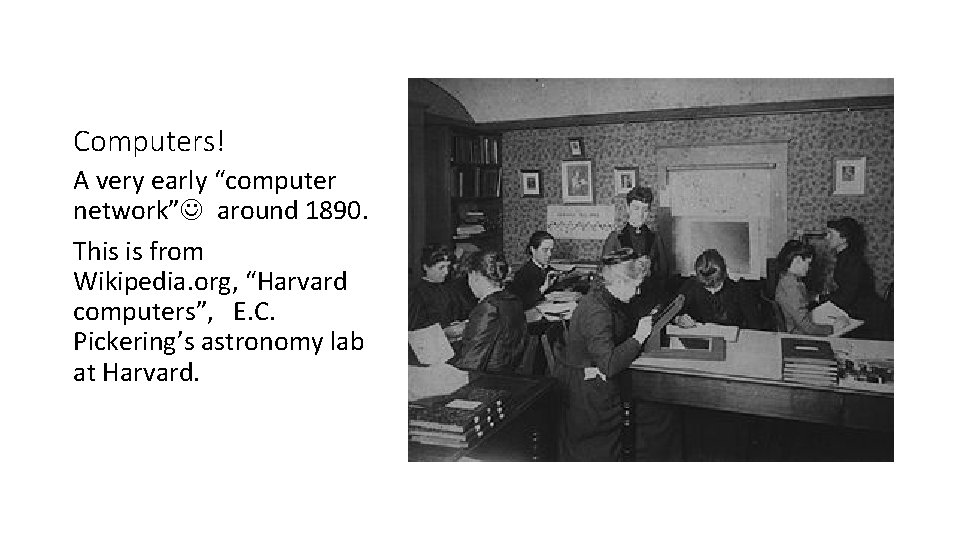
Computers! A very early “computer network” around 1890. This is from Wikipedia. org, “Harvard computers”, E. C. Pickering’s astronomy lab at Harvard.
What is computer science? • Computer science is the study of: • What can be computed using step-by-step procedures, “algorithms”. “decidability”, “halting problem”, “complexity” • How best to specify these procedures Notations and Programming languages • How to tell if a procedure is correct, efficient, optimal, etc. verification of programs, debugging, testing, analysis of algorithms • How to design procedures to solve real-world problems. Software engineering, structured programming paradigm, object-oriented design
Algorithms = Designs “Step-by-step procedure” is called: an algorithm or a design. • These are the steps to solve a problem. • Recipes, how to assemble a kit, GPS directions, long division • Steps can be described in English or other natural languages, or flowcharts or maps or drawings or programming languages • In programming, a design is written in pseudocode. • ordered (sometimes numbered) steps in English • not the same as coding; instead, an abstract view of what needs to be done • Figure out what you’re going to do before you start doing it! • We’ll start with a non-computer example.
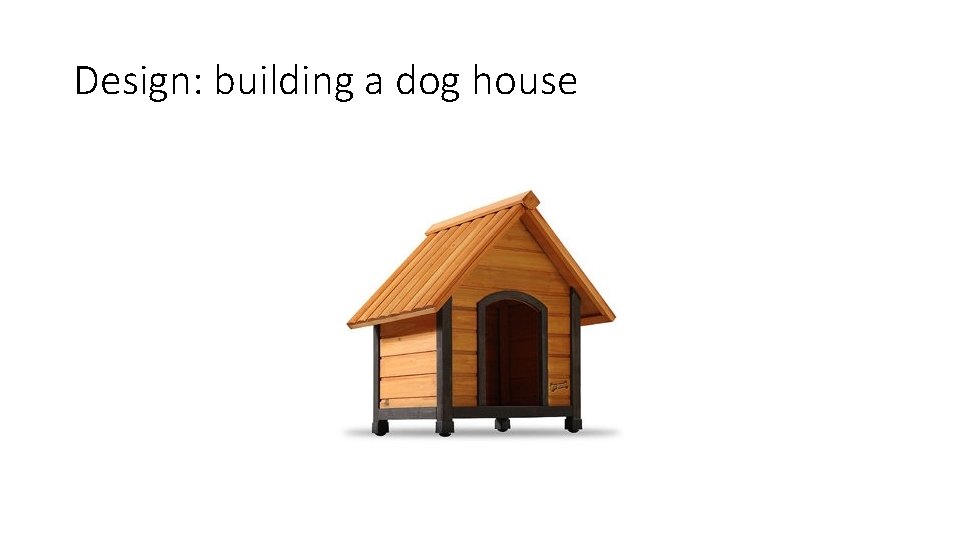
Design: building a dog house
Design: building a dog house • Let’s say we want to build a dog house. What steps do we need to take? 1. Decide on a location and a size for the doghouse. 2. Get materials for the house. 3. Cut a piece for the floor. 4. Cut shapes for the four walls. 5. Cut a door into one wall. 6. Attach walls to the floor. 7. Make roof. 8. Attach roof to walls. 9. Paint the outside.
Notes on the Design • Steps are numbered in the order they should be performed. • If I try cutting the door after attaching the walls to the floor, it will be difficult. • We ask you to number your steps for the first few designs in this class. • Some steps could be further divided: • “Get materials”: what materials? Where? Do we need a budget? • “Make roof”: cut some wood at an angle, nail together, add shingles • “Cut shapes for four walls”: a step that is repeated 4 times • Could go into more detail: how big is a wall? The door? What units? • Designs can go through several versions, each more ‘refined’ than the last
Design for dog house, refined 1. 2. 3. 4. 5. 6. 7. 8. 9. Decide on a location and size for the doghouse. Get materials for the house. 1. 2. 3. Get lumber. Get paint. Get nails. Cut a piece of wood for the floor. Repeat four times: 1. Cut a piece of wood for a wall. Cut a door into one wall. Attach walls to the floor. Make roof. 1. 2. 3. Cut two pieces of wood. Join the pieces at a 90 degree angle. Nail the pieces together. Attach roof to walls. Paint the outside of the walls.
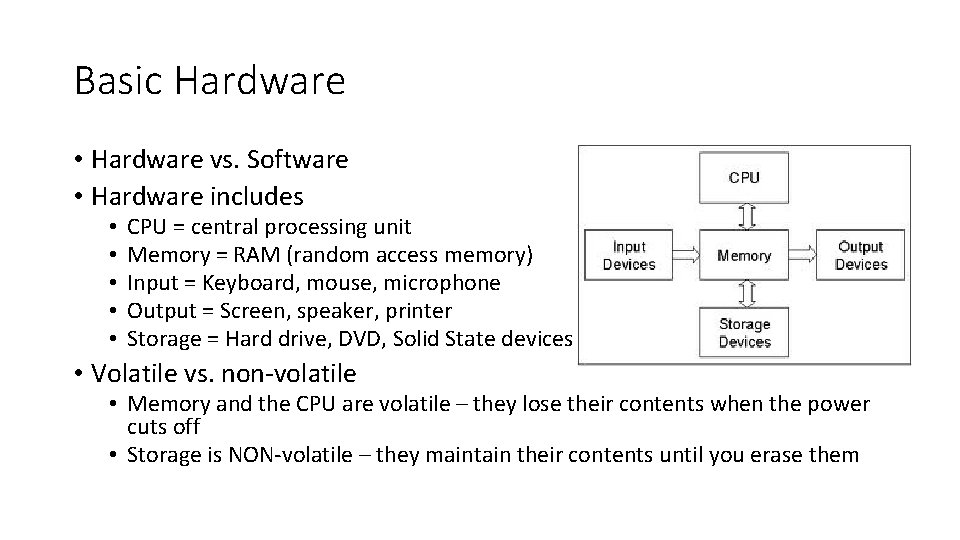
Basic Hardware • Hardware vs. Software • Hardware includes • • • CPU = central processing unit Memory = RAM (random access memory) Input = Keyboard, mouse, microphone Output = Screen, speaker, printer Storage = Hard drive, DVD, Solid State devices • Volatile vs. non-volatile • Memory and the CPU are volatile – they lose their contents when the power cuts off • Storage is NON-volatile – they maintain their contents until you erase them
Parts of a computer • RAM: the computer’s “working memory” • “Random Access Memory” • Made up of circuits (each one a word) that each hold one number • • • Numbers are represented in binary Volatile: information is lost when the power goes off. Fast devices to access (retrieve or write to), in nanoseconds Relatively expensive part of the computer Von Neumann architecture: CPU reads instructions and data from RAM. • Secondary storage: hard drives, flash drives, DVDs, … • • Persistent: data can be stored for hours, days, years or decades Slow (microseconds or milliseconds: less than 1/1000 th the speed of RAM) Relatively cheap part of the computer Data and instructions must be transferred from secondary storage to RAM before the CPU can use them (Von Neumann architecture again)
Parts of a modern computer • CPU: Central Processing Unit. • • • Reads instructions from RAM Executes (carries them out) in order Instructions are simple: add numbers, is-equal, skip to another instruction Works with speeds as fast as RAM (nanoseconds) Relatively expensive component of a computer • Peripherals • Input devices bring data in to RAM from the outside world • Output devices take data out from RAM to the outside world
Computer numbers • RAM consists of circuits that each can store a single binary digit = 1 bit, usually written as 0 or 1 • Computers use binary numbers: the place values are powers of two • Place values: 1, 2, 4, 8 , 16, 32, 64, 128, 256, 512, 1024, 2048, … • Bits are combined into bytes, in modern usage 8 bits for each byte. • One byte can represent a number from 0 to 255 • Or a single character in ASCII code.
Computer capacity or speed units • It’s pretty inconvenient to throw around very large numbers when talking about the capacity of a hard drive or SD card or the speed of a download (numbers of bytes), so larger units were created • Kilobyte (k. B): 210 = 1024 bytes (roughly a page of text) • Megabyte (MB): 220 = 1024 k. B or 1024 * 1024 bytes, which is approximately one million bytes (like a 1000 -page book) • A song in MP 3 format might take 3 or 4 MB. • Gigabyte (GB): 230 = 1024 MB = 1024 * 1024 bytes, which is approximately 1 billion bytes (like 1000 of those books, a library!) • A DVD is about 4. 7 GB in capacity, a Blu-Ray might be 17 GB. • A modern personal computer might have 16 GB of RAM. • Terabyte (TB): 240 = 1024 * 1024 bytes (1024 GB, a large library) • A modern hard drive might contain 1 to 2 TB of storage.
Programming languages Computer programming is the process of translating an algorithm into instructions that a computer can understand. • A programming language is a formal constructed language designed to communicate instructions to a computer. • There are thousands of programming languages in existence, dozens or hundreds of which are still in regular use. • A professional programmer usually knows several. They can choose the right tool (language) for each job. • In CS 115 we’ll learn to write programs in Python, a high-level interpreted programming language. Python was created by Guido van Rossum.
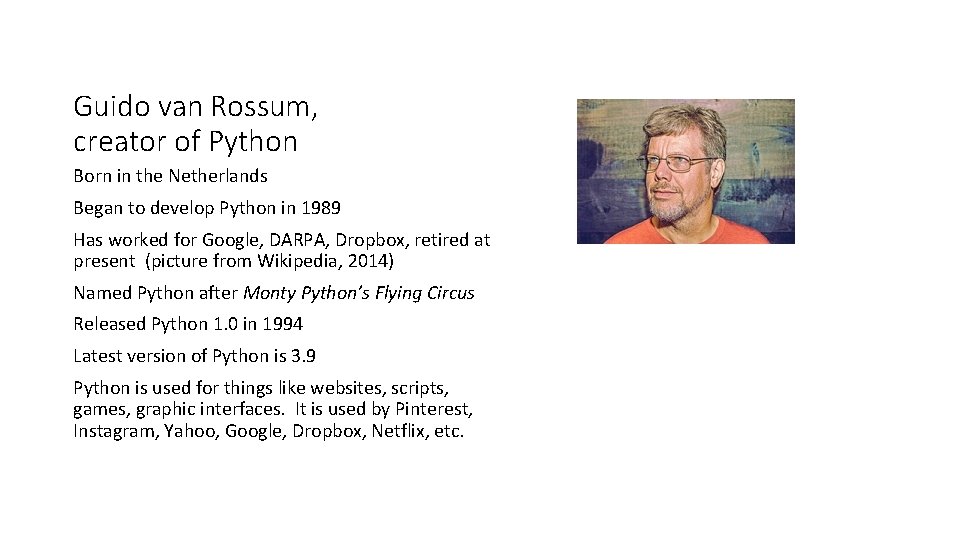
Guido van Rossum, creator of Python Born in the Netherlands Began to develop Python in 1989 Has worked for Google, DARPA, Dropbox, retired at present (picture from Wikipedia, 2014) Named Python after Monty Python’s Flying Circus Released Python 1. 0 in 1994 Latest version of Python is 3. 9 Python is used for things like websites, scripts, games, graphic interfaces. It is used by Pinterest, Instagram, Yahoo, Google, Dropbox, Netflix, etc.
Programming languages have syntax and semantics In a given programming language: • Syntax are the rules that say what programs look like, how the statements in the language are formed • Spelling of keywords • Punctuation • Order and combination of words (grammar) • Semantics are the rules that say what the programs mean: • What does the computer do when it executes this statement? • When you combine these statements, what happens inside the computer?
Interpreters and Compilers In All cases, the computer still only understands machine code. So if we write in a high-level language, we have to have it translated into machine code. Generally there are two ways to do this: an interpreter or a compiler. • Interpreter: translates the statements and executes the statements in order +plus: Easy to change your program – you edit it, then run it again. -minus: The statements must be translated each time: this makes it slow. -minus: Users of the program must have a copy of the interpreter for themselves. - Examples of interpreted languages: Python, Java. Script, Perl.
Compilers • Compiler: translates statements in a language into machine code. • Without executing it! -minus: Changing a program requires another step – after editing it, you have to compile before you run. +plus: Compile once, execute many times, no repeated translation needed, so it runs faster +plus: The machine code is run directly by the Operating System. You do not need to have the compiler on the machine at all. • Examples: C++, FORTRAN, Haskell. • Some languages combine features of both: Java is compiled into an intermediate byte code and then interpreted.
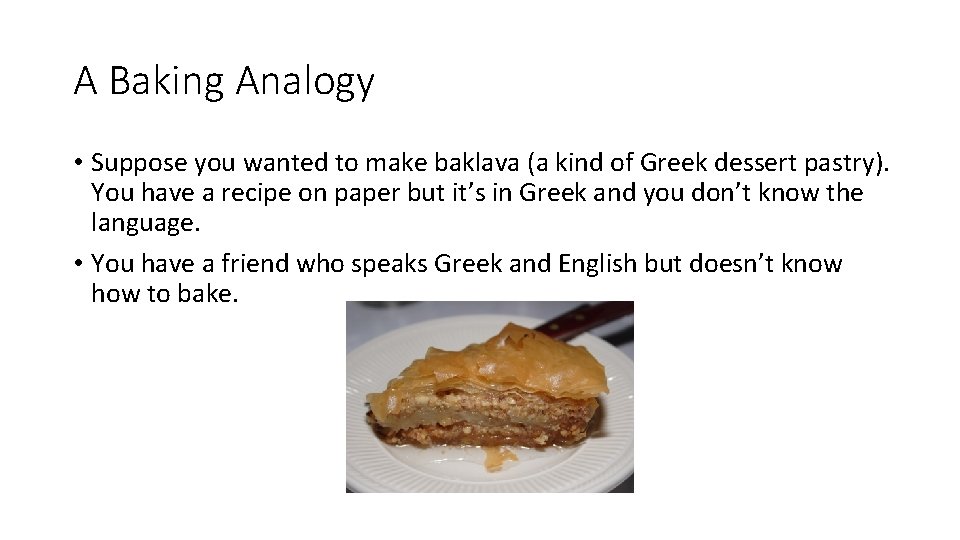
A Baking Analogy • Suppose you wanted to make baklava (a kind of Greek dessert pastry). You have a recipe on paper but it’s in Greek and you don’t know the language. • You have a friend who speaks Greek and English but doesn’t know how to bake.
A Baking Analogy • What do you do? • Two options: 1. Have your friend stand with you in the kitchen, reading the recipe (in Greek) and telling you the instructions one at a time in English. Your friend is acting as an interpreter. 2. Give your friend the recipe and ask them to translate it from Greek into English and write it down. Your friend is acting as a compiler. You can get started quicker with the interpreter, but you will need your friend in the kitchen every single time. It takes a bit more time at the beginning for the compiler, but once your friend has done their job, you don’t need them any more – you have the recipe written in English.
Programming environment and tools What do you need to write programs in Python? • An interpreter to translate and execute your program • A text editor for writing and changing your source code • Notepad is possibly useful but not really suited to programming • More advanced editors can: • • • Automatically indent the code Color code to clarify its meaning Jump from variable name to its definition Jump from function call to its definition Much more…
Programming environment and tools • A debugger to help find and repair bugs • • Pauses execution at a given line Steps through code line by line. Inspects the values of variables Shows the sequence of function calls being done • These are just some of the tools used by professional programmers. • When programming was a new activity, programmers used the command line a lot – each tool was run by a command, in a certain order: first edit, then compile, then run, then edit, then compile… • When Graphical User Interfaces (GUIs) became available, programmers started using them to “hold all their tools together”.
Integrated development environments • An IDE (integrated development environment) combines several programming tools together into one cohesive program. • Some IDEs for Python: • IDLE comes with Python – it’s installed when Python is. • Wing. IDE is recommended for this class – it’s free, more professional looking and less likely to crash. • Py. Script, Py. Charm, Spyder are a couple other IDEs that you can find for free. • Demonstrations will use Wing. IDE. • Debugging and other topics in a few weeks.
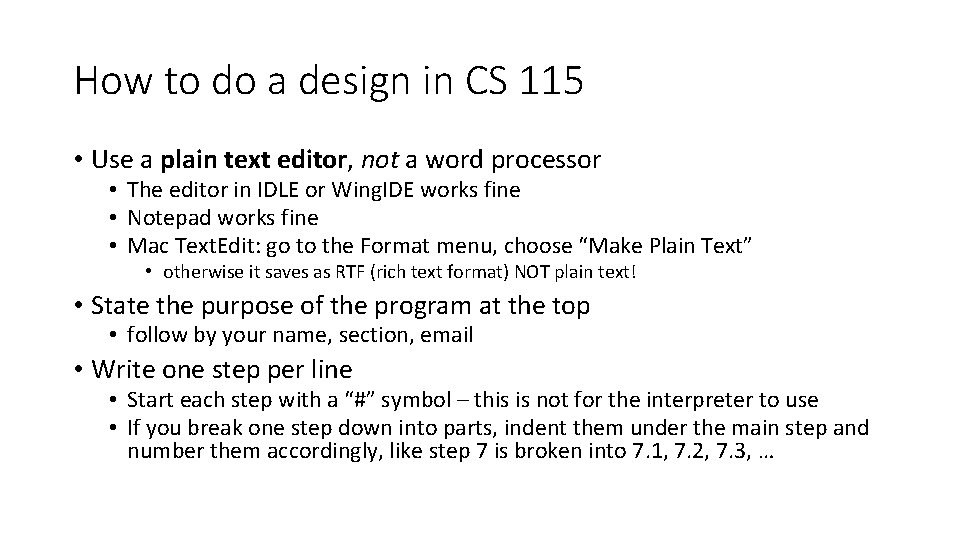
How to do a design in CS 115 • Use a plain text editor, not a word processor • The editor in IDLE or Wing. IDE works fine • Notepad works fine • Mac Text. Edit: go to the Format menu, choose “Make Plain Text” • otherwise it saves as RTF (rich text format) NOT plain text! • State the purpose of the program at the top • follow by your name, section, email • Write one step per line • Start each step with a “#” symbol – this is not for the interpreter to use • If you break one step down into parts, indent them under the main step and number them accordingly, like step 7 is broken into 7. 1, 7. 2, 7. 3, …
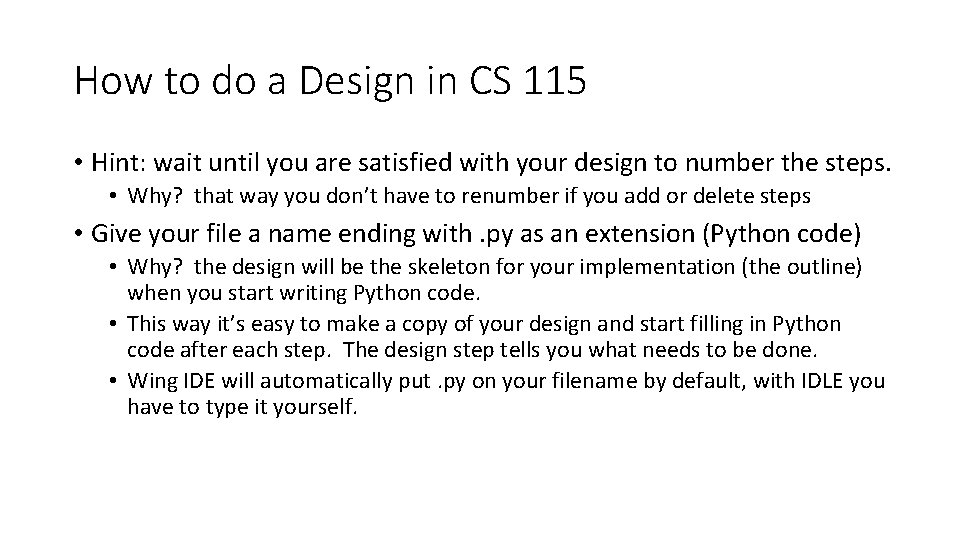
How to do a Design in CS 115 • Hint: wait until you are satisfied with your design to number the steps. • Why? that way you don’t have to renumber if you add or delete steps • Give your file a name ending with. py as an extension (Python code) • Why? the design will be the skeleton for your implementation (the outline) when you start writing Python code. • This way it’s easy to make a copy of your design and start filling in Python code after each step. The design step tells you what needs to be done. • Wing IDE will automatically put. py on your filename by default, with IDLE you have to type it yourself.
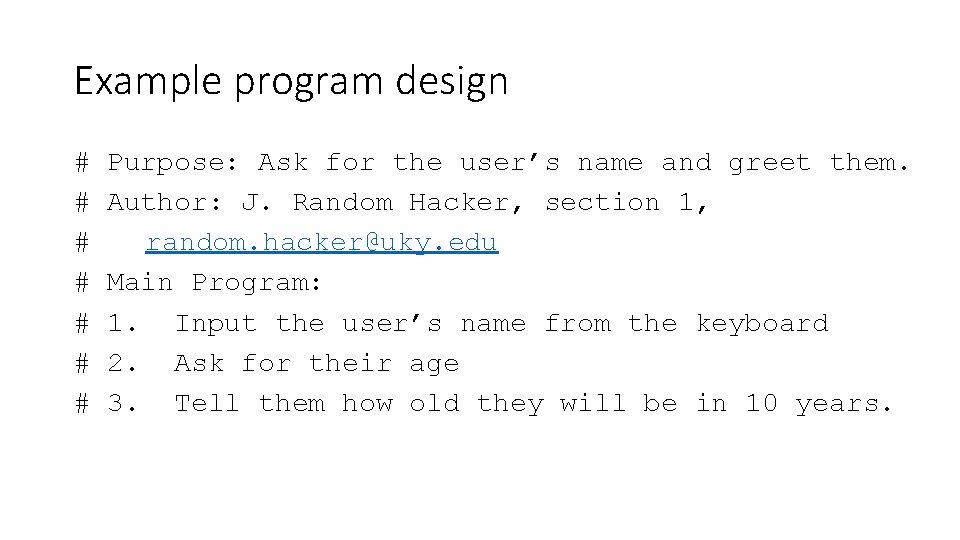
Example program design # # # # Purpose: Ask for the user’s name and greet them. Author: J. Random Hacker, section 1, random. hacker@uky. edu Main Program: 1. Input the user’s name from the keyboard 2. Ask for their age 3. Tell them how old they will be in 10 years.
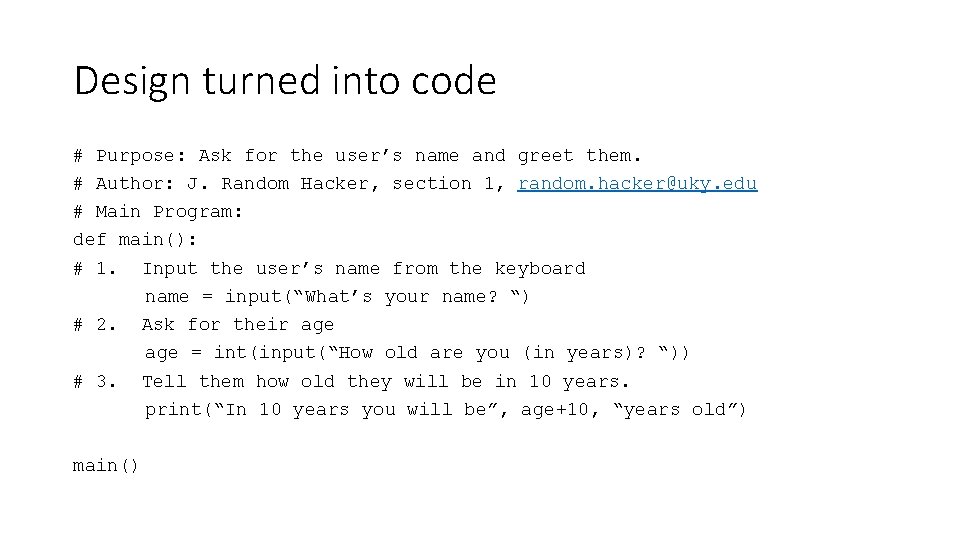
Design turned into code # Purpose: Ask for the user’s name and greet them. # Author: J. Random Hacker, section 1, random. hacker@uky. edu # Main Program: def main(): # 1. Input the user’s name from the keyboard name = input(“What’s your name? “) # 2. Ask for their age = int(input(“How old are you (in years)? “)) # 3. Tell them how old they will be in 10 years. print(“In 10 years you will be”, age+10, “years old”) main()