
CS 106 A Lecture 25 Life After CS
![Pulling Back The Covers public static void main(String[] args) { My. Program program =](https://slidetodoc.com/presentation_image/93b88fc8a2e62175480bebd4e5bef867/image-10.jpg "Pulling Back The Covers public static void main(String[] args) { My. Program program =")
![A Barebones Java Program public class Hello { public static void main(String[] args) {](https://slidetodoc.com/presentation_image/93b88fc8a2e62175480bebd4e5bef867/image-11.jpg "A Barebones Java Program public class Hello { public static void main(String[] args) {")
![Java console input public class Age { public static void main(String[] args) { Scanner](https://slidetodoc.com/presentation_image/93b88fc8a2e62175480bebd4e5bef867/image-14.jpg "Java console input public class Age { public static void main(String[] args) { Scanner")
![Python evens = [] for i in range(100): if i % 2 == 0:](https://slidetodoc.com/presentation_image/93b88fc8a2e62175480bebd4e5bef867/image-24.jpg "Python evens = [] for i in range(100): if i % 2 == 0:")
![Javascript var evens = [] for(var i = 0; i < 100; i++) {](https://slidetodoc.com/presentation_image/93b88fc8a2e62175480bebd4e5bef867/image-25.jpg "Javascript var evens = [] for(var i = 0; i < 100; i++) {")
- Slides: 41
CS 106 A, Lecture 25 Life After CS 106 A, Part 1 This document is copyright (C) Stanford Computer Science and Marty Stepp, licensed under Creative Commons Attribution 2. 5 License. All rights reserved. Based on slides created by Keith Schwarz, Mehran Sahami, Eric Roberts, Stuart Reges, and others.
Plan for today • Announcements • Life after the ACM Libraries • Life after Java • Life after PC programs –Internet applications –Mobile applications Tomorrow: Intro to Machine Learning! 2
CS 106 A Lunches! • Wednesday, 8/16 • Thursday, 8/17 (no lecture those days) 3
Anonymous Questions • What is your music taste? • How did you know you wanted to pursue CS? • What was your first code for? 4
Plan for today • Announcements • Life after the ACM Libraries • Life after Java • Life after PC programs –Internet applications –Mobile applications 5
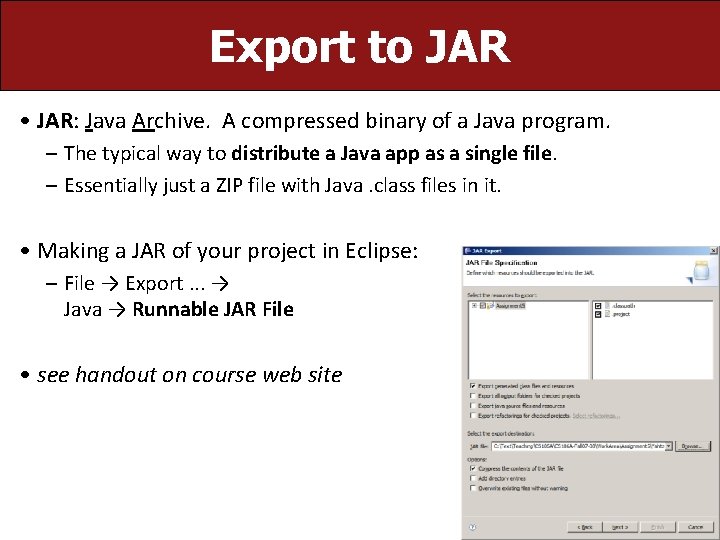
Export to JAR • JAR: Java Archive. A compressed binary of a Java program. – The typical way to distribute a Java app as a single file. – Essentially just a ZIP file with Java. class files in it. • Making a JAR of your project in Eclipse: – File → Export. . . → Java → Runnable JAR File • see handout on course web site 6
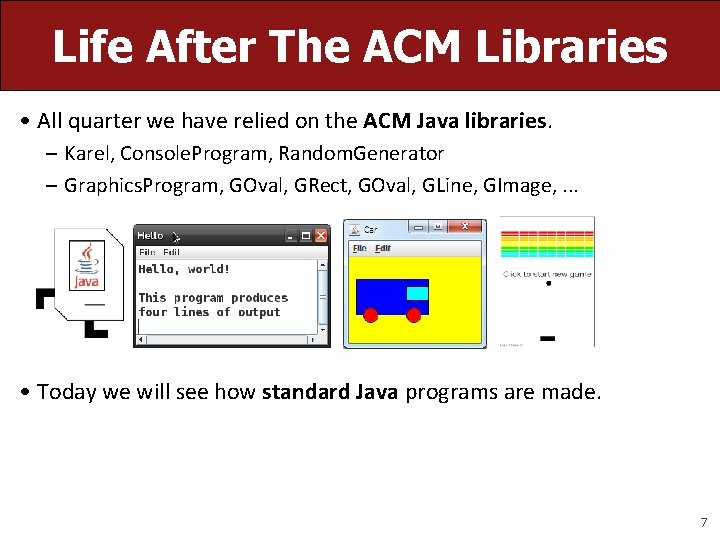
Life After The ACM Libraries • All quarter we have relied on the ACM Java libraries. – Karel, Console. Program, Random. Generator – Graphics. Program, GOval, GRect, GOval, GLine, GImage, . . . • Today we will see how standard Java programs are made. 7
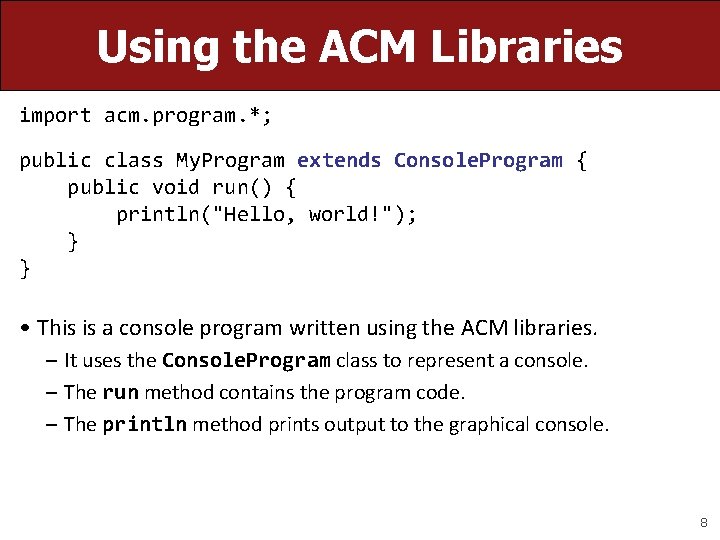
Using the ACM Libraries import acm. program. *; public class My. Program extends Console. Program { public void run() { println("Hello, world!"); } } • This is a console program written using the ACM libraries. – It uses the Console. Program class to represent a console. – The run method contains the program code. – The println method prints output to the graphical console. 8
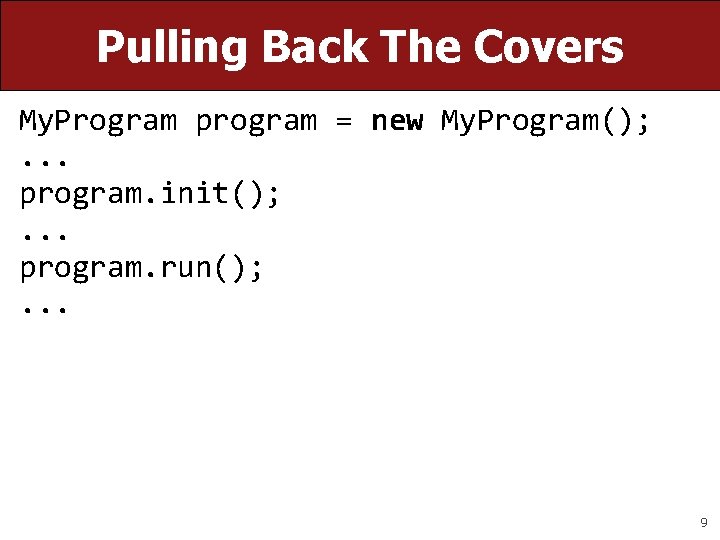
Pulling Back The Covers My. Program program = new My. Program(); . . . program. init(); . . . program. run(); . . . 9
Pulling Back The Covers public static void main(String[] args) { My. Program program = new My. Program(); program. init(); program. run(); } 10
A Barebones Java Program public class Hello { public static void main(String[] args) { System. out. println("Hello, world!"); } } • The method main is the true entry point for a Java program. – It must have the exact heading shown above. – The String[] args are "command line arguments" (ignored). – The println command's true name is System. out. println. – Standard Java methods are static unless part of a class of objects. 11
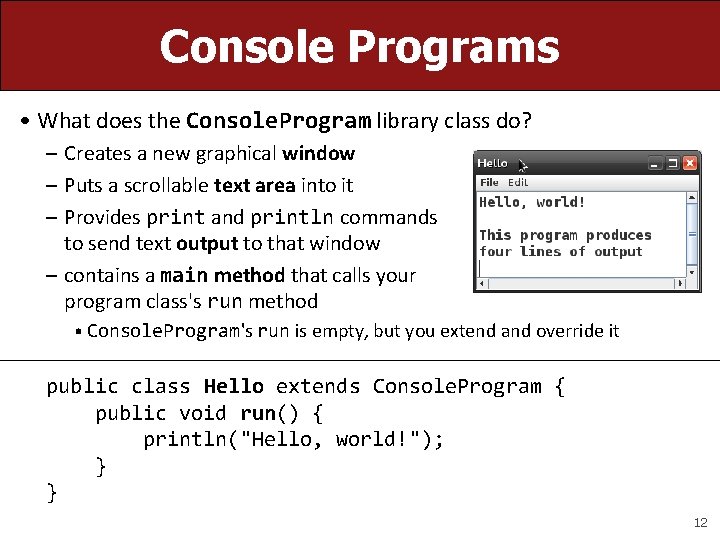
Console Programs • What does the Console. Program library class do? – Creates a new graphical window – Puts a scrollable text area into it – Provides print and println commands to send text output to that window – contains a main method that calls your program class's run method • Console. Program's run is empty, but you extend and override it public class Hello extends Console. Program { public void run() { println("Hello, world!"); } } 12
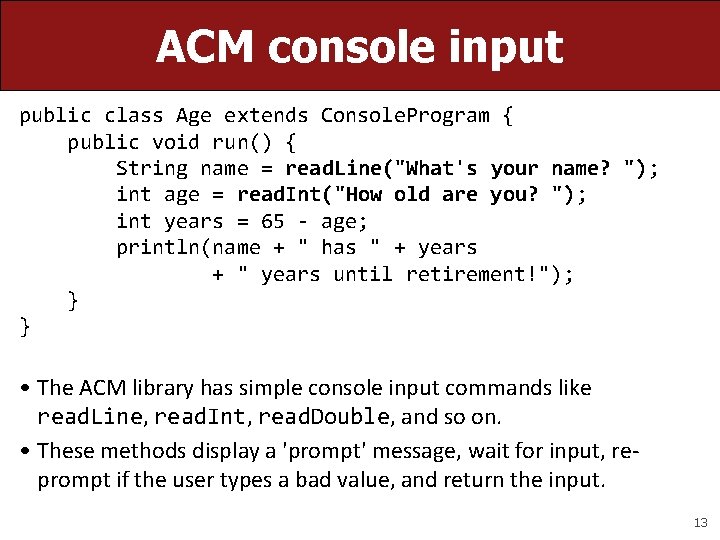
ACM console input public class Age extends Console. Program { public void run() { String name = read. Line("What's your name? "); int age = read. Int("How old are you? "); int years = 65 - age; println(name + " has " + years + " years until retirement!"); } } • The ACM library has simple console input commands like read. Line, read. Int, read. Double, and so on. • These methods display a 'prompt' message, wait for input, reprompt if the user types a bad value, and return the input. 13
Java console input public class Age { public static void main(String[] args) { Scanner console = new Scanner(System. in); System. out. print("What's your name? "); String name = console. next. Line(); System. out. print("How old are you? "); int age = console. next. Int(); int years = 65 - age; System. out. println(name + " has " + years + " years until retirement!"); } } • In standard Java, you must create a Scanner or similar object to read input from the console, which is also called System. in. – It does not automatically re-prompt and can crash on bad input. 14
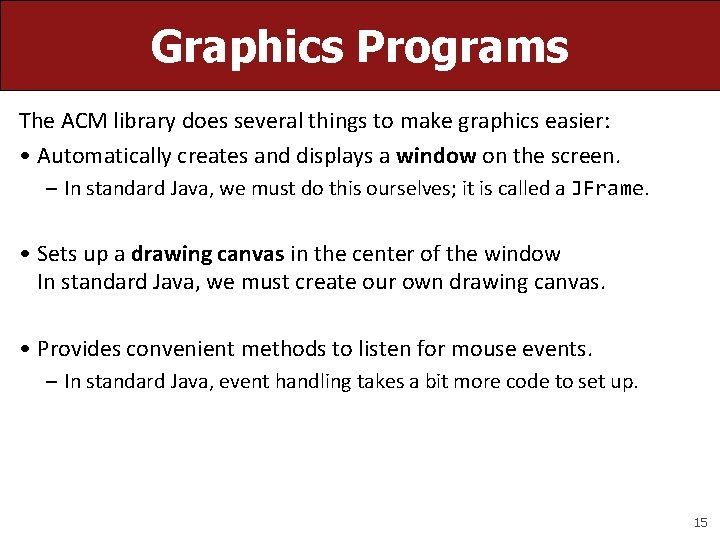
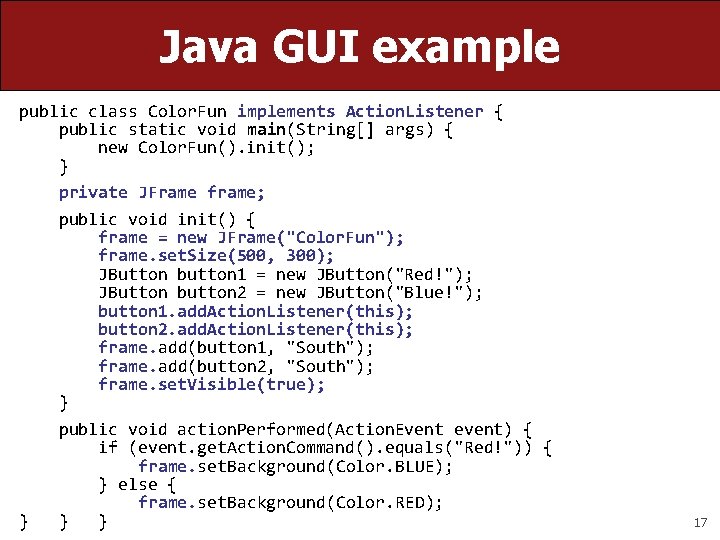
Graphics Programs The ACM library does several things to make graphics easier: • Automatically creates and displays a window on the screen. – In standard Java, we must do this ourselves; it is called a JFrame. • Sets up a drawing canvas in the center of the window In standard Java, we must create our own drawing canvas. • Provides convenient methods to listen for mouse events. – In standard Java, event handling takes a bit more code to set up. 15
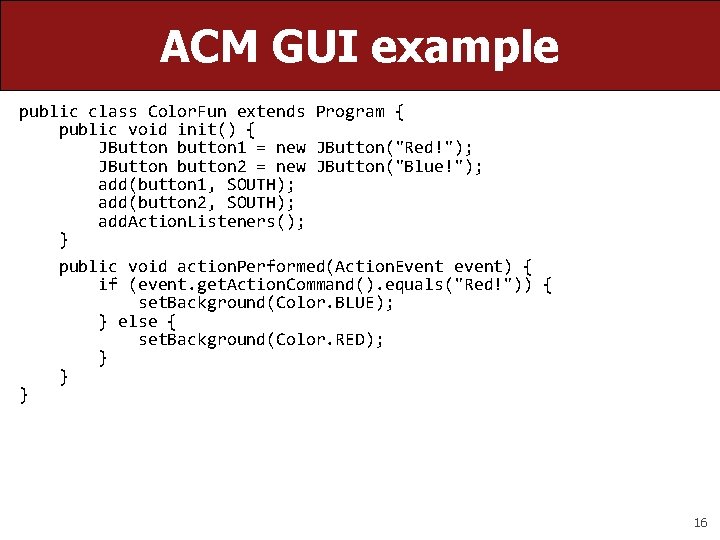
ACM GUI example public class Color. Fun extends Program { public void init() { JButton button 1 = new JButton("Red!"); JButton button 2 = new JButton("Blue!"); add(button 1, SOUTH); add(button 2, SOUTH); add. Action. Listeners(); } public void action. Performed(Action. Event event) { if (event. get. Action. Command(). equals("Red!")) { set. Background(Color. BLUE); } else { set. Background(Color. RED); } } } 16
Java GUI example public class Color. Fun implements Action. Listener { public static void main(String[] args) { new Color. Fun(). init(); } private JFrame frame; public void init() { frame = new JFrame("Color. Fun"); frame. set. Size(500, 300); JButton button 1 = new JButton("Red!"); JButton button 2 = new JButton("Blue!"); button 1. add. Action. Listener(this); button 2. add. Action. Listener(this); frame. add(button 1, "South"); frame. add(button 2, "South"); frame. set. Visible(true); } public void action. Performed(Action. Event event) { if (event. get. Action. Command(). equals("Red!")) { frame. set. Background(Color. BLUE); } else { frame. set. Background(Color. RED); } } } 17
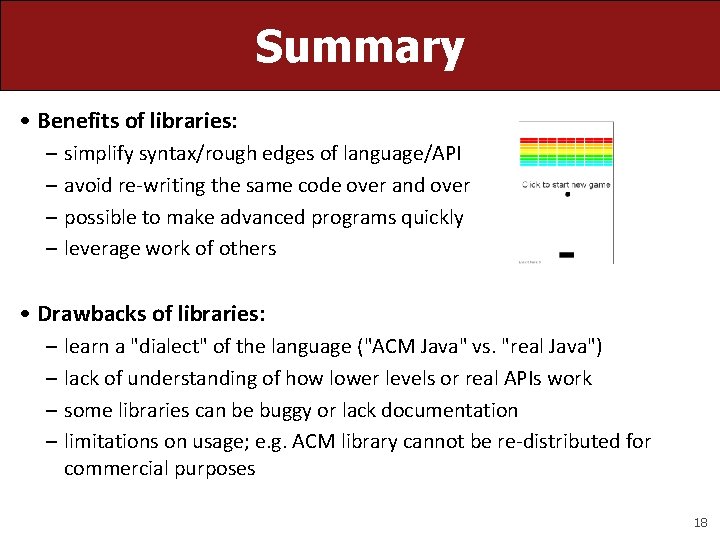
Summary • Benefits of libraries: – simplify syntax/rough edges of language/API – avoid re-writing the same code over and over – possible to make advanced programs quickly – leverage work of others • Drawbacks of libraries: – learn a "dialect" of the language ("ACM Java" vs. "real Java") – lack of understanding of how lower levels or real APIs work – some libraries can be buggy or lack documentation – limitations on usage; e. g. ACM library cannot be re-distributed for commercial purposes 18
Plan for today • Announcements • Life after the ACM Libraries • Life after Java • Life after PC programs –Internet applications –Mobile applications 19
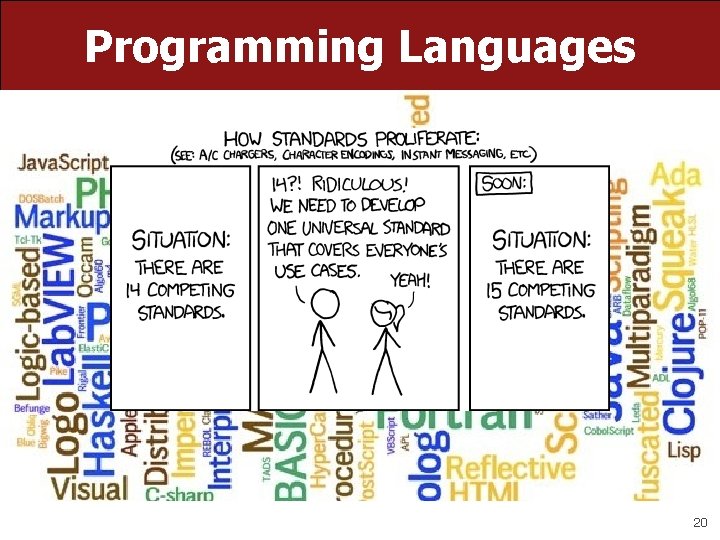
Programming Languages 20
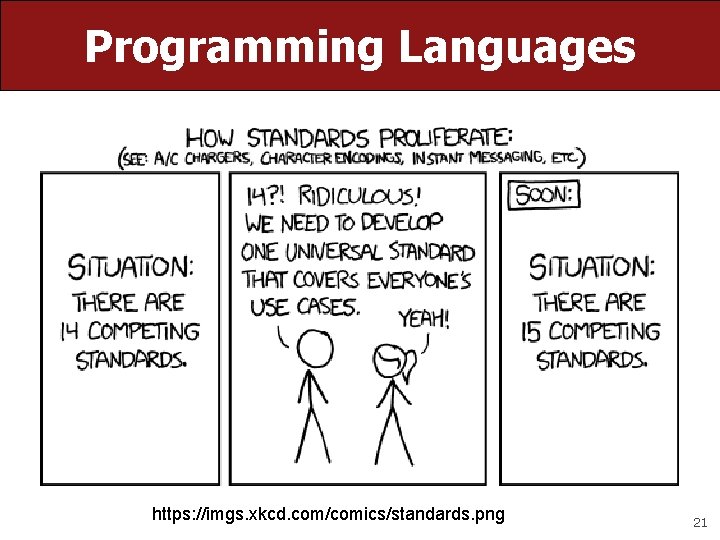
Programming Languages https: //imgs. xkcd. com/comics/standards. png 21
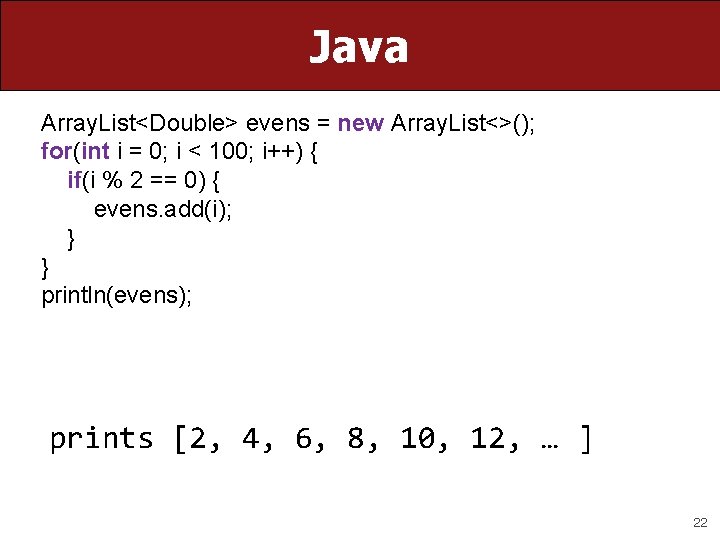
Java Array. List<Double> evens = new Array. List<>(); for(int i = 0; i < 100; i++) { if(i % 2 == 0) { evens. add(i); } } println(evens); prints [2, 4, 6, 8, 10, 12, … ] 22
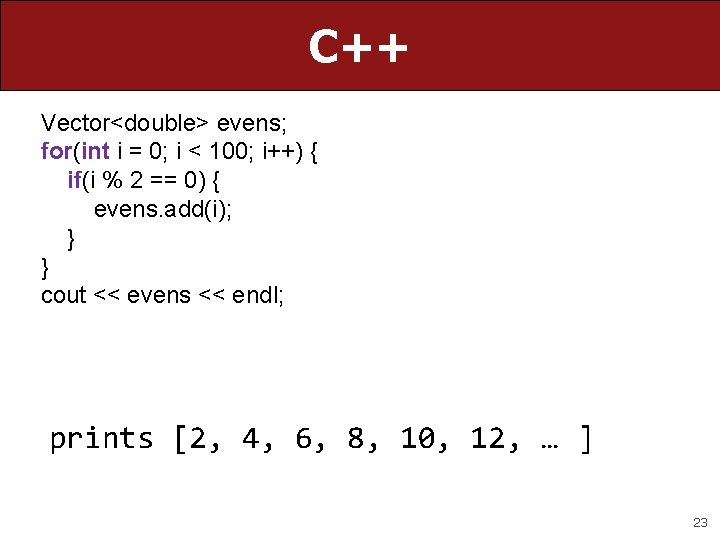
C++ Vector<double> evens; for(int i = 0; i < 100; i++) { if(i % 2 == 0) { evens. add(i); } } cout << evens << endl; prints [2, 4, 6, 8, 10, 12, … ] 23
Python evens = [] for i in range(100): if i % 2 == 0: evens. append(i) print evens prints [2, 4, 6, 8, 10, 12, … ] 24
Javascript var evens = [] for(var i = 0; i < 100; i++) { if(i % 2 == 0) { evens. push(i) } } console. log(evens) prints [2, 4, 6, 8, 10, 12, … ] 25
Plan for today • Announcements • Life after the ACM Libraries • Life after Java • Life after PC programs –Internet applications –Mobile applications 26
Programs and the Internet How does your phone communicate with Facebook? 27
Programs and the Internet The Java program on your phone talks to the Java program at Facebook. 28
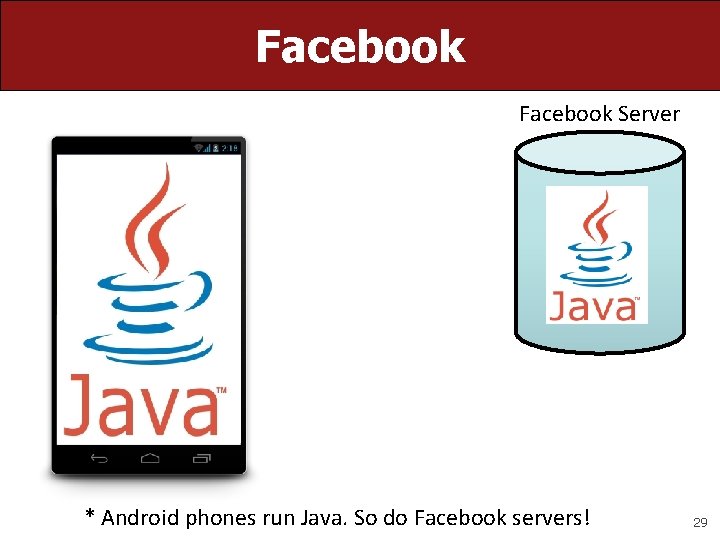
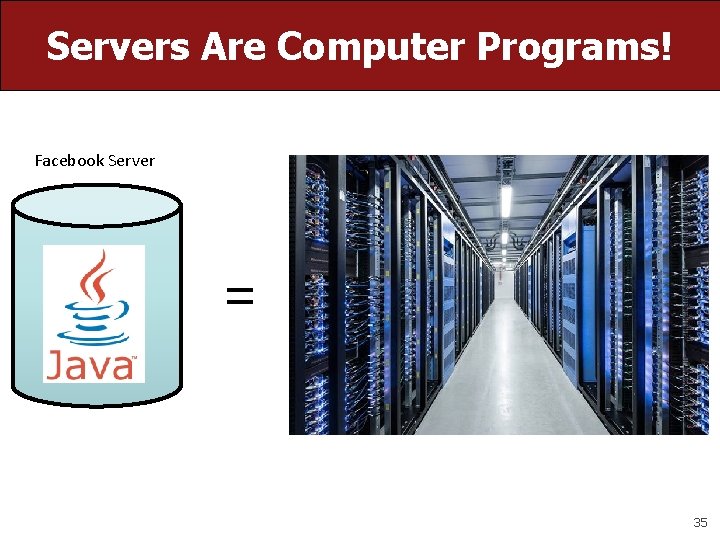
Facebook Server * Android phones run Java. So do Facebook servers! 29
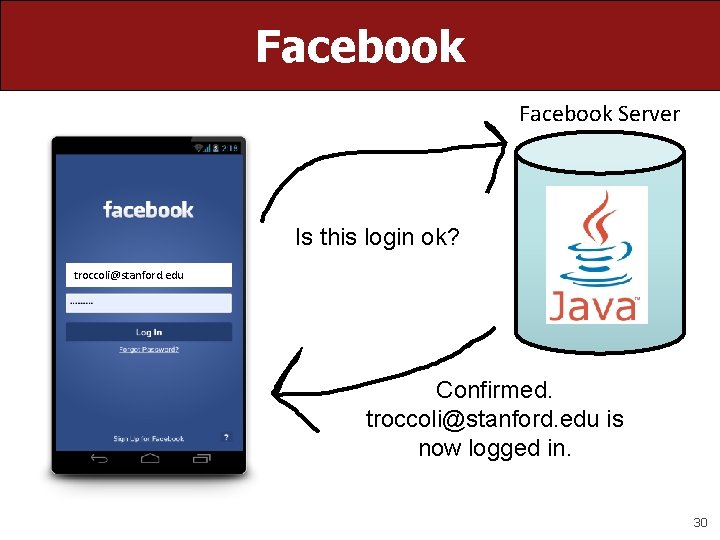
Facebook Server Is this login ok? troccoli@stanford. edu Confirmed. troccoli@stanford. edu is now logged in. 30
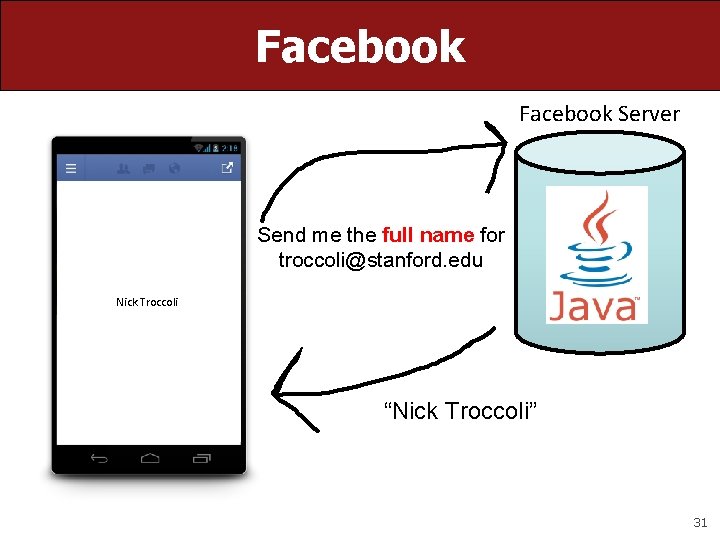
Facebook Server Send me the full name for troccoli@stanford. edu Nick Troccoli “Nick Troccoli” 31
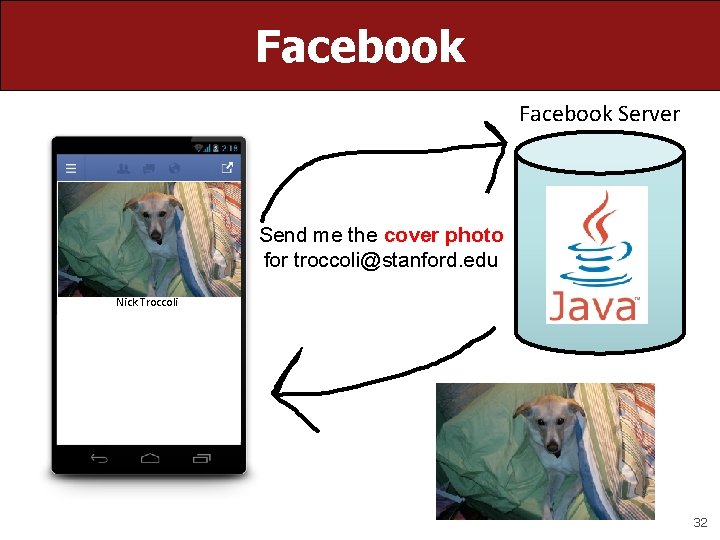
Facebook Server Send me the cover photo for troccoli@stanford. edu Nick Troccoli 32
Programs and the Internet There are two types of internet programs: clients and servers. 33
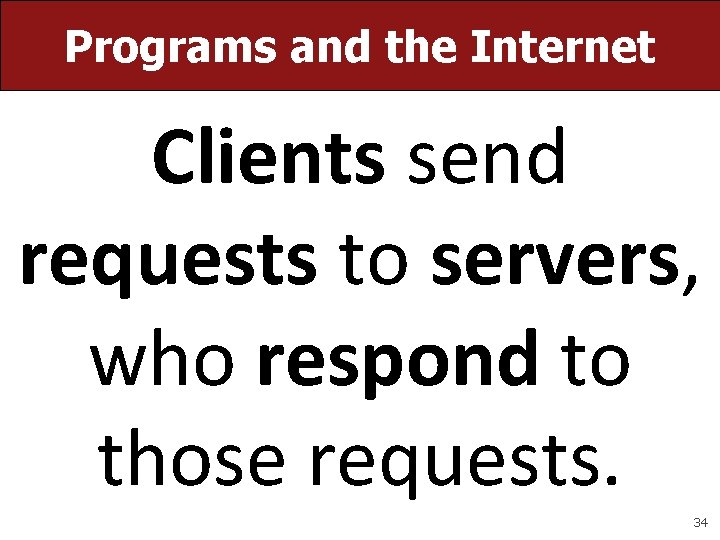
Programs and the Internet Clients send requests to servers, who respond to those requests. 34
Servers Are Computer Programs! Facebook Server = 35
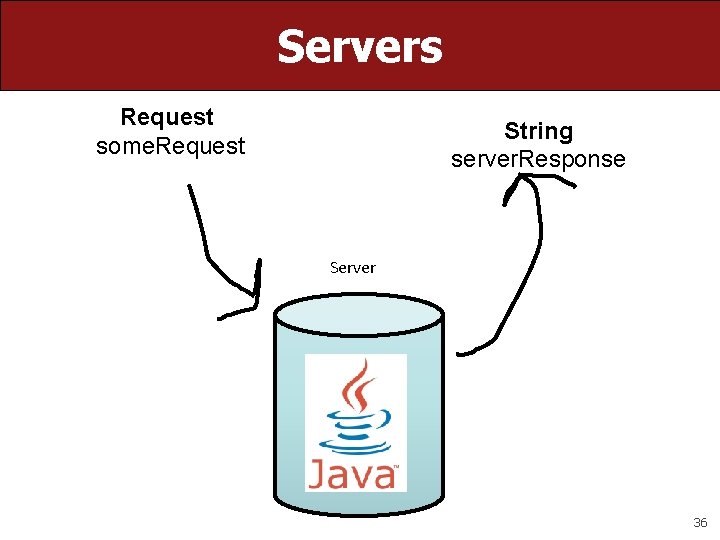
Servers Request some. Request String server. Response Server 36
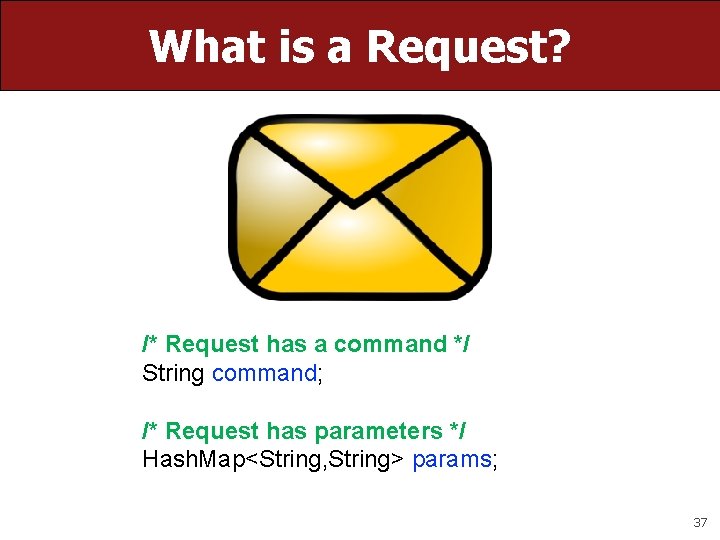
What is a Request? /* Request has a command */ String command; /* Request has parameters */ Hash. Map<String, String> params; 37
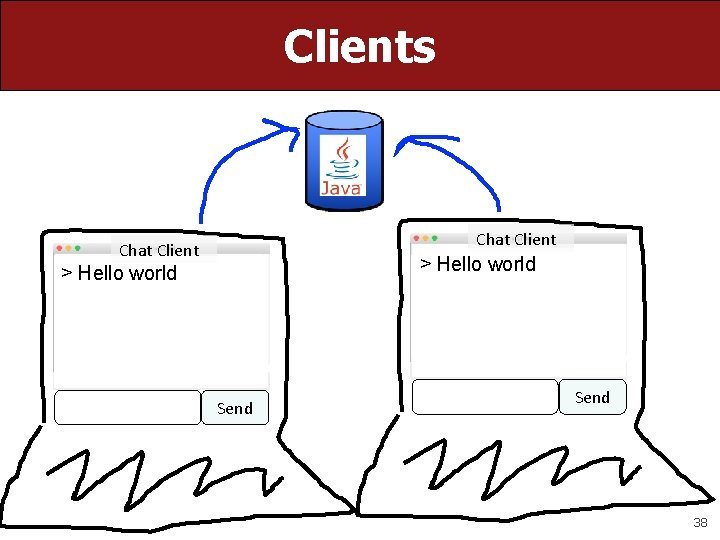
Clients Chat Client > Hello world Send 38
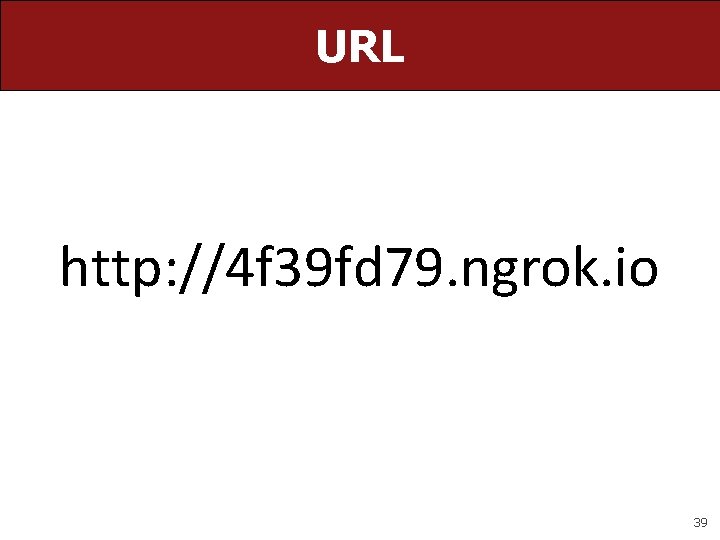
URL http: //4 f 39 fd 79. ngrok. io 39
Plan for today • Announcements • Life after the ACM Libraries • Life after Java • Life after PC programs –Internet applications –Mobile applications 40
Recap • Announcements • Life after the ACM Libraries • Life after Java • Life after PC programs –Internet applications –Mobile applications Tomorrow: Intro to Machine Learning! 41