
CS 105 Perl Data Types Nathan Clement 15

![Setting and Using Array Elements $a[0] = "foo"; $a[1] = "bar"; $a[100] = 1;](https://slidetodoc.com/presentation_image_h/0dc6253d0eb8e6e09666c39e15b2ec21/image-15.jpg "Setting and Using Array Elements $a[0] = \"foo\"; $a[1] = \"bar\"; $a[100] = 1;")
- Slides: 36
CS 105 Perl: Data Types Nathan Clement 15 May 2014
Agenda • Paper Survey • Perl’s basic data types – Scalars – Arrays – Hashes • Definedness • Truth • Basic control flow – if statements – while loops
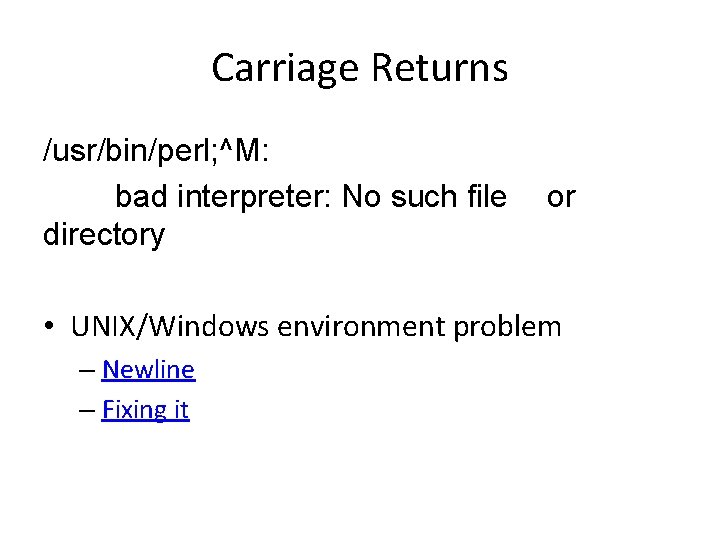
Carriage Returns /usr/bin/perl; ^M: bad interpreter: No such file directory or • UNIX/Windows environment problem – Newline – Fixing it
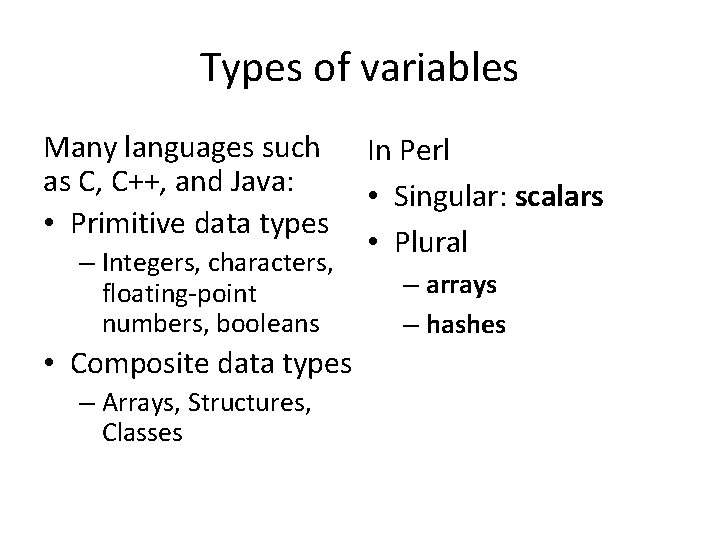
Types of variables Many languages such as C, C++, and Java: • Primitive data types – Integers, characters, floating-point numbers, booleans • Composite data types – Arrays, Structures, Classes In Perl • Singular: scalars • Plural – arrays – hashes
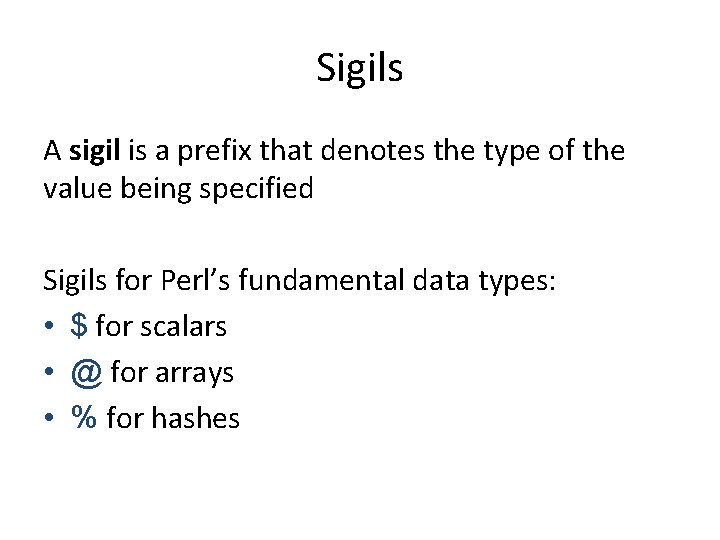
Sigils A sigil is a prefix that denotes the type of the value being specified Sigils for Perl’s fundamental data types: • $ for scalars • @ for arrays • % for hashes
Sigils • You might be asking at this point, – What are all those $@%* signs for? • My response would be: – Watch your $@*$!% mouth, buddy!
Scalars can store both numbers and strings. The following are all valid values for scalars: • 0 • 3. 14159 • "" (empty string) • "Just a string"
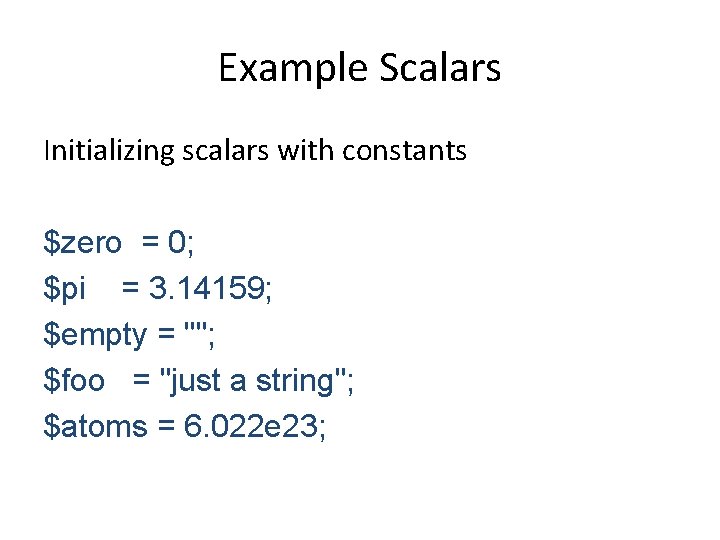
Example Scalars Initializing scalars with constants $zero = 0; $pi = 3. 14159; $empty = ""; $foo = "just a string"; $atoms = 6. 022 e 23;
Identifiers are the names of variables. Valid identifiers in Perl • Must begin with a letter or underscore • Can contain letters, numbers, and underscores • Are case sensitive (Foo and foo are distinct) • Like C, Java, and many other languages
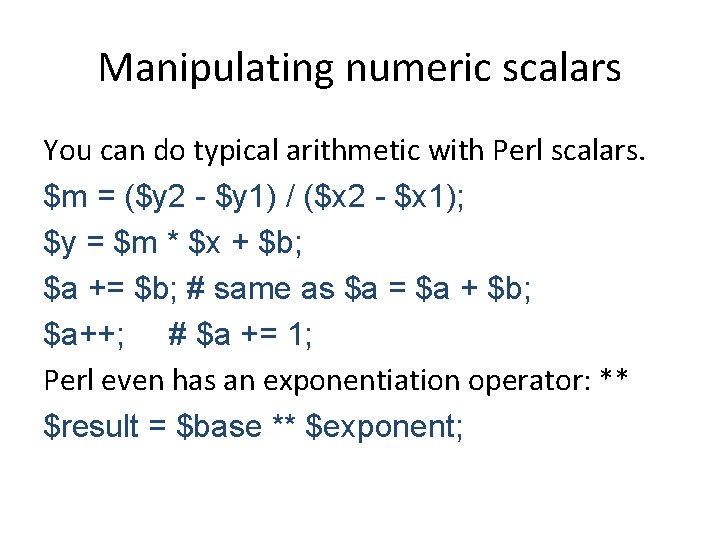
Manipulating numeric scalars You can do typical arithmetic with Perl scalars. $m = ($y 2 - $y 1) / ($x 2 - $x 1); $y = $m * $x + $b; $a += $b; # same as $a = $a + $b; $a++; # $a += 1; Perl even has an exponentiation operator: ** $result = $base ** $exponent;
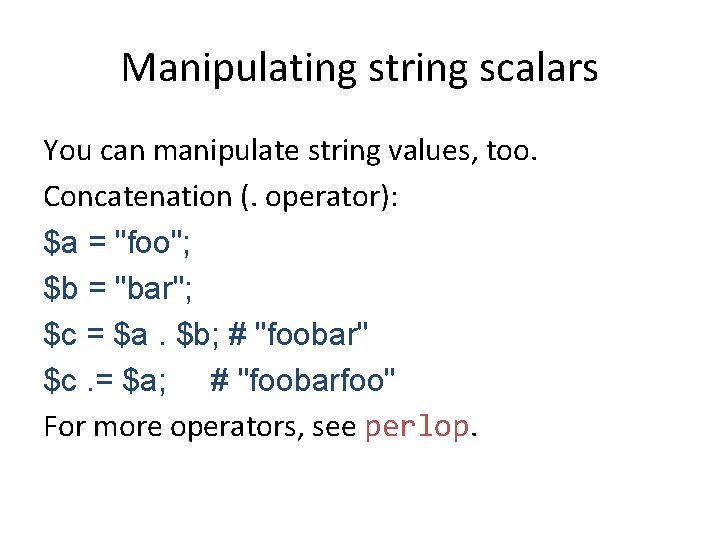
Manipulating string scalars You can manipulate string values, too. Concatenation (. operator): $a = "foo"; $b = "bar"; $c = $a. $b; # "foobar" $c. = $a; # "foobarfoo" For more operators, see perlop.
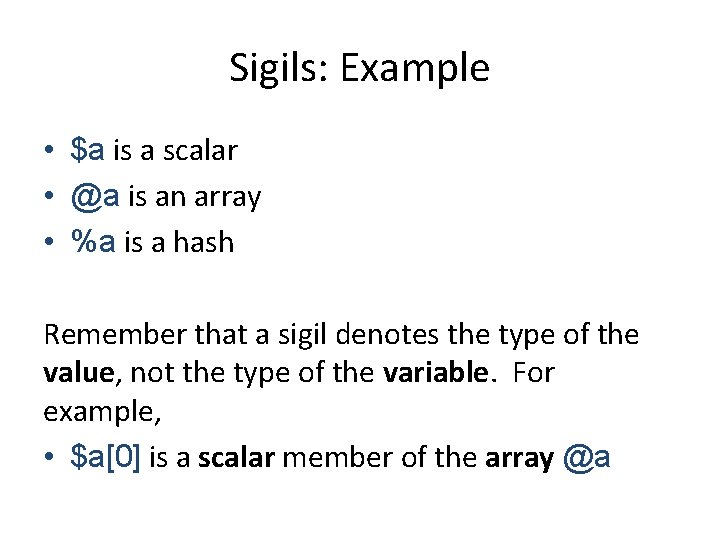
Sigils: Example • $a is a scalar • @a is an array • %a is a hash Remember that a sigil denotes the type of the value, not the type of the variable. For example, • $a[0] is a scalar member of the array @a
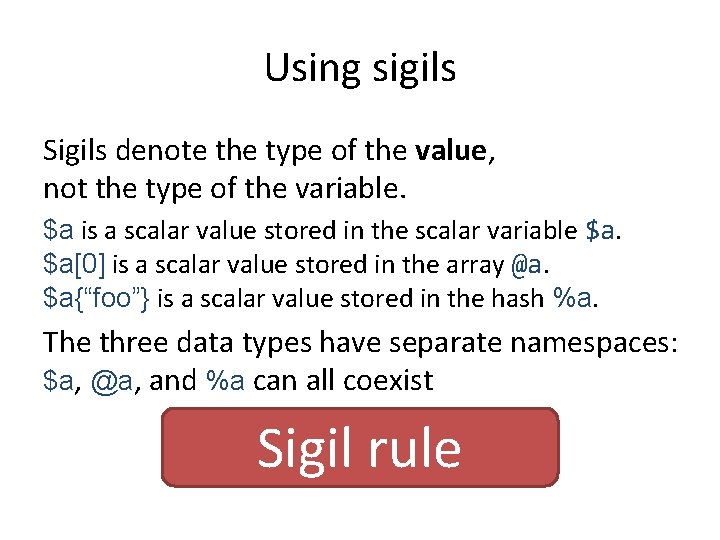
Using sigils Sigils denote the type of the value, not the type of the variable. $a is a scalar value stored in the scalar variable $a. $a[0] is a scalar value stored in the array @a. $a{“foo”} is a scalar value stored in the hash %a. The three data types have separate namespaces: $a, @a, and %a can all coexist Sigil rule
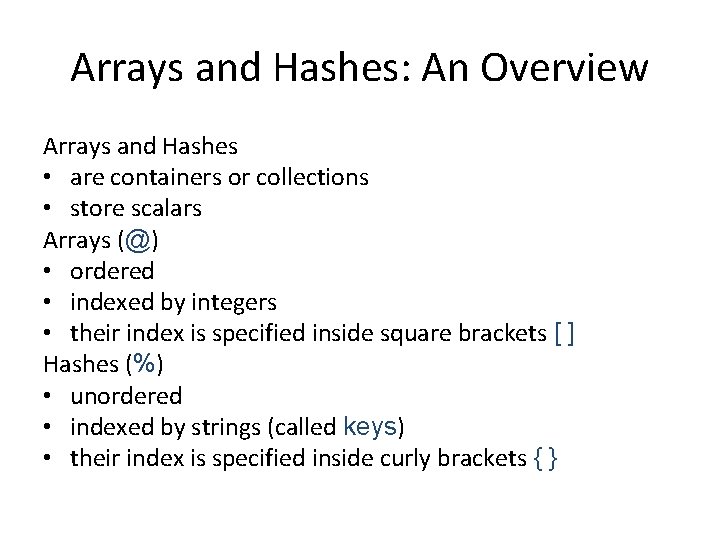
Arrays and Hashes: An Overview Arrays and Hashes • are containers or collections • store scalars Arrays (@) • ordered • indexed by integers • their index is specified inside square brackets [ ] Hashes (%) • unordered • indexed by strings (called keys) • their index is specified inside curly brackets { }
Setting and Using Array Elements $a[0] = "foo"; $a[1] = "bar"; $a[100] = 1; $a[2] = $a[0]. $a[$a[100]]; # "foobar" Although we’re using the scalar sigil ($), all the data we’ve modified is in @a. You can copy arrays. @b = @a;
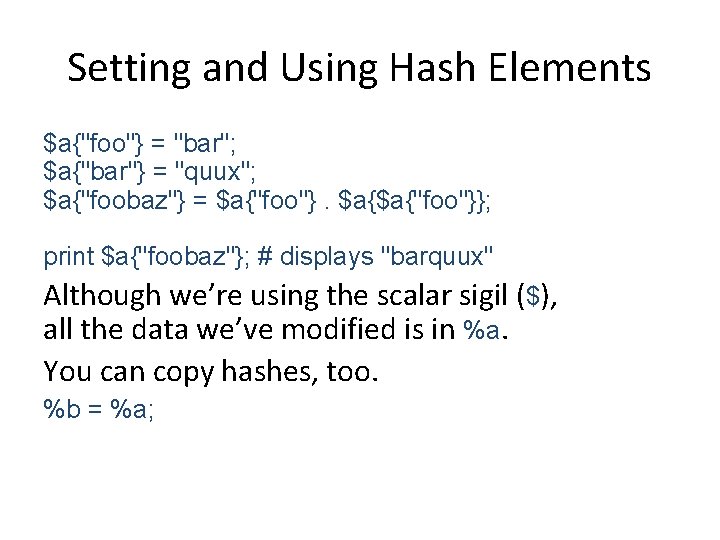
Setting and Using Hash Elements $a{"foo"} = "bar"; $a{"bar"} = "quux"; $a{"foobaz"} = $a{"foo"}. $a{$a{"foo"}}; print $a{"foobaz"}; # displays "barquux" Although we’re using the scalar sigil ($), all the data we’ve modified is in %a. You can copy hashes, too. %b = %a;
Sigil Rule • How to tell the difference? Context • Remember dwimmy?
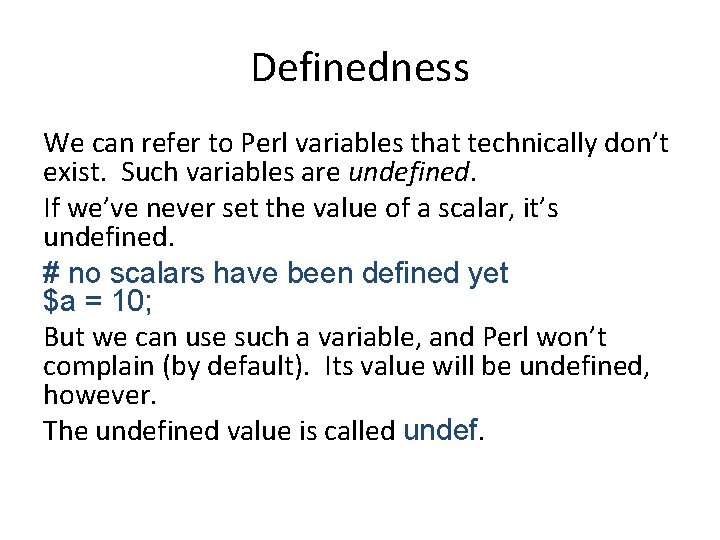
Definedness We can refer to Perl variables that technically don’t exist. Such variables are undefined. If we’ve never set the value of a scalar, it’s undefined. # no scalars have been defined yet $a = 10; But we can use such a variable, and Perl won’t complain (by default). Its value will be undefined, however. The undefined value is called undef.
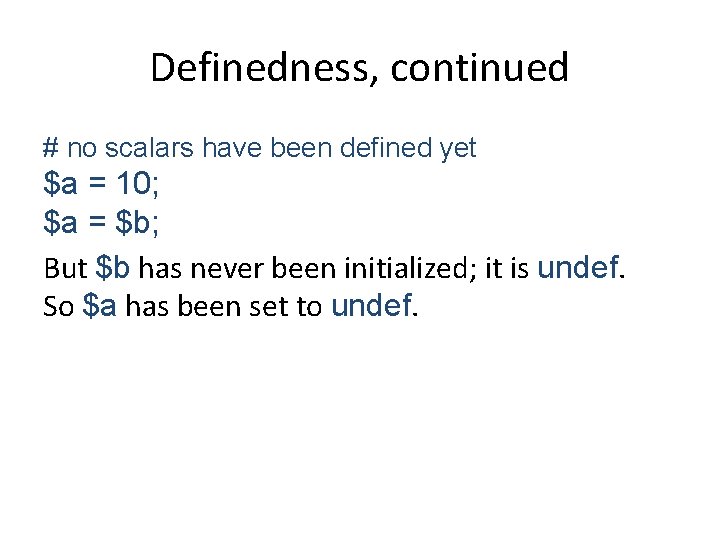
Definedness, continued # no scalars have been defined yet $a = 10; $a = $b; But $b has never been initialized; it is undef. So $a has been set to undef.
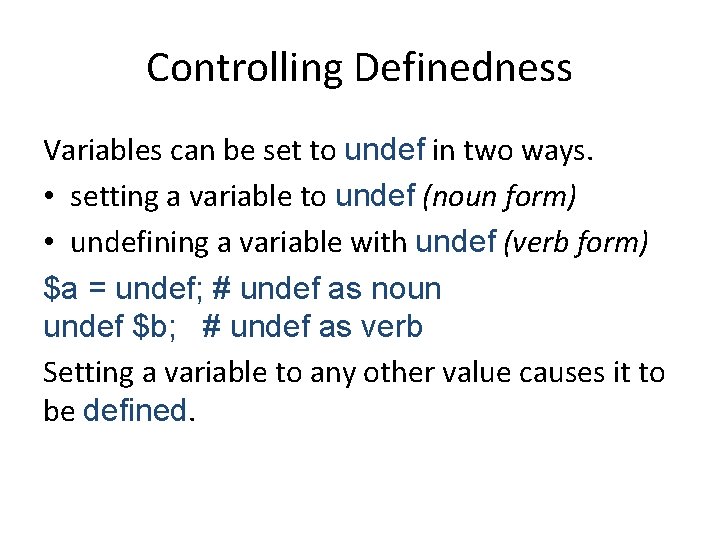
Controlling Definedness Variables can be set to undef in two ways. • setting a variable to undef (noun form) • undefining a variable with undef (verb form) $a = undef; # undef as noun undef $b; # undef as verb Setting a variable to any other value causes it to be defined.
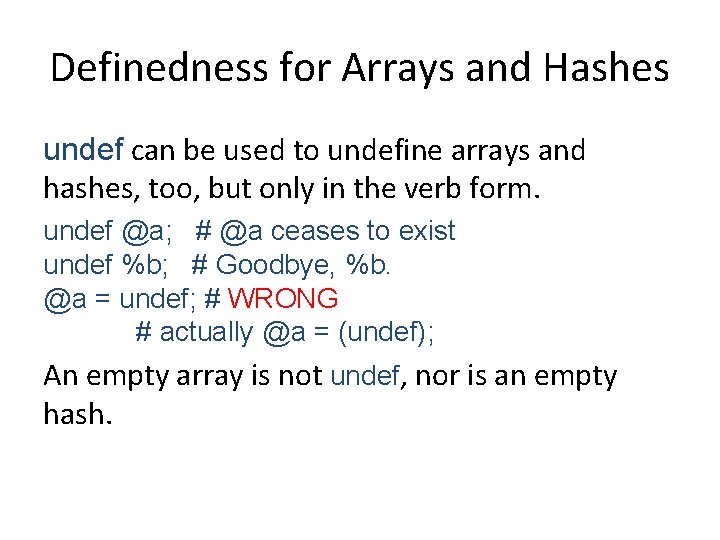
Definedness for Arrays and Hashes undef can be used to undefine arrays and hashes, too, but only in the verb form. undef @a; # @a ceases to exist undef %b; # Goodbye, %b. @a = undef; # WRONG # actually @a = (undef); An empty array is not undef, nor is an empty hash.
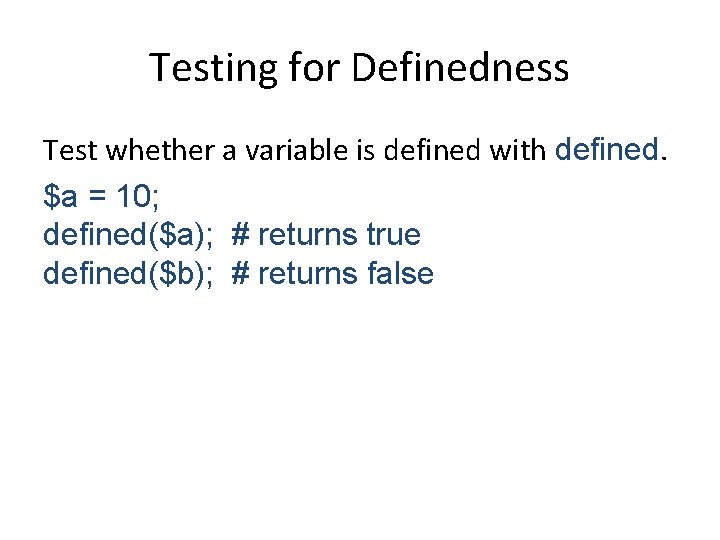
Testing for Definedness Test whether a variable is defined with defined. $a = 10; defined($a); # returns true defined($b); # returns false
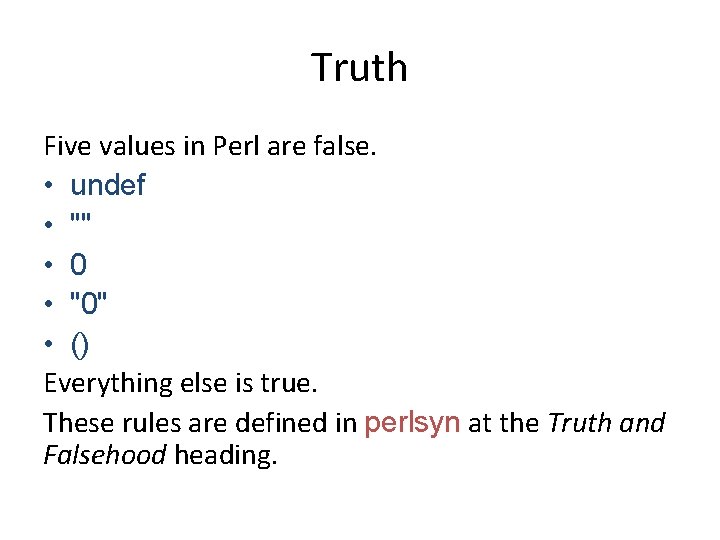
Truth Five values in Perl are false. • undef • "" • 0 • "0" • () Everything else is true. These rules are defined in perlsyn at the Truth and Falsehood heading.
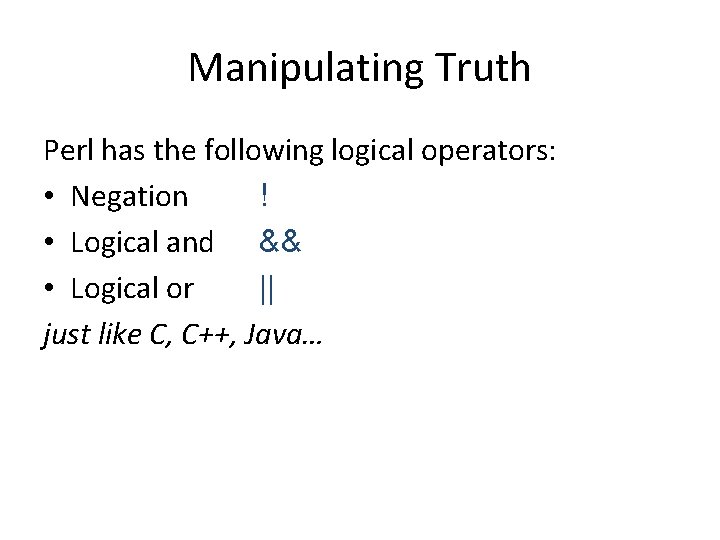
Manipulating Truth Perl has the following logical operators: • Negation ! • Logical and && • Logical or || just like C, C++, Java…
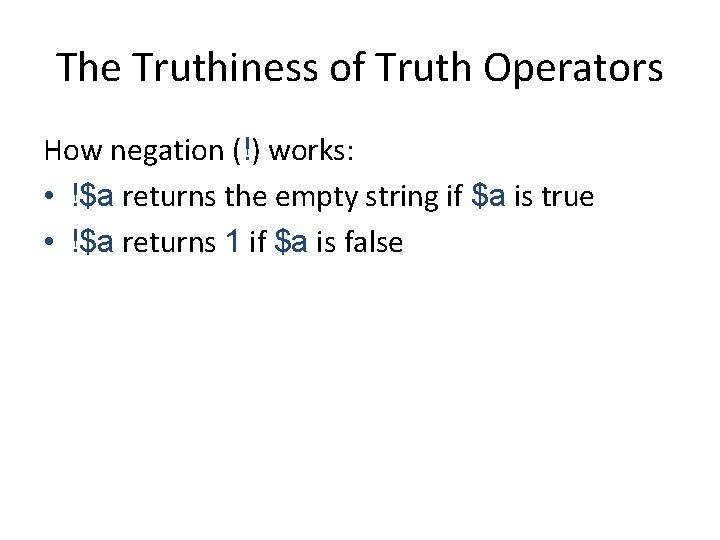
The Truthiness of Truth Operators How negation (!) works: • !$a returns the empty string if $a is true • !$a returns 1 if $a is false
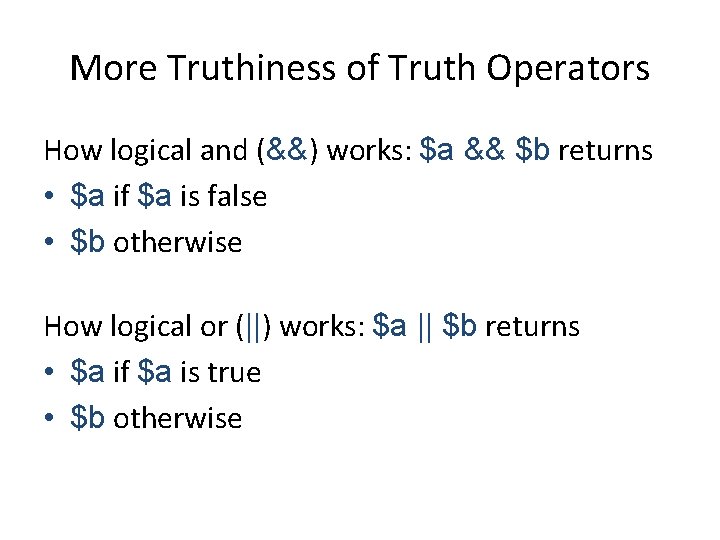
More Truthiness of Truth Operators How logical and (&&) works: $a && $b returns • $a if $a is false • $b otherwise How logical or (||) works: $a || $b returns • $a if $a is true • $b otherwise
A word about functions Perl comes with a lot of built-in functions. We’ve used several of them already: • print • defined • undef To learn about the rest, see perlfunc.
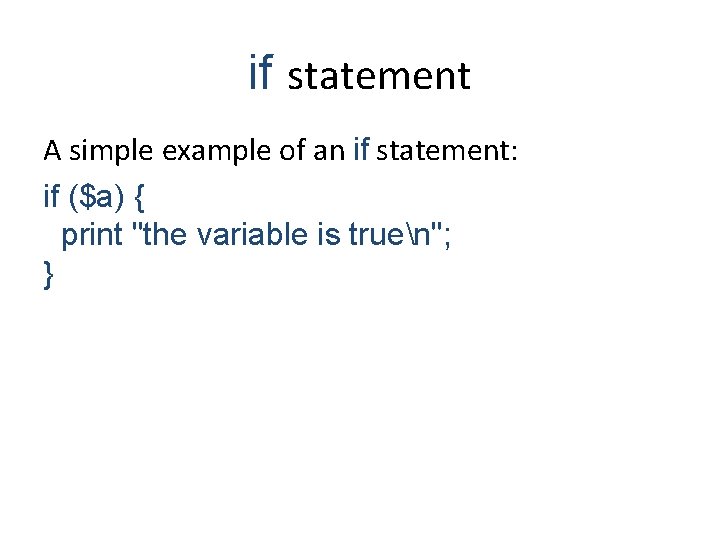
if statement A simple example of an if statement: if ($a) { print "the variable is truen"; }
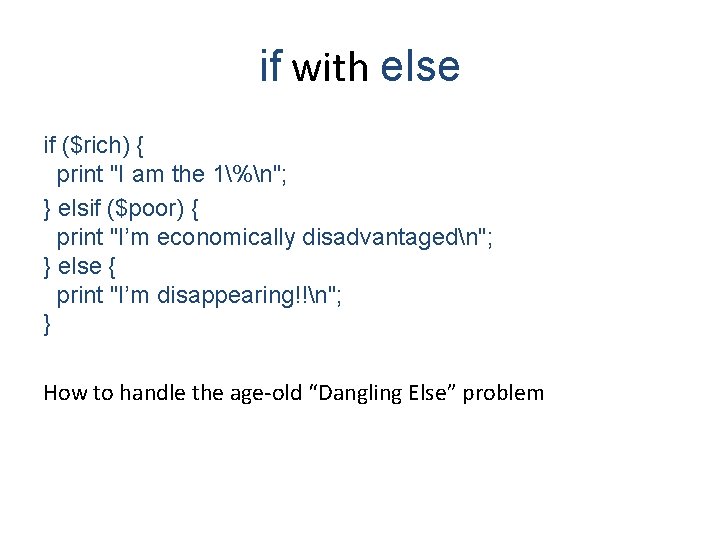
if with else if ($rich) { print "I am the 1%n"; } elsif ($poor) { print "I’m economically disadvantagedn"; } else { print "I’m disappearing!!n"; } How to handle the age-old “Dangling Else” problem
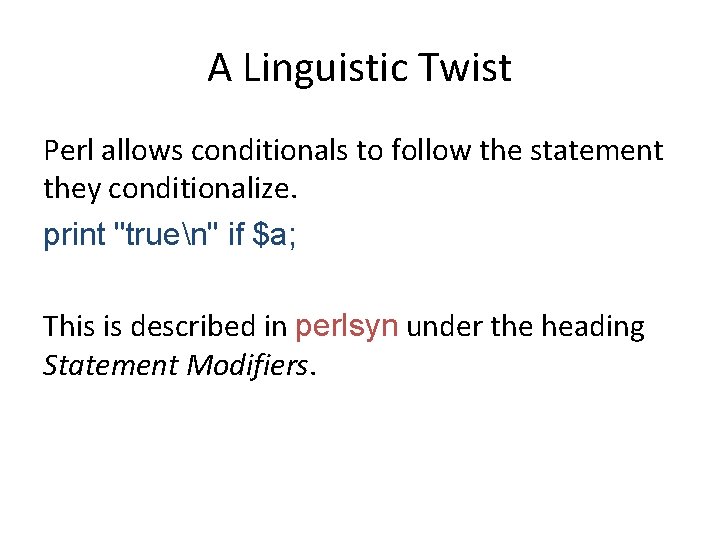
A Linguistic Twist Perl allows conditionals to follow the statement they conditionalize. print "truen" if $a; This is described in perlsyn under the heading Statement Modifiers.
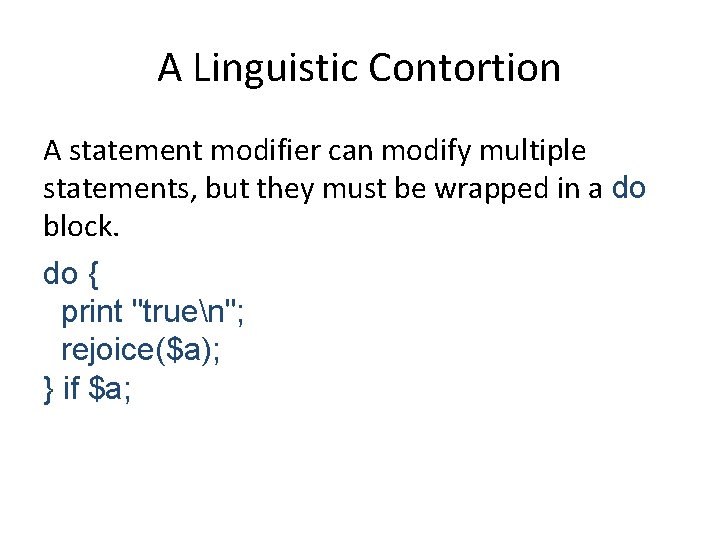
A Linguistic Contortion A statement modifier can modify multiple statements, but they must be wrapped in a do block. do { print "truen"; rejoice($a); } if $a;
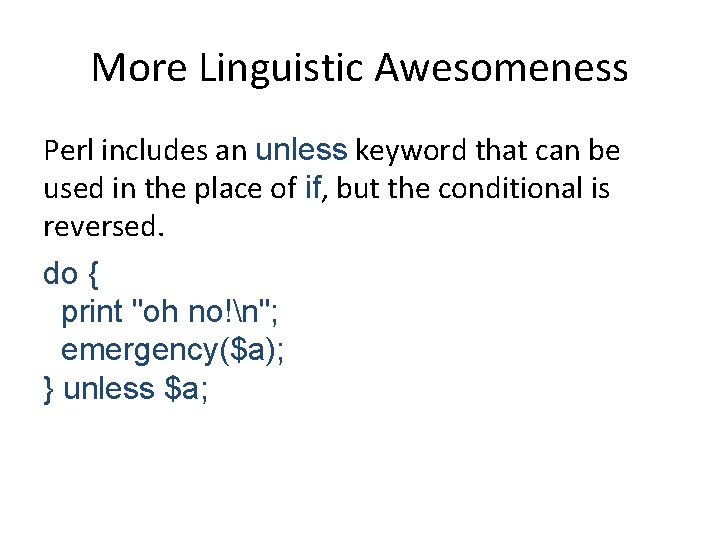
More Linguistic Awesomeness Perl includes an unless keyword that can be used in the place of if, but the conditional is reversed. do { print "oh no!n"; emergency($a); } unless $a;
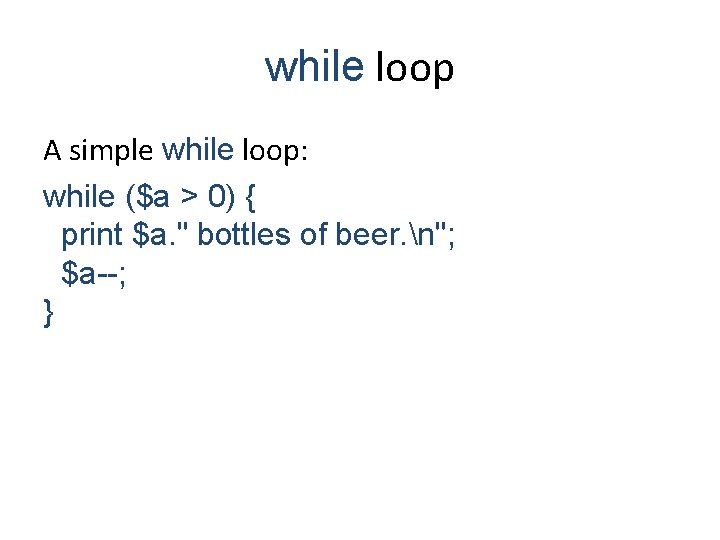
while loop A simple while loop: while ($a > 0) { print $a. " bottles of beer. n"; $a--; }
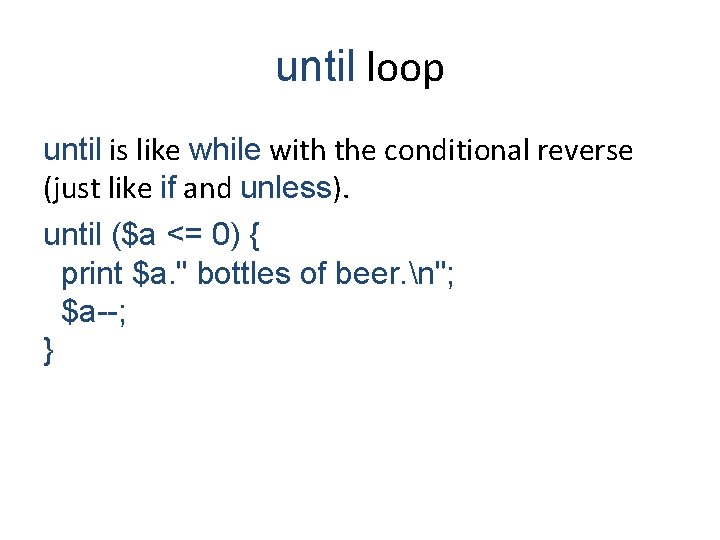
until loop until is like while with the conditional reverse (just like if and unless). until ($a <= 0) { print $a. " bottles of beer. n"; $a--; }
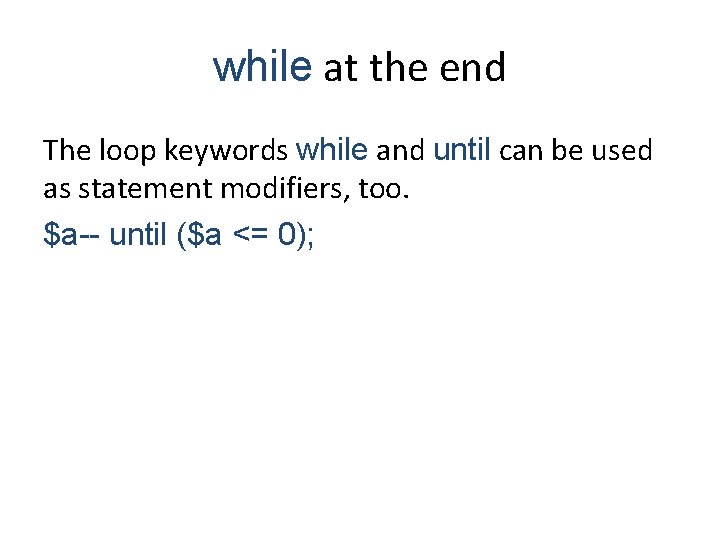
while at the end The loop keywords while and until can be used as statement modifiers, too. $a-- until ($a <= 0);
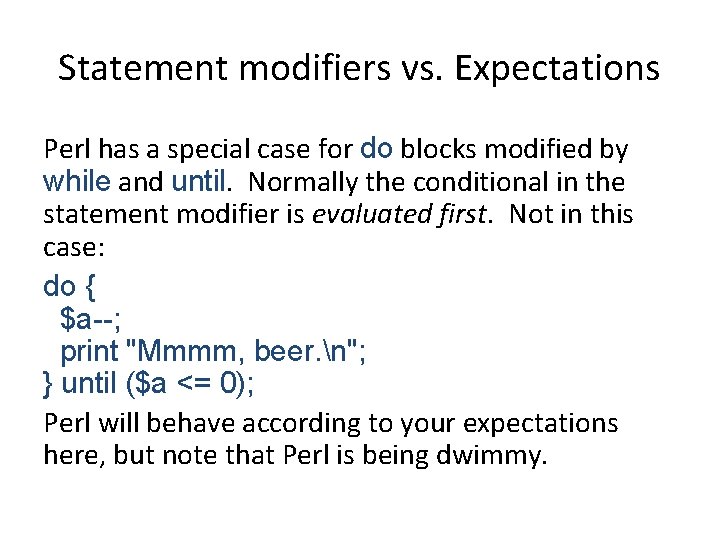
Statement modifiers vs. Expectations Perl has a special case for do blocks modified by while and until. Normally the conditional in the statement modifier is evaluated first. Not in this case: do { $a--; print "Mmmm, beer. n"; } until ($a <= 0); Perl will behave according to your expectations here, but note that Perl is being dwimmy.