
CS 102 File IO Overview File InputOutput Stream

- Slides: 13
CS 102 File IO
Overview File Input/Output Stream. Writer Stream. Reader Text Files Binary Files
File IO Significant programs will require you to read/write data from data files Configuration files Data Files For complex applications you will use Databases Microsoft SQL Server/Access We will only concentrate on simple text files
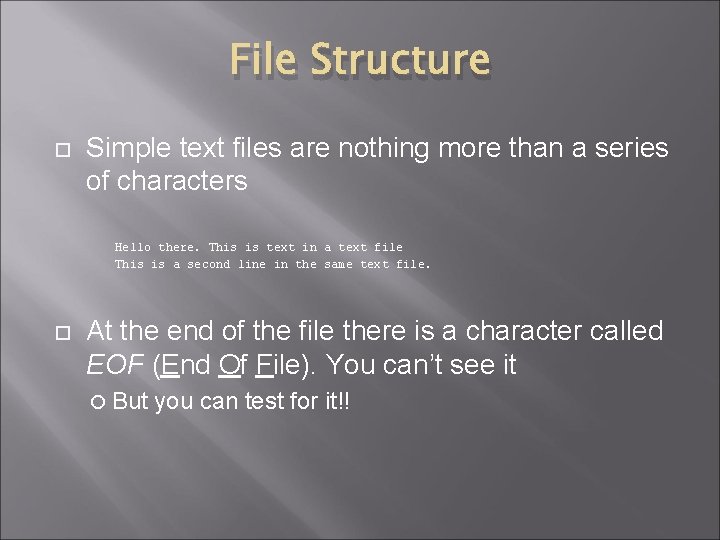
File Structure Simple text files are nothing more than a series of characters Hello there. This is text in a text file This is a second line in the same text file. At the end of the file there is a character called EOF (End Of File). You can’t see it But you can test for it!!
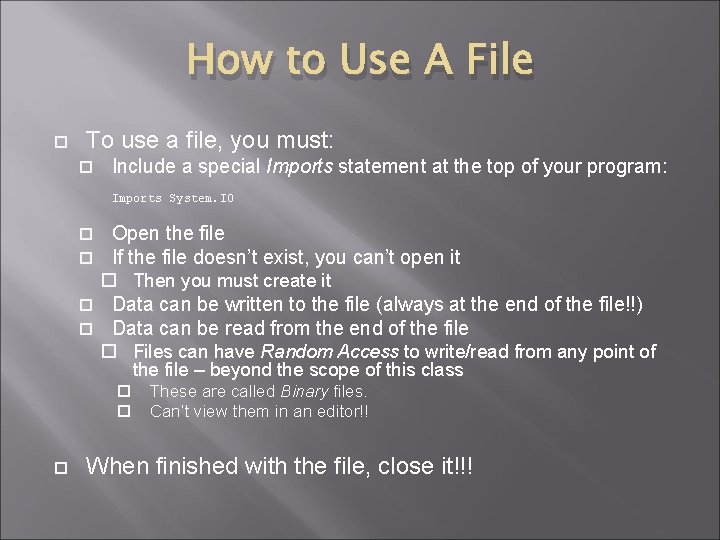
How to Use A File To use a file, you must: Include a special Imports statement at the top of your program: Imports System. IO Open the file If the file doesn’t exist, you can’t open it Then you must create it Data can be written to the file (always at the end of the file!!) Data can be read from the end of the file Files can have Random Access to write/read from any point of the file – beyond the scope of this class These are called Binary files. Can’t view them in an editor!! When finished with the file, close it!!!
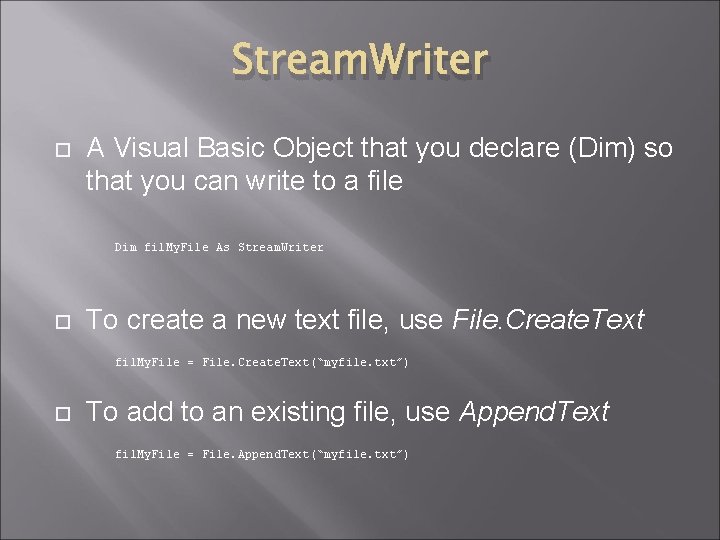
Stream. Writer A Visual Basic Object that you declare (Dim) so that you can write to a file Dim fil. My. File As Stream. Writer To create a new text file, use File. Create. Text fil. My. File = File. Create. Text(“myfile. txt”) To add to an existing file, use Append. Text fil. My. File = File. Append. Text(“myfile. txt”)
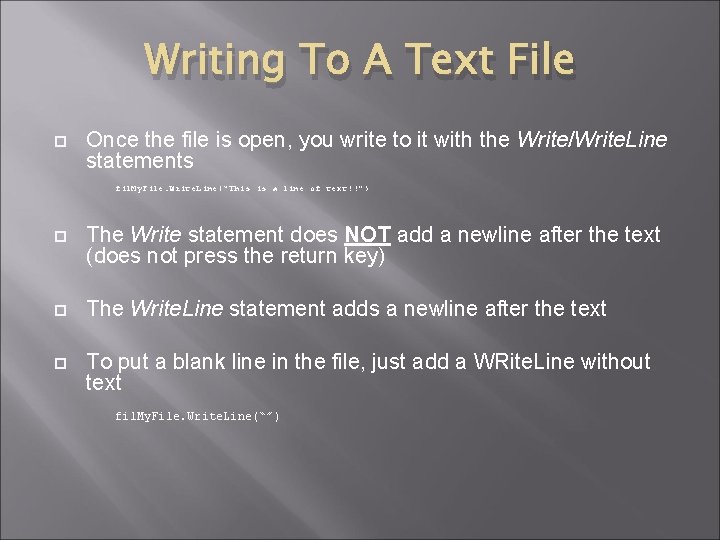
Writing To A Text File Once the file is open, you write to it with the Write/Write. Line statements fil. My. File. Write. Line(“This is a line of text!!”) The Write statement does NOT add a newline after the text (does not press the return key) The Write. Line statement adds a newline after the text To put a blank line in the file, just add a WRite. Line without text fil. My. File. Write. Line(“”)
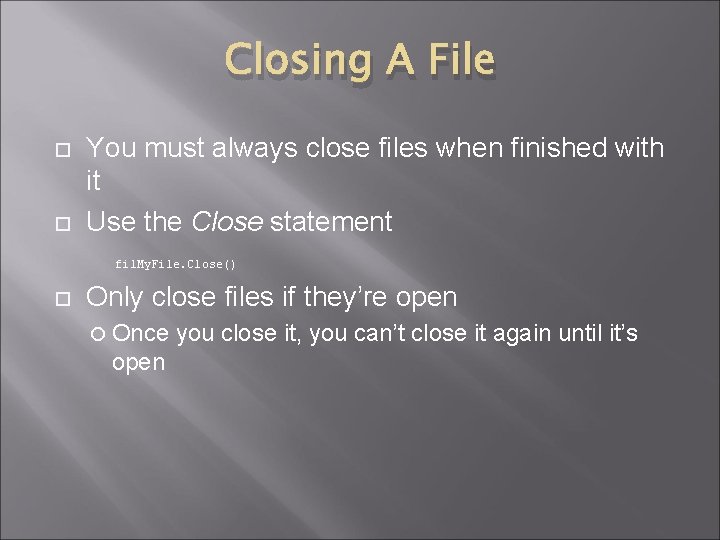
Closing A File You must always close files when finished with it Use the Close statement fil. My. File. Close() Only close files if they’re open Once open you close it, you can’t close it again until it’s
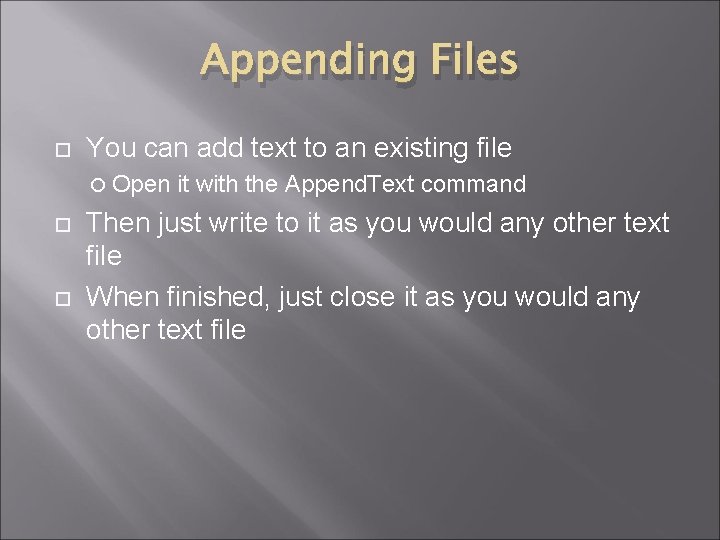
Appending Files You can add text to an existing file Open it with the Append. Text command Then just write to it as you would any other text file When finished, just close it as you would any other text file
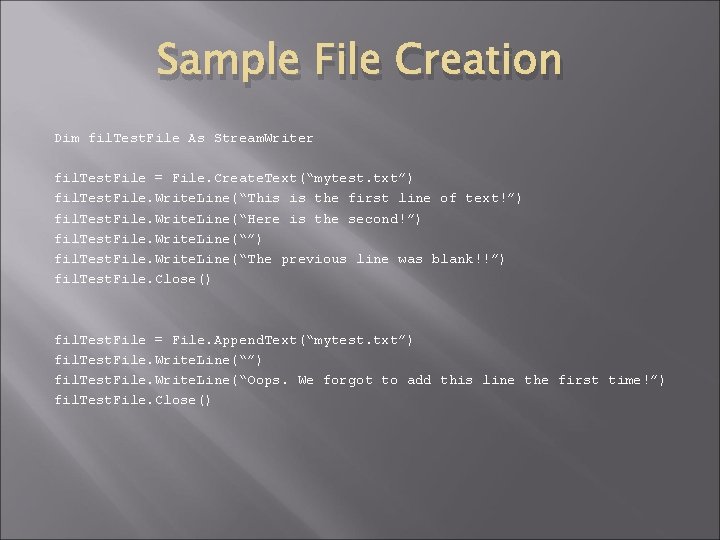
Sample File Creation Dim fil. Test. File As Stream. Writer fil. Test. File = File. Create. Text(“mytest. txt”) fil. Test. File. Write. Line(“This is the first line of text!”) fil. Test. File. Write. Line(“Here is the second!”) fil. Test. File. Write. Line(“The previous line was blank!!”) fil. Test. File. Close() fil. Test. File = File. Append. Text(“mytest. txt”) fil. Test. File. Write. Line(“Oops. We forgot to add this line the first time!”) fil. Test. File. Close()
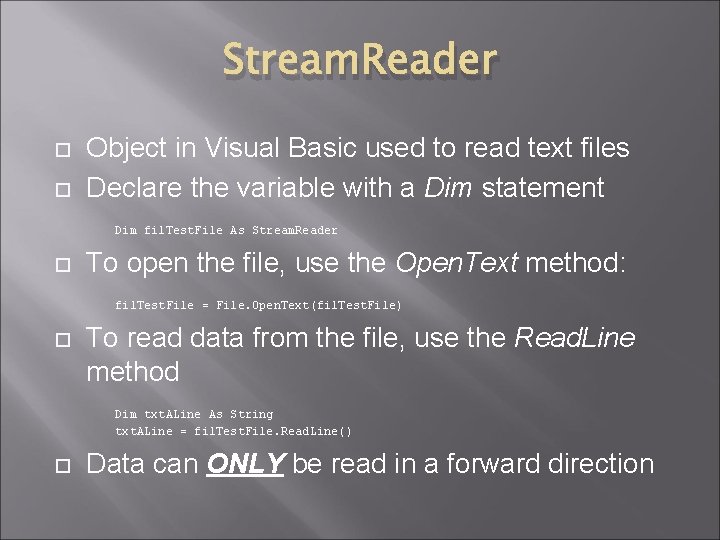
Stream. Reader Object in Visual Basic used to read text files Declare the variable with a Dim statement Dim fil. Test. File As Stream. Reader To open the file, use the Open. Text method: fil. Test. File = File. Open. Text(fil. Test. File) To read data from the file, use the Read. Line method Dim txt. ALine As String txt. ALine = fil. Test. File. Read. Line() Data can ONLY be read in a forward direction
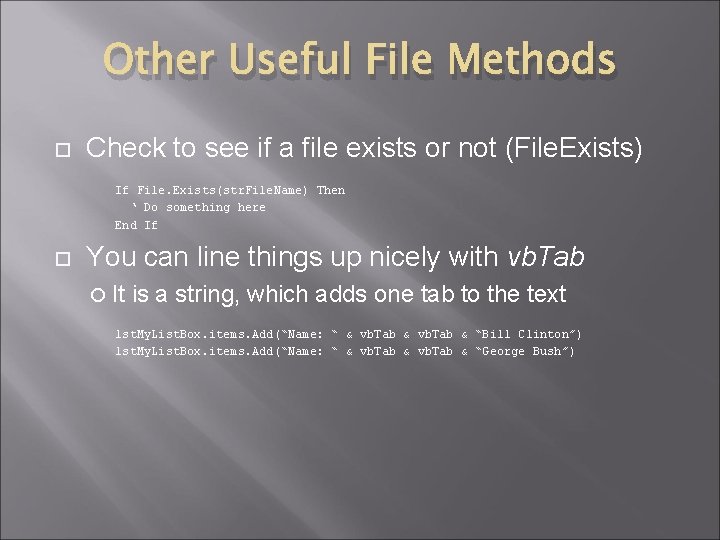
Other Useful File Methods Check to see if a file exists or not (File. Exists) If File. Exists(str. File. Name) Then ‘ Do something here End If You can line things up nicely with vb. Tab It is a string, which adds one tab to the text lst. My. List. Box. items. Add(“Name: “ & vb. Tab & “Bill Clinton”) lst. My. List. Box. items. Add(“Name: “ & vb. Tab & “George Bush”)
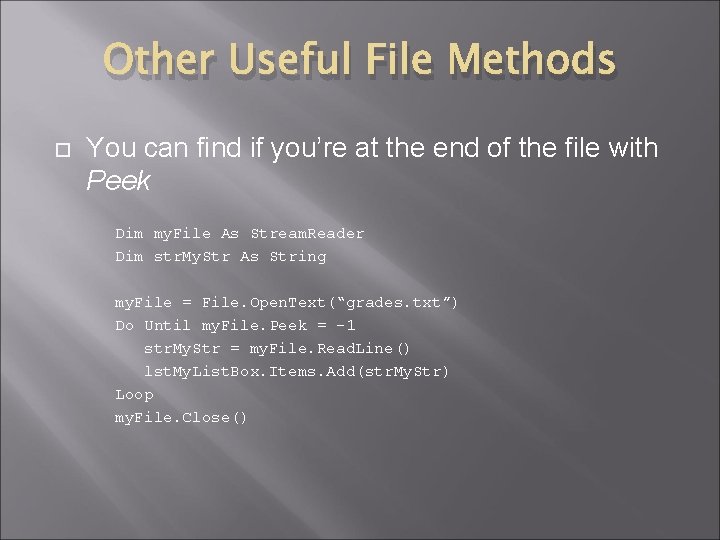
Other Useful File Methods You can find if you’re at the end of the file with Peek Dim my. File As Stream. Reader Dim str. My. Str As String my. File = File. Open. Text(“grades. txt”) Do Until my. File. Peek = -1 str. My. Str = my. File. Read. Line() lst. My. List. Box. Items. Add(str. My. Str) Loop my. File. Close()