
CS 101 Sept 11 Review linear vs nonlinear
- Slides: 7
CS 101 – Sept. 11 • Review linear vs. non-linear representations. • Text representation • Compression techniques • Image representation – grayscale – File size issues – (Later, we’ll look at color)
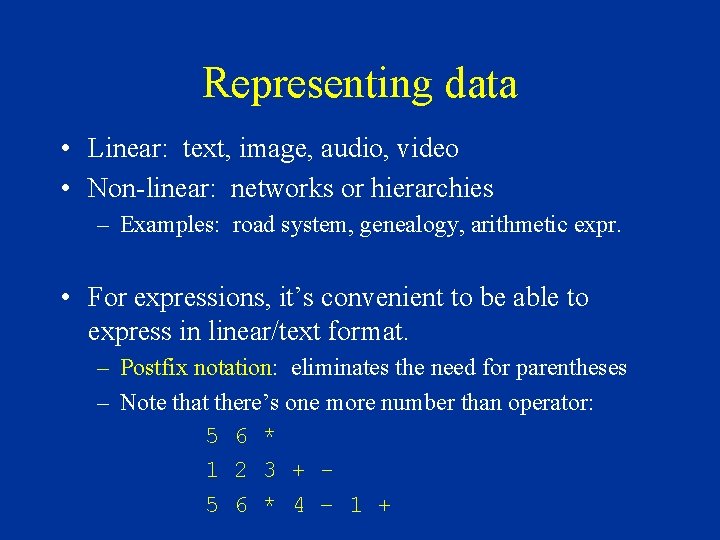
Representing data • Linear: text, image, audio, video • Non-linear: networks or hierarchies – Examples: road system, genealogy, arithmetic expr. • For expressions, it’s convenient to be able to express in linear/text format. – Postfix notation: eliminates the need for parentheses – Note that there’s one more number than operator: 5 6 * 1 2 3 + 5 6 * 4 – 1 +
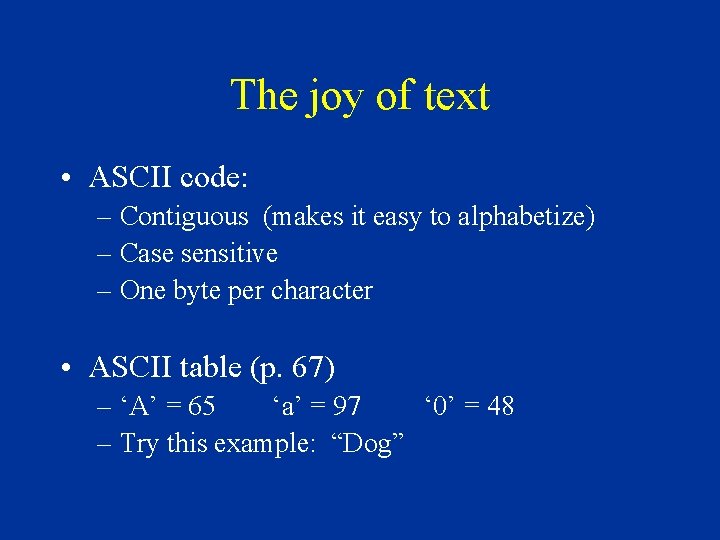
The joy of text • ASCII code: – Contiguous (makes it easy to alphabetize) – Case sensitive – One byte per character • ASCII table (p. 67) – ‘A’ = 65 ‘a’ = 97 ‘ 0’ = 48 – Try this example: “Dog”
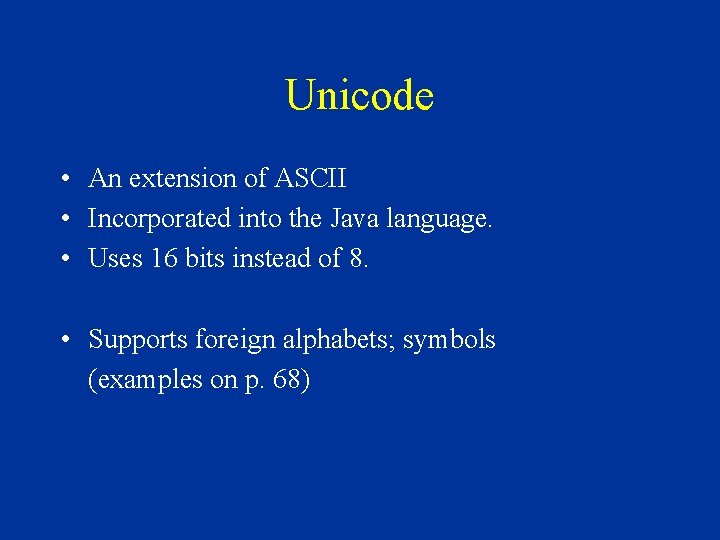
Unicode • An extension of ASCII • Incorporated into the Java language. • Uses 16 bits instead of 8. • Supports foreign alphabets; symbols (examples on p. 68)
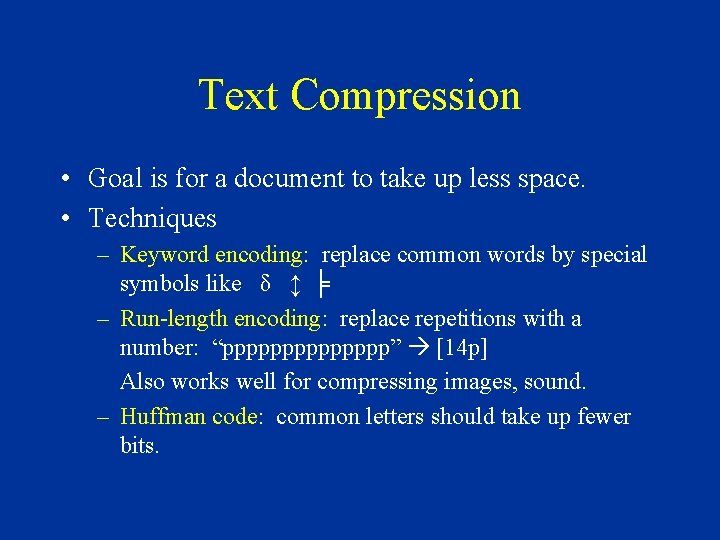
Text Compression • Goal is for a document to take up less space. • Techniques – Keyword encoding: replace common words by special symbols like δ ↕ ╞ – Run-length encoding: replace repetitions with a number: “ppppppp” [14 p] Also works well for compressing images, sound. – Huffman code: common letters should take up fewer bits.
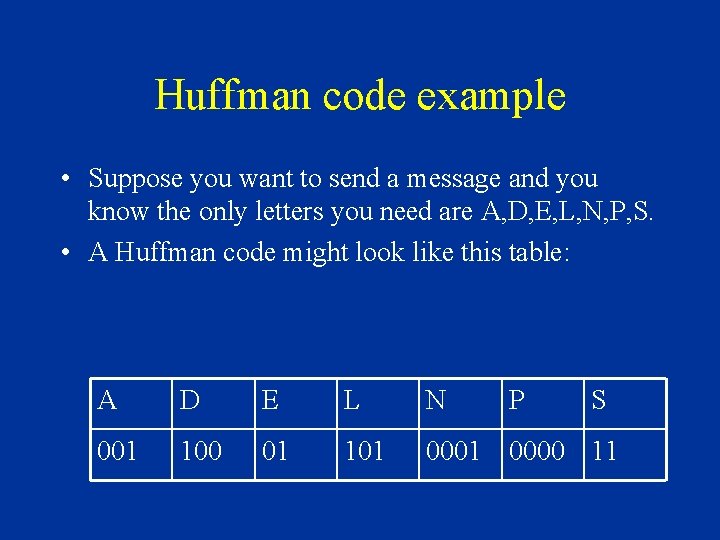
Huffman code example • Suppose you want to send a message and you know the only letters you need are A, D, E, L, N, P, S. • A Huffman code might look like this table: A D E L N P S 001 100 01 101 0000 11
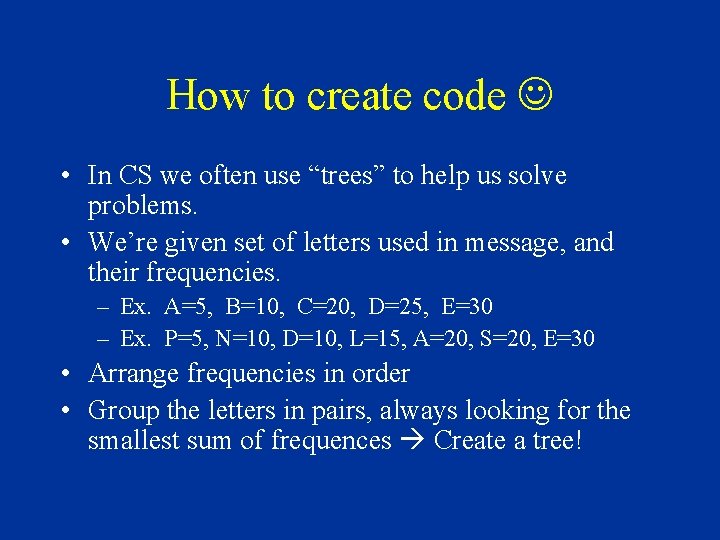
How to create code • In CS we often use “trees” to help us solve problems. • We’re given set of letters used in message, and their frequencies. – Ex. A=5, B=10, C=20, D=25, E=30 – Ex. P=5, N=10, D=10, L=15, A=20, S=20, E=30 • Arrange frequencies in order • Group the letters in pairs, always looking for the smallest sum of frequences Create a tree!