
CS 101 Introduction to Computing Lecture 26 Arrays
![Array An indexed list of elements • fruit[ 0 ], fruit[ 1 ], fruit[](https://slidetodoc.com/presentation_image/562b3ea4cbadac87e19c00664ccfbfc9/image-12.jpg "Array An indexed list of elements • fruit[ 0 ], fruit[ 1 ], fruit[")
![Array fruit[ 0 ] Identifier Square bracket Index 13](https://slidetodoc.com/presentation_image/562b3ea4cbadac87e19c00664ccfbfc9/image-13.jpg "Array fruit[ 0 ] Identifier Square bracket Index 13")
![student = new Array( 4 ) ; //array declaration student[ 0 ] = “Waseem”](https://slidetodoc.com/presentation_image/562b3ea4cbadac87e19c00664ccfbfc9/image-16.jpg "student = new Array( 4 ) ; //array declaration student[ 0 ] = “Waseem”")

![Assigning Values to Array Elements a[ 1 ] = 5 ; //the second element](https://slidetodoc.com/presentation_image/562b3ea4cbadac87e19c00664ccfbfc9/image-26.jpg "Assigning Values to Array Elements a[ 1 ] = 5 ; //the second element")
- Slides: 51
CS 101 Introduction to Computing Lecture 26 Arrays (Web Development Lecture 9)
During the last lecture we had a discussion on Flow Control & Loops • We discussed the concept of flow control using the “if” and “switch” structures • And also the concept behind the “while” and “for” looping structures • We also solved simple problems using flow control and loop structures 2
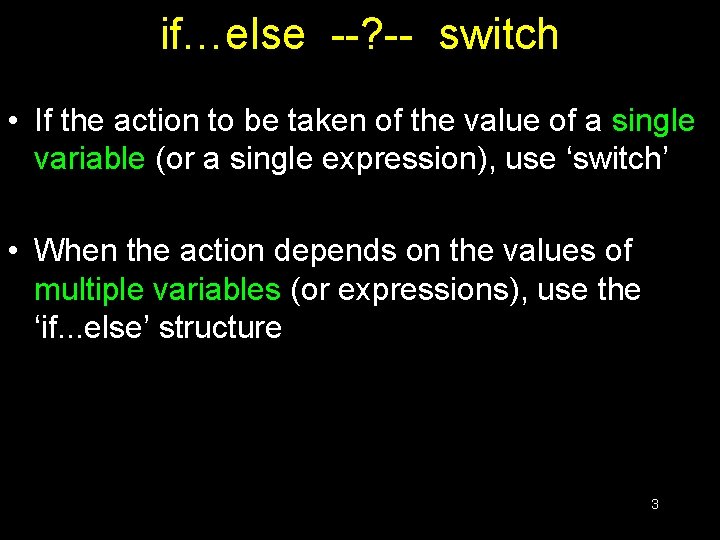
if…else --? -- switch • If the action to be taken of the value of a single variable (or a single expression), use ‘switch’ • When the action depends on the values of multiple variables (or expressions), use the ‘if. . . else’ structure 3
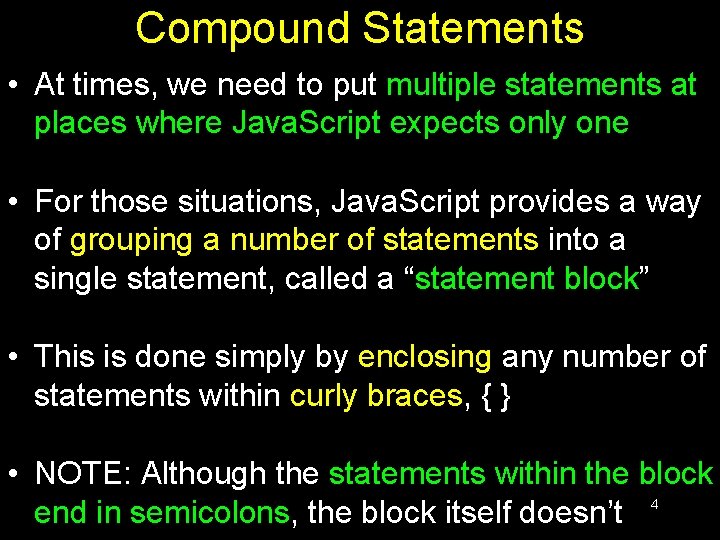
Compound Statements • At times, we need to put multiple statements at places where Java. Script expects only one • For those situations, Java. Script provides a way of grouping a number of statements into a single statement, called a “statement block” • This is done simply by enclosing any number of statements within curly braces, { } • NOTE: Although the statements within the block end in semicolons, the block itself doesn’t 4
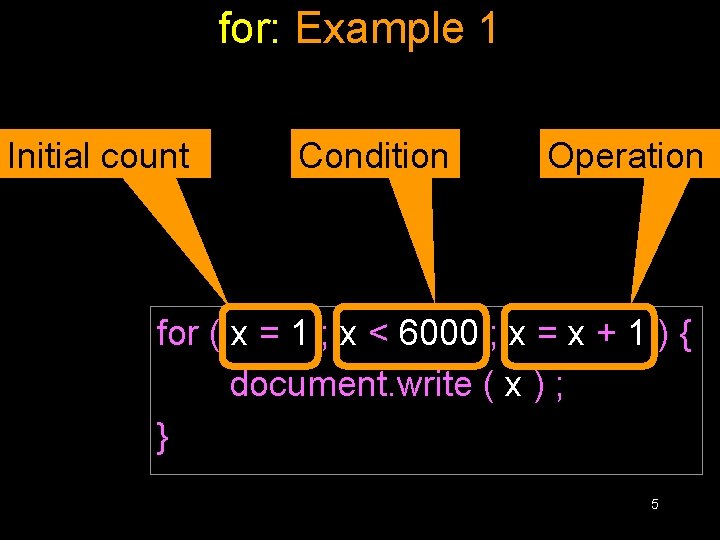
for: Example 1 x=1; Initial count Condition Operation while ( x < 6000 ) { document. write ( x ) ; x=x+1; } for ( x = 1 ; x < 6000 ; x = x + 1 ) { document. write ( x ) ; } 5
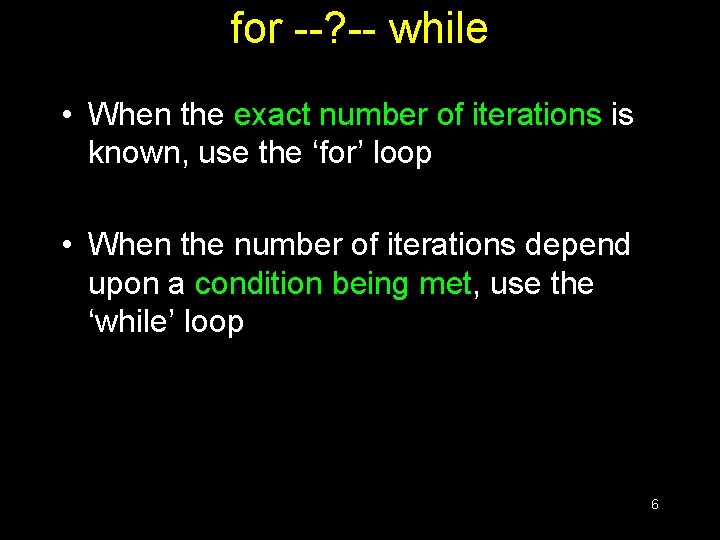
for --? -- while • When the exact number of iterations is known, use the ‘for’ loop • When the number of iterations depend upon a condition being met, use the ‘while’ loop 6
‘for’ loops become especially useful when used in conjunction with arrays We’ll find out about arrays today, and we’ll probe their usefulness as part of ‘for’ loop structures
Today’s Topic: Arrays • We will find out why we need arrays • We will become able to use arrays for solving simple problems 8
Array?
Array An indexed list of elements We said that a variable is a container that holds a value. Similarly, an Array can be considered a container as well, but this one can hold multiple values 10
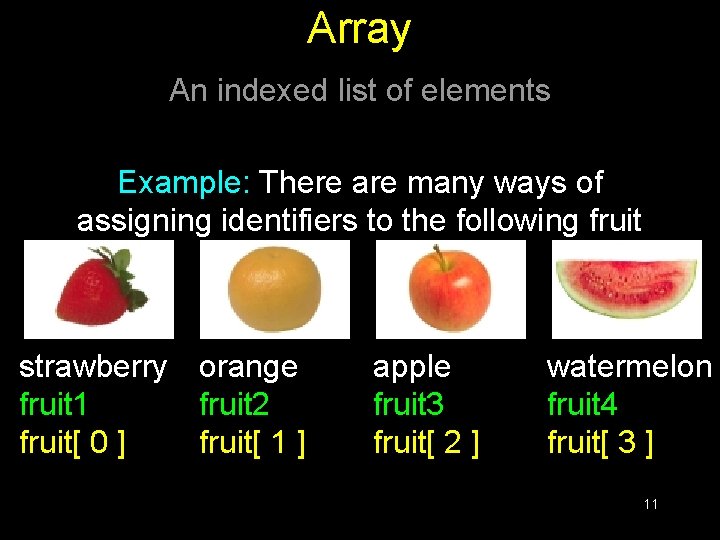
Array An indexed list of elements Example: There are many ways of assigning identifiers to the following fruit strawberry orange fruit 1 fruit 2 fruit[ 0 ] fruit[ 1 ] apple fruit 3 fruit[ 2 ] watermelon fruit 4 fruit[ 3 ] 11
Array An indexed list of elements • fruit[ 0 ], fruit[ 1 ], fruit[ 2 ], and fruit[ 3 ] are the elements of an array • ‘fruit’ is the identifier for that array • The length of the ‘fruit’ array is 4, i. e. ‘fruit’ has four elements 12
Array fruit[ 0 ] Identifier Square bracket Index 13
Let’s now take look at one of the advantages of using arrays
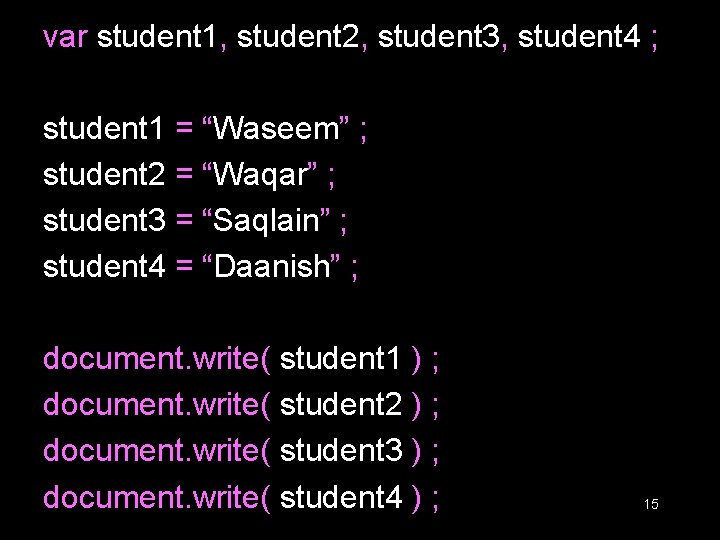
var student 1, student 2, student 3, student 4 ; student 1 = “Waseem” ; student 2 = “Waqar” ; student 3 = “Saqlain” ; student 4 = “Daanish” ; document. write( student 1 ) ; document. write( student 2 ) ; document. write( student 3 ) ; document. write( student 4 ) ; 15
student = new Array( 4 ) ; //array declaration student[ 0 ] = “Waseem” ; student[ 1 ] = “Waqar” ; student[ 2 ] = “Saqlain” ; student[ 3 ] = “Daanish” ; Can you see the advantage of using arrays along with the ‘for’ loop? for ( x = 0 ; x < 4 ; x = x + 1 ) { document. write( student[ x ] ) ; } 16
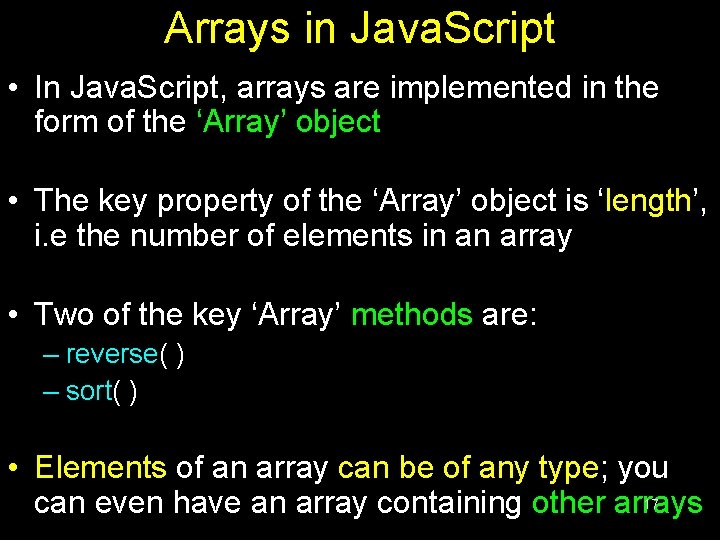
Arrays in Java. Script • In Java. Script, arrays are implemented in the form of the ‘Array’ object • The key property of the ‘Array’ object is ‘length’, i. e the number of elements in an array • Two of the key ‘Array’ methods are: – reverse( ) – sort( ) • Elements of an array can be of any type; you 17 can even have an array containing other arrays
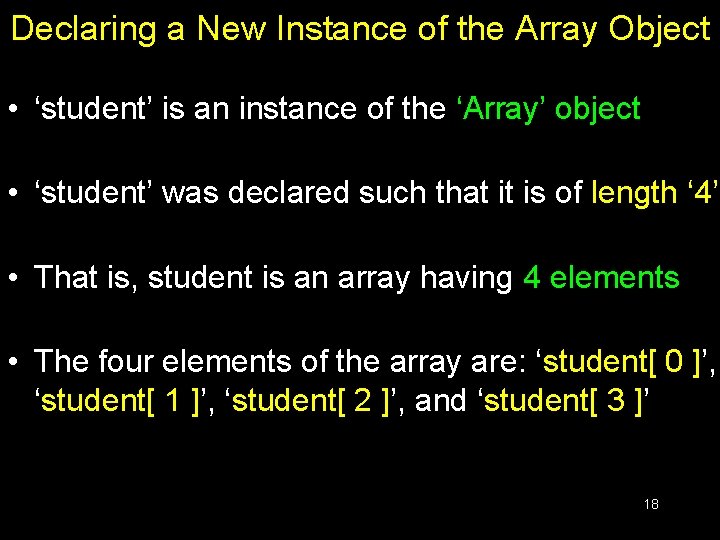
Declaring a New Instance of the Array Object • ‘student’ is an instance of the ‘Array’ object • ‘student’ was declared such that it is of length ‘ 4’ • That is, student is an array having 4 elements • The four elements of the array are: ‘student[ 0 ]’, ‘student[ 1 ]’, ‘student[ 2 ]’, and ‘student[ 3 ]’ 18
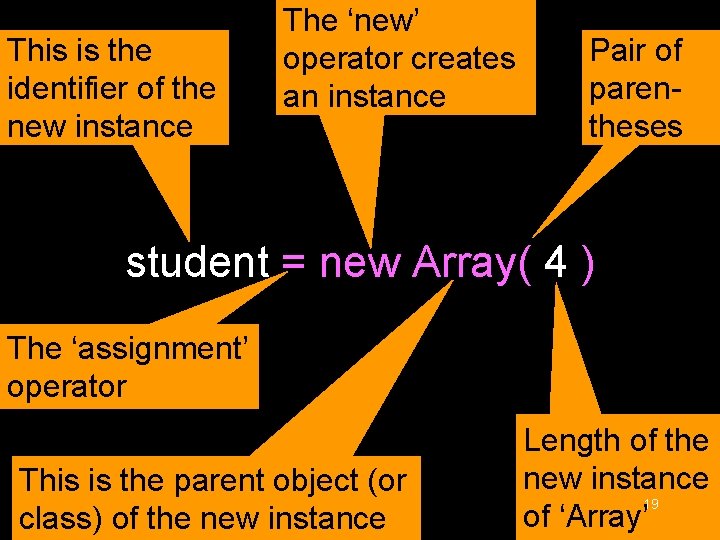
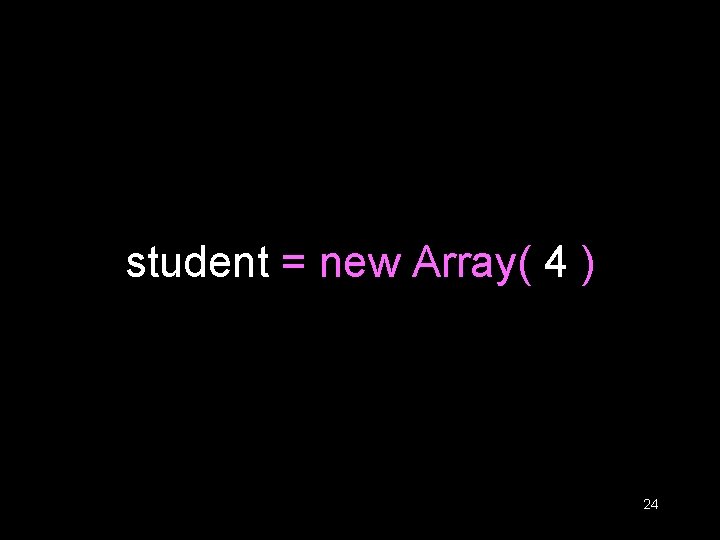
This is the identifier of the new instance The ‘new’ operator creates an instance Pair of parentheses student = new Array( 4 ) The ‘assignment’ operator This is the parent object (or class) of the new instance Length of the new instance 19 of ‘Array’
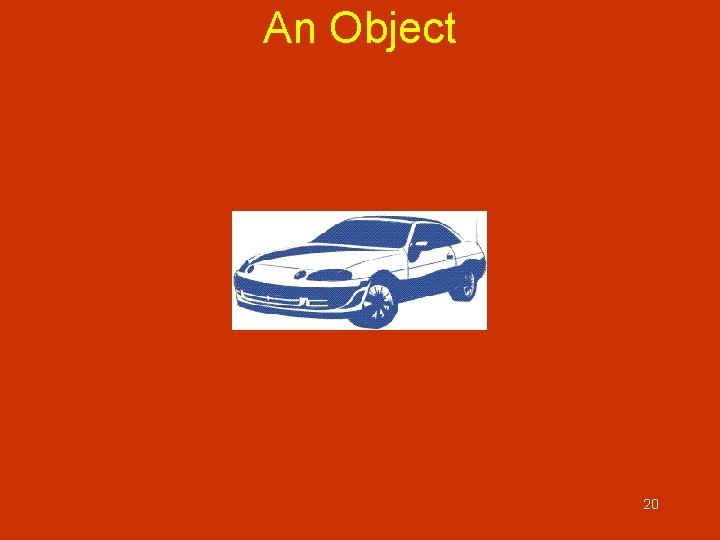
An Object 20
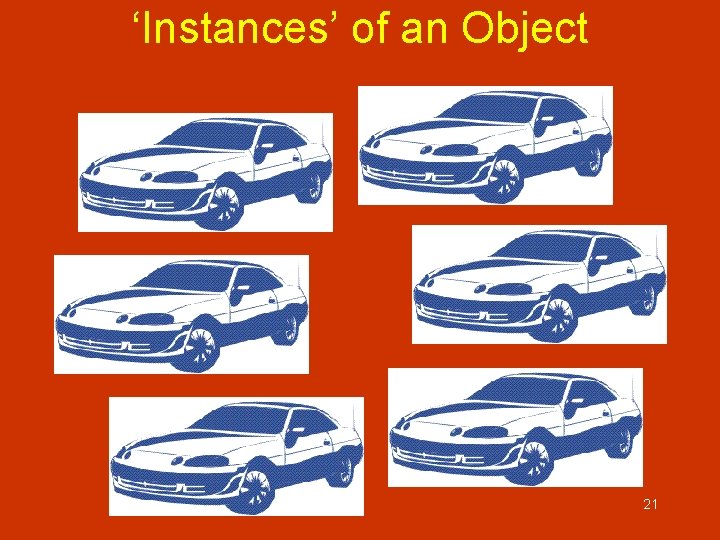
‘Instances’ of an Object 21
All instances of an object are objects themselves! 22
‘Property’ Values of the Instances May Differ 23
student = new Array( 4 ) 24
Array Identifiers The naming rules for Array identifiers are the same as were discussed for variable identifiers 25
Assigning Values to Array Elements a[ 1 ] = 5 ; //the second element name[ 5 ] = “bhola” ; number = 5 ; name[ number ] = name[ 5 ] ; for ( x = 0 ; x < 10 ; x = x + 1 ) { y[ x ] = x * x ; } 26
Remember: just like C, C++ and Java, the first element of an array has an index number equal to zero 27
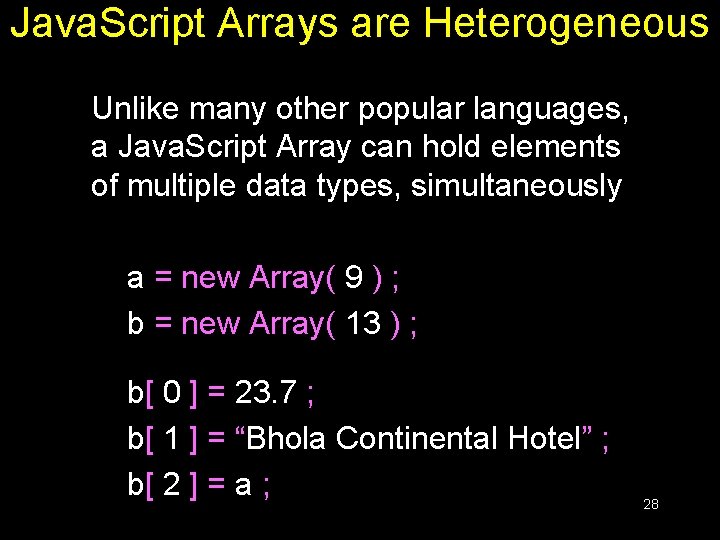
Java. Script Arrays are Heterogeneous Unlike many other popular languages, a Java. Script Array can hold elements of multiple data types, simultaneously a = new Array( 9 ) ; b = new Array( 13 ) ; b[ 0 ] = 23. 7 ; b[ 1 ] = “Bhola Continental Hotel” ; b[ 2 ] = a ; 28
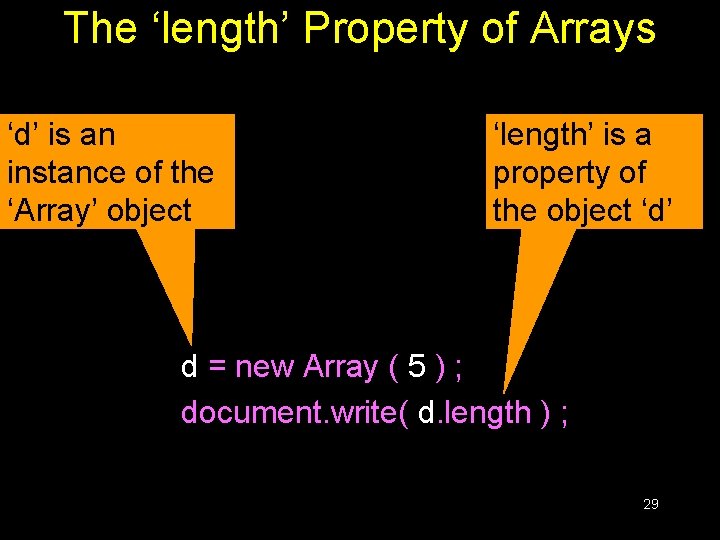
The ‘length’ Property of Arrays ‘d’ is an instance of the ‘Array’ object ‘length’ is a property of the object ‘d’ d = new Array ( 5 ) ; document. write( d. length ) ; 29
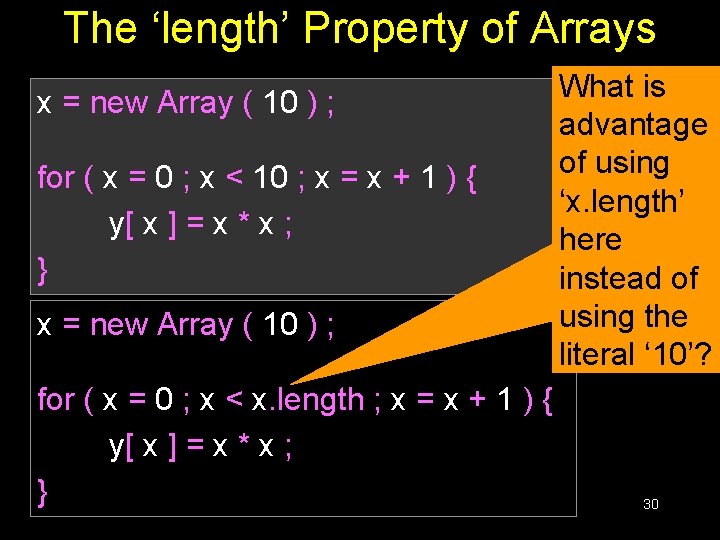
The ‘length’ Property of Arrays x = new Array ( 10 ) ; for ( x = 0 ; x < 10 ; x = x + 1 ) { y[ x ] = x * x ; } x = new Array ( 10 ) ; for ( x = 0 ; x < x. length ; x = x + 1 ) { y[ x ] = x * x ; } What is advantage of using ‘x. length’ here instead of using the literal ‘ 10’? 30
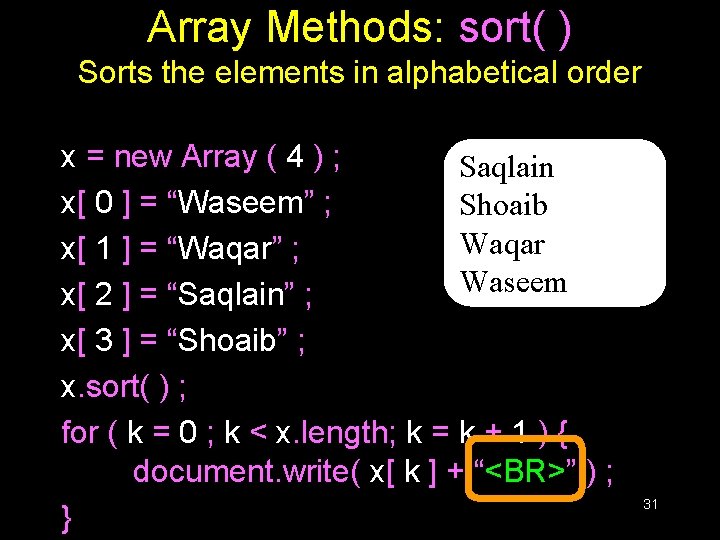
Array Methods: sort( ) Sorts the elements in alphabetical order x = new Array ( 4 ) ; Saqlain x[ 0 ] = “Waseem” ; Shoaib Waqar x[ 1 ] = “Waqar” ; Waseem x[ 2 ] = “Saqlain” ; x[ 3 ] = “Shoaib” ; x. sort( ) ; for ( k = 0 ; k < x. length; k = k + 1 ) { document. write( x[ k ] + “<BR>” ) ; } 31
Were the elements sorted in ascending or descending order? What if you wanted to arrange them in the reverse order?
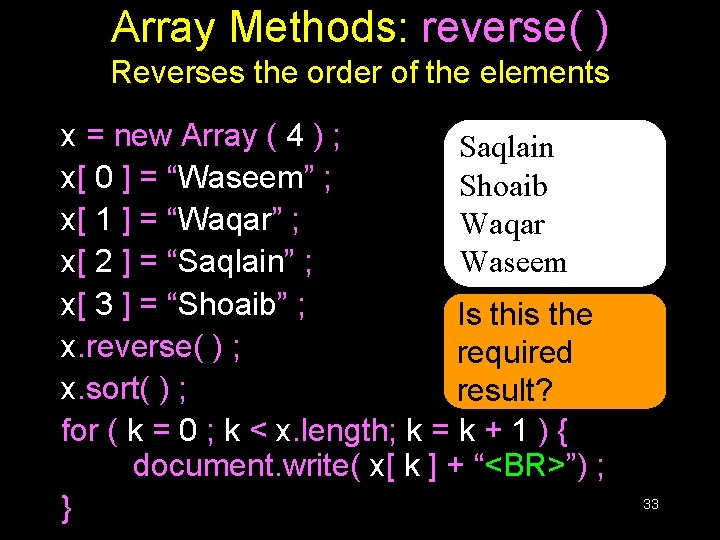
Array Methods: reverse( ) Reverses the order of the elements x = new Array ( 4 ) ; Saqlain x[ 0 ] = “Waseem” ; Shoaib x[ 1 ] = “Waqar” ; Waqar x[ 2 ] = “Saqlain” ; Waseem x[ 3 ] = “Shoaib” ; Is this the x. reverse( ) ; required x. sort( ) ; result? for ( k = 0 ; k < x. length; k = k + 1 ) { document. write( x[ k ] + “<BR>”) ; } 33
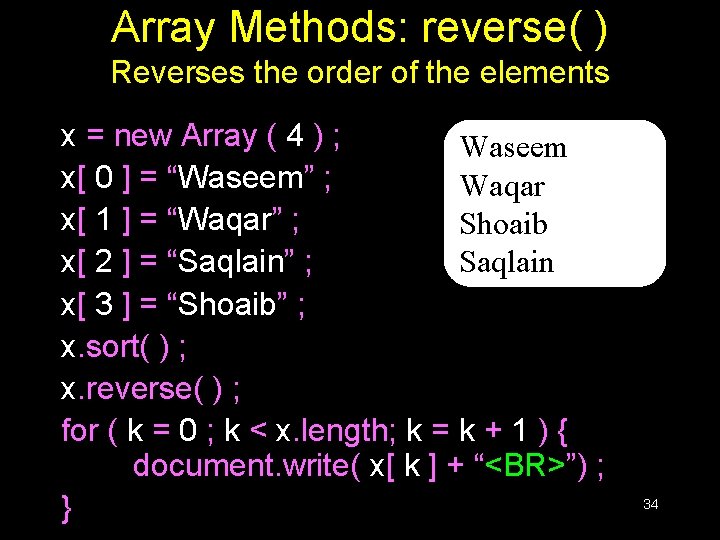
Array Methods: reverse( ) Reverses the order of the elements x = new Array ( 4 ) ; Waseem x[ 0 ] = “Waseem” ; Waqar x[ 1 ] = “Waqar” ; Shoaib x[ 2 ] = “Saqlain” ; Saqlain x[ 3 ] = “Shoaib” ; x. sort( ) ; x. reverse( ) ; for ( k = 0 ; k < x. length; k = k + 1 ) { document. write( x[ k ] + “<BR>”) ; } 34
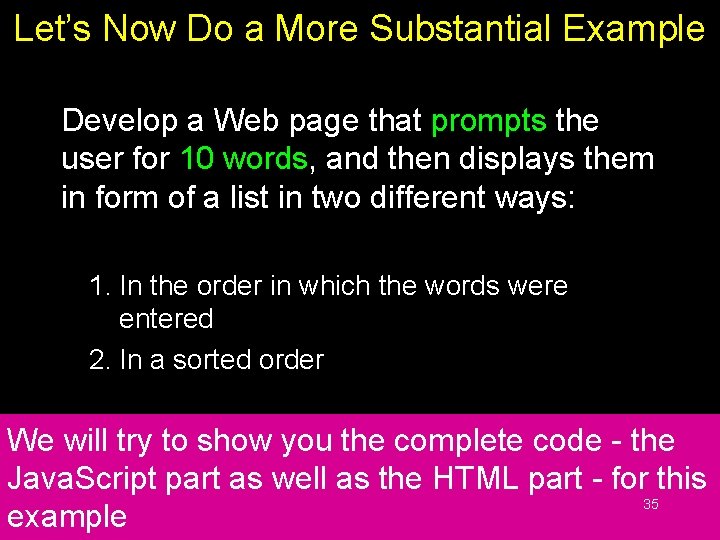
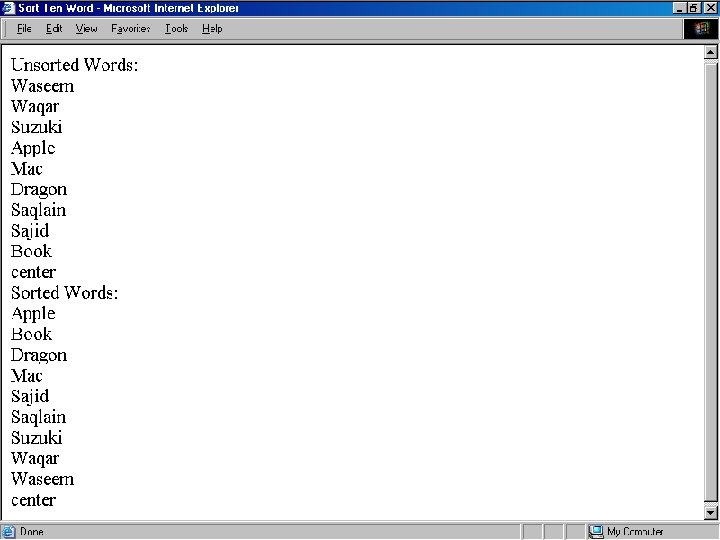
Let’s Now Do a More Substantial Example Develop a Web page that prompts the user for 10 words, and then displays them in form of a list in two different ways: 1. In the order in which the words were entered 2. In a sorted order We will try to show you the complete code - the Java. Script part as well as the HTML part - for this 35 example
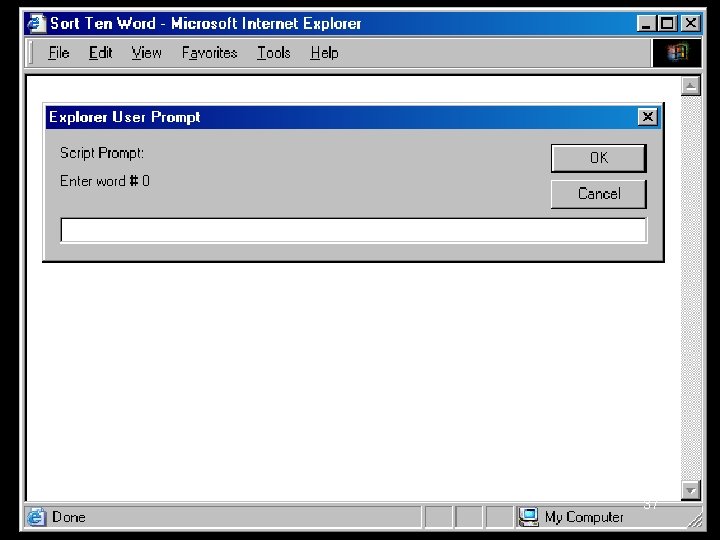
Before looking at code, let’s first understand what is that code supposed to do
37
38
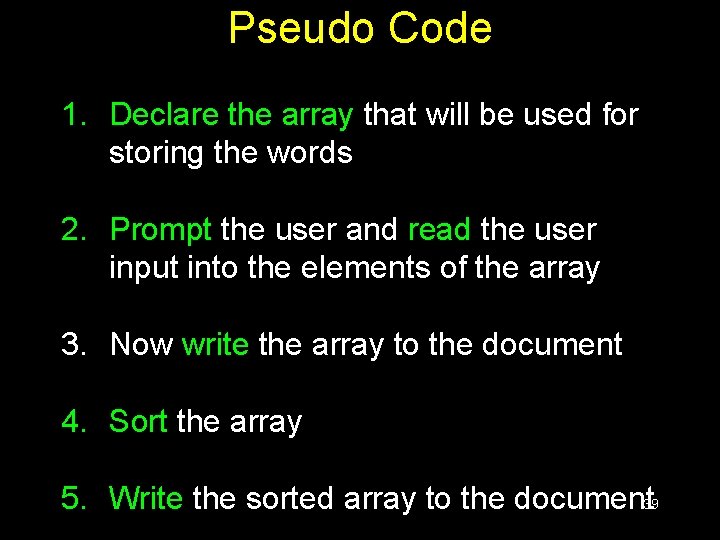
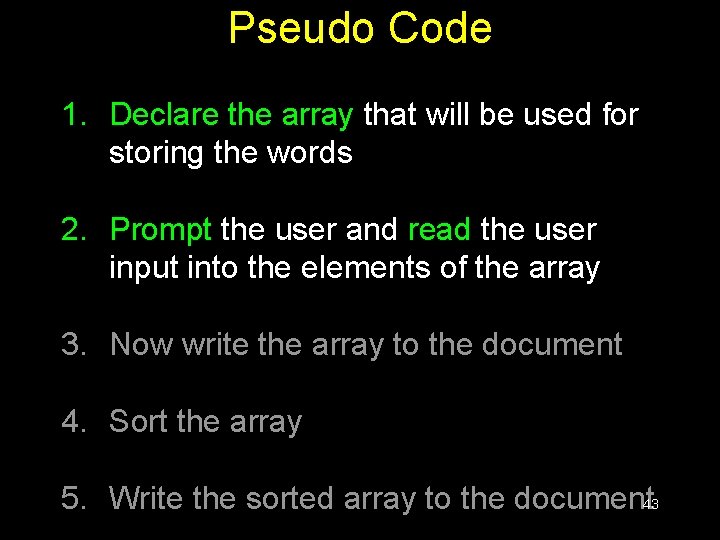
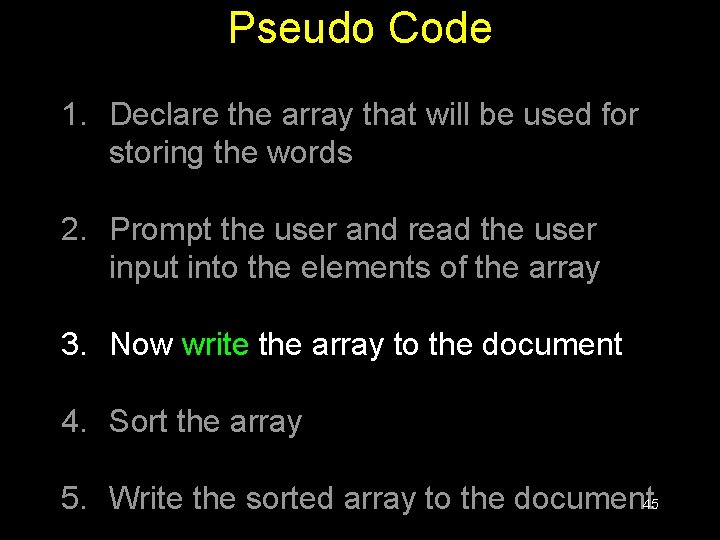
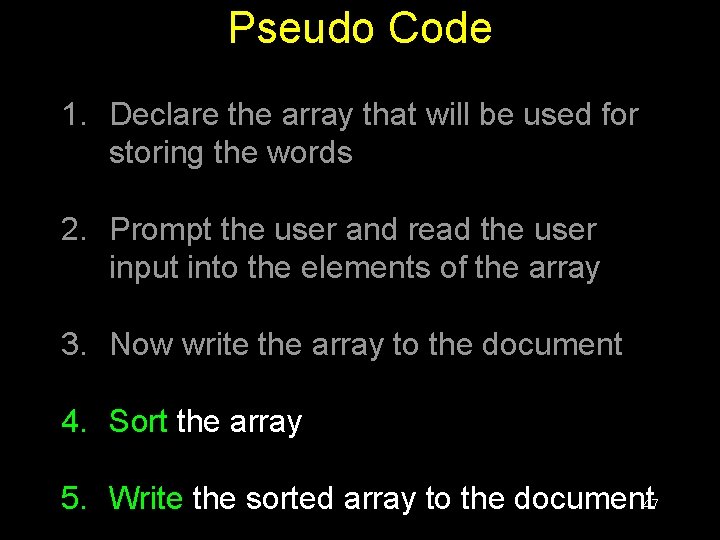
Pseudo Code 1. Declare the array that will be used for storing the words 2. Prompt the user and read the user input into the elements of the array 3. Now write the array to the document 4. Sort the array 5. Write the sorted array to the document 39
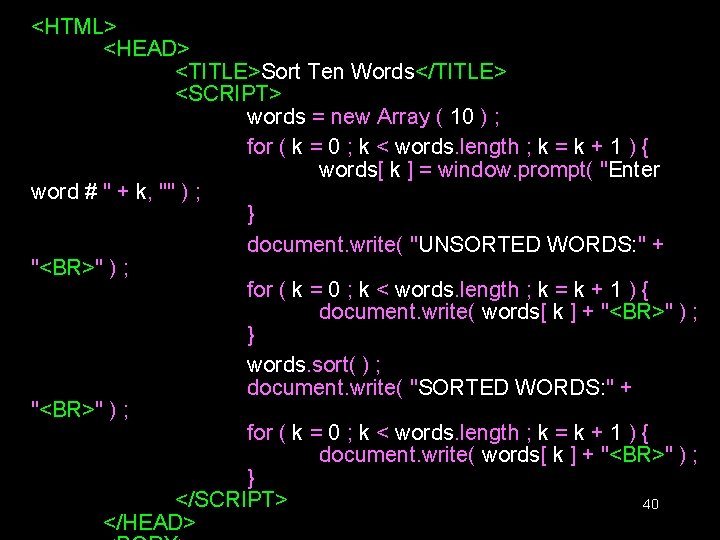
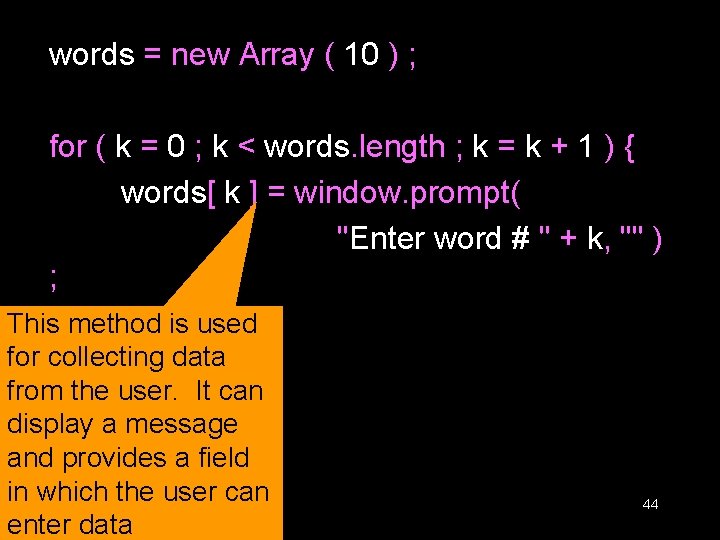
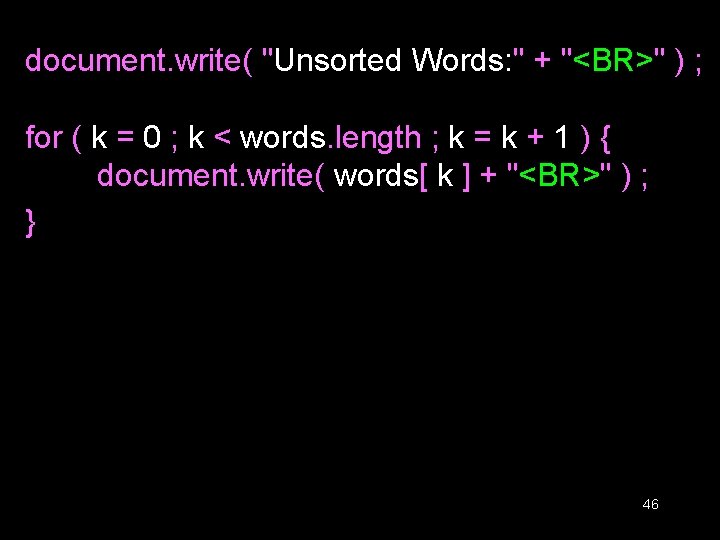
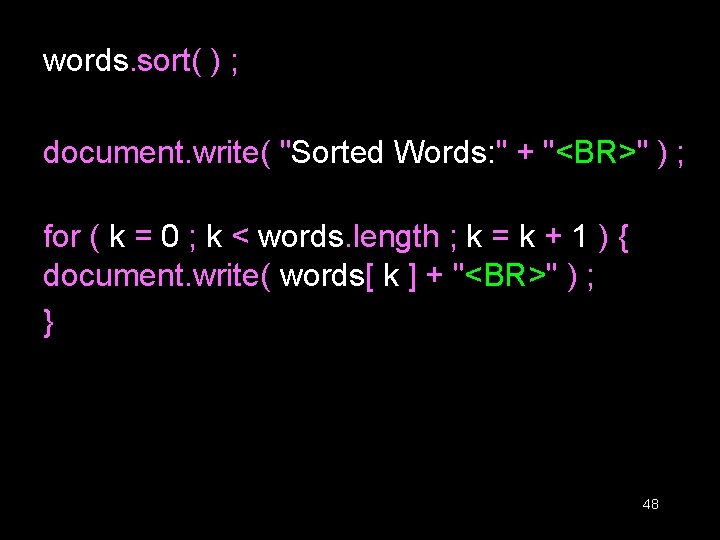
<HTML> <HEAD> <TITLE>Sort Ten Words</TITLE> <SCRIPT> words = new Array ( 10 ) ; for ( k = 0 ; k < words. length ; k = k + 1 ) { words[ k ] = window. prompt( "Enter word # " + k, "" ) ; } document. write( "UNSORTED WORDS: " + "<BR>" ) ; for ( k = 0 ; k < words. length ; k = k + 1 ) { document. write( words[ k ] + "<BR>" ) ; } words. sort( ) ; document. write( "SORTED WORDS: " + "<BR>" ) ; for ( k = 0 ; k < words. length ; k = k + 1 ) { document. write( words[ k ] + "<BR>" ) ; } </SCRIPT> 40 </HEAD>
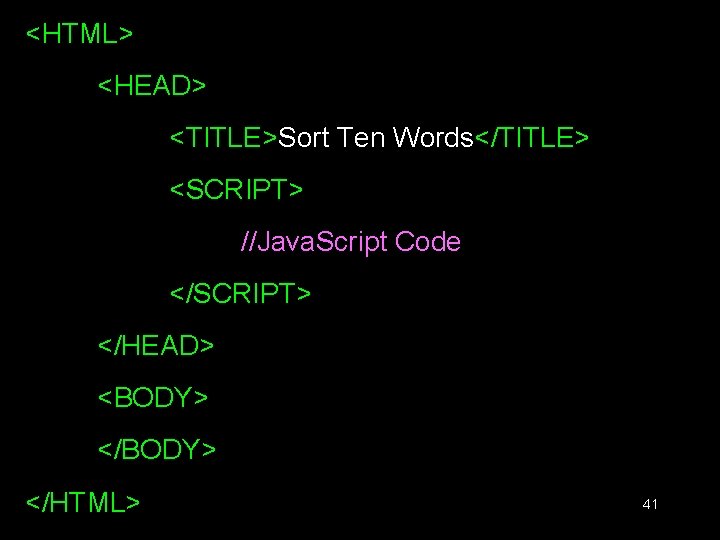
<HTML> <HEAD> <TITLE>Sort Ten Words</TITLE> <SCRIPT> //Java. Script Code </SCRIPT> </HEAD> <BODY> </HTML> 41
The next three slides show the Java. Script code that goes between the <SCRIPT>, </SCRIPT> tags
Pseudo Code 1. Declare the array that will be used for storing the words 2. Prompt the user and read the user input into the elements of the array 3. Now write the array to the document 4. Sort the array 5. Write the sorted array to the document 43
words = new Array ( 10 ) ; for ( k = 0 ; k < words. length ; k = k + 1 ) { words[ k ] = window. prompt( "Enter word # " + k, "" ) ; This} method is used for collecting data from the user. It can display a message and provides a field in which the user can enter data 44
Pseudo Code 1. Declare the array that will be used for storing the words 2. Prompt the user and read the user input into the elements of the array 3. Now write the array to the document 4. Sort the array 5. Write the sorted array to the document 45
document. write( "Unsorted Words: " + "<BR>" ) ; for ( k = 0 ; k < words. length ; k = k + 1 ) { document. write( words[ k ] + "<BR>" ) ; } 46
Pseudo Code 1. Declare the array that will be used for storing the words 2. Prompt the user and read the user input into the elements of the array 3. Now write the array to the document 4. Sort the array 5. Write the sorted array to the document 47
words. sort( ) ; document. write( "Sorted Words: " + "<BR>" ) ; for ( k = 0 ; k < words. length ; k = k + 1 ) { document. write( words[ k ] + "<BR>" ) ; } 48
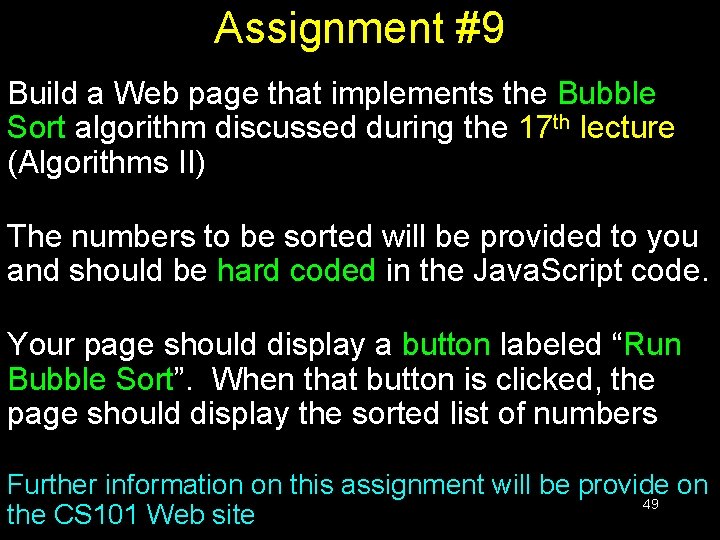
Assignment #9 Build a Web page that implements the Bubble Sort algorithm discussed during the 17 th lecture (Algorithms II) The numbers to be sorted will be provided to you and should be hard coded in the Java. Script code. Your page should display a button labeled “Run Bubble Sort”. When that button is clicked, the page should display the sorted list of numbers Further information on this assignment will be provide on 49 the CS 101 Web site
During Today’s Lecture … • We found out why we need arrays • We became able to use arrays for solving simple problems 50
Next (the 10 th) Web Dev Lecture: Functions & Variable Scope • To become familiar with some of Java. Script’s built-in functions • To be able to understand the concept of userdefined functions and their use for solving simple problems • To become familiar with the concept of local 51 and global variables