
CS 101 Introduction to Computing Lecture 21 Data

- Slides: 58
CS 101 Introduction to Computing Lecture 21 Data Types & Operators (Web Development Lecture 7)
During the last lecture we had a discussion on Objects, Properties, Methods • Everything that Java. Script manipulates, it treats as an object – e. g. a window or a button • An object has properties – e. g. a window has size, position, status, etc. • An object can be manipulated with methods that are associated with that object – e. g. a resize a window with resize. To(150, 200) 2
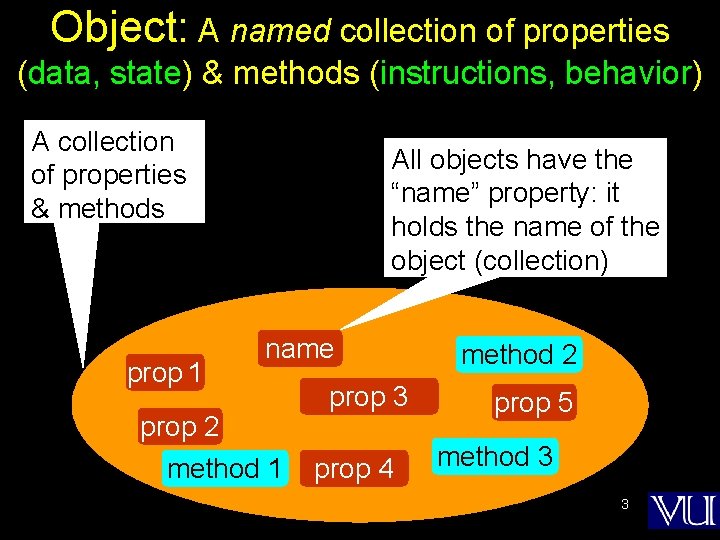
Object: A named collection of properties (data, state) & methods (instructions, behavior) A collection of properties & methods prop 1 All objects have the “name” property: it holds the name of the object (collection) name prop 2 method 1 prop 3 prop 4 method 2 prop 5 method 3 3
Types of Objects • Java. Script objects – Objects that are part of Java. Script – Examples: window, document • Browser objects – Objects that contain info not about the contents of the display, but the browser itself – Examples: history, navigator • User-defined object 4
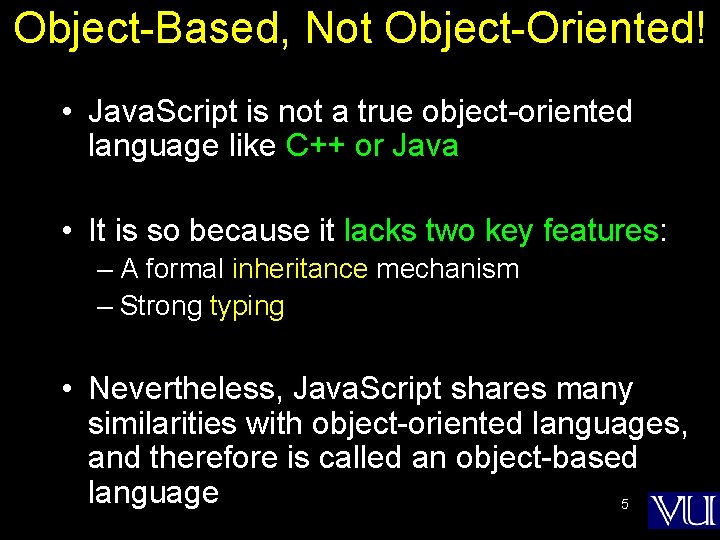
Object-Based, Not Object-Oriented! • Java. Script is not a true object-oriented language like C++ or Java • It is so because it lacks two key features: – A formal inheritance mechanism – Strong typing • Nevertheless, Java. Script shares many similarities with object-oriented languages, and therefore is called an object-based language 5
The concept of objects and associated properties and methods is a very powerful idea, and we will be talking about it a lot during this course However, today, our focus will be on some of the nitty-gritty details of Java. Script
During Today’s Lecture … • We will find out about Java. Script data types • About variables and literals • We will also discuss various operators supported by Java. Script 7
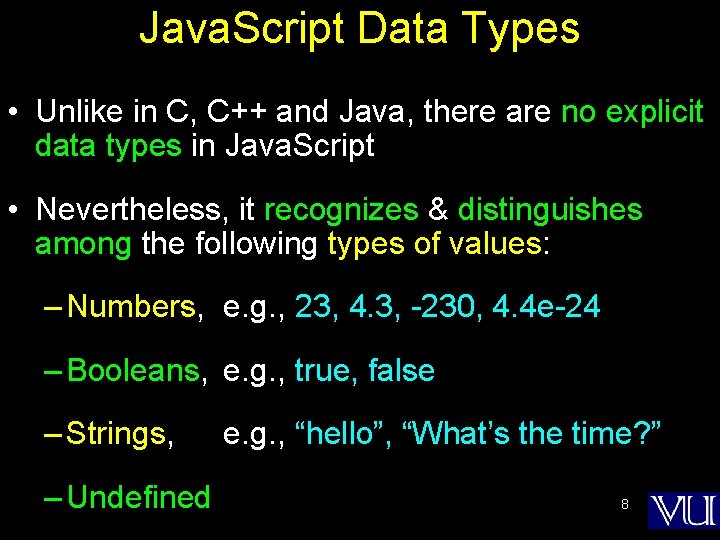
Java. Script Data Types • Unlike in C, C++ and Java, there are no explicit data types in Java. Script • Nevertheless, it recognizes & distinguishes among the following types of values: – Numbers, e. g. , 23, 4. 3, -230, 4. 4 e-24 – Booleans, e. g. , true, false – Strings, – Undefined e. g. , “hello”, “What’s the time? ” 8
We’ll comeback to these data types, but before that we have to define a few new terms First, variables:
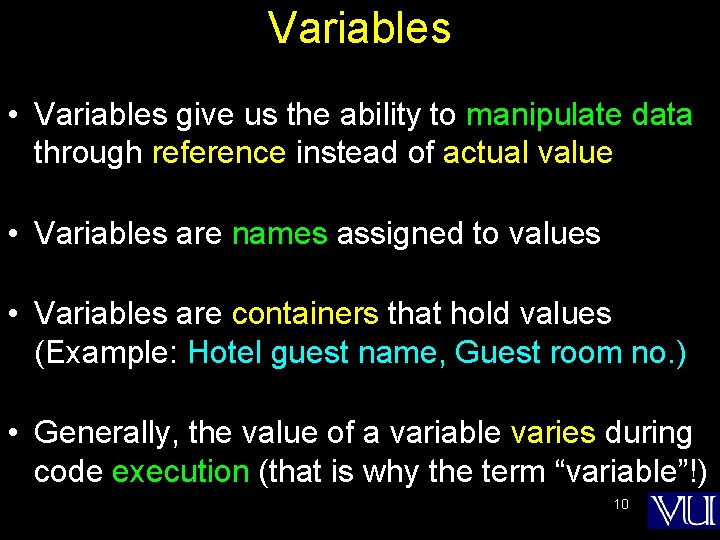
Variables • Variables give us the ability to manipulate data through reference instead of actual value • Variables are names assigned to values • Variables are containers that hold values (Example: Hotel guest name, Guest room no. ) • Generally, the value of a variable varies during code execution (that is why the term “variable”!) 10
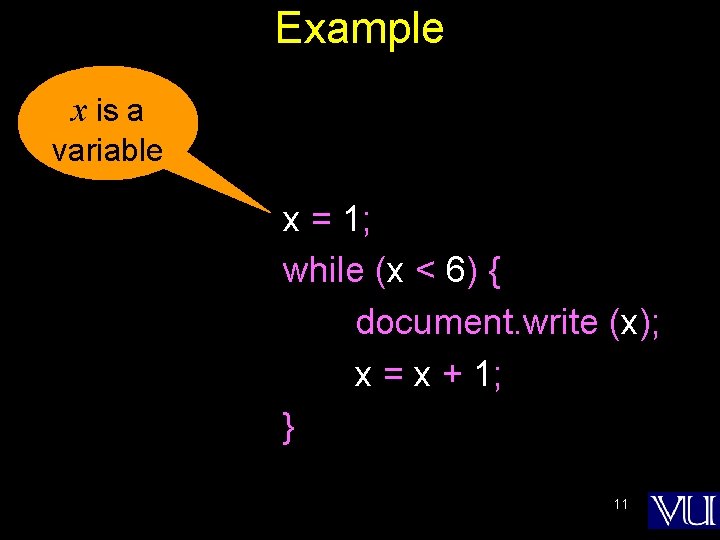
Example x is a variable x = 1; while (x < 6) { document. write (x); x = x + 1; } 11
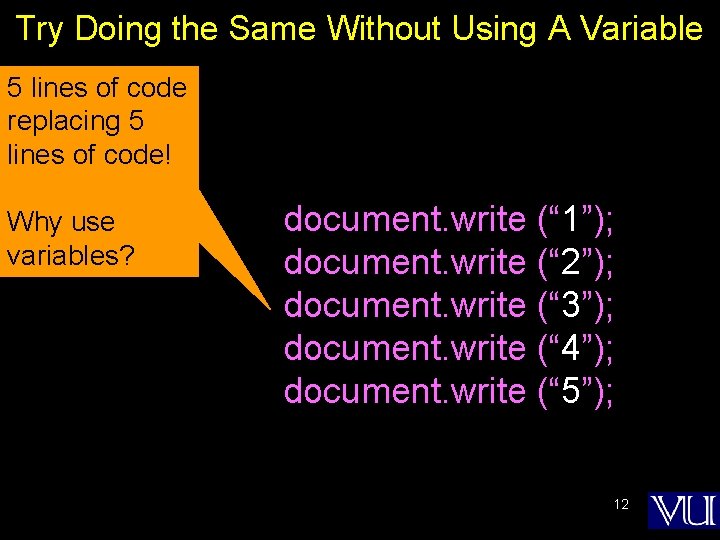
Try Doing the Same Without Using A Variable 5 lines of code replacing 5 lines of code! Why use variables? document. write (“ 1”); document. write (“ 2”); document. write (“ 3”); document. write (“ 4”); document. write (“ 5”); 12
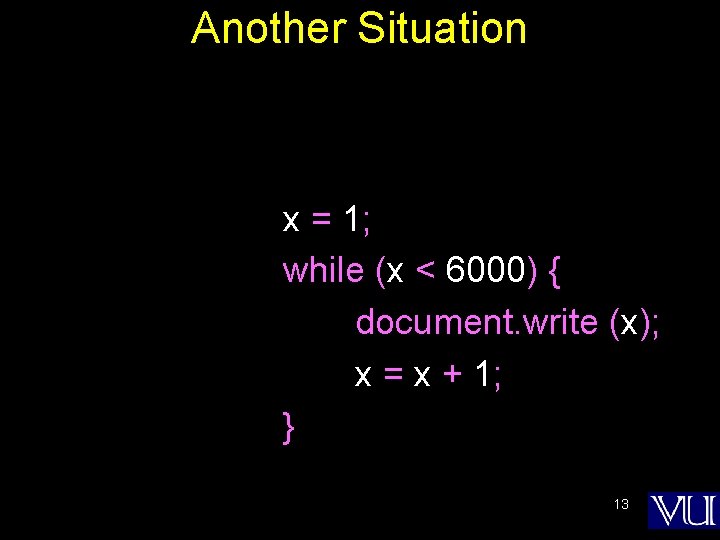
Another Situation x = 1; while (x < 6000) { document. write (x); x = x + 1; } 13
Declaring Variables • Many languages require that a variable be declared (defined) before it is first used • Although Java. Script allows variable declaration, it does not require it - except in the case when we want to declare a variable being local (more on local variables later in the course!) • However, it is good programming practice to declare variables before using them 14
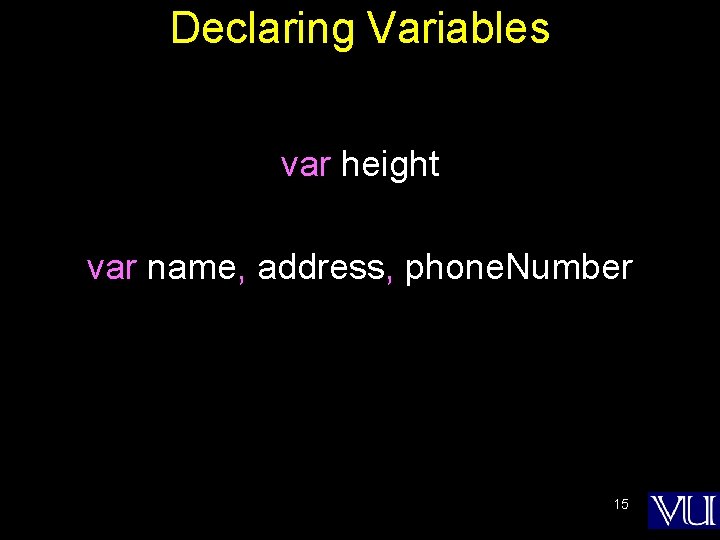
Declaring Variables var height var name, address, phone. Number 15
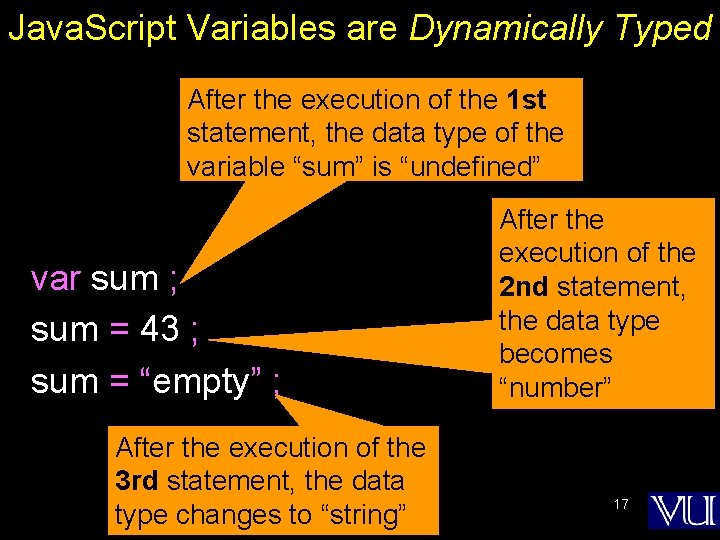
Java. Script Variables are Dynamically Typed • Any variable in Java. Script can hold any type of value, and the that type can change midway through the program • This is unlike the case for C, C++ and Java, where a variable’s type is defined before usage • The untyped feature makes Java. Script simpler to program in when developing short programs. However, this feature brings in a few problems as well. Can you describe any? 16
Java. Script Variables are Dynamically Typed After the execution of the 1 st statement, the data type of the variable “sum” is “undefined” var sum ; sum = 43 ; sum = “empty” ; After the execution of the 3 rd statement, the data type changes to “string” After the execution of the 2 nd statement, the data type becomes “number” 17
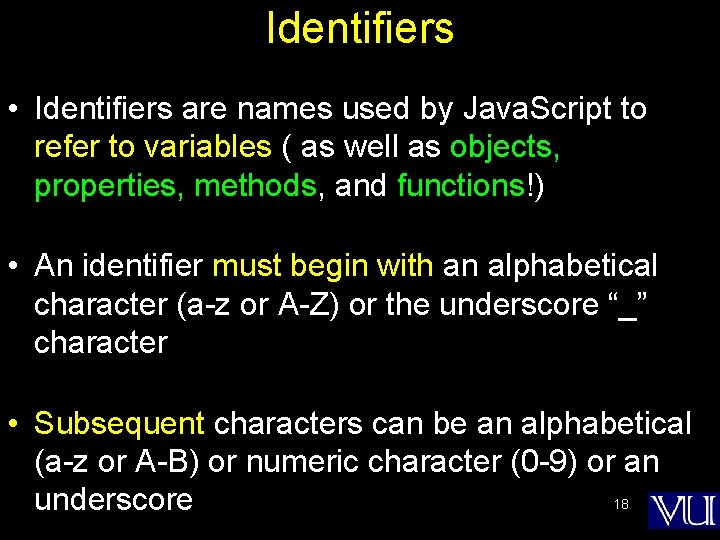
Identifiers • Identifiers are names used by Java. Script to refer to variables ( as well as objects, properties, methods, and functions!) • An identifier must begin with an alphabetical character (a-z or A-Z) or the underscore “_” character • Subsequent characters can be an alphabetical (a-z or A-B) or numeric character (0 -9) or an 18 underscore
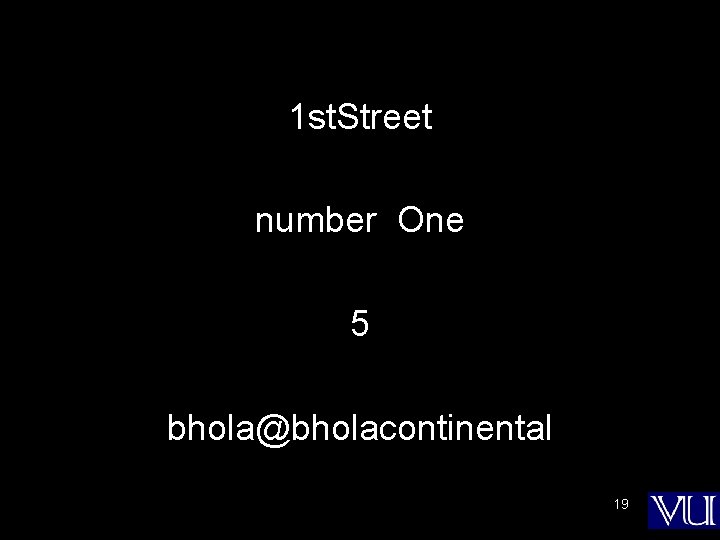
1 st. Street number One 5 bhola@bholacontinental 19
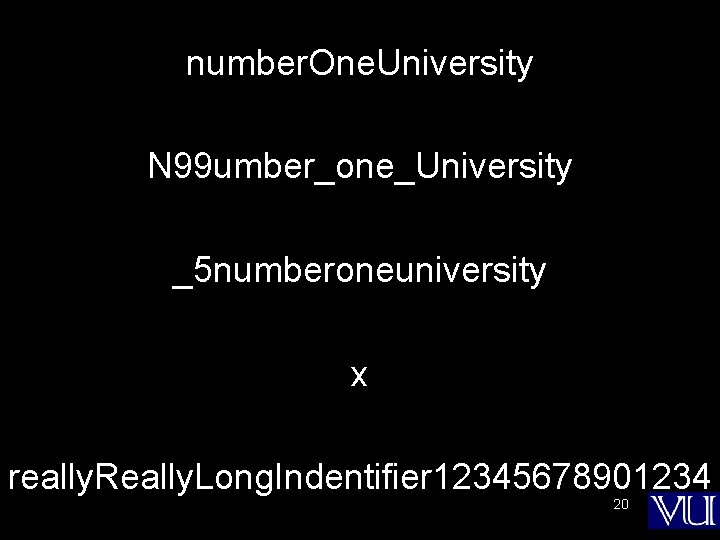
number. One. University N 99 umber_one_University _5 numberoneuniversity x really. Really. Long. Indentifier 12345678901234 20
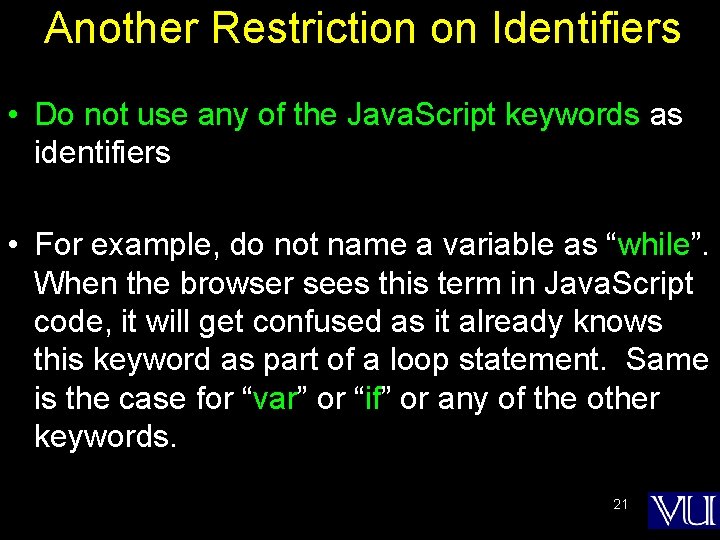
Another Restriction on Identifiers • Do not use any of the Java. Script keywords as identifiers • For example, do not name a variable as “while”. When the browser sees this term in Java. Script code, it will get confused as it already knows this keyword as part of a loop statement. Same is the case for “var” or “if” or any of the other keywords. 21
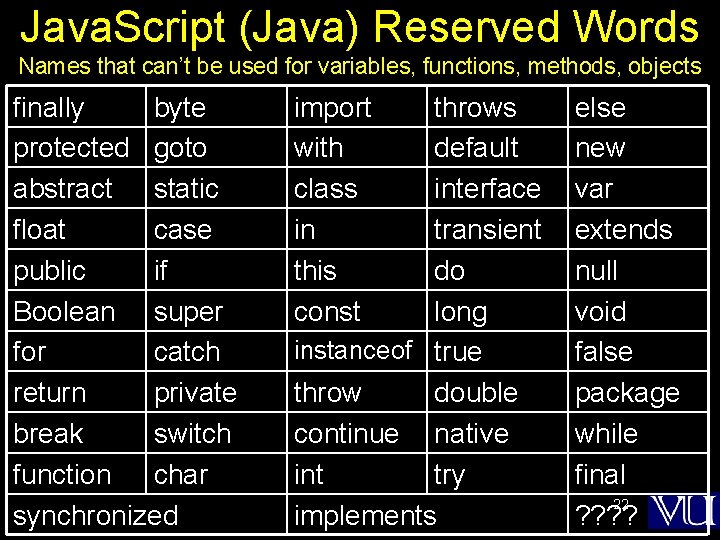
Java. Script (Java) Reserved Words Names that can’t be used for variables, functions, methods, objects finally byte protected goto abstract static float case public if Boolean super for catch return private break switch function char synchronized import with class in this const throws default interface transient do long instanceof true throw double continue native int try implements else new var extends null void false package while final 22 ? ?
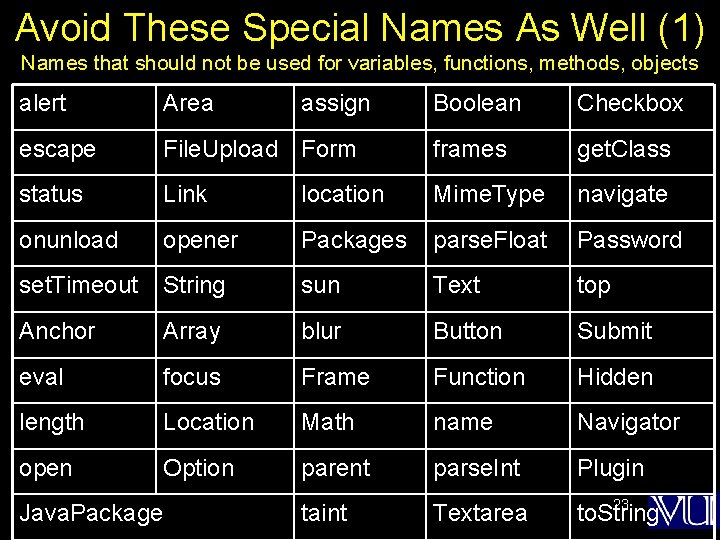
Avoid These Special Names As Well (1) Names that should not be used for variables, functions, methods, objects alert Area escape Boolean Checkbox File. Upload Form frames get. Class status Link location Mime. Type navigate onunload opener Packages parse. Float Password set. Timeout String sun Text top Anchor Array blur Button Submit eval focus Frame Function Hidden length Location Math name Navigator open Option parent parse. Int Plugin taint Textarea to. String Java. Package assign 23
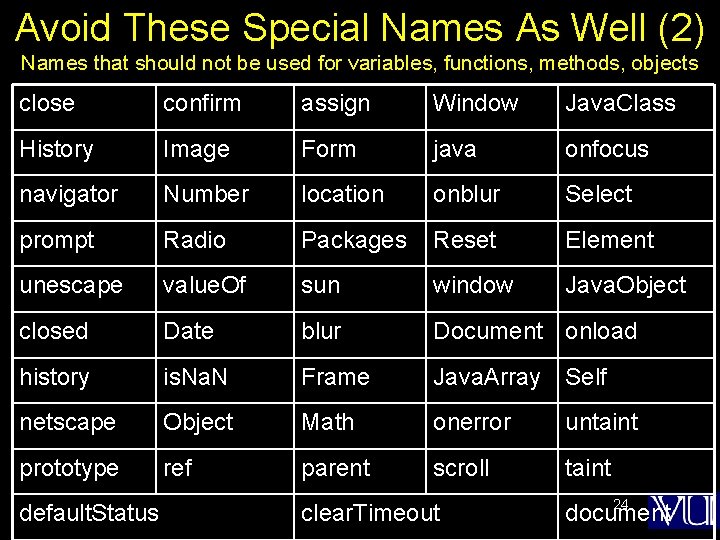
Avoid These Special Names As Well (2) Names that should not be used for variables, functions, methods, objects close confirm assign Window Java. Class History Image Form java onfocus navigator Number location onblur Select prompt Radio Packages Reset Element unescape value. Of sun window Java. Object closed Date blur Document onload history is. Na. N Frame Java. Array Self netscape Object Math onerror untaint prototype ref parent scroll taint default. Status clear. Timeout 24 document
Identifiers appear in Java. Script statements Let us now discuss a few other elements that appear in those statements 25
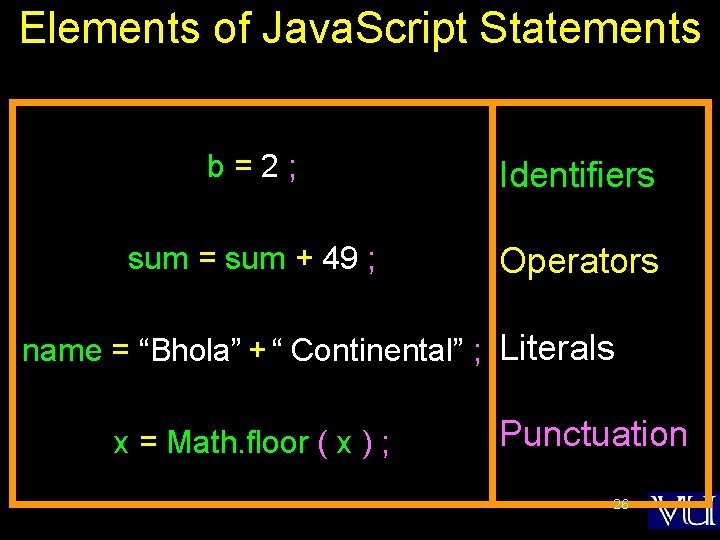
Elements of Java. Script Statements b=2; Identifiers sum = sum + 49 ; Operators name = “Bhola” + “ Continental” ; Literals x = Math. floor ( x ) ; Punctuation 26
Java. Script Literals • A data value that appears directly in a statement • Literals can be of several types. Some of them are: 1. Number 2. String 3. Boolean 27
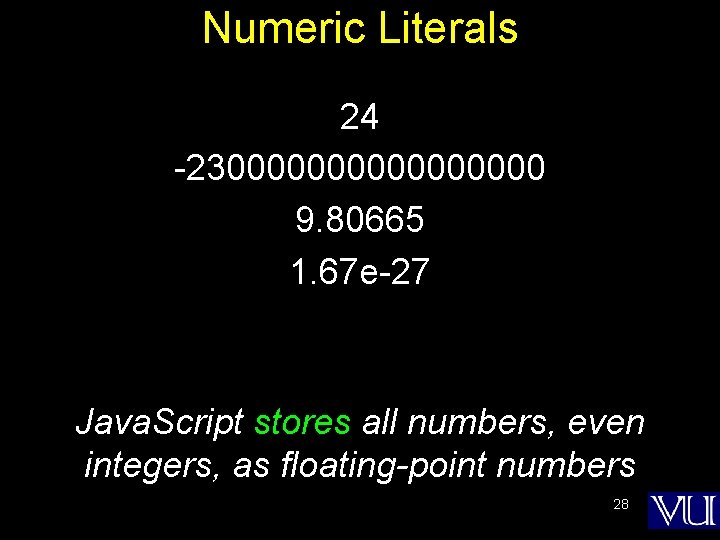
Numeric Literals 24 -2300000000 9. 80665 1. 67 e-27 Java. Script stores all numbers, even integers, as floating-point numbers 28
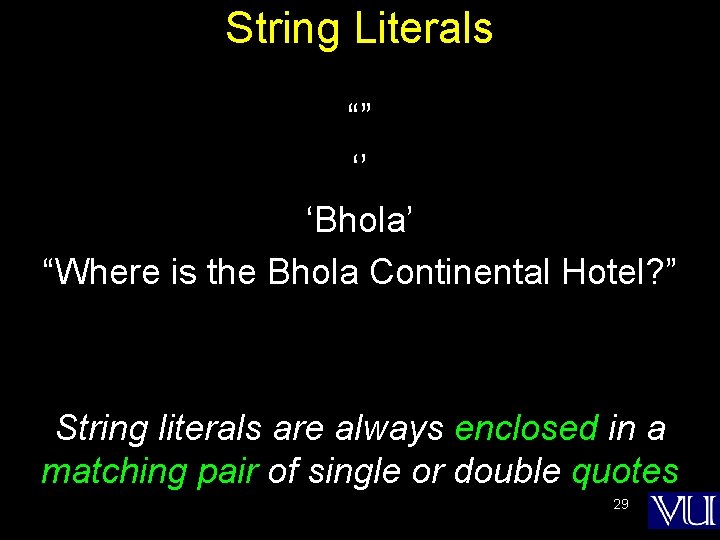
String Literals “” ‘’ ‘Bhola’ “Where is the Bhola Continental Hotel? ” String literals are always enclosed in a matching pair of single or double quotes 29
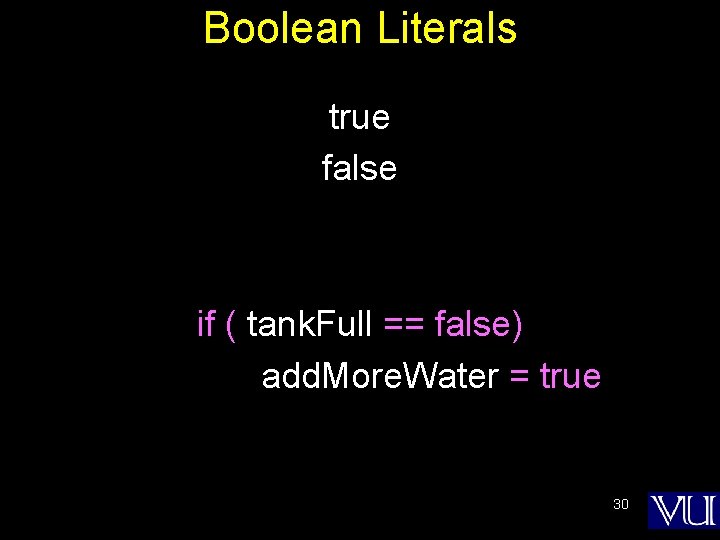
Boolean Literals true false if ( tank. Full == false) add. More. Water = true 30
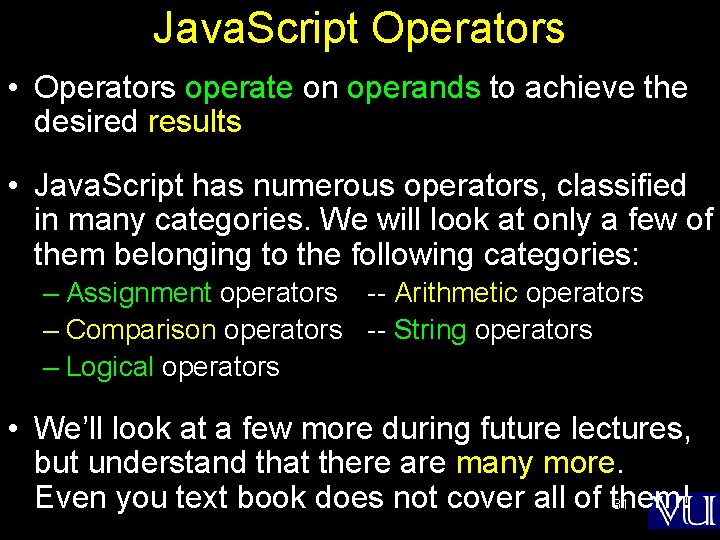
Java. Script Operators • Operators operate on operands to achieve the desired results • Java. Script has numerous operators, classified in many categories. We will look at only a few of them belonging to the following categories: – Assignment operators -- Arithmetic operators – Comparison operators -- String operators – Logical operators • We’ll look at a few more during future lectures, but understand that there are many more. Even you text book does not cover all of them! 31
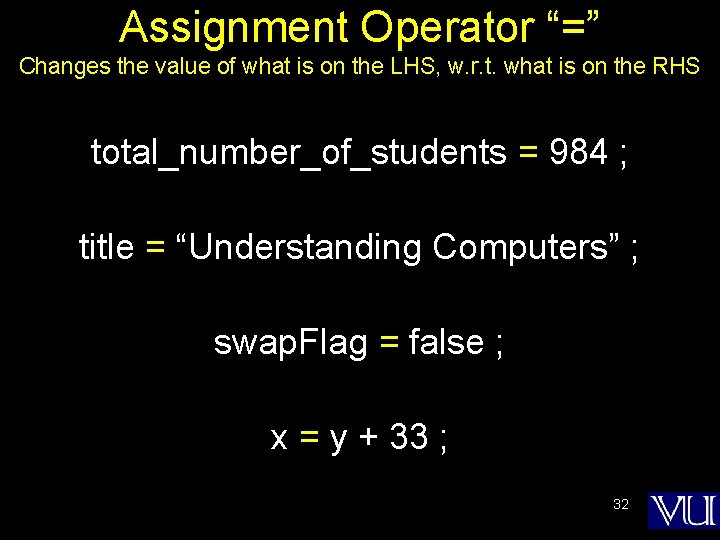
Assignment Operator “=” Changes the value of what is on the LHS, w. r. t. what is on the RHS total_number_of_students = 984 ; title = “Understanding Computers” ; swap. Flag = false ; x = y + 33 ; 32
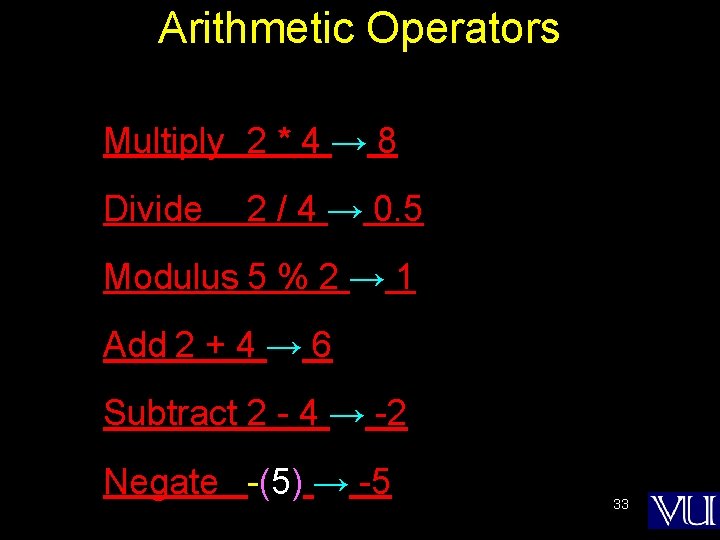
Arithmetic Operators Multiply 2 * 4 → 8 Divide 2 / 4 → 0. 5 Modulus 5 % 2 → 1 Add 2 + 4 → 6 Subtract 2 - 4 → -2 Negate -(5) → -5 33
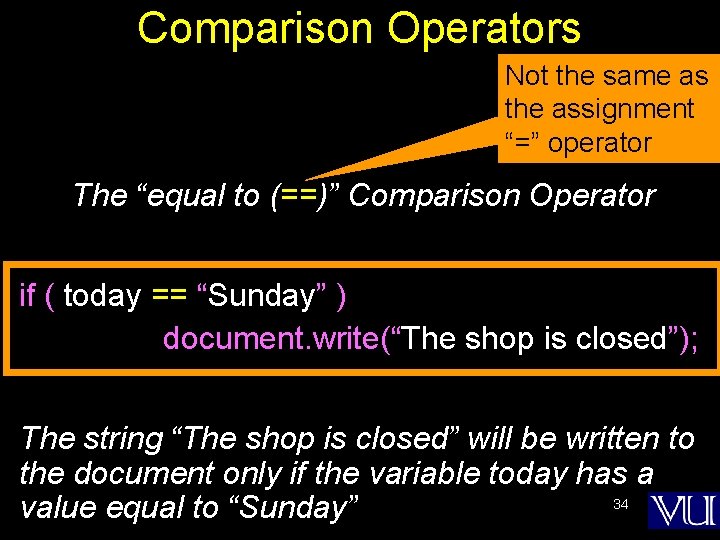
Comparison Operators Not the same as the assignment “=” operator The “equal to (==)” Comparison Operator if ( today == “Sunday” ) document. write(“The shop is closed”); The string “The shop is closed” will be written to the document only if the variable today has a 34 value equal to “Sunday”
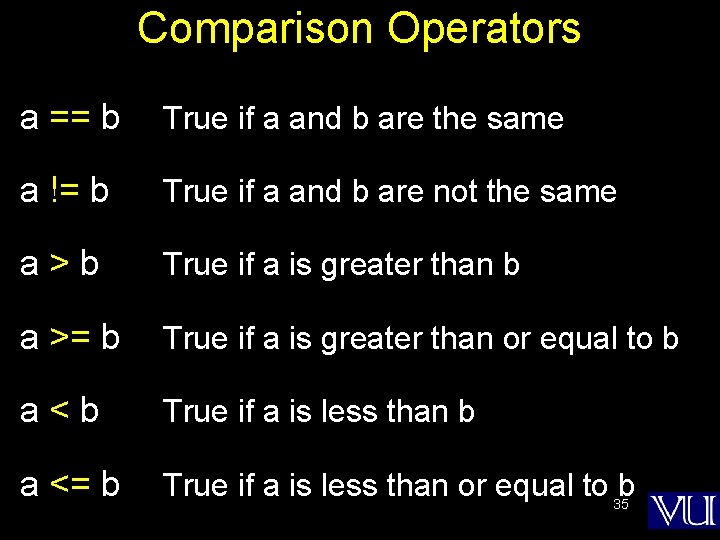
Comparison Operators a == b True if a and b are the same a != b True if a and b are not the same a>b True if a is greater than b a >= b True if a is greater than or equal to b a<b True if a is less than b a <= b True if a is less than or equal to 35 b
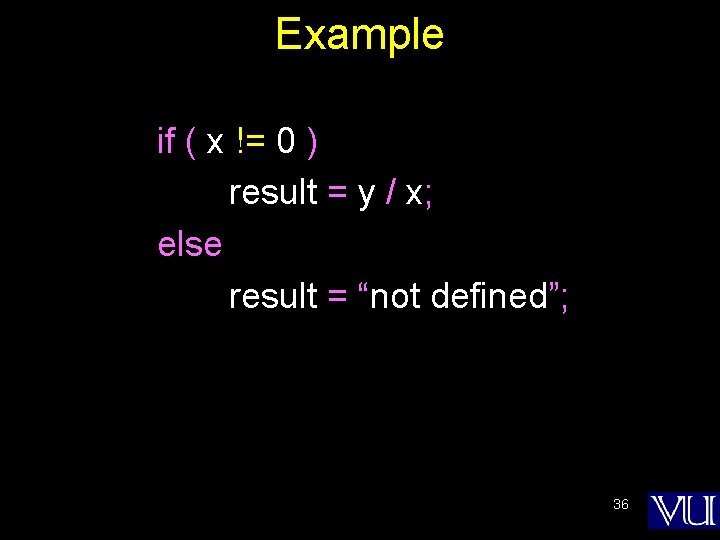
Example if ( x != 0 ) result = y / x; else result = “not defined”; 36
From comparison operators, now we move to Logical Operators
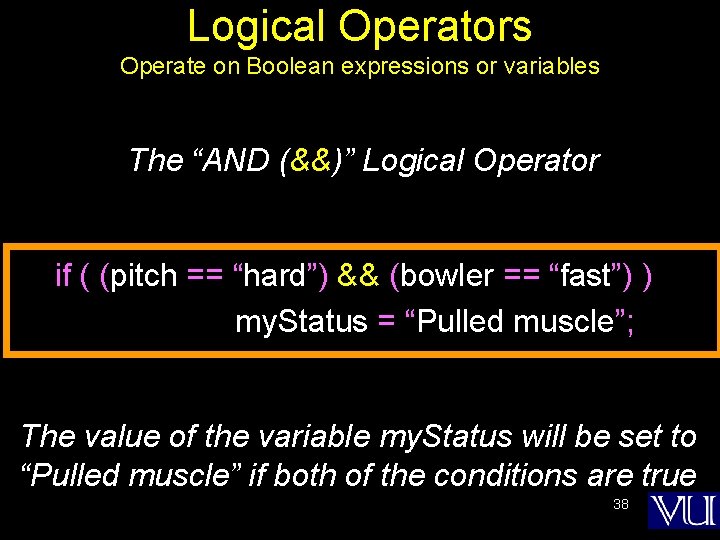
Logical Operators Operate on Boolean expressions or variables The “AND (&&)” Logical Operator if ( (pitch == “hard”) && (bowler == “fast”) ) my. Status = “Pulled muscle”; The value of the variable my. Status will be set to “Pulled muscle” if both of the conditions are true 38
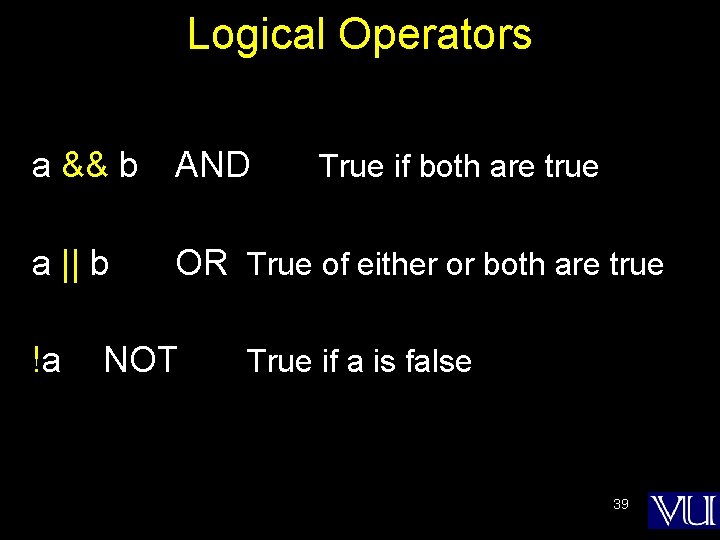
Logical Operators a && b AND a || b !a True if both are true OR True of either or both are true NOT True if a is false 39
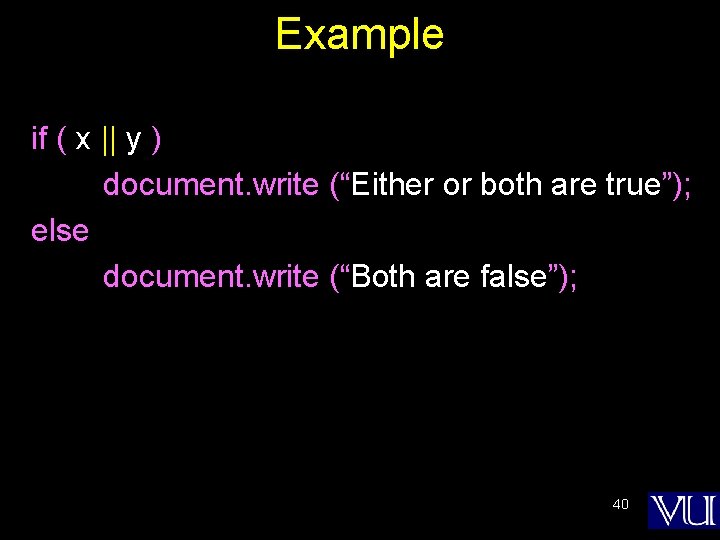
Example if ( x || y ) document. write (“Either or both are true”); else document. write (“Both are false”); 40
So far we have looked at the assignment operator, arithmetic operators, comparison operators and logical operators The final category that we are going to look at is string operators In that category, we look at only one, the concatenation operator
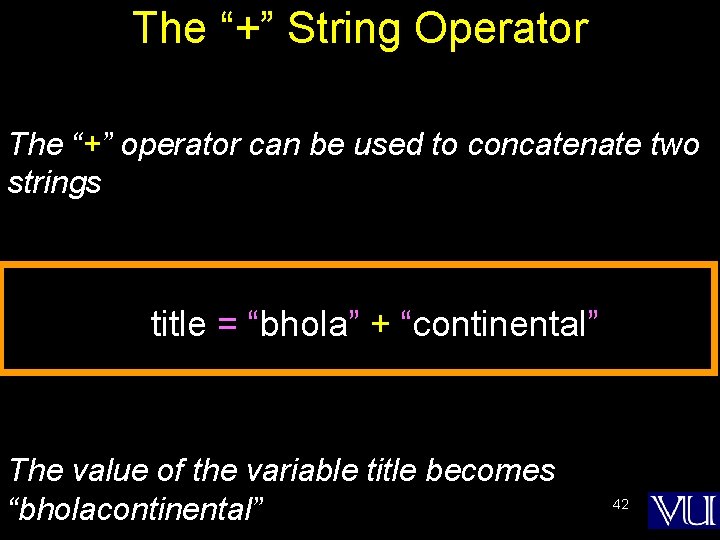
The “+” String Operator The “+” operator can be used to concatenate two strings title = “bhola” + “continental” The value of the variable title becomes “bholacontinental” 42
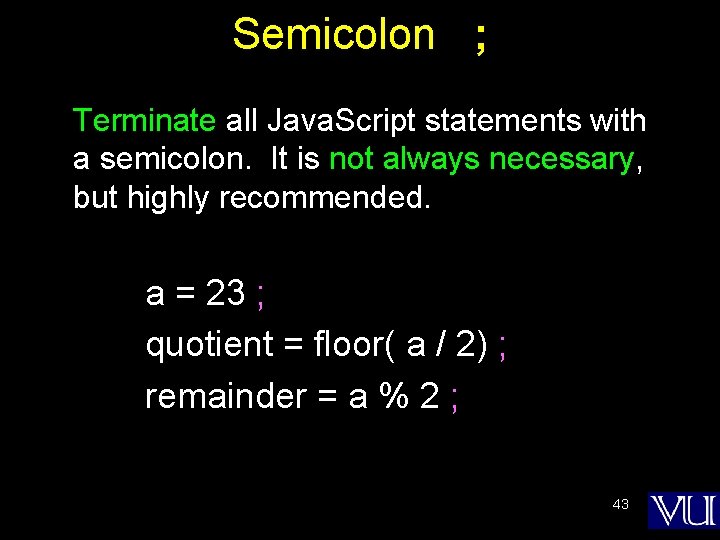
Semicolon ; Terminate all Java. Script statements with a semicolon. It is not always necessary, but highly recommended. a = 23 ; quotient = floor( a / 2) ; remainder = a % 2 ; 43
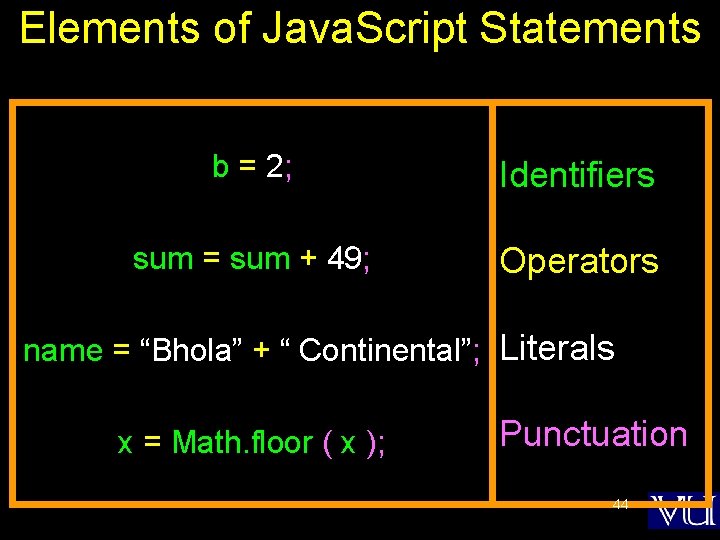
Elements of Java. Script Statements b = 2; Identifiers sum = sum + 49; Operators name = “Bhola” + “ Continental”; Literals x = Math. floor ( x ); Punctuation 44
Two more elements that are found in Java. Script statements are white spaces and line breaks
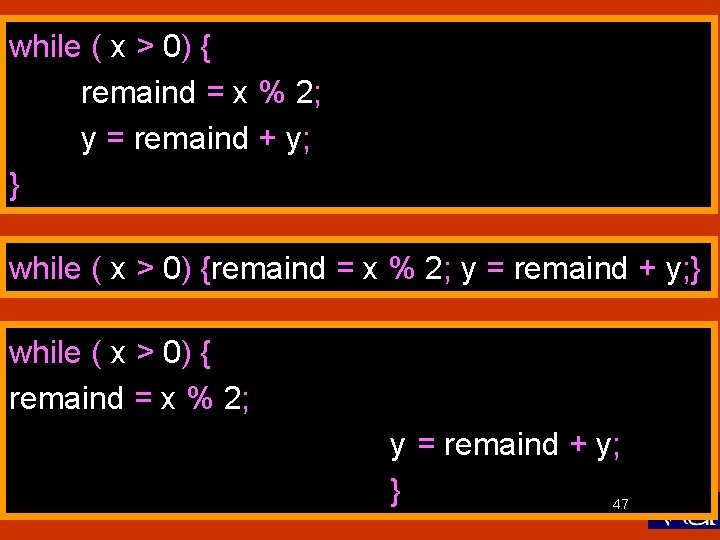
White Spaces & Line Breaks • White spaces: The space & the tab characters • Java. Script ignores any extra white spaces or line breaks that you put in the code • This gives you the freedom of using them for making your code appear neat and readable 46
while ( x > 0) { remaind = x % 2; y = remaind + y; } 47
Now let’s talk about a very special type of Java. Script statement that does not really do anything, but is found in most pieces of code!
Comments • Comments are included on a Web page to explain how and why you wrote the page the way you did • Comments can help someone other than the author to follow the logic of the page in the author’s absence • The commented text is neither displayed in the browser nor does it have any effect on the logical performance of the Web page, and is 49 visible only when the actual code is viewed
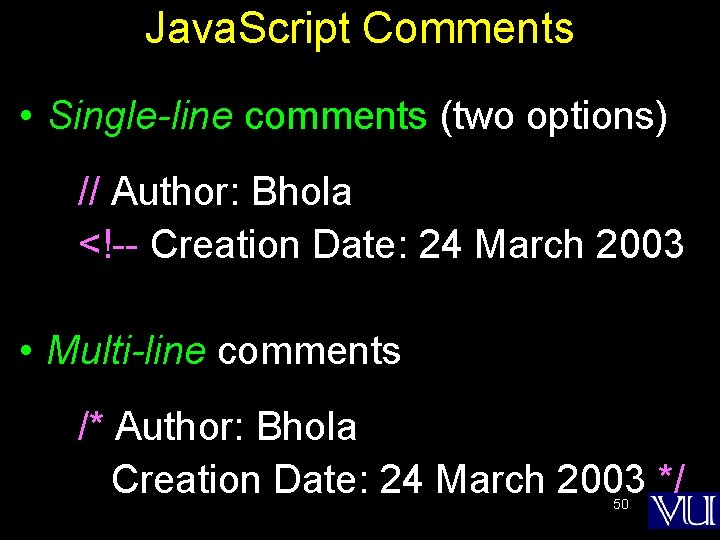
Java. Script Comments • Single-line comments (two options) // Author: Bhola <!-- Creation Date: 24 March 2003 • Multi-line comments /* Author: Bhola Creation Date: 24 March 2003 */ 50
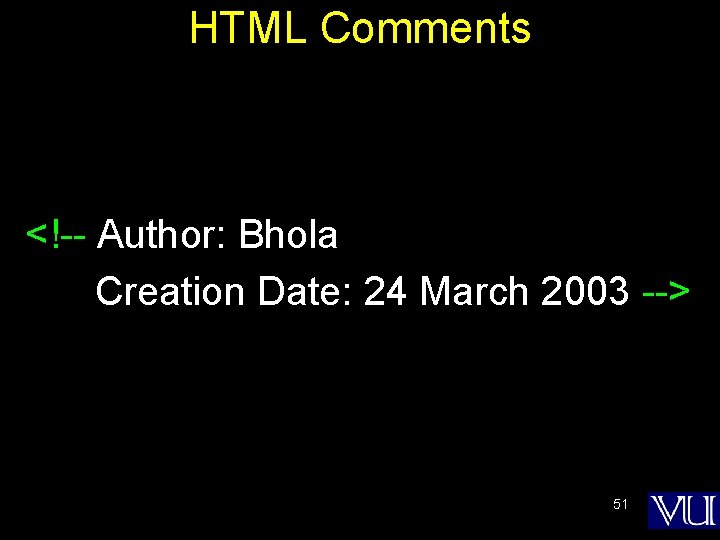
HTML Comments <!-- Author: Bhola Creation Date: 24 March 2003 --> 51
comments add clarity!
comments let the code speak for itself!
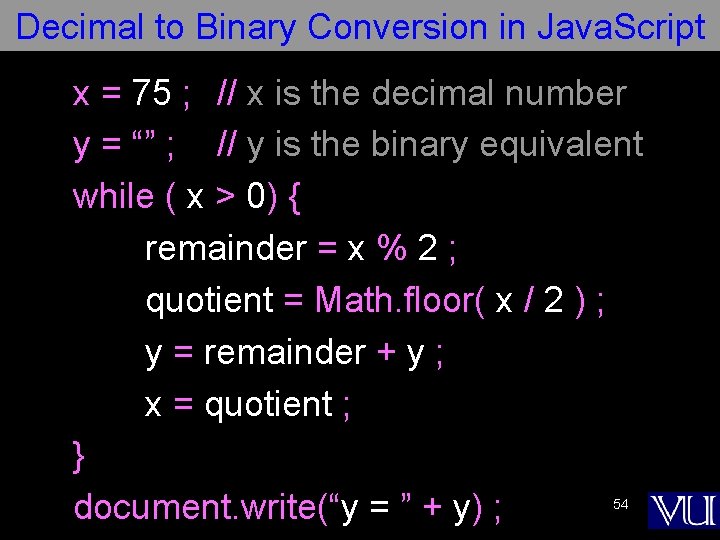
Decimal to Binary Conversion in Java. Script x = 75 ; // x is the decimal number y = “” ; // y is the binary equivalent while ( x > 0) { remainder = x % 2 ; quotient = Math. floor( x / 2 ) ; y = remainder + y ; x = quotient ; } document. write(“y = ” + y) ; 54
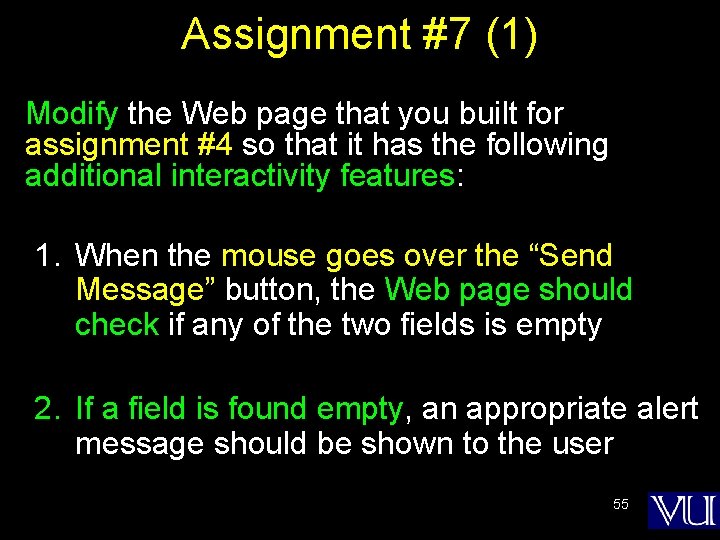
Assignment #7 (1) Modify the Web page that you built for assignment #4 so that it has the following additional interactivity features: 1. When the mouse goes over the “Send Message” button, the Web page should check if any of the two fields is empty 2. If a field is found empty, an appropriate alert message should be shown to the user 55
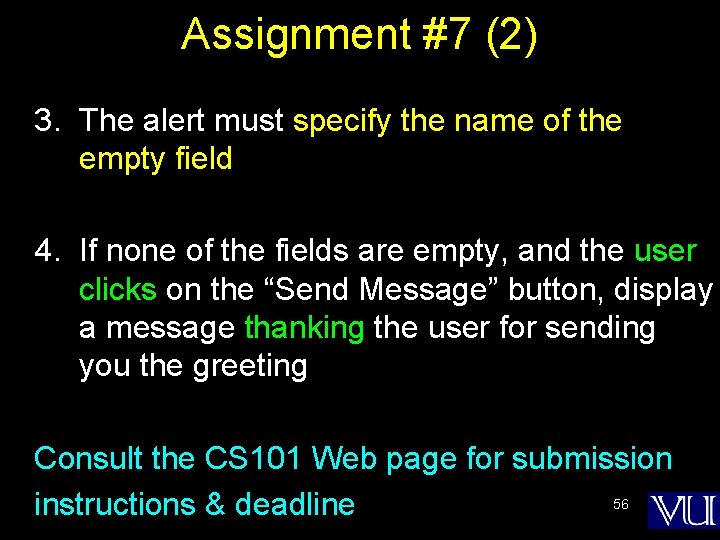
Assignment #7 (2) 3. The alert must specify the name of the empty field 4. If none of the fields are empty, and the user clicks on the “Send Message” button, display a message thanking the user for sending you the greeting Consult the CS 101 Web page for submission 56 instructions & deadline
During Today’s Lecture … • We found out about Java. Script data types • About variables and literals • We also discussed several operators supported by Java. Script 57
Next (the 8 th) Web Dev Lecture: Flow Control and Loops • To be able to understand the concept of flow control using the “if” and “switch” structures • To be able to understand the concept of behind the “while” and “for” looping structures • To be able to solve simple problems using flow control and loop statements 58