
CS 0004 Introduction to Programming Input and Output
- Slides: 11
CS 0004: Introduction to Programming Input and Output
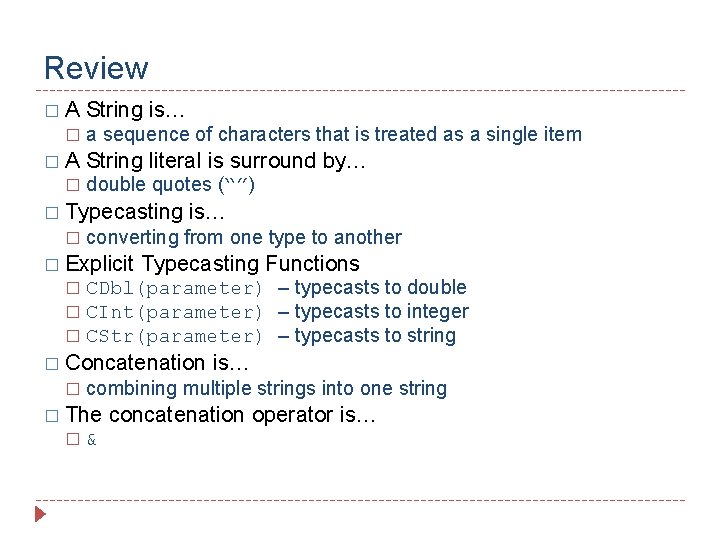
Review �A � String is… a sequence of characters that is treated as a single item String literal is surround by… double quotes (“”) � Typecasting � is… converting from one type to another � Explicit Typecasting Functions CDbl(parameter) – typecasts to double � CInt(parameter) – typecasts to integer � CStr(parameter) – typecasts to string � � Concatenation � combining multiple strings into one string � The � is… & concatenation operator is…
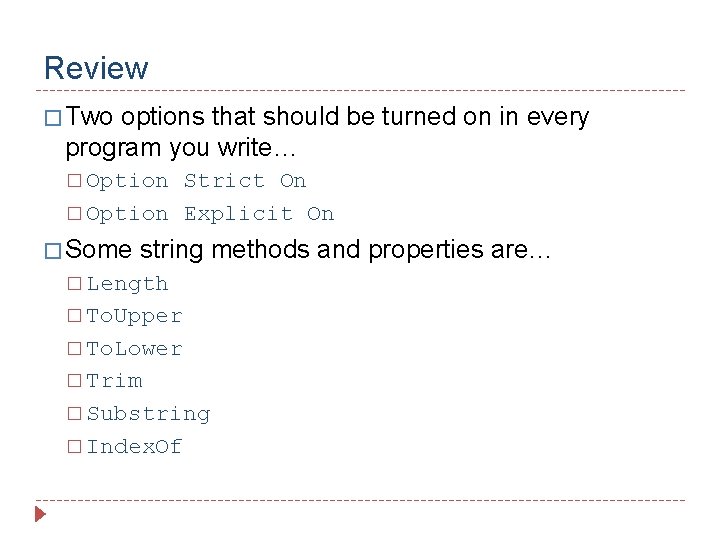
Review � Two options that should be turned on in every program you write… � Option Strict On � Option Explicit On � Some string methods and properties are… � Length � To. Upper � To. Lower � Trim � Substring � Index. Of
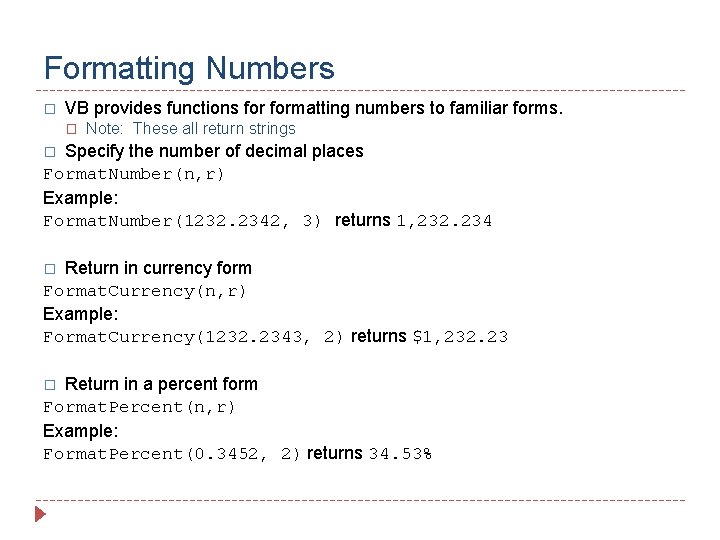
Formatting Numbers � VB provides functions formatting numbers to familiar forms. � Note: These all return strings Specify the number of decimal places Format. Number(n, r) Example: Format. Number(1232. 2342, 3) returns 1, 232. 234 � Return in currency form Format. Currency(n, r) Example: Format. Currency(1232. 2343, 2) returns $1, 232. 23 � Return in a percent form Format. Percent(n, r) Example: Format. Percent(0. 3452, 2) returns 34. 53% �
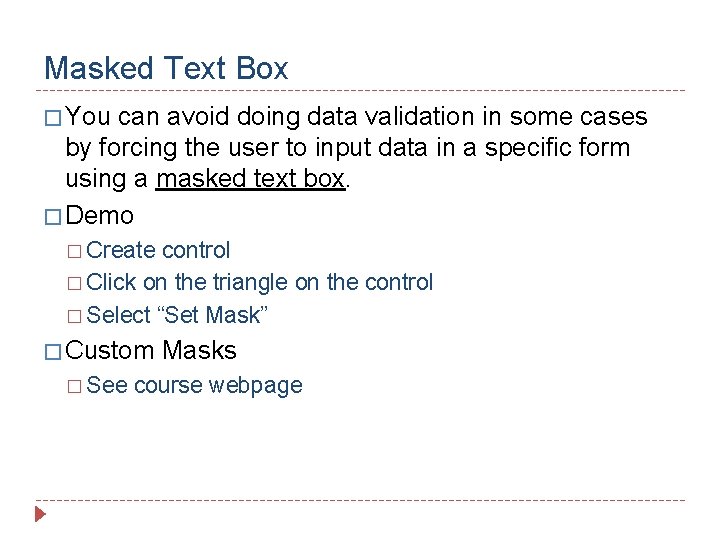
Masked Text Box � You can avoid doing data validation in some cases by forcing the user to input data in a specific form using a masked text box. � Demo � Create control � Click on the triangle on the control � Select “Set Mask” � Custom � See Masks course webpage
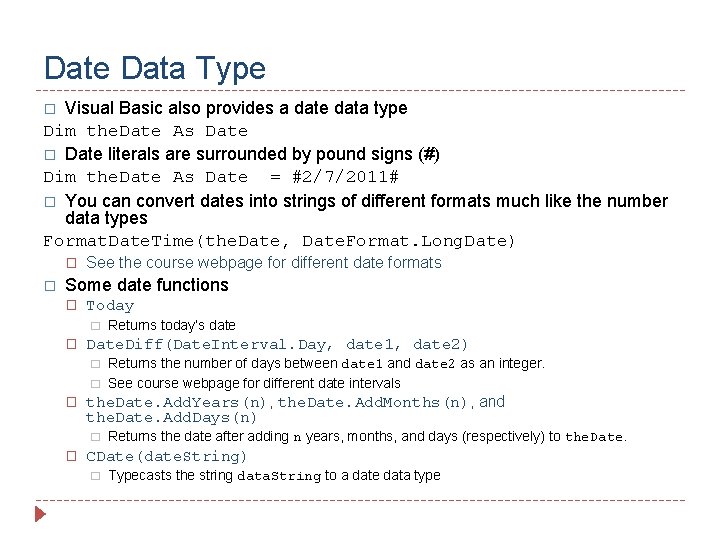
Date Data Type Visual Basic also provides a date data type Dim the. Date As Date � Date literals are surrounded by pound signs (#) Dim the. Date As Date = #2/7/2011# � You can convert dates into strings of different formats much like the number data types Format. Date. Time(the. Date, Date. Format. Long. Date) � � � See the course webpage for different date formats Some date functions � Today � � Date. Diff(Date. Interval. Day, date 1, date 2) � � � Returns the number of days between date 1 and date 2 as an integer. See course webpage for different date intervals the. Date. Add. Years(n), the. Date. Add. Months(n), and the. Date. Add. Days(n) � � Returns today’s date Returns the date after adding n years, months, and days (respectively) to the. Date. CDate(date. String) � Typecasts the string data. String to a date data type
Date Example � New Topics: � Date date type � Date literals � Masked text box � CDate typecasting � Today function � Format. Date. Time function � Date. Diff function � Add. Days function
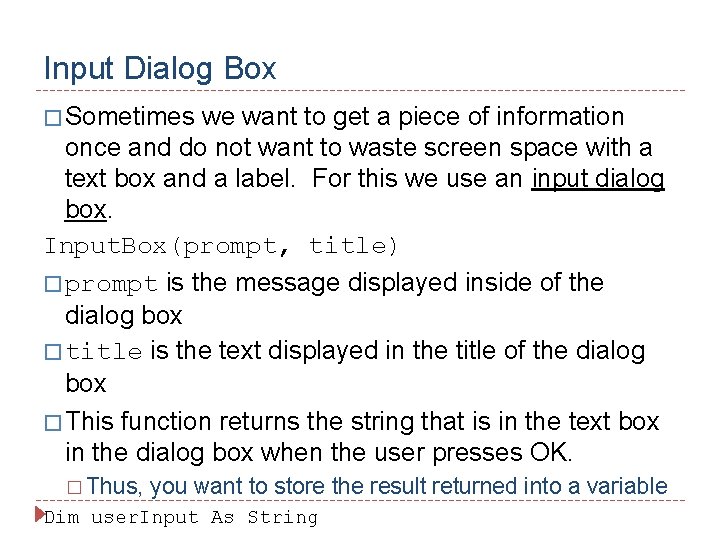
Input Dialog Box � Sometimes we want to get a piece of information once and do not want to waste screen space with a text box and a label. For this we use an input dialog box. Input. Box(prompt, title) � prompt is the message displayed inside of the dialog box � title is the text displayed in the title of the dialog box � This function returns the string that is in the text box in the dialog box when the user presses OK. � Thus, you want to store the result returned into a variable Dim user. Input As String
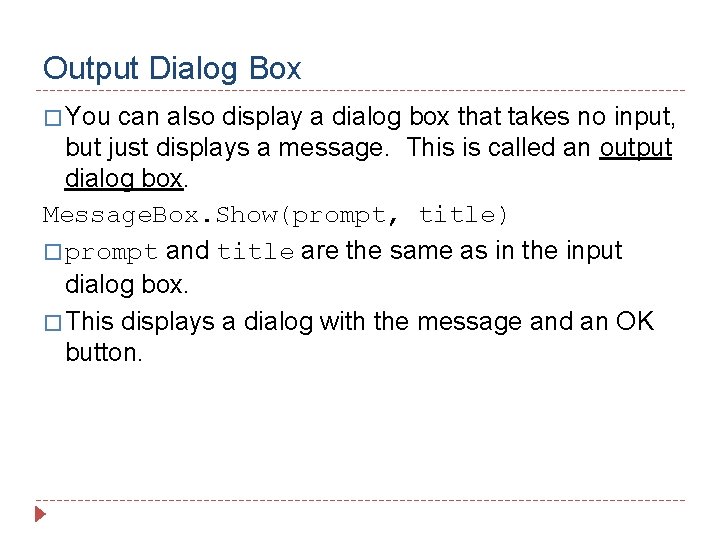
Output Dialog Box � You can also display a dialog box that takes no input, but just displays a message. This is called an output dialog box. Message. Box. Show(prompt, title) � prompt and title are the same as in the input dialog box. � This displays a dialog with the message and an OK button.
Dialog Boxes Examples � New Topics � Variable scope � On. Load event procedure � Input dialog box � Output dialog box
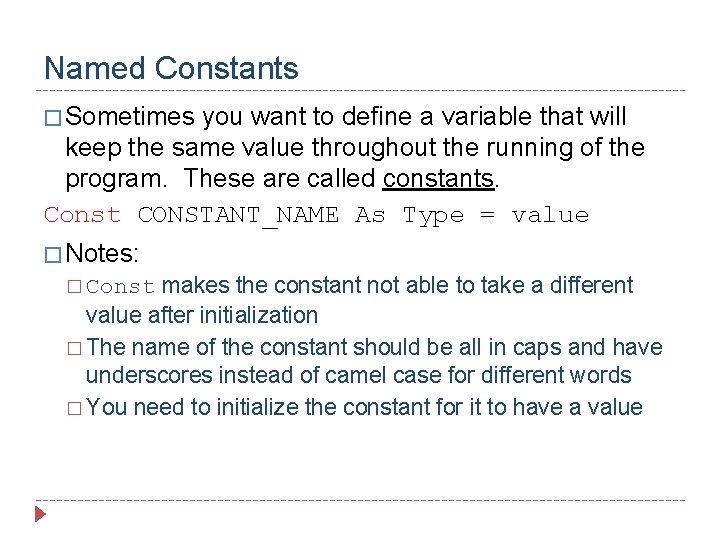
Named Constants � Sometimes you want to define a variable that will keep the same value throughout the running of the program. These are called constants. Const CONSTANT_NAME As Type = value � Notes: makes the constant not able to take a different value after initialization � The name of the constant should be all in caps and have underscores instead of camel case for different words � You need to initialize the constant for it to have a value � Const