
Crop rotations APSIM 7 10 Crop rotations Options

- Slides: 23
Crop rotations (APSIM 7. 10)
Crop rotations Options: Linear (calendar) sequences (eg. Operations module) State transition network (aka bubbles) Some situations don’t require complex tools! Flexibility a key philosophy of apsim
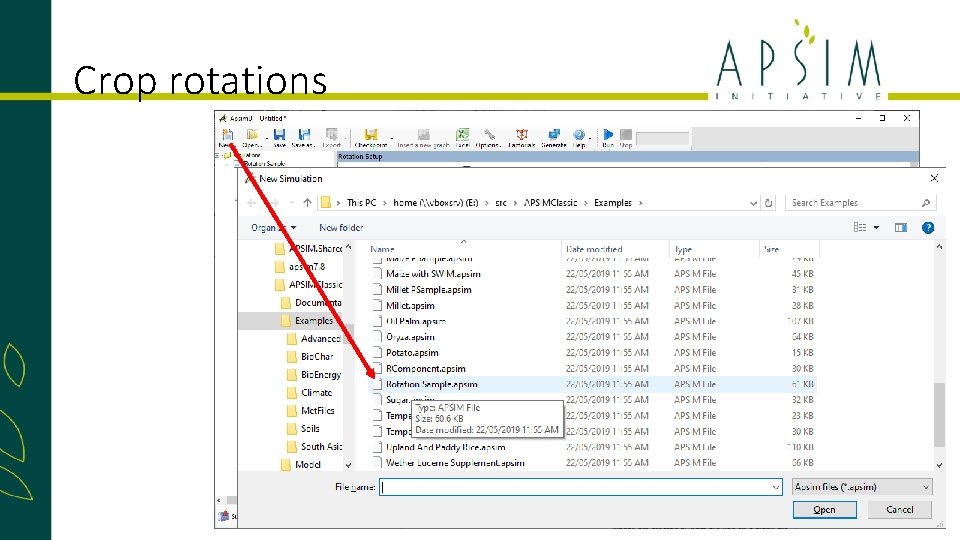
Crop rotations
Crop rotations • By itself, the crop rotation manager understands very little of the components it is interacting with. • It relies on other manager components for their specific knowledge • Normally, these other manager components* behave independently if they can’t see a sequencer in the simulation. • When a sequencer is present, they simply present variables that reflect the state of the crop they’re managing (eg sowing window is open today), and respond to directions when asked (eg sow the crop today). * Only the manager. NET rules
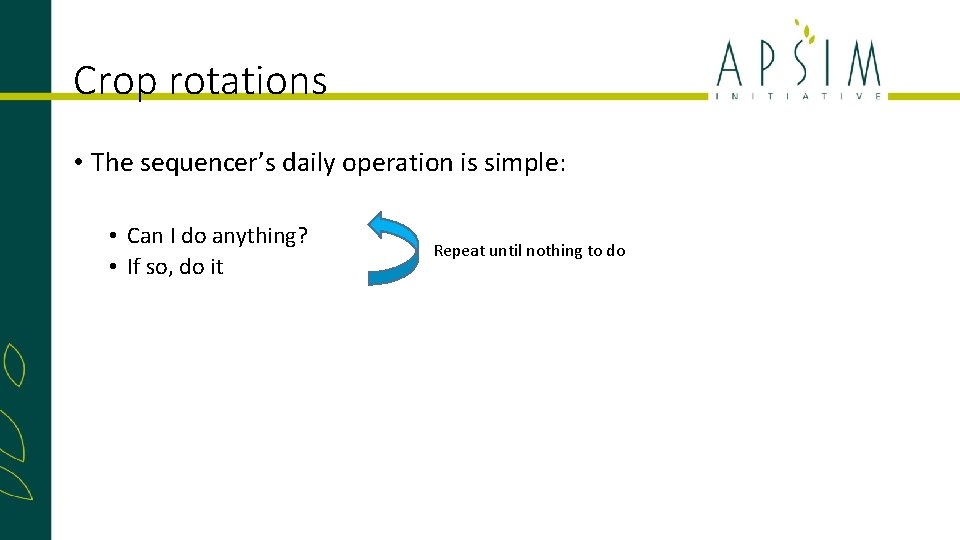
Crop rotations • The sequencer’s daily operation is simple: • Can I do anything? • If so, do it Repeat until nothing to do
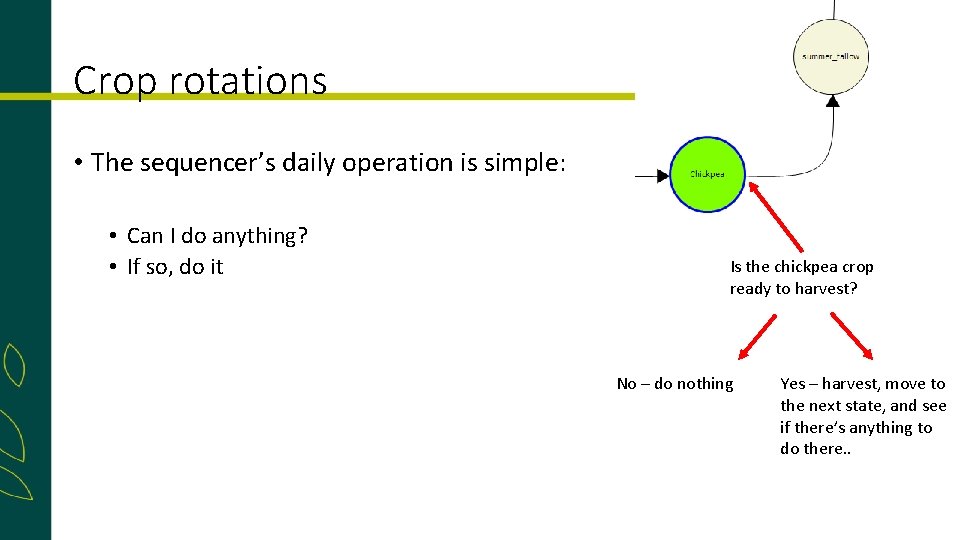
Crop rotations • The sequencer’s daily operation is simple: • Can I do anything? • If so, do it Is the chickpea crop ready to harvest? No – do nothing Yes – harvest, move to the next state, and see if there’s anything to do there. .
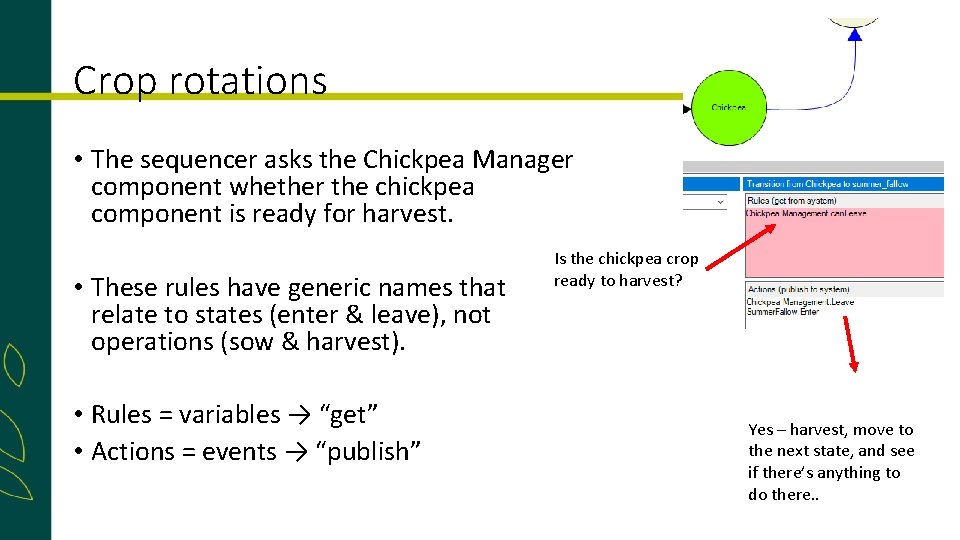
Crop rotations • The sequencer asks the Chickpea Manager component whether the chickpea component is ready for harvest. • These rules have generic names that relate to states (enter & leave), not operations (sow & harvest). • Rules = variables → “get” • Actions = events → “publish” Is the chickpea crop ready to harvest? Yes – harvest, move to the next state, and see if there’s anything to do there. .
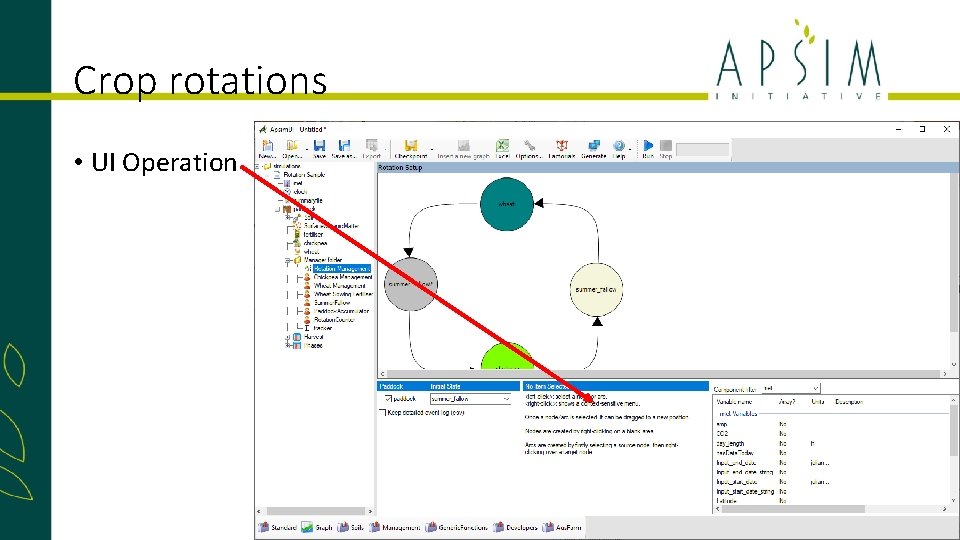
Crop rotations • UI Operation
Crop rotations • Nodes are abstract – they don’t have to represent a physical state in the system • They can be ephemeral – left immediately after entry • They can be partially disconnected (with only entry or exit arcs) • Tips: • Don’t use whitespace in names • Make sure the Initial State (starting point) exists • Don’t start in a crop, start immediately before that crop would be sown
Crop rotations • Arcs must have a source and destination • A rule for an arc results in just an integer. The score for an arc is the mathematical product of all its rules • When evaluating multiple arcs from a node, the highest (non-zero) arc is selected • Tips: • In rules/actions, get module names exactly right (via copy/paste) – the writing is tiny • Start small & simple – test, and then expand the graph
Crop rotations • The sequencer runs at the process event of each day • Internally, the sequencer sends 3 events when changing state: • transition_from_X, • transition, and • transition_to_Y
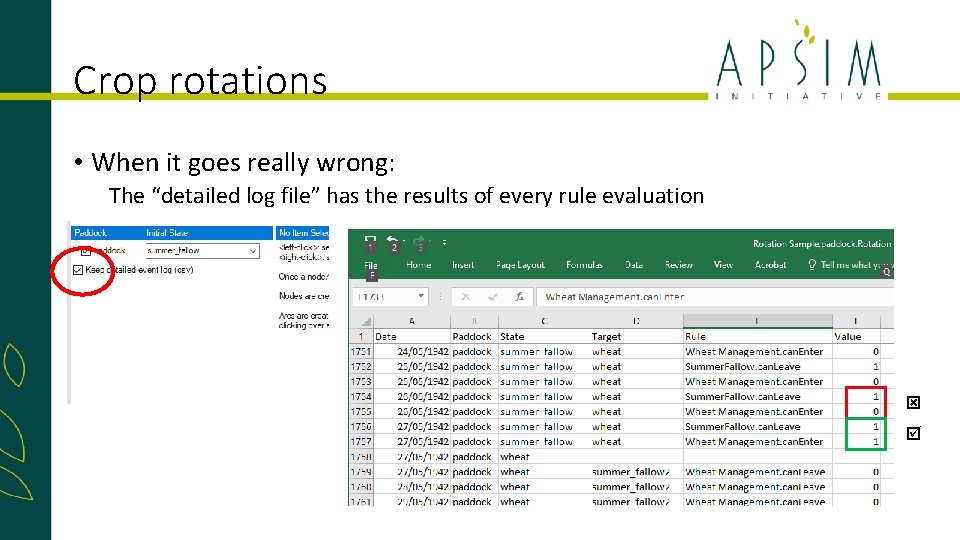
Crop rotations • When it goes wrong: • Look in the summary file for error messages • Did you include a space in a node name? • If it’s empty (apart from initialisation messages), did you get initial state correct? • Check the phases output file for inordinately long phases – it may give a clue which rule is failing
Crop rotations • When it goes really wrong: The “detailed log file” has the results of every rule evaluation
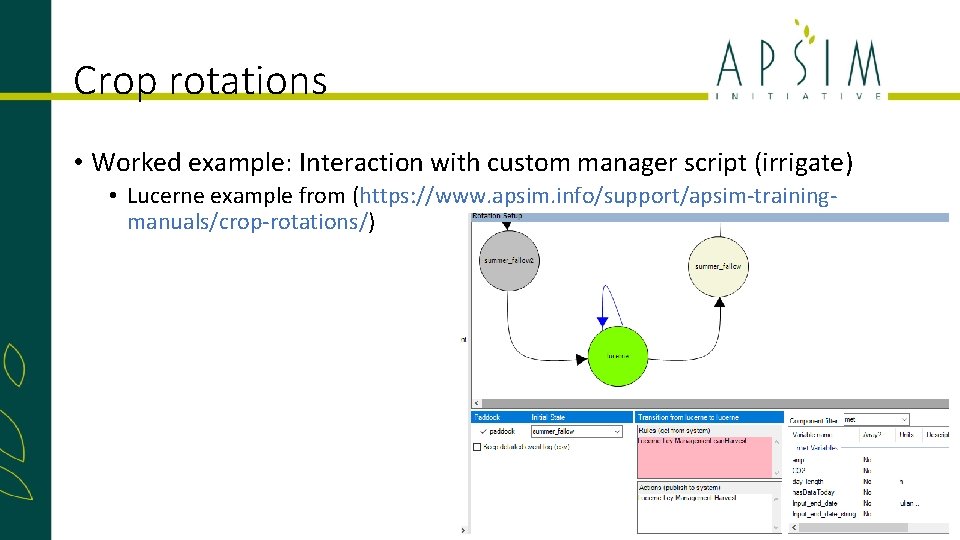
Crop rotations • Worked example: Interaction with custom manager script (irrigate) • Lucerne example from (https: //www. apsim. info/support/apsim-trainingmanuals/crop-rotations/)
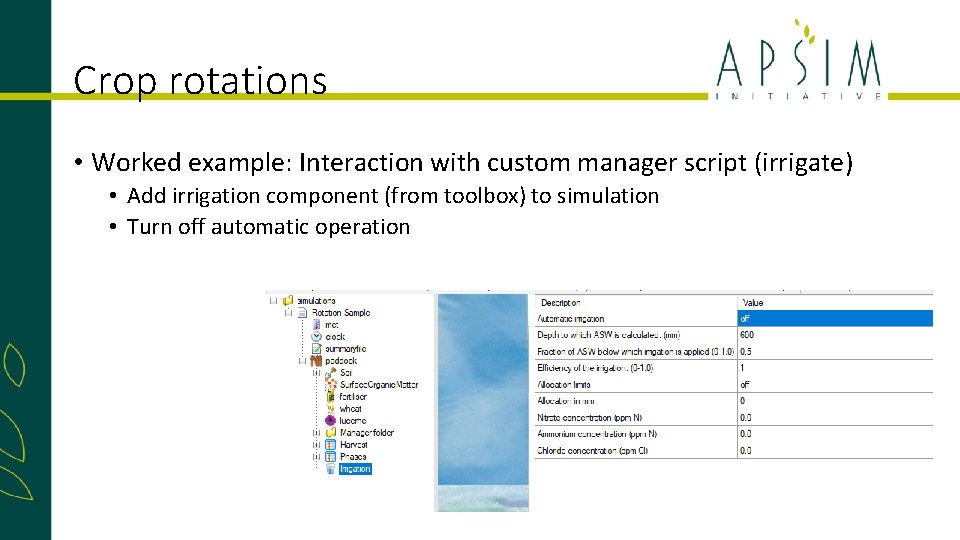
Crop rotations • Worked example: Interaction with custom manager script (irrigate) • Add irrigation component (from toolbox) to simulation • Turn off automatic operation
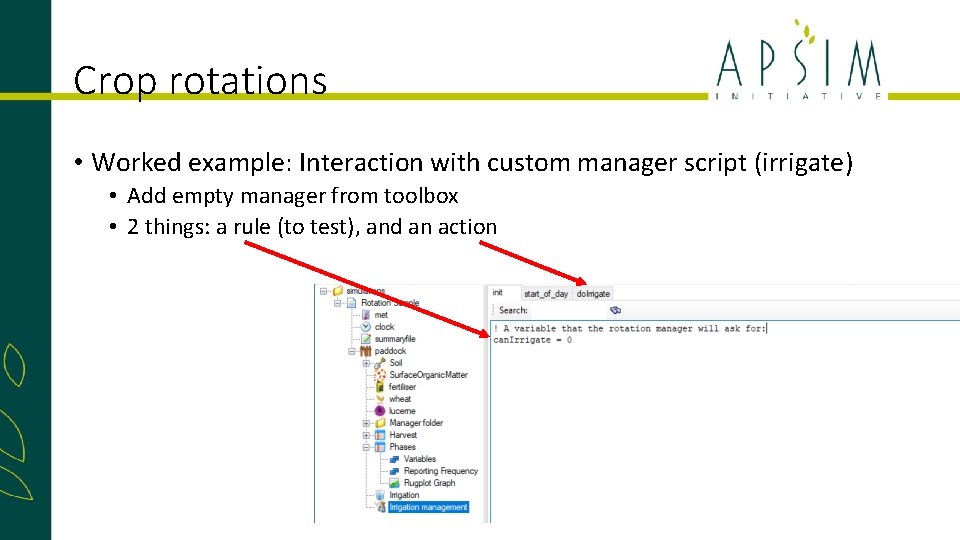
Crop rotations • Worked example: Interaction with custom manager script (irrigate) • Add empty manager from toolbox • 2 things: a rule (to test), and an action
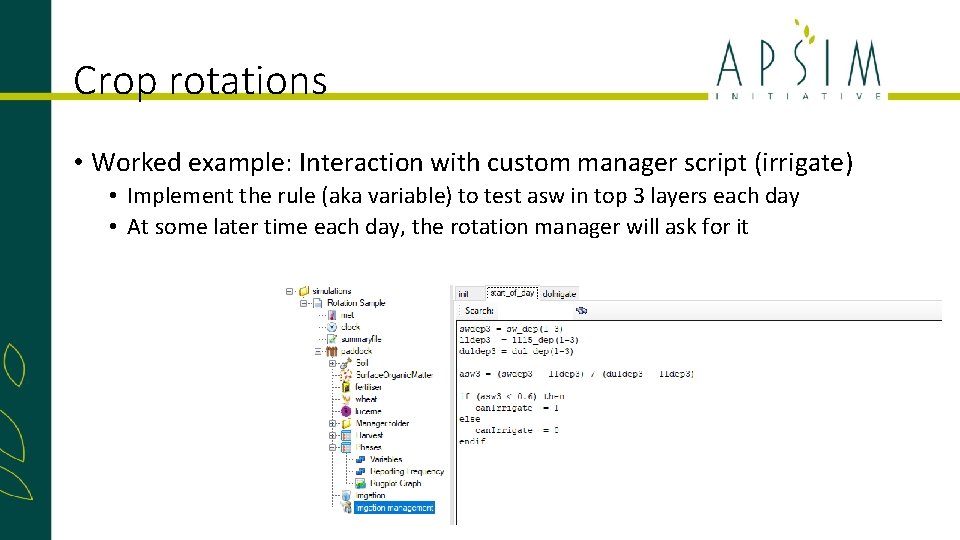
Crop rotations • Worked example: Interaction with custom manager script (irrigate) • Implement the rule (aka variable) to test asw in top 3 layers each day • At some later time each day, the rotation manager will ask for it
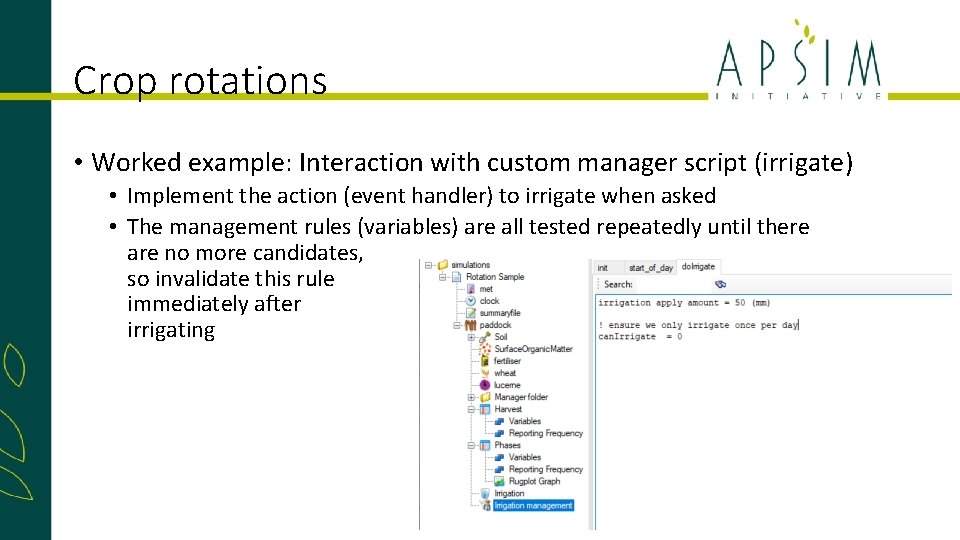
Crop rotations • Worked example: Interaction with custom manager script (irrigate) • Implement the action (event handler) to irrigate when asked • The management rules (variables) are all tested repeatedly until there are no more candidates, so invalidate this rule immediately after irrigating
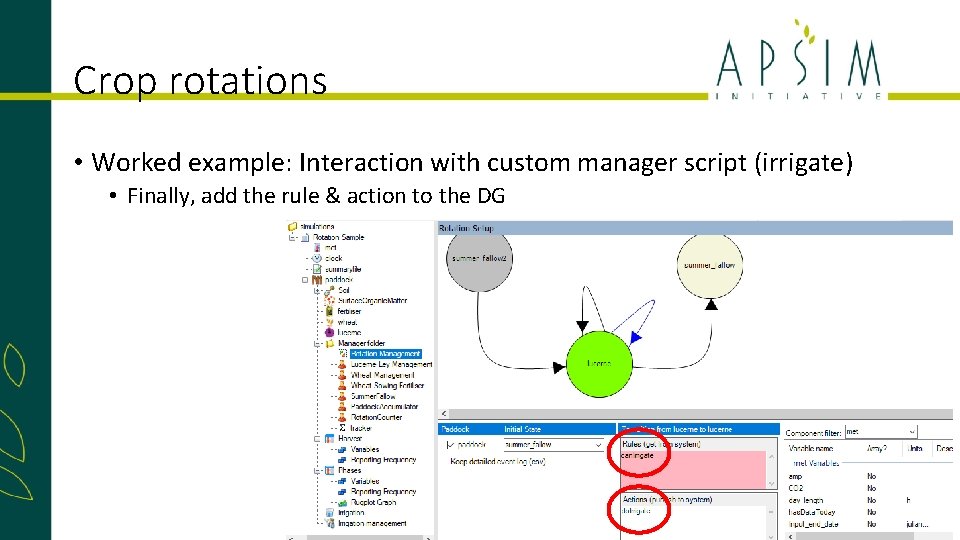
Crop rotations • Worked example: Interaction with custom manager script (irrigate) • Finally, add the rule & action to the DG
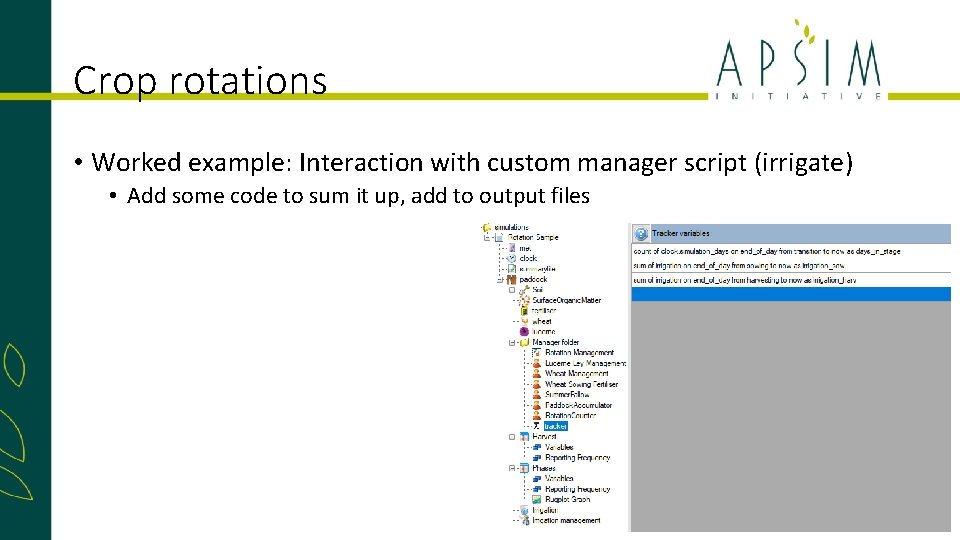
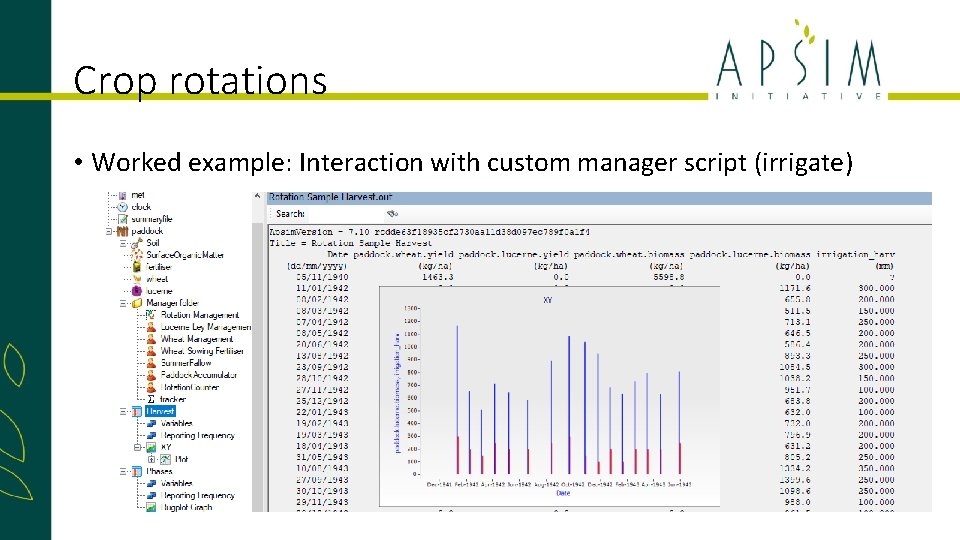
Crop rotations • Worked example: Interaction with custom manager script (irrigate) • Add some code to sum it up, add to output files
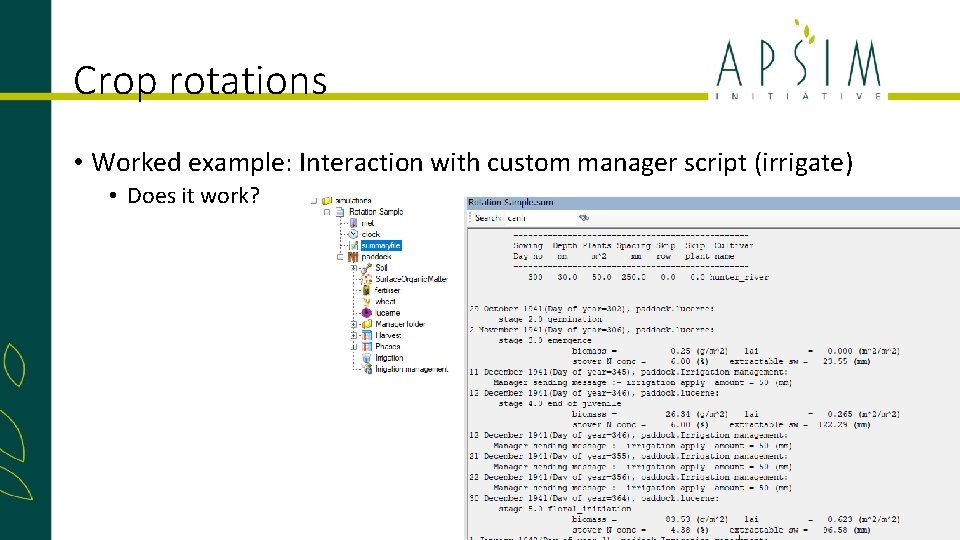
Crop rotations • Worked example: Interaction with custom manager script (irrigate) • Does it work?
Crop rotations • Worked example: Interaction with custom manager script (irrigate)