
Critical Infrastructure Assessment KickOff Meeting Date Time Agenda
- Slides: 11
Critical Infrastructure Assessment Kick-Off Meeting <Date / Time>
Agenda • Introductions • Purpose of Workshop • Video 1 – Basic Concepts • Hazard Scenario Development • Video 2 – Process Overview • Tool Revision • Practice Using Tool • Video 3 – Next Steps • Closing Remarks
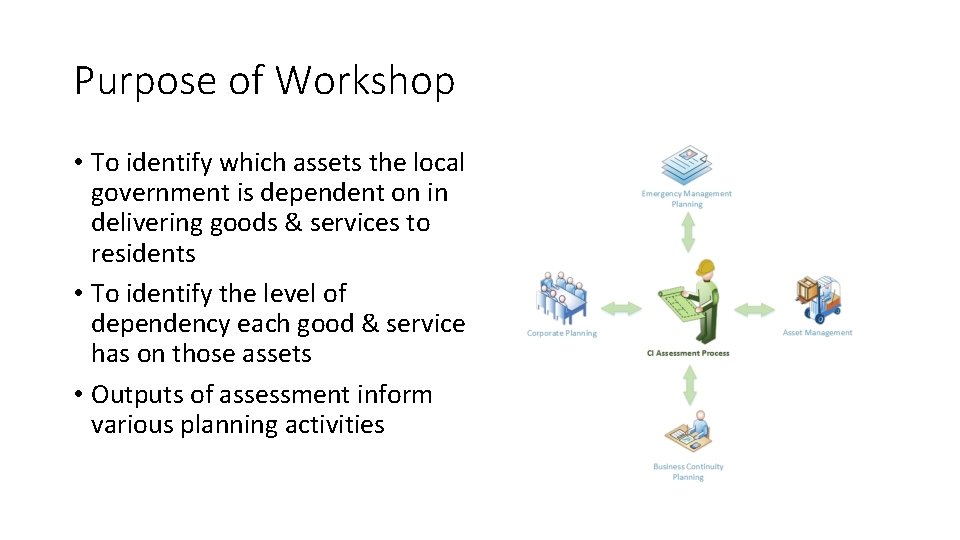
Purpose of Workshop • To identify which assets the local government is dependent on in delivering goods & services to residents • To identify the level of dependency each good & service has on those assets • Outputs of assessment inform various planning activities
Video 1 – Basic Concepts • Play Video 1 – Basic Concepts
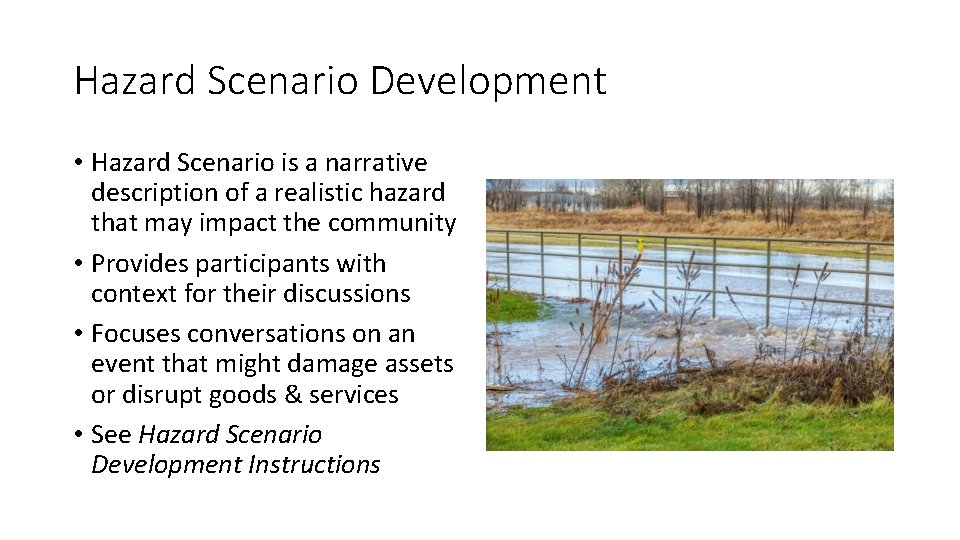
Hazard Scenario Development • Hazard Scenario is a narrative description of a realistic hazard that may impact the community • Provides participants with context for their discussions • Focuses conversations on an event that might damage assets or disrupt goods & services • See Hazard Scenario Development Instructions
Video 2 – Process Overview • Play Video 2 – Process Overview
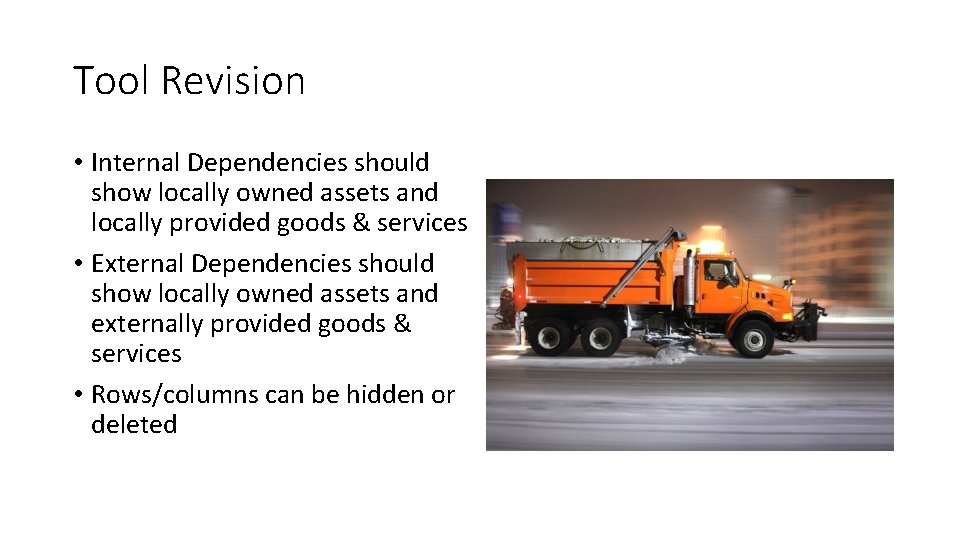
Tool Revision • Internal Dependencies should show locally owned assets and locally provided goods & services • External Dependencies should show locally owned assets and externally provided goods & services • Rows/columns can be hidden or deleted
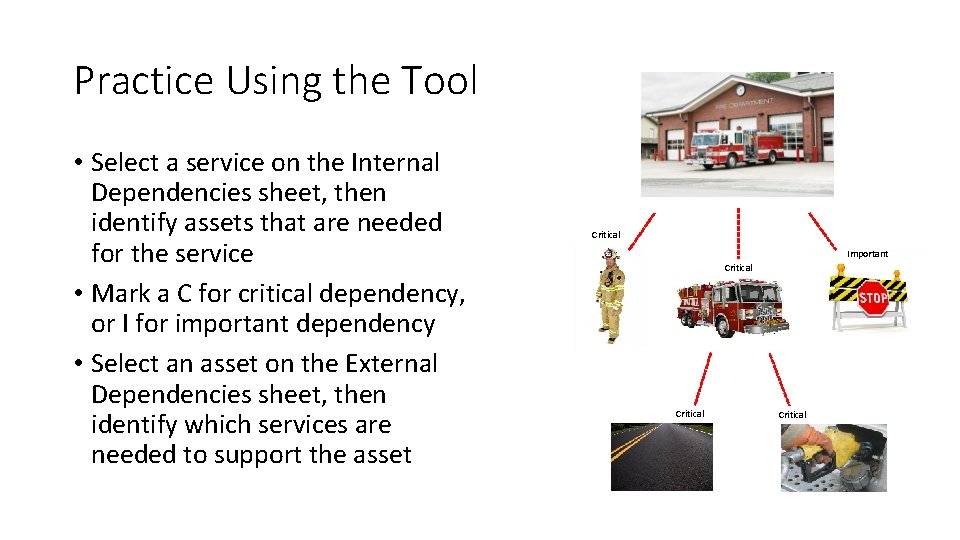
Practice Using the Tool • Select a service on the Internal Dependencies sheet, then identify assets that are needed for the service • Mark a C for critical dependency, or I for important dependency • Select an asset on the External Dependencies sheet, then identify which services are needed to support the asset Critical Important Critical
Video 3 – Next Steps • Play Video 3 – Next Steps
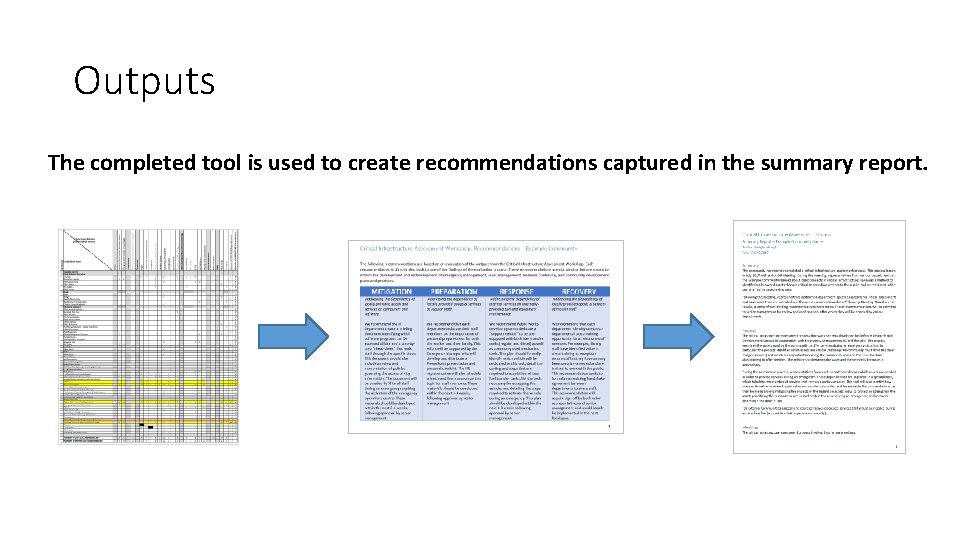
Outputs The completed tool is used to create recommendations captured in the summary report.
Closing Remarks • Each participant has “homework” • Please return completed Tools to Champion by <date> • See Instructions for Completing CI Assessment Tool for details