
Creative Curriculum net Copyright 2006 Teaching Strategies Inc

- Slides: 28
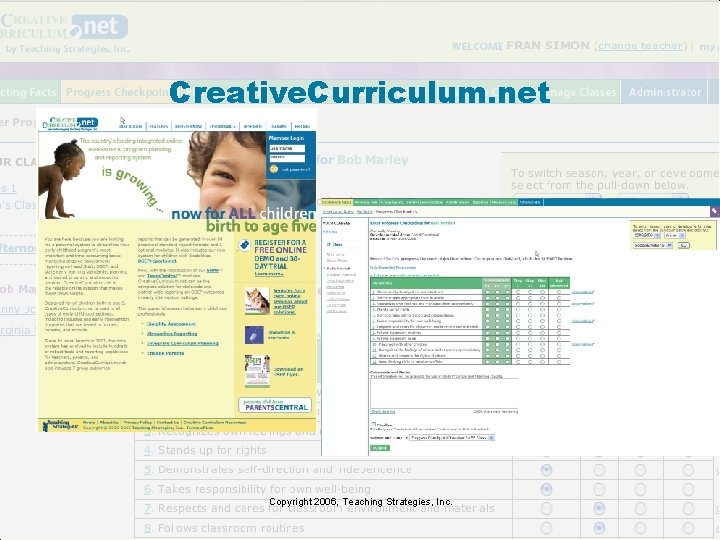
Creative. Curriculum. net Copyright 2006, Teaching Strategies, Inc.
Benefits include • A comprehensive system for following children’s progress • An extensive library of activities to help teachers develop lesson plans • Convenient medium for teachers and administrators to communicate with families • Easily generates Head Start mandated reports and other critical reports • Easily generates OSEP mandated reports Copyright 2006, Teaching Strategies, Inc.
Agenda • Welcome and Introductions • Administration – Setting up Program Administrators and Sites – Setting up Site Administrators, Teachers, and Classes – Transferring, Archiving, and Deleting Children’s Records – Managing Portfolio Allocation – Management Reports – Child Progress Reports – Newsletters – Weekly Planning Forms • Available Resources Copyright 2006, Teaching Strategies, Inc.
Best Practices • Users need to have basic knowledge of how a computer works, including – how to open and close windows and applications – how to find and store information in directories and subfolders – how to open, print, save, and resave files – how to use a Web browser (e. g. , using scrollbars, clicking on hyperlinks) – how to use Adobe Acrobat Reader (Reader is required for many of the reports) Copyright 2006, Teaching Strategies, Inc.
Setting Up Your Account • E-Mail – All Administrators – Recommended for all staff members who use the system – Spam filter set to accept e-mail from Teaching Strategies and Creative. Curriculum. net • Primary Points of Contact – “Resident Expert” at each site – Familiar with Web Sites and the Internet Copyright 2006, Teaching Strategies, Inc.
Setting up your Spam filter to accept mail from Creative. Curriculum. net and Teaching Strategies • Set your Spam filter to receive mail from the following: – mail. teachingstrategies. com – ts-137. teachingstrategies. com – smtp-1. his. com – smtp-2. his. com – teachingstrategies. net – creativecurriculum. com – creativecurriculum. net – lists. teachingstrategies. com • If you have questions, please contact our Technical Support Team at 866 -736 -5913. Copyright 2006, Teaching Strategies, Inc.
Basic System Requirements • • • Access to the Internet Windows 98 or higher Mac OS 9 or higher Netscape 5. 0 or higher Internet Explorer 5. 0 or higher System OPTOMIZED for Internet Explorer 6. 0 Adobe Acrobat Reader Disable Pop Up Blockers Browser set to accept cookies Copyright 2006, Teaching Strategies, Inc.
Off to a Good Start: Implementation Planning, Phase I Setting up the System • Who will set up your sites? Will teachers set up their classes? What user name conventions will you use? Computer Availability • How many computers are available to teachers? • How much time will each teacher be given to work on the computer? When will they be able to access the computers? Copyright 2006, Teaching Strategies, Inc.
Off to a Good Start: Implementation Planning Phase II Teachers’ Computer Literacy • How comfortable are your teachers with computers? • Who (in each center) will be the “Resident Expert” to answer questions and handle technical support calls? • How will this person be accessible to teachers? Training • Is your program experienced with The Creative Curriculum for Preschool and the assessment system? Do you need to arrange training? • Do your teachers need training on computer basics? Copyright 2006, Teaching Strategies, Inc.
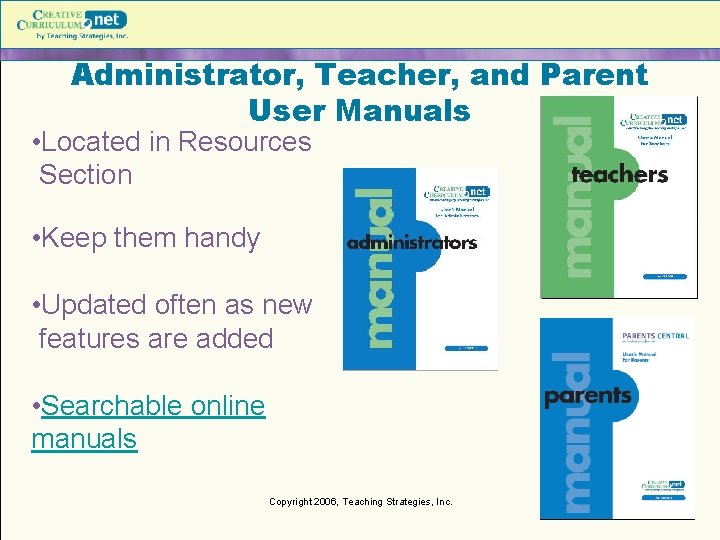
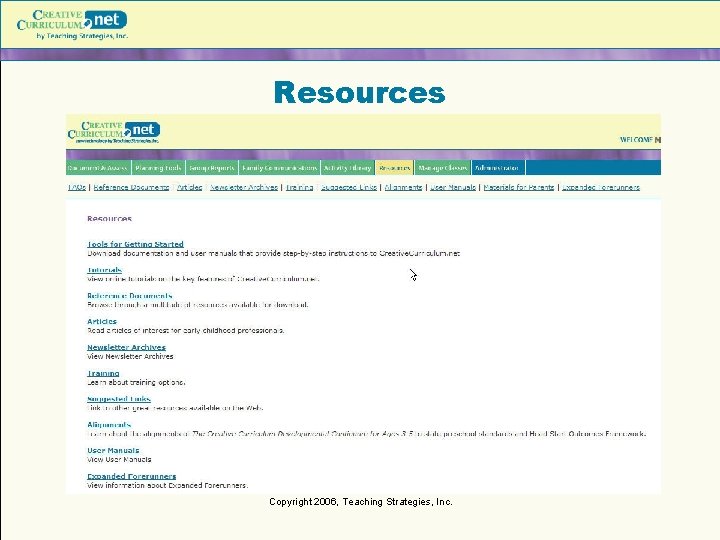
Administrator, Teacher, and Parent User Manuals • Located in Resources Section • Keep them handy • Updated often as new features are added • Searchable online manuals Copyright 2006, Teaching Strategies, Inc.
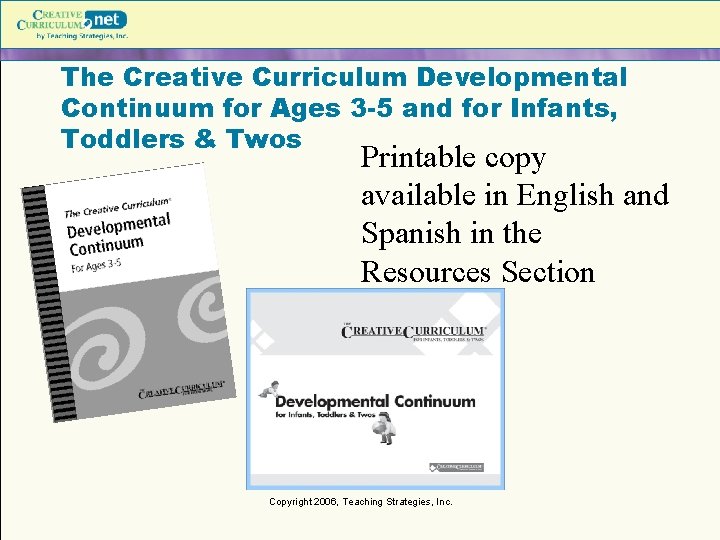
The Creative Curriculum Developmental Continuum for Ages 3 -5 and for Infants, Toddlers & Twos Printable copy available in English and Spanish in the Resources Section Copyright 2006, Teaching Strategies, Inc.
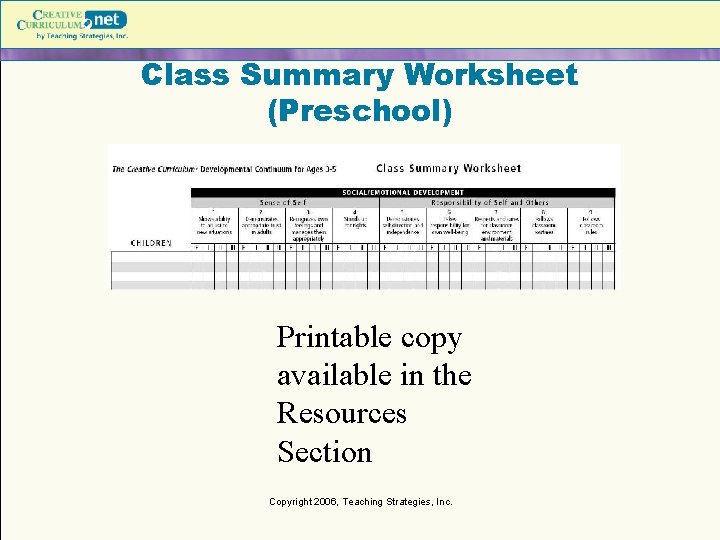
Class Summary Worksheet (Preschool) Printable copy available in the Resources Section Copyright 2006, Teaching Strategies, Inc.
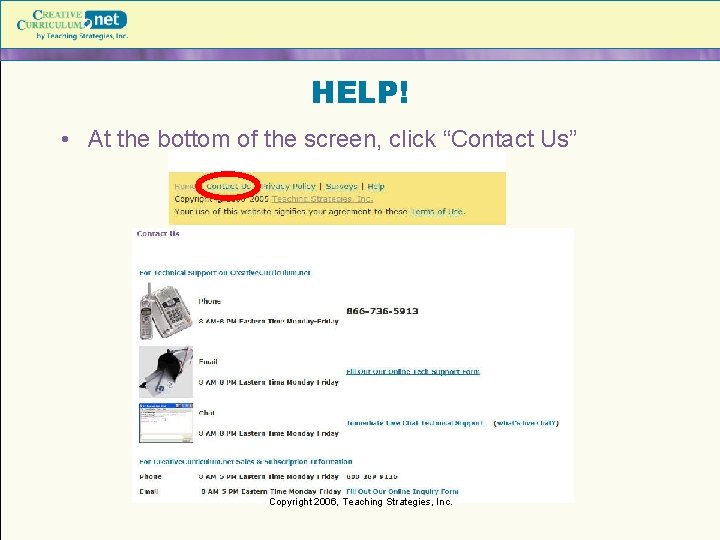
HELP! • At the bottom of the screen, click “Contact Us” Copyright 2006, Teaching Strategies, Inc.
Technology Support Number and Email 866 -736 -5913 8 am-8 pm EST Monday-Friday support@teachingstrategies. com Copyright 2006, Teaching Strategies, Inc.
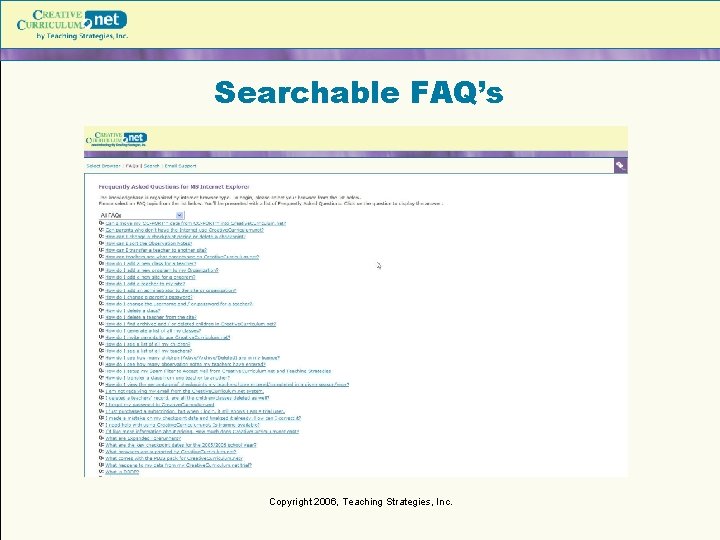
Searchable FAQ’s Copyright 2006, Teaching Strategies, Inc.
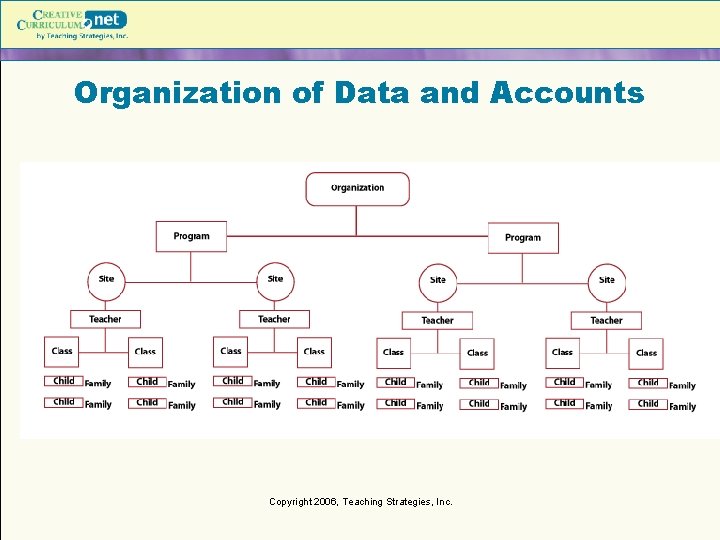
Organization of Data and Accounts Copyright 2006, Teaching Strategies, Inc.
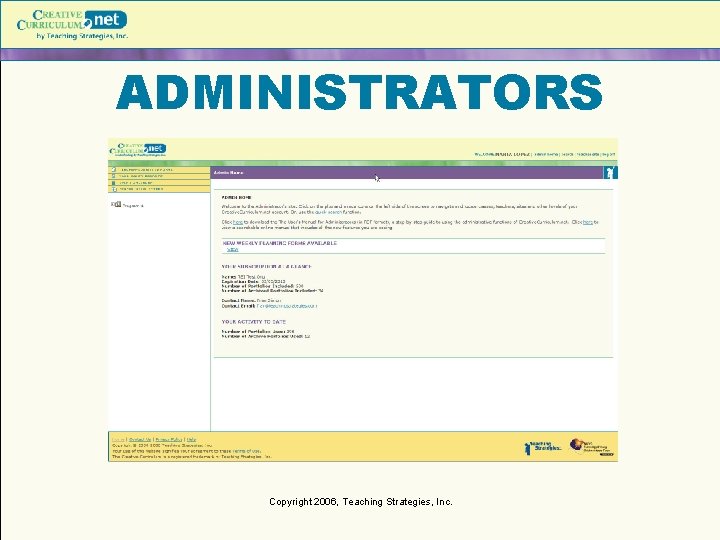
ADMINISTRATORS Copyright 2006, Teaching Strategies, Inc.
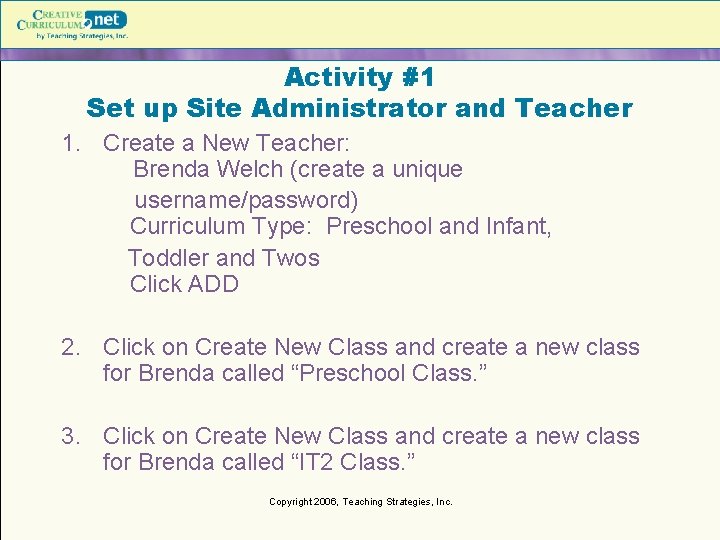
Activity #1 Set up Site Administrator and Teacher 1. Create a New Teacher: Brenda Welch (create a unique username/password) Curriculum Type: Preschool and Infant, Toddler and Twos Click ADD 2. Click on Create New Class and create a new class for Brenda called “Preschool Class. ” 3. Click on Create New Class and create a new class for Brenda called “IT 2 Class. ” Copyright 2006, Teaching Strategies, Inc.
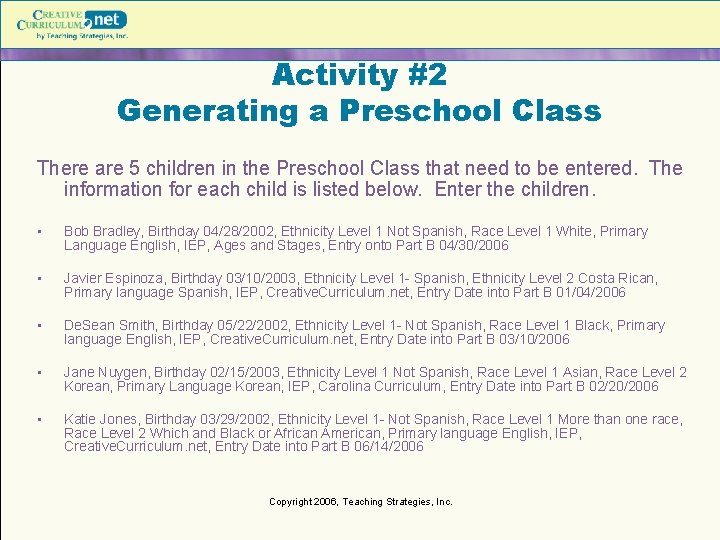
Activity #2 Generating a Preschool Class There are 5 children in the Preschool Class that need to be entered. The information for each child is listed below. Enter the children. • Bob Bradley, Birthday 04/28/2002, Ethnicity Level 1 Not Spanish, Race Level 1 White, Primary Language English, IEP, Ages and Stages, Entry onto Part B 04/30/2006 • Javier Espinoza, Birthday 03/10/2003, Ethnicity Level 1 - Spanish, Ethnicity Level 2 Costa Rican, Primary language Spanish, IEP, Creative. Curriculum. net, Entry Date into Part B 01/04/2006 • De. Sean Smith, Birthday 05/22/2002, Ethnicity Level 1 - Not Spanish, Race Level 1 Black, Primary language English, IEP, Creative. Curriculum. net, Entry Date into Part B 03/10/2006 • Jane Nuygen, Birthday 02/15/2003, Ethnicity Level 1 Not Spanish, Race Level 1 Asian, Race Level 2 Korean, Primary Language Korean, IEP, Carolina Curriculum, Entry Date into Part B 02/20/2006 • Katie Jones, Birthday 03/29/2002, Ethnicity Level 1 - Not Spanish, Race Level 1 More than one race, Race Level 2 Which and Black or African American, Primary language English, IEP, Creative. Curriculum. net, Entry Date into Part B 06/14/2006 Copyright 2006, Teaching Strategies, Inc.
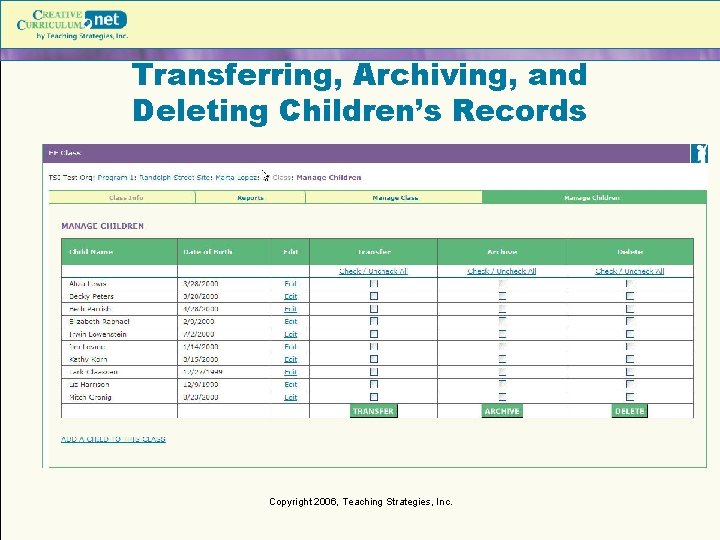
Transferring, Archiving, and Deleting Children’s Records Copyright 2006, Teaching Strategies, Inc.
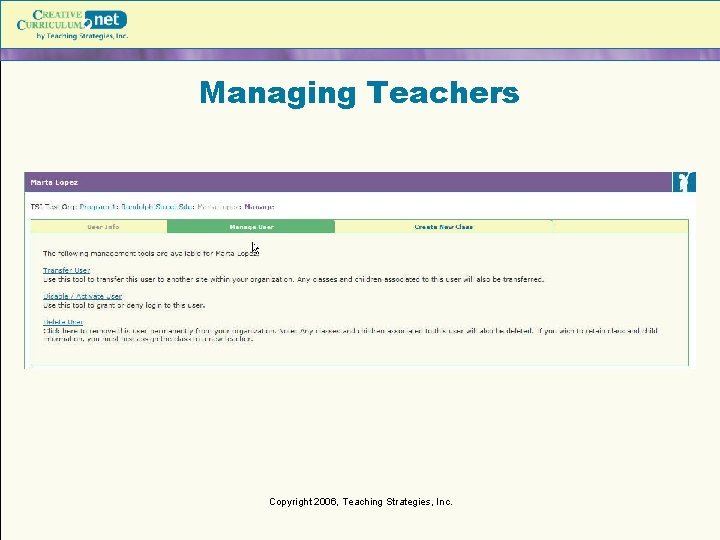
Managing Teachers Copyright 2006, Teaching Strategies, Inc.
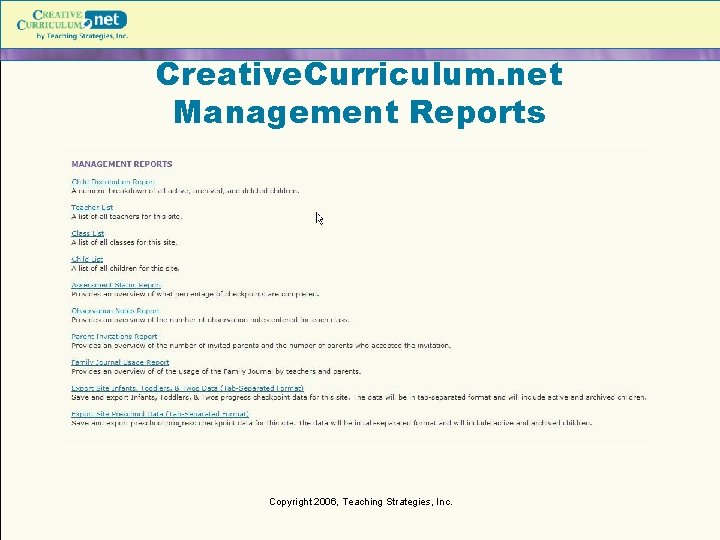
Creative. Curriculum. net Management Reports Copyright 2006, Teaching Strategies, Inc.
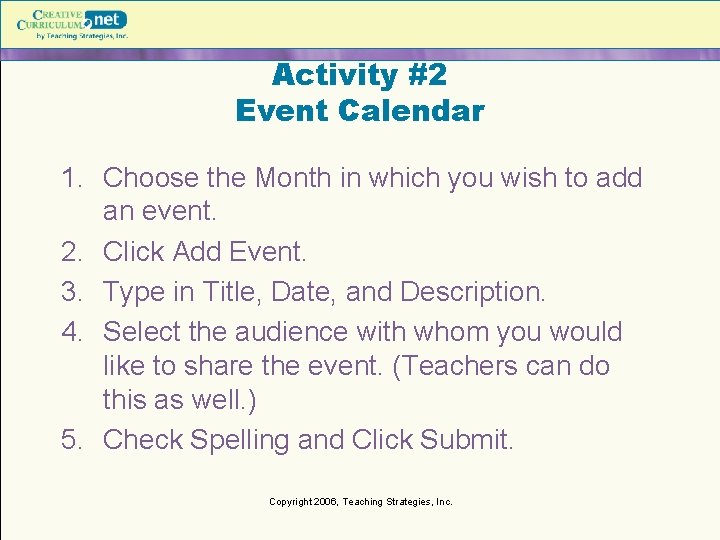
Activity #2 Event Calendar 1. Choose the Month in which you wish to add an event. 2. Click Add Event. 3. Type in Title, Date, and Description. 4. Select the audience with whom you would like to share the event. (Teachers can do this as well. ) 5. Check Spelling and Click Submit. Copyright 2006, Teaching Strategies, Inc.
Activity #3 Center Newsletter 1. 2. 3. 4. Click the Add Newsletter link. Fill out form. Check Spelling and Click ADD. Preview this Newsletter and Click SEND to send it to the site level teachers and parents. **WYSIWYG editor only works in Internet Explorer** Copyright 2006, Teaching Strategies, Inc.
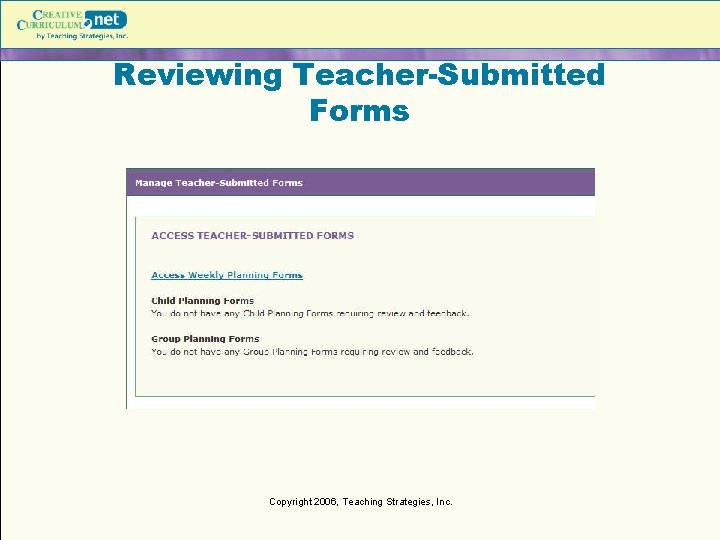
Reviewing Teacher-Submitted Forms Copyright 2006, Teaching Strategies, Inc.
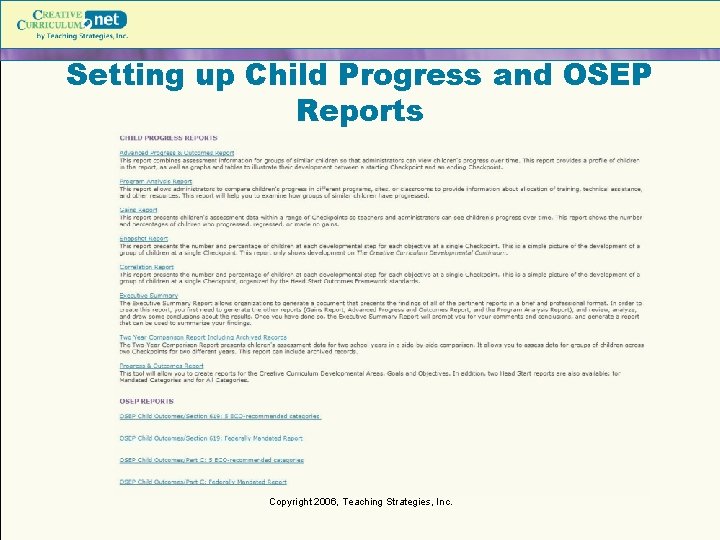
Setting up Child Progress and OSEP Reports Copyright 2006, Teaching Strategies, Inc.
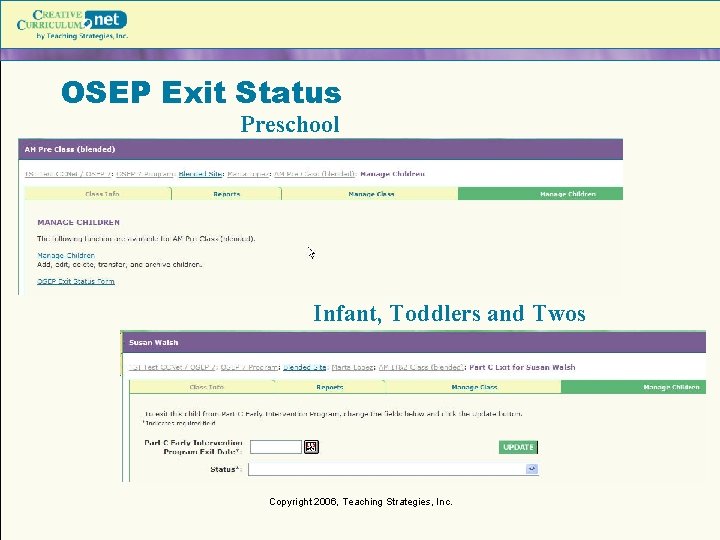
OSEP Exit Status Preschool Infant, Toddlers and Twos Copyright 2006, Teaching Strategies, Inc.
Resources Copyright 2006, Teaching Strategies, Inc.