
Creation and Visualization of 3 D Scenes with
- Slides: 28
Creation and Visualization of 3 D Scenes with the MRPT library Dept. of Automation and System Engineering University of Málaga http: //www. isa. uma. es January, 2007 Jose Luis Blanco Claraco
Contents 1. Overview 2. The involved classes 3. A sample scene 4. Streaming 5. Coding
Contents 1. Overview 2. The involved classes 3. A sample scene 4. Streaming 5. Coding
1. Overview The aim of the MRPT C++ library: - To provide a unified framework of classes representing common data structures and algorithms in mobile robotics: laser scans, camera images, grid and landmark maps, SLAM, … The aim of the 3 D scenes framework within the MRPT: - Offer an easy interface for the programmatic design of 3 D scenes that can be efficiently rendered by 3 D accelerator cards, probably in parallel to the user application and in real-time. Creation and Visualization of 3 D Scenes with the MRPT library J. L. Blanco, 2007
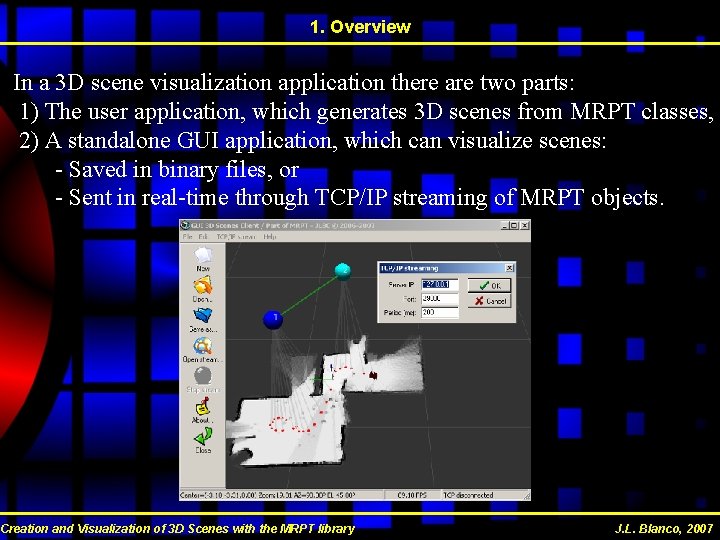
1. Overview In a 3 D scene visualization application there are two parts: 1) The user application, which generates 3 D scenes from MRPT classes, 2) A standalone GUI application, which can visualize scenes: - Saved in binary files, or - Sent in real-time through TCP/IP streaming of MRPT objects. Creation and Visualization of 3 D Scenes with the MRPT library J. L. Blanco, 2007
Contents 1. Overview 2. The involved classes 3. A sample scene 4. Streaming 5. Coding
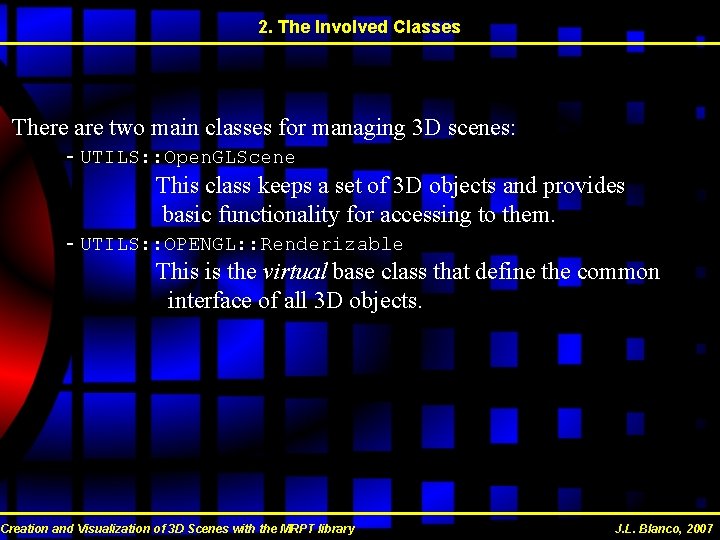
2. The Involved Classes There are two main classes for managing 3 D scenes: - UTILS: : Open. GLScene This class keeps a set of 3 D objects and provides basic functionality for accessing to them. - UTILS: : OPENGL: : Renderizable This is the virtual base class that define the common interface of all 3 D objects. Creation and Visualization of 3 D Scenes with the MRPT library J. L. Blanco, 2007
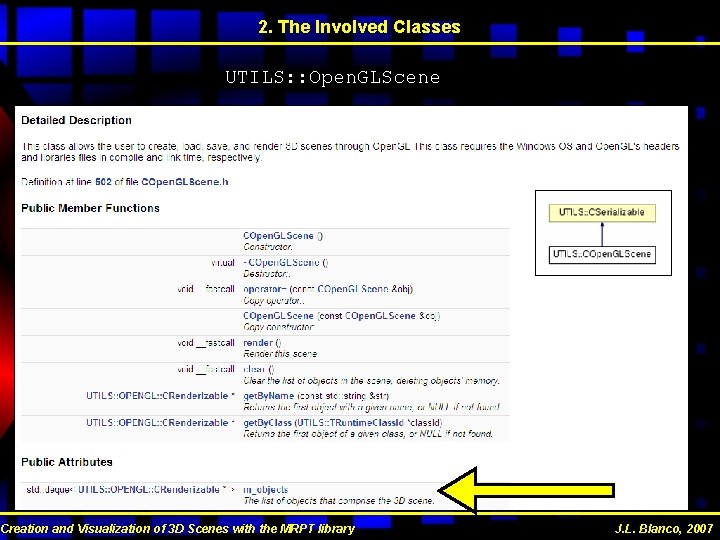
2. The Involved Classes UTILS: : Open. GLScene Creation and Visualization of 3 D Scenes with the MRPT library J. L. Blanco, 2007
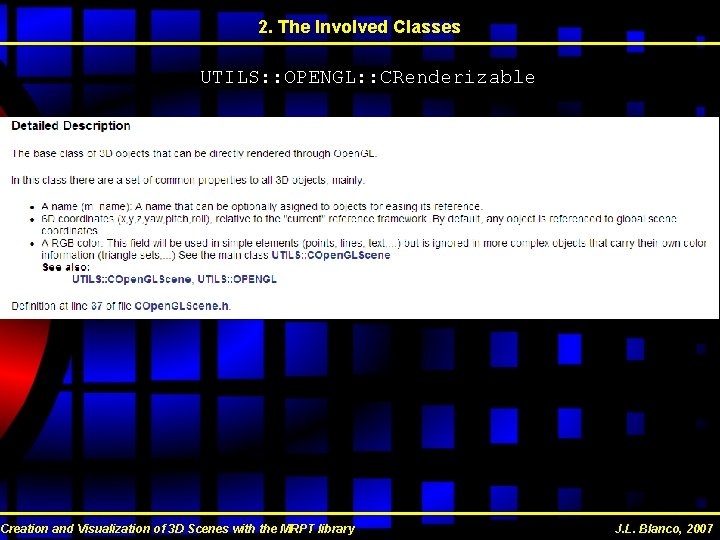
2. The Involved Classes UTILS: : OPENGL: : CRenderizable Creation and Visualization of 3 D Scenes with the MRPT library J. L. Blanco, 2007
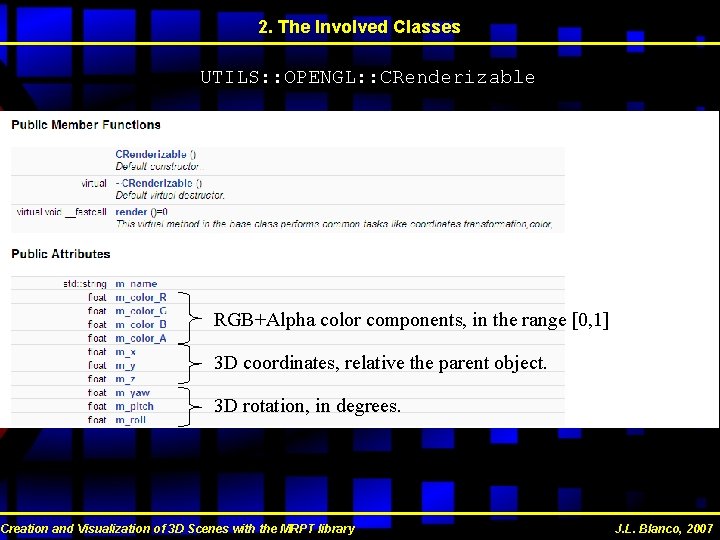
2. The Involved Classes UTILS: : OPENGL: : CRenderizable RGB+Alpha color components, in the range [0, 1] 3 D coordinates, relative the parent object. 3 D rotation, in degrees. Creation and Visualization of 3 D Scenes with the MRPT library J. L. Blanco, 2007
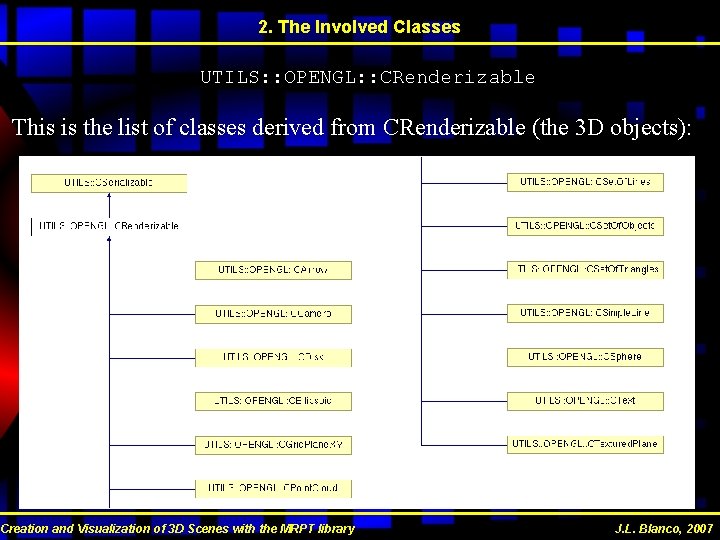
2. The Involved Classes UTILS: : OPENGL: : CRenderizable This is the list of classes derived from CRenderizable (the 3 D objects): Creation and Visualization of 3 D Scenes with the MRPT library J. L. Blanco, 2007
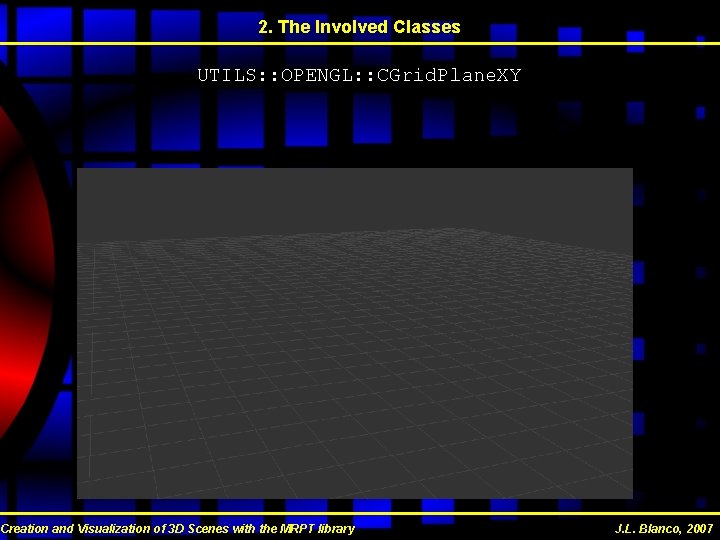
2. The Involved Classes UTILS: : OPENGL: : CGrid. Plane. XY Creation and Visualization of 3 D Scenes with the MRPT library J. L. Blanco, 2007
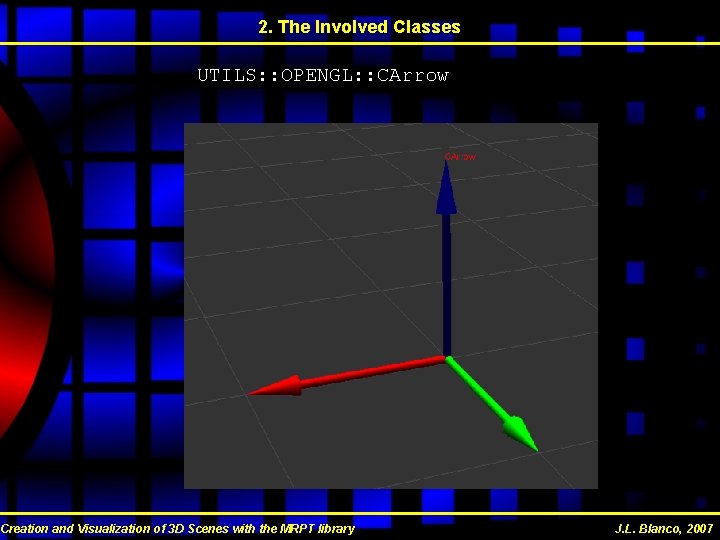
2. The Involved Classes UTILS: : OPENGL: : CArrow Creation and Visualization of 3 D Scenes with the MRPT library J. L. Blanco, 2007
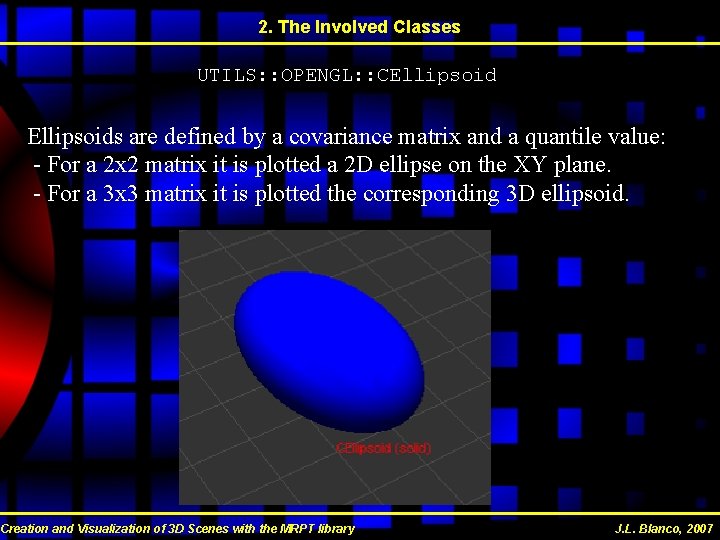
2. The Involved Classes UTILS: : OPENGL: : CEllipsoids are defined by a covariance matrix and a quantile value: - For a 2 x 2 matrix it is plotted a 2 D ellipse on the XY plane. - For a 3 x 3 matrix it is plotted the corresponding 3 D ellipsoid. Creation and Visualization of 3 D Scenes with the MRPT library J. L. Blanco, 2007
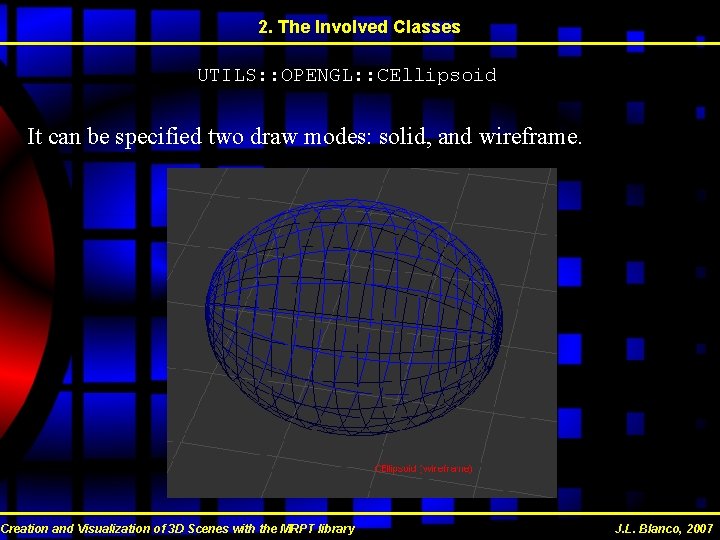
2. The Involved Classes UTILS: : OPENGL: : CEllipsoid It can be specified two draw modes: solid, and wireframe. Creation and Visualization of 3 D Scenes with the MRPT library J. L. Blanco, 2007
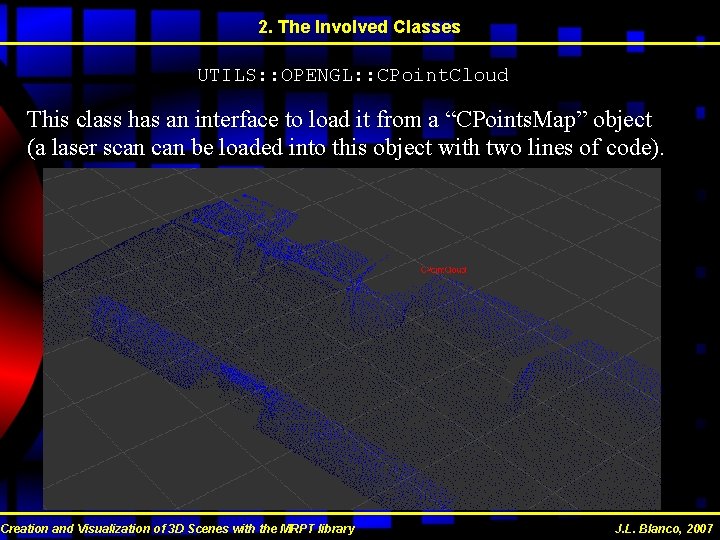
2. The Involved Classes UTILS: : OPENGL: : CPoint. Cloud This class has an interface to load it from a “CPoints. Map” object (a laser scan be loaded into this object with two lines of code). Creation and Visualization of 3 D Scenes with the MRPT library J. L. Blanco, 2007
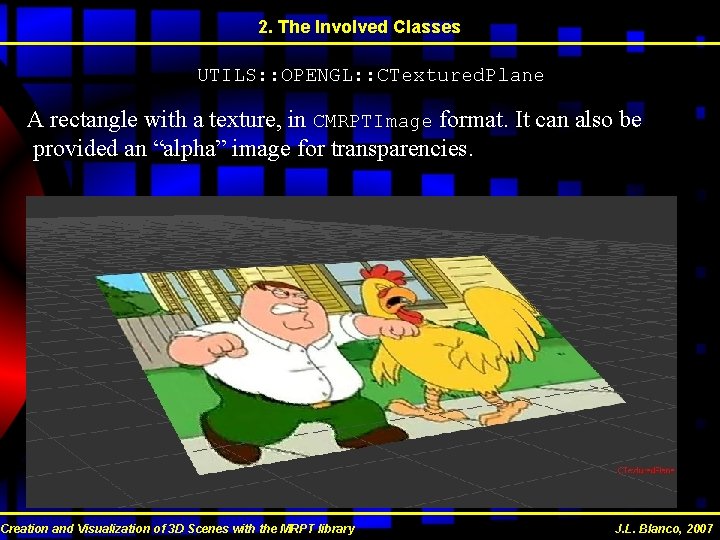
2. The Involved Classes UTILS: : OPENGL: : CTextured. Plane A rectangle with a texture, in CMRPTImage format. It can also be provided an “alpha” image for transparencies. Creation and Visualization of 3 D Scenes with the MRPT library J. L. Blanco, 2007
2. The Involved Classes UTILS: : OPENGL: : CSet. Of. Triangles This object can be used to import arbitrary 3 D Studio models. Creation and Visualization of 3 D Scenes with the MRPT library J. L. Blanco, 2007
2. The Involved Classes UTILS: : OPENGL: : CSet. Of. Objects This element can be used to group an arbitrary set of 3 D objects into a transformed coordinates framework. The “set of objects” can include other “sets” without limitations, up to any desired depth, building a complex tree of objects. Creation and Visualization of 3 D Scenes with the MRPT library J. L. Blanco, 2007
Contents 1. Overview 2. The involved classes 3. A sample scene 4. Streaming 5. Coding
3. A sample scene ( Demo with the 3 D scene viewer ) DEMO_SCENE. 3 Dscene Creation and Visualization of 3 D Scenes with the MRPT library J. L. Blanco, 2007
Contents 1. Overview 2. The involved classes 3. A sample scene 4. Streaming 5. Coding
4. Streaming ( Demo with an external application ) Creation and Visualization of 3 D Scenes with the MRPT library J. L. Blanco, 2007
Contents 1. Overview 2. The involved classes 3. A sample scene 4. Streaming 5. Coding
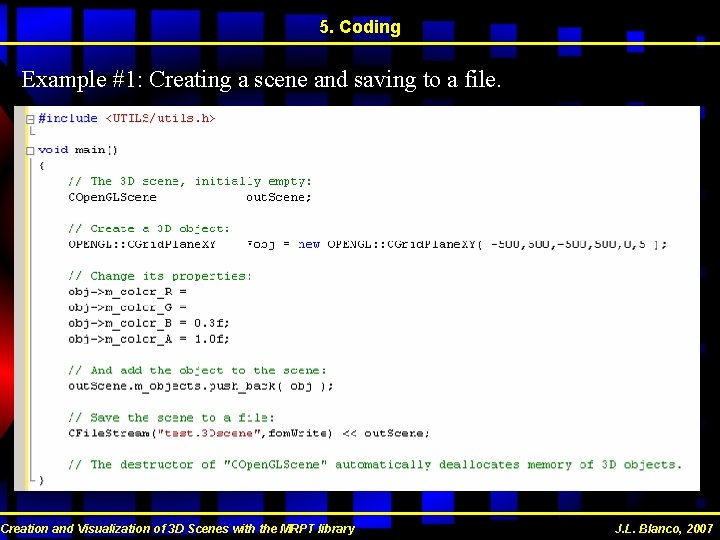
5. Coding Example #1: Creating a scene and saving to a file. Creation and Visualization of 3 D Scenes with the MRPT library J. L. Blanco, 2007
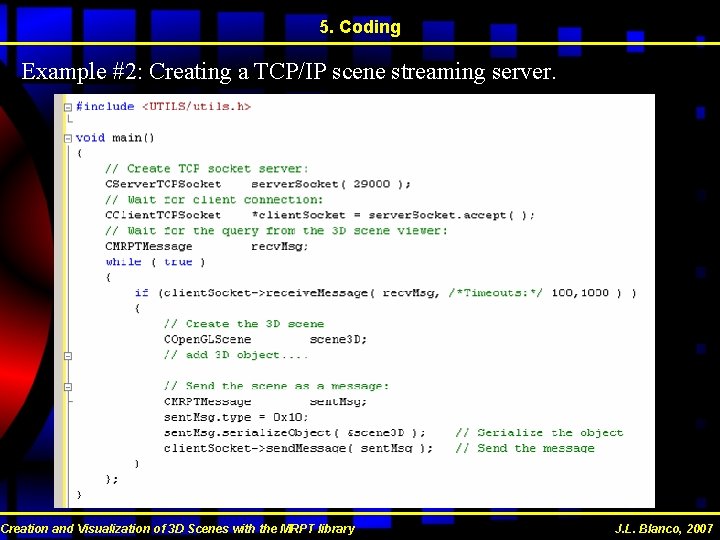
5. Coding Example #2: Creating a TCP/IP scene streaming server. Creation and Visualization of 3 D Scenes with the MRPT library J. L. Blanco, 2007
5. Coding To look at the examples with more detail: http: //www. isa. uma. es/C 13/jlblanco/default. aspx “Publications” “Technical Reports” Creation and Visualization of 3 D Scenes with the MRPT library J. L. Blanco, 2007
Creation and Visualization of 3 D Scenes with the MRPT library The End!!