
CREATING YOUR WORKS CITED SLIDE The very last

- Slides: 6
CREATING YOUR WORKS CITED SLIDE
• The very last part of your preparation for your speech is creating your Works Cited slide which will be your last slide. • For your speech, you should have a title slide, three visual aids, and then your Works Cited slide. THAT’S IT. • The purpose of the Works Cited slide is to show me (and your classmates) where you got the research that you used in your speech from. • You must include every website that you took information from on your Works Cited slide.
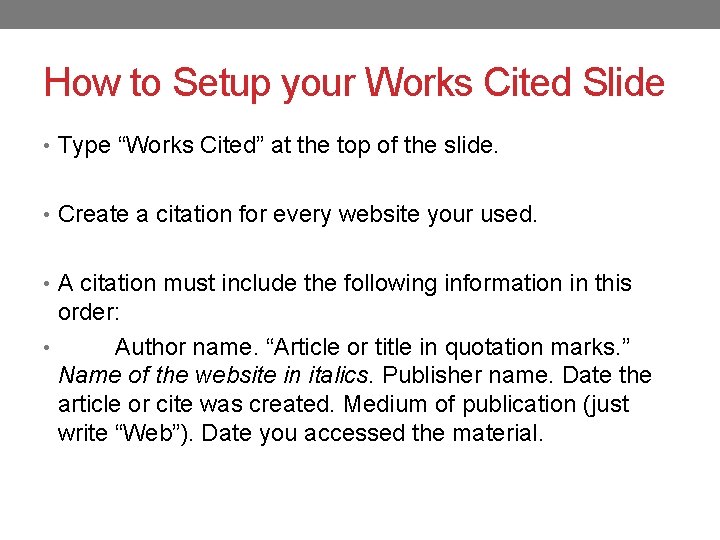
How to Setup your Works Cited Slide • Type “Works Cited” at the top of the slide. • Create a citation for every website your used. • A citation must include the following information in this order: • Author name. “Article or title in quotation marks. ” Name of the website in italics. Publisher name. Date the article or cite was created. Medium of publication (just write “Web”). Date you accessed the material.
How to Setup your Works Cited Slide • Now, depending on the quality of the website you used, all of this information will not be available. Quality websites such as NYTimes. com tend to have all of this info, whereas a website like Pro. Con. org will not. • INCLUDE THE INFORMATION YOU HAVE!!! If you do not have a piece of the information needed, simply leave it out of the citation.
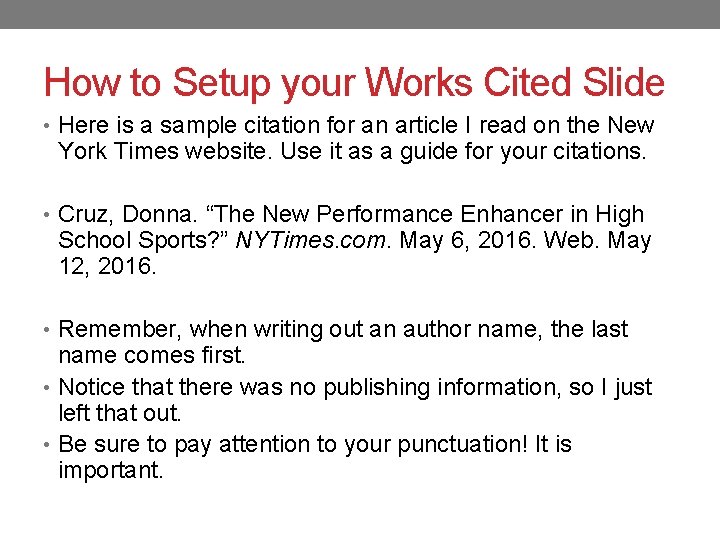
How to Setup your Works Cited Slide • Here is a sample citation for an article I read on the New York Times website. Use it as a guide for your citations. • Cruz, Donna. “The New Performance Enhancer in High School Sports? ” NYTimes. com. May 6, 2016. Web. May 12, 2016. • Remember, when writing out an author name, the last name comes first. • Notice that there was no publishing information, so I just left that out. • Be sure to pay attention to your punctuation! It is important.
Create Your Works Cited Slide • Now you are going to do this for every website you used to write your speech! • When you are done, you must put the citations in alphabetical order!!! • Good luck and do your best with the information you have for each website you used. • Follow my example and don’t make it more difficult than it is!