
Creating Views 1 Objectives After completing this lesson
Creating Views 1
Objectives After completing this lesson, you should be able to do the following: • Describe a view • Create, alter the definition of, and drop a view • Retrieve data through a view • Insert, update, and delete data through a view • Create and use an inline view • Perform “Top-N” analysis 2
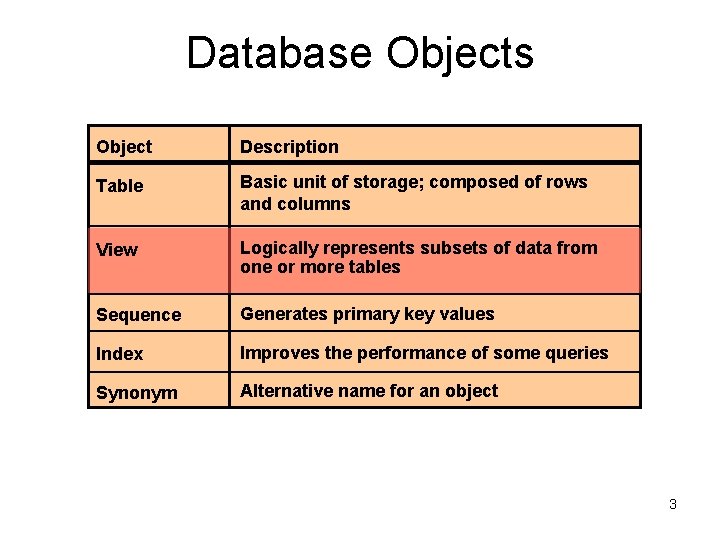
Database Objects Object Description Table Basic unit of storage; composed of rows and columns View Logically represents subsets of data from one or more tables Sequence Generates primary key values Index Improves the performance of some queries Synonym Alternative name for an object 3
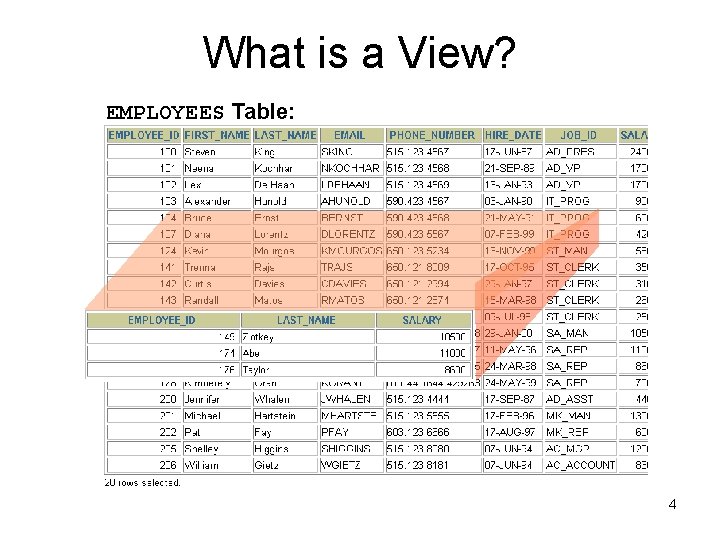
What is a View? EMPLOYEES Table: 4
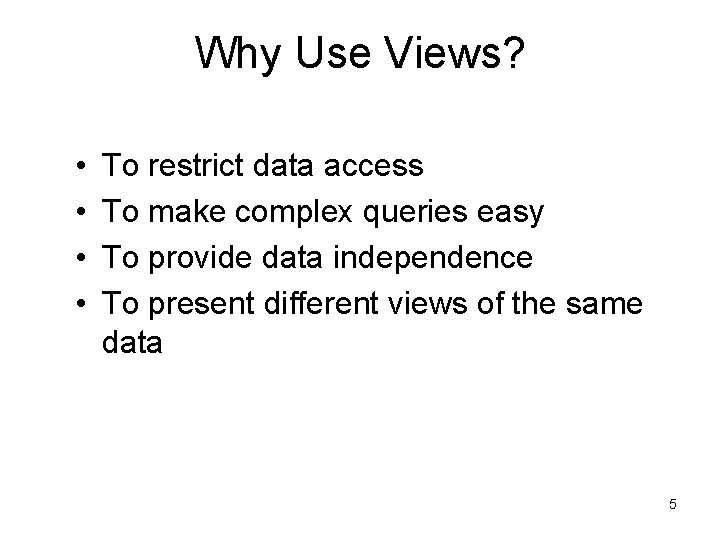
Why Use Views? • • To restrict data access To make complex queries easy To provide data independence To present different views of the same data 5
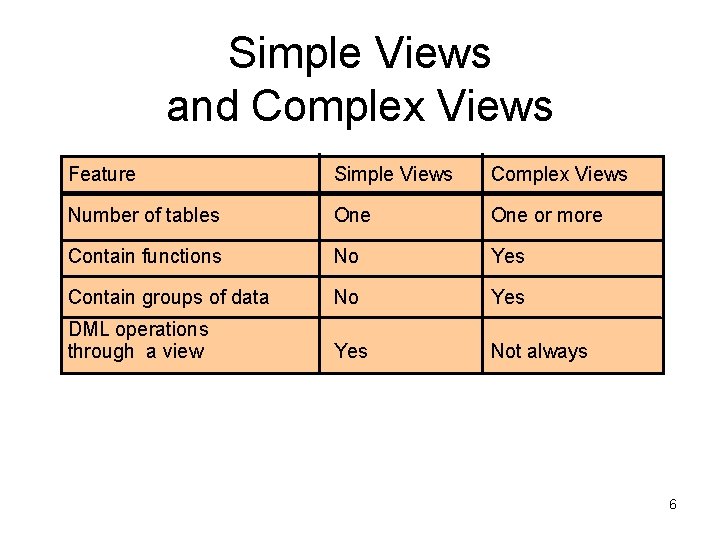
Simple Views and Complex Views Feature Simple Views Complex Views Number of tables One or more Contain functions No Yes Contain groups of data No Yes DML operations through a view Yes Not always 6
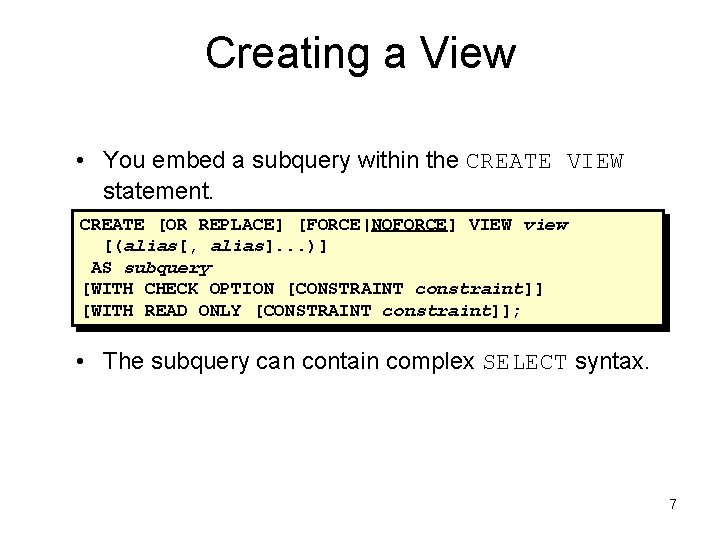
Creating a View • You embed a subquery within the CREATE VIEW statement. CREATE [OR REPLACE] [FORCE|NOFORCE] VIEW view [(alias[, alias]. . . )] AS subquery [WITH CHECK OPTION [CONSTRAINT constraint]] [WITH READ ONLY [CONSTRAINT constraint]]; • The subquery can contain complex SELECT syntax. 7
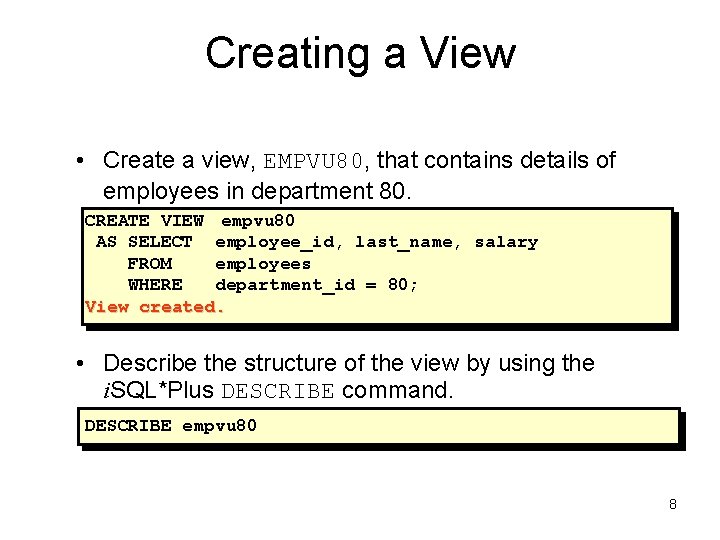
Creating a View • Create a view, EMPVU 80, that contains details of employees in department 80. CREATE VIEW empvu 80 AS SELECT employee_id, last_name, salary FROM employees WHERE department_id = 80; View created. • Describe the structure of the view by using the i. SQL*Plus DESCRIBE command. DESCRIBE empvu 80 8
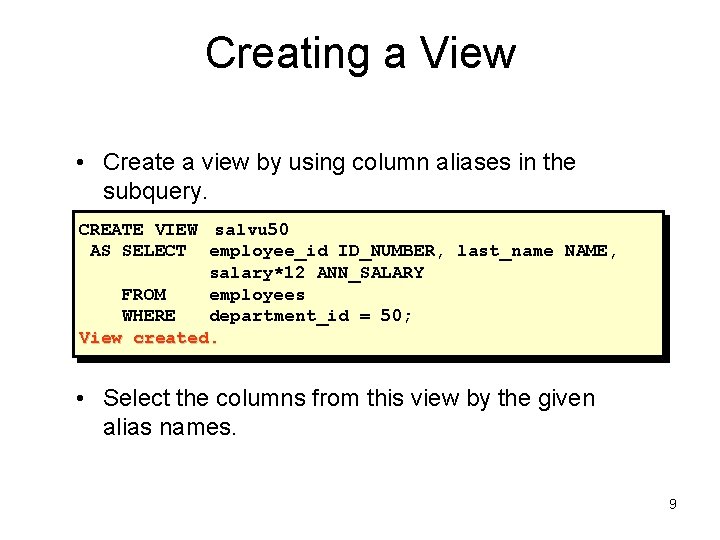
Creating a View • Create a view by using column aliases in the subquery. CREATE VIEW salvu 50 AS SELECT employee_id ID_NUMBER, last_name NAME, salary*12 ANN_SALARY FROM employees WHERE department_id = 50; View created. • Select the columns from this view by the given alias names. 9
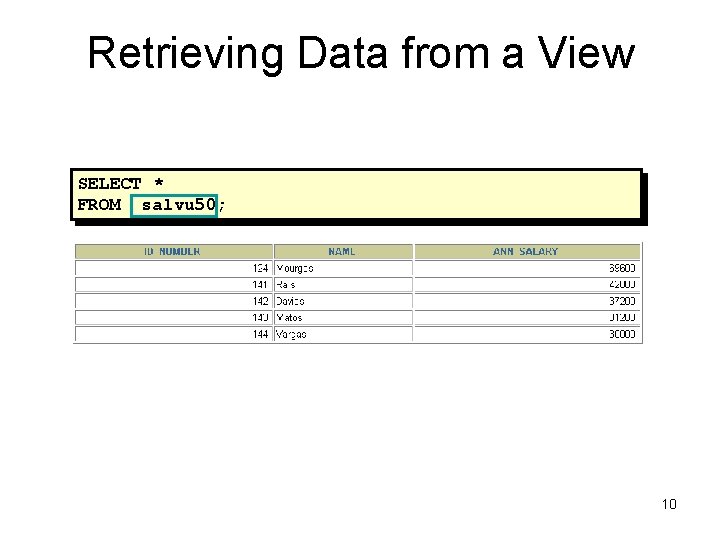
Retrieving Data from a View SELECT * FROM salvu 50; 10
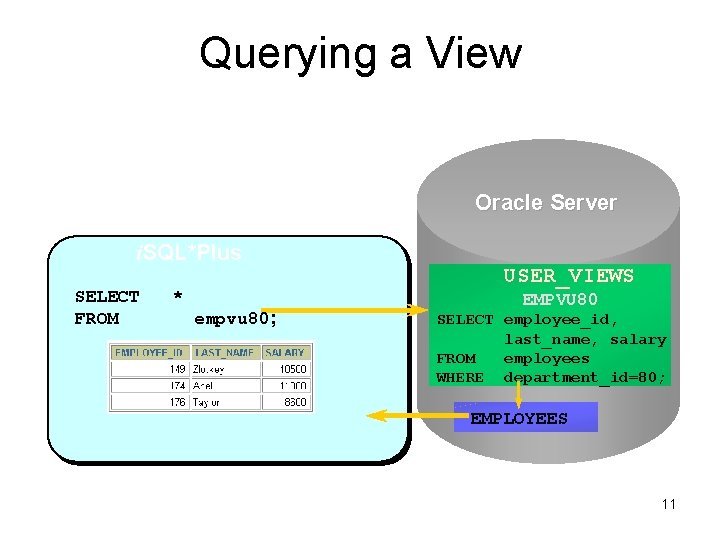
Querying a View Oracle Server i. SQL*Plus SELECT FROM * empvu 80; USER_VIEWS EMPVU 80 SELECT employee_id, last_name, salary FROM employees WHERE department_id=80; EMPLOYEES 11
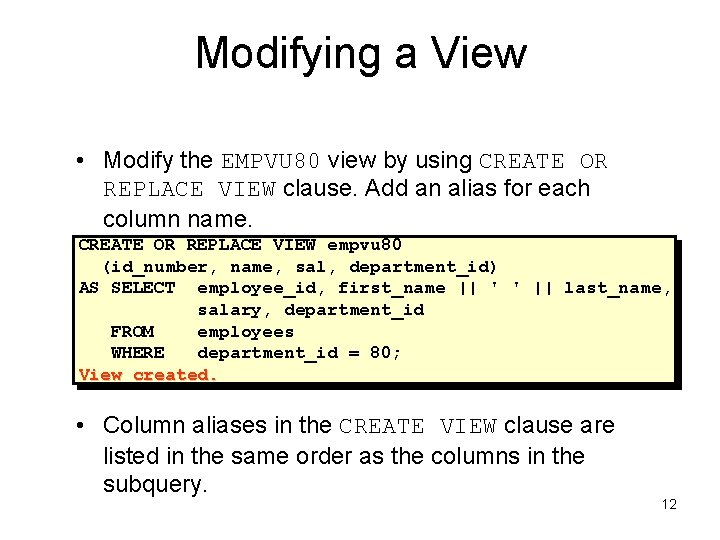
Modifying a View • Modify the EMPVU 80 view by using CREATE OR REPLACE VIEW clause. Add an alias for each column name. CREATE OR REPLACE VIEW empvu 80 (id_number, name, sal, department_id) AS SELECT employee_id, first_name || ' ' || last_name, salary, department_id FROM employees WHERE department_id = 80; View created. • Column aliases in the CREATE VIEW clause are listed in the same order as the columns in the subquery. 12
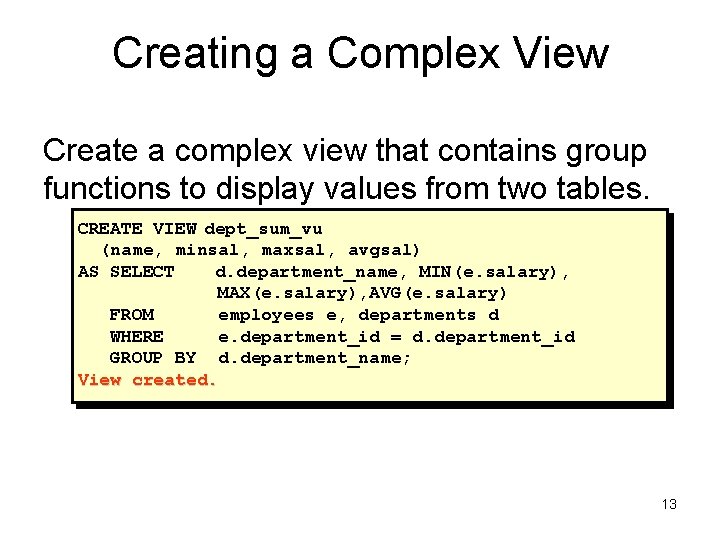
Creating a Complex View Create a complex view that contains group functions to display values from two tables. CREATE VIEW dept_sum_vu (name, minsal, maxsal, avgsal) AS SELECT d. department_name, MIN(e. salary), MAX(e. salary), AVG(e. salary) FROM employees e, departments d WHERE e. department_id = d. department_id GROUP BY d. department_name; View created. 13
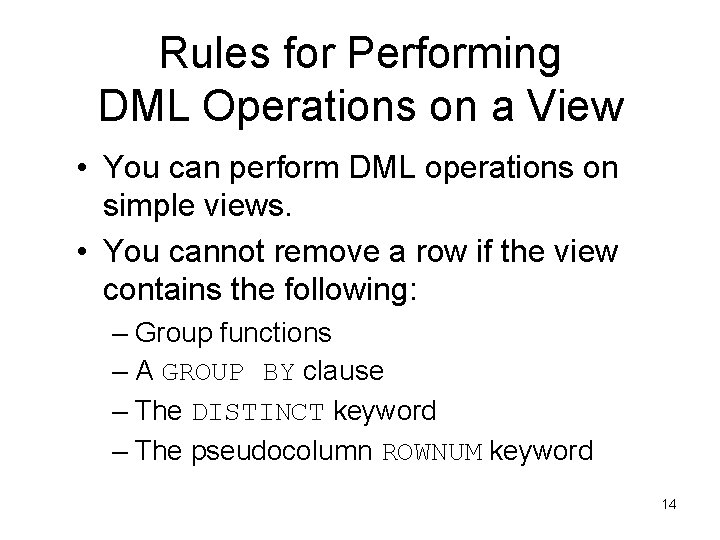
Rules for Performing DML Operations on a View • You can perform DML operations on simple views. • You cannot remove a row if the view contains the following: – Group functions – A GROUP BY clause – The DISTINCT keyword – The pseudocolumn ROWNUM keyword 14
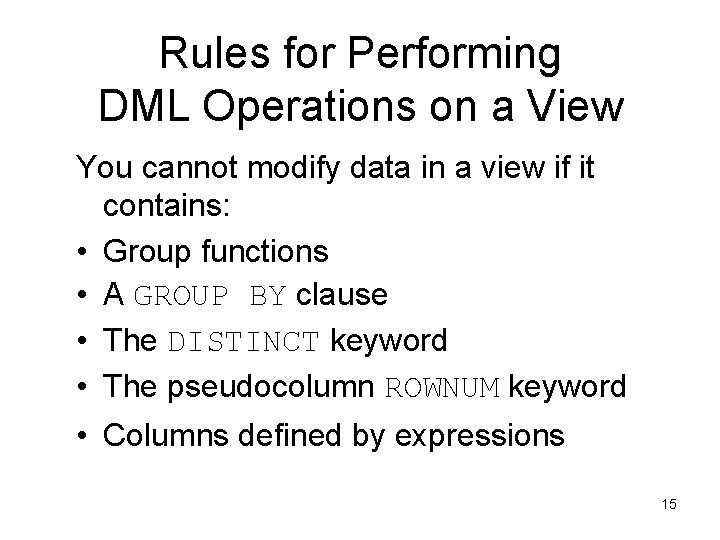
Rules for Performing DML Operations on a View You cannot modify data in a view if it contains: • Group functions • A GROUP BY clause • The DISTINCT keyword • The pseudocolumn ROWNUM keyword • Columns defined by expressions 15
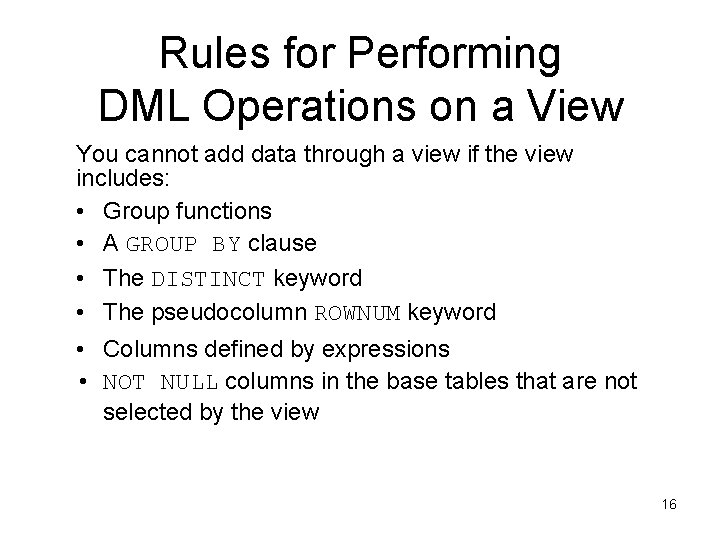
Rules for Performing DML Operations on a View You cannot add data through a view if the view includes: • Group functions • A GROUP BY clause • The DISTINCT keyword • The pseudocolumn ROWNUM keyword • Columns defined by expressions • NOT NULL columns in the base tables that are not selected by the view 16
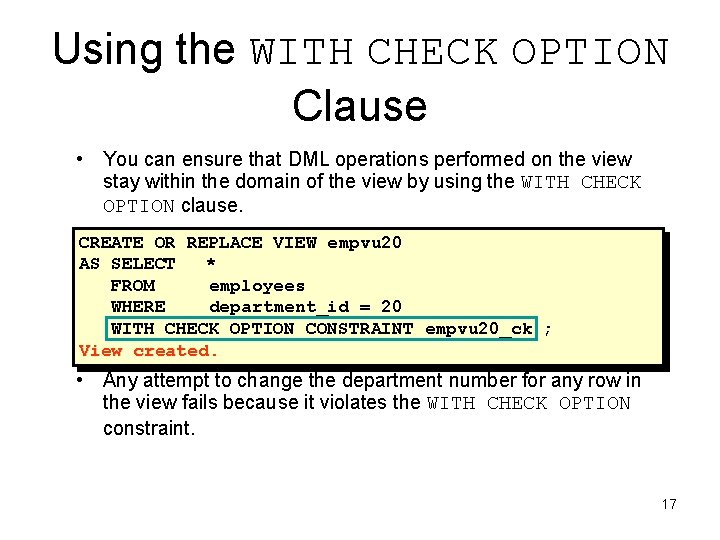
Using the WITH CHECK OPTION Clause • You can ensure that DML operations performed on the view stay within the domain of the view by using the WITH CHECK OPTION clause. CREATE OR REPLACE VIEW empvu 20 AS SELECT * FROM employees WHERE department_id = 20 WITH CHECK OPTION CONSTRAINT empvu 20_ck ; View created. • Any attempt to change the department number for any row in the view fails because it violates the WITH CHECK OPTION constraint. 17
Denying DML Operations • You can ensure that no DML operations occur by adding the WITH READ ONLY option to your view definition. • Any attempt to perform a DML on any row in the view results in an Oracle server error. 18
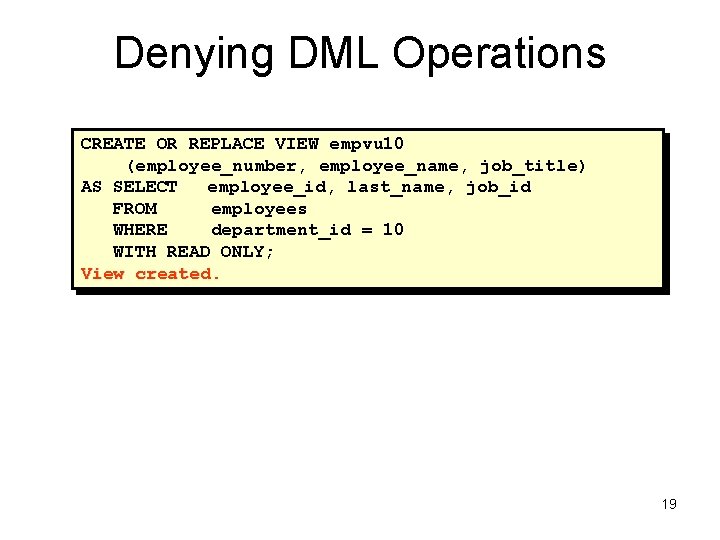
Denying DML Operations CREATE OR REPLACE VIEW empvu 10 (employee_number, employee_name, job_title) AS SELECT employee_id, last_name, job_id FROM employees WHERE department_id = 10 WITH READ ONLY; View created. 19
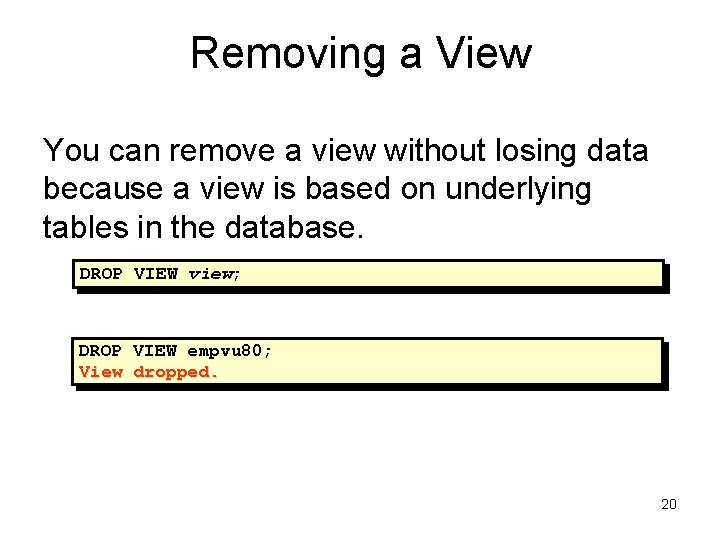
Removing a View You can remove a view without losing data because a view is based on underlying tables in the database. DROP VIEW view; DROP VIEW empvu 80; View dropped. 20
Inline Views • An inline view is a subquery with an alias (or correlation name) that you can use within a SQL statement. • A named subquery in the FROM clause of the main query is an example of an inline view. • An inline view is not a schema object. 21
Top-N Analysis • Top-N queries ask for the n largest or smallest values of a column. For example: – What are the ten best selling products? – What are the ten worst selling products? • Both largest values and smallest values sets are considered Top-N queries. 22
![Performing Top-N Analysis The high-level structure of a Top-N analysis query is: SELECT [column_list],](http://slidetodoc.com/presentation_image_h2/98af2c7078421a6d3f2b4d594218076b/image-23.jpg "Performing Top-N Analysis The high-level structure of a Top-N analysis query is: SELECT [column_list],")
Performing Top-N Analysis The high-level structure of a Top-N analysis query is: SELECT [column_list], ROWNUM FROM (SELECT [column_list] FROM table ORDER BY Top-N_column) WHERE ROWNUM <= N; 23
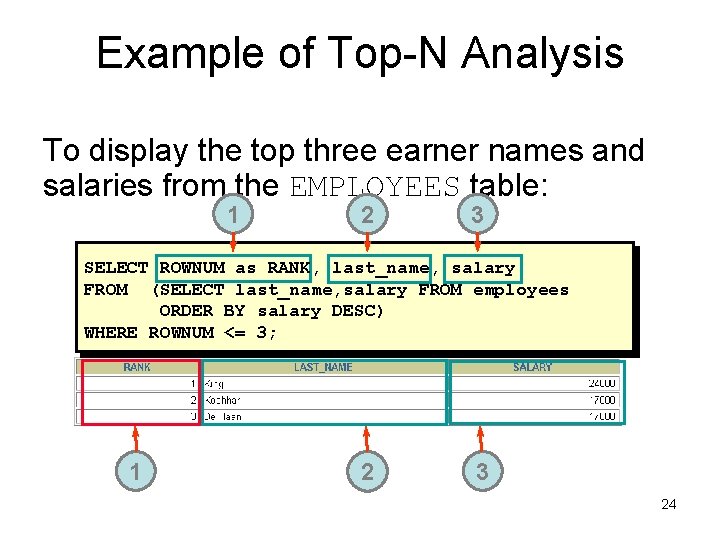
Example of Top-N Analysis To display the top three earner names and salaries from the EMPLOYEES table: 1 2 3 SELECT ROWNUM as RANK, last_name, salary FROM (SELECT last_name, salary FROM employees ORDER BY salary DESC) WHERE ROWNUM <= 3; 1 2 3 24
Summary In this lesson, you should have learned that a view is derived from data in other tables or views and provides the following advantages: • Restricts database access • Simplifies queries • Provides data independence • Provides multiple views of the same data • Can be dropped without removing the underlying data • An inline view is a subquery with an alias name. • Top-N analysis can be done using subqueries and outer queries. 25
Practice 11 Overview This practice covers the following topics: • Creating a simple view • Creating a complex view • Creating a view with a check constraint • Attempting to modify data in the view • Displaying view definitions • Removing views 26
- Slides: 26