
Creating Variables Copyright 2005 Department of Computer Information
Creating Variables Copyright © 2005 Department of Computer & Information Science
Goals By the end of this lecture you should … • Understand how to create a Java. Script Variable. • Understand the rules and conventions governing variable names. • Understand how to assign variable values. • Understand how constructor methods work. Copyright © 2005 Department of Computer & Information Science
Steps for Creating a Variable • Reserve some memory for the variable • Give the variable a name (identifier) • Declare the variable's type • Give the variable its first value (initialization) Copyright © 2005 Department of Computer & Information Science
Reserving Memory Using var • The reserved word var tells the Java. Script interpreter to request some space in which you will hold data. Copyright © 2005 Department of Computer & Information Science

Creating a Variable Identifier var str. User. Name • A variable’s identifier is its name. Once you give a name to a variable, you’ll use that name to reference the variable throughout your application. Copyright © 2005 Department of Computer & Information Science
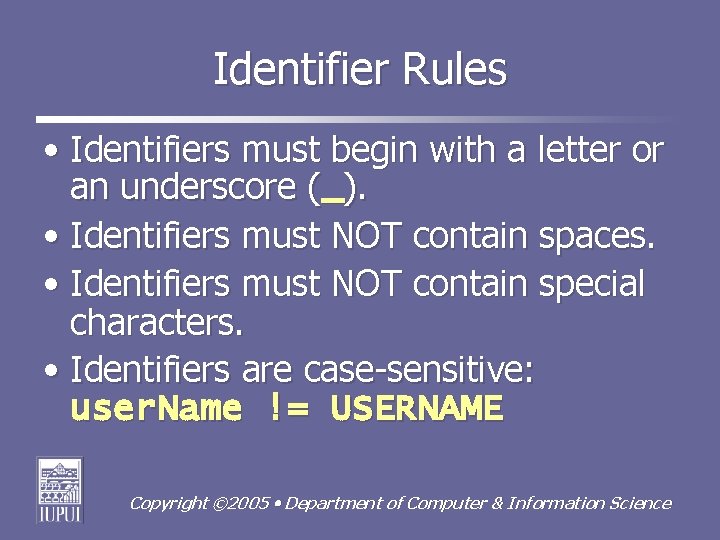
Identifier Rules • Identifiers must begin with a letter or an underscore (_). • Identifiers must NOT contain spaces. • Identifiers must NOT contain special characters. • Identifiers are case-sensitive: user. Name != USERNAME Copyright © 2005 Department of Computer & Information Science
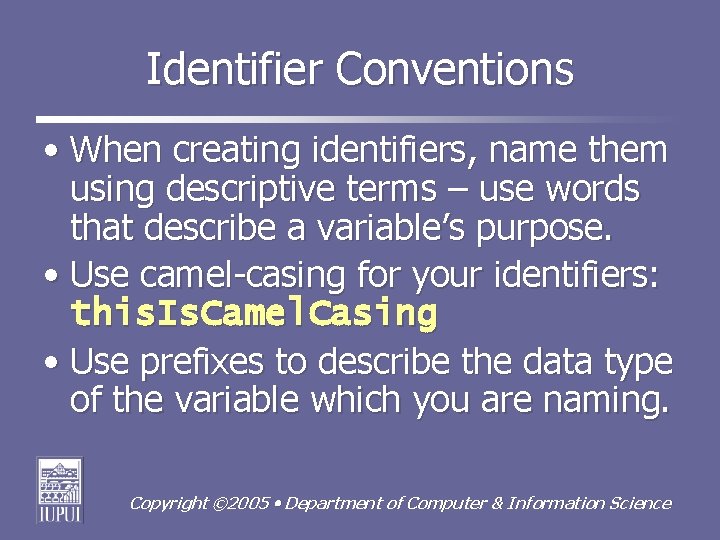
Identifier Conventions • When creating identifiers, name them using descriptive terms – use words that describe a variable’s purpose. • Use camel-casing for your identifiers: this. Is. Camel. Casing • Use prefixes to describe the data type of the variable which you are naming. Copyright © 2005 Department of Computer & Information Science
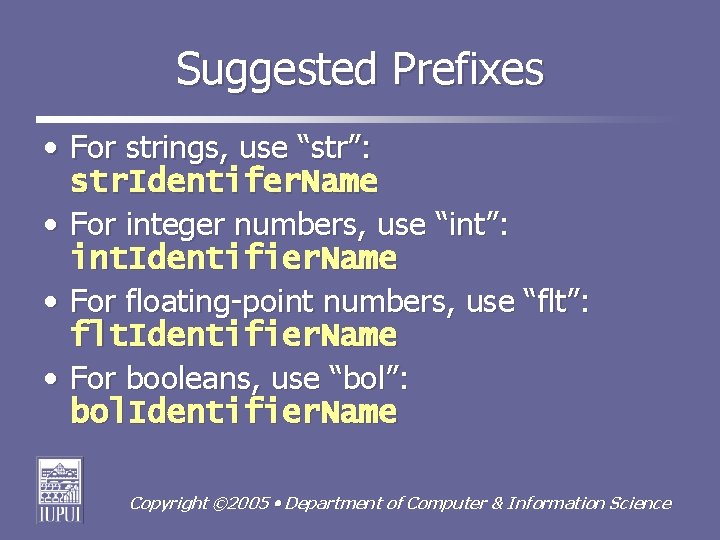
Suggested Prefixes • For strings, use “str”: str. Identifer. Name • For integer numbers, use “int”: int. Identifier. Name • For floating-point numbers, use “flt”: flt. Identifier. Name • For booleans, use “bol”: bol. Identifier. Name Copyright © 2005 Department of Computer & Information Science
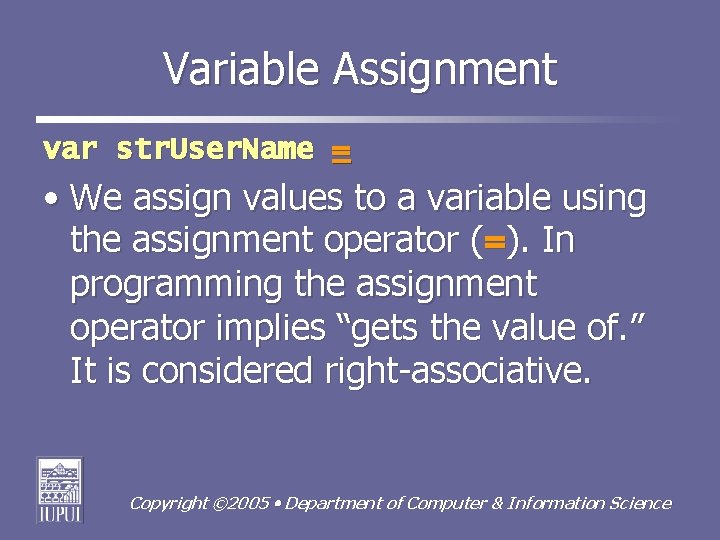
Variable Assignment var str. User. Name = • We assign values to a variable using the assignment operator (=). In programming the assignment operator implies “gets the value of. ” It is considered right-associative. Copyright © 2005 Department of Computer & Information Science
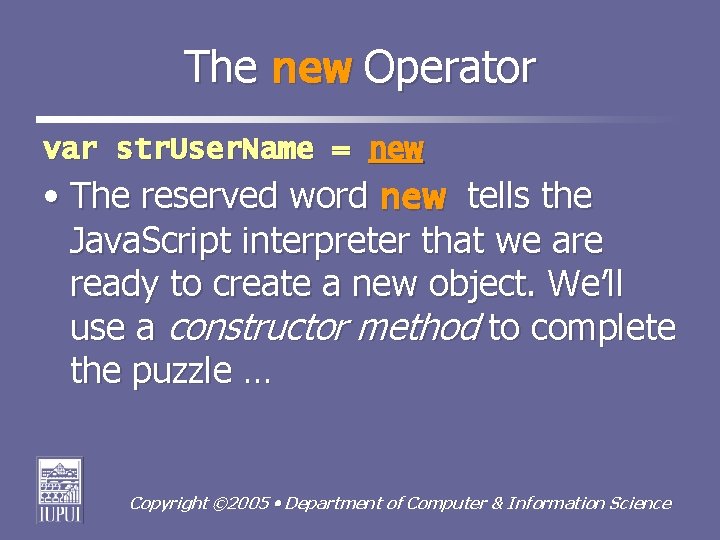
The new Operator var str. User. Name = new • The reserved word new tells the Java. Script interpreter that we are ready to create a new object. We’ll use a constructor method to complete the puzzle … Copyright © 2005 Department of Computer & Information Science
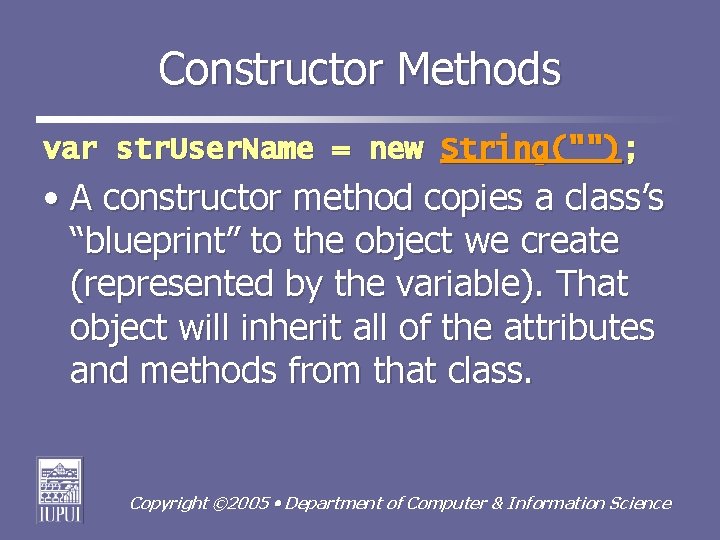
Constructor Methods var str. User. Name = new String(""); • A constructor method copies a class’s “blueprint” to the object we create (represented by the variable). That object will inherit all of the attributes and methods from that class. Copyright © 2005 Department of Computer & Information Science
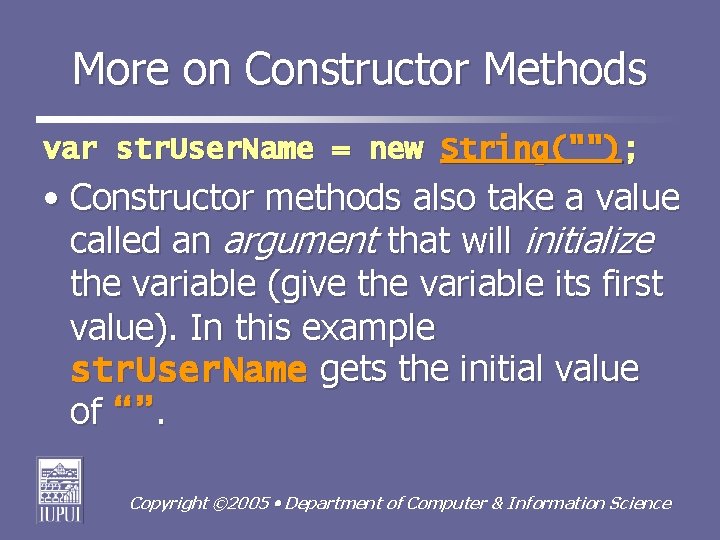
More on Constructor Methods var str. User. Name = new String(""); • Constructor methods also take a value called an argument that will initialize the variable (give the variable its first value). In this example str. User. Name gets the initial value of “”. Copyright © 2005 Department of Computer & Information Science
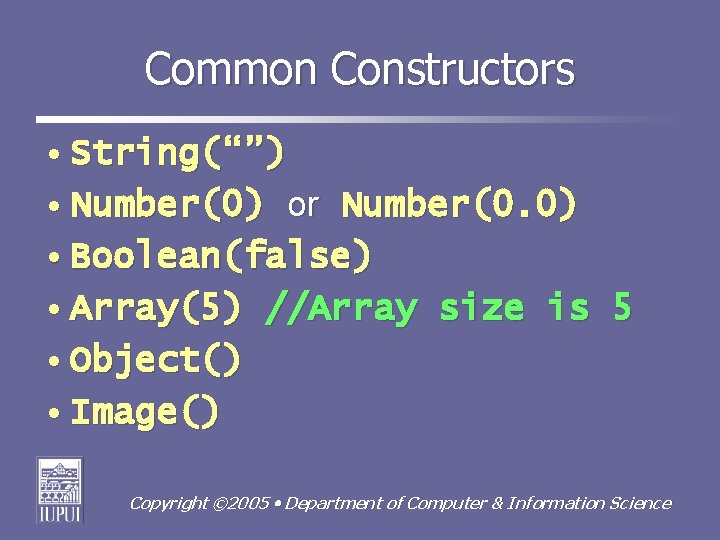
Common Constructors • String(“”) • Number(0) or Number(0. 0) • Boolean(false) • Array(5) //Array size is 5 • Object() • Image() Copyright © 2005 Department of Computer & Information Science
A Note on Creating Variables • For any of Java. Script's primitive data types (strings, numbers, booleans), you can create a variable without calling on the constructor: var str. User. Name = “Snoopy”; • However, in N 341, let’s get into the practice of using constructors! Copyright © 2005 Department of Computer & Information Science
Variable Assignment • To assign a new value to a variable, we call its identifier and supply it a new value using the assignment operator (=): str. User. Name = “Charlie Brown”; • The assignment symbol, which means “gets the value of, ” is considered destructive. Copyright © 2005 Department of Computer & Information Science
Assignment & Data Types • It is considered good practice to assign values that are of the same data type as the variable receiving the new value. • Java. Script provides a number of conversion functions to help us (more on that later …). Copyright © 2005 Department of Computer & Information Science
Concatenation • We can use a non-destructive assignment called concatenation. • Concatenation allows us to bring together variable values with string literals or break larger literals into smaller, easier-to-read code lines. Copyright © 2005 Department of Computer & Information Science
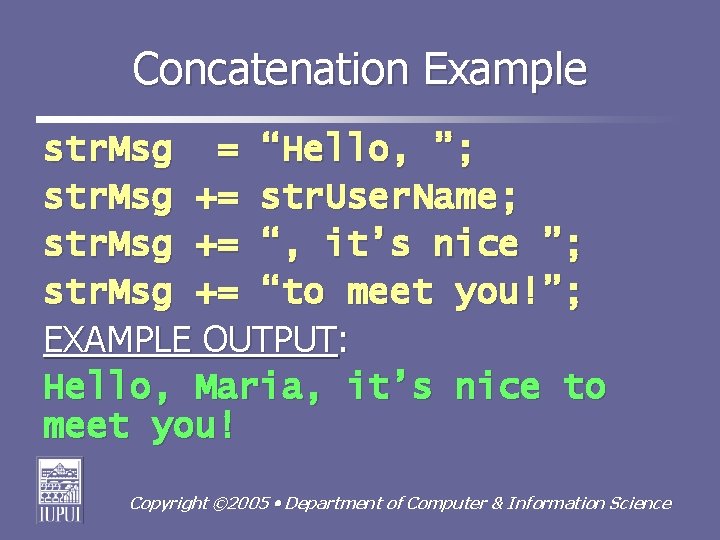
Concatenation Example str. Msg = “Hello, ”; str. Msg += str. User. Name; str. Msg += “, it’s nice ”; str. Msg += “to meet you!”; EXAMPLE OUTPUT: Hello, Maria, it’s nice to meet you! Copyright © 2005 Department of Computer & Information Science
Summary • When creating a variable, we need to reserve memory, name the variable and declare its data type. • We use constructor methods to copy the blueprint of an object, like a string object, to a variable we create. Continued … Copyright © 2005 Department of Computer & Information Science
Summary • We can change variable values using the assignment operator. • We should assign values that are of the same data type represented by the variable. • We can use concatenation to bring together variable values & string literals. Copyright © 2005 Department of Computer & Information Science
- Slides: 20