
CREATING THE PAPERLESS CLASSROOM GLOW BYOD ONE NOTE
CREATING THE ‘PAPERLESS’ CLASSROOM GLOW, ‘BYOD’, ONE NOTE
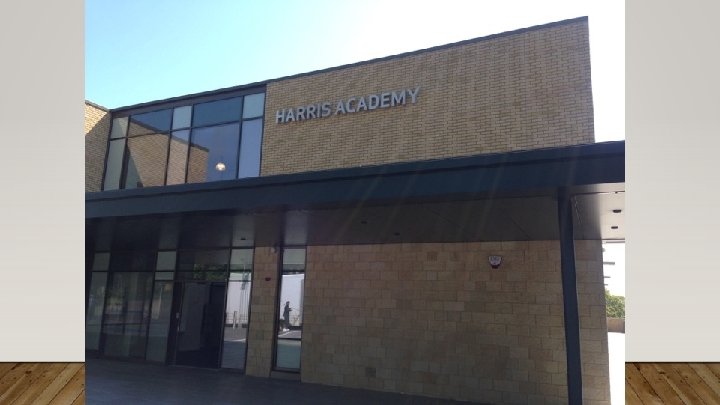
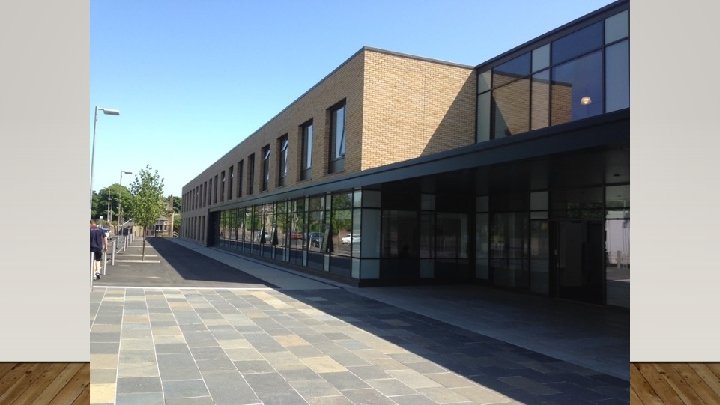
WHO AM I? • Keith Anderson • Principal Teacher of Physics, Harris Academy • ddkanderson 571@glow. sch. uk
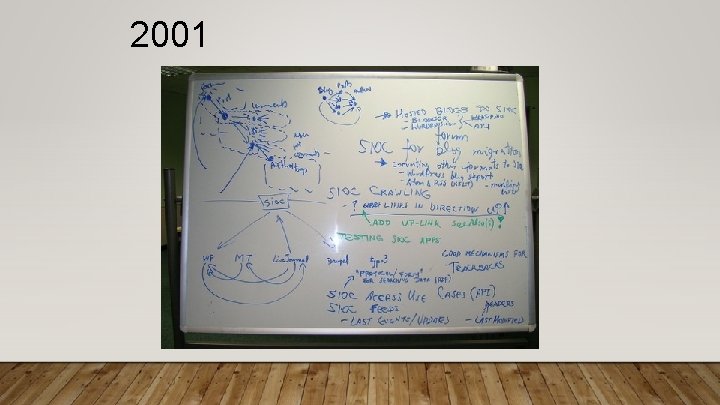
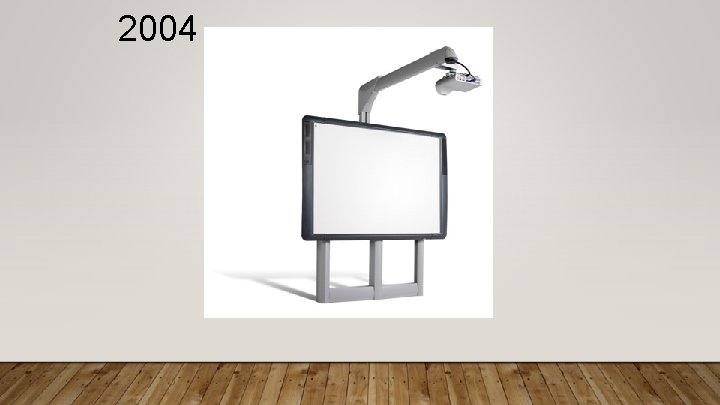
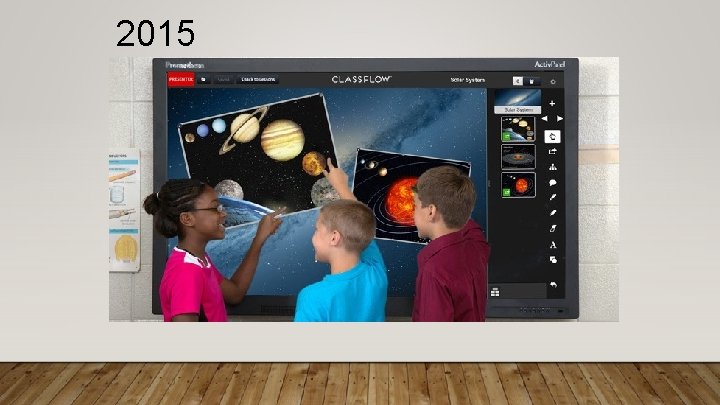
MY TEACHING CAREER • Via different types of ‘technology’!
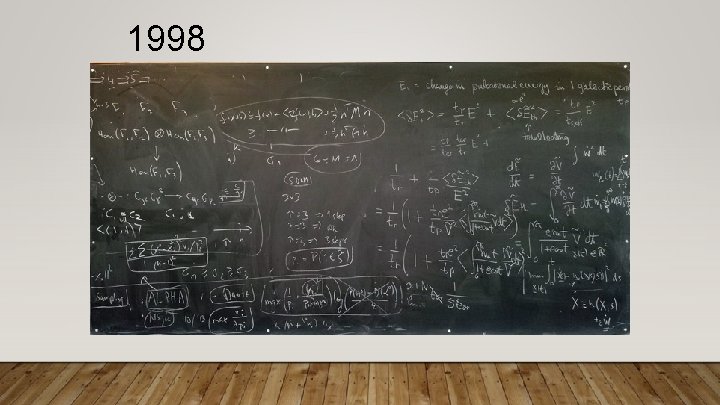
1998
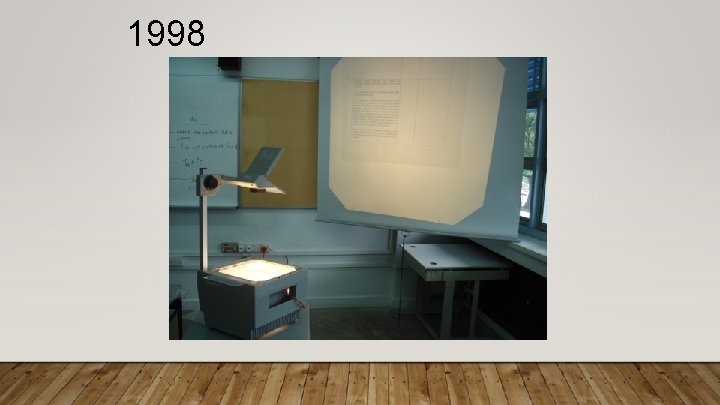
1998
2001
2004
2015
ACTIV PANEL (TOUCHSCREEN) • Can use stylus or finger • Multiple touch enabled (up to 6 simultaneous touches recognised) • No need for calibration • Image is always in ‘correct’ place
IMAGE QUALITY • High-definition resolution • Teaching resources are clear, vibrant and sharp

VISION • Imagine / describe what you want to see happening in the ideal classroom
THE ‘PAPERLESS’ CLASSROOM • What do you need to have in place to achieve this?

INTRANET / GLOW STRUCTURE
HARDWARE
HARDWARE
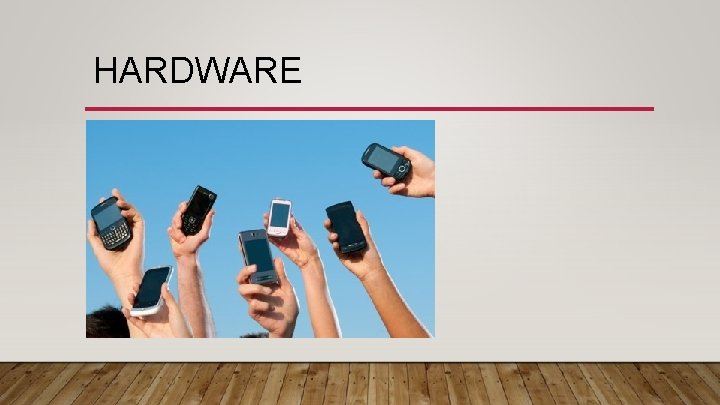
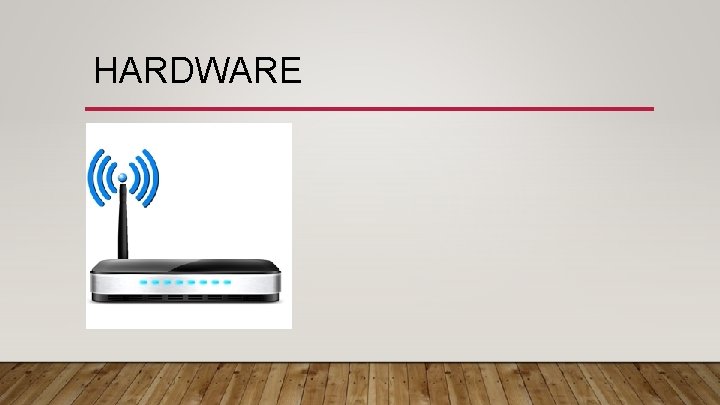
HARDWARE • Diverse range of devices • Pupil expertise • Staff expertise (or lack of it)
SUPPORT
SUPPORT • Need to have an organisation ready to change • Supportive partners (and bosses!) • Depute Headteacher • Librarian • Local Authority QIO • Support teacher in class • I. T. support
WILLING PARTICIPANTS
WILLING PARTICIPANTS
WILLING PARTICIPANTS
WILLING PARTICIPANTS
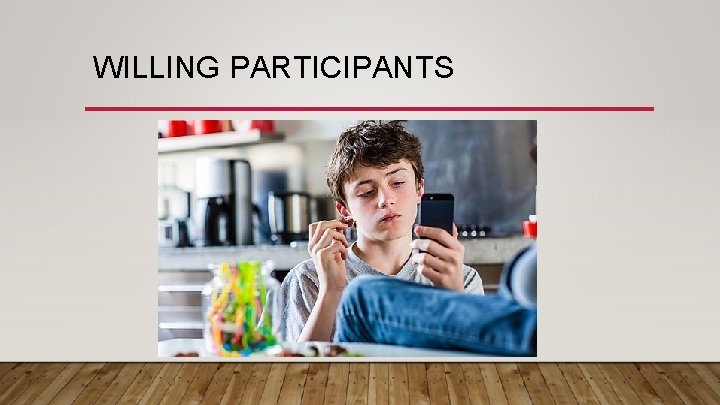
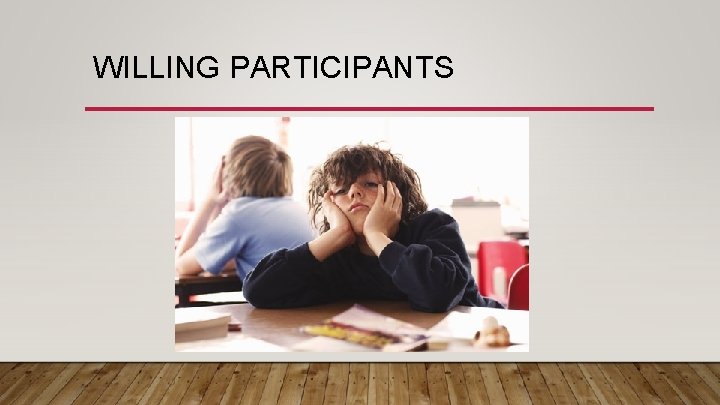
WILLING PARTICIPANTS • This is NOT what a teenager wants to use their phone for! • Keep being enthusiastic (even in the face of complete apathy)
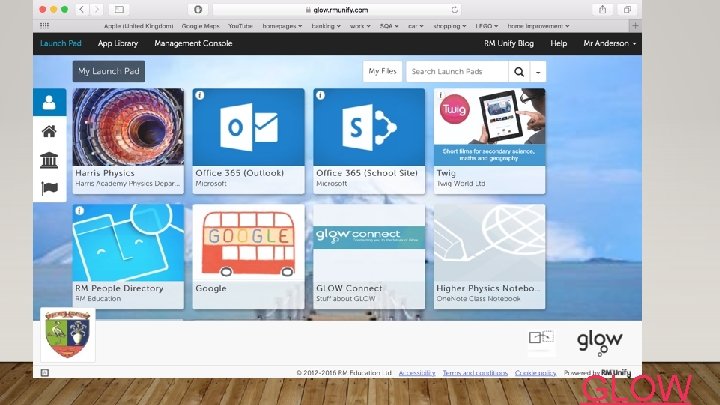
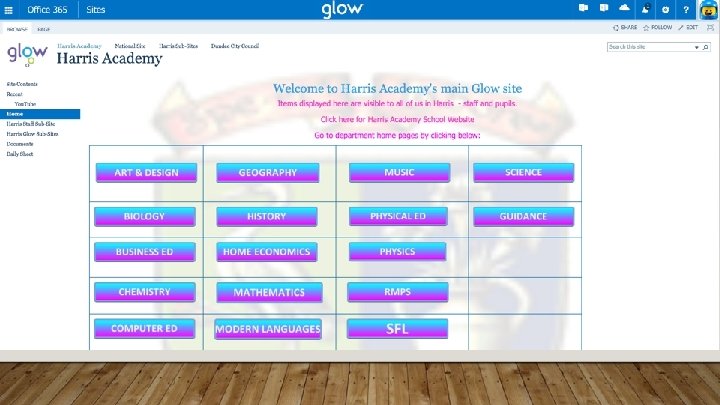
WHAT’S IN PLACE NOW? • School GLOW site as main method of communication • GLOW mail • Subject-specific ‘pages’ within main school site • One. Note Class notebooks
GLOW
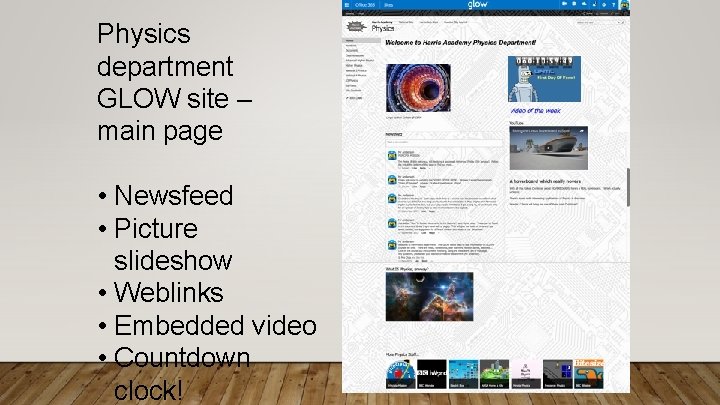
Physics department GLOW site – main page • Newsfeed • Picture slideshow • Weblinks • Embedded video • Countdown clock!
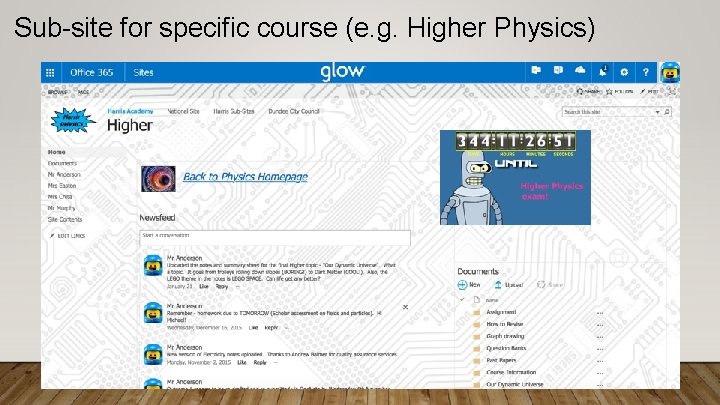
Sub-site for specific course (e. g. Higher Physics)
GLOW SITES • Using GLOW sites as ‘static’ areas to store content • Notes, revision materials, powerpoints, homeworks, weblinks, You. Tube videos… • Anything that the pupil would receive on paper will be stored here
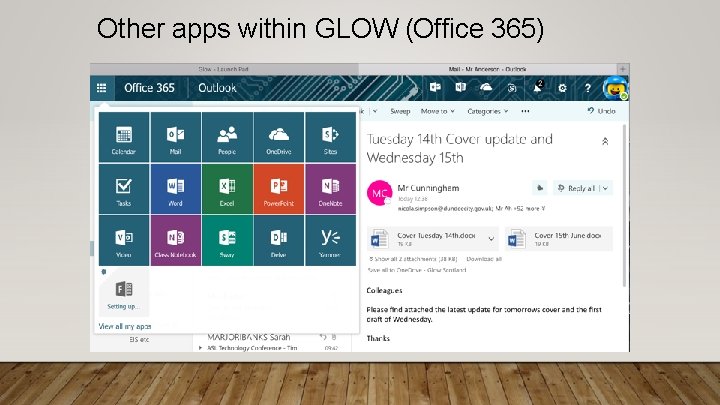
Other apps within GLOW (Office 365)
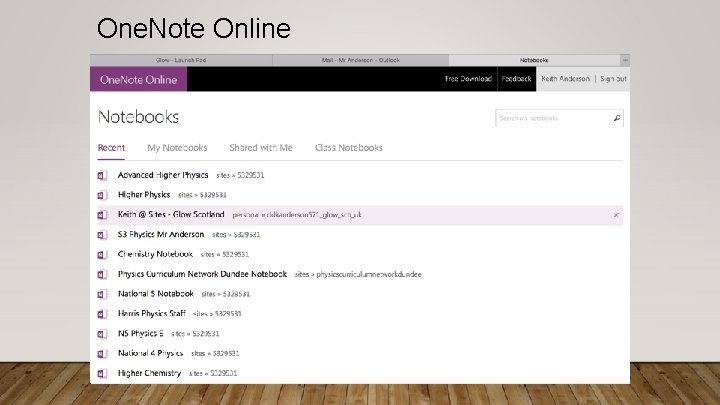
One. Note Online
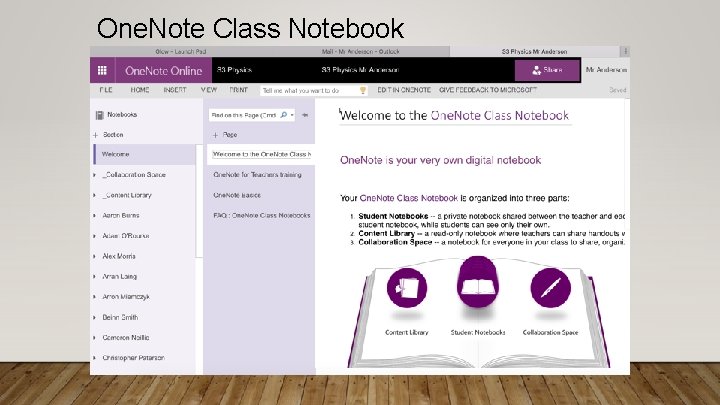
One. Note Class Notebook
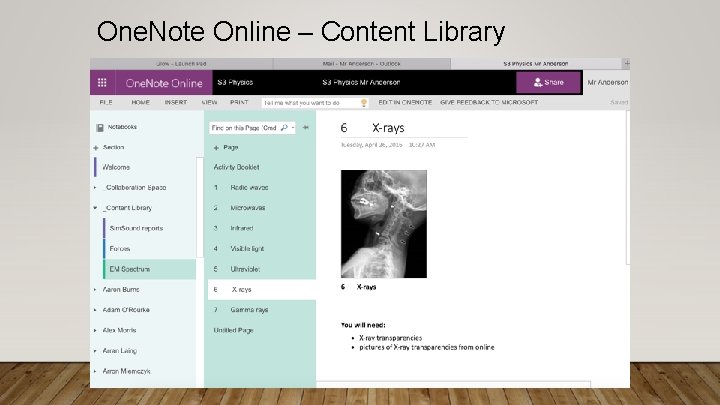
One. Note Online – Content Library
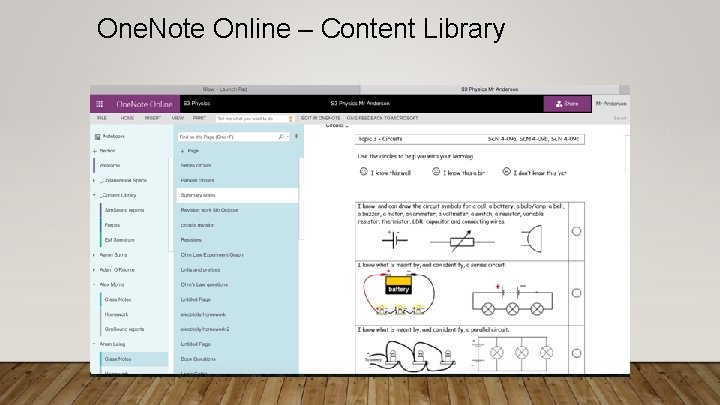
One. Note Online – Content Library
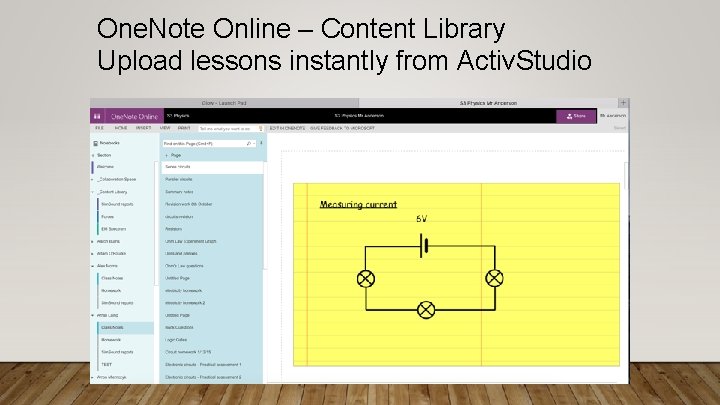
One. Note Online – Content Library Upload lessons instantly from Activ. Studio
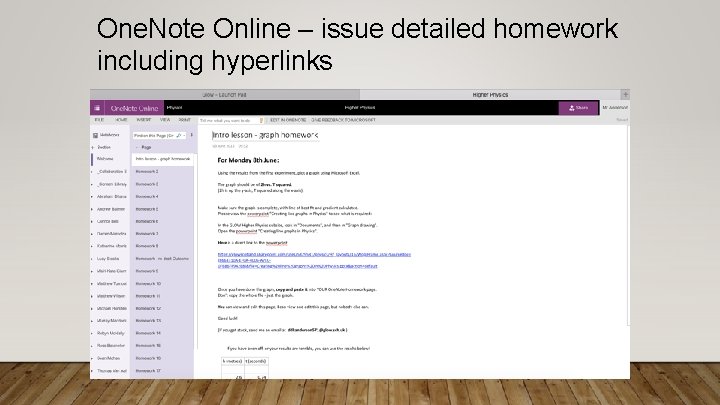
One. Note Online – issue detailed homework including hyperlinks
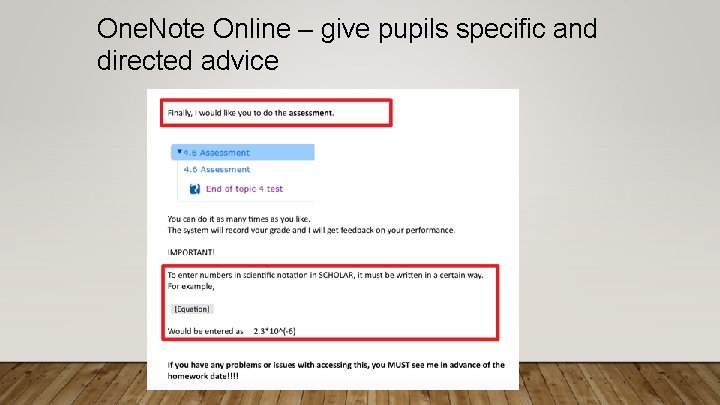
One. Note Online – give pupils specific and directed advice
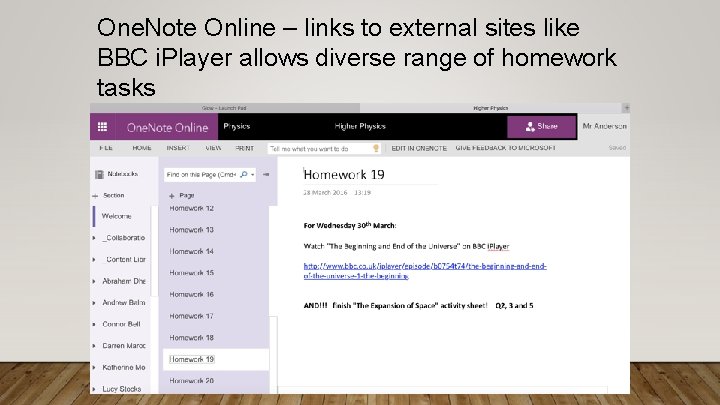
One. Note Online – links to external sites like BBC i. Player allows diverse range of homework tasks
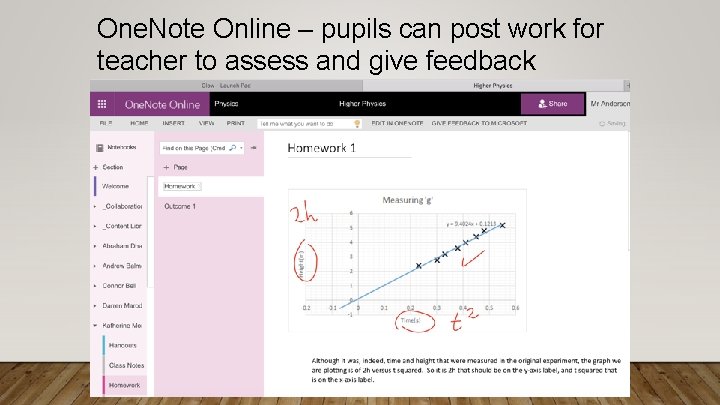
One. Note Online – pupils can post work for teacher to assess and give feedback
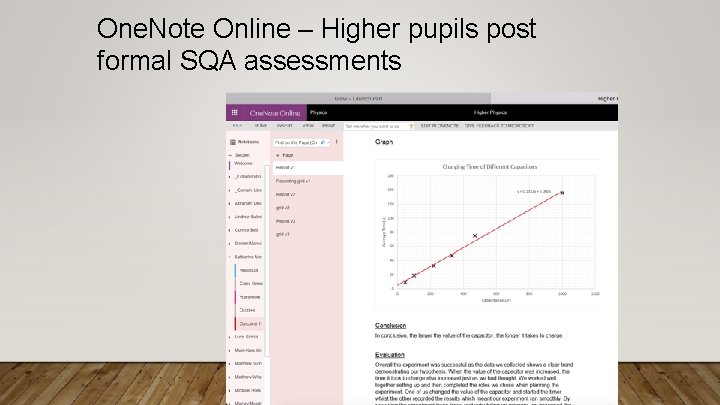
One. Note Online – Higher pupils post formal SQA assessments
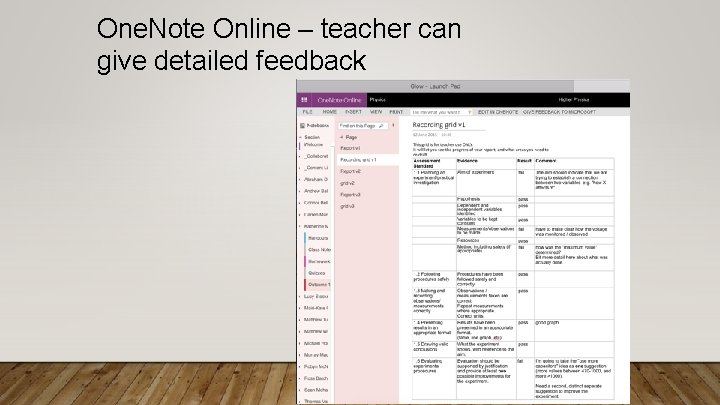
One. Note Online – teacher can give detailed feedback
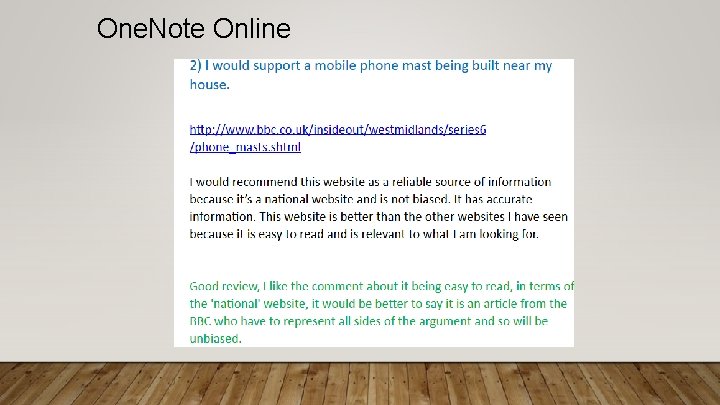
One. Note Online
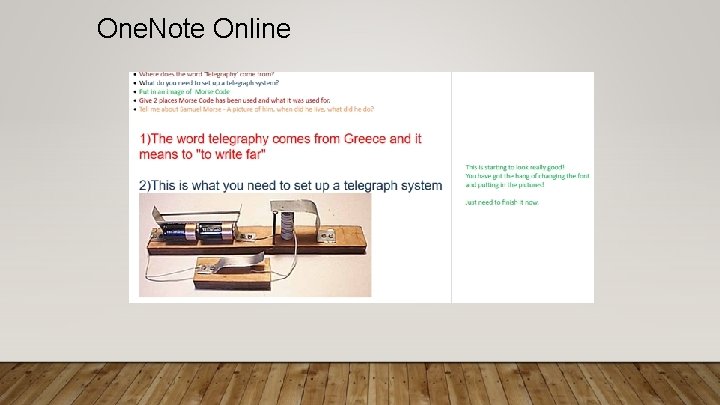
One. Note Online
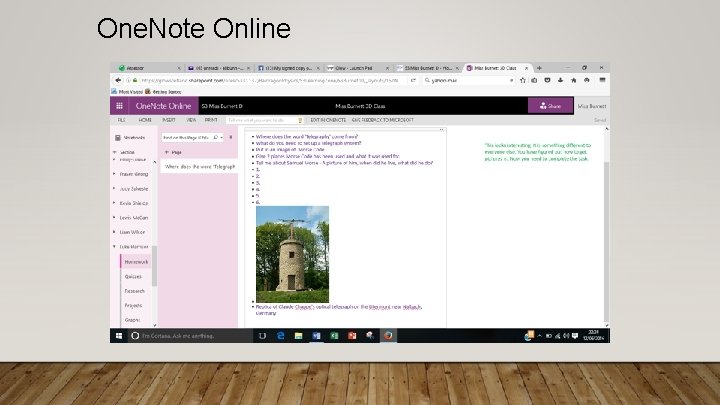
One. Note Online
ONENOTE • One. Note used as a ‘dynamic’ environment • Will vary from year to year • Used to communicate information to a specific class or pupil • Two-way flow of information • NO PAPER!
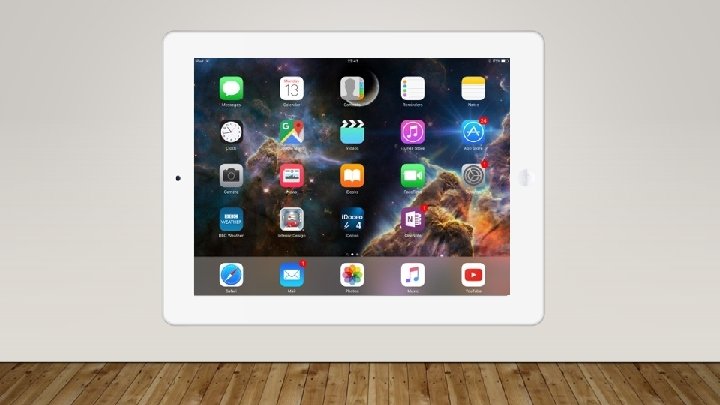
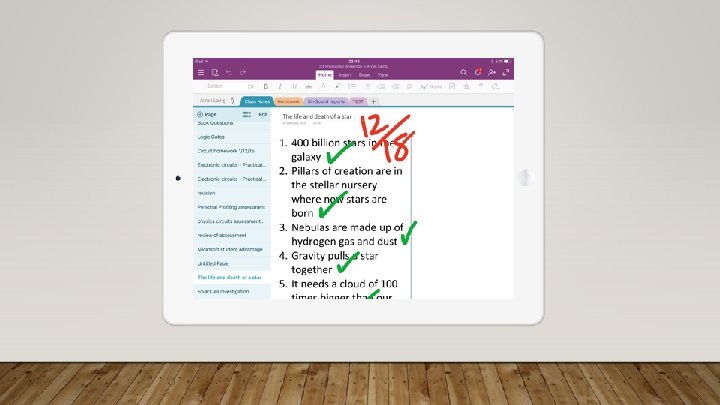
ONENOTE • Previous slides show One. Note Online – version of software contained within Office 365 • Can also utilise app on mobile devices • Excellent for annotations and comments
SUPPORTING PUPILS WITH SPECIFIC NEEDS • Visually-impaired pupil within mainstream environment • Find ways to enhance pupil’s experience • Using laptop (soon to be Surface Pro)
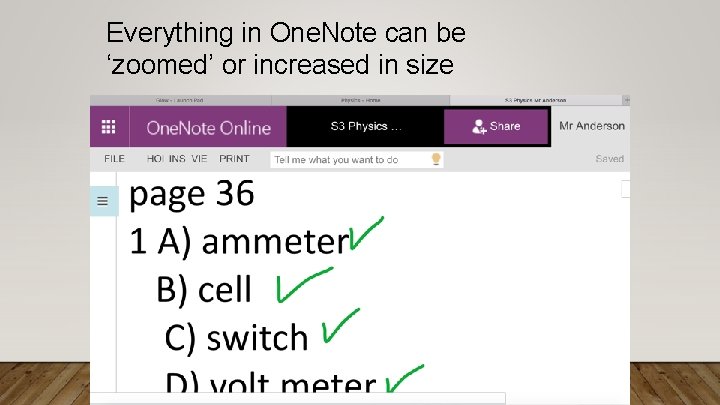
Everything in One. Note can be ‘zoomed’ or increased in size
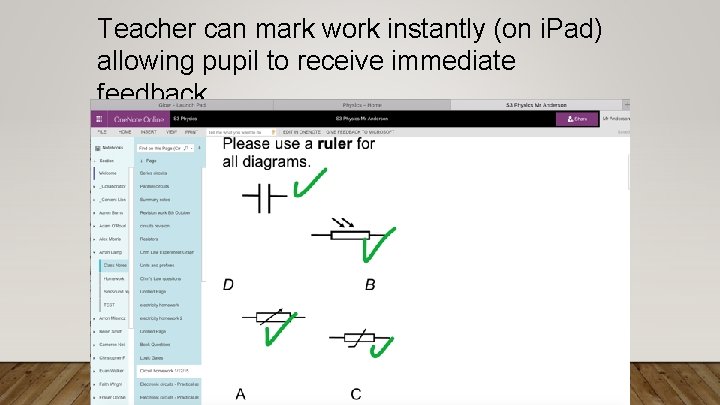
Teacher can mark work instantly (on i. Pad) allowing pupil to receive immediate feedback
NEXT STEPS
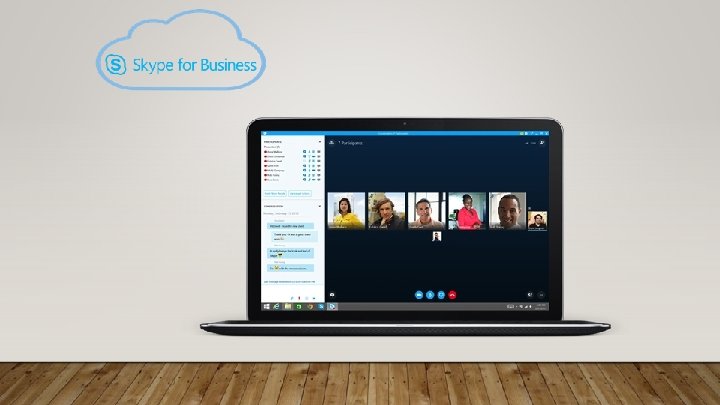
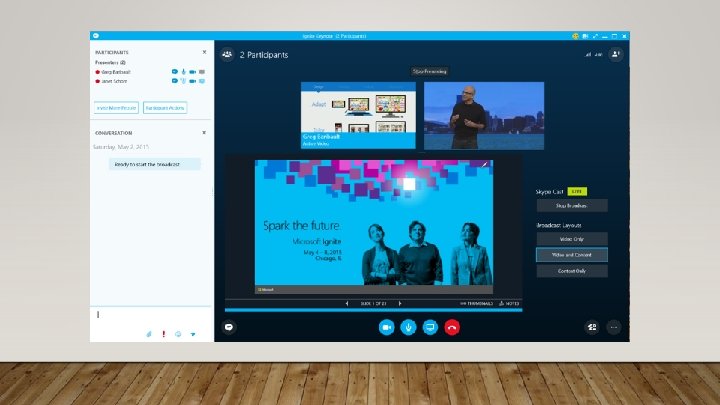
NEXT STEPS • Using Skype for Business app allows live ‘broadcast’ of teacher’s screen on pupil’s device
POSITIVES… AND NEGATIVES • Evaluating success so far!
Pupils can access materials for their courses anytime, anywhere!
Wi-fi issues
No more “I’ve lost the homework sheet”
“My laptop’s broken”
Pupils can keep track of homework issued even when they miss lessons
Logging in / staying logged in can be an absolute pain
Ability to give detailed and clear instructions, and targeted support
Takes far longer to open a file in GLOW than to open a jotter
Can give tasks with complex hyperlinks
You never really know how much the pupils are engaged with all this stuff…

I issued more Higher homework last year than EVER before!
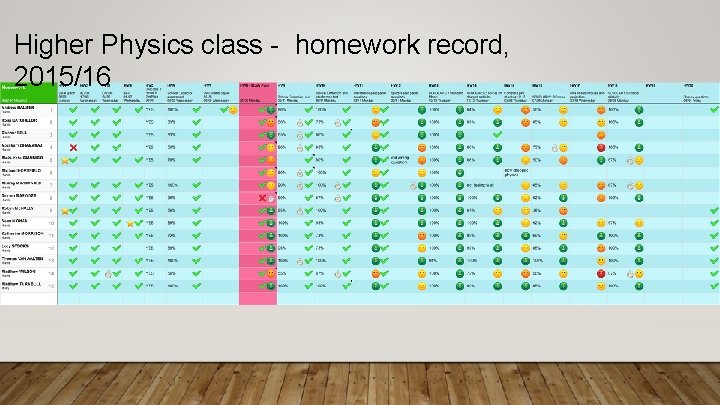
Higher Physics class - homework record, 2015/16

Keep innovating.
• Keith Anderson • PT Physics, Harris Academy • ddkanderson 571@glow. sch. uk
- Slides: 77