
Creating More Effective Backgrounds Handson Approach to Creating
Creating More Effective Backgrounds Hands-on Approach to Creating More Effective Backgrounds TED 121 Educational Technology Dr. Steve Broskoske

Reasons to Use Creative Backgrounds 1. Support content. • • Illustrate content. Create a sensory experience. 2. Support organization of presentation. More Effective Learning
Choosing a Solid Color How to Do It • Select format – background – more colors. • Select a standard color OR • Select a custom color.
Using a Solid Color Any Color to Indicate a Theme
Using a Solid Color Counting Money
Using a Color Gradient How to Do It • Select format – background – fill effects. • Select 1 or 2 colors. • Choose light and dark settings. • Choose a shading style and variant.
Using a Color Gradient Any Color to Indicate a Theme
Using a Color Gradient Exploring the Hot Sun
Using a Color Gradient A Pond

Using a Texture How to Do It • Select format – background – fill effects. • Select the texture tab. • Select a texture to use.
Using a Texture Any Background to Indicate a Theme
Using a Texture Prehistoric Times
Using a Texture How an Historical Figure Died
Using a Pattern How to Do It • Select format – background – fill effects. • Select the pattern tab. • Select a pattern to use. • Select a foreground and background color.
Using a Pattern Any Pattern to Indicate a Theme
Using a Pattern Great Wall of China
Using a Pattern School
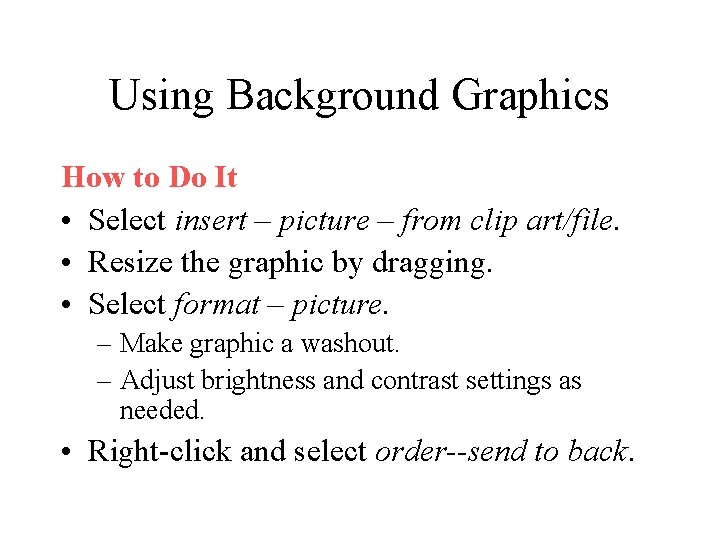
Using Background Graphics How to Do It • Select insert – picture – from clip art/file. • Resize the graphic by dragging. • Select format – picture. – Make graphic a washout. – Adjust brightness and contrast settings as needed. • Right-click and select order--send to back.
Using Background Graphics Learning About Computers
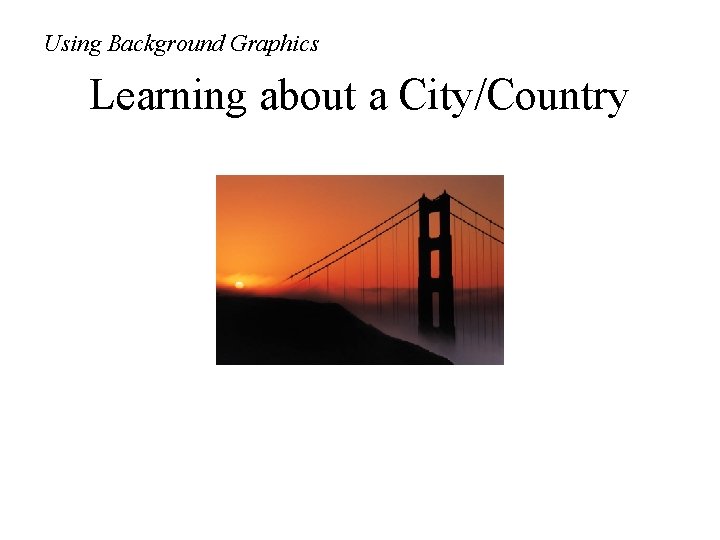
Using Background Graphics Learning about a City/Country
Tricks with Graphics and Text Boxes How to Do It • Select insert – picture – from clip art/file. – Resize the graphic by dragging as needed. • Insert a text box. – Type into text box. Then resize as needed. • Position text box over graphic to create desired effect.
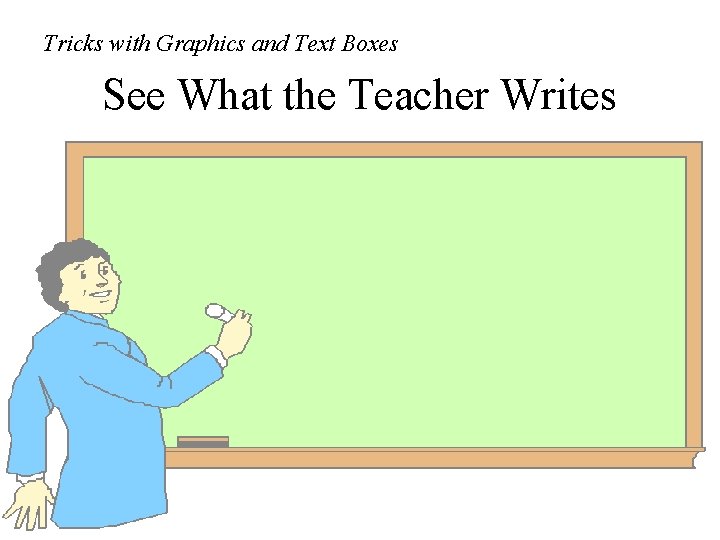
Tricks with Graphics and Text Boxes See What the Teacher Writes
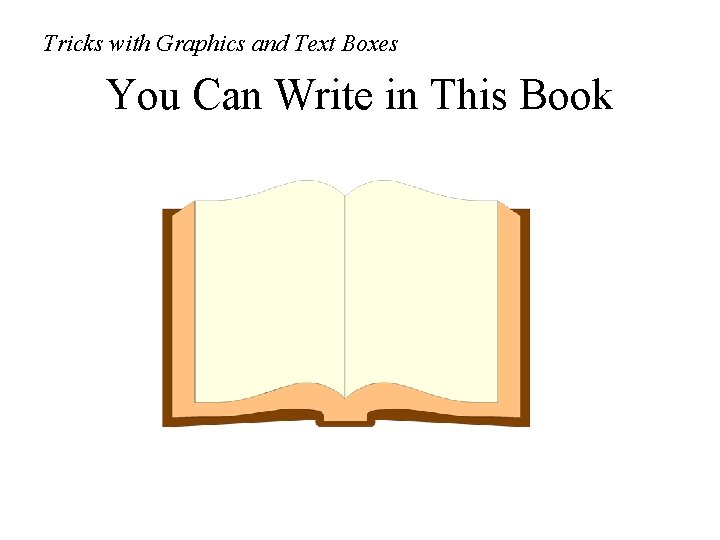
Tricks with Graphics and Text Boxes You Can Write in This Book
Tricks with Graphics and Text Boxes Write on the Computer Screen
- Slides: 24