
Creating Interactive Documents A newish way to think
- Slides: 34
Creating Interactive Documents A new(ish) way to think about sharing information Erica (Fiekowsky) Dodds Executive Director, Healthy Climate Alliance Doctoral Candidate, Western Michigan University
What we’ll talk about in this session 1. Introduction 2. What are interactive documents 3. Where did the idea come from 4. How to build them 5. Q & A
Introduction What are interactive documents Where did the idea for them come from How to build interactive documents Q&A Who am I and why am I doing this presentation?
My background Western Michigan University International Labour Organization Healthy Climate Alliance
Introduction What are interactive documents Where did the idea for them come from How to build interactive documents Q&A Definition Examples
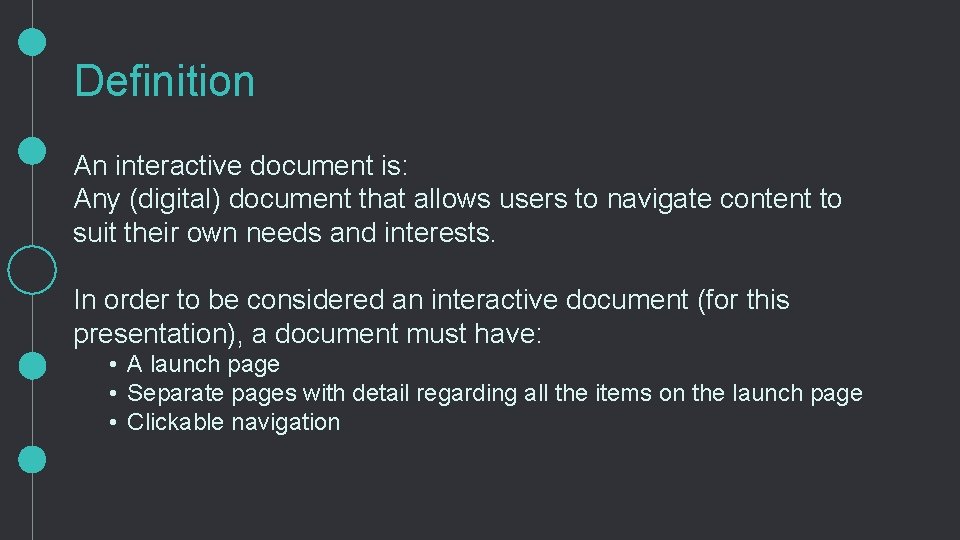
Definition An interactive document is: Any (digital) document that allows users to navigate content to suit their own needs and interests. In order to be considered an interactive document (for this presentation), a document must have: • A launch page • Separate pages with detail regarding all the items on the launch page • Clickable navigation
Features • Typically built in Power. Point, shared as PDF • Every page has option to advance or return to launch page • If applicable, also to see full report/external reference material • Both deep content coverage and concise main messages
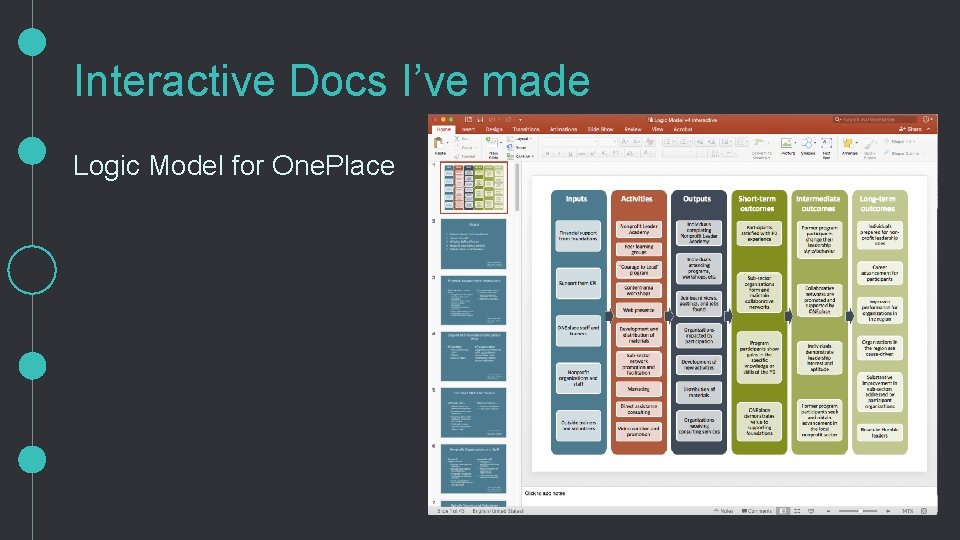
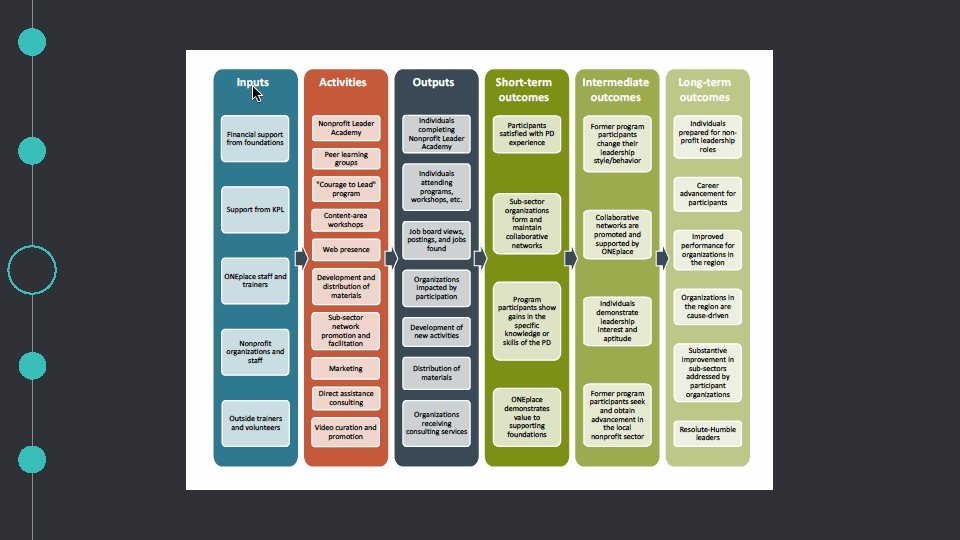
Interactive Docs I’ve made Logic Model for One. Place
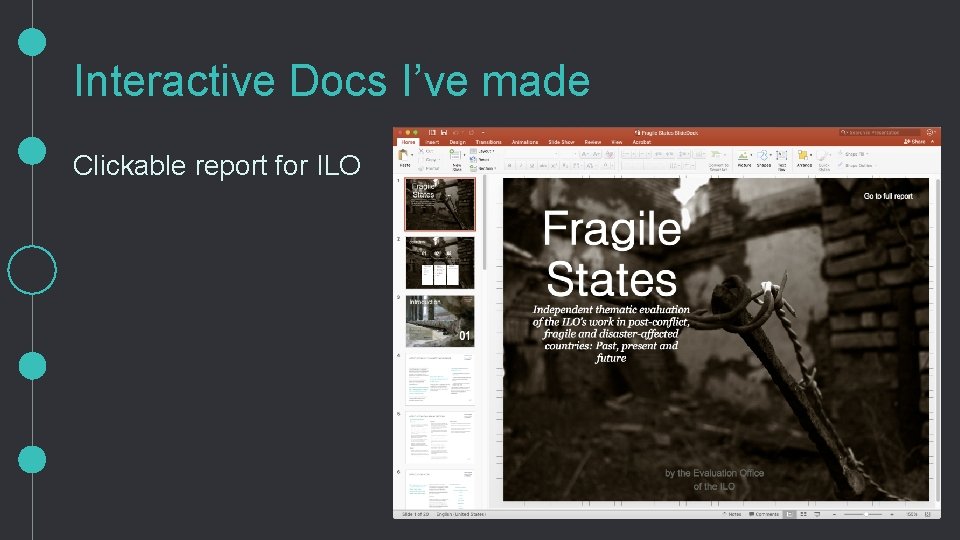
Interactive Docs I’ve made Clickable report for ILO
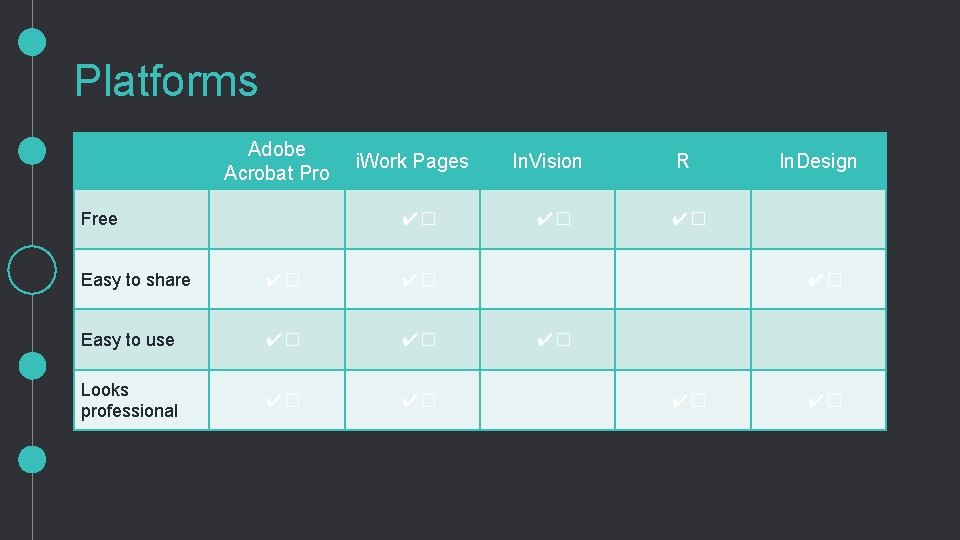
Platforms Adobe Acrobat Pro Free i. Work Pages ✔� Easy to share ✔� ✔� Easy to use ✔� ✔� Looks professional ✔� ✔� In. Vision ✔� R In. Design ✔� ✔� ✔�
Introduction What are interactive documents Where did the idea come from How to build interactive documents Q&A Tufte Duarte Evergreen Lysy
Tufte: How adults read “Don’t ‘know your audience’. Know your content, and trust your audience. ” Allow your audience to “loot” materials for content that is relevant to them.
Duarte: Slide. Docs Slidedoc (n. ) a visual document, developed in presentation software, that is intended to be read and referenced instead of projected Make content clear, and use small chunks of text as well as visuals.
Evergreen: 1 -3 -25 report format 1 -page Handout, 3 -page Executive Summary, 25 -page report Main messages should be clear and concise. Any extraneous details should go in appendices rather than main body of report.
Lysy: Interactive Logic Model Use In. Vision to create dynamic, interactive logic model Allow the user to both see the simplified version (like normal logic models) and click on portions of interest to learn more.
Introduction What are interactive documents Where did the idea for them come from How to build interactive documents Q&A Map Build Export Link Test
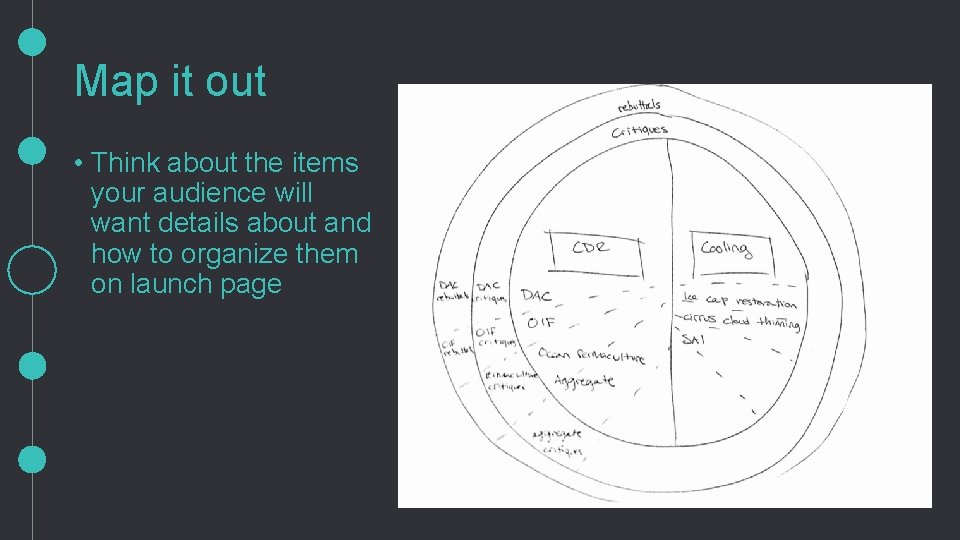
Map it out • Think about the items your audience will want details about and how to organize them on launch page
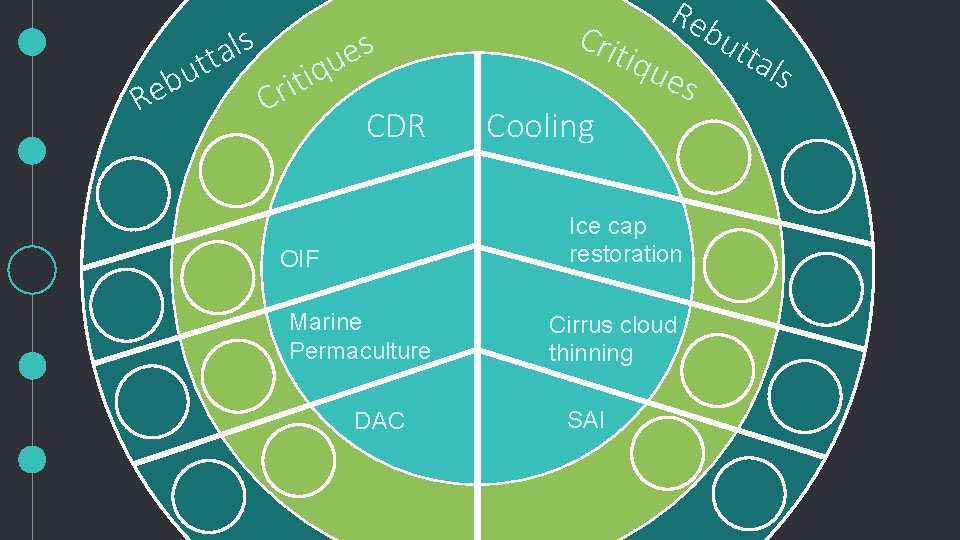
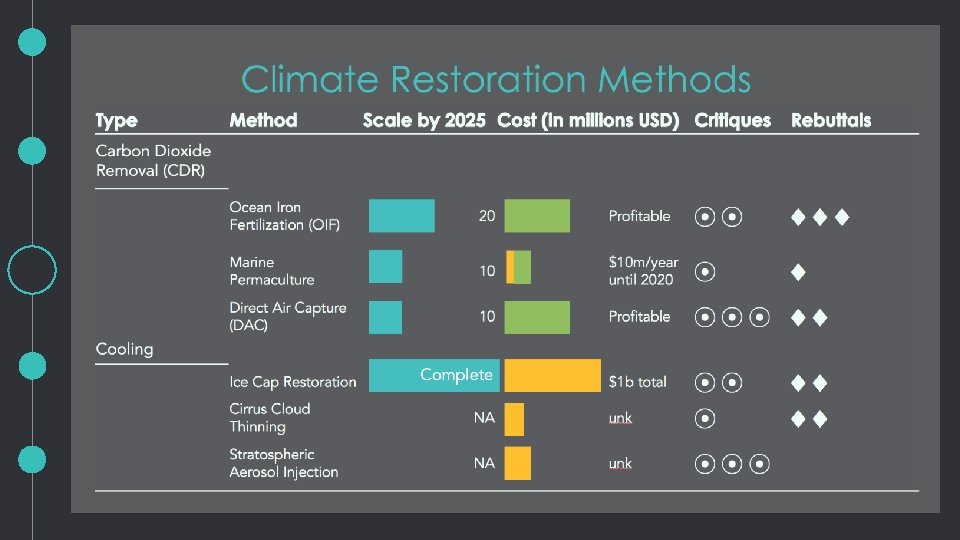
Build in Power. Point (usually) • Think about the items your audience will want details about and how to organize them on launch page
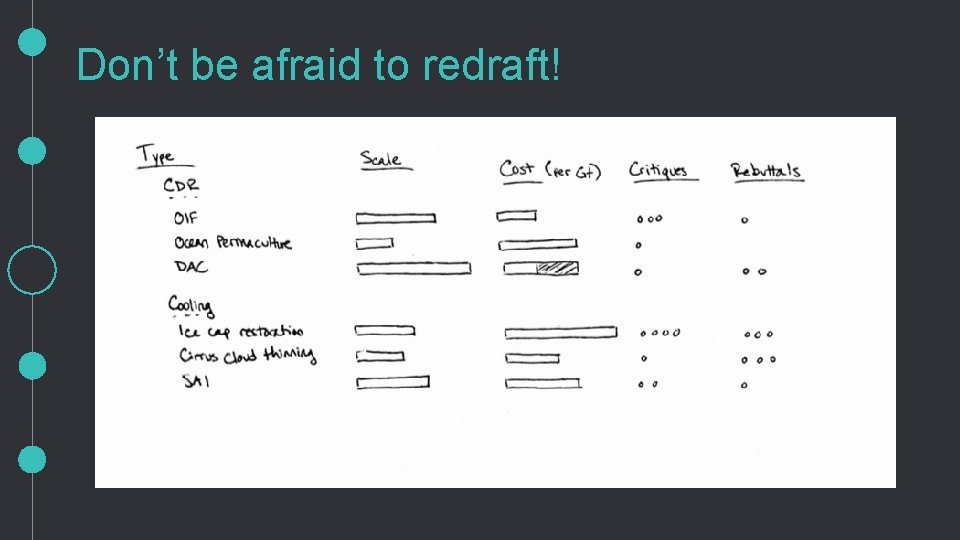
R u b e s l a tt ti iq s e u Cr CDR Crit iqu Re Cooling es Ice cap restoration OIF Marine Permaculture DAC Cirrus cloud thinning SAI bu tta ls
Don’t be afraid to redraft!
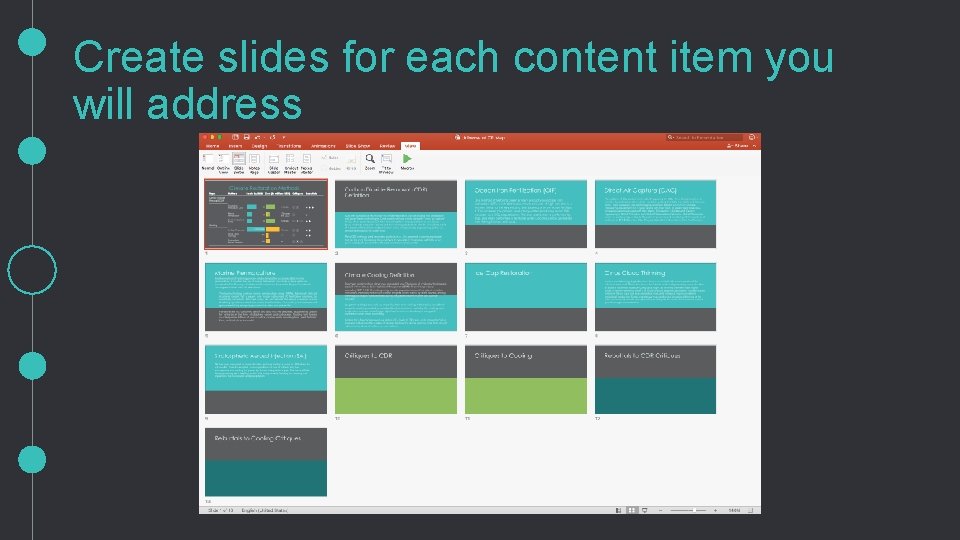
Create slides for each content item you will address
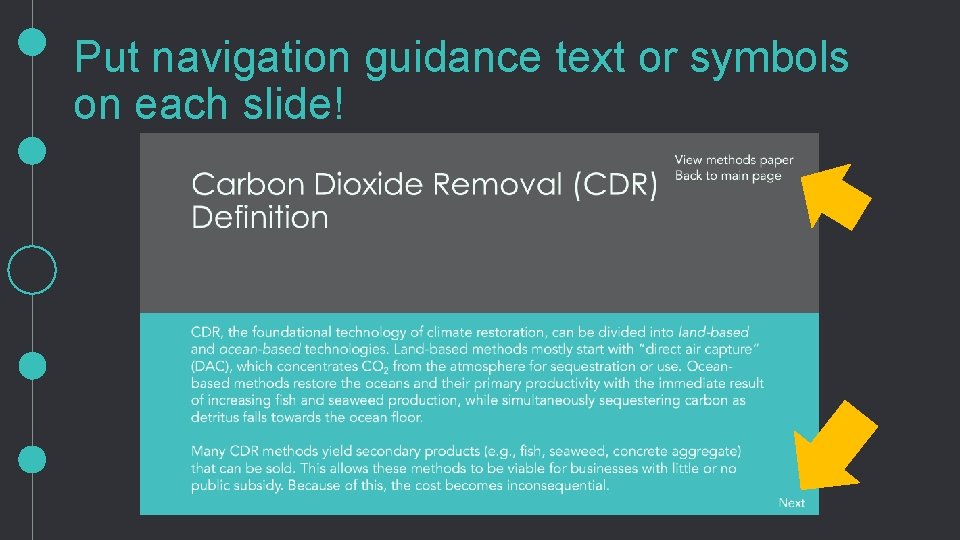
Put navigation guidance text or symbols on each slide!
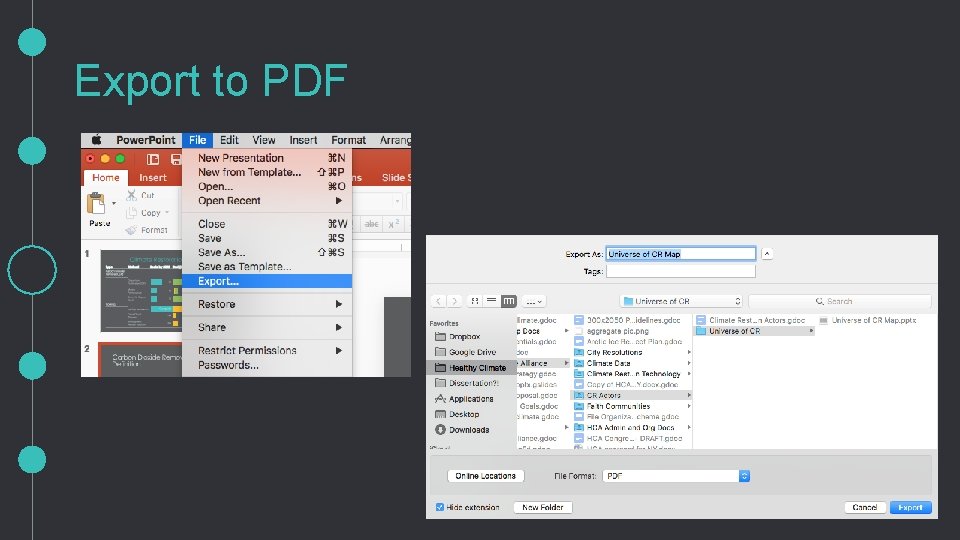
Export to PDF
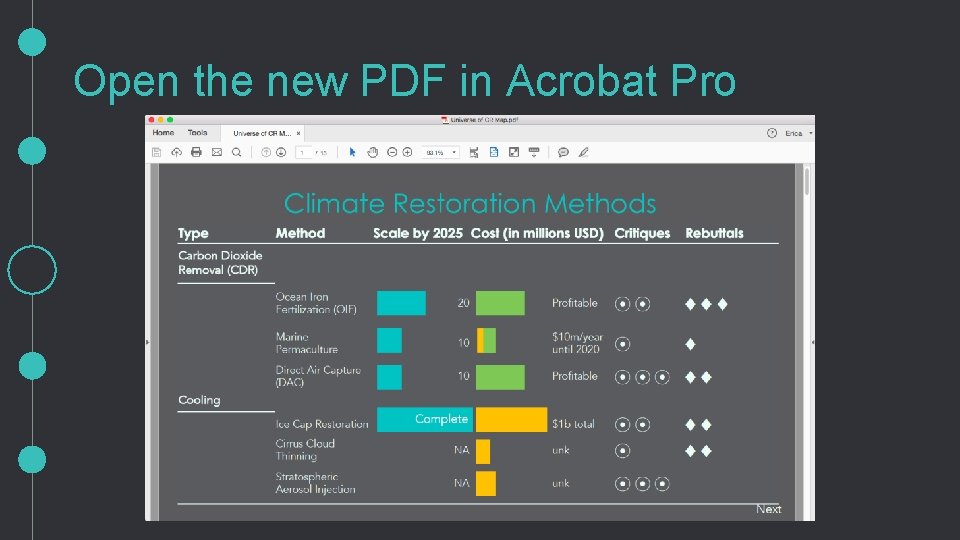
Open the new PDF in Acrobat Pro
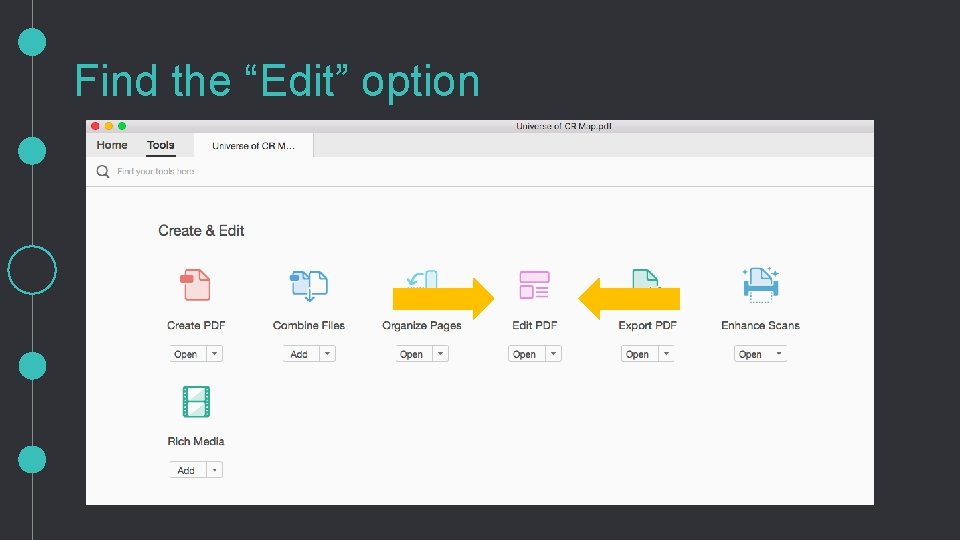
Find the “Edit” option
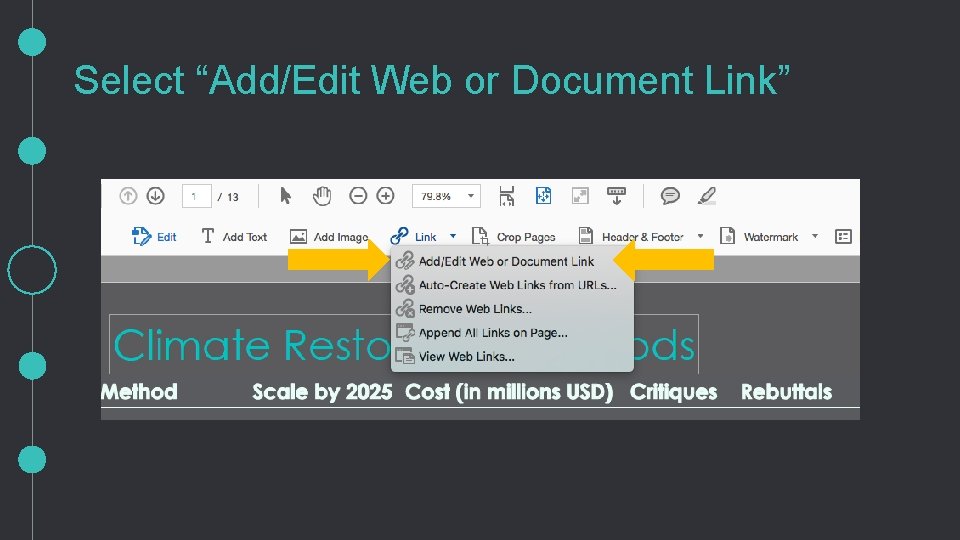
Select “Add/Edit Web or Document Link”
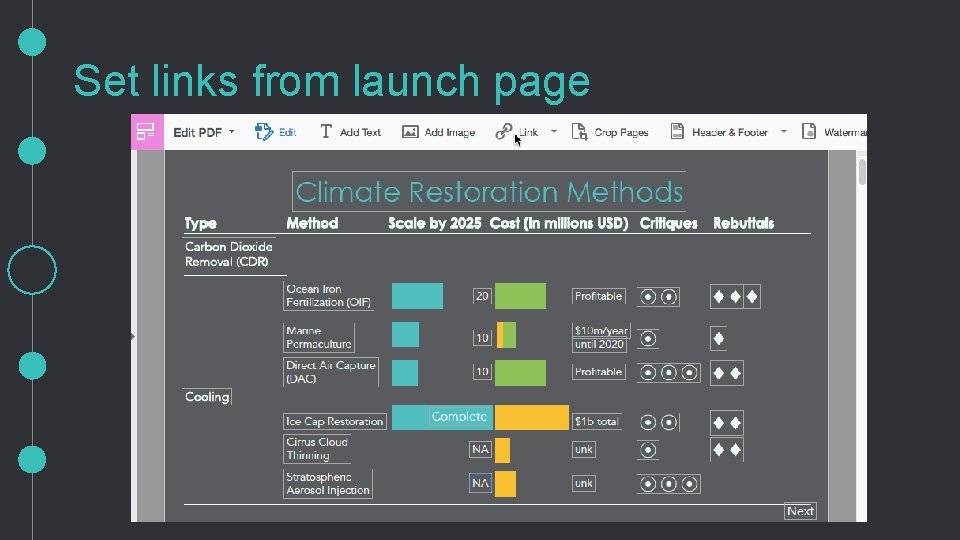
Set links from launch page
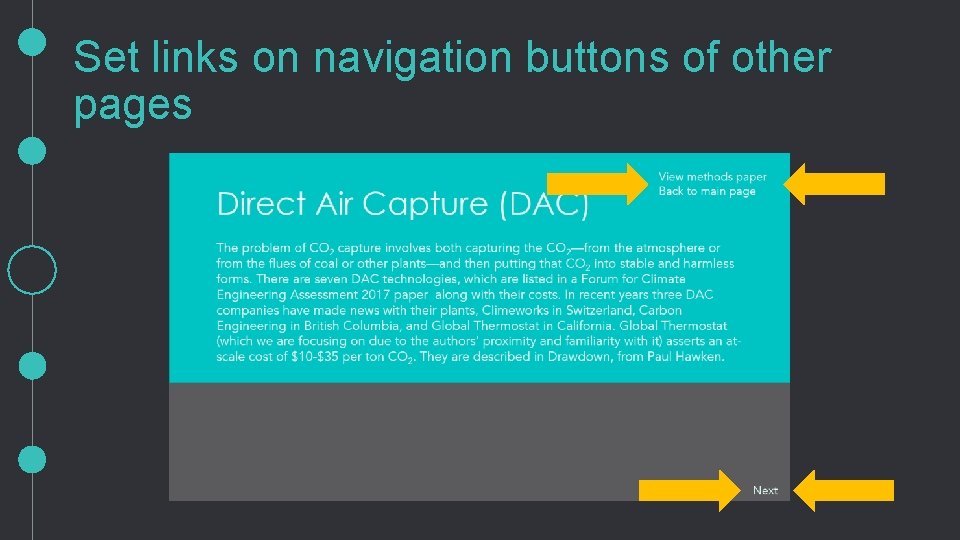
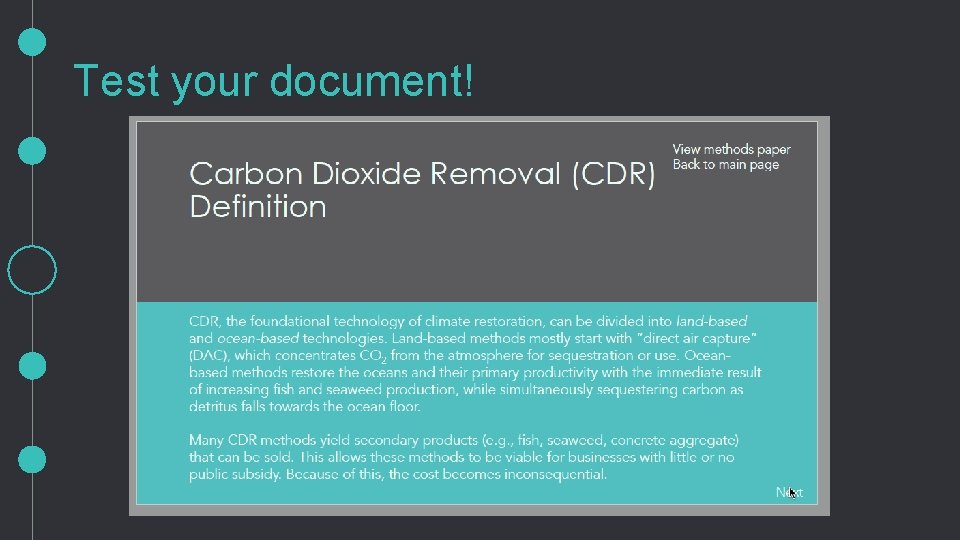
Set links on navigation buttons of other pages
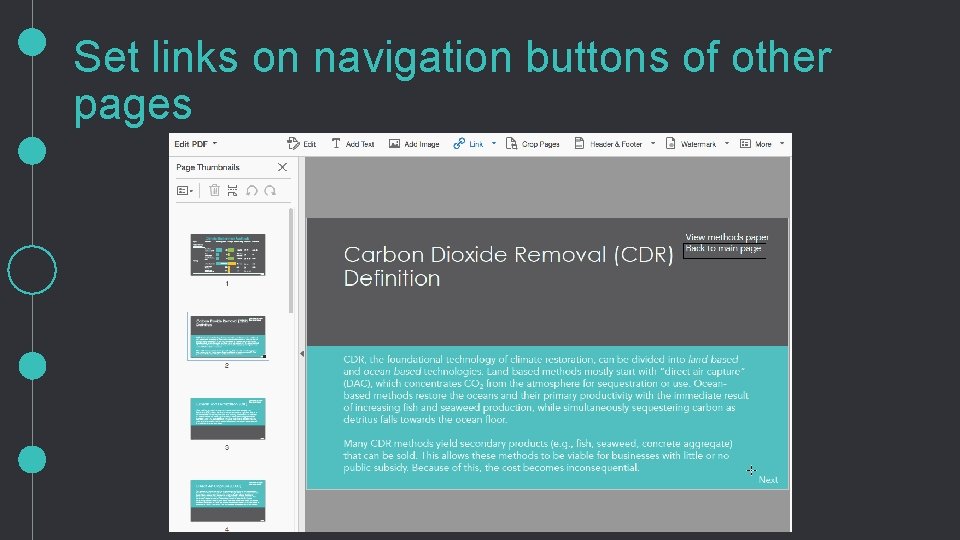
Set links on navigation buttons of other pages
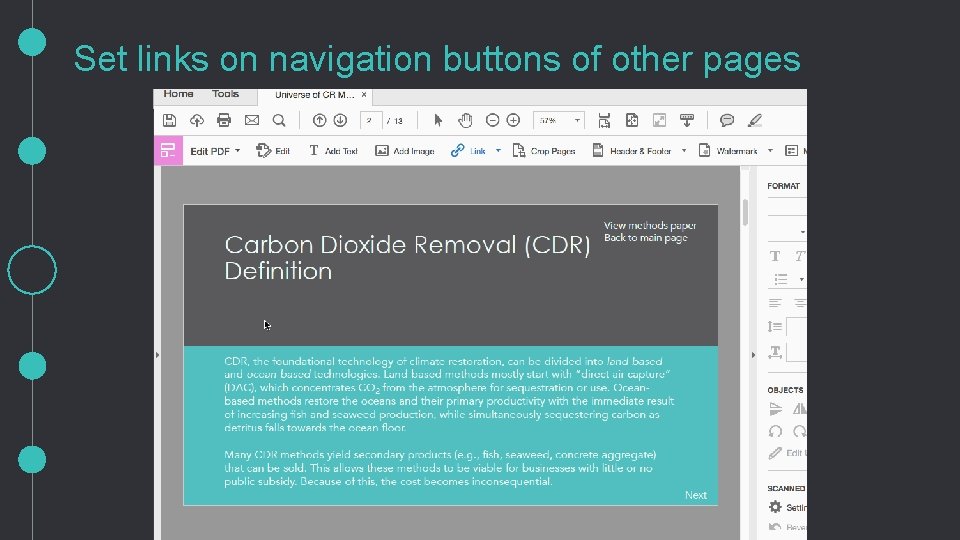
Set links on navigation buttons of other pages
Test your document!
Introduction What are interactive documents Where did the idea for them come from How to build interactive documents Q&A Thank you for your time and attention! …shall we do a bonus tutorial?