
Creating Flowcharts Principles of Engineering 2012 Project Lead
- Slides: 16
Creating Flowcharts Principles of Engineering © 2012 Project Lead The Way, Inc.
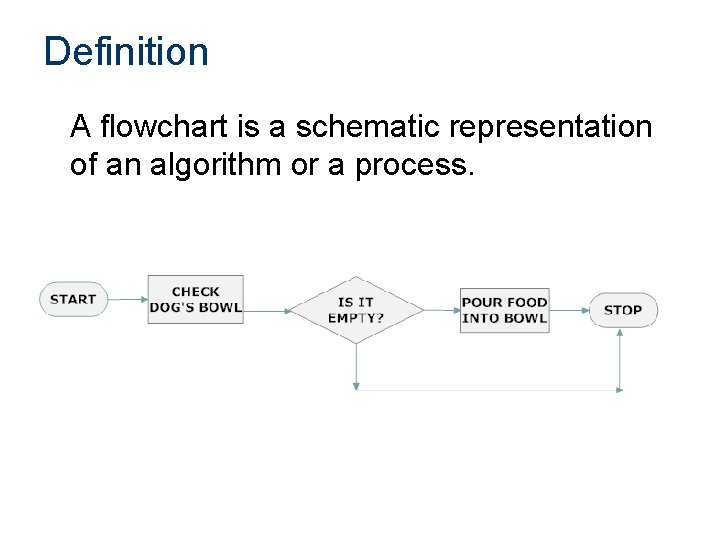
Definition A flowchart is a schematic representation of an algorithm or a process.
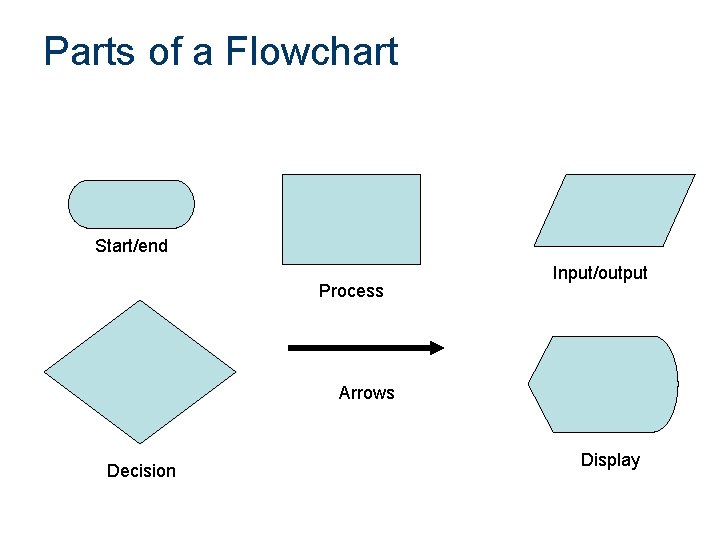
Parts of a Flowchart Start/end Process Input/output Arrows Decision Display
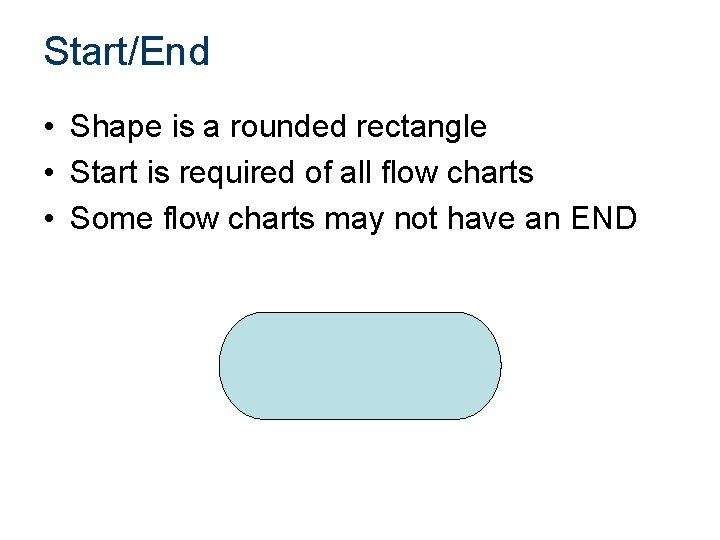
Start/End • Shape is a rounded rectangle • Start is required of all flow charts • Some flow charts may not have an END
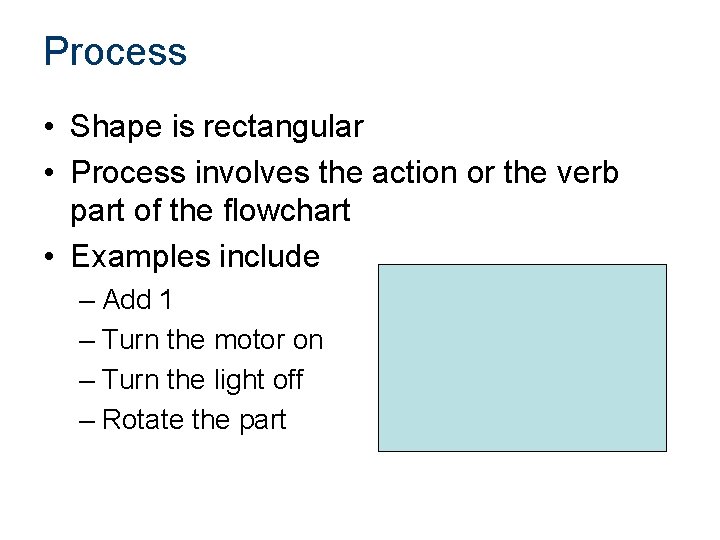
Process • Shape is rectangular • Process involves the action or the verb part of the flowchart • Examples include – Add 1 – Turn the motor on – Turn the light off – Rotate the part
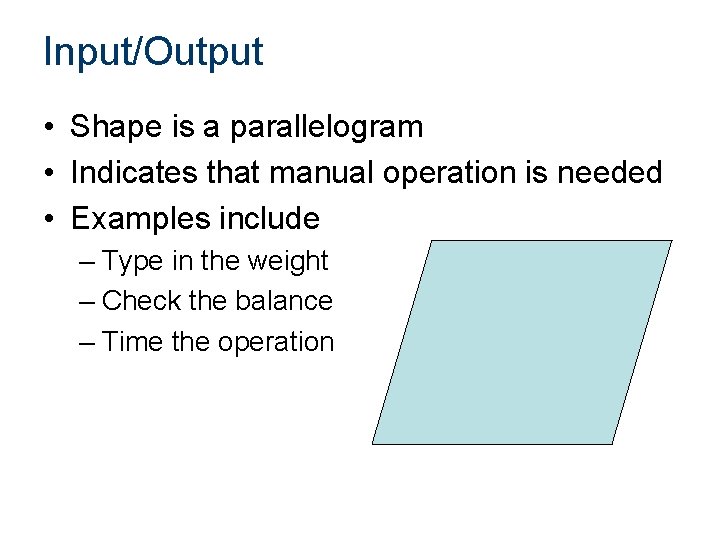
Input/Output • Shape is a parallelogram • Indicates that manual operation is needed • Examples include – Type in the weight – Check the balance – Time the operation
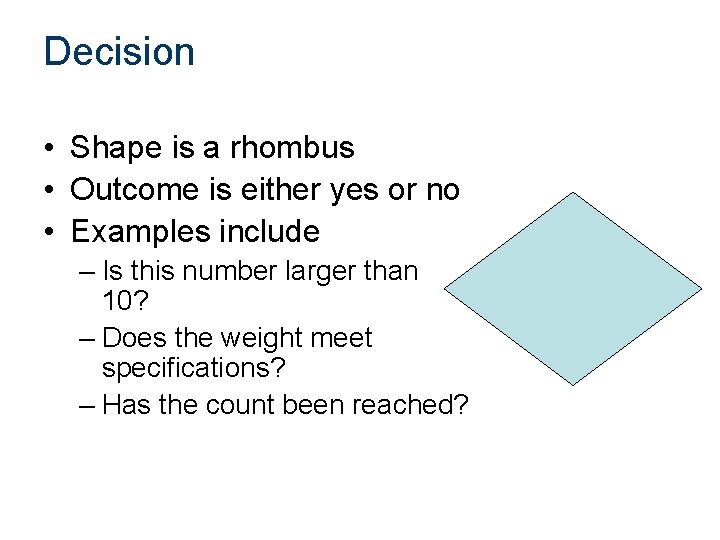
Decision • Shape is a rhombus • Outcome is either yes or no • Examples include – Is this number larger than 10? – Does the weight meet specifications? – Has the count been reached?
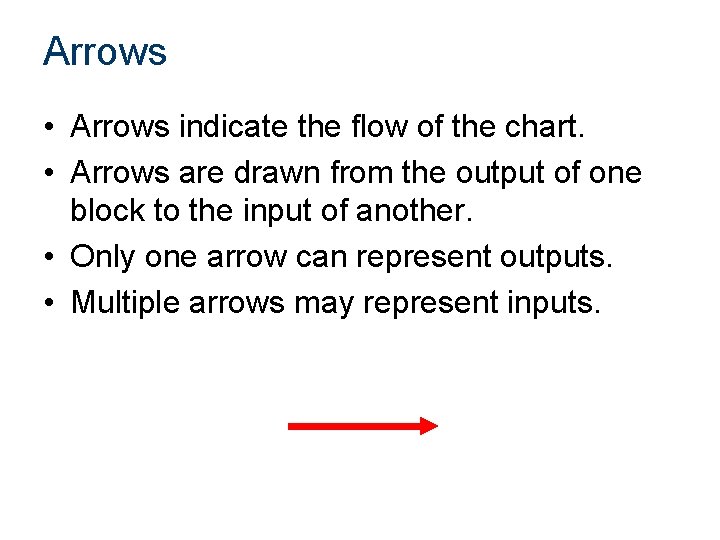
Arrows • Arrows indicate the flow of the chart. • Arrows are drawn from the output of one block to the input of another. • Only one arrow can represent outputs. • Multiple arrows may represent inputs.
Example Flowchart • Count from 1 to 9 by odd numbers. • Before attempting to draw the flowchart, determine what you want the output to be. • What is the first block (always)?
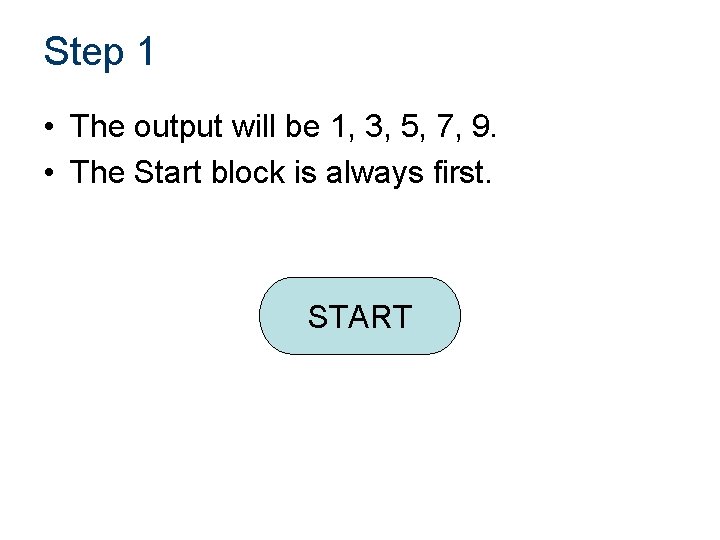
Step 1 • The output will be 1, 3, 5, 7, 9. • The Start block is always first. START
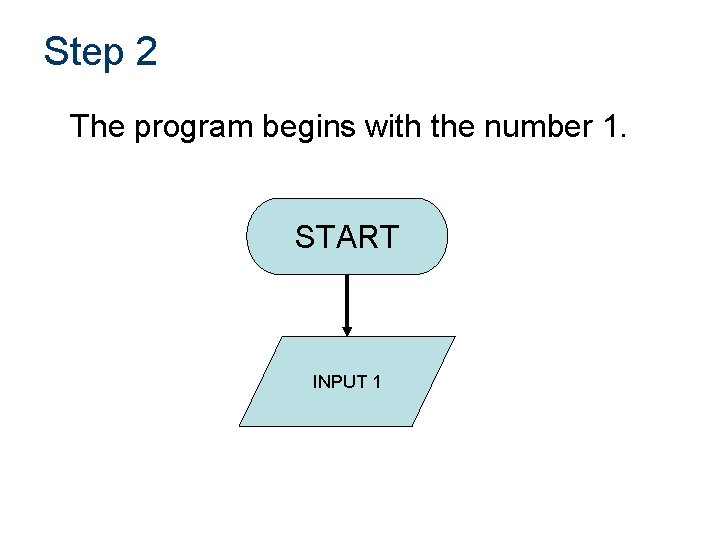
Step 2 The program begins with the number 1. START INPUT 1
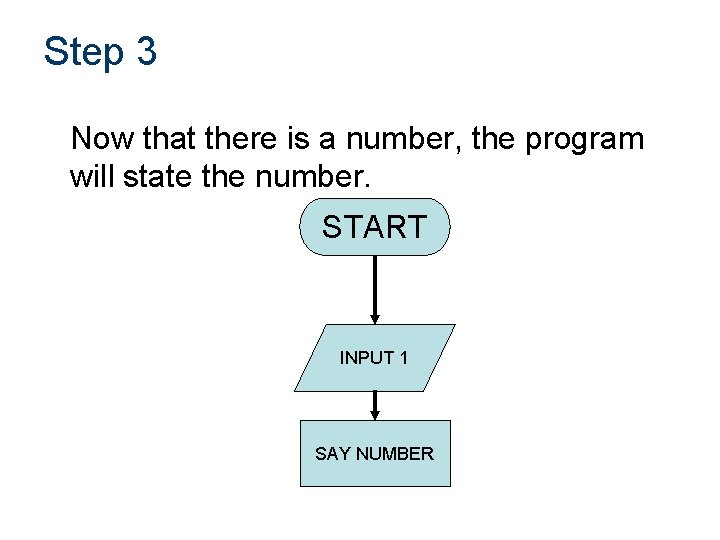
Step 3 Now that there is a number, the program will state the number. START INPUT 1 SAY NUMBER
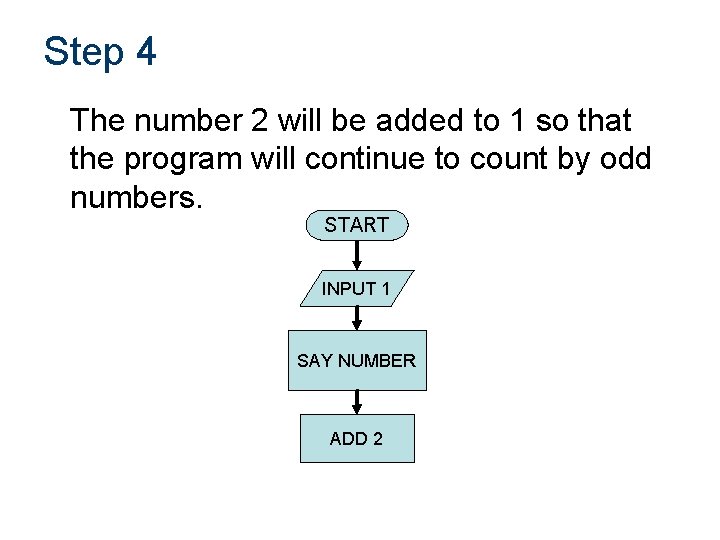
Step 4 The number 2 will be added to 1 so that the program will continue to count by odd numbers. START INPUT 1 SAY NUMBER ADD 2
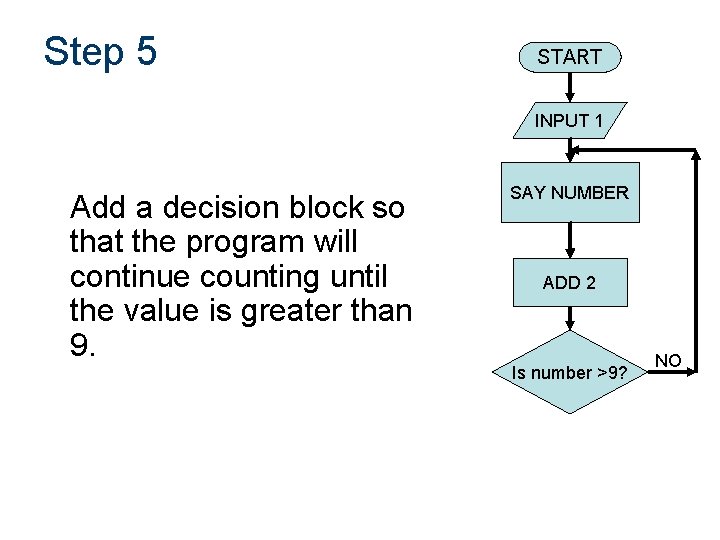
Step 5 START INPUT 1 Add a decision block so that the program will continue counting until the value is greater than 9. SAY NUMBER ADD 2 Is number >9? NO
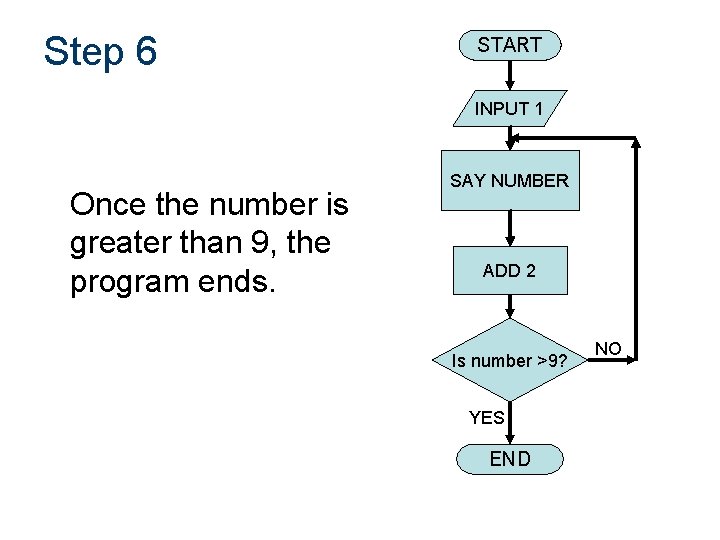
Step 6 START INPUT 1 Once the number is greater than 9, the program ends. SAY NUMBER ADD 2 Is number >9? YES END NO
Your Turn Create a flow chart that shows how to pour a glass of milk.