
Creating Effective Power Points For Teaching Prepared and
- Slides: 27
Creating Effective Power. Points (For Teaching) Prepared and Presented by Dr. Dana Lynn Driscoll CETL Faculty Fellow Assistant Professor, Department of Writing and Rhetoric driscoll@oakland. edu
Presentation Overview • Teaching vs. research presentations • Interactivity and engagement • Learning principles for using PPT • Basic principles of rhetoric and design • Discussion
Introductions Please let us know: • • Your Name Your Department Courses you typically teach The size of your classes
Freewrite The title of this talk is “Creating ‘Effective’ Power. Points. ” In a short freewrite, please consider: • How do you intend your students to use your Power. Points? • How do your students actually use your Power. Points? • How have you used Power. Point in your past courses? • Do you feel this use was effective?
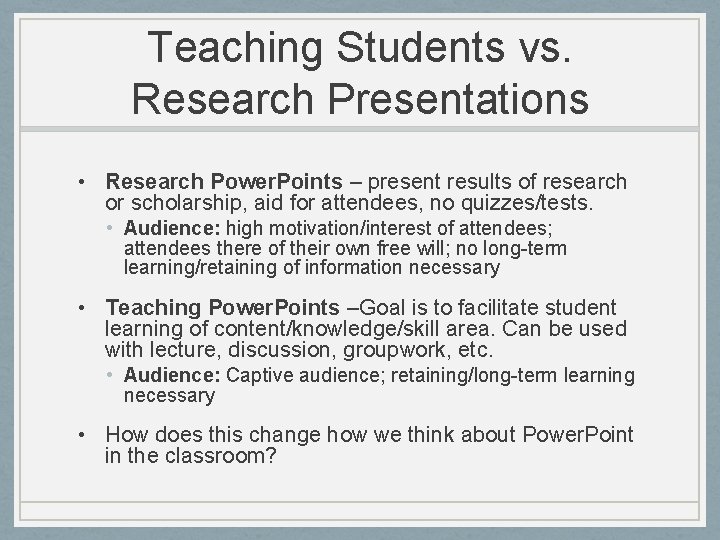
Teaching Students vs. Research Presentations • Research Power. Points – present results of research or scholarship, aid for attendees, no quizzes/tests. • Audience: high motivation/interest of attendees; attendees there of their own free will; no long-term learning/retaining of information necessary • Teaching Power. Points –Goal is to facilitate student learning of content/knowledge/skill area. Can be used with lecture, discussion, groupwork, etc. • Audience: Captive audience; retaining/long-term learning necessary • How does this change how we think about Power. Point in the classroom?
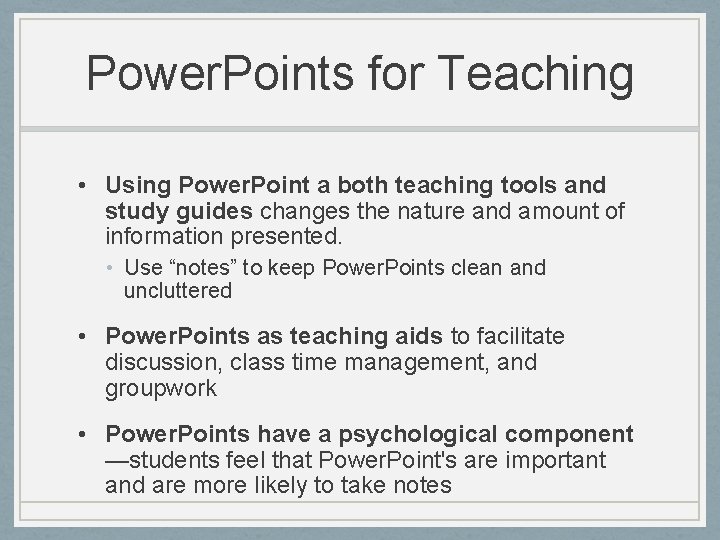
Power. Points for Teaching • Using Power. Point a both teaching tools and study guides changes the nature and amount of information presented. • Use “notes” to keep Power. Points clean and uncluttered • Power. Points as teaching aids to facilitate discussion, class time management, and groupwork • Power. Points have a psychological component —students feel that Power. Point's are important and are more likely to take notes
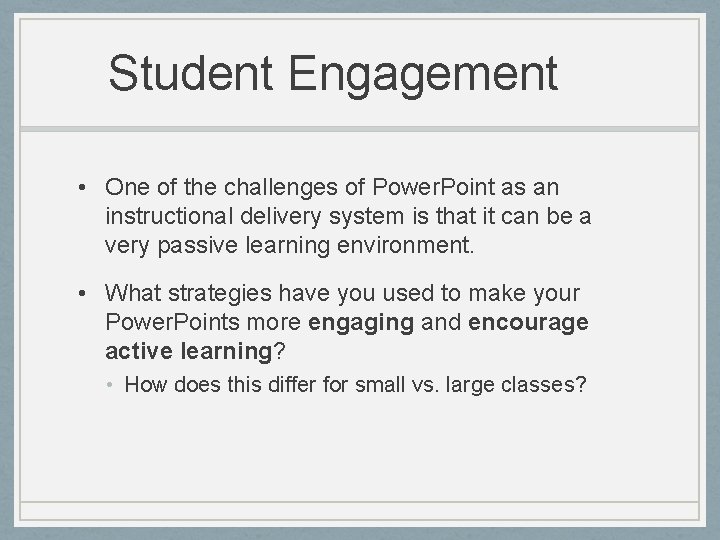
Student Engagement • One of the challenges of Power. Point as an instructional delivery system is that it can be a very passive learning environment. • What strategies have you used to make your Power. Points more engaging and encourage active learning? • How does this differ for small vs. large classes?
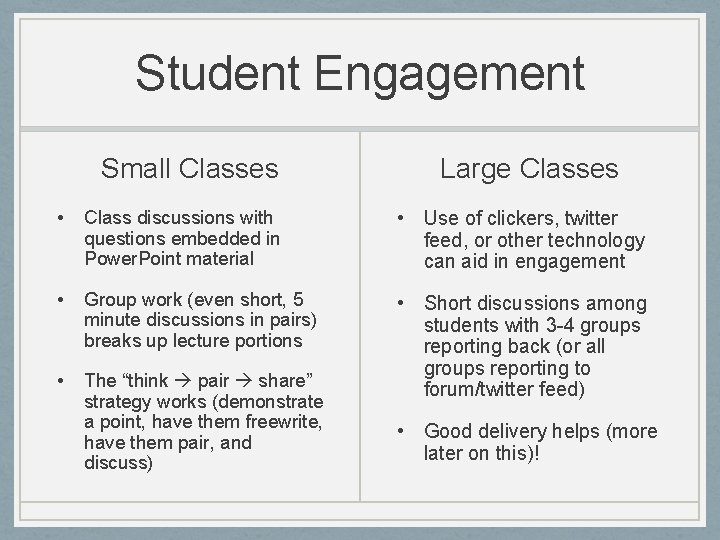
Student Engagement Small Classes Large Classes • Class discussions with questions embedded in Power. Point material • Use of clickers, twitter feed, or other technology can aid in engagement • Group work (even short, 5 minute discussions in pairs) breaks up lecture portions • The “think pair share” strategy works (demonstrate a point, have them freewrite, have them pair, and discuss) • Short discussions among students with 3 -4 groups reporting back (or all groups reporting to forum/twitter feed) • Good delivery helps (more later on this)!
Writing and Design: Which slide do you prefer?
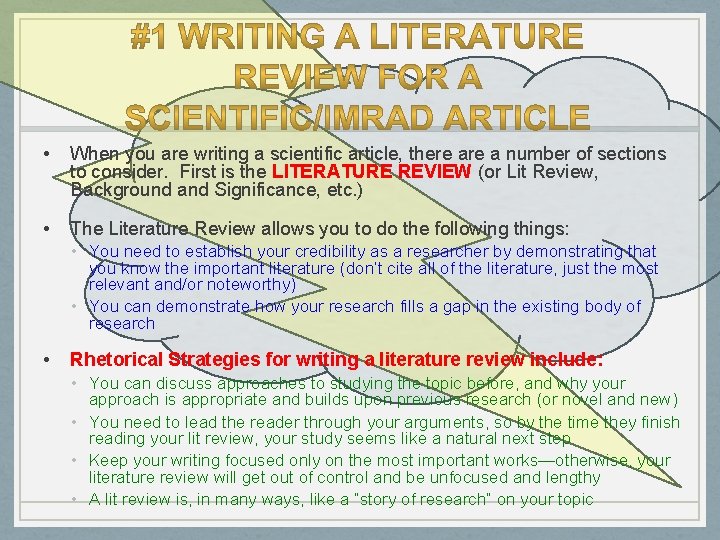
• When you are writing a scientific article, there a number of sections to consider. First is the LITERATURE REVIEW (or Lit Review, Background and Significance, etc. ) • The Literature Review allows you to do the following things: • You need to establish your credibility as a researcher by demonstrating that you know the important literature (don’t cite all of the literature, just the most relevant and/or noteworthy) • You can demonstrate how your research fills a gap in the existing body of research • Rhetorical Strategies for writing a literature review include: • You can discuss approaches to studying the topic before, and why your approach is appropriate and builds upon previous research (or novel and new) • You need to lead the reader through your arguments, so by the time they finish reading your lit review, your study seems like a natural next step • Keep your writing focused only on the most important works—otherwise, your literature review will get out of control and be unfocused and lengthy • A lit review is, in many ways, like a “story of research” on your topic
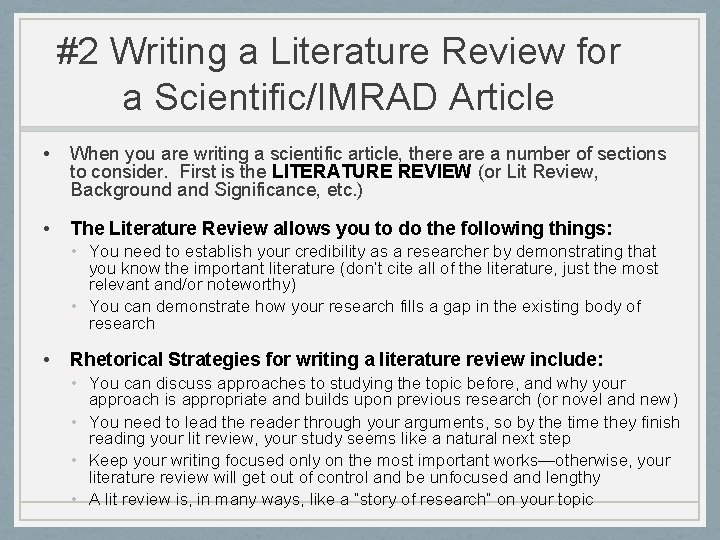
#2 Writing a Literature Review for a Scientific/IMRAD Article • When you are writing a scientific article, there a number of sections to consider. First is the LITERATURE REVIEW (or Lit Review, Background and Significance, etc. ) • The Literature Review allows you to do the following things: • You need to establish your credibility as a researcher by demonstrating that you know the important literature (don’t cite all of the literature, just the most relevant and/or noteworthy) • You can demonstrate how your research fills a gap in the existing body of research • Rhetorical Strategies for writing a literature review include: • You can discuss approaches to studying the topic before, and why your approach is appropriate and builds upon previous research (or novel and new) • You need to lead the reader through your arguments, so by the time they finish reading your lit review, your study seems like a natural next step • Keep your writing focused only on the most important works—otherwise, your literature review will get out of control and be unfocused and lengthy • A lit review is, in many ways, like a “story of research” on your topic
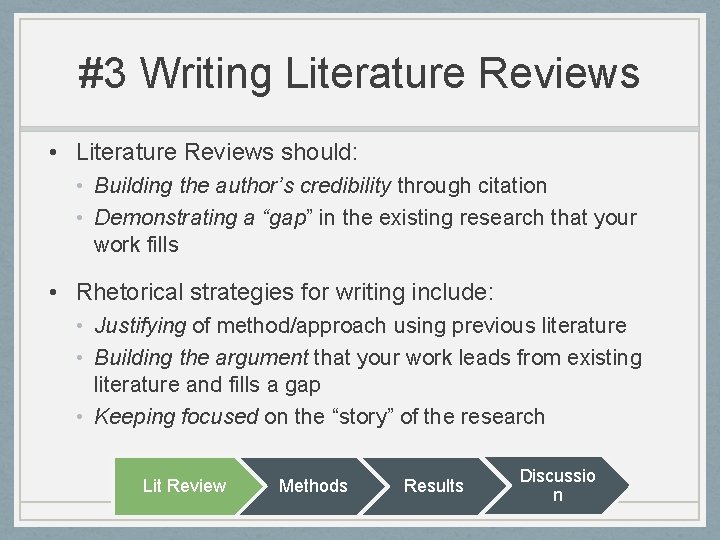
#3 Writing Literature Reviews • Literature Reviews should: • Building the author’s credibility through citation • Demonstrating a “gap” in the existing research that your work fills • Rhetorical strategies for writing include: • Justifying of method/approach using previous literature • Building the argument that your work leads from existing literature and fills a gap • Keeping focused on the “story” of the research Lit Review Methods Results Discussio n
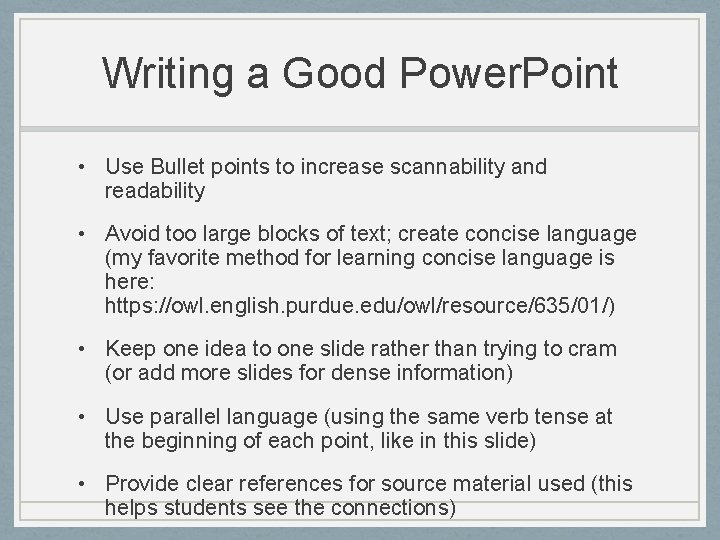
Writing a Good Power. Point • Use Bullet points to increase scannability and readability • Avoid too large blocks of text; create concise language (my favorite method for learning concise language is here: https: //owl. english. purdue. edu/owl/resource/635/01/) • Keep one idea to one slide rather than trying to cram (or add more slides for dense information) • Use parallel language (using the same verb tense at the beginning of each point, like in this slide) • Provide clear references for source material used (this helps students see the connections)
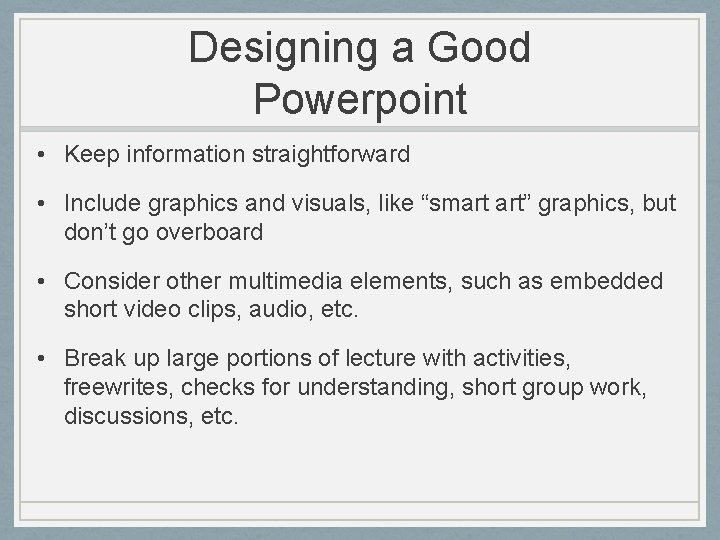
Designing a Good Powerpoint • Keep information straightforward • Include graphics and visuals, like “smart art” graphics, but don’t go overboard • Consider other multimedia elements, such as embedded short video clips, audio, etc. • Break up large portions of lecture with activities, freewrites, checks for understanding, short group work, discussions, etc.
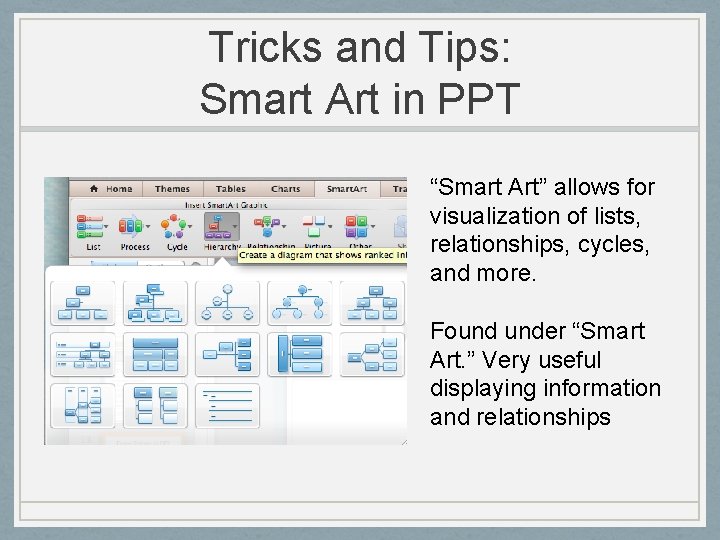
Tricks and Tips: Smart Art in PPT “Smart Art” allows for visualization of lists, relationships, cycles, and more. Found under “Smart Art. ” Very useful displaying information and relationships
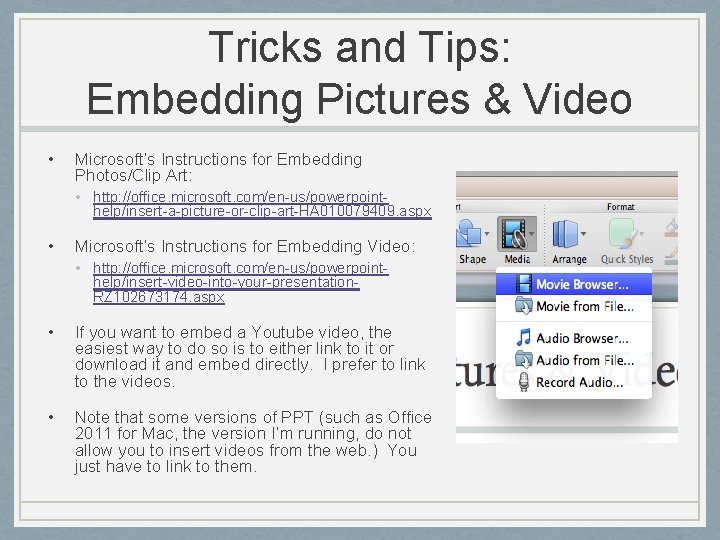
Tricks and Tips: Embedding Pictures & Video • Microsoft’s Instructions for Embedding Photos/Clip Art: • http: //office. microsoft. com/en-us/powerpointhelp/insert-a-picture-or-clip-art-HA 010079409. aspx • Microsoft’s Instructions for Embedding Video: • http: //office. microsoft. com/en-us/powerpointhelp/insert-video-into-your-presentation. RZ 102673174. aspx • If you want to embed a Youtube video, the easiest way to do so is to either link to it or download it and embed directly. I prefer to link to the videos. • Note that some versions of PPT (such as Office 2011 for Mac, the version I’m running, do not allow you to insert videos from the web. ) You just have to link to them.
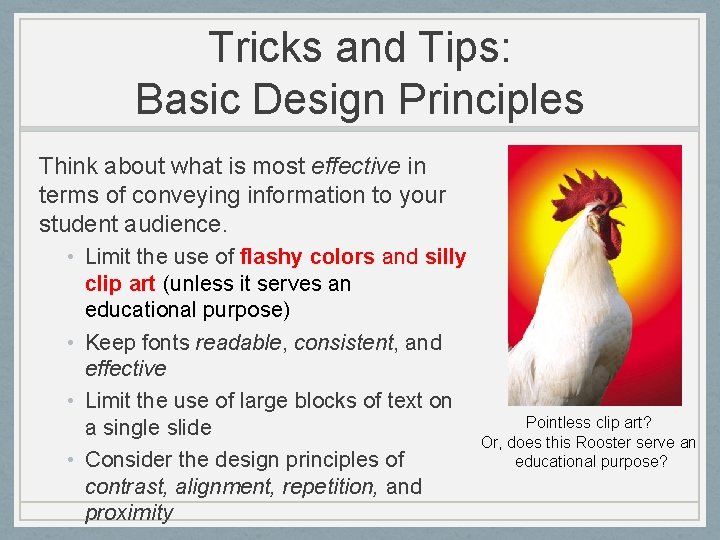
Tricks and Tips: Basic Design Principles Think about what is most effective in terms of conveying information to your student audience. • Limit the use of flashy colors and silly clip art (unless it serves an educational purpose) • Keep fonts readable, consistent, and effective • Limit the use of large blocks of text on a single slide • Consider the design principles of contrast, alignment, repetition, and proximity Pointless clip art? Or, does this Rooster serve an educational purpose?
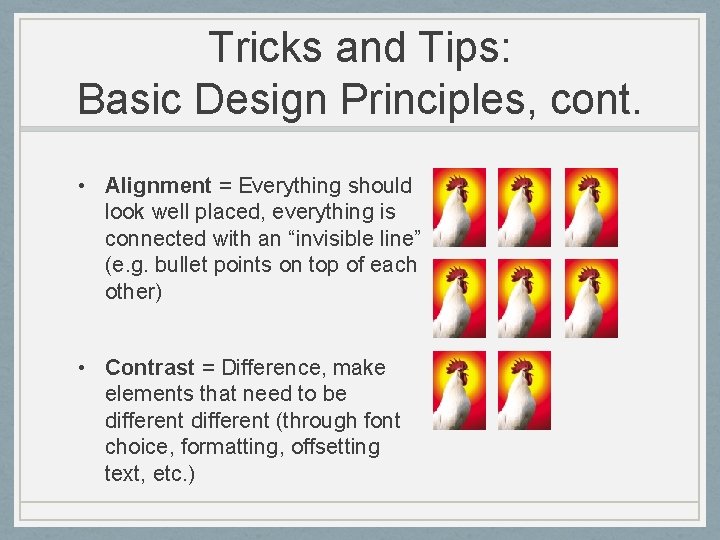
Tricks and Tips: Basic Design Principles, cont. • Alignment = Everything should look well placed, everything is connected with an “invisible line” (e. g. bullet points on top of each other) • Contrast = Difference, make elements that need to be different (through font choice, formatting, offsetting text, etc. )
Tips and Tricks: Basic Design Principles, cont. • Repetition = Repetition is about unity, consistency, and creating cohesiveness (three slides with the same design and similar content) • Proximity = where things are placed in relationship to one another; where does your eye move? What is the path it takes? • *Information taken from Williams (2008) Non. Designer’s Design Book
Organizing Power. Points • Find a partner or small group and consider the following questions: • How do you organize the content of Powerpoint presentations for your courses? • What typically comes first, second, third, etc? • What kinds of content is included in your Powerpoint? • How do you break up long presentations of information/lectures?
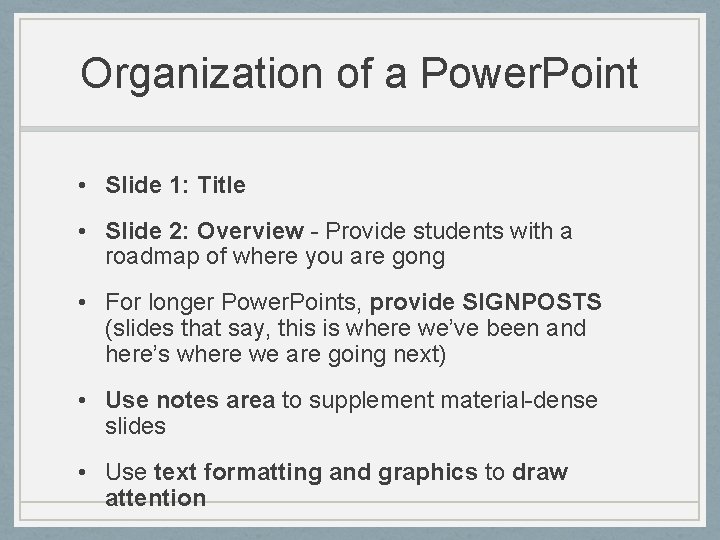
Organization of a Power. Point • Slide 1: Title • Slide 2: Overview - Provide students with a roadmap of where you are gong • For longer Power. Points, provide SIGNPOSTS (slides that say, this is where we’ve been and here’s where we are going next) • Use notes area to supplement material-dense slides • Use text formatting and graphics to draw attention
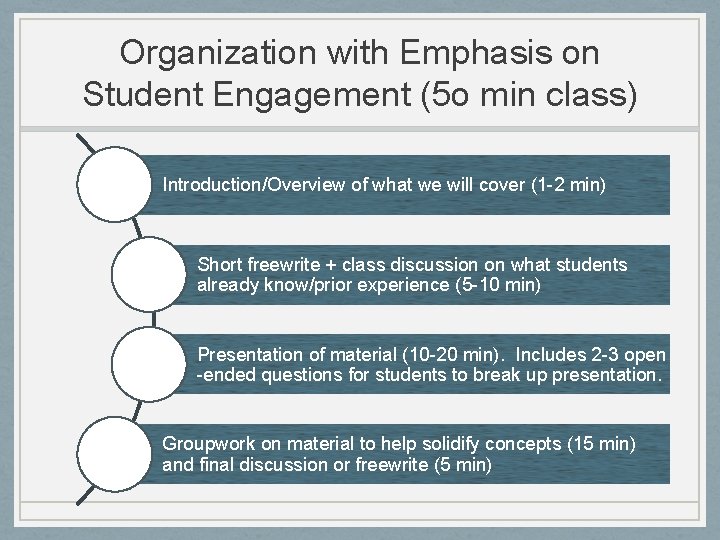
Organization with Emphasis on Student Engagement (5 o min class) Introduction/Overview of what we will cover (1 -2 min) Short freewrite + class discussion on what students already know/prior experience (5 -10 min) Presentation of material (10 -20 min). Includes 2 -3 open -ended questions for students to break up presentation. Groupwork on material to help solidify concepts (15 min) and final discussion or freewrite (5 min)
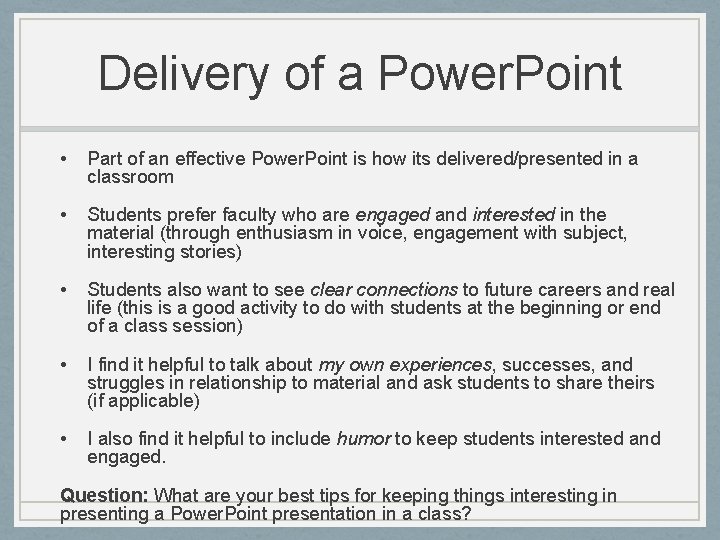
Delivery of a Power. Point • Part of an effective Power. Point is how its delivered/presented in a classroom • Students prefer faculty who are engaged and interested in the material (through enthusiasm in voice, engagement with subject, interesting stories) • Students also want to see clear connections to future careers and real life (this is a good activity to do with students at the beginning or end of a class session) • I find it helpful to talk about my own experiences, successes, and struggles in relationship to material and ask students to share theirs (if applicable) • I also find it helpful to include humor to keep students interested and engaged. Question: What are your best tips for keeping things interesting in presenting a Power. Point presentation in a class?
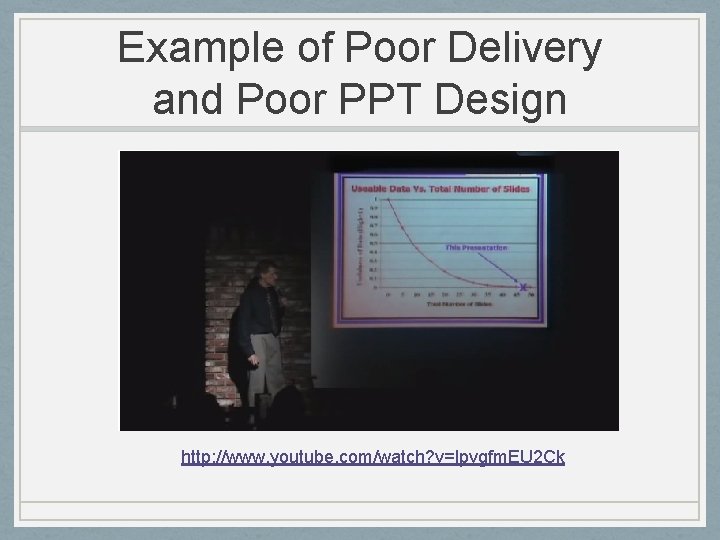
Example of Poor Delivery and Poor PPT Design http: //www. youtube. com/watch? v=lpvgfm. EU 2 Ck
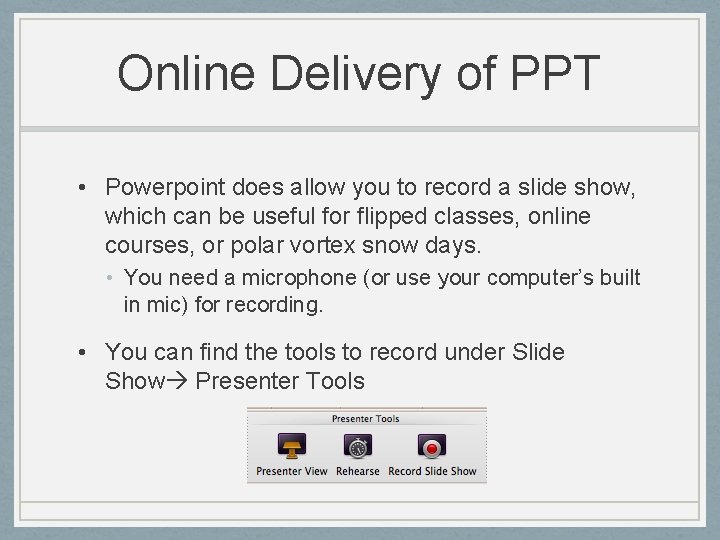
Online Delivery of PPT • Powerpoint does allow you to record a slide show, which can be useful for flipped classes, online courses, or polar vortex snow days. • You need a microphone (or use your computer’s built in mic) for recording. • You can find the tools to record under Slide Show Presenter Tools
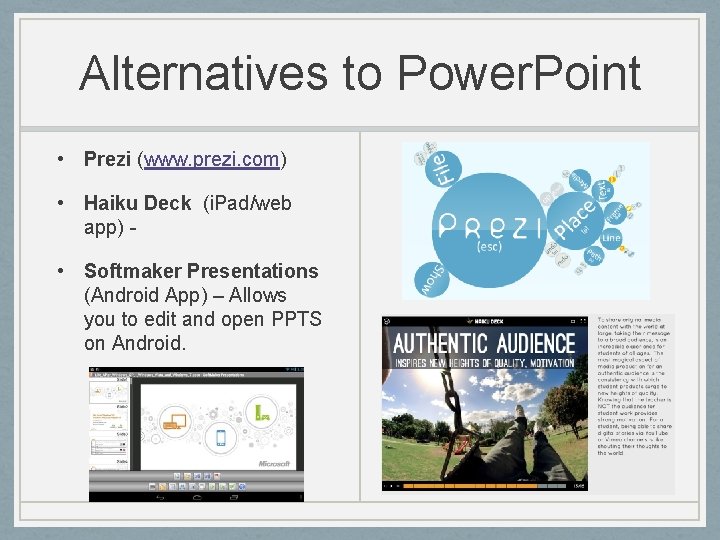
Alternatives to Power. Point • Prezi (www. prezi. com) • Haiku Deck (i. Pad/web app) • Softmaker Presentations (Android App) – Allows you to edit and open PPTS on Android.
Discussion Questions • What other ideas do you have for effective use of Power. Points in class? • How do you use Power. Point for online / flipped classes? • What challenges have you had with Power. Point? • What is Power. Point “good at” doing in classes? What is it “poor at” doing in classes? • What other questions do you have?