
Creating Effective Poster Presentations 30 X 42 The


- Slides: 26
Creating Effective Poster Presentations 30” X 42”
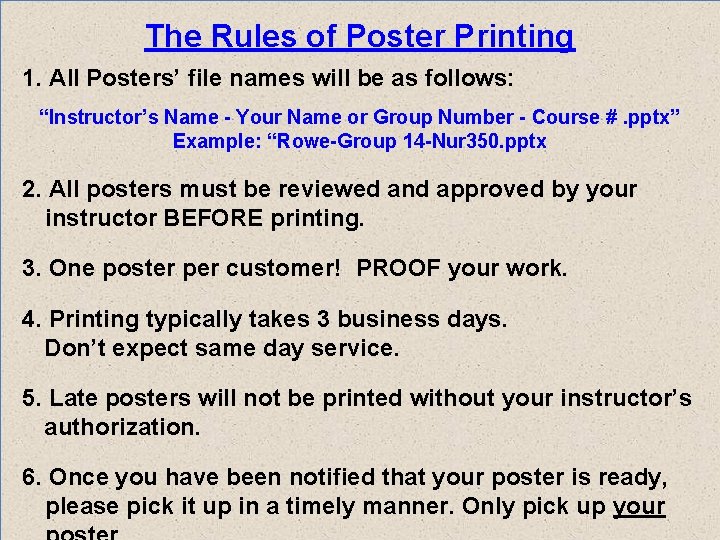
The Rules of Poster Printing 1. All Posters’ file names will be as follows: “Instructor’s Name - Your Name or Group Number - Course #. pptx” Example: “Rowe-Group 14 -Nur 350. pptx 2. All posters must be reviewed and approved by your instructor BEFORE printing. 3. One poster per customer! PROOF your work. 4. Printing typically takes 3 business days. Don’t expect same day service. 5. Late posters will not be printed without your instructor’s authorization. 6. Once you have been notified that your poster is ready, please pick it up in a timely manner. Only pick up your
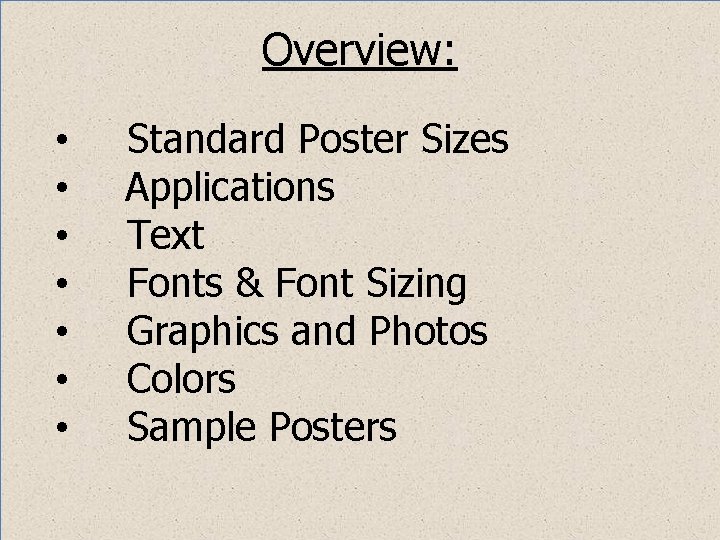
Overview: • • Standard Poster Sizes Applications Text Fonts & Font Sizing Graphics and Photos Colors Sample Posters
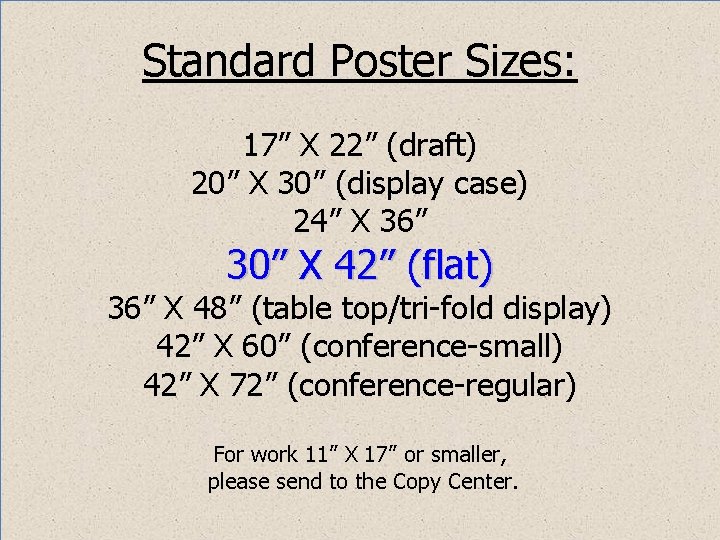
Standard Poster Sizes: 17” X 22” (draft) 20” X 30” (display case) 24” X 36” 30” X 42” (flat) 36” X 48” (table top/tri-fold display) 42” X 60” (conference-small) 42” X 72” (conference-regular) For work 11” X 17” or smaller, please send to the Copy Center.
Sizing con’t. : FLAT FOAM CORE (Easel Display) 30” H X 42” W Foam Core Boards & Glue Sticks are available at the Bookstore) PC-Design, Slide Size, Custom 42” X 30” Mac-Themes, Page Setup, Custom 42” X 30” Not “On Screen Display”(10” X 7. 5”)
Applications: University Has Standardized on Power. Point for Poster Design Ø Please use Power. Point or PDF files when emailing finished poster. Ø Word & Publisher are for documents, not signage or posters. Ø If you use some other graphic application, please save and send your work as a PDF.
Text: Title Authors’ Names Objective, Introduction, Abstracts Methods, Data Results, Conclusions, References
Fonts & Font Sizing: Use Readable Fonts: (Arial, Calibri, Garamond, Geneva, Lucida, Palatino, Tahoma, Times Roman) Stay Away from Word Art or Script Type fonts !!!
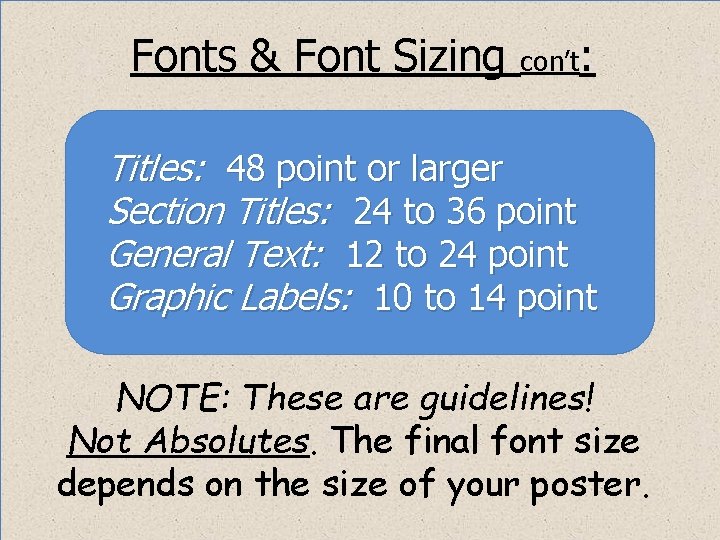
Fonts & Font Sizing con’t: Titles: 48 point or larger Section Titles: 24 to 36 point General Text: 12 to 24 point Graphic Labels: 10 to 14 point NOTE: These are guidelines! Not Absolutes. The final font size depends on the size of your poster.
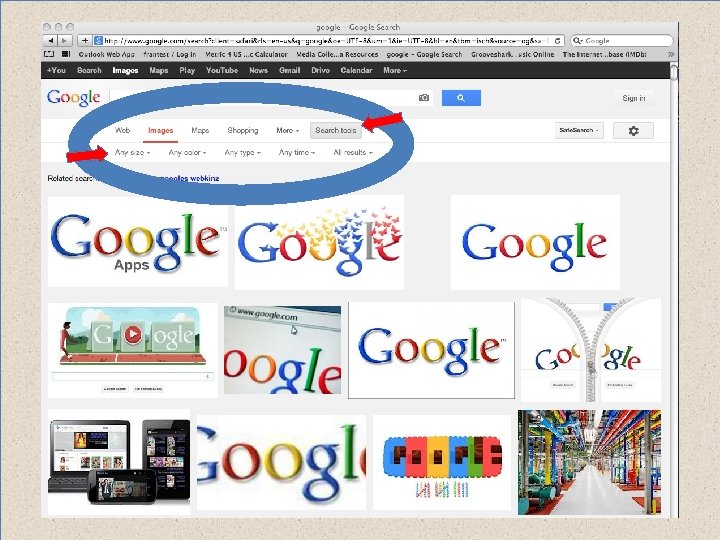
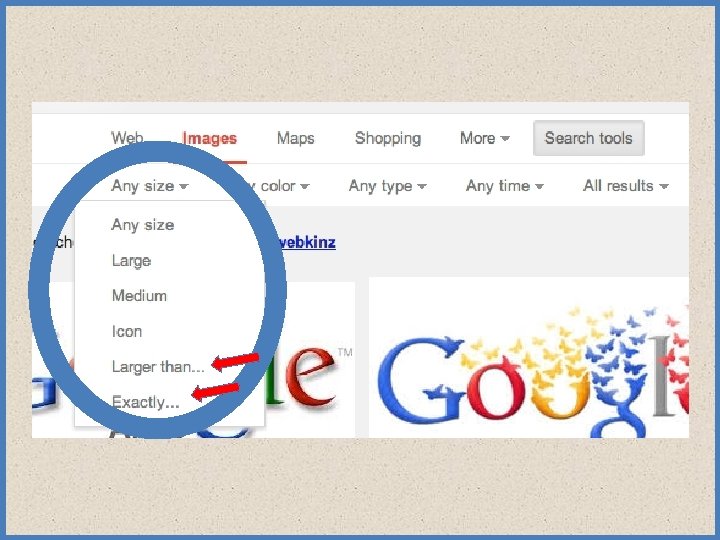
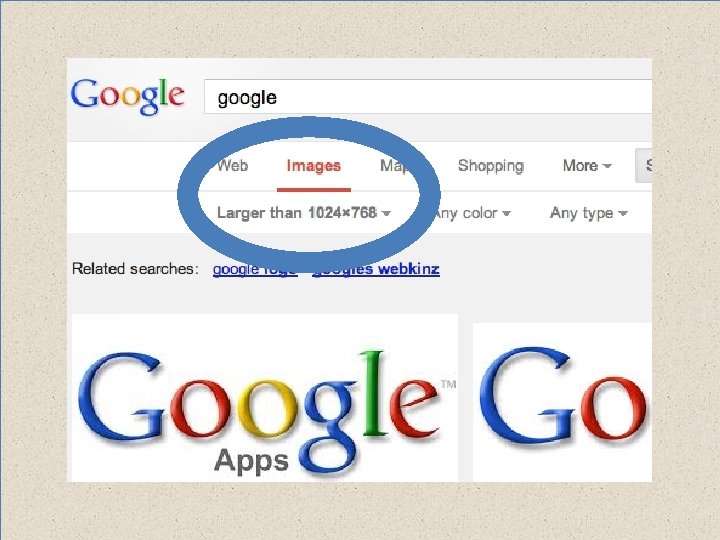
Graphics and Photos: Sizing and Resolution Graphs and charts maybe created within PPT, imported from another applications or from a Web source. 1. Be careful using images off of the web (72 kb is generally too small) 2. Use mid to hi-res graphics and photos (around 1024 X 768)
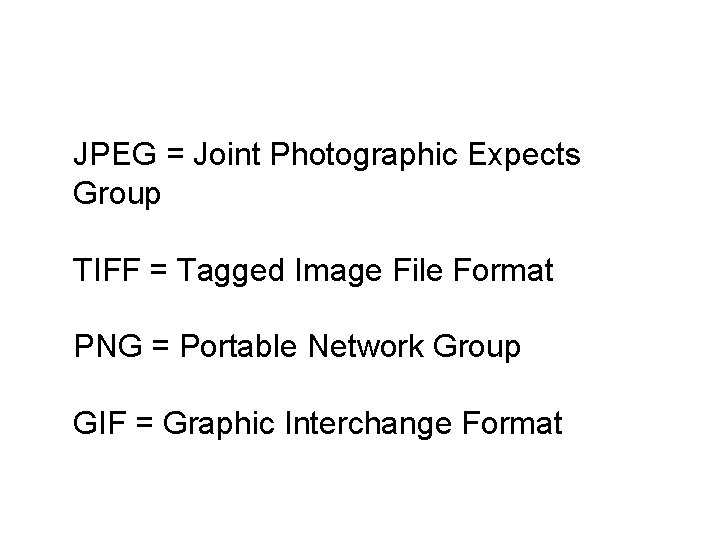
Graphics and Photos: con’t. Photos may be taken by you, a friend or from a Web source. 1. JPEG’s, TIFF’s, PNG’s and GIF’s are acceptable image formats 2. No Bitmaps please. Too large 3. Color or black & white images are fine. 4. Get permission from outside people to used use their photo.
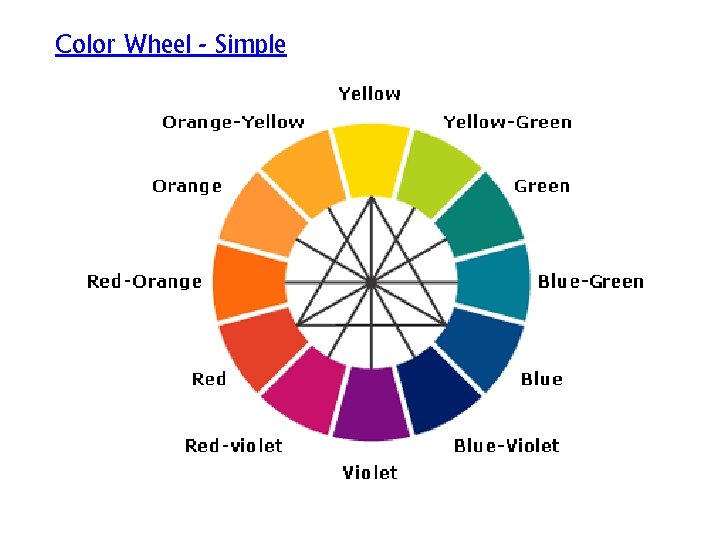
6. Colors : 1. Use colors that relate to and enhance your message 2. Use light text on dark backgrounds 3. Use dark text on light backgrounds 4. Be careful of red/green combinations
Color Wheel - Simple
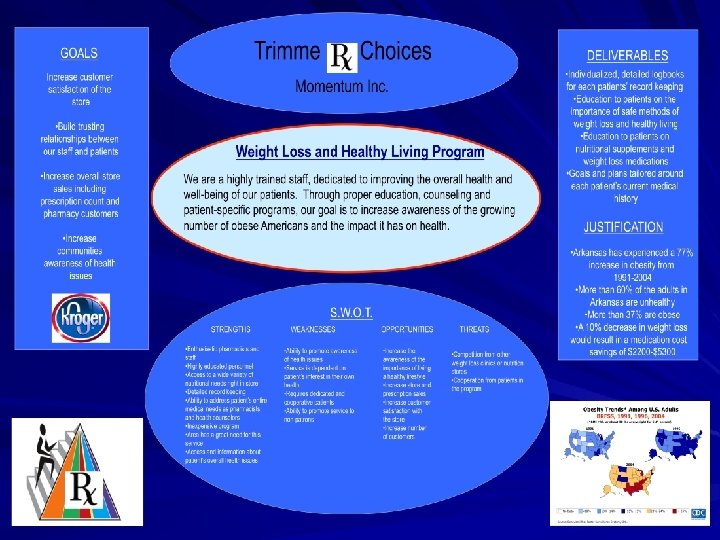
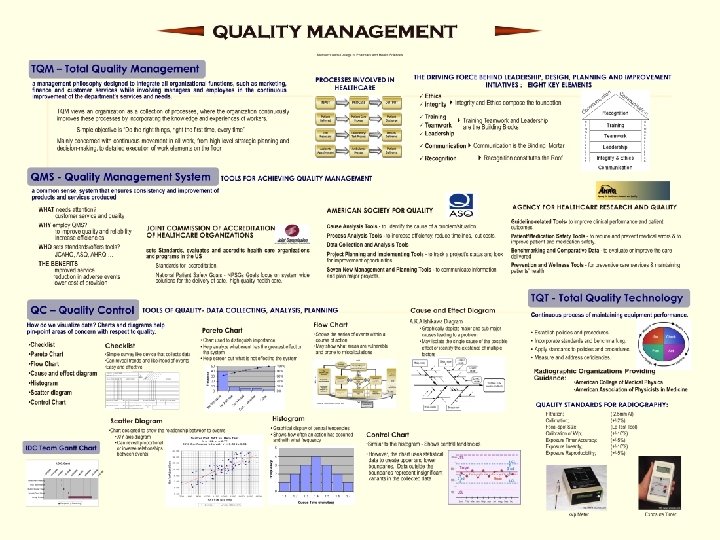
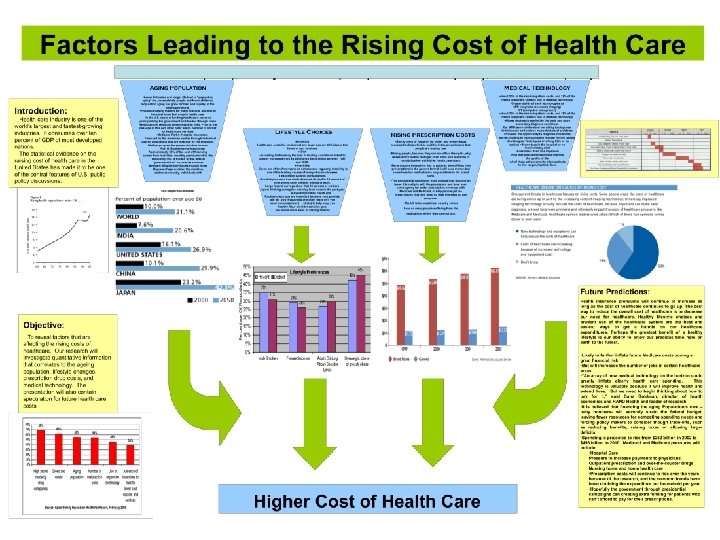
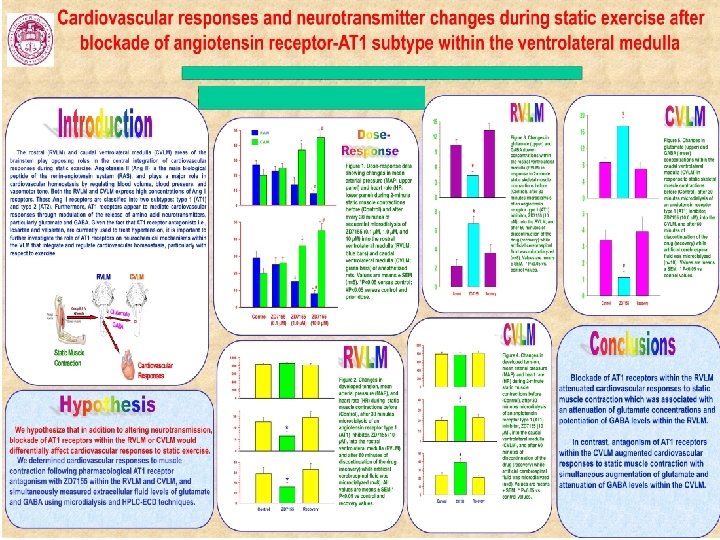
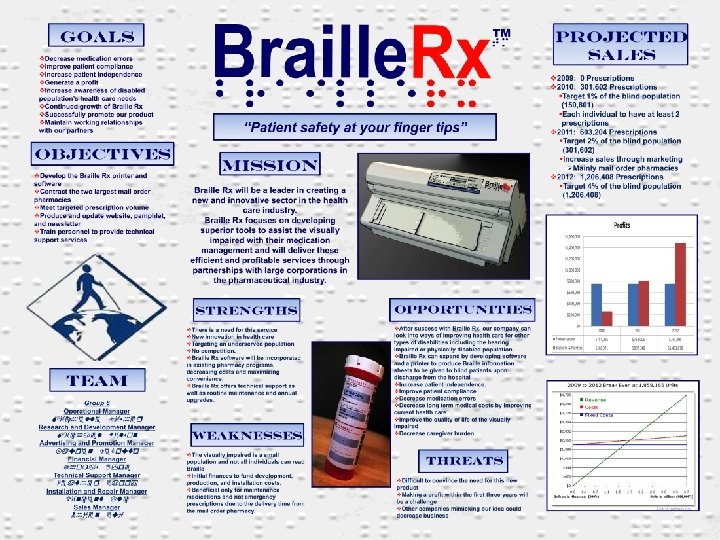
Let’s Look at a Few Posters
JPEG = Joint Photographic Expects Group TIFF = Tagged Image File Format PNG = Portable Network Group GIF = Graphic Interchange Format