
Creating documents Introduction to Latex Introduction Te X

![The Basics • Document Class documentclass[options]{class} options = a 4 paper, 11 pt, 12](https://slidetodoc.com/presentation_image_h2/f41c2105c12830b192c4138309fc7777/image-8.jpg "The Basics • Document Class documentclass[options]{class} options = a 4 paper, 11 pt, 12")
![Example of floating figure • • • begin{figure}[ht] centeringepsfig{file=uni. ps, width=5 cm} caption{University of](https://slidetodoc.com/presentation_image_h2/f41c2105c12830b192c4138309fc7777/image-22.jpg "Example of floating figure • • • begin{figure}[ht] centeringepsfig{file=uni. ps, width=5 cm} caption{University of")
![Bibliography by hand begin{thebibliography}{} bibitem[Come 95]{Come 95} Comer, D. E. , {it Internetworking with](https://slidetodoc.com/presentation_image_h2/f41c2105c12830b192c4138309fc7777/image-24.jpg "Bibliography by hand begin{thebibliography}{} bibitem[Come 95]{Come 95} Comer, D. E. , {it Internetworking with")
- Slides: 28
Creating documents Introduction to Latex
Introduction • Te. X is essentially a Markup Language (like HTML, XML and RTF) • Te. X written by Donald Knuth in 70´s – A revolution in typesetting • Latex is an extension of Te. X – Macro packages to make Te. X easier to use presentaion is based on Troy D. Milner and Simon Cuce slides)
Latex vs. Word Processors • High typeset quality • Easy to include math formulas • Source file format is not bounded to a particular OS or platform • Latex implementations exists for all platforms (DOS, Windows, Unices, . . ) • Latex is free
Latex vs. Word Processors • De facto standard for scientific publishing • Very few bugs • Good for large documents • Can run even on 386 PC • Not very easy to learn
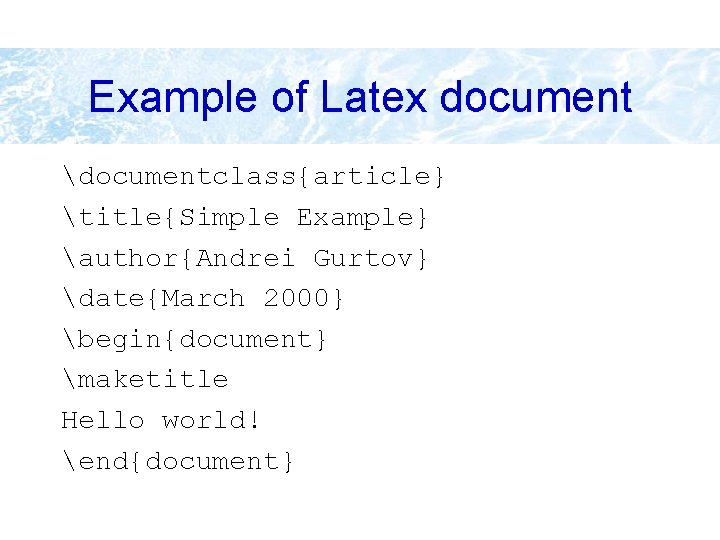
Example of Latex document documentclass{article} title{Simple Example} author{Andrei Gurtov} date{March 2000} begin{document} maketitle Hello world! end{document}
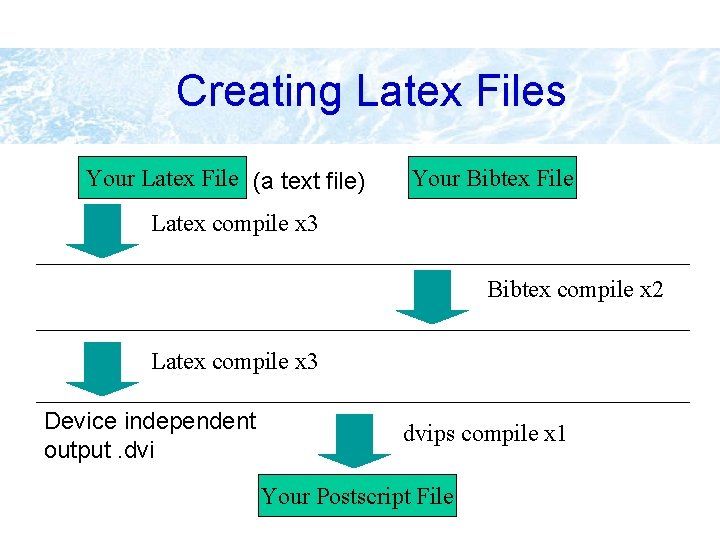
Creating Latex Files Your Latex File (a text file) Your Bibtex File Latex compile x 3 Bibtex compile x 2 Latex compile x 3 Device independent output. dvips compile x 1 Your Postscript File
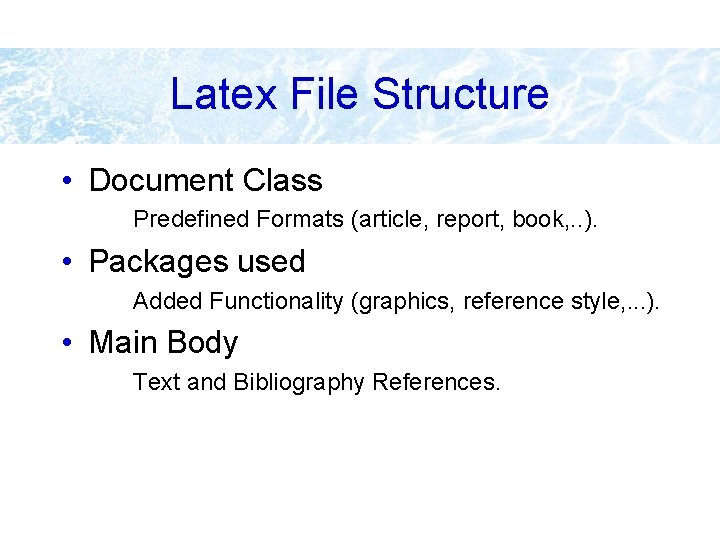
Latex File Structure • Document Class Predefined Formats (article, report, book, . . ). • Packages used Added Functionality (graphics, reference style, . . . ). • Main Body Text and Bibliography References.
The Basics • Document Class documentclass[options]{class} options = a 4 paper, 11 pt, 12 pt, 10 pt, twocolumn, landscape, . . . class = article, report, book, . . . • Packages usepackage{package name} epsfig = insert PS pictures into the document fancyhdr = easy definition of footer and header
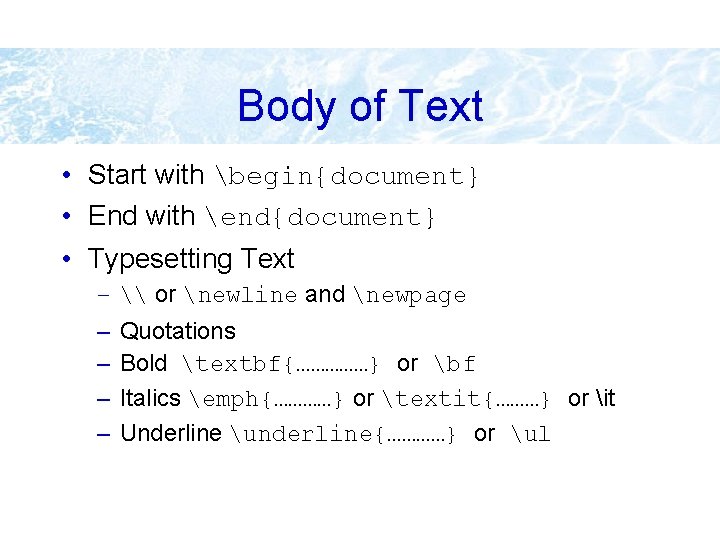
Body of Text • Start with begin{document} • End with end{document} • Typesetting Text – \ or newline and newpage – – Quotations Bold textbf{……………} or bf Italics emph{…………} or textit{………} or it Underline underline{…………} or ul
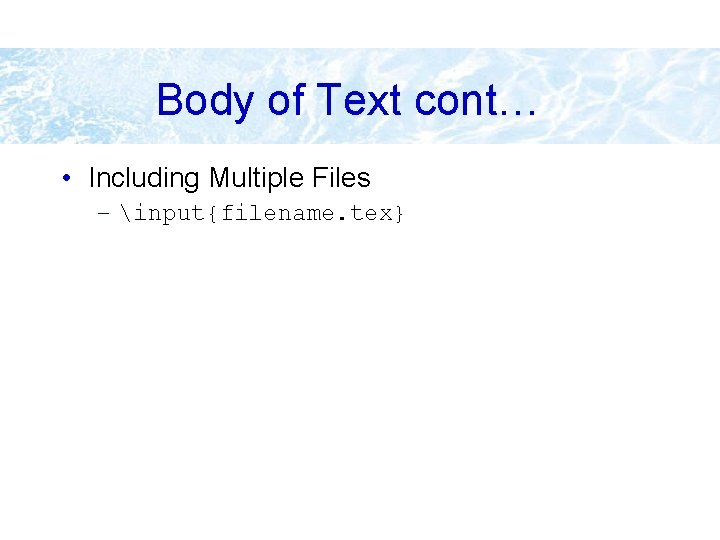
Body of Text cont… • Including Multiple Files – input{filename. tex}
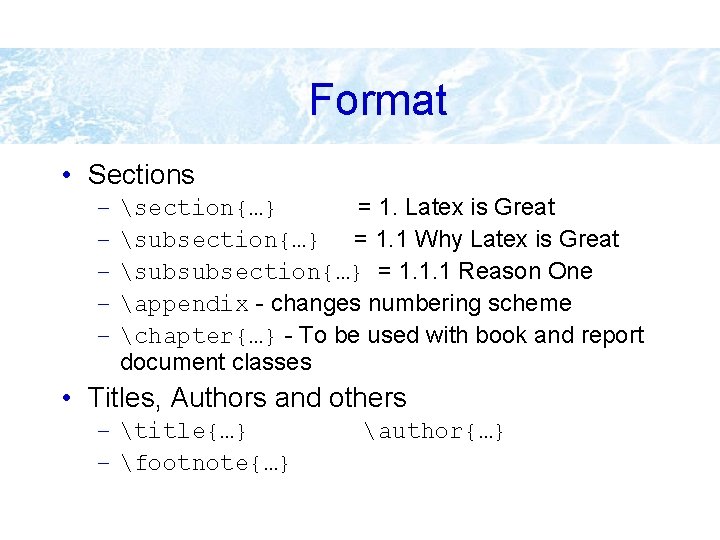
Format • Sections – – – section{…} = 1. Latex is Great subsection{…} = 1. 1 Why Latex is Great subsubsection{…} = 1. 1. 1 Reason One appendix - changes numbering scheme chapter{…} - To be used with book and report document classes • Titles, Authors and others – title{…} – footnote{…} author{…}
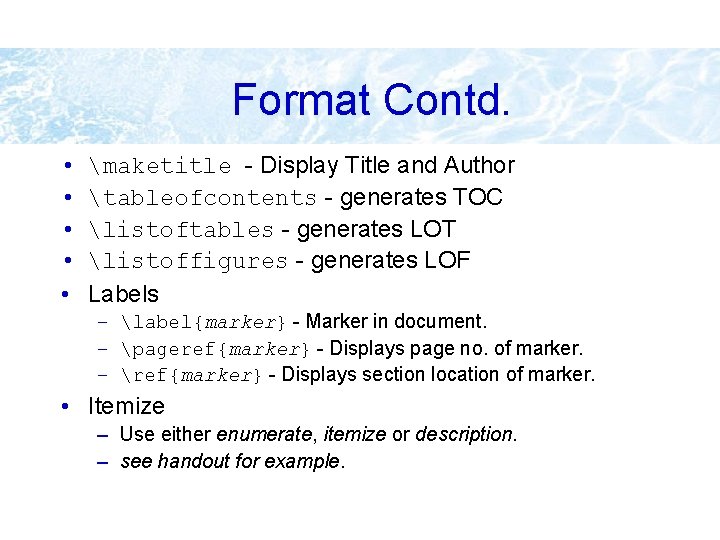
Format Contd. • • • maketitle - Display Title and Author tableofcontents - generates TOC listoftables - generates LOT listoffigures - generates LOF Labels – label{marker} - Marker in document. – pageref{marker} - Displays page no. of marker. – ref{marker} - Displays section location of marker. • Itemize – Use either enumerate, itemize or description. – see handout for example.
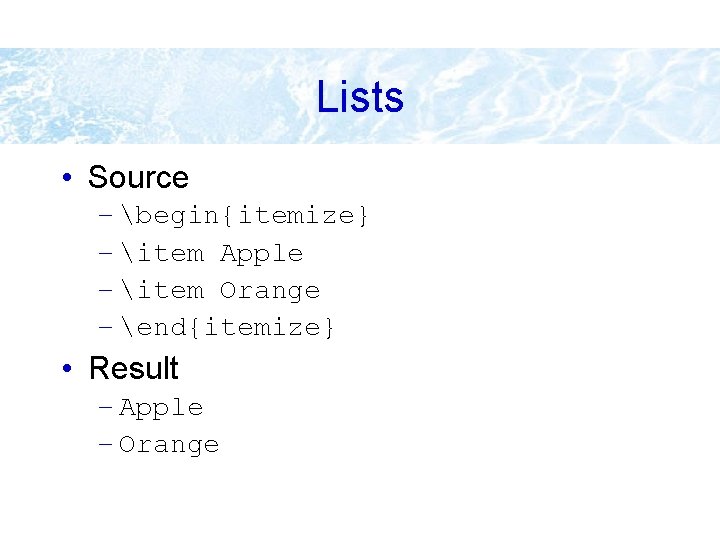
Lists • Source – begin{itemize} – item Apple – item Orange – end{itemize} • Result – Apple – Orange
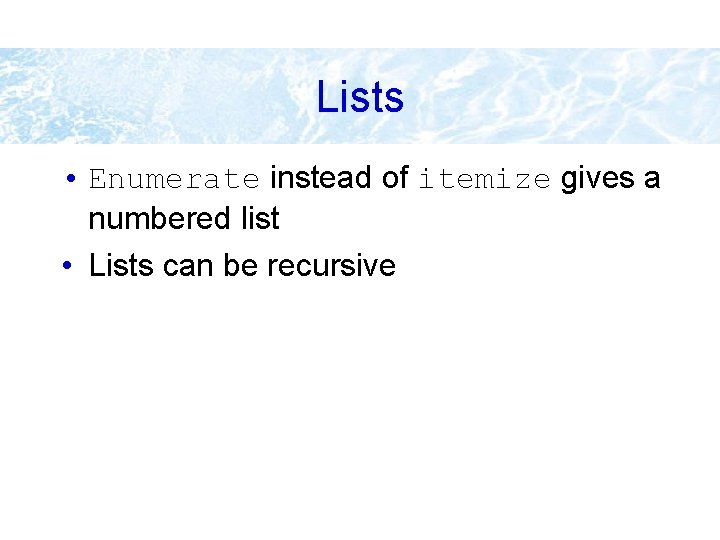
Lists • Enumerate instead of itemize gives a numbered list • Lists can be recursive
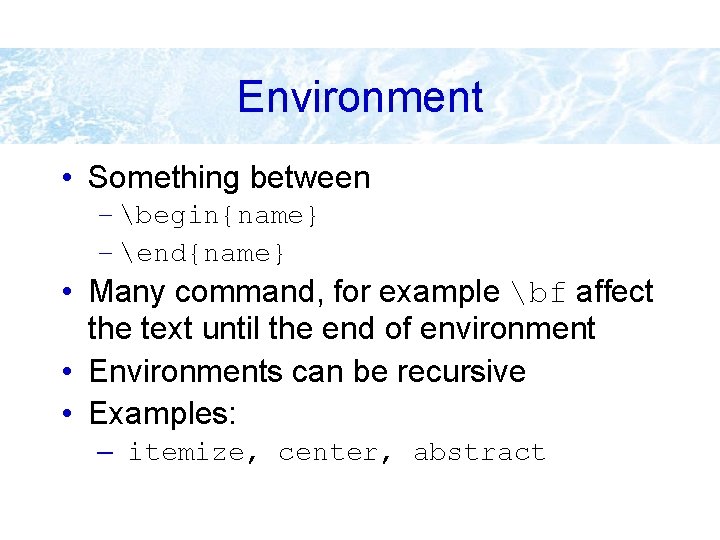
Environment • Something between – begin{name} – end{name} • Many command, for example bf affect the text until the end of environment • Environments can be recursive • Examples: – itemize, center, abstract
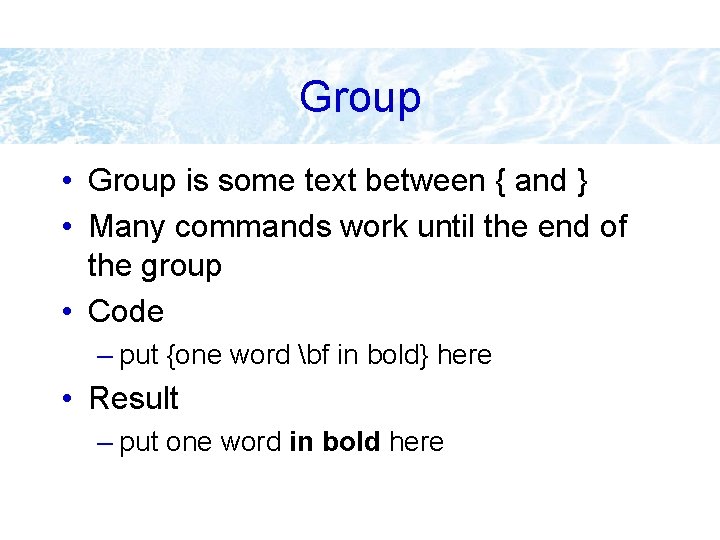
Group • Group is some text between { and } • Many commands work until the end of the group • Code – put {one word bf in bold} here • Result – put one word in bold here
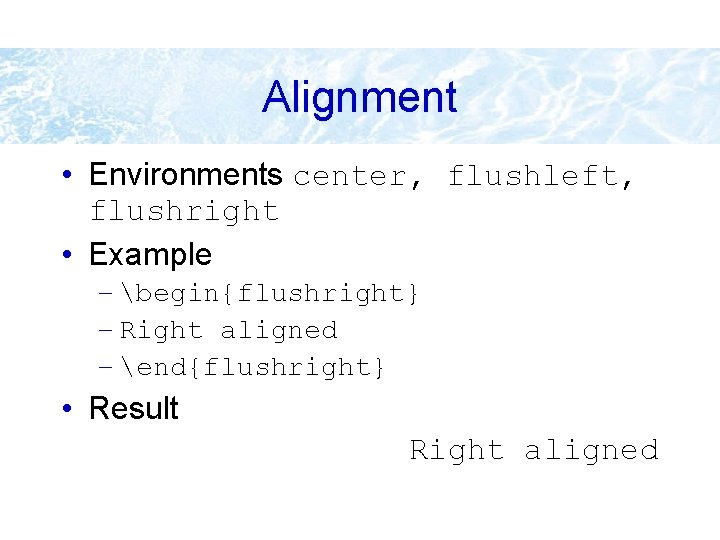
Alignment • Environments center, flushleft, flushright • Example – begin{flushright} – Right aligned – end{flushright} • Result Right aligned
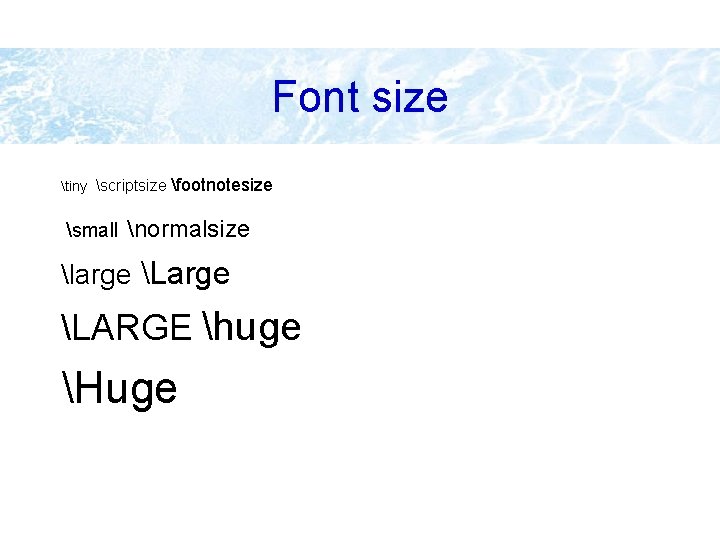
Font size tiny scriptsize small footnotesize normalsize large LARGE huge Huge
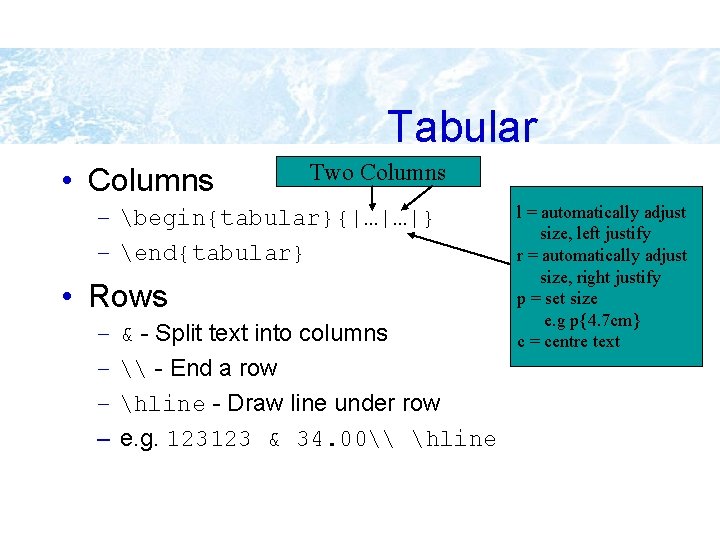
Tabular • Columns Two Columns – begin{tabular}{|…|…|} – end{tabular} • Rows – – & - Split text into columns \ - End a row hline - Draw line under row e. g. 123123 & 34. 00\ hline l = automatically adjust size, left justify r = automatically adjust size, right justify p = set size e. g p{4. 7 cm} c = centre text
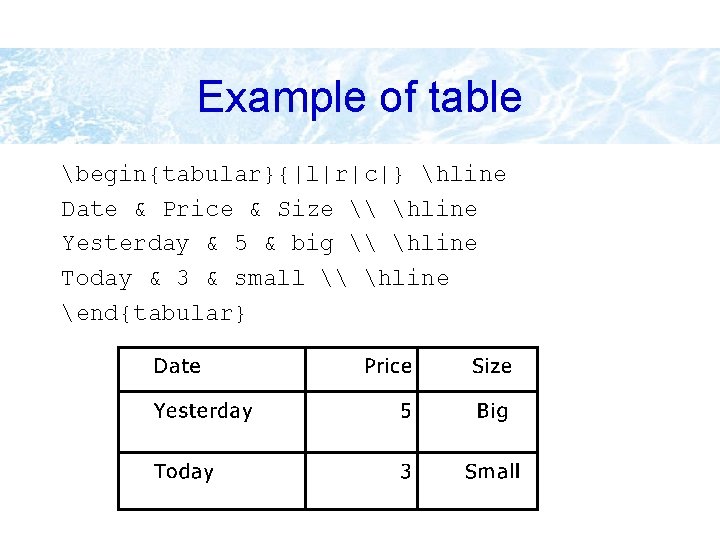
Example of table begin{tabular}{|l|r|c|} hline Date & Price & Size \ hline Yesterday & 5 & big \ hline Today & 3 & small \ hline end{tabular}
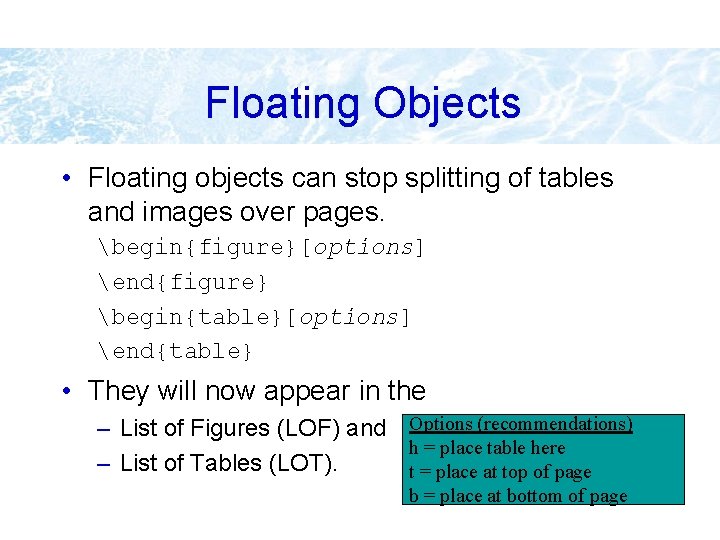
Floating Objects • Floating objects can stop splitting of tables and images over pages. begin{figure}[options] end{figure} begin{table}[options] end{table} • They will now appear in the – List of Figures (LOF) and Options (recommendations) h = place table here – List of Tables (LOT). t = place at top of page b = place at bottom of page
Example of floating figure • • • begin{figure}[ht] centeringepsfig{file=uni. ps, width=5 cm} caption{University of Helsinki} label{uni} end{figure} Figure~ref{uni} shows. . .
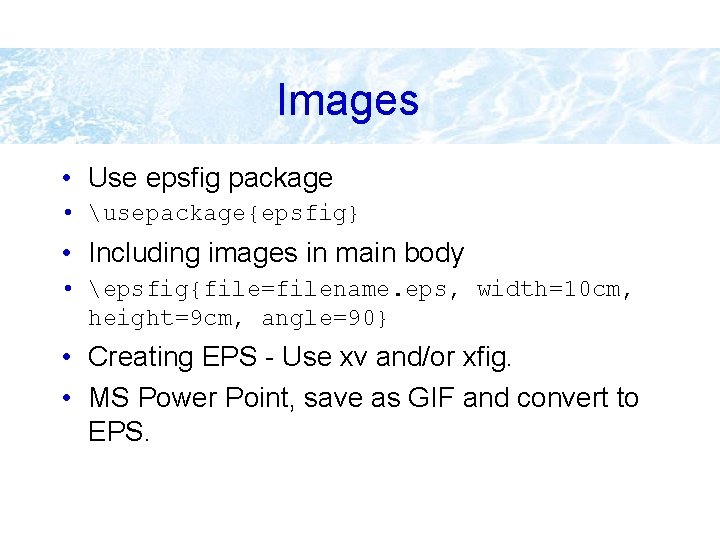
Images • Use epsfig package • usepackage{epsfig} • Including images in main body • epsfig{file=filename. eps, width=10 cm, height=9 cm, angle=90} • Creating EPS - Use xv and/or xfig. • MS Power Point, save as GIF and convert to EPS.
Bibliography by hand begin{thebibliography}{} bibitem[Come 95]{Come 95} Comer, D. E. , {it Internetworking with TCP/IP: Principles, Protocols and Architecture}, volume 1, 3 rd edition. Prentice-Hall, 1995. end{thebibliography}
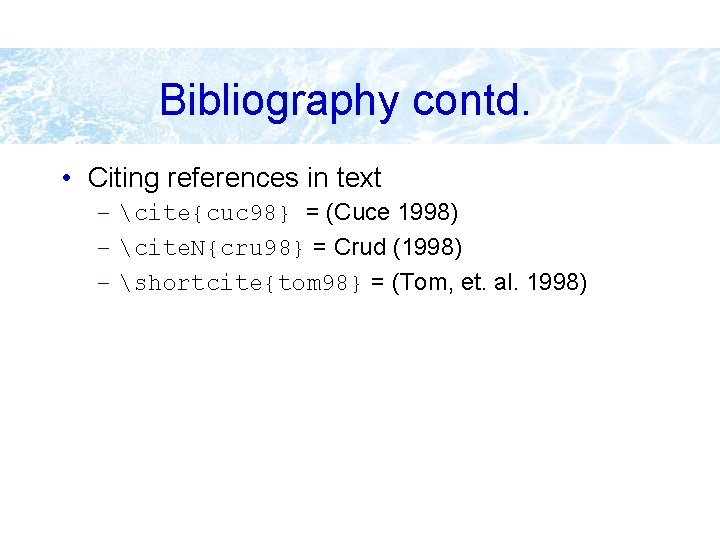
Bibliography contd. • Citing references in text – cite{cuc 98} = (Cuce 1998) – cite. N{cru 98} = Crud (1998) – shortcite{tom 98} = (Tom, et. al. 1998)
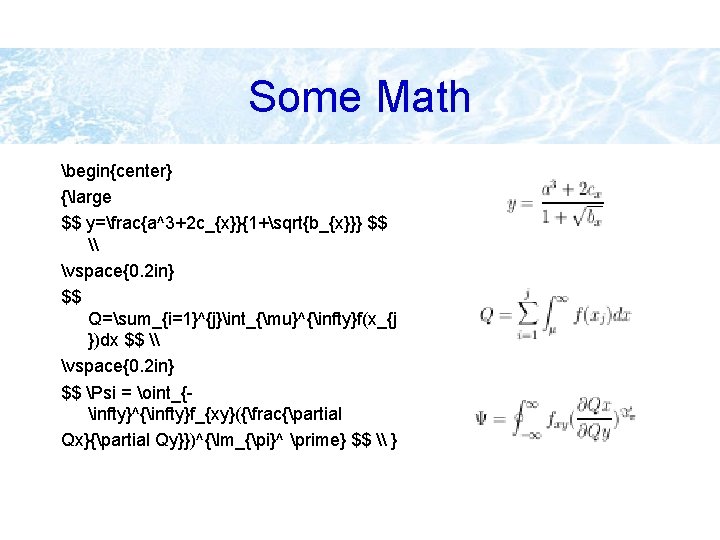
Some Math begin{center} {large $$ y=frac{a^3+2 c_{x}}{1+sqrt{b_{x}}} $$ \ vspace{0. 2 in} $$ Q=sum_{i=1}^{j}int_{mu}^{infty}f(x_{j })dx $$ \ vspace{0. 2 in} $$ Psi = oint_{infty}^{infty}f_{xy}({frac{partial Qx}{partial Qy}})^{Im_{pi}^ prime} $$ \ }
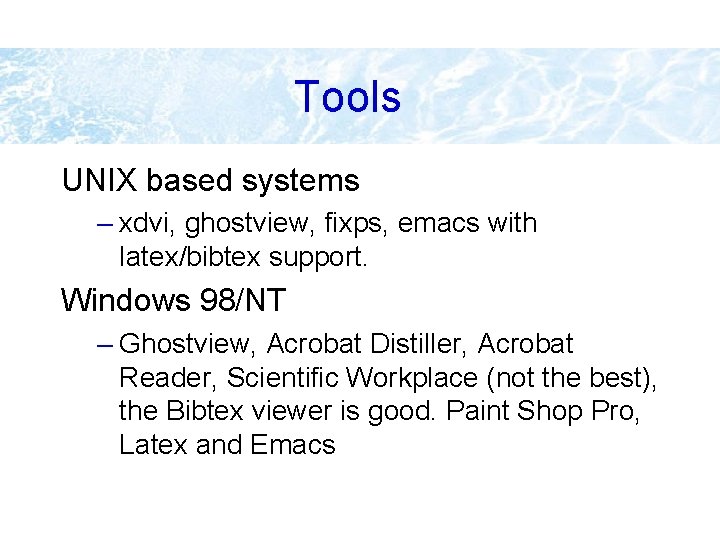
Tools UNIX based systems – xdvi, ghostview, fixps, emacs with latex/bibtex support. Windows 98/NT – Ghostview, Acrobat Distiller, Acrobat Reader, Scientific Workplace (not the best), the Bibtex viewer is good. Paint Shop Pro, Latex and Emacs
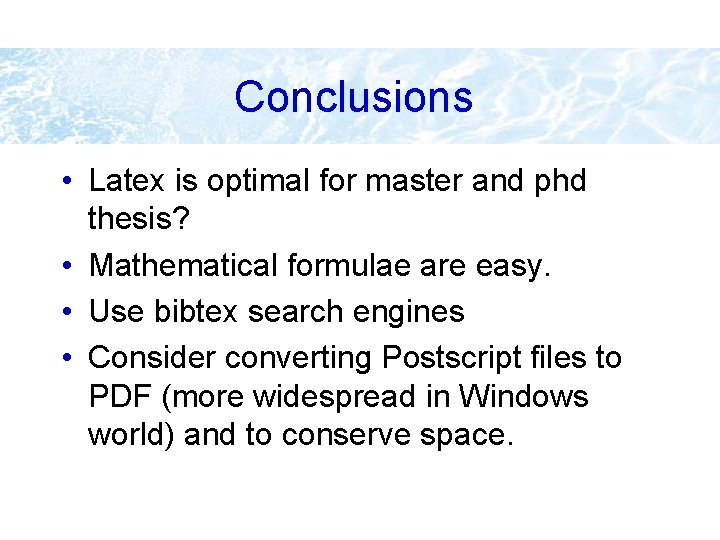
Conclusions • Latex is optimal for master and phd thesis? • Mathematical formulae are easy. • Use bibtex search engines • Consider converting Postscript files to PDF (more widespread in Windows world) and to conserve space.