
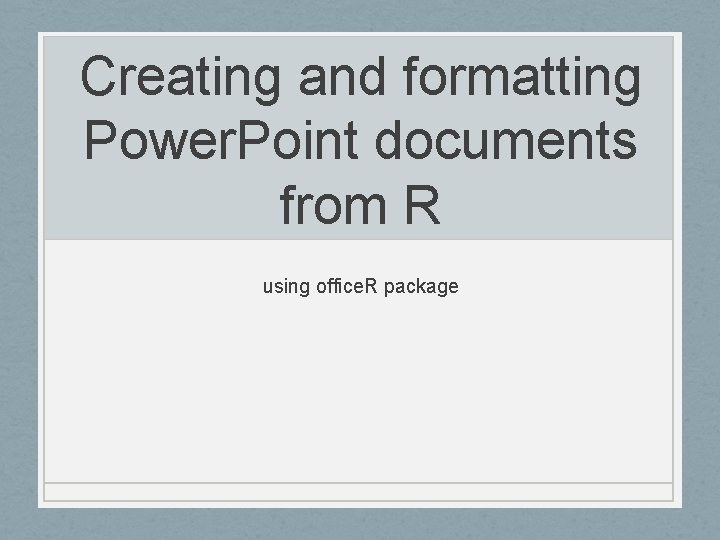
Creating and formatting Power Point documents from R
![Getting Started - Install R - [Install R Studio] - Install and load the](https://slidetodoc.com/presentation_image_h/a3b7567e8d76b9a51c2418a28a1dfabe/image-3.jpg "Getting Started - Install R - [Install R Studio] - Install and load the")

- Slides: 10
Creating and formatting Power. Point documents from R using office. R package
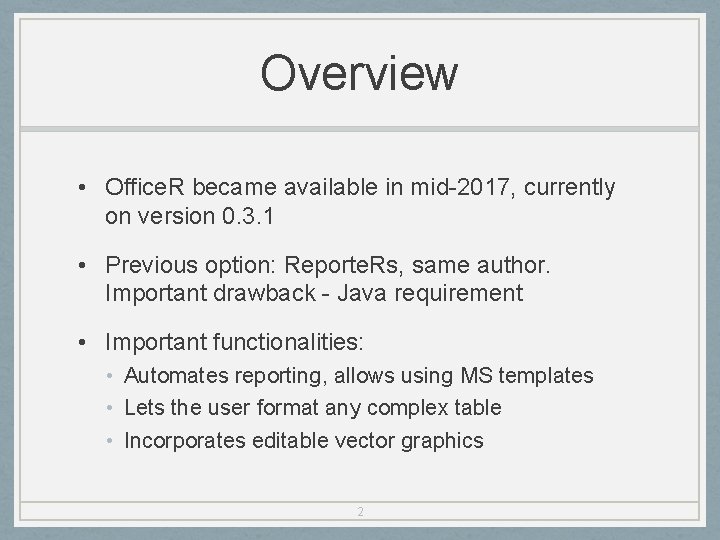
Overview • Office. R became available in mid-2017, currently on version 0. 3. 1 • Previous option: Reporte. Rs, same author. Important drawback - Java requirement • Important functionalities: • Automates reporting, allows using MS templates • Lets the user format any complex table • Incorporates editable vector graphics 2
Getting Started - Install R - [Install R Studio] - Install and load the package: install. packages('officer') library(officer) # Package `magrittr` makes # officer usage easier library(magrittr) 3
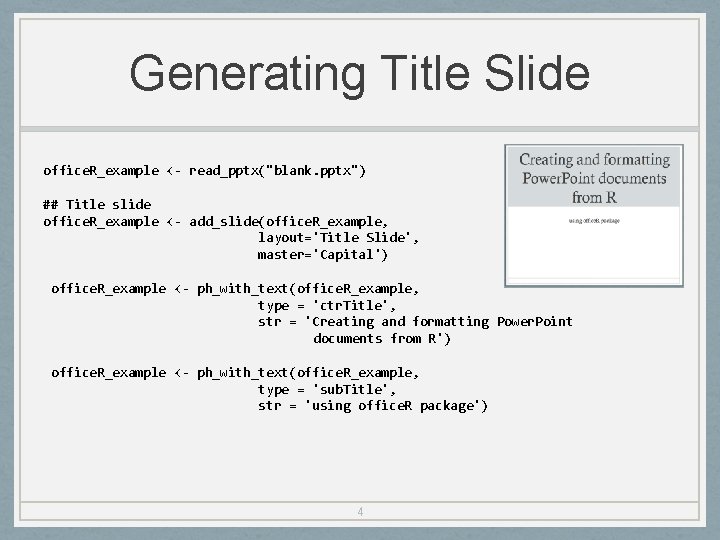
Generating Title Slide office. R_example <- read_pptx("blank. pptx") ## Title slide office. R_example <- add_slide(office. R_example, layout='Title Slide', master='Capital') office. R_example <- ph_with_text(office. R_example, type = 'ctr. Title', str = 'Creating and formatting Power. Point documents from R') office. R_example <- ph_with_text(office. R_example, type = 'sub. Title', str = 'using office. R package') 4
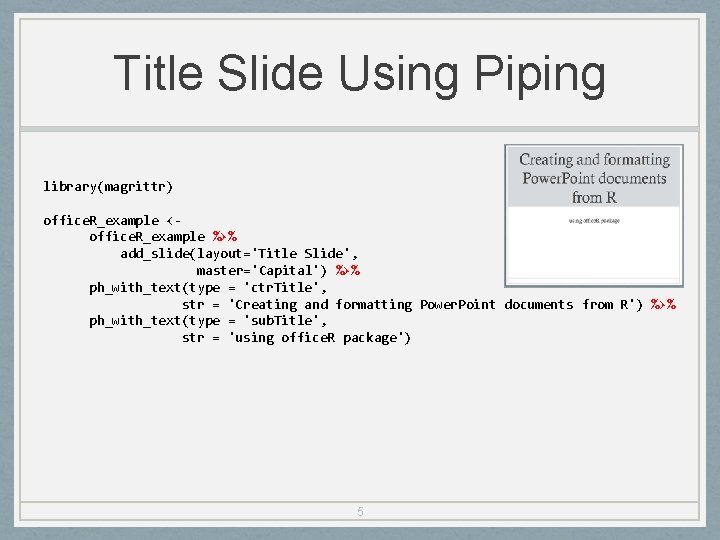
Title Slide Using Piping library(magrittr) office. R_example <office. R_example %>% add_slide(layout='Title Slide', master='Capital') %>% ph_with_text(type = 'ctr. Title', str = 'Creating and formatting Power. Point documents from R') %>% ph_with_text(type = 'sub. Title', str = 'using office. R package') 5
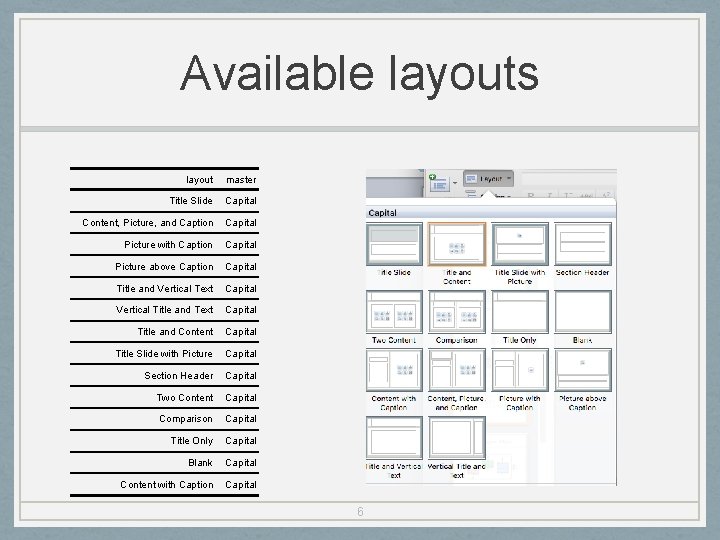
Available layouts layout master Title Slide Capital Content, Picture, and Caption Capital Picture with Caption Capital Picture above Caption Capital Title and Vertical Text Capital Vertical Title and Text Capital Title and Content Capital Title Slide with Picture Capital Section Header Capital Two Content Capital Comparison Capital Title Only Capital Blank Capital Content with Caption Capital 6
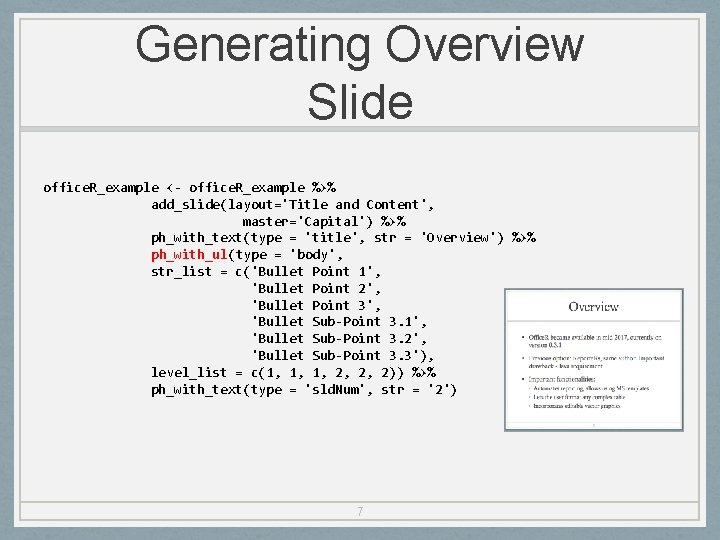
Generating Overview Slide office. R_example <- office. R_example %>% add_slide(layout='Title and Content', master='Capital') %>% ph_with_text(type = 'title', str = 'Overview') %>% ph_with_ul(type = 'body', str_list = c('Bullet Point 1', 'Bullet Point 2', 'Bullet Point 3', 'Bullet Sub-Point 3. 1', 'Bullet Sub-Point 3. 2', 'Bullet Sub-Point 3. 3'), level_list = c(1, 1, 1, 2, 2, 2)) %>% ph_with_text(type = 'sld. Num', str = '2') 7
Adding ggplot Object Mileage by Gear Number 35 Miles per Gallon 30 gear 25 3 gears 4 gears 5 gears 20 15 10 3 gears 4 gears 8 5 gears
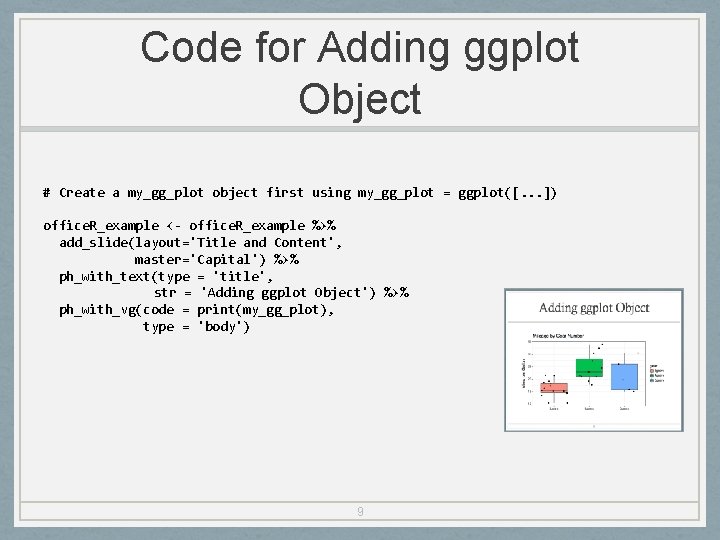
Code for Adding ggplot Object # Create a my_gg_plot object first using my_gg_plot = ggplot([. . . ]) office. R_example <- office. R_example %>% add_slide(layout='Title and Content', master='Capital') %>% ph_with_text(type = 'title', str = 'Adding ggplot Object') %>% ph_with_vg(code = print(my_gg_plot), type = 'body') 9
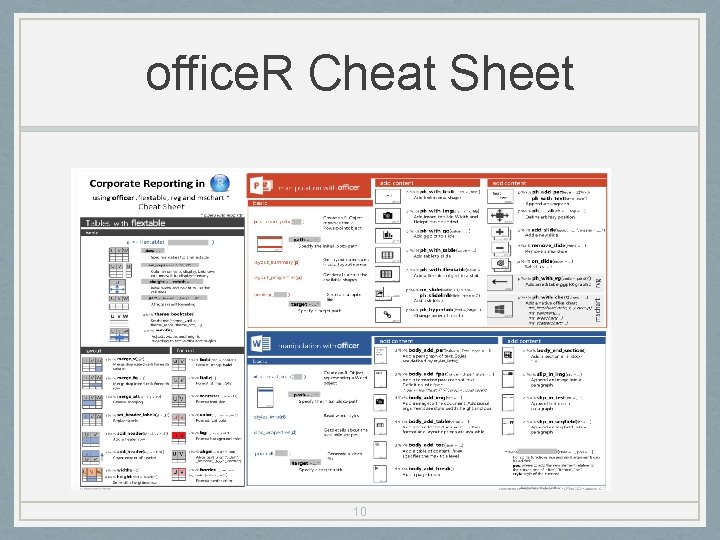
office. R Cheat Sheet 10