
Creating accessible OER and other materials by leveraging
Creating accessible OER and other materials by leveraging advanced features of Word and Word. To. EPUB
This deck is a little different… … to the one in the presentation. . ? It was hard to see the dialogs in the demos we did, so this deck includes extra slides with screen shots We added slides with additional resource because the session ended abruptly due to a technical hitch. For more information, questions, just enquire at wordtoepub@daisy. org
Summary “You can start making accessible OER and other educational content after 30 seconds with Word and Word. To. EPUB- but you can do a lot more than the simple click through mode. This session will show to customize metadata, control page numbering, add a custom cover image, include descriptions, support multiple languages, include math expressions, customize styling and more. ”

Richard Orme Chief Executive DAISY Consortium

Joseph Polizzotto Alternate Media Supervisor UC Berkeley
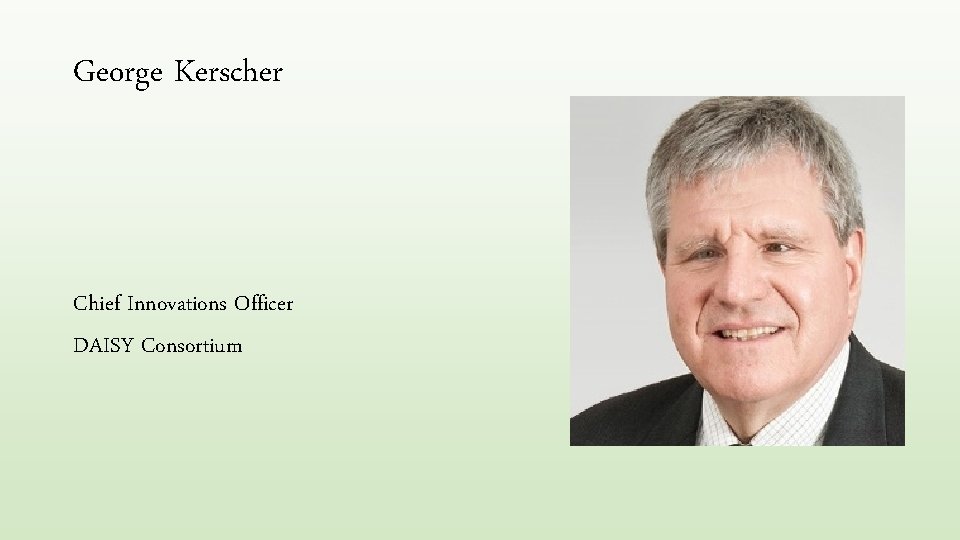
George Kerscher Chief Innovations Officer DAISY Consortium
Agenda • • Make an EPUB from Google Docs Make an EPUB from Word Open the EPUB we just made Making more sophisticated EPUBs with Word. To. EPUB Quality assurance Editing your EPUB Creating HTML • Wrap up discussion
Tools we will use • Microsoft Word • Word. To. EPUB • Thorium Reader • EPUBChecker • Ace by DAISY • Sigil
Making an EPUB with Google Docs • Point and shoot to get EPUB from Google Docs https: //docs. google. com/document/d/1 -Kroujnsouc. Vq. IY 0 PV 6 wz. BR 3 HKXr. Mj_Th 20 Tk_4 Aes/edit? usp=sharing
Top tips on EPUBs from word processors Structure your document with heading styles Describe your images Include proper hyperlinks Include proper tables Use proper numbered and unnumbered lists Avoid textboxes and floating shapes Ideally, fix issues in word processor not in EPUB
Making a better EPUB • Point and Shoot with Word. To. EPUB https: //daisy. org/activities/software/wordtoepub/
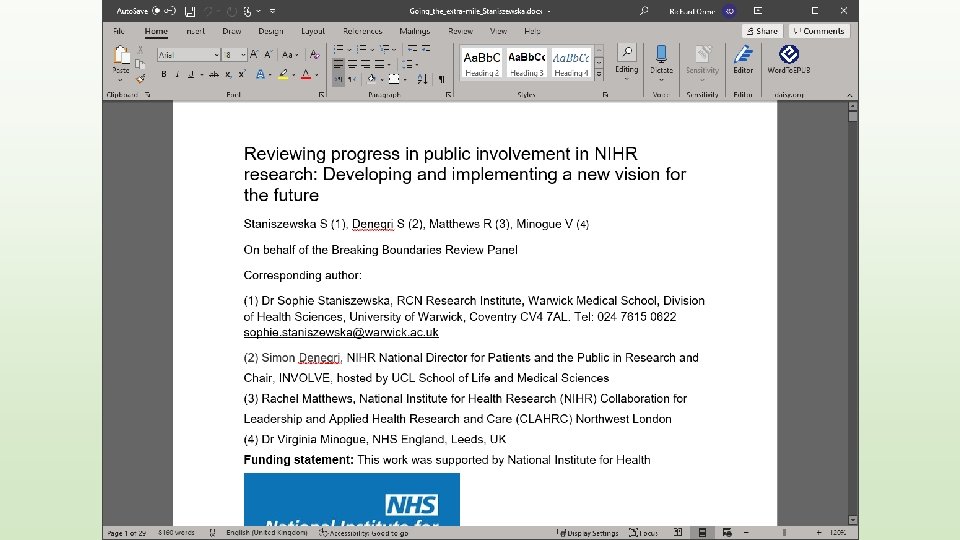
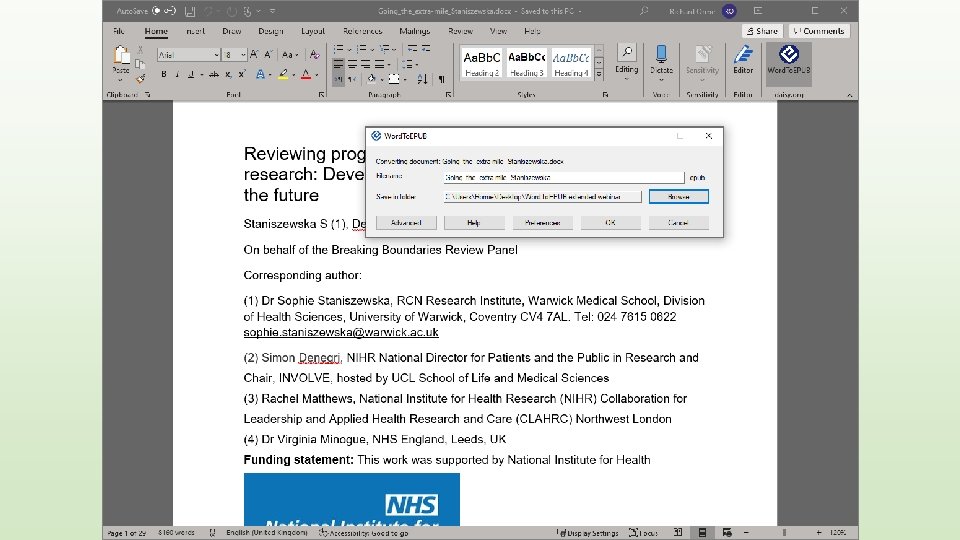
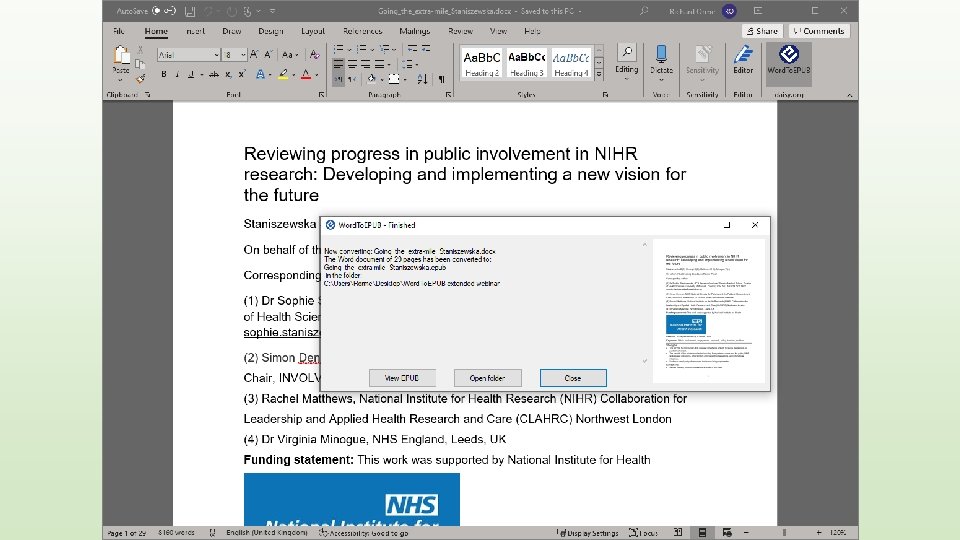
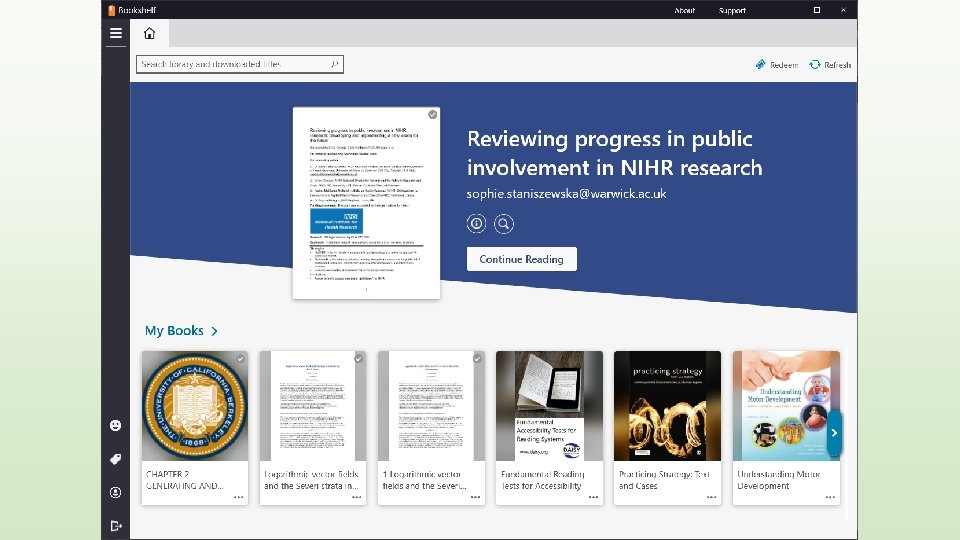
Viewing EPUBS in Reading Systems Introducing Thorium Reader
Can we do more? “You can start making accessible OER and other educational content after 30 seconds with Word and Word. To. EPUB- but you can do a lot more than the simple click through mode. ”
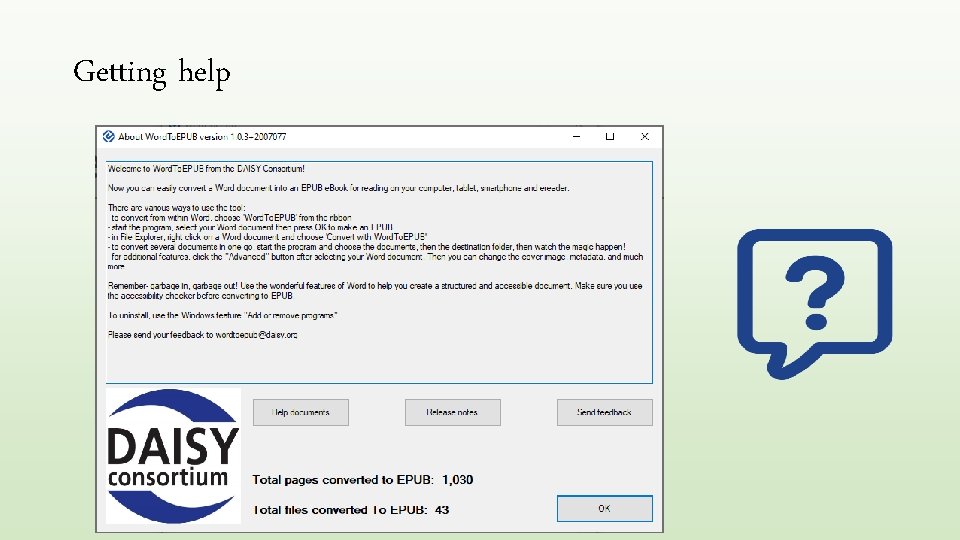
Getting help
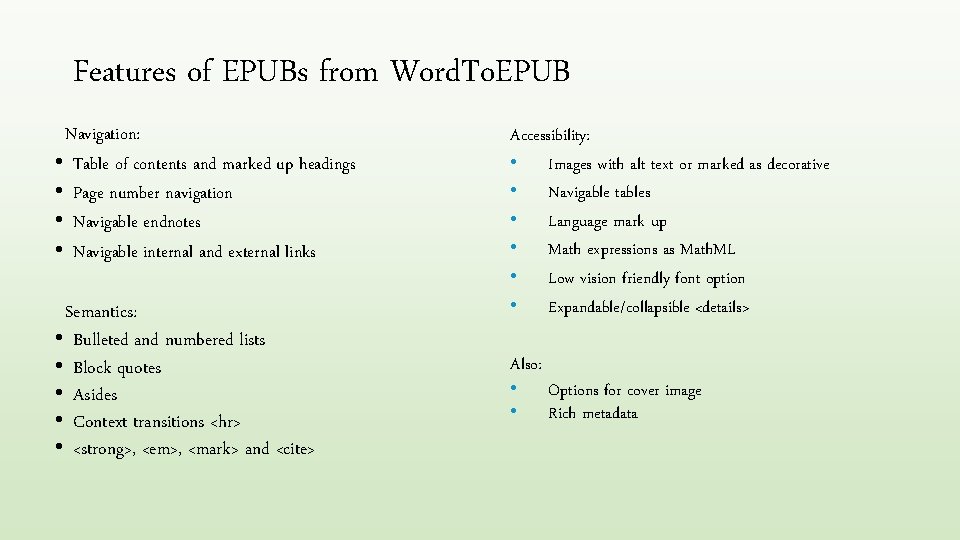
Features of EPUBs from Word. To. EPUB Navigation: • Table of contents and marked up headings • Page number navigation • Navigable endnotes • Navigable internal and external links Semantics: • Bulleted and numbered lists • Block quotes • Asides • Context transitions <hr> • <strong>, <em>, <mark> and <cite> Accessibility: • Images with alt text or marked as decorative • Navigable tables • Language mark up • Math expressions as Math. ML • Low vision friendly font option • Expandable/collapsible <details> Also: • Options for cover image • Rich metadata
Making more sophisticated EPUBs with Word. To. EPUB Let’s go to the tool to look at more advanced authoring topics: • metadata • cover image • languages • stylesheet (CSS) • page numbering • math • check headings • quality assurance
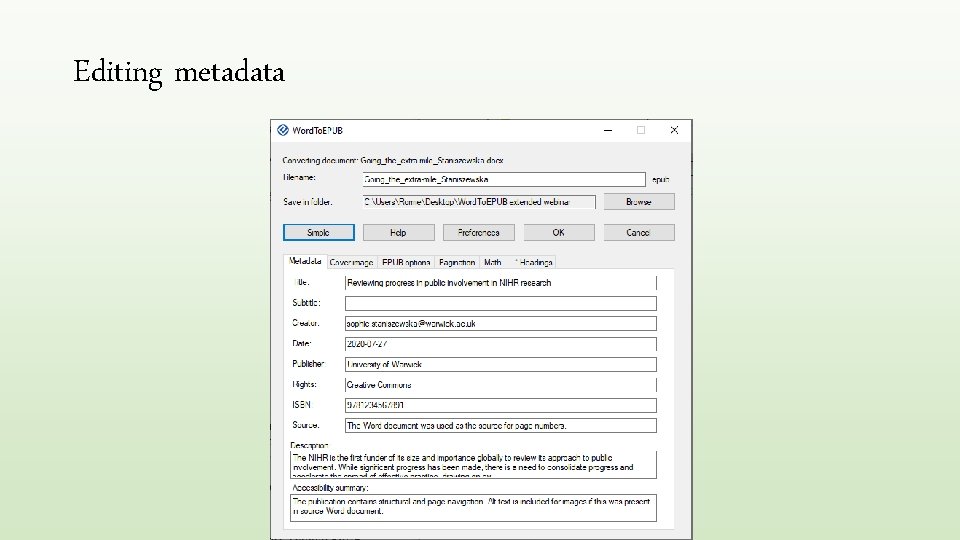
Editing metadata
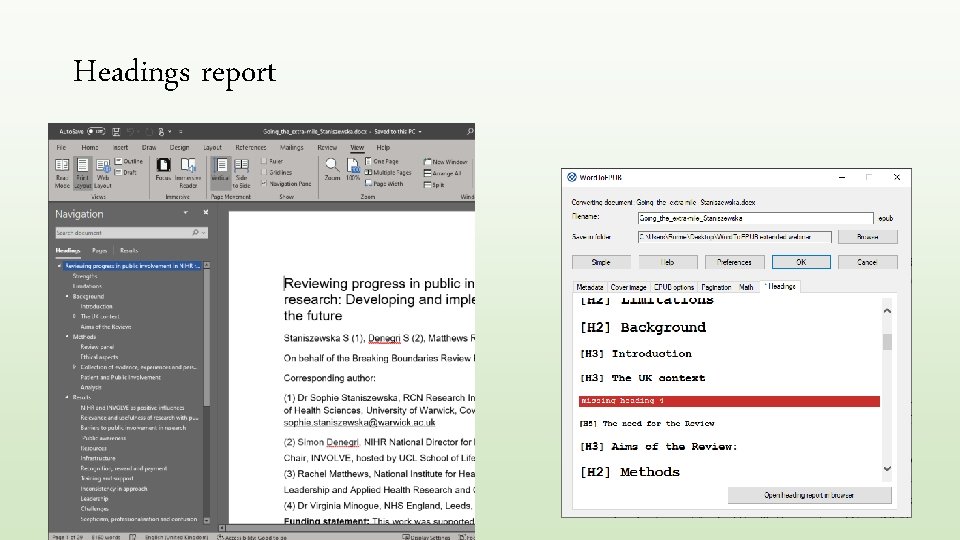
Headings report
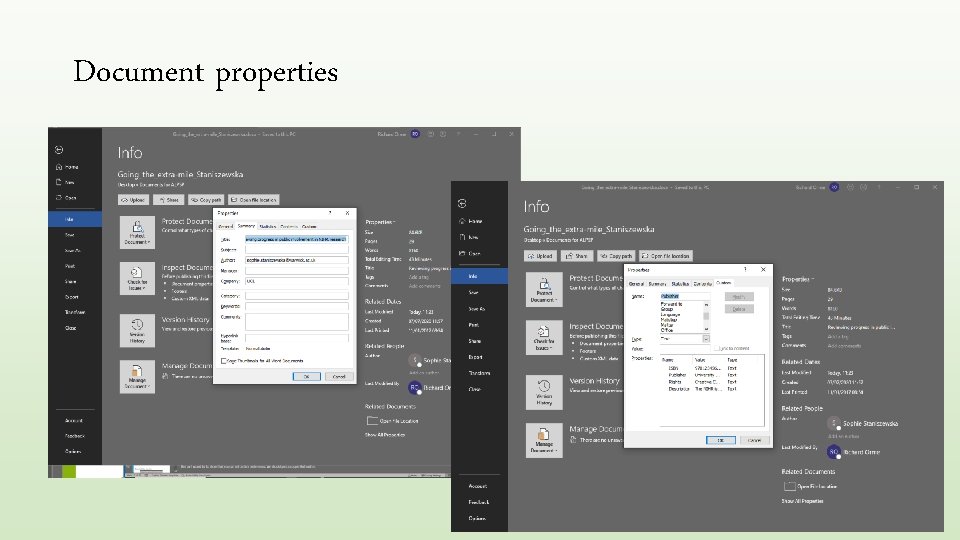
Document properties
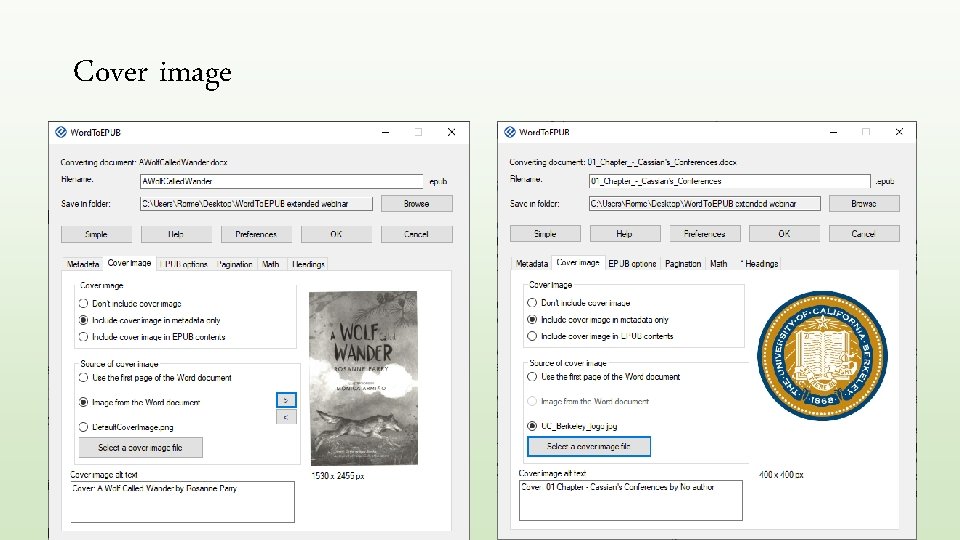
Cover image
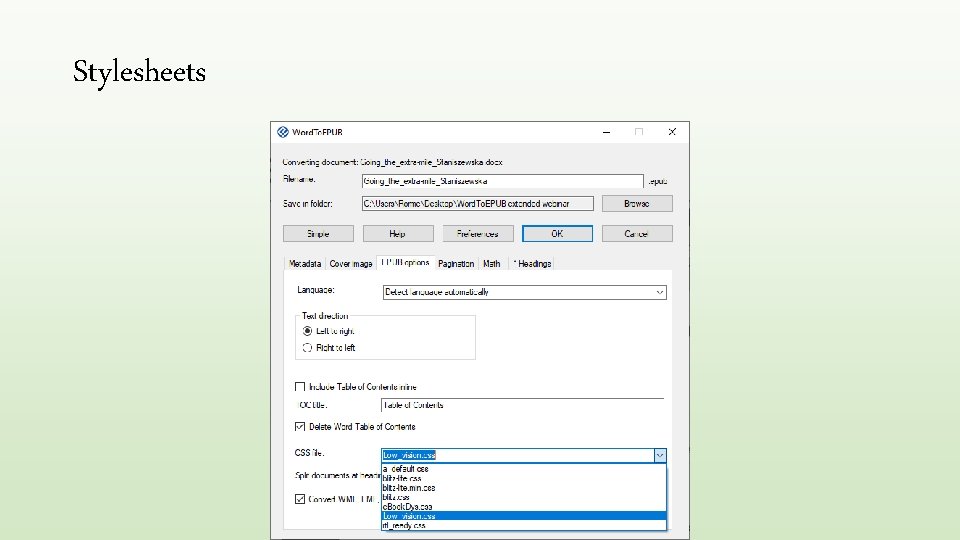
Stylesheets
Add stylesheet to Word. To. EPUB • Drag the file to the folder, C: Program Files(x 86)DAISYWord. To. EPUBCSS • The stylesheet will now show up in Word. To. EPUB • Some folk adjust in Sigil to get it just right, then right click on the stylesheet in the tree view and select “Save as”
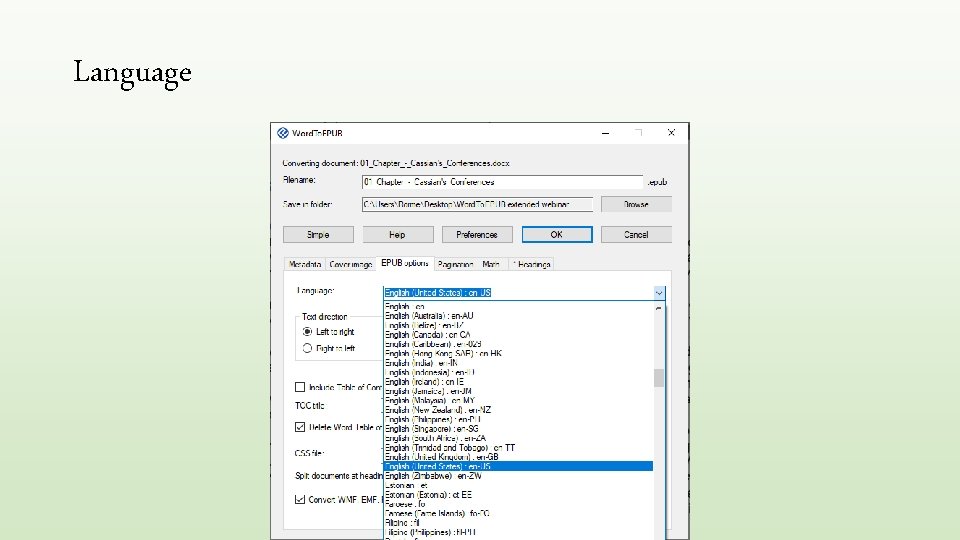
Language
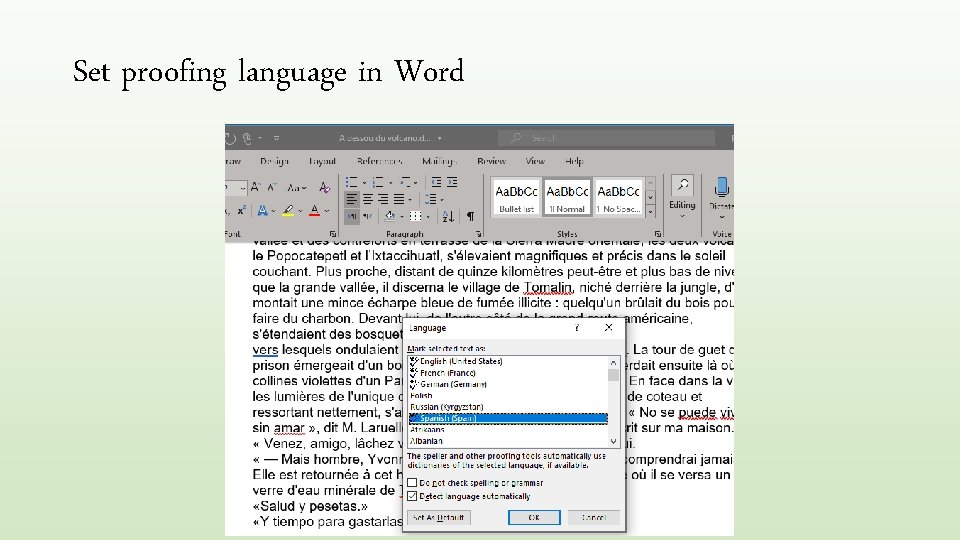
Set proofing language in Word
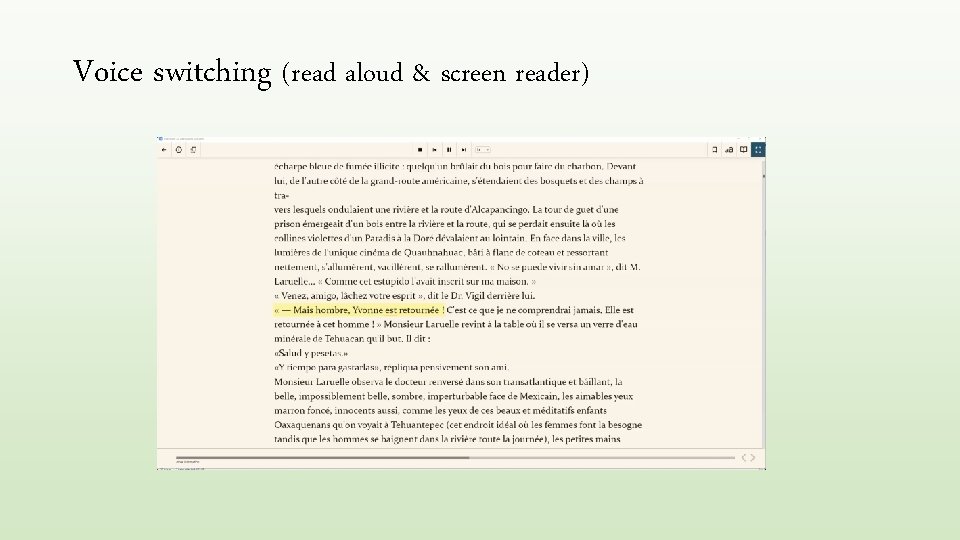
Voice switching (read aloud & screen reader)
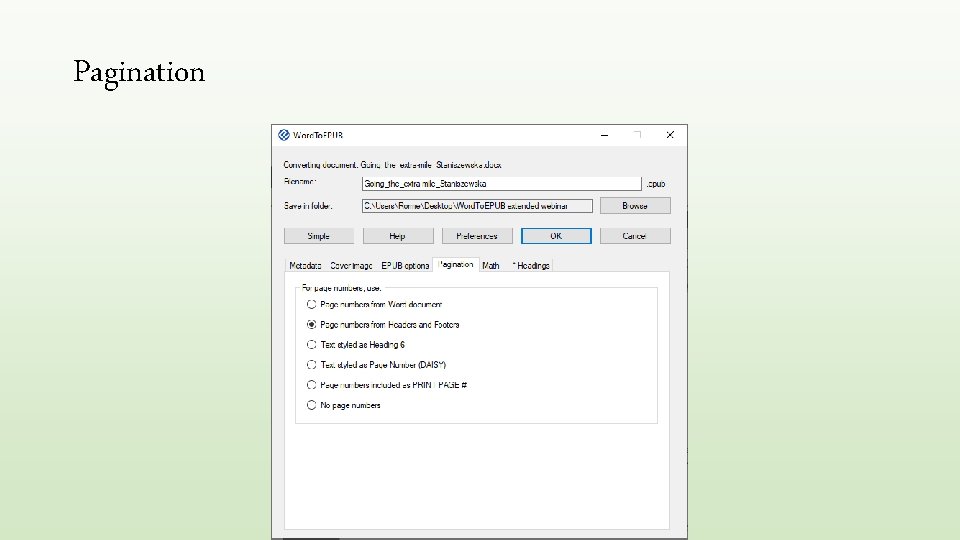
Pagination
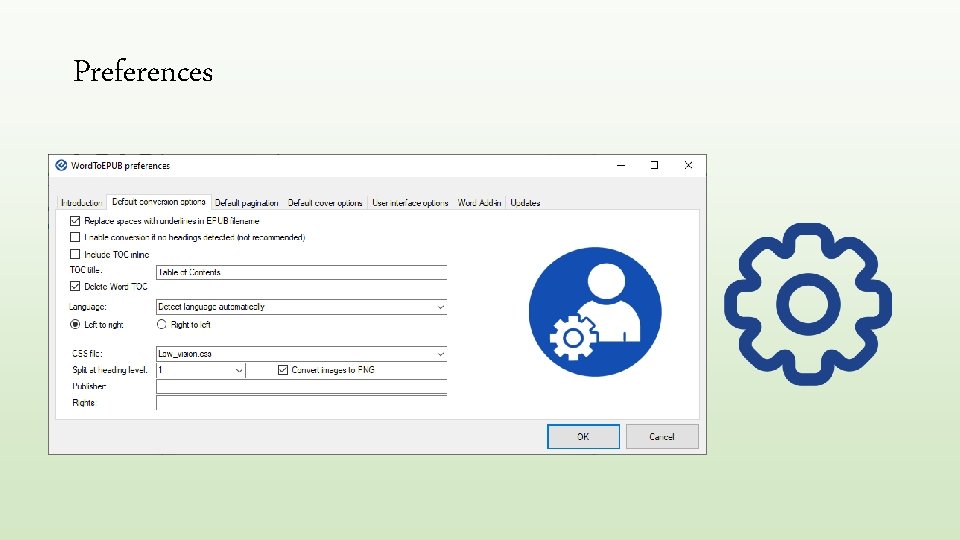
Preferences
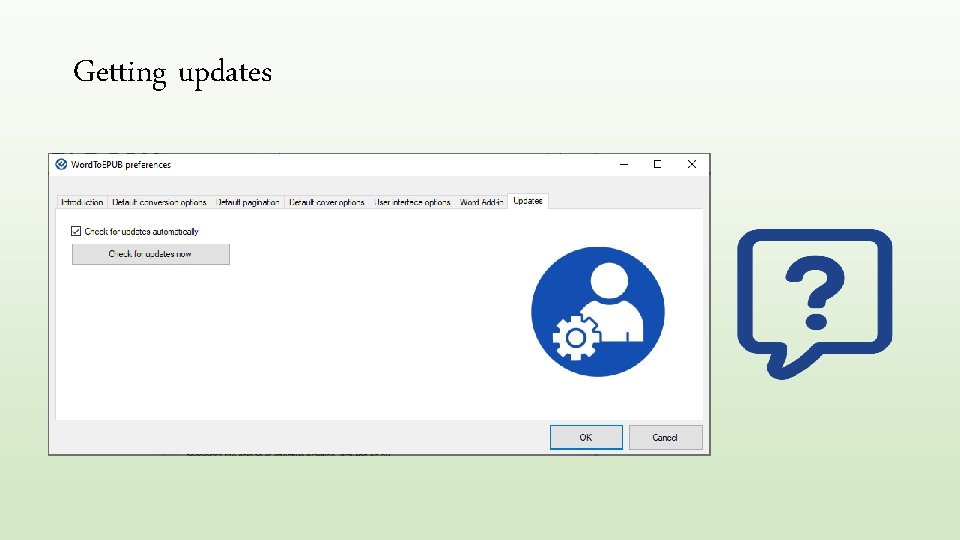
Getting updates
Enhancing your EPUB • With Sigil Why? • Maybe add extended descriptions
Validating your EPUB In Word. To. EPUB go Preferences / User interface / Quality assurance / checked • With EPUB-Checker
Checking your EPUB for accessibility • With Ace by DAISY
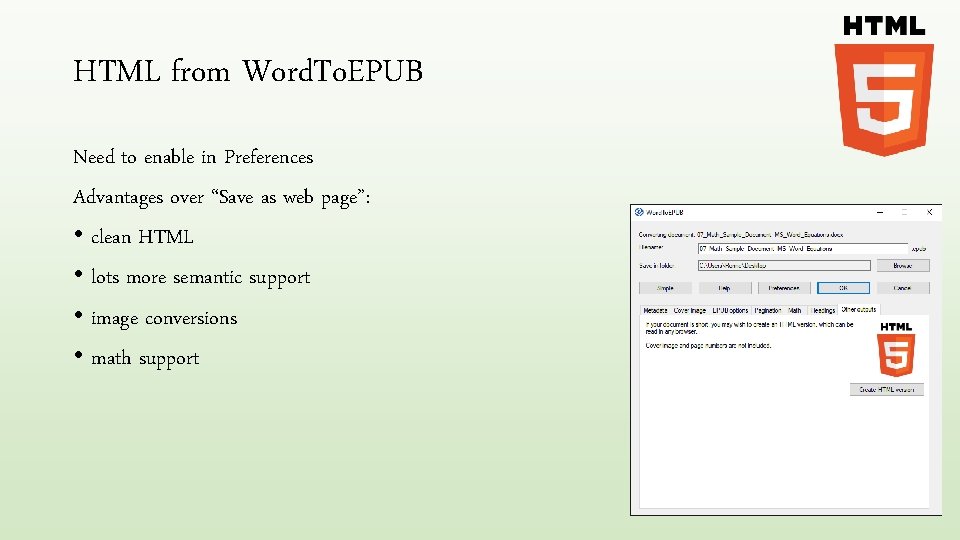
HTML from Word. To. EPUB Need to enable in Preferences Advantages over “Save as web page”: • clean HTML • lots more semantic support • image conversions • math support
Q&A #1 Question: Do you need to download special apps for EPUB? Answer: There apps available on all platforms, most are free. Take a look at a round up of EPUB readers at: https: //inclusivepublishing. org/rs-accessibility/
Q&A #2 Question: How do you include accessible math? Answer: Add your expressions to your Word document using the equation editor. Then they are included in the EPUB or HTML as accessible, navigable Math. ML. Right now expressions authored using the Math. Type plug-in are not supported but this should be coming soon.
- Slides: 38