
Creating a SWYC Screening Plan Part 45 Assign
- Slides: 7
Creating a SWYC Screening Plan, Part 4/5 Assign your roles and train your staff Ellen C. Perrin, MD R. Christopher Sheldrick, Ph. D Kate Mattern, BA
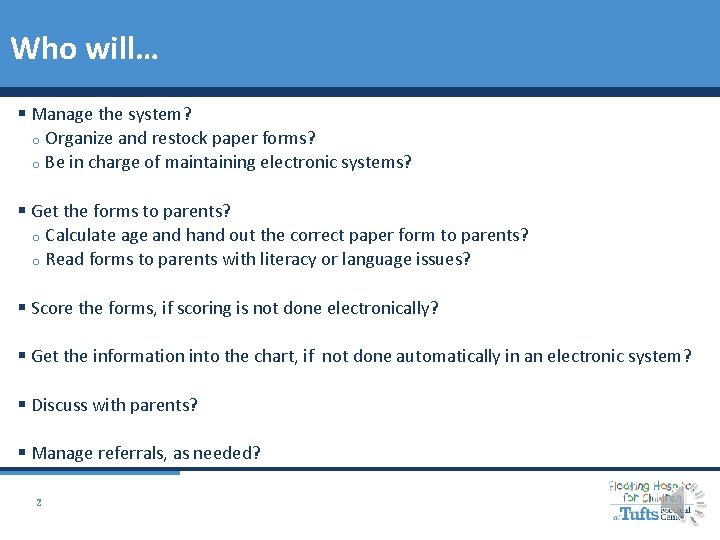
Who will… § Manage the system? o Organize and restock paper forms? o Be in charge of maintaining electronic systems? § Get the forms to parents? o Calculate age and hand out the correct paper form to parents? o Read forms to parents with literacy or language issues? § Score the forms, if scoring is not done electronically? § Get the information into the chart, if not done automatically in an electronic system? § Discuss with parents? § Manage referrals, as needed? 2
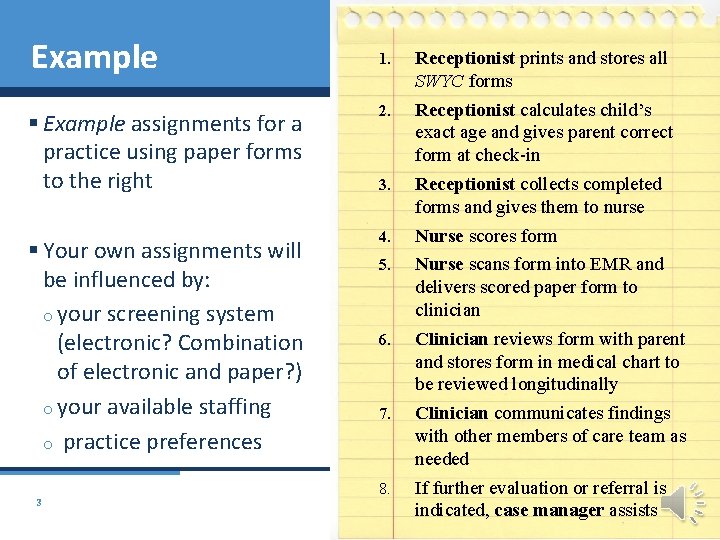
Example 1. Receptionist prints and stores all SWYC forms § Example assignments for a practice using paper forms to the right 2. Receptionist calculates child’s exact age and gives parent correct form at check-in 3. Receptionist collects completed forms and gives them to nurse § Your own assignments will be influenced by: o your screening system (electronic? Combination of electronic and paper? ) o your available staffing o practice preferences 4. Nurse scores form 5. Nurse scans form into EMR and delivers scored paper form to clinician 6. Clinician reviews form with parent and stores form in medical chart to be reviewed longitudinally 7. Clinician communicates findings with other members of care team as needed 8. If further evaluation or referral is indicated, case manager assists 3
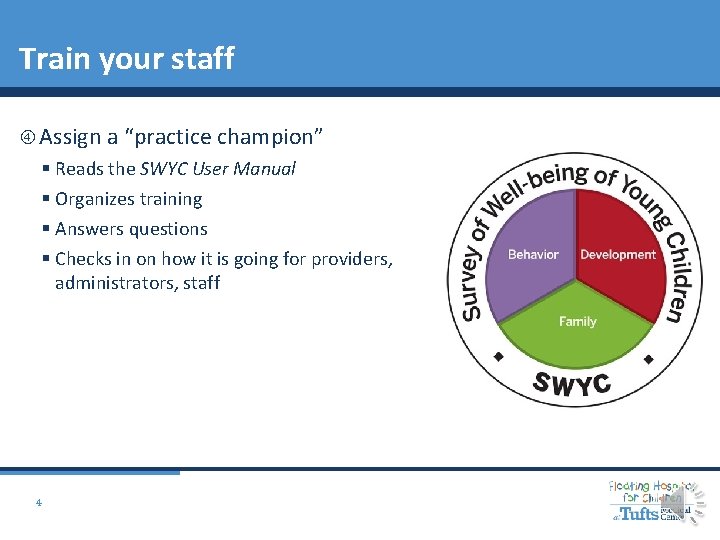
Train your staff Assign a “practice champion” § Reads the SWYC User Manual § Organizes training § Answers questions § Checks in on how it is going for providers, administrators, staff 4
Train your staff All staff need to understand: § Why you are screening § The components of the SWYC § The ages of children who need to be screened § How to answer basic questions from parents: Why am I completing this? Should I be worried that my child can’t do everything described? Some staff need to be trained on: § How to score the forms § How to interpret a positive screen 5
Train your staff Resources available at www. theswyc. org § The SWYC User Manual § “Scoring Cheat Sheet” § SWYC 101: Guide for Front Desk Staff template § Other Powerpoints on selecting age-appropriate forms and scoring 6
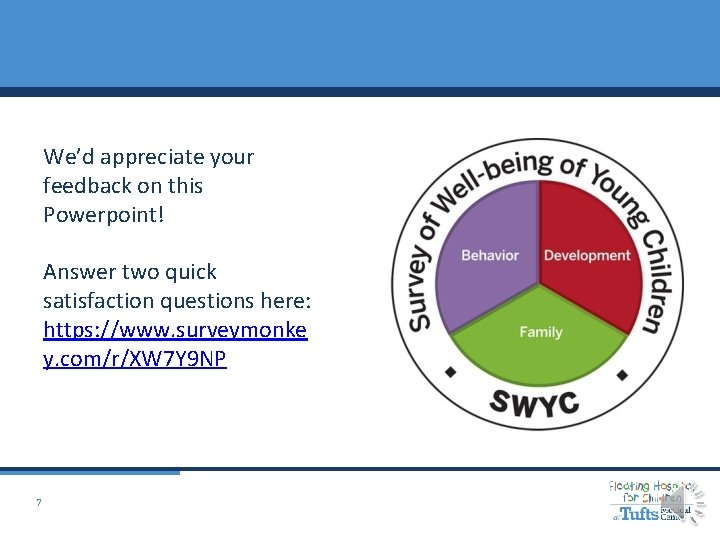
We’d appreciate your feedback on this Powerpoint! Answer two quick satisfaction questions here: https: //www. surveymonke y. com/r/XW 7 Y 9 NP 7