
Creating a script create new blank document Editor
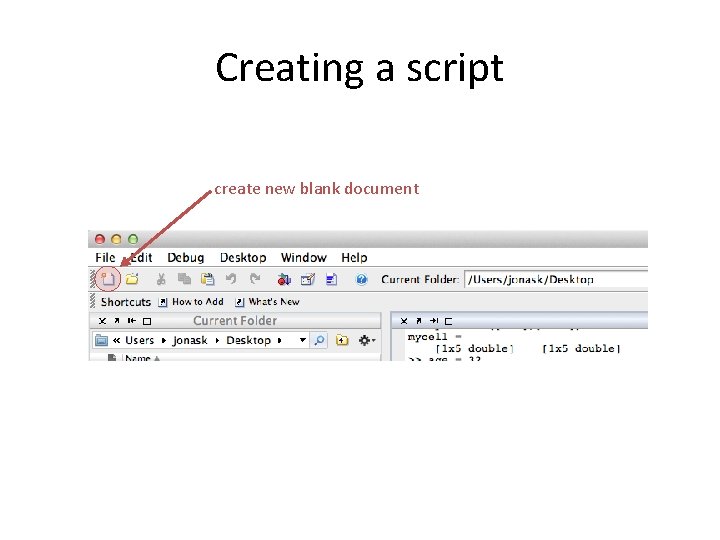
Creating a script create new blank document
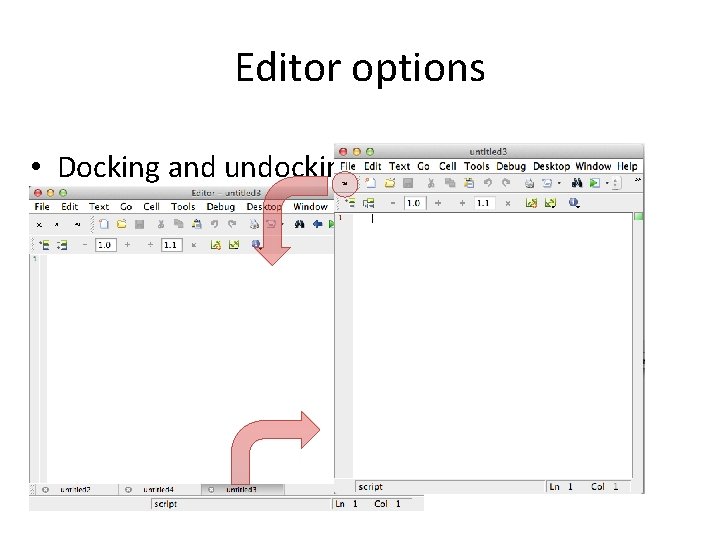
Editor options • Docking and undocking tabs
COMMAND WINDOW versus EDITOR
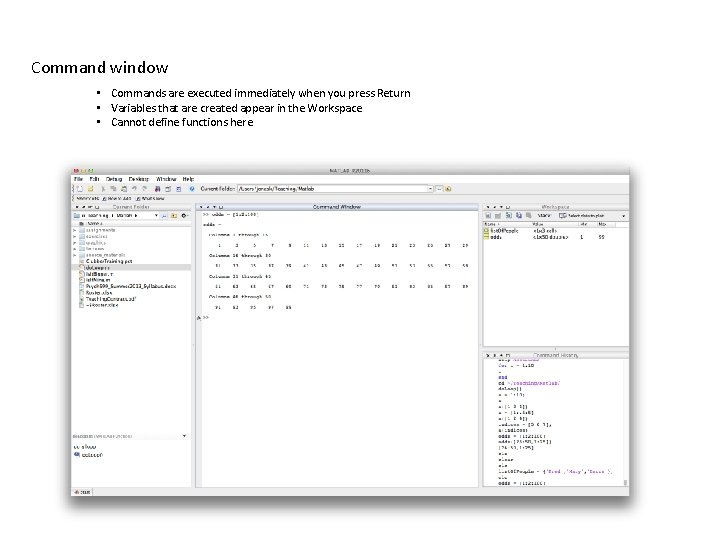
Command window • Commands are executed immediately when you press Return • Variables that are created appear in the Workspace • Cannot define functions here
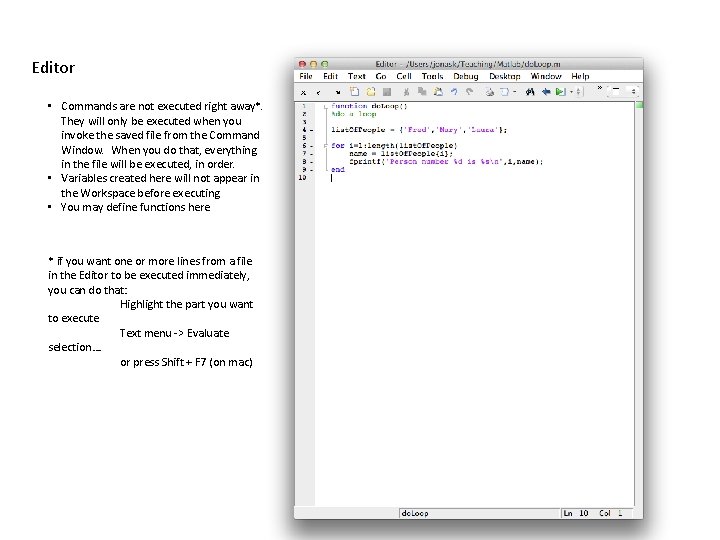
Editor • Commands are not executed right away*. They will only be executed when you invoke the saved file from the Command Window. When you do that, everything in the file will be executed, in order. • Variables created here will not appear in the Workspace before executing • You may define functions here * if you want one or more lines from a file in the Editor to be executed immediately, you can do that: Highlight the part you want to execute Text menu -> Evaluate selection…. or press Shift + F 7 (on mac)
Writing scipts: M-Files • M-files are text files containing Matlab code (i. e. not just data) and are created/edited using Matlab Editor • The files are saved under the name *. m ( rather than *. mat) • NB A key problem that new users often face is that the directory in which the file was stored is not the current directory in Matlab. Check on this!!!!
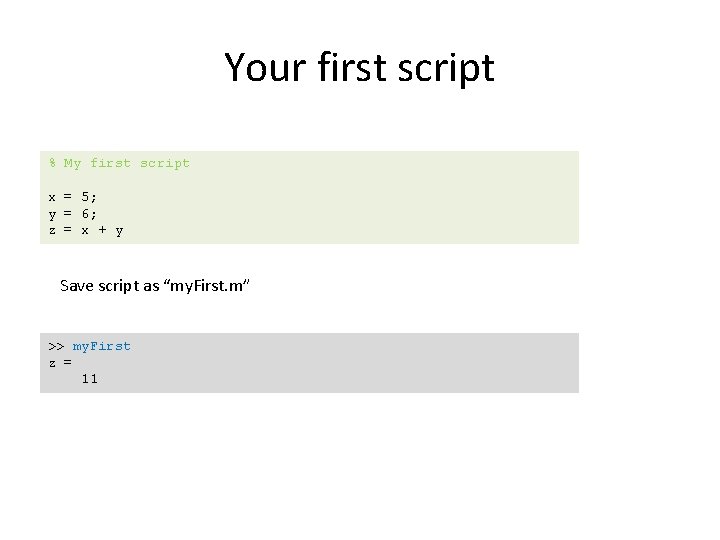
Your first script % My first script x = 5; y = 6; z = x + y Save script as “my. First. m” >> my. First z = 11
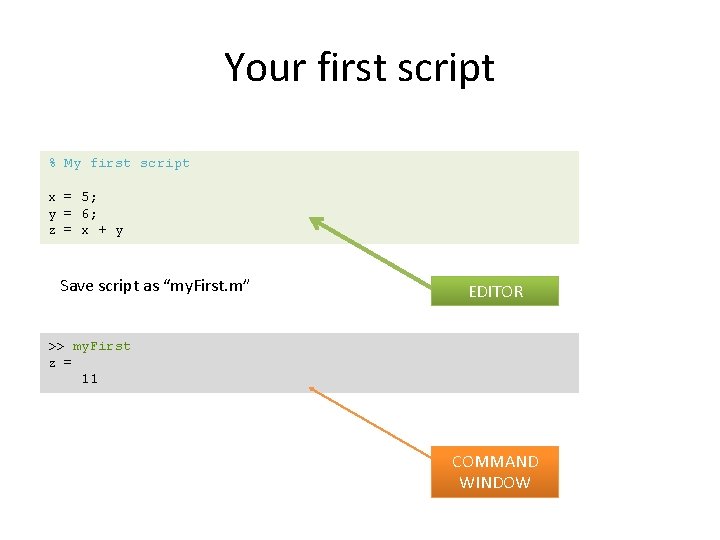
Your first script % My first script x = 5; y = 6; z = x + y Save script as “my. First. m” EDITOR >> my. First z = 11 COMMAND WINDOW
Comments • Comments start with % and appear in green in the editor • Can appear on their own line, or on a line with code provided they are after the semicolon • Hint: you may use comments to temporarily disable lines of code • help edit
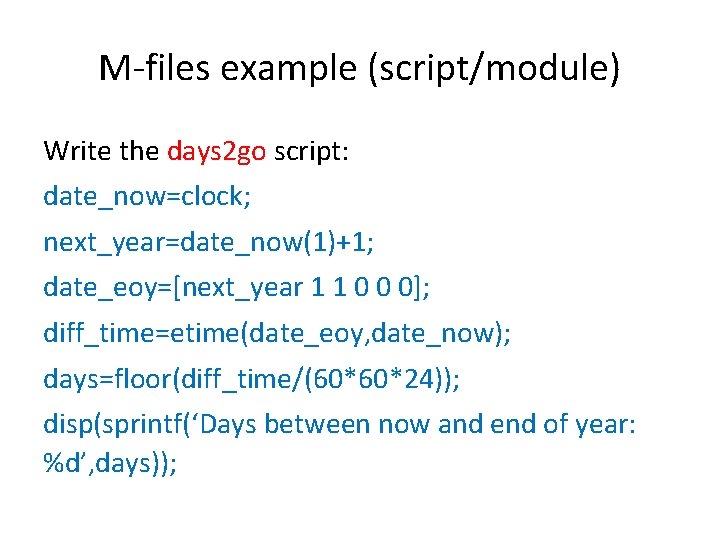
M-files example (script/module) Write the days 2 go script: date_now=clock; next_year=date_now(1)+1; date_eoy=[next_year 1 1 0 0 0]; diff_time=etime(date_eoy, date_now); days=floor(diff_time/(60*60*24)); disp(sprintf(‘Days between now and end of year: %d’, days));
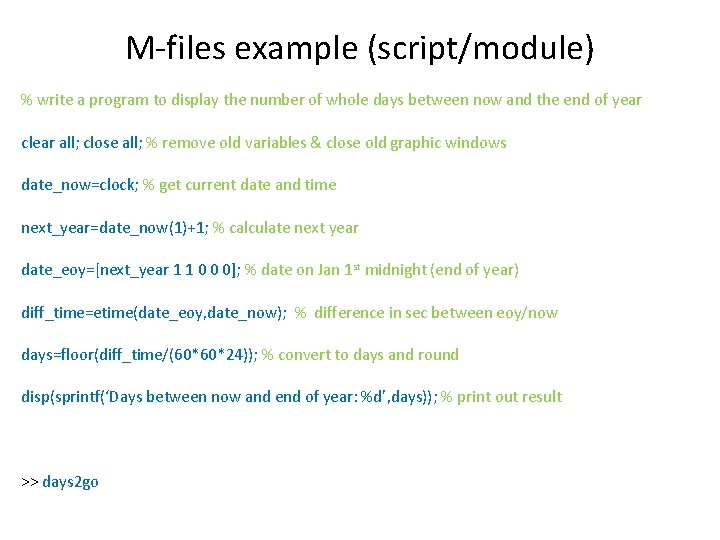
M-files example (script/module) % write a program to display the number of whole days between now and the end of year clear all; close all; % remove old variables & close old graphic windows date_now=clock; % get current date and time next_year=date_now(1)+1; % calculate next year date_eoy=[next_year 1 1 0 0 0]; % date on Jan 1 st midnight (end of year) diff_time=etime(date_eoy, date_now); % difference in sec between eoy/now days=floor(diff_time/(60*60*24)); % convert to days and round disp(sprintf(‘Days between now and end of year: %d’, days)); % print out result >> days 2 go
What is a function? • A function is a self-contained piece of code that accomplishes a specific function • It may take in certain variables (inputs), do something to them and return results (outputs) • It has an INPUT, an OUTPUT and a name • It has it’s own, local (vs. global) variables
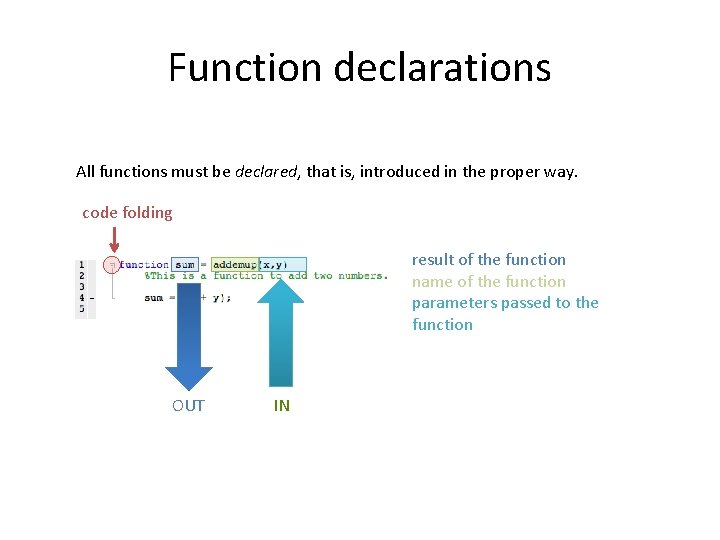
Function declarations All functions must be declared, that is, introduced in the proper way. code folding result of the function name of the function parameters passed to the function OUT IN
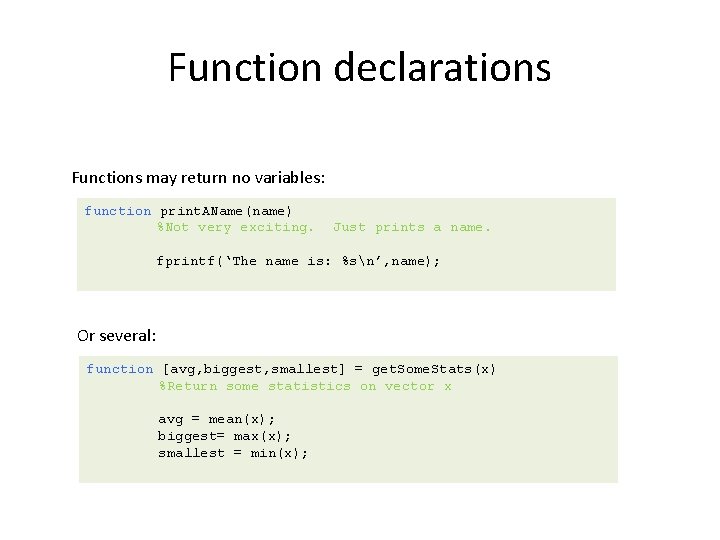
Function declarations Functions may return no variables: function print. AName(name) %Not very exciting. Just prints a name. fprintf(‘The name is: %sn’, name); Or several: function [avg, biggest, smallest] = get. Some. Stats(x) %Return some statistics on vector x avg = mean(x); biggest= max(x); smallest = min(x);
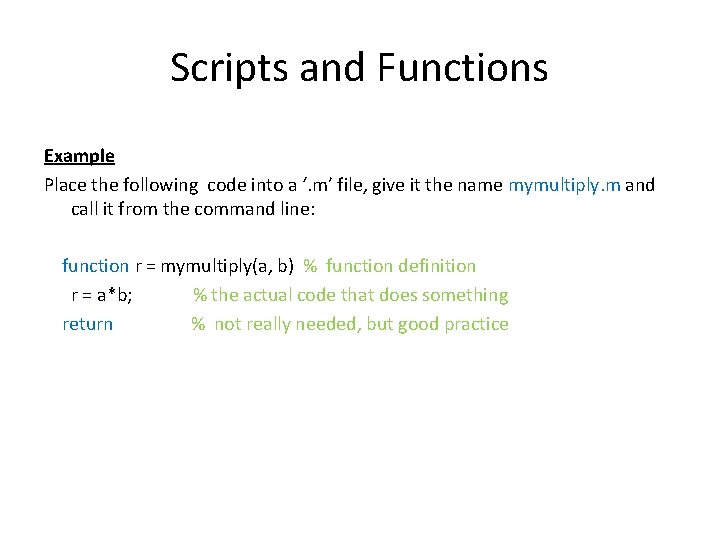
Scripts and Functions Example Place the following code into a ‘. m’ file, give it the name mymultiply. m and call it from the command line: function r = mymultiply(a, b) % function definition r = a*b; % the actual code that does something return % not really needed, but good practice
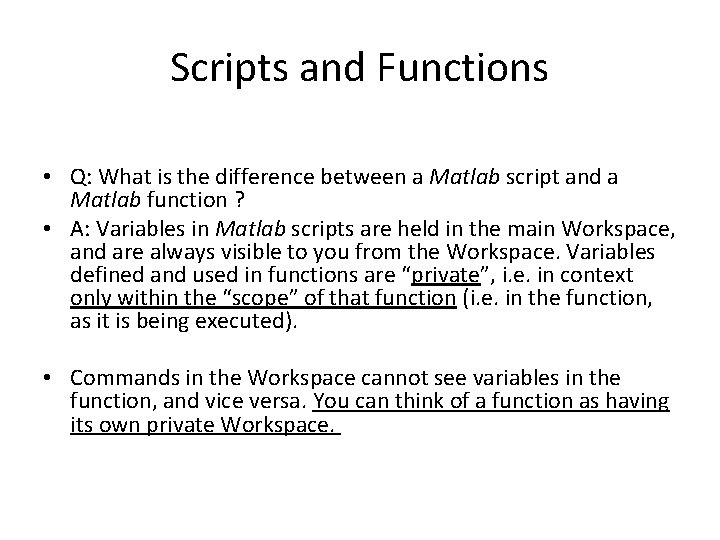
Scripts and Functions • Q: What is the difference between a Matlab script and a Matlab function ? • A: Variables in Matlab scripts are held in the main Workspace, and are always visible to you from the Workspace. Variables defined and used in functions are “private”, i. e. in context only within the “scope” of that function (i. e. in the function, as it is being executed). • Commands in the Workspace cannot see variables in the function, and vice versa. You can think of a function as having its own private Workspace.
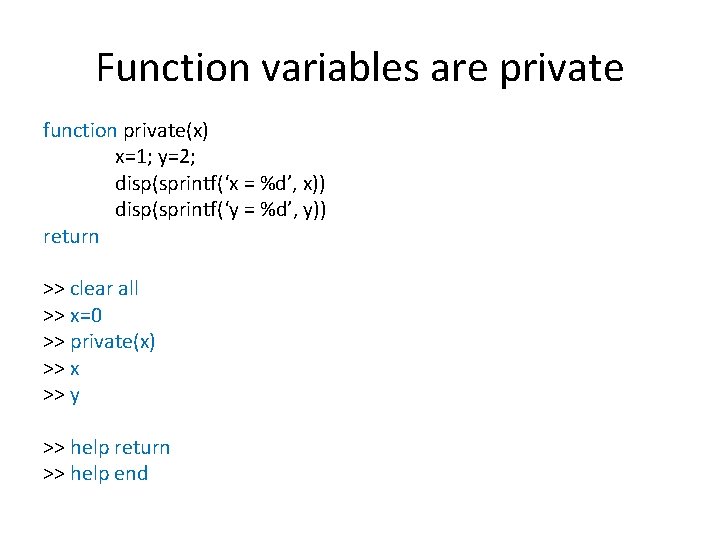
Function variables are private function private(x) x=1; y=2; disp(sprintf(‘x = %d’, x)) disp(sprintf(‘y = %d’, y)) return >> clear all >> x=0 >> private(x) >> x >> y >> help return >> help end
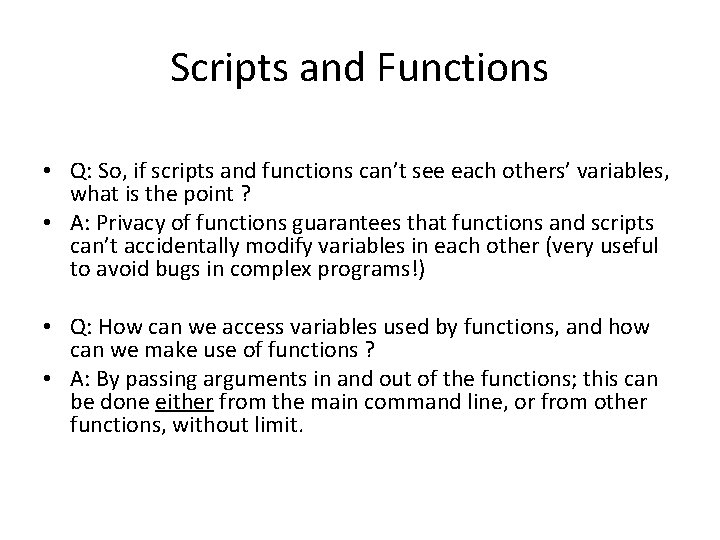
Scripts and Functions • Q: So, if scripts and functions can’t see each others’ variables, what is the point ? • A: Privacy of functions guarantees that functions and scripts can’t accidentally modify variables in each other (very useful to avoid bugs in complex programs!) • Q: How can we access variables used by functions, and how can we make use of functions ? • A: By passing arguments in and out of the functions; this can be done either from the main command line, or from other functions, without limit.
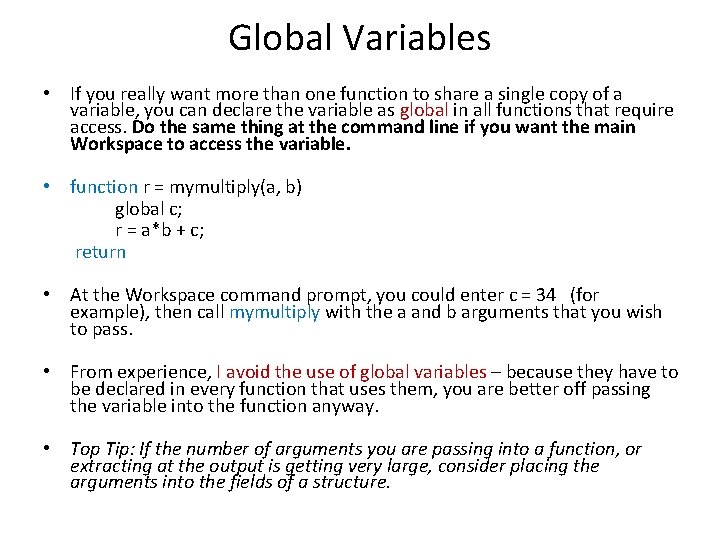
Global Variables • If you really want more than one function to share a single copy of a variable, you can declare the variable as global in all functions that require access. Do the same thing at the command line if you want the main Workspace to access the variable. • function r = mymultiply(a, b) global c; r = a*b + c; return • At the Workspace command prompt, you could enter c = 34 (for example), then call mymultiply with the a and b arguments that you wish to pass. • From experience, I avoid the use of global variables – because they have to be declared in every function that uses them, you are better off passing the variable into the function anyway. • Top Tip: If the number of arguments you are passing into a function, or extracting at the output is getting very large, consider placing the arguments into the fields of a structure.
Useful videos • https: //www. youtube. com/watch? v=Apso. SE 5 o. Kxs (Scripts 5 min) • https: //www. youtube. com/watch? v=Dr. VQ 7 T 8 v. R 9 I (Introduction to functions 6 min) • https: //www. youtube. com/watch? v=47 Yr. Eou. BB 8 M (Function Input/Output 22 min) • https: //www. youtube. com/watch? v=Ow. Hx_Et. As 1 k (Formal definition of functions 3 min) • https: //www. youtube. com/watch? v=Tl. CGU 4 n. LBog (Sub-functions 6 min) • https: //www. youtube. com/watch? v=t. No 3 d. Q 9 g 47 s (Scope 6 min) • https: //www. youtube. com/watch? v=Nj. WPhe. Otdws (Advantages of functions 3 min)
- Slides: 20