
Creating a Research Poster Original materials created by

Creating a Research Poster Original materials created by Jennifer Springsteen Maternal & Child Public Health University of Minnesota
Purpose of a Research Poster: • Present research project data: – Very specific scope – Data not sufficient formal publication – Relevant to poster session topic
Contents of a Research Poster: • • • Title & Authors Abstract Research Objectives Materials & Methods Results/Data Conclusions/Discussion Future Directions Literature Cited Acknowledgements
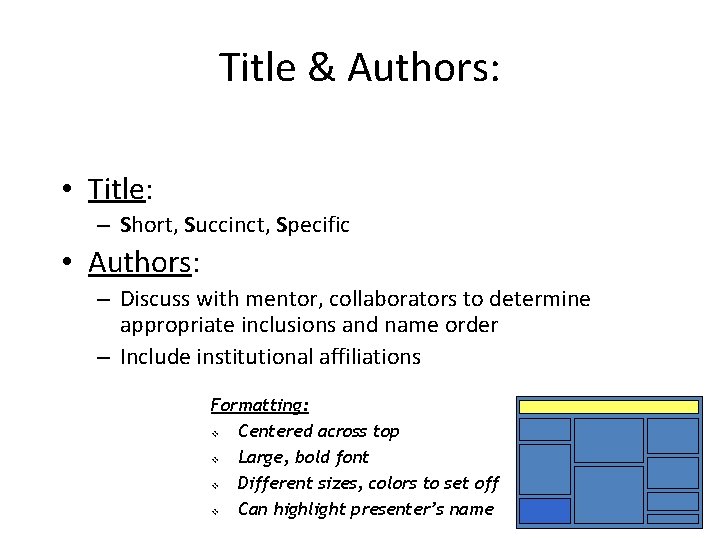
Title & Authors: • Title: – Short, Succinct, Specific • Authors: – Discuss with mentor, collaborators to determine appropriate inclusions and name order – Include institutional affiliations Formatting: v Centered across top v Large, bold font v Different sizes, colors to set off v Can highlight presenter’s name
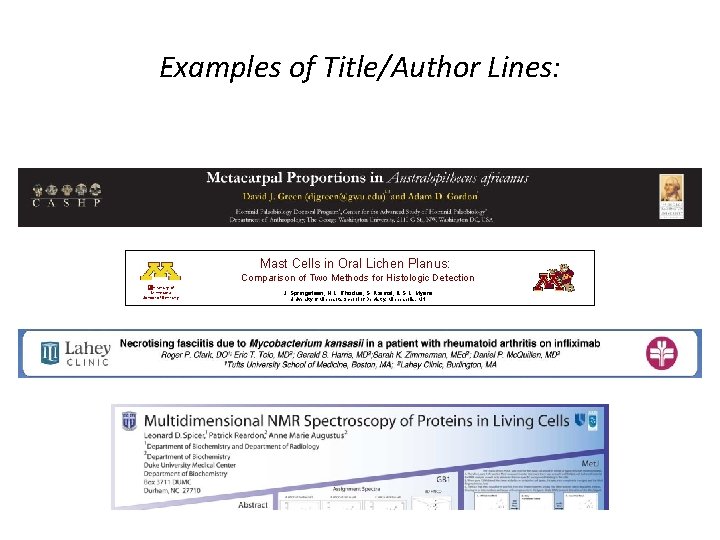
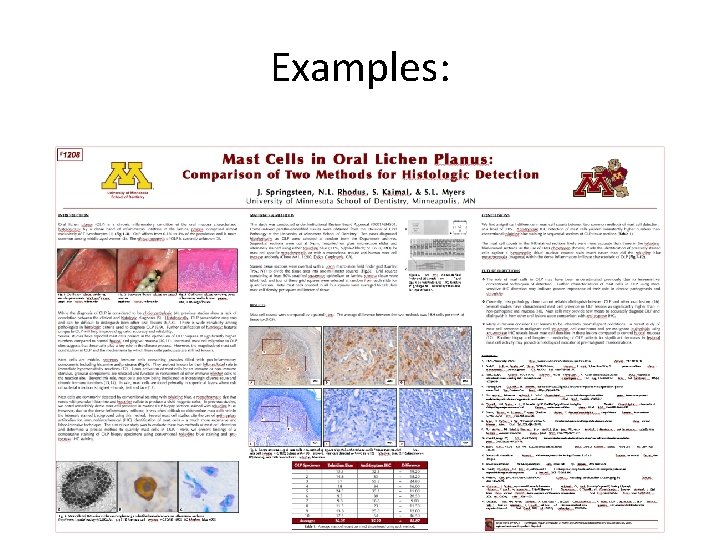
Examples of Title/Author Lines: Mast Cells in Oral Lichen Planus: Comparison of Two Methods for Histologic Detection �University of Minnesota School of Dentistry J. Springsteen, N. L. Rhodus, S. Kaimal, & S. L. Myers University of Minnesota School of Dentistry, Minneapolis, MN
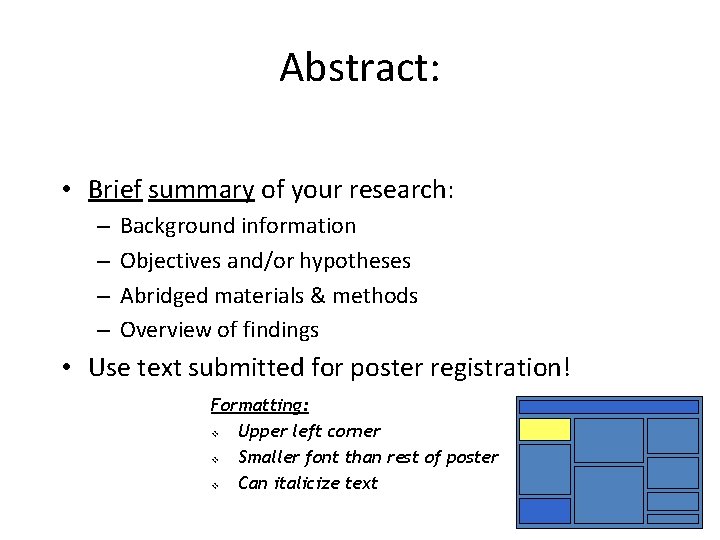
Abstract: • Brief summary of your research: – – Background information Objectives and/or hypotheses Abridged materials & methods Overview of findings • Use text submitted for poster registration! Formatting: v Upper left corner v Smaller font than rest of poster v Can italicize text
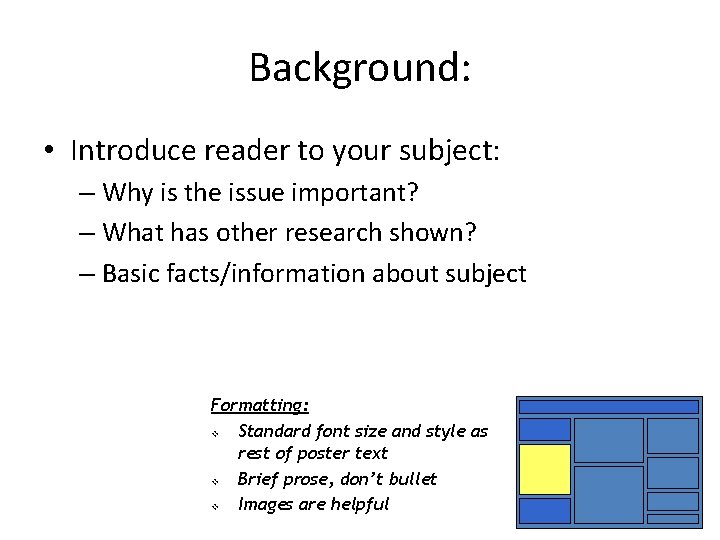
Background: • Introduce reader to your subject: – Why is the issue important? – What has other research shown? – Basic facts/information about subject Formatting: v Standard font size and style as rest of poster text v Brief prose, don’t bullet v Images are helpful
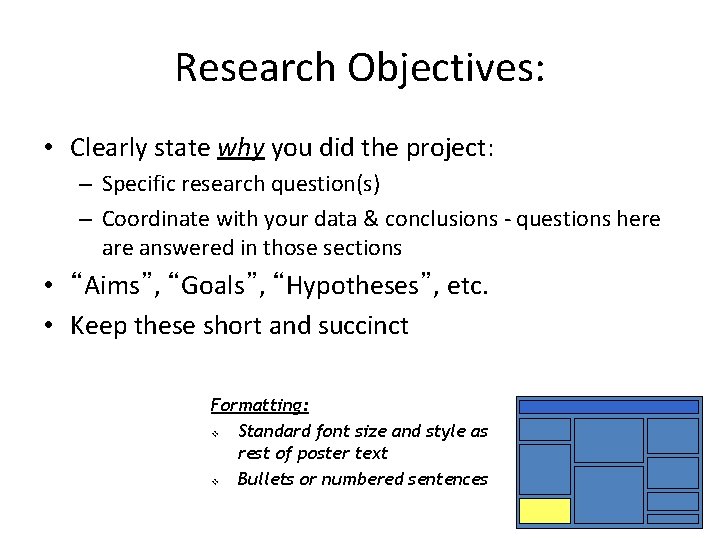
Research Objectives: • Clearly state why you did the project: – Specific research question(s) – Coordinate with your data & conclusions - questions here answered in those sections • “Aims”, “Goals”, “Hypotheses”, etc. • Keep these short and succinct Formatting: v Standard font size and style as rest of poster text v Bullets or numbered sentences
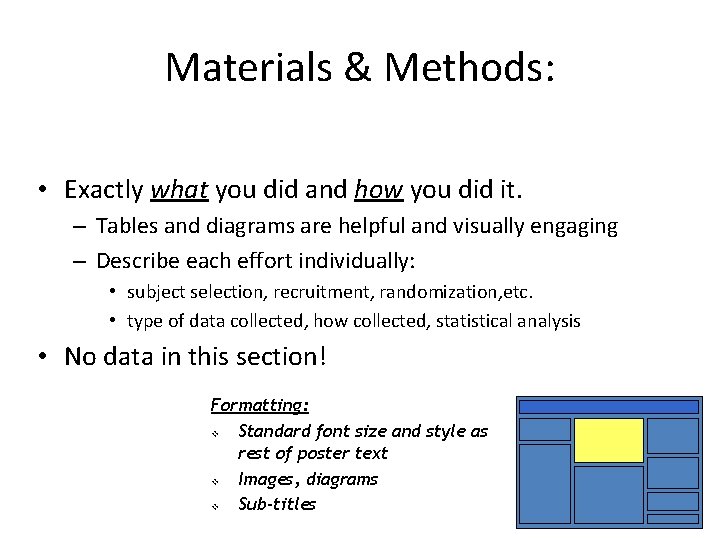
Materials & Methods: • Exactly what you did and how you did it. – Tables and diagrams are helpful and visually engaging – Describe each effort individually: • subject selection, recruitment, randomization, etc. • type of data collected, how collected, statistical analysis • No data in this section! Formatting: v Standard font size and style as rest of poster text v Images, diagrams v Sub-titles
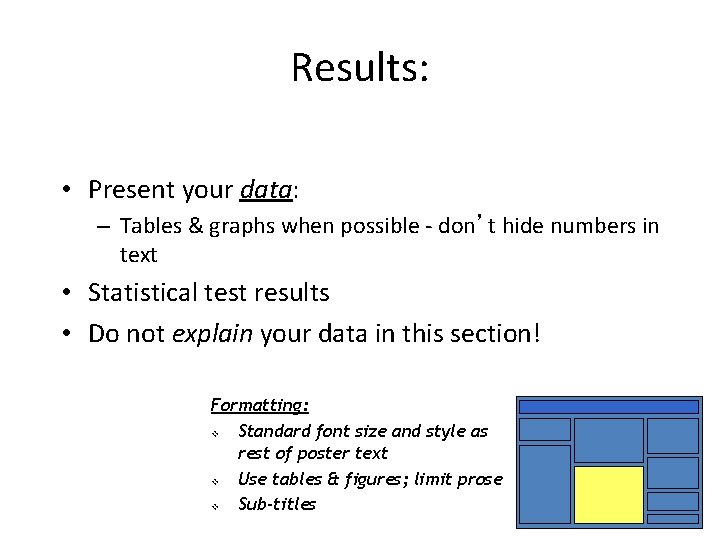
Results: • Present your data: – Tables & graphs when possible - don’t hide numbers in text • Statistical test results • Do not explain your data in this section! Formatting: v Standard font size and style as rest of poster text v Use tables & figures; limit prose v Sub-titles
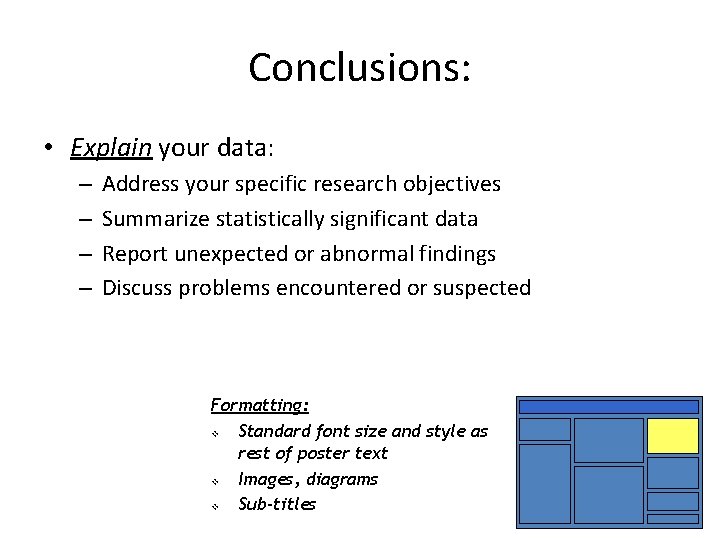
Conclusions: • Explain your data: – – Address your specific research objectives Summarize statistically significant data Report unexpected or abnormal findings Discuss problems encountered or suspected Formatting: v Standard font size and style as rest of poster text v Images, diagrams v Sub-titles
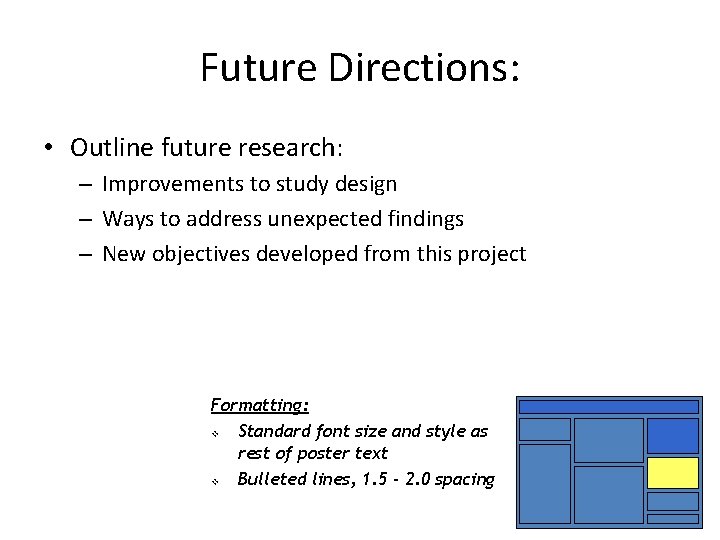
Future Directions: • Outline future research: – Improvements to study design – Ways to address unexpected findings – New objectives developed from this project Formatting: v Standard font size and style as rest of poster text v Bulleted lines, 1. 5 - 2. 0 spacing
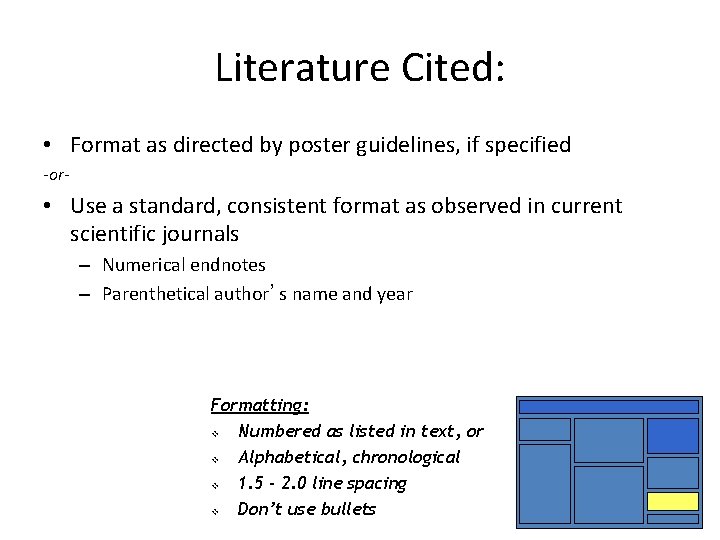
Literature Cited: • Format as directed by poster guidelines, if specified -or- • Use a standard, consistent format as observed in current scientific journals – Numerical endnotes – Parenthetical author’s name and year Formatting: v Numbered as listed in text, or v Alphabetical, chronological v 1. 5 - 2. 0 line spacing v Don’t use bullets
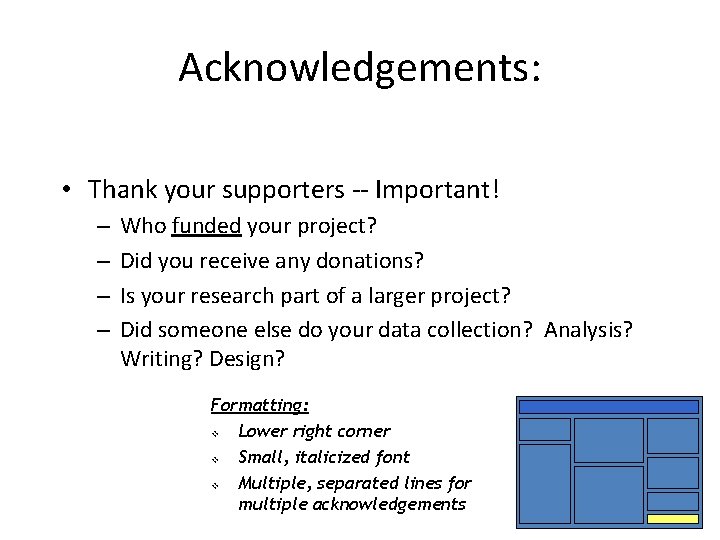
Acknowledgements: • Thank your supporters -- Important! – – Who funded your project? Did you receive any donations? Is your research part of a larger project? Did someone else do your data collection? Analysis? Writing? Design? Formatting: v Lower right corner v Small, italicized font v Multiple, separated lines for multiple acknowledgements
Suggested Section Headers: • You are not limited on section headers! – Choose what fits your project - different words may fit different subjects, disciplines better than others! – You may need to discuss unique types of information that don’t fit generic headers. • Examples: – – – – “Background Information” “Project Summary” “Demographic Information” “Measurements “What we know” “What we found” “Where are we going”
Examples:
Examples:
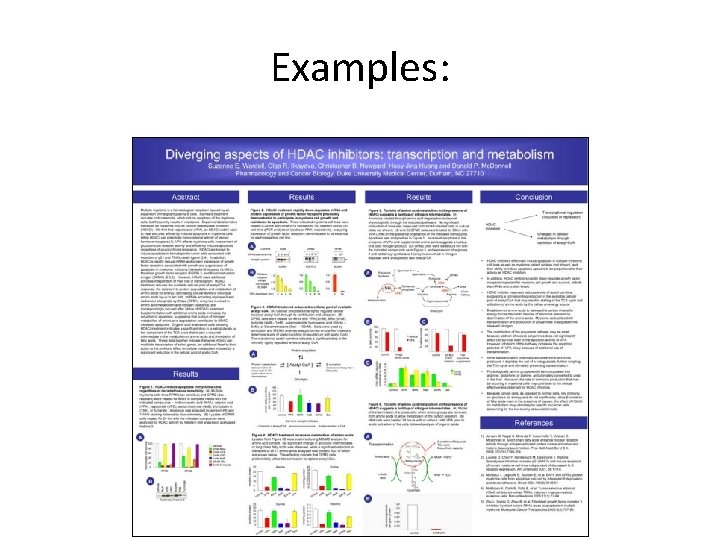
Examples:
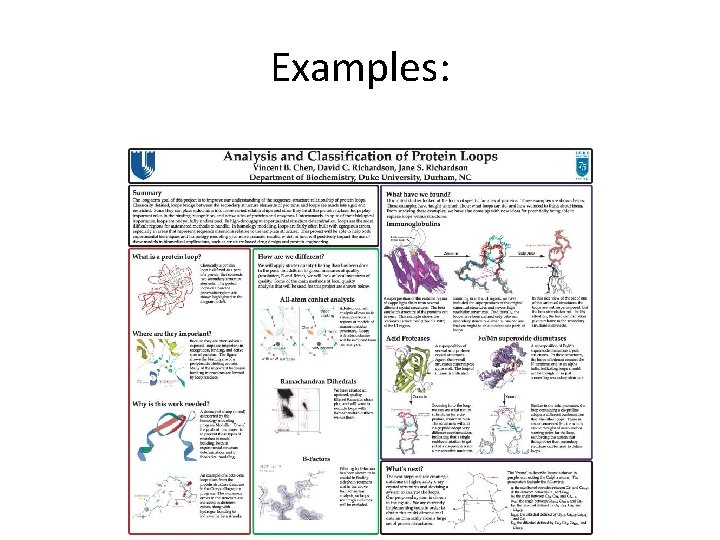
Examples:
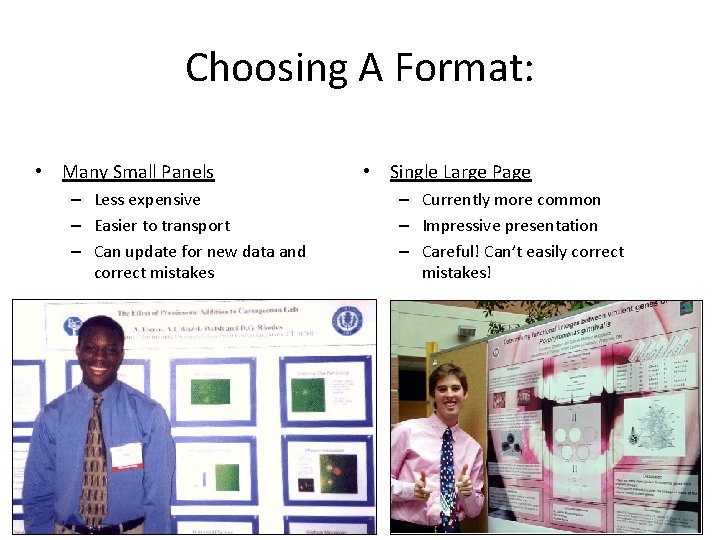
Choosing A Format: • Many Small Panels – Less expensive – Easier to transport – Can update for new data and correct mistakes • Single Large Page – Currently more common – Impressive presentation – Careful! Can’t easily correct mistakes!
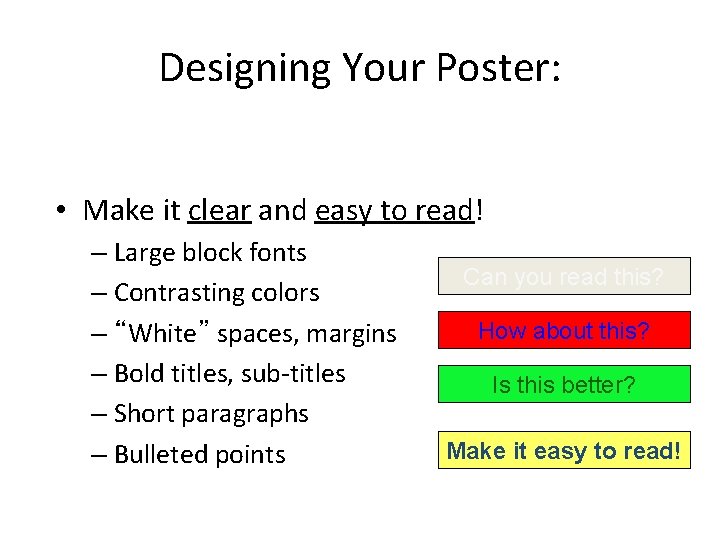
Designing Your Poster: • Make it clear and easy to read! – Large block fonts – Contrasting colors – “White” spaces, margins – Bold titles, sub-titles – Short paragraphs – Bulleted points Can you read this? How about this? Is this better? Make it easy to read!
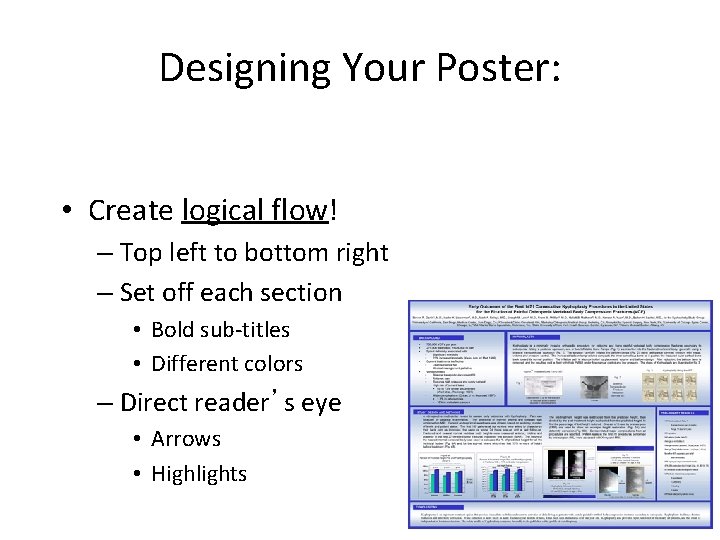
Designing Your Poster: • Create logical flow! – Top left to bottom right – Set off each section • Bold sub-titles • Different colors – Direct reader’s eye • Arrows • Highlights
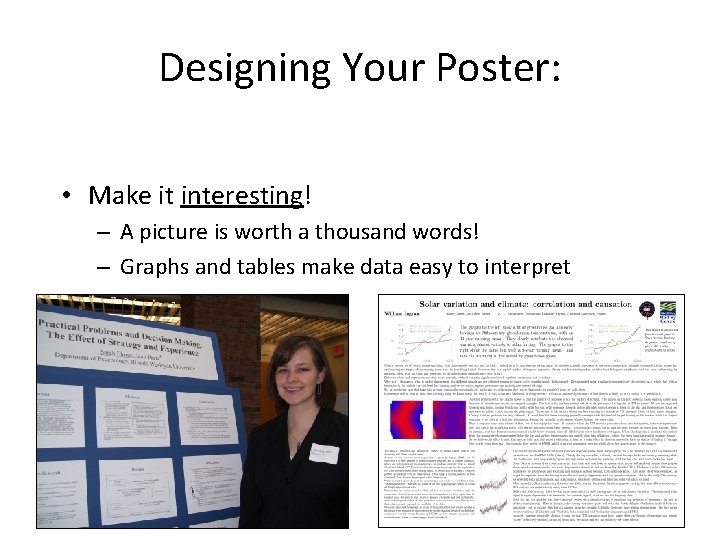
Designing Your Poster: • Make it interesting! – A picture is worth a thousand words! – Graphs and tables make data easy to interpret
Know The Specifics: • Poster guidelines – The organization hosting the poster session should provide specific details including: • Size limitations • How poster will be hung (pins, tape, velcro) • Time of your presentation • If details are not provided, use general rules: • Size typically ranges from 3’x 5’ to 4’x 6’ • Pins are usually o. k. unless specified • Plan to stand at your poster for 1 or 2 hours
Using Power Point: • General Tips: – Create consistent page design • Format one text box exactly as you want it, then copy and paste new ones so that all are consistent. • Keep colors, fonts, styles, consistent or coordinated – Outline objects • Add a black or colored line around text boxes and images to create a more defined edge. • Use different backgrounds to set off tables, figures – Images • View the image at the actual size at which it will be printed - make sure it is not pixilated or blurry • Use high-resolution (. tif) formats – Caution - large files can slow/freeze your computer - Save often!
Using Power Point: • Multiple Small Panels: – Be consistent with fonts, sizes, colors – Options: • Can create a slide presentation and simply print the slides as panels • Printer can enlarge panels - be aware that font sizes will increase • If you want different sized panels, don’t print some at 100% and others at 200% - font’s won’t match – You will have to create multiple Power Point documents with customized sizes and make sure your design is consistent.
Using Power Point: • Single Large Page – Create custom-sized slide • File, page set up, slide sized for… “custom” • Power Point has a maximum size of 56”x 56” – You can create a poster half as wide/tall as you want your final version to be, then have it printed at 200% size. – Use alignment tools • Center objects relative to page • Align text boxes along tops, sides • Group objects to keep them together – Arrows overlayed on images – Text boxes associated with figures – Use “Fit” view size and then zoom in on areas to do work
Printing your poster: – See help. pop. psu. edu for the latest information.
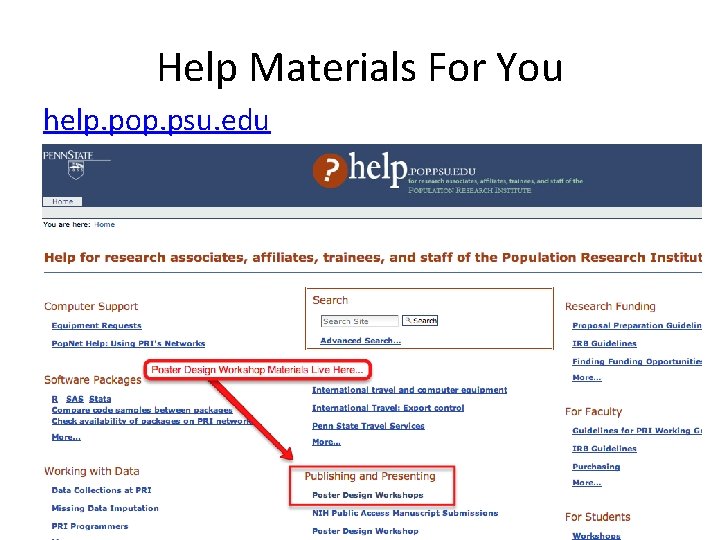
Help Materials For You help. pop. psu. edu
- Slides: 29