
CREATING A MULTIMEDIA TRACK WITH GOOGLE MY MAPS
- Slides: 8
CREATING A MULTIMEDIA TRACK WITH GOOGLE MY MAPS a lesson for 10. b
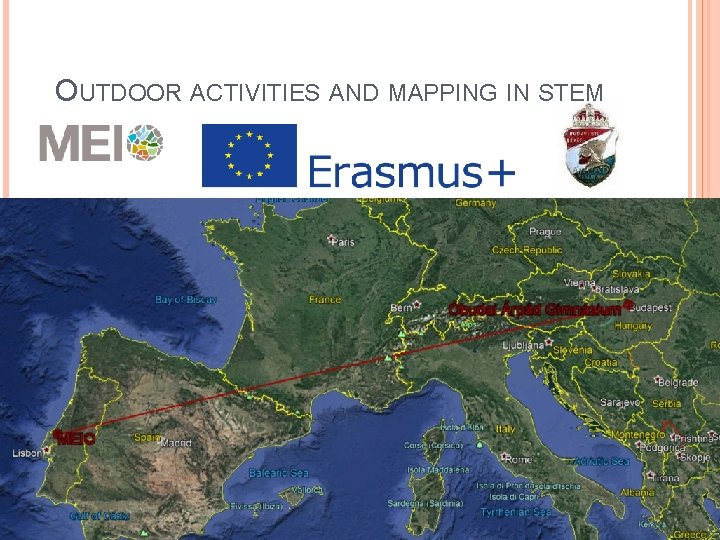
OUTDOOR ACTIVITIES AND MAPPING IN STEM
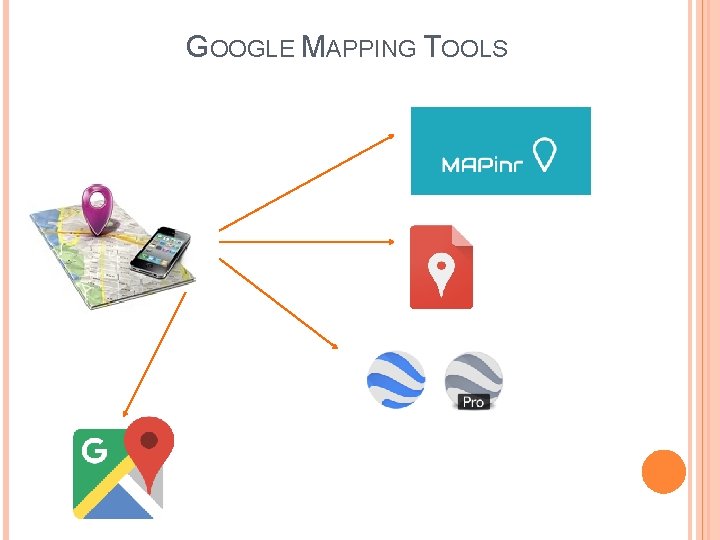
GOOGLE MAPPING TOOLS
You need internet connection to use it. Computer or mobile Easy to find a place Information about places: opening hours, likes … POIs: shops, restaurants neerby Route planning Real time trafic information Timetables of public transport
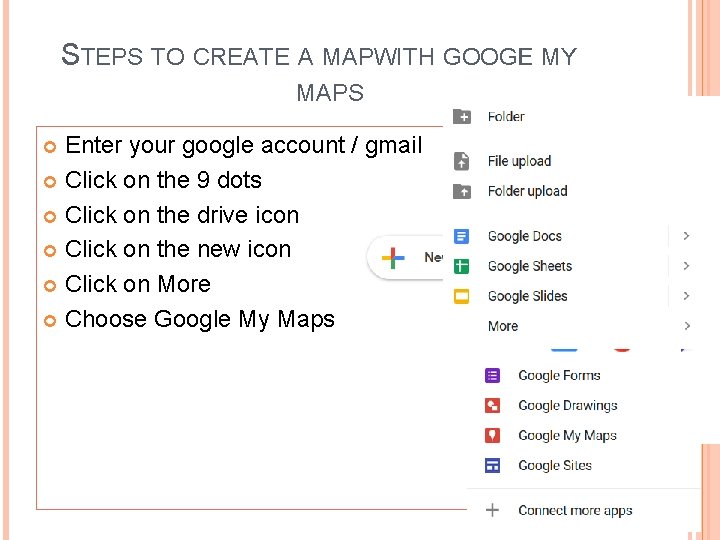
STEPS TO CREATE A MAPWITH GOOGLE MY MAPS Enter your google account / gmail Click on the 9 dots Click on the drive icon Click on the new icon Click on More Choose Google My Maps
STEPS TO CREATE A MAP IN GOOGLY MY MAPS Name your map Choose the satelite map Name your layer Add a marker to Árpád Create another layer Name that layer too Add your favourite place in Budapest, and your favourite place in Hungary (outside Budapest) Edit your markers: picture, text, colour, style
SHARING A MAP I’m going to share a map with you. Open it. Add your favorite places to the correct layers. Edit your markers. (Work in English. ) The marker’s name should include your name. Check what your peers did.
NICE , BEAUTIFUL enjoyable, pleasant, pleasurable, entertaining, amusing, marvellous, good, lovely, great; stunning, attractive, adorable, charming, eye -catching, magnificent, picturesque, sweet