
Creating a Collaborative Learning Classroom Introductions Linda Bruenjes
Creating a Collaborative Learning Classroom
Introductions Linda Bruenjes Acting Director Center for Teaching and Scholarly Excellence Suffolk University Brian J. Mc. Dermott Assistant Chief Information Officer Director - University Media Services Suffolk University
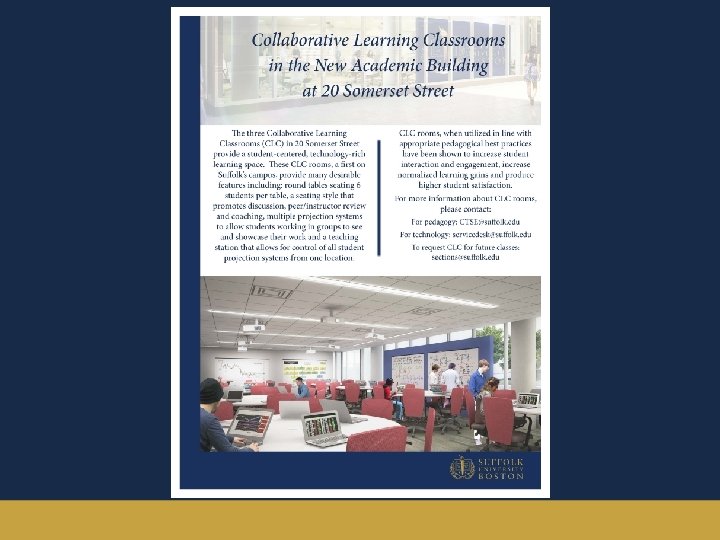
The Big Picture • Inclusive, holistic design from concept through assessment. • Executive level support and both a capital and operating budget that supports the project now and for years to come. • Robust and ongoing instructional design support to assist & prepare faculty to teach using new methods in these new spaces. • Deliberate orientation of faculty to technological tools. • Clear marketing and communication to student body • Clear and continual commitment to maintain the space by the Facilities and Technology Support Groups
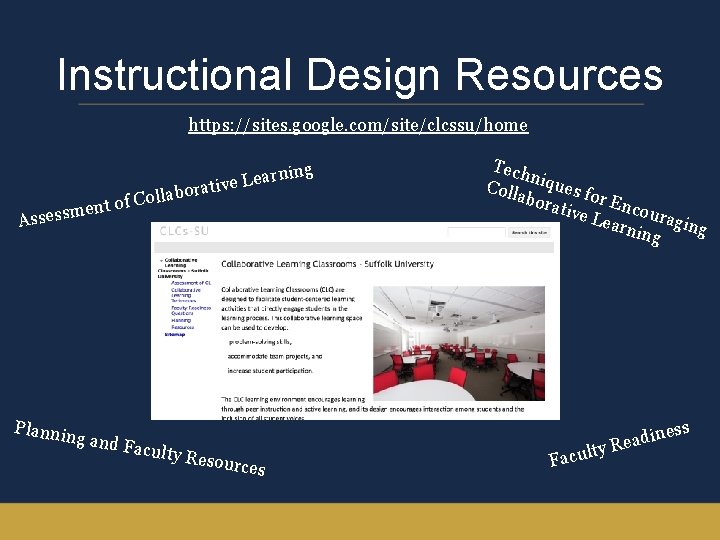
Instructional Design Resources https: //sites. google. com/site/clcssu/home ent of m s s e s As Plannin g ing n r a e L ative r o b a l l Co and Fa culty R esource s Tech n Coll iques f o abor ative r Encou ra Lear ning ging F ess n i d a y Re t l u c a
Changing how we think… • Name your space. • Determine what will be unique about these spaces? • Draft the right design and implementation team. • Thinking beyond the architecture, furniture and technology: Consider your audience.
What’s in a name? • Rally the community! • Our choice? “Collaborative Learning Classrooms” • Naming process should be part of the design the process
What is unique about these learning spaces? • Focus on learning • Traditional classrooms tools used in new ways • Instructor’s space is not the focal point • Requires faculty member to prepare differently • User interface for technology control may be unique and may require additional preparation • Seating layout: opportunities and challenges • Cost implications

Drafting the Right Team • Faculty – All disciplines, all comfort levels • Students – Grad/Undergrad, buy-in • Instructional Designers - Research Guided Design, involved throughout process • Facilities/construction/property management professionals – size, shape and physical attributes • Registrar – Assignment, marketing, capacity • Audio-visual Technology Team – Intuitive integrated technology, responsive to the needs of all disciplines
Beyond the architecture, furniture and technology hardware • Consider your community. • Are student laptops common in the classroom? • Is it reasonable to assume students can afford to provide their own devices? • Is software available to students? • Common software version challenges • Reasonable Accommodations for Students with Disabilities • Faculty Support – 1 st time users, ongoing
≈Collaborative Learning ≈ Student-Centered What do students need to be able to do ? rather than Teacher-Centered What do students need to know?
Faculty Support Aligned with the Institutional Mission • Strategic Imperative – Provide an integrated, student-centered experience, highlighted by strong mentoring relationships that develop students’ full potential. – Increase the number of cohort-shared experiences through new initiatives aimed at developing community and cohesion within classes
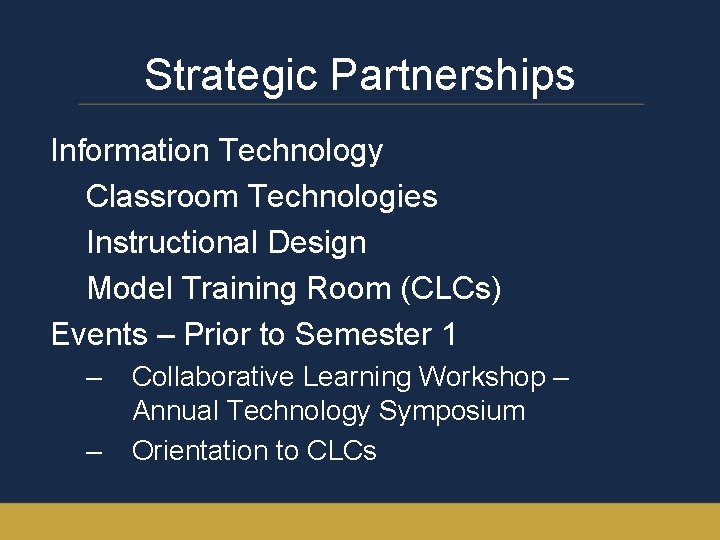
Strategic Partnerships Information Technology Classroom Technologies Instructional Design Model Training Room (CLCs) Events – Prior to Semester 1 – – Collaborative Learning Workshop – Annual Technology Symposium Orientation to CLCs
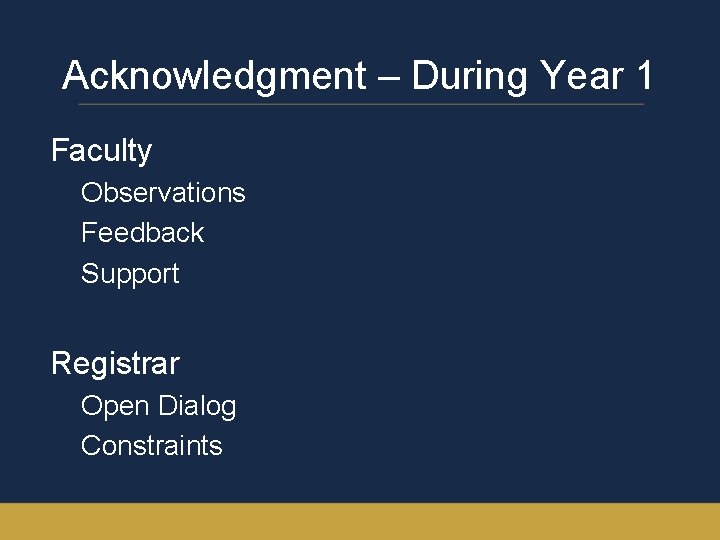
Acknowledgment – During Year 1 Faculty Observations Feedback Support Registrar Open Dialog Constraints
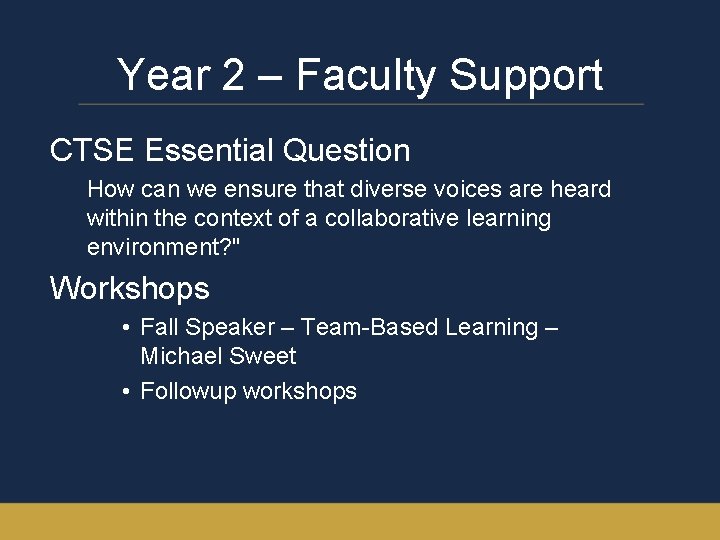
Year 2 – Faculty Support CTSE Essential Question How can we ensure that diverse voices are heard within the context of a collaborative learning environment? " Workshops • Fall Speaker – Team-Based Learning – Michael Sweet • Followup workshops
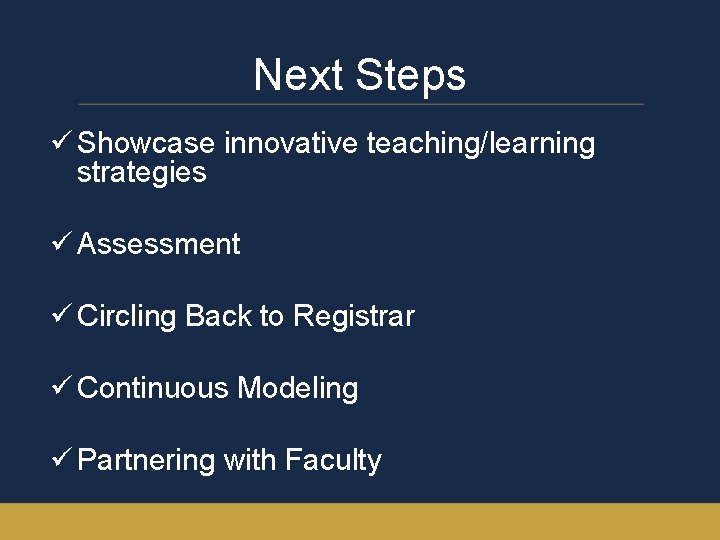
Next Steps ü Showcase innovative teaching/learning strategies ü Assessment ü Circling Back to Registrar ü Continuous Modeling ü Partnering with Faculty
- Slides: 17