
Creating a 21 st Century Classroom My mission
- Slides: 15
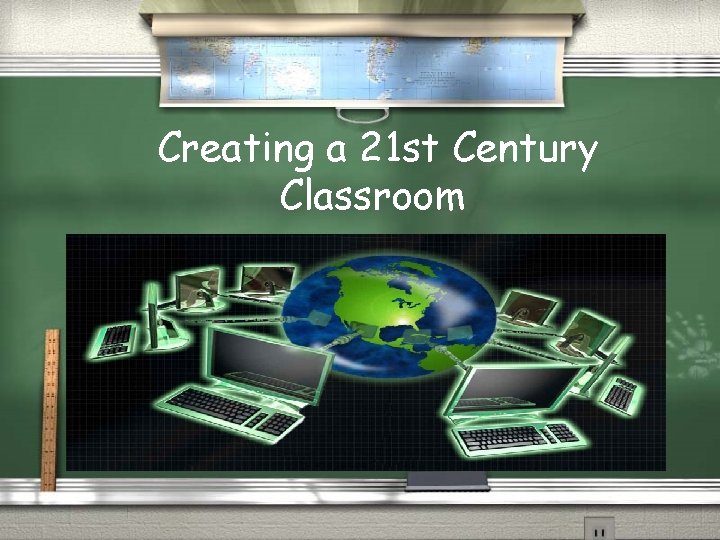
Creating a 21 st Century Classroom
My mission as an MTT is to be able to create, and show others how to create, a learning environment that encourages the use of technology while challenging students to solve complex problems. The 21 st century student has grown up with information at their fingertips. My purpose is to guide students to use their resources to discover the world around them. I will do this by creating lesson plans that include student use of interactive games, video cameras, blogs, websites, presentation software, and any new technology to address real life situations. My goal is that each student will leave the classroom with an even greater understanding of how to be a problem solver.
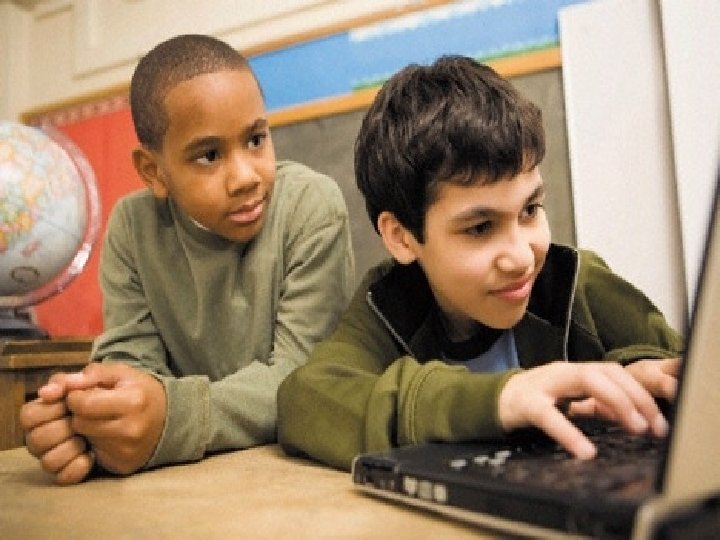
The 21 st Century Student /Students in the 21 st century have grown up in a completely different environment than any other student. /These students have never been without a tv, computer, cell phone, or the internet. /Information is more accessible than ever before.
Technology is a large part of their life, why isn’t it a large part of the classroom?
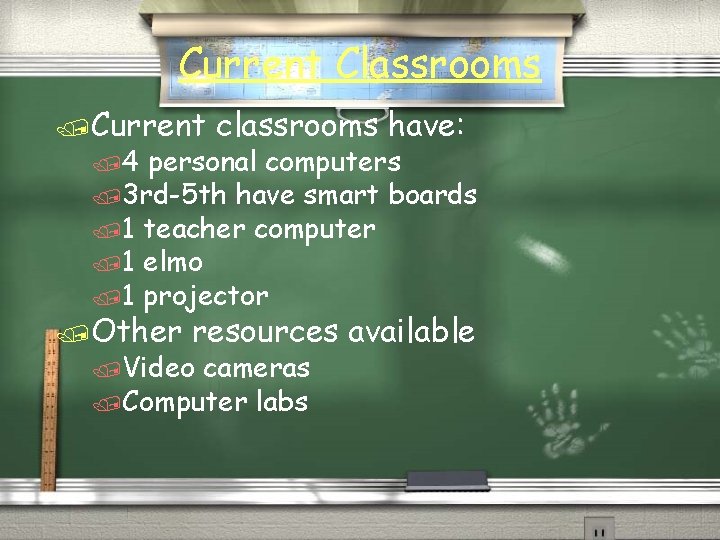
Current Classrooms /Current /4 classrooms have: personal computers /3 rd-5 th have smart boards /1 teacher computer /1 elmo /1 projector /Other resources available /Video cameras /Computer labs
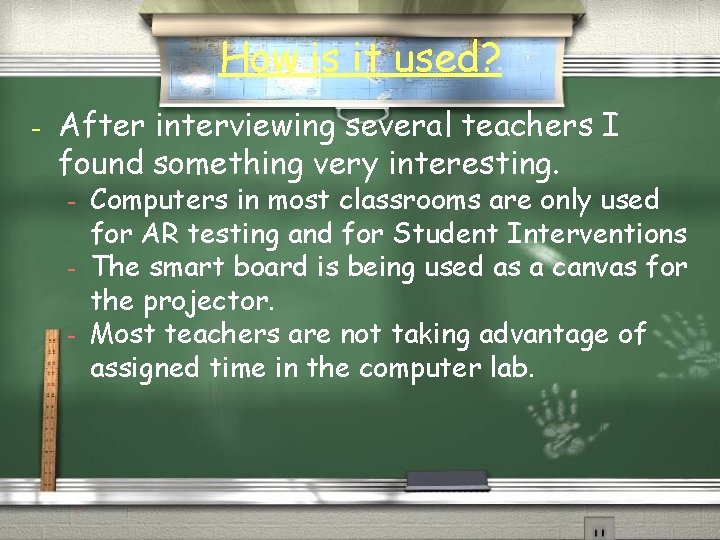
How is it used? - After interviewing several teachers I found something very interesting. - Computers in most classrooms are only used for AR testing and for Student Interventions The smart board is being used as a canvas for the projector. Most teachers are not taking advantage of assigned time in the computer lab.
Students have really changed in the past 10 years, why haven’t the classrooms?
According to a report by Michelle R. Davis, Teachers are trying to layer technology on top of current instruction instead of thinking of new ways to teach.
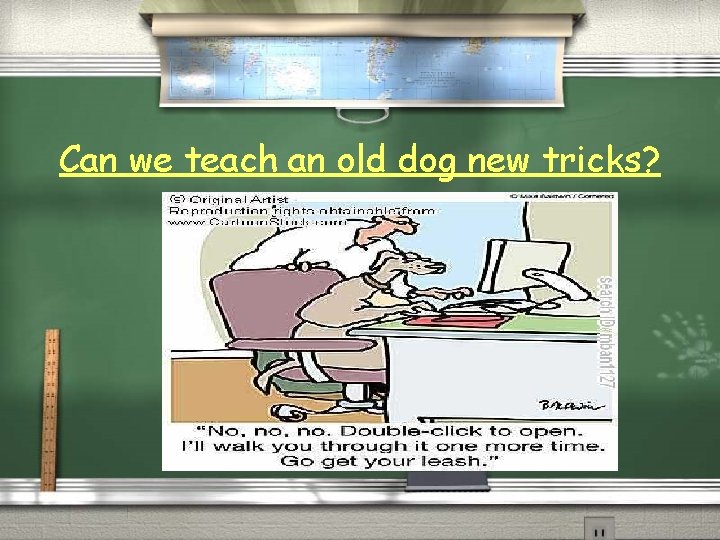
Can we teach an old dog new tricks?
Why? /Students are more comfortable experimenting with technology and visual images because these things are often a regular part of their lives outside of school. /Visual memory is very strong, the more they do with multimedia the more you are imprinting information into their minds /Using technology and multimedia requires students to think beyond factual recall and promotes higher thinking skills
How to effectively use technology in the classroom /Have students: /Create Powerpoint presentations /Use interactive websites (set up by the teacher) /Make blogs or glogs about current topics /Have students use video to create presentations about topics covered in class. /Use the smart board to play interactive games /Have students create websites, brochures, or word documents.
How to Get Started /Training teachers is a very important part. Have teachers create lesson plans around technology and then use it in the classroom. Provide teachers with mentors to watch, assess, and help improve implementation. /Create an environment that is less about factual recall and more about the student’s learning processes. /Make room in the school’s website to post weekly projects done by students.
“What we’re creating with visual and multimedia technology programs is students who can see an issue from all angles and present it in meaningful, compelling ways. These are the skills students need to thrive in the 21 st century. ” -Mr. Stemple
Works Cited / / / http: //www. internetatschools. com/Articles/Read. Article. aspx? Article. ID=61011 Article by Bob Regan http: //www. edweek. org/dd/articles/2008/06/25/01 report_web. h 02. html? qs=nea %20 aft%20 survey Article By Michelle R Davis http: //www. cartoonstock. com/newscartoons/cartoonists/mba/lowres/mban 1127 l. jpg Cartoon Picture of Dog http: //digitalalternatives. wikispaces. com/file/view/21_ST_CENTURY_EDUCATION. jpg/154 878025/21_ST_CENTURY_EDUCATION. jpg Picture of World http: //www. treehugger. com/two-boys-using-laptop-computer. jpg Picture of the two students