
Create Table Statement In the beginning DISCOVER Texas
Create Table Statement In the beginning… DISCOVER! Texas State Technical College
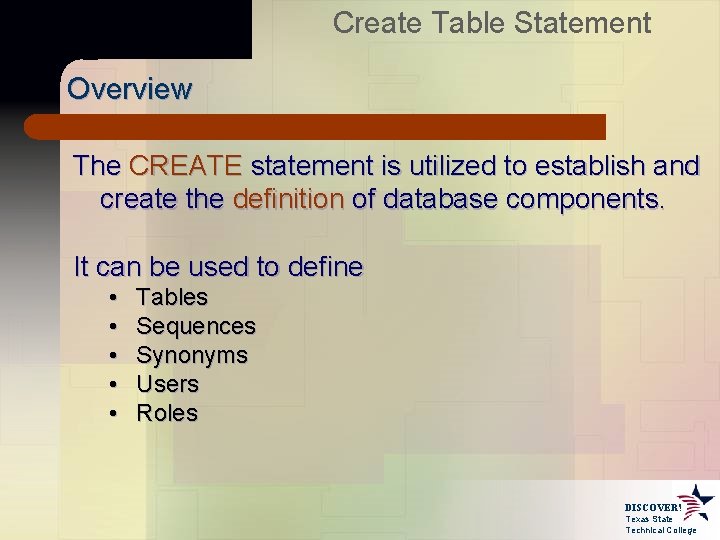
Create Table Statement Overview The CREATE statement is utilized to establish and create the definition of database components. It can be used to define • • • Tables Sequences Synonyms Users Roles DISCOVER! Texas State Technical College
![Create Table Statement Basic Syntax CREATE <component_type> <component_name> [type specific definition]; The syntax of](http://slidetodoc.com/presentation_image_h2/2ee28ced06ce5fd8325992f48e149443/image-3.jpg "Create Table Statement Basic Syntax CREATE <component_type> <component_name> [type specific definition]; The syntax of")
Create Table Statement Basic Syntax CREATE <component_type> <component_name> [type specific definition]; The syntax of the type specific definition will vary depending upon the component being created. In this section, we will restrict our discussion to creating tables. DISCOVER! Texas State Technical College
![Create Table Statement Create Table Syntax CREATE TABLE table_name ( field_name field_type [DEFAULT value],](http://slidetodoc.com/presentation_image_h2/2ee28ced06ce5fd8325992f48e149443/image-4.jpg "Create Table Statement Create Table Syntax CREATE TABLE table_name ( field_name field_type [DEFAULT value],")
Create Table Statement Create Table Syntax CREATE TABLE table_name ( field_name field_type [DEFAULT value], … ); Example CREATE TABLE order ( order. ID NUMBER(6, 0), date DATE DEFAULT SYSDATE, quantity NUMBER(6, 0) DEFAULT 1, address VARCHAR 2(150) ); DISCOVER! Texas State Technical College
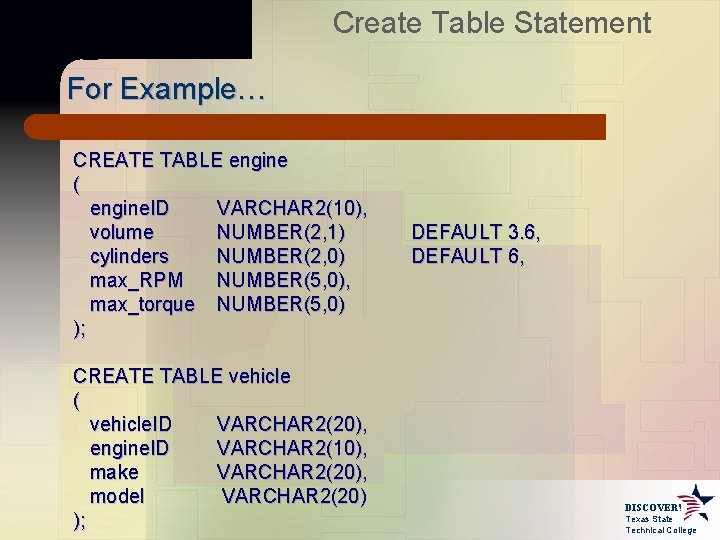
Create Table Statement For Example… CREATE TABLE engine ( engine. ID VARCHAR 2(10), volume NUMBER(2, 1) cylinders NUMBER(2, 0) max_RPM NUMBER(5, 0), max_torque NUMBER(5, 0) ); CREATE TABLE vehicle ( vehicle. ID VARCHAR 2(20), engine. ID VARCHAR 2(10), make VARCHAR 2(20), model VARCHAR 2(20) ); DEFAULT 3. 6, DEFAULT 6, DISCOVER! Texas State Technical College
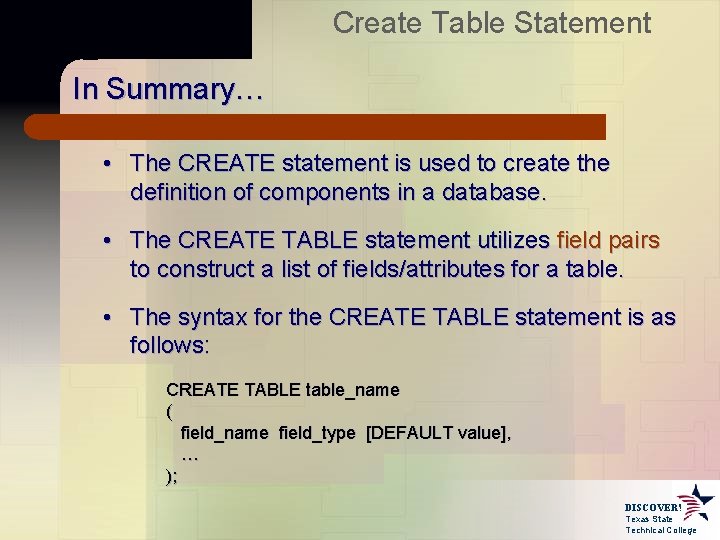
Create Table Statement In Summary… • The CREATE statement is used to create the definition of components in a database. • The CREATE TABLE statement utilizes field pairs to construct a list of fields/attributes for a table. • The syntax for the CREATE TABLE statement is as follows: CREATE TABLE table_name ( field_name field_type [DEFAULT value], … ); DISCOVER! Texas State Technical College
- Slides: 6