
Crash Course in Java Based on notes from
Crash Course in Java Based on notes from D. Hollinger Based in part on notes from J. J. Johns also: Java in a Nutshell Java Network Programming and Distributed Computing Netprog 2002 Java Intro 1
What is Java? • A programming language. – As defined by Gosling, Joy, and Steele in the Java Language Specification • A platform – A virtual machine (JVM) definition. – Runtime environments in diverse hardware. • A class library – Standard APIs for GUI, data storage, processing, I/O, and networking. Netprog 2002 Java Intro 2
Why Java? • Network Programming in Java is very different than in C/C++ – – – much more language support error handling no pointers! (garbage collection) threads are part of the language. some support for common application level protocols (HTTP). – dynamic class loading and secure sandbox execution for remote code. – source code and bytecode-level portability. Netprog 2002 Java Intro 3
Java notes for C++ programmers • Everything is an object. – Every object inherits from java. lang. Object • No code outside of class definition! – No global variables. • Single inheritance – an additional kind of inheritance: interfaces • All classes are defined in. java files – one top level public class per file Netprog 2002 Java Intro 4
More for C++ folks • Syntax is similar (control structures are very similar). • Primitive data types similar – bool is not an int. • To print to stdout: – System. out. println(); Netprog 2002 Java Intro 5
![First Program public class Hello. World { public static void main(String args[]) { System.](http://slidetodoc.com/presentation_image_h2/94a4e320cb8eb7fc7cede93c8b254476/image-6.jpg "First Program public class Hello. World { public static void main(String args[]) { System.")
First Program public class Hello. World { public static void main(String args[]) { System. out. println("Hello World"); } } Netprog 2002 Java Intro 6
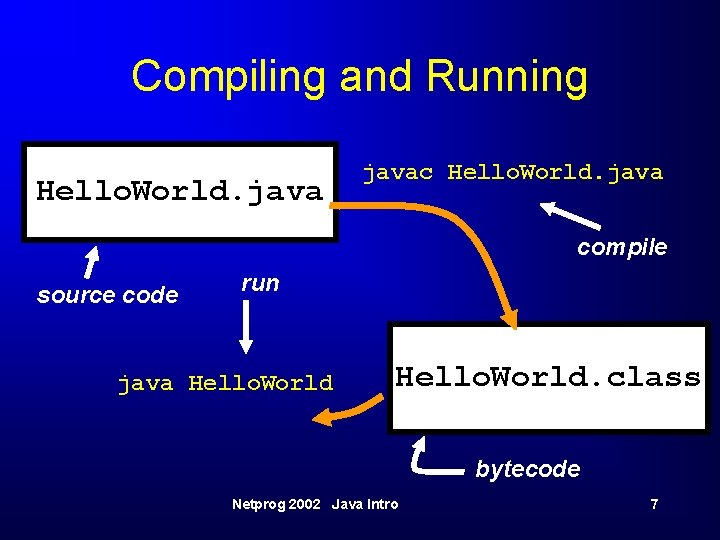
Compiling and Running Hello. World. javac Hello. World. java compile source code run java Hello. World. class bytecode Netprog 2002 Java Intro 7
Java bytecode and interpreter • bytecode is an intermediate representation of the program (class). • The Java interpreter starts up a new “Virtual Machine”. • The VM starts executing the users class by running it’s main() method. Netprog 2002 Java Intro 8
PATH and CLASSPATH • The java_home/bin directory is in your $PATH • If you are using any classes outside the java or javax package, their locations are included in your $CLASSPATH Netprog 2002 Java Intro 9
The Language • • • Data types Operators Control Structures Classes and Objects Packages Netprog 2002 Java Intro 10
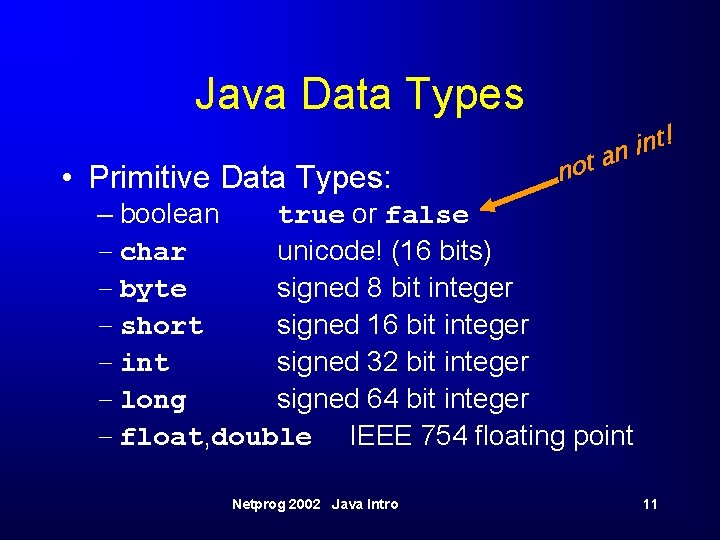
Java Data Types • Primitive Data Types: not t! n i an – boolean true or false – char unicode! (16 bits) – byte signed 8 bit integer – short signed 16 bit integer – int signed 32 bit integer – long signed 64 bit integer – float, double IEEE 754 floating point Netprog 2002 Java Intro 11
Other Data Types • Reference types (composite) – classes – arrays • strings are supported by a built-in class named String • string literals are supported by the language (as a special case). Netprog 2002 Java Intro 12
Type Conversions • conversion between integer types and floating point types. – this includes char • No automatic conversion from or to the type boolean! • You can force conversions with a cast – same syntax as C/C++. int i = (int) 1. 345; Netprog 2002 Java Intro 13
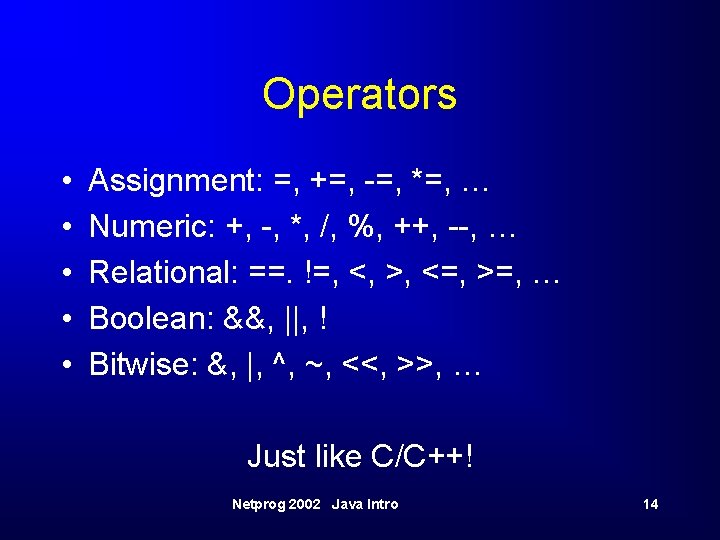
Operators • • • Assignment: =, +=, -=, *=, … Numeric: +, -, *, /, %, ++, --, … Relational: ==. !=, <, >, <=, >=, … Boolean: &&, ||, ! Bitwise: &, |, ^, ~, <<, >>, … Just like C/C++! Netprog 2002 Java Intro 14
Control Structures • More of what you expect: conditional: if, if else, switch loop: while, for, do break and continue (but a little different than with C/C++). Netprog 2002 Java Intro 15
Exceptions • Terminology: – throw an exception: signal that some condition (possibly an error) has occurred. – catch an exception: deal with the error (or whatever). • In Java, exception handling is necessary (forced by the compiler)! Netprog 2002 Java Intro 16
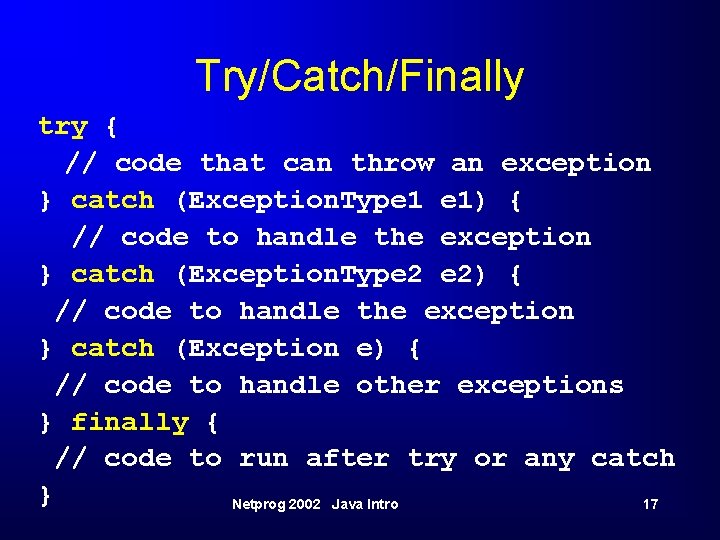
Try/Catch/Finally try { // code that can throw an exception } catch (Exception. Type 1 e 1) { // code to handle the exception } catch (Exception. Type 2 e 2) { // code to handle the exception } catch (Exception e) { // code to handle other exceptions } finally { // code to run after try or any catch } Netprog 2002 Java Intro 17
Exception Handling • Exceptions take care of handling errors – instead of returning an error, some method calls will throw an exception. • Can be dealt with at any point in the method invocation stack. • Forces the programmer to be aware of what errors can occur and to deal with them. Netprog 2002 Java Intro 18
Concurrent Programming • Java is multithreaded! – threads are easy to use. • Two ways to create new threads: – Extend java. lang. Thread • Overwrite “run()” method. – Implement Runnable interface • Include a “run()” method in your class. • Starting a thread – new My. Thread(). start(); – new Thread(runnable). start(); Netprog 2002 Java Intro 19
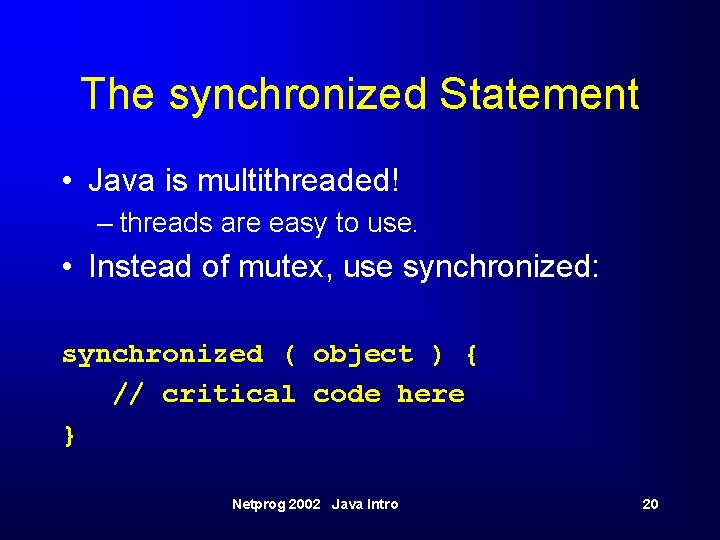
The synchronized Statement • Java is multithreaded! – threads are easy to use. • Instead of mutex, use synchronized: synchronized ( object ) { // critical code here } Netprog 2002 Java Intro 20
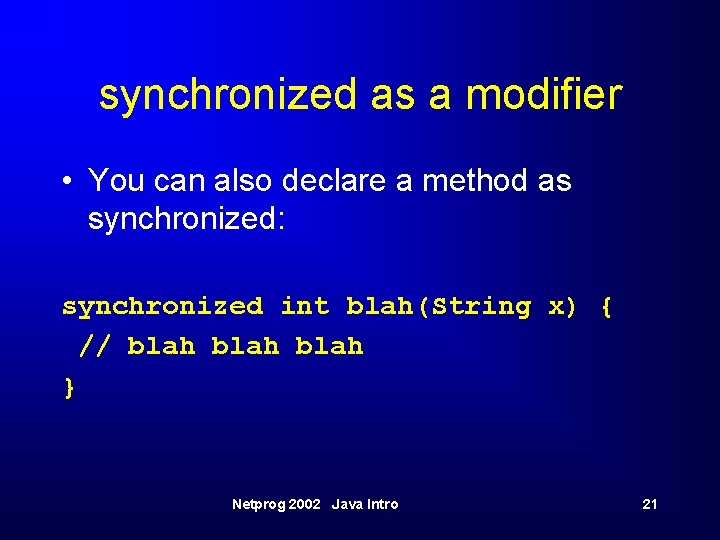
synchronized as a modifier • You can also declare a method as synchronized: synchronized int blah(String x) { // blah } Netprog 2002 Java Intro 21
Classes and Objects • “All Java statements appear within methods, and all methods are defined within classes”. • Java classes are very similar to C++ classes (same concepts). • Instead of a “standard library”, Java provides a lot of Class implementations. Netprog 2002 Java Intro 22
Defining a Class • One top level public class per. java file. – typically end up with many. java files for a single program. – One (at least) has a static public main() method. • Class name must match the file name! – compiler/interpreter use class names to figure out what file name is. Netprog 2002 Java Intro 23
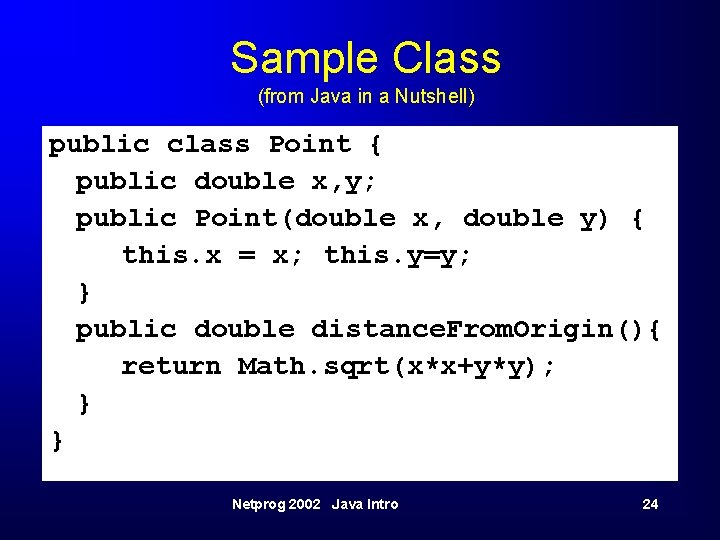
Sample Class (from Java in a Nutshell) public class Point { public double x, y; public Point(double x, double y) { this. x = x; this. y=y; } public double distance. From. Origin(){ return Math. sqrt(x*x+y*y); } } Netprog 2002 Java Intro 24
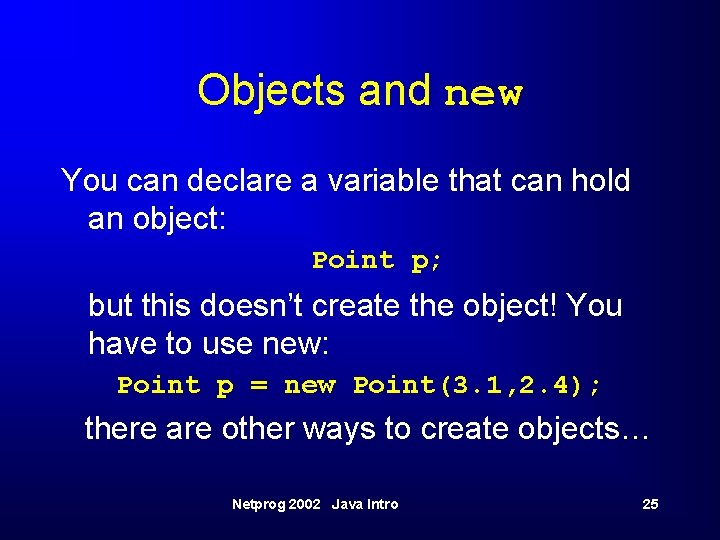
Objects and new You can declare a variable that can hold an object: Point p; but this doesn’t create the object! You have to use new: Point p = new Point(3. 1, 2. 4); there are other ways to create objects… Netprog 2002 Java Intro 25
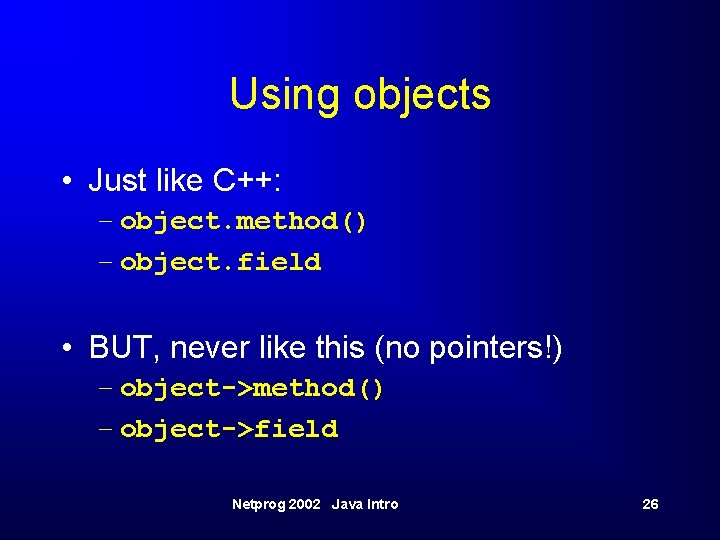
Using objects • Just like C++: – object. method() – object. field • BUT, never like this (no pointers!) – object->method() – object->field Netprog 2002 Java Intro 26
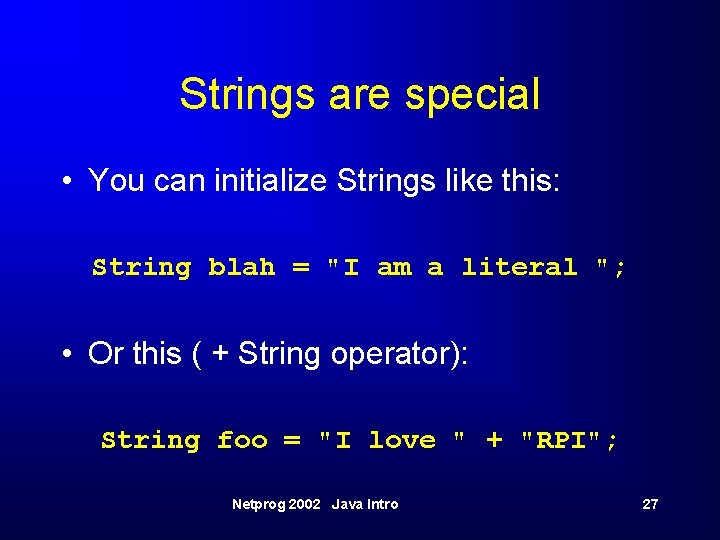
Strings are special • You can initialize Strings like this: String blah = "I am a literal "; • Or this ( + String operator): String foo = "I love " + "RPI"; Netprog 2002 Java Intro 27
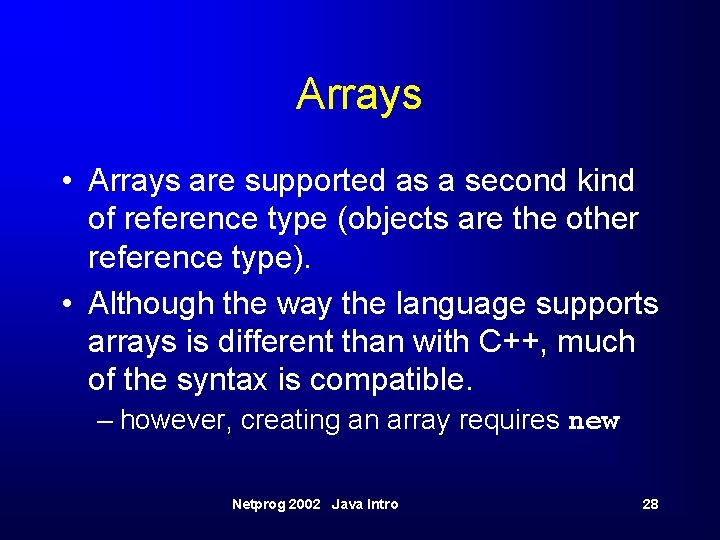
Arrays • Arrays are supported as a second kind of reference type (objects are the other reference type). • Although the way the language supports arrays is different than with C++, much of the syntax is compatible. – however, creating an array requires new Netprog 2002 Java Intro 28
![Array Examples int x[] = new int[1000]; byte[] buff = new byte[256]; float[][] mvals](http://slidetodoc.com/presentation_image_h2/94a4e320cb8eb7fc7cede93c8b254476/image-29.jpg "Array Examples int x[] = new int[1000]; byte[] buff = new byte[256]; float[][] mvals")
Array Examples int x[] = new int[1000]; byte[] buff = new byte[256]; float[][] mvals = new float[10]; Netprog 2002 Java Intro 29
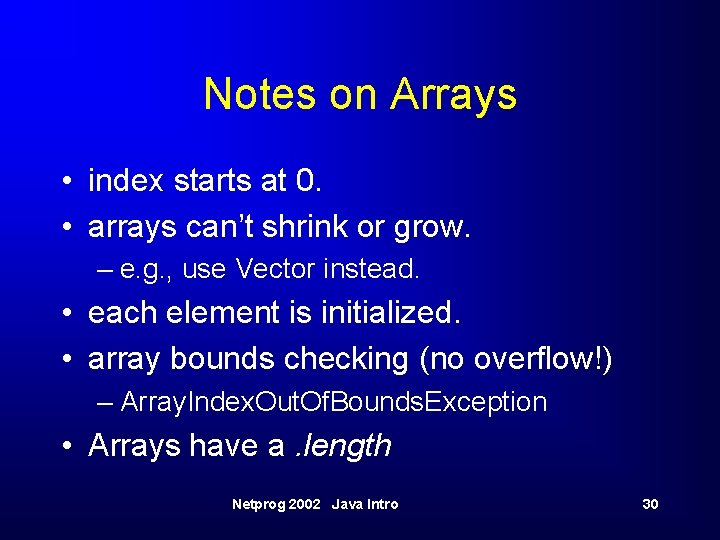
Notes on Arrays • index starts at 0. • arrays can’t shrink or grow. – e. g. , use Vector instead. • each element is initialized. • array bounds checking (no overflow!) – Array. Index. Out. Of. Bounds. Exception • Arrays have a. length Netprog 2002 Java Intro 30
![Array Example Code int[] values; int total=0; for (int i=0; i<value. length; i++) {](http://slidetodoc.com/presentation_image_h2/94a4e320cb8eb7fc7cede93c8b254476/image-31.jpg "Array Example Code int[] values; int total=0; for (int i=0; i<value. length; i++) {")
Array Example Code int[] values; int total=0; for (int i=0; i<value. length; i++) { total += values[i]; } Netprog 2002 Java Intro 31
![Array Literals • You can use array literals like C/C++: int[] foo = {1,](http://slidetodoc.com/presentation_image_h2/94a4e320cb8eb7fc7cede93c8b254476/image-32.jpg "Array Literals • You can use array literals like C/C++: int[] foo = {1,")
Array Literals • You can use array literals like C/C++: int[] foo = {1, 2, 3, 4, 5}; String[] names = {“Joe”, “Sam”}; Netprog 2002 Java Intro 32
Reference Types • Objects and Arrays are reference types • Primitive types are stored as values. • Reference type variables are stored as references (pointers that we can’t mess with). • There are significant differences! Netprog 2002 Java Intro 33
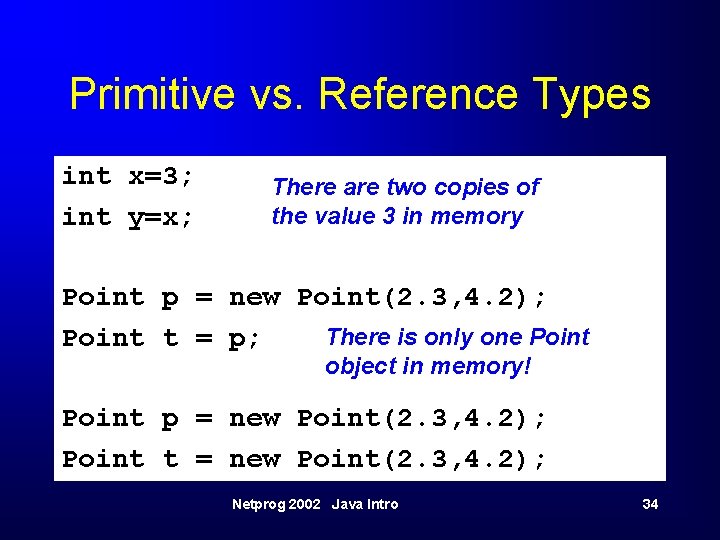
Primitive vs. Reference Types int x=3; int y=x; There are two copies of the value 3 in memory Point p = new Point(2. 3, 4. 2); There is only one Point t = p; object in memory! Point p = new Point(2. 3, 4. 2); Point t = new Point(2. 3, 4. 2); Netprog 2002 Java Intro 34
Passing arguments to methods • Primitive types: the method gets a copy of the value. Changes won’t show up in the caller. • Reference types: the method gets a copy of the reference, the method accesses the same object! Netprog 2002 Java Intro 35
![Example int sum(int x, int y) { x=x+y; return x; } void increment(int[] a)](http://slidetodoc.com/presentation_image_h2/94a4e320cb8eb7fc7cede93c8b254476/image-36.jpg "Example int sum(int x, int y) { x=x+y; return x; } void increment(int[] a)")
Example int sum(int x, int y) { x=x+y; return x; } void increment(int[] a) { for (int i=0; i<a. length; i++) { a[i]++; } } Netprog 2002 Java Intro 36
Comparing Reference Types • Comparison using == means: – “are the references the same? ” – (do they refer to the same object? ) • Sometimes you just want to know if two objects/arrays are identical copies. – use the. equals() method • you need to write this for your own classes! Netprog 2002 Java Intro 37
Packages • You can organize a bunch of classes and interfaces into a package. – defines a namespace that contains all the classes. • You need to use some java packages in your programs – java. lang java. io, java. util Netprog 2002 Java Intro 38
Importing classes and packages • Instead of #include, you use import • You don’t have to import anything, but then you need to know the complete name (not just the class, the package). – if you import java. io. File you can use File objects. – If not – you need to use java. io. File objects. Netprog 2002 Java Intro 39
Sample Code • Sum. java: reads command line args, converts to integer, sums them up and prints the result. • Sum 1. java: Same idea, this one creates a Sum 1 object, the constructor then does the work (instead of main). Netprog 2002 Java Intro 40
More Samples • Multiple Public classes: – need a file for each class. – Tell the compiler to compile the class with main(). • automatically finds and compiles needed classes. • Circle. java, Circle. Test. java, Point. java, Threads. java, Exception. Test. java Netprog 2002 Java Intro 41
- Slides: 41