
Crash Analysis Using Business Intelligence BI Data Analysis

Crash Analysis Using Business Intelligence (BI) Data Analysis Software 2019 Western. ITE Annual Meeting Presented by Yung Koprowski, PE, PTOE, RSP
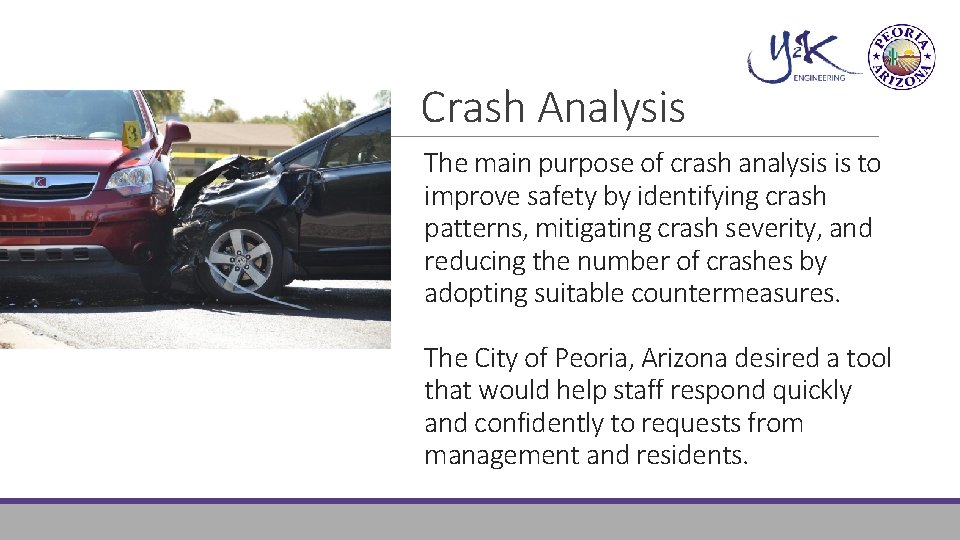
Crash Analysis The main purpose of crash analysis is to improve safety by identifying crash patterns, mitigating crash severity, and reducing the number of crashes by adopting suitable countermeasures. The City of Peoria, Arizona desired a tool that would help staff respond quickly and confidently to requests from management and residents.

Columns of Data • Incident – 75 • Person – 45 • Unit – 66 Arizona Motor Vehicle Crash Data
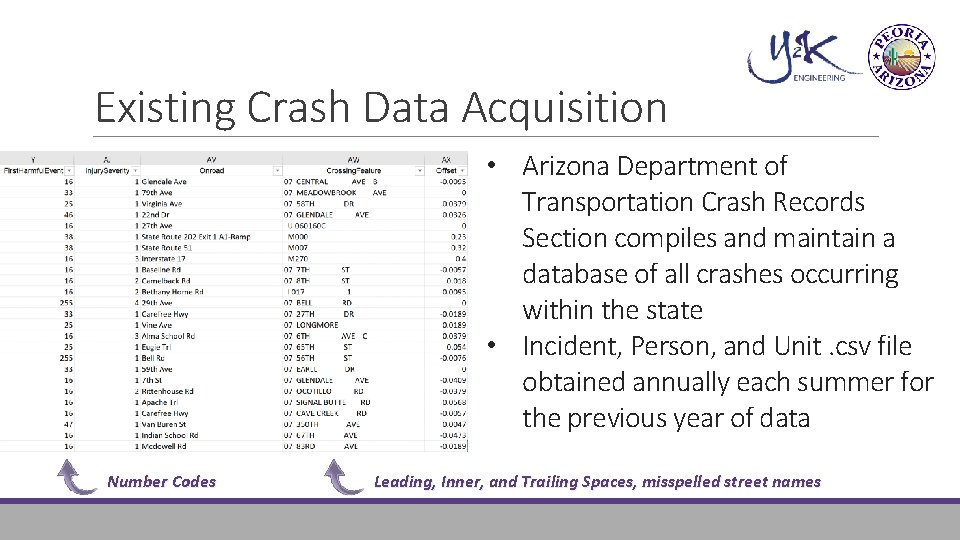
Existing Crash Data Acquisition • Arizona Department of Transportation Crash Records Section compiles and maintain a database of all crashes occurring within the state • Incident, Person, and Unit. csv file obtained annually each summer for the previous year of data Number Codes Leading, Inner, and Trailing Spaces, misspelled street names

Crash Analysis Drawbacks MAG RTSIMS Tool – Exported Report MAG RTSIMS Tool – Query Exported to Excel Formatting Manual Pivot Table Queries in Excel & Charts Time Accuracy Crash Analysis Tool Vendors Antiquated, Complex, $$
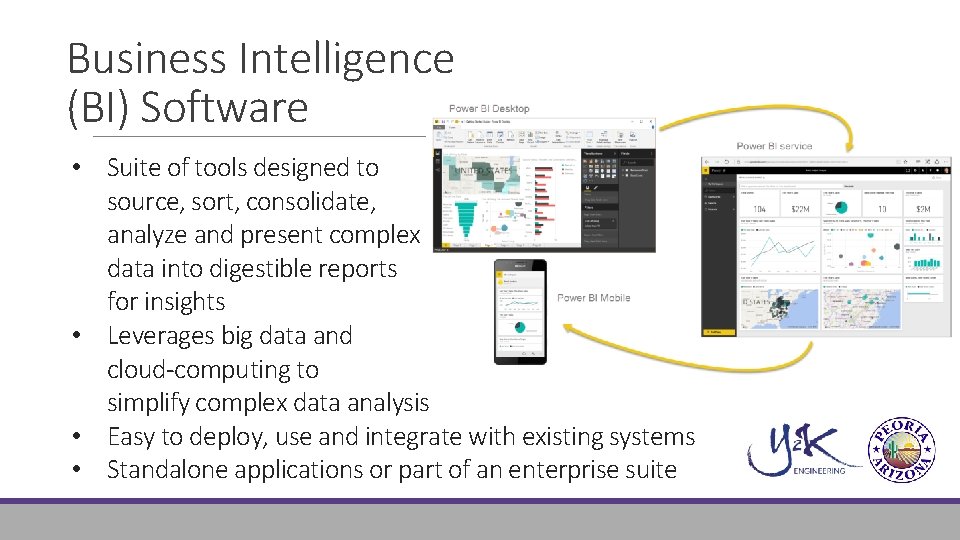
Business Intelligence (BI) Software • Suite of tools designed to source, sort, consolidate, analyze and present complex data into digestible reports for insights • Leverages big data and cloud-computing to simplify complex data analysis • Easy to deploy, use and integrate with existing systems • Standalone applications or part of an enterprise suite
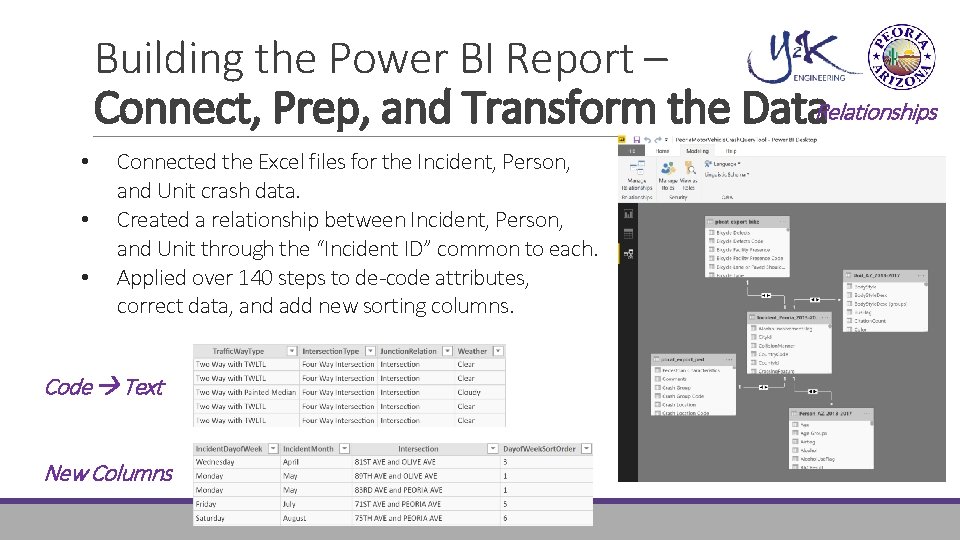
Building the Power BI Report – Connect, Prep, and Transform the Data. Relationships • • • Connected the Excel files for the Incident, Person, and Unit crash data. Created a relationship between Incident, Person, and Unit through the “Incident ID” common to each. Applied over 140 steps to de-code attributes, correct data, and add new sorting columns. Code Text New Columns
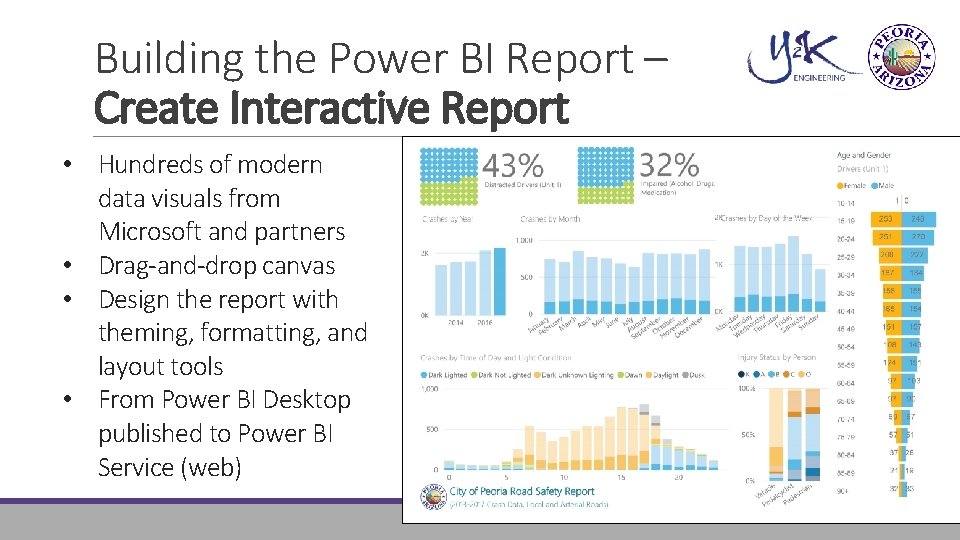
Building the Power BI Report – Create Interactive Report • Hundreds of modern data visuals from Microsoft and partners • Drag-and-drop canvas • Design the report with theming, formatting, and layout tools • From Power BI Desktop published to Power BI Service (web)

Chris Lemka, PE City Traffic Engineer City of Peoria Chris. Lemka@peoriaaz. gov 623. 773. 7260 Yung Koprowski, PE, PTOE, RSP Principal Y 2 K Engineering, LLC. ykoprowski@y 2 keng. com 480. 696. 1701
- Slides: 10