
CPU Characteristics www computerscienceuk com Lesson Objectives To
CPU Characteristics www. computerscienceuk. com
Lesson Objectives �To understand the various characteristics of a CPU and how they each affect the performance of the CPU. Success Criteria �ALL: To be able to explain the various characteristics of a CPU �MOST: To also be able to explain how these characteristics can affect the performance of a CPU �SOME: To also be able to begin to discuss the current limitations of processor speeds. Literacy – Key Words Cache A relatively small amount of memory located next to the CPU, used to supply the CPU with regularly required instructions / data at speed. Clock Speed The amount of F-D-E cycles that can be performed per second. CPU Cores An independent processing unit that is able to fetch, decode and execute instructions.
CPU Characteristics Common Characteristics of a CPU and how they affect performance. There a number of common characteristics of a CPU. For your exam, you need to understand what these characteristics are and how they affect the performance of a computer. The next few slides will introduce these characteristics and explain their importance.
CPU Characteristics Clock Speed The speed of the Fetch-Decode-Execute cycle is determined by the CPU’s clock chip. This chip uses a vibrating crystal that maintains a constant rate. The speed of the clock is measured in hertz (Hz) which is the amount of cycles per second. A clock speed of 500 Hz means 500 cycles per second. Current computers have CPU clock speeds of 3 GHz which means 3 Billion cycles per second.
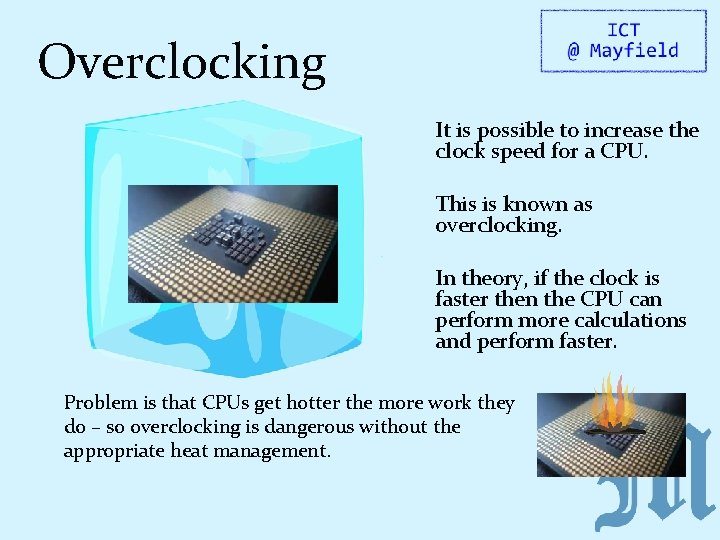
Overclocking It is possible to increase the clock speed for a CPU. This is known as overclocking. In theory, if the clock is faster then the CPU can perform more calculations and perform faster. Problem is that CPUs get hotter the more work they do – so overclocking is dangerous without the appropriate heat management.
CPU Characteristics Primary and Secondary Storage A computer system will have two types of storage: -Primary – Cache, RAM (aka main memory), ROM -Secondary – Hard Disk, Flash Drive They differ in a number of ways: Primary Storage Secondary Storage Most Primary Storage is volatile (temporary) All secondary storage is (non-volatile) permanent Primary Storage is expensive and smaller. Secondary storage is usually cheaper and large Primary storage is smaller in capacity (L 2 Cache is only 2 MB) Secondary Storage is bigger in capacity Primary storage is closer to the CPU and/or is integrated onto it and therefore is faster Secondary storage connects to the CPU via cables and therefore is slower
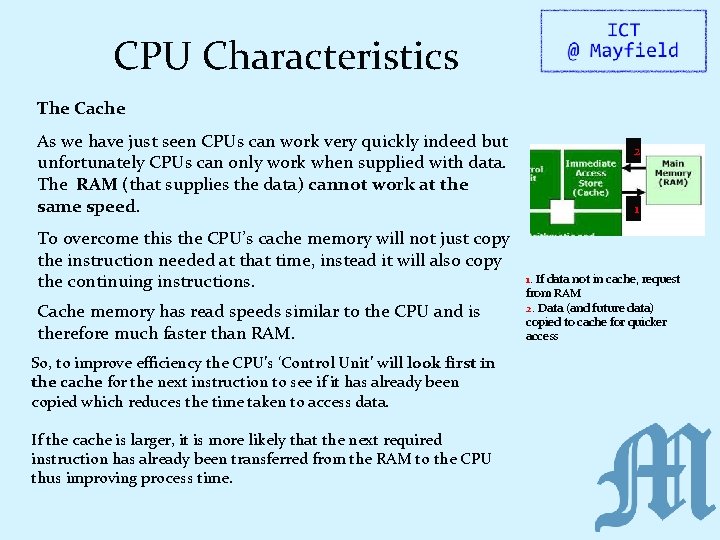
CPU Characteristics The Cache As we have just seen CPUs can work very quickly indeed but unfortunately CPUs can only work when supplied with data. The RAM (that supplies the data) cannot work at the same speed. To overcome this the CPU’s cache memory will not just copy the instruction needed at that time, instead it will also copy the continuing instructions. Cache memory has read speeds similar to the CPU and is therefore much faster than RAM. So, to improve efficiency the CPU’s ‘Control Unit’ will look first in the cache for the next instruction to see if it has already been copied which reduces the time taken to access data. If the cache is larger, it is more likely that the next required instruction has already been transferred from the RAM to the CPU thus improving process time. 2 1 1. If data not in cache, request from RAM 2. Data (and future data) copied to cache for quicker access
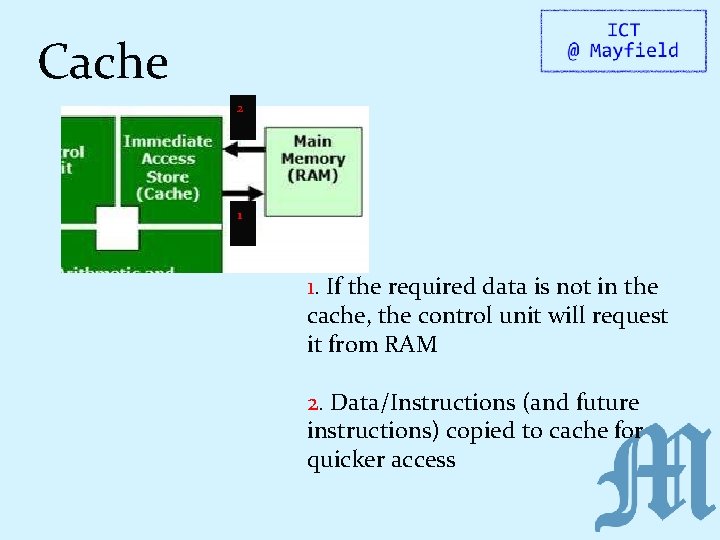
Cache 2 1 1. If the required data is not in the cache, the control unit will request it from RAM 2. Data/Instructions (and future instructions) copied to cache for quicker access
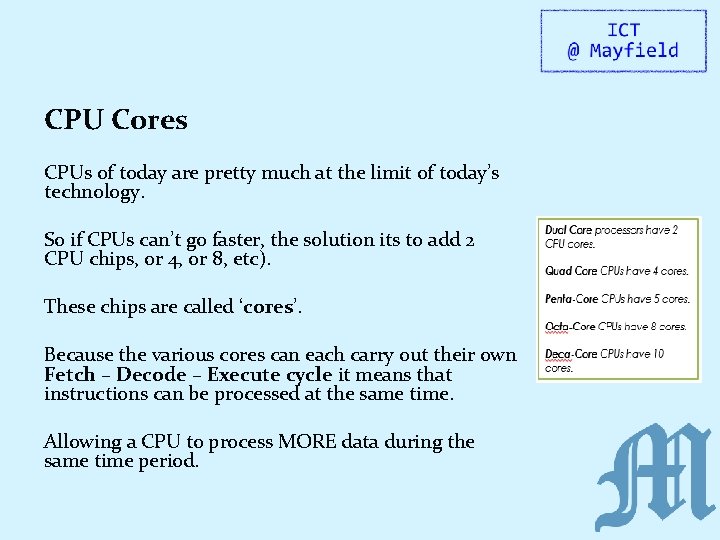
CPU Cores CPUs of today are pretty much at the limit of today’s technology. So if CPUs can’t go faster, the solution its to add 2 CPU chips, or 4, or 8, etc). These chips are called ‘cores’. Because the various cores can each carry out their own Fetch – Decode – Execute cycle it means that instructions can be processed at the same time. Allowing a CPU to process MORE data during the same time period.
CPU Cores There are two ways in which a CPU with more than one core can process more instructions in the same time period: They can carry out Parallel Processing which is when the same program can have two instructions processed at the same time. More cores also enables Multi-Tasking where each core can each process two different programs’ instructions at the same time. Either way, more cores means more instructions being processed at once. …however, it doesn’t necessarily mean CPUs work faster as some programs do not allow more than one instruction to be processed at once, so be careful when answering exam questions on this!
Embedded Systems For your exam, you will also need to understand what an embedded system is. When we think of a computer, you usually think of a PC and as many of you know, a PC is made up of various components including a motherboard, CPU, RAM, input devices etc. But of course a computer is any programmable machine…or any electronic device which takes in data, processes it and then outputs the result. Can you therefore think of any other examples of computers?
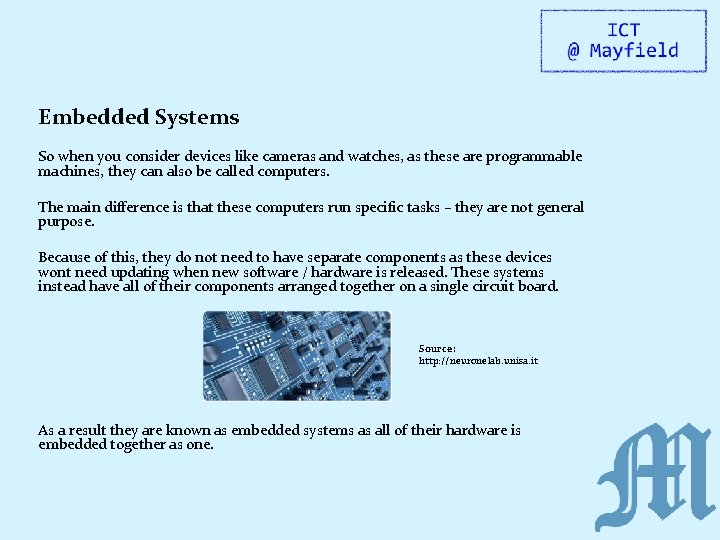
Embedded Systems So when you consider devices like cameras and watches, as these are programmable machines, they can also be called computers. The main difference is that these computers run specific tasks – they are not general purpose. Because of this, they do not need to have separate components as these devices wont need updating when new software / hardware is released. These systems instead have all of their components arranged together on a single circuit board. Source: http: //neuronelab. unisa. it As a result they are known as embedded systems as all of their hardware is embedded together as one.
The Function of the CPU www. computerscienceuk. com
Lesson Objectives �To understand the purpose of the CPU �To understand how the CPU processes data �To understand the various components that make up the CPU Success Criteria �ALL: To be able to explain the fetch-decode-execute cycle. �MOST: To be able to explain the fetch-decode-execute cycle in relation to the various components of the CPU �SOME: To also be able to discuss the performance of the CPU in relation to the speed of the F-D-E cycle. Literacy – Key Words Buses The communication channels linking the CPU with the RAM and I/O devices. Execute The action of a CPU performing an instruction. Decode Making sense of an instruction.
What is the Purpose of the CPU? The CPU is often known as the 'brain of the computer'. Its job is to process data. And by processing we mean things like searching, sorting, calculating and decision making. Whenever you are on working on your computer, it is the CPU which is at the heart of everything.
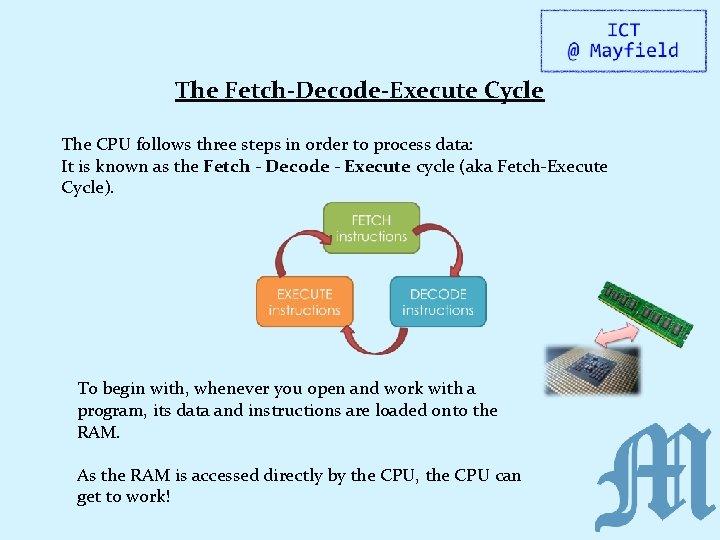
The Fetch-Decode-Execute Cycle The CPU follows three steps in order to process data: It is known as the Fetch - Decode - Execute cycle (aka Fetch-Execute Cycle). To begin with, whenever you open and work with a program, its data and instructions are loaded onto the RAM. As the RAM is accessed directly by the CPU, the CPU can get to work!
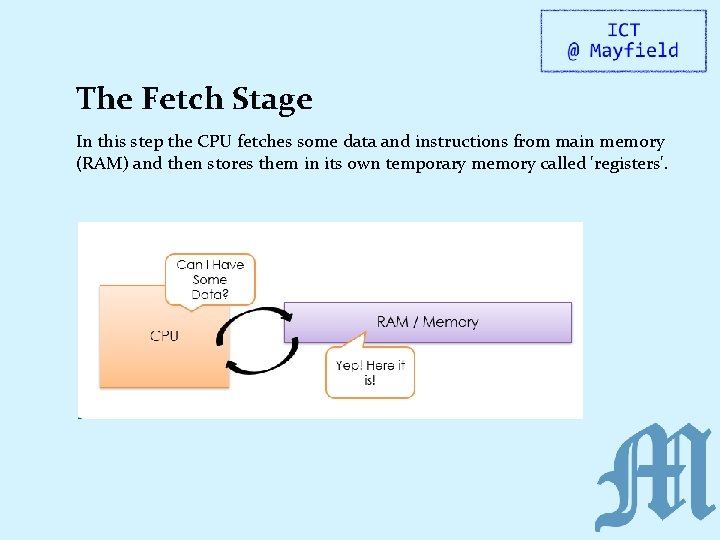
The Fetch Stage In this step the CPU fetches some data and instructions from main memory (RAM) and then stores them in its own temporary memory called 'registers'.
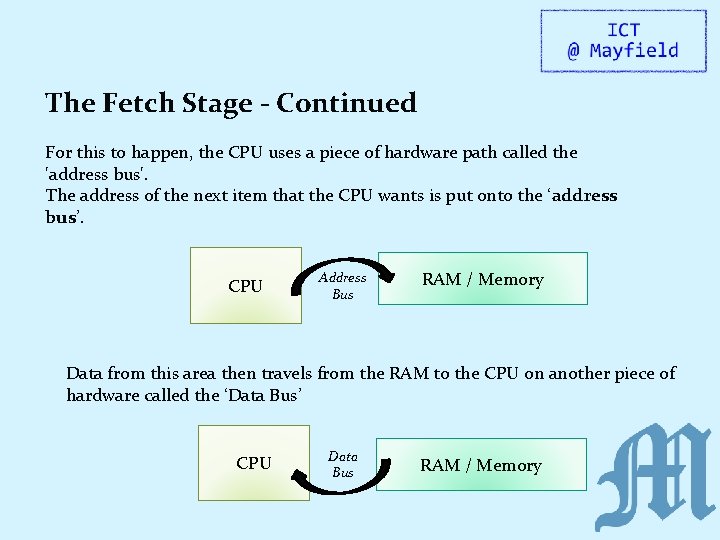
The Fetch Stage - Continued For this to happen, the CPU uses a piece of hardware path called the 'address bus'. The address of the next item that the CPU wants is put onto the ‘address bus’. CPU Address Bus RAM / Memory Data from this area then travels from the RAM to the CPU on another piece of hardware called the ‘Data Bus’ CPU Data Bus RAM / Memory
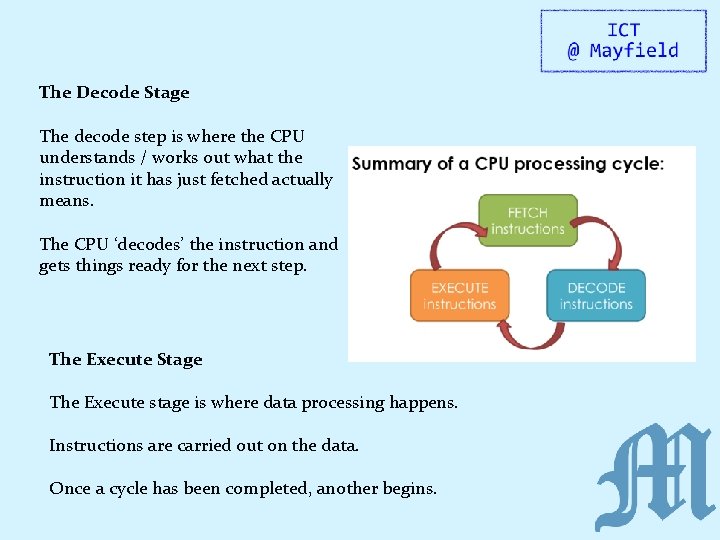
The Decode Stage The decode step is where the CPU understands / works out what the instruction it has just fetched actually means. The CPU ‘decodes’ the instruction and gets things ready for the next step. The Execute Stage The Execute stage is where data processing happens. Instructions are carried out on the data. Once a cycle has been completed, another begins.
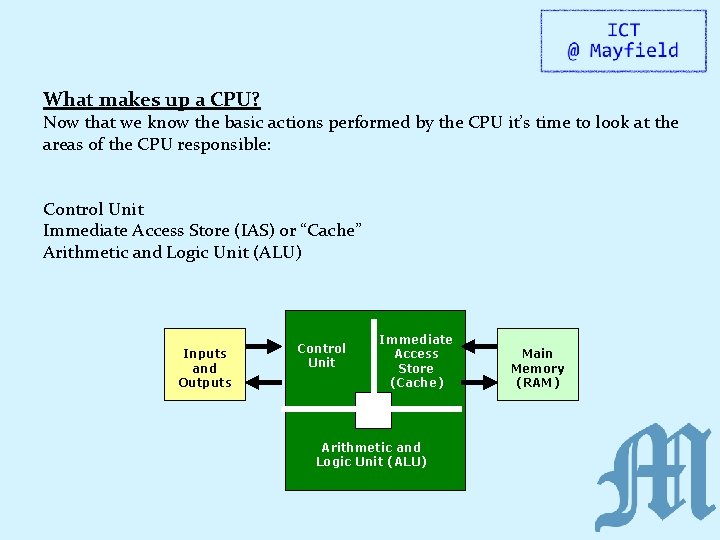
What makes up a CPU? Now that we know the basic actions performed by the CPU it’s time to look at the areas of the CPU responsible: Control Unit Immediate Access Store (IAS) or “Cache” Arithmetic and Logic Unit (ALU) Inputs and Outputs Control Unit Immediate Access Store (Cache) Arithmetic and Logic Unit (ALU) Main Memory (RAM)
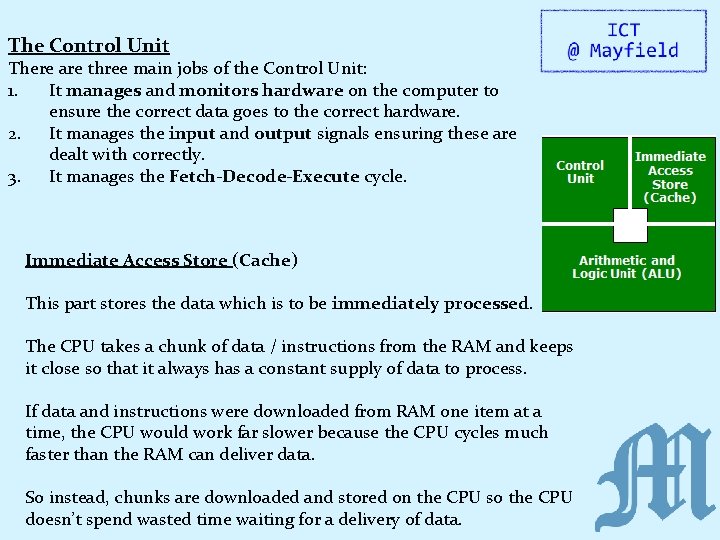
The Control Unit There are three main jobs of the Control Unit: 1. It manages and monitors hardware on the computer to ensure the correct data goes to the correct hardware. 2. It manages the input and output signals ensuring these are dealt with correctly. 3. It manages the Fetch-Decode-Execute cycle. Immediate Access Store (Cache) This part stores the data which is to be immediately processed. The CPU takes a chunk of data / instructions from the RAM and keeps it close so that it always has a constant supply of data to process. If data and instructions were downloaded from RAM one item at a time, the CPU would work far slower because the CPU cycles much faster than the RAM can deliver data. So instead, chunks are downloaded and stored on the CPU so the CPU doesn’t spend wasted time waiting for a delivery of data.
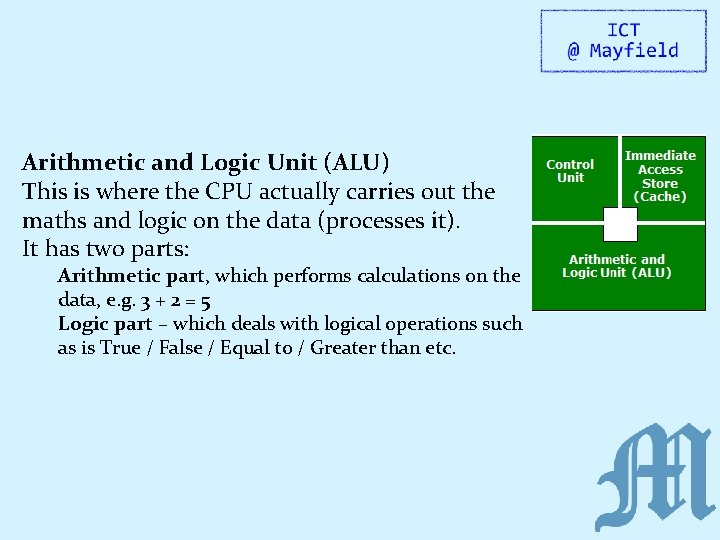
Arithmetic and Logic Unit (ALU) This is where the CPU actually carries out the maths and logic on the data (processes it). It has two parts: Arithmetic part, which performs calculations on the data, e. g. 3 + 2 = 5 Logic part – which deals with logical operations such as is True / False / Equal to / Greater than etc.
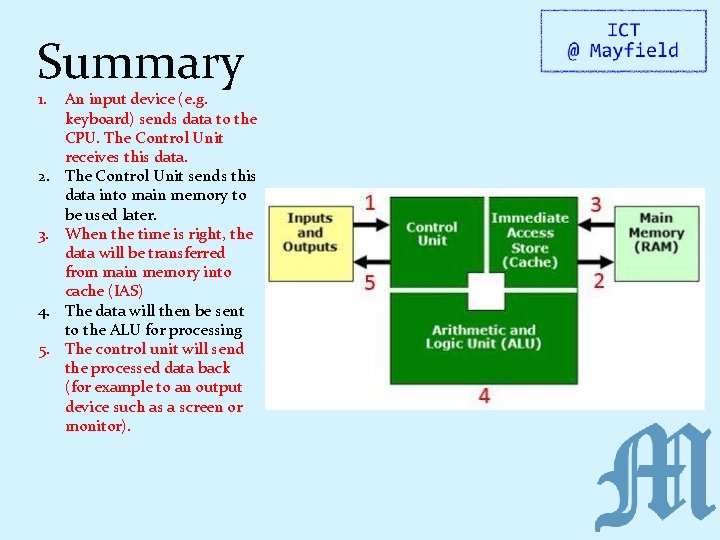
Summary 1. 2. 3. 4. 5. An input device (e. g. keyboard) sends data to the CPU. The Control Unit receives this data. The Control Unit sends this data into main memory to be used later. When the time is right, the data will be transferred from main memory into cache (IAS) The data will then be sent to the ALU for processing The control unit will send the processed data back (for example to an output device such as a screen or monitor).

The Von Neumann Architecture
Lesson Objectives � To understand the importance of the Von Neumann architecture in separating the program from the machine. � To understand what is meant by an ‘Instruction Set’ � To understand the relative roles of specialised CPU registers during the Fetch-Decode-Execute cycle. Success Criteria � ALL: To be able to describe the roles of various specialised registers inside the CPU during the F-D-E cycle. � MOST: To also be able to explain what they do during F-D-E cycles when provided with a given set of instructions. � SOME: To also discuss the benefits that the Von Neumann architecture provided to computing systems. Literacy – Key Words Register A small amount of fast storage in the CPU Architecture The design of the CPU (how it has been constructed). Accumulator A specialised CPU registered which stored the intermediate results of a F-D-E cycle.
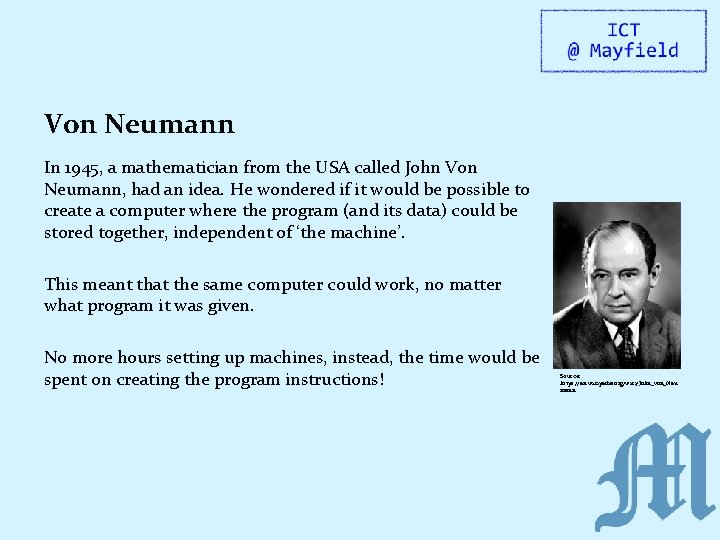
Von Neumann In 1945, a mathematician from the USA called John Von Neumann, had an idea. He wondered if it would be possible to create a computer where the program (and its data) could be stored together, independent of ‘the machine’. This meant that the same computer could work, no matter what program it was given. No more hours setting up machines, instead, the time would be spent on creating the program instructions! Source: https: //en. wikipedia. org/wiki/John_von_Neu mann
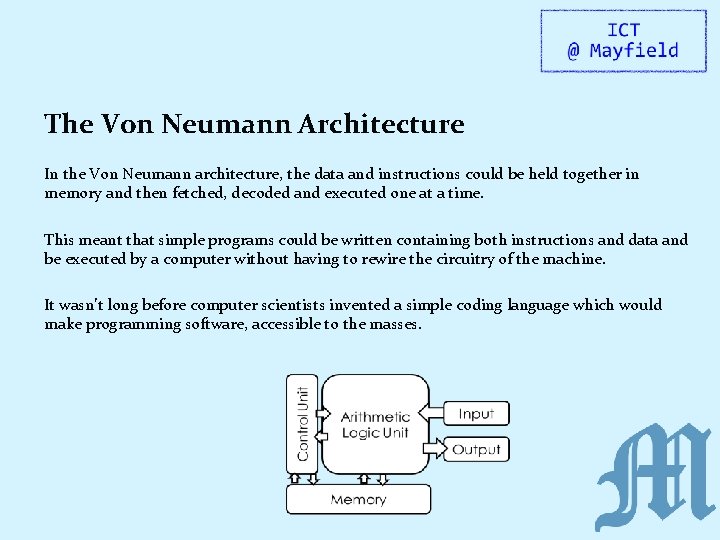
The Von Neumann Architecture In the Von Neumann architecture, the data and instructions could be held together in memory and then fetched, decoded and executed one at a time. This meant that simple programs could be written containing both instructions and data and be executed by a computer without having to rewire the circuitry of the machine. It wasn’t long before computer scientists invented a simple coding language which would make programming software, accessible to the masses.
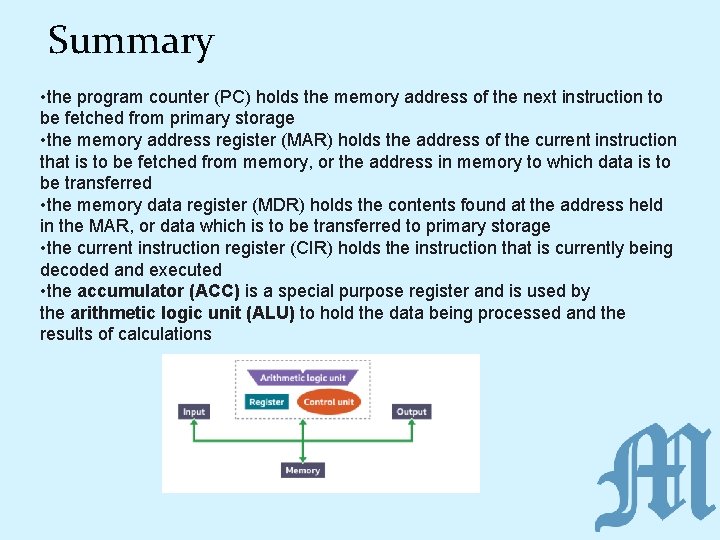
Summary • the program counter (PC) holds the memory address of the next instruction to be fetched from primary storage • the memory address register (MAR) holds the address of the current instruction that is to be fetched from memory, or the address in memory to which data is to be transferred • the memory data register (MDR) holds the contents found at the address held in the MAR, or data which is to be transferred to primary storage • the current instruction register (CIR) holds the instruction that is currently being decoded and executed • the accumulator (ACC) is a special purpose register and is used by the arithmetic logic unit (ALU) to hold the data being processed and the results of calculations
- Slides: 28