
CPSE Portal and Medicaid Processing Overview for Providers
- Slides: 69
CPSE Portal and Medicaid Processing Overview for Providers
Who we are James Mc. Guinness and Associates Established in 1979 Software development Preschool software for Counties that is used by 30 NYS Counties (over 15 years) CLAIMS - Agency management software used by many NYS providers Experience with Early Intervention Experience with Electronic Billing Experience with Medicaid claiming
Overview Medicaid processing Procedures for Medicaid processing CPSE Portal overview This is an introduction, we will be holding several webinars over the next few weeks Questions are great, but this is not a good forum for questions Instead, take in this overview, download this Powerpoint and review Formulate your questions Either submit them to the support system or wait for the webinars
CPSE Portal A web based portal that provides a mechanism for exchanging data between the County and providers Typically used for billing data Also supports Medicaid related information
Medicaid Processing – PSHSP Background NYS Counties pay providers for services provided to children in the Preschool (CPSE) program When all goes right (STACs in place, etc. ) , the County gets reimbursed from SED for a portion of the cost Additionally, the County can claim for Medicaid reimbursement for certain direct medical services that are provided to children with Medicaid Any Medicaid reimbursement helps offset the financial burden to the County
Medicaid Processing Contract for Nassau contracts with an outside vendor to perform the Medicaid claiming processes The prior vendor’s contract was for services through 12/31/2014. James Mc. Guinness and Associates was awarded the contract for services beginning 1/1/2015.
Medicaid Claiming - Goals Maximize Medicaid revenue Timely filing Error checking Reduce rejections / denials Collect documents sooner Increase accuracy Ensure requirements are met Collapse cash flow window Submit claims sooner
Medicaid Processing - Documentation Required documentation IEP Parental Consent Prescriptions / Written Orders / Referrals / Speech Recommendations Attendance / session record Time in/out Location / Setting Diagnosis Codes / Procedure Codes Notes Etc.
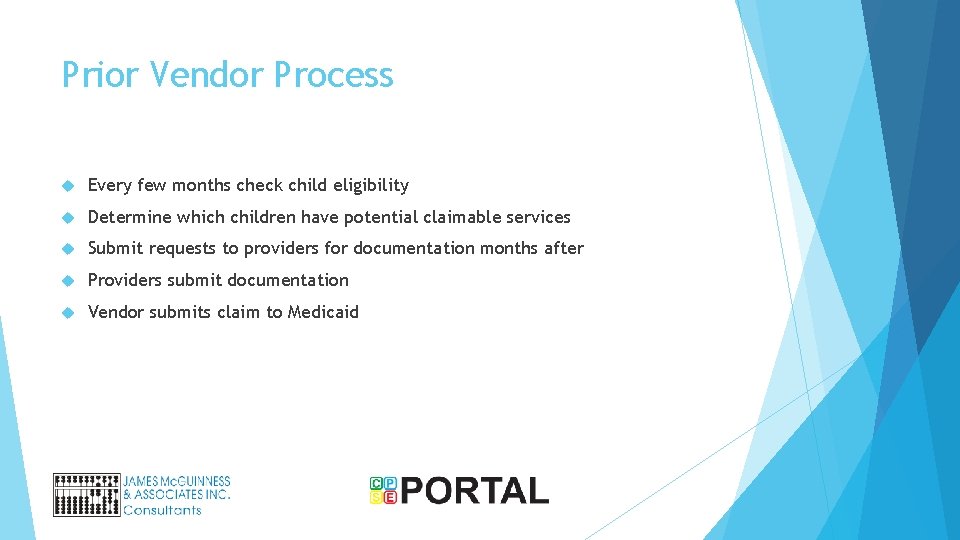
Prior Vendor Process Every few months check child eligibility Determine which children have potential claimable services Submit requests to providers for documentation months after Providers submit documentation Vendor submits claim to Medicaid
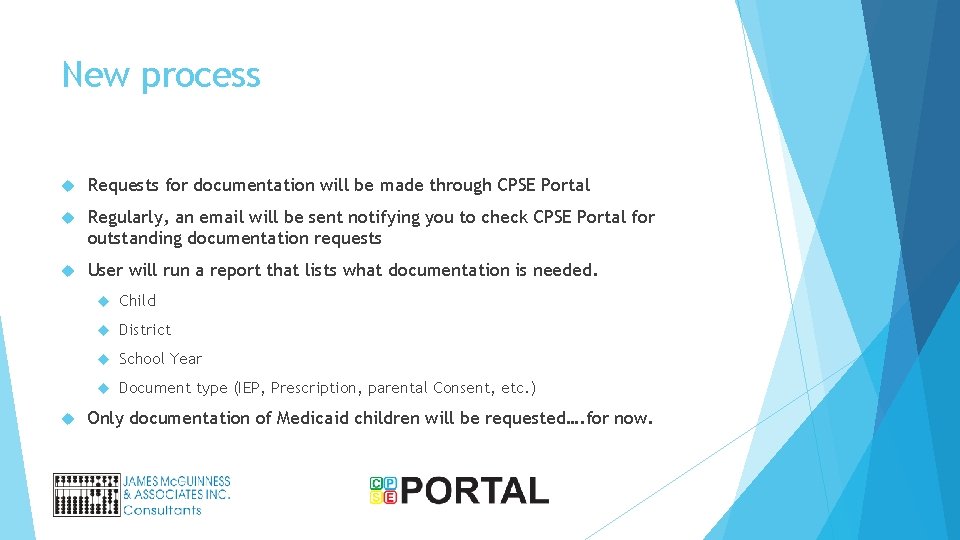
New process Requests for documentation will be made through CPSE Portal Regularly, an email will be sent notifying you to check CPSE Portal for outstanding documentation requests User will run a report that lists what documentation is needed. Child District School Year Document type (IEP, Prescription, parental Consent, etc. ) Only documentation of Medicaid children will be requested…. for now.
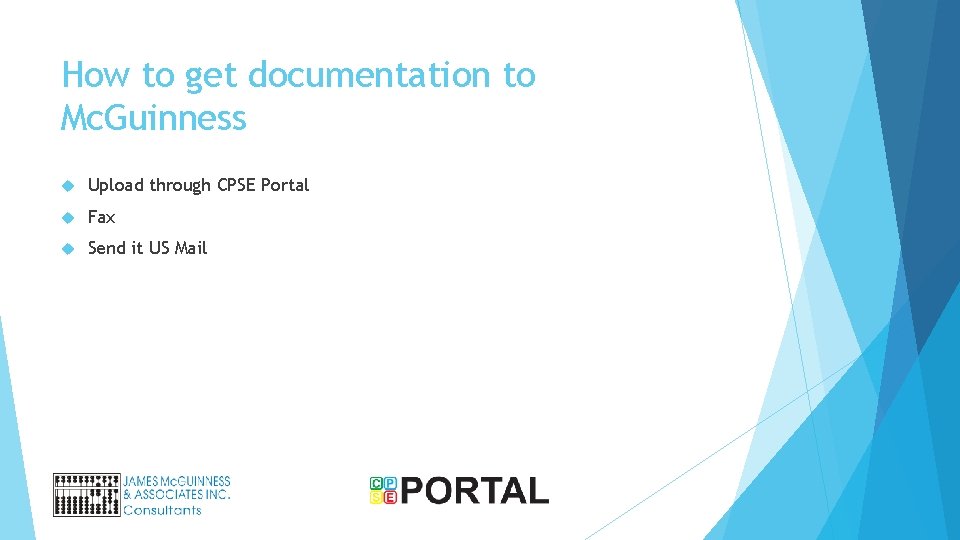
How to get documentation to Mc. Guinness Upload through CPSE Portal Fax Send it US Mail
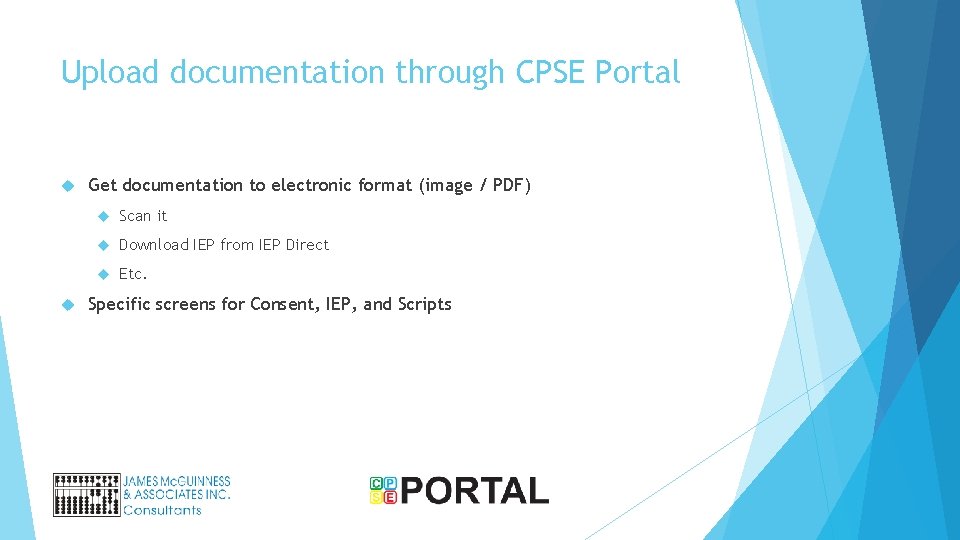
Upload documentation through CPSE Portal Get documentation to electronic format (image / PDF) Scan it Download IEP from IEP Direct Etc. Specific screens for Consent, IEP, and Scripts
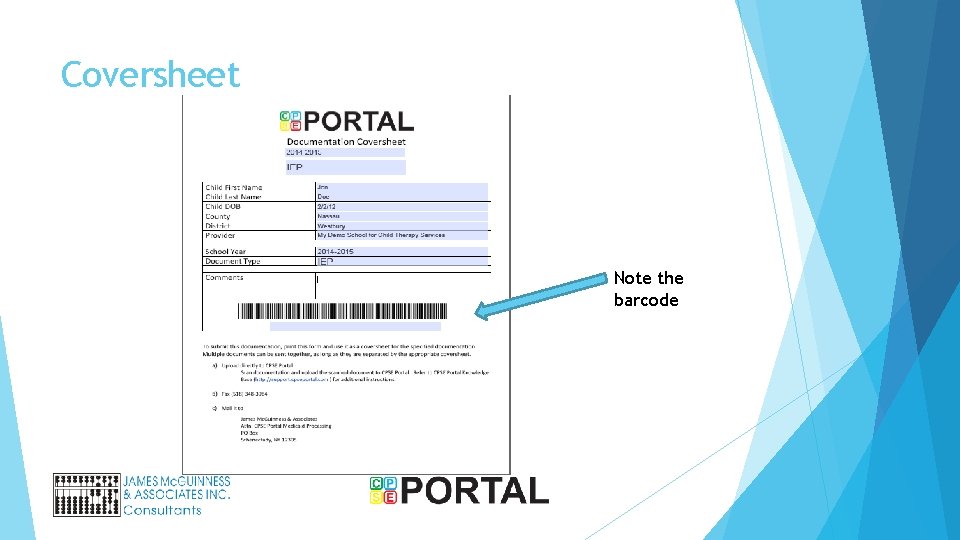
Documentation Prep Requests for Documentation has option to generate PDF of coversheets Each coversheet is for a single piece of documentation One child’s IEP One child’s Parental consent Cover sheet has Child information Documentation type
Coversheet Note the barcode
Documentation Packet Create a packet by placing coversheet on top of corresponding documentation You can bundle packets as long as there appropriate coversheets separating them You can bundle multiple children’s information together, as long as there appropriate coversheets separating them You can bundle multiple documentation types (IEP, Script, Consent) as long as there appropriate coversheets separating them The barcoded coversheet is used to route the document to the appropriate child / school year / documentation type/ etc.
Submit documentation Option 1 – Scan and upload Scan documents to file (PDF preferred, but image is OK) Upload file to CPSE Portal through CPSE Portal Web page Option 2 – Fax the bundle(s) to the number printed on the barcoded coversheet Option 3 – US Mail Copy the documentation Assemble packets of the coversheets with documentation copies Mail the bundled packets to the address on the barcoded coversheet
Upload documents without coversheet You can upload electronic documentation without coversheets Without coversheets, they can’t be routed properly, therefore additional information is needed. Script Lookup child IEP Parental Consent
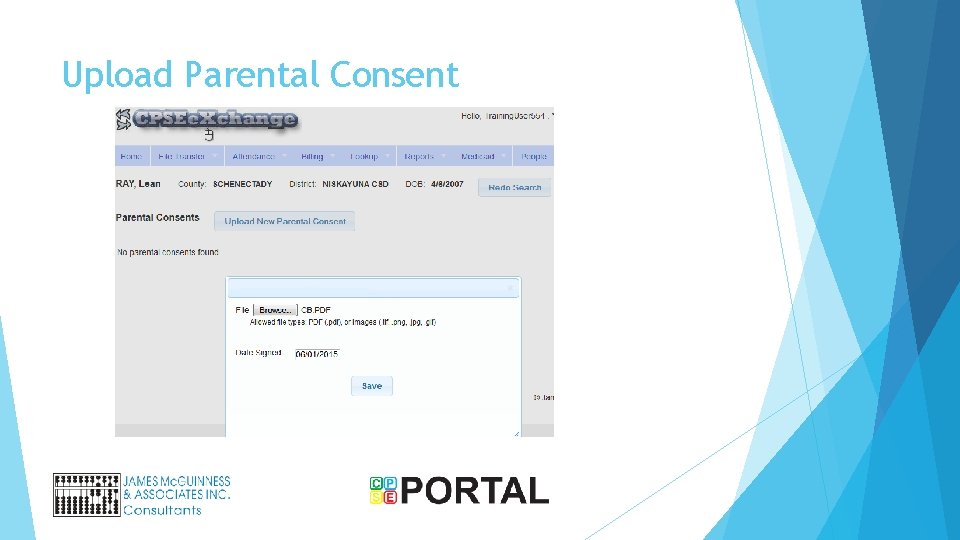
Upload Parental Consent
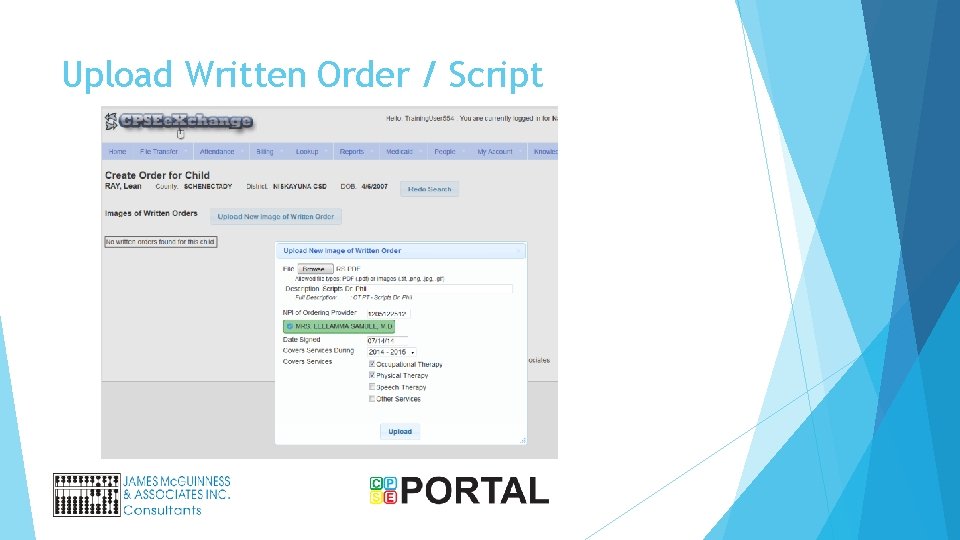
Upload Written Order / Script
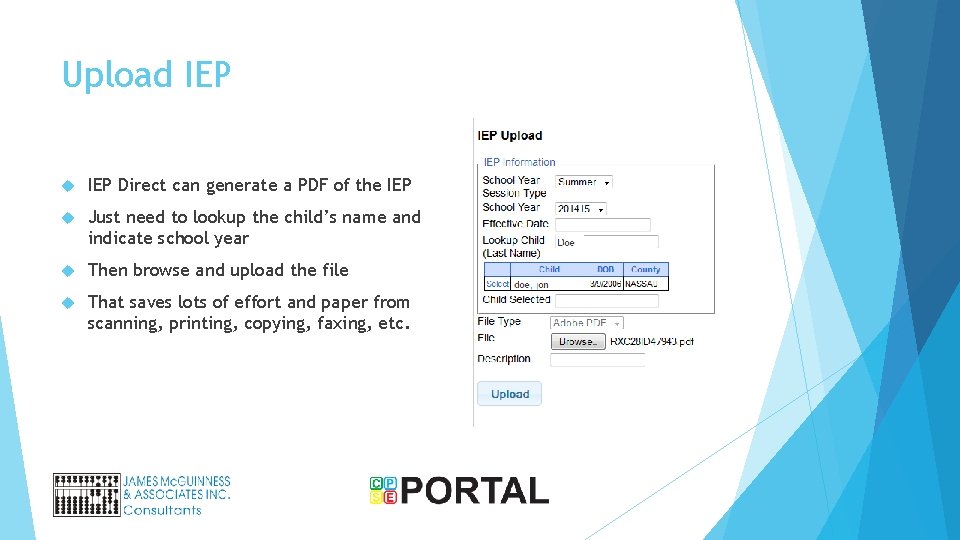
Upload IEP Direct can generate a PDF of the IEP Just need to lookup the child’s name and indicate school year Then browse and upload the file That saves lots of effort and paper from scanning, printing, copying, faxing, etc.
Documentation Summary Needed documentation will be reported via CPSE Portal Multiple ways to submit documentation (Scan/upload, Upload, fax, US Mail) In the future, it may be easier for providers to submit documentation for ALL children (not just Medicaid) as it comes in, rather than retrieving later for submission. That is OK
Treatment Logs? Two processes Process #1 – For Service dates 1/1/15 thru either 6/30/15 or 8/31/15 Just like IEP, Consent, RX, etc. There will be a request Print coversheet and fax/upload/mail Process #2 – For Service dates beginning either 7/1/15 or 9/1/15 Data will be put directly into CPSE Portal
What is CPSE Portal A website https: //www. CPSEPortal. com Linked to County Preschool data management system Provides for collecting attendance and billing information Provides electronic billing services
How does data get into CPSE Portal Users can data enter into website Agencies that use CLAIMS / Enter. CLAIMS can upload their data in a file to CPSEPortal Agencies that use any other software package can also upload data from their systems. File specifications are available in the knowledge base.
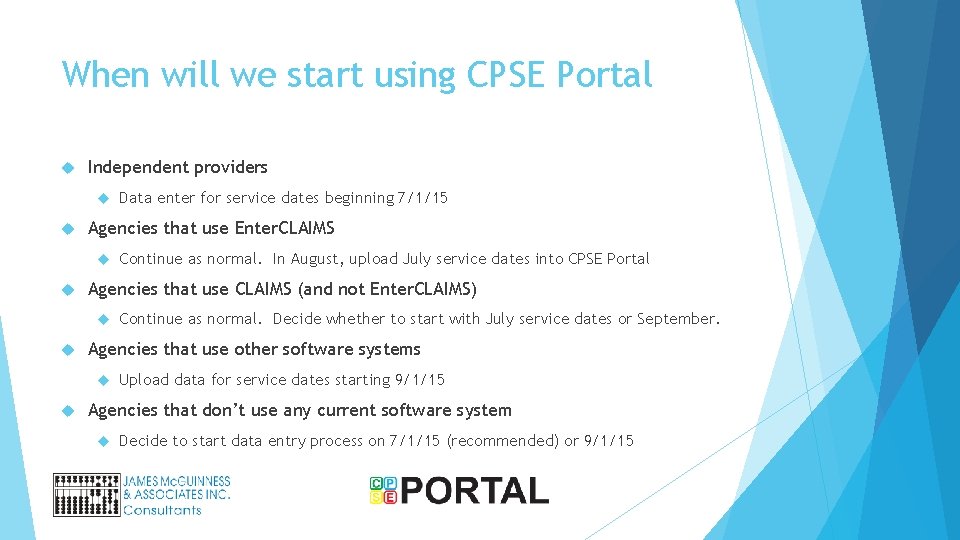
When will we start using CPSE Portal Independent providers Agencies that use Enter. CLAIMS Continue as normal. Decide whether to start with July service dates or September. Agencies that use other software systems Continue as normal. In August, upload July service dates into CPSE Portal Agencies that use CLAIMS (and not Enter. CLAIMS) Data enter for service dates beginning 7/1/15 Upload data for service dates starting 9/1/15 Agencies that don’t use any current software system Decide to start data entry process on 7/1/15 (recommended) or 9/1/15
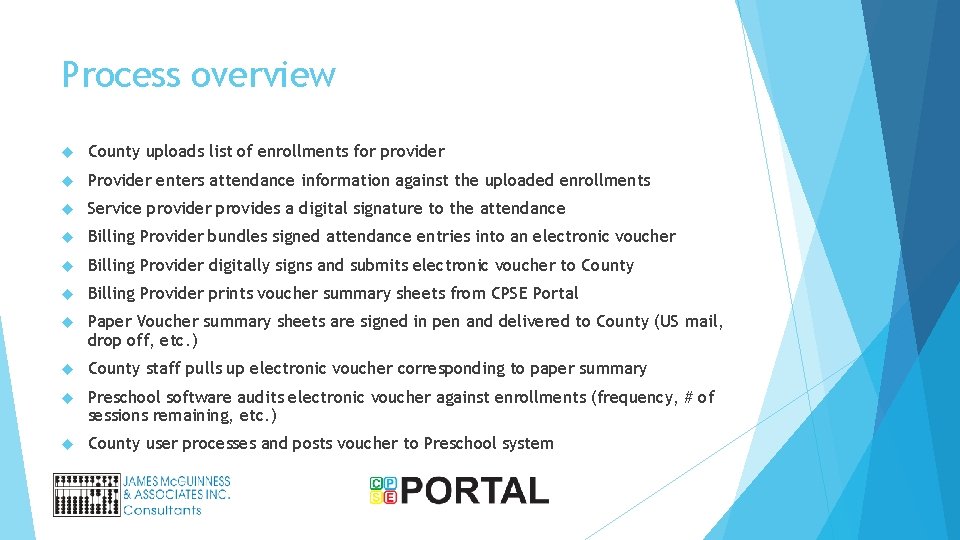
Process overview County uploads list of enrollments for provider Provider enters attendance information against the uploaded enrollments Service provider provides a digital signature to the attendance Billing Provider bundles signed attendance entries into an electronic voucher Billing Provider digitally signs and submits electronic voucher to County Billing Provider prints voucher summary sheets from CPSE Portal Paper Voucher summary sheets are signed in pen and delivered to County (US mail, drop off, etc. ) County staff pulls up electronic voucher corresponding to paper summary Preschool software audits electronic voucher against enrollments (frequency, # of sessions remaining, etc. ) County user processes and posts voucher to Preschool system
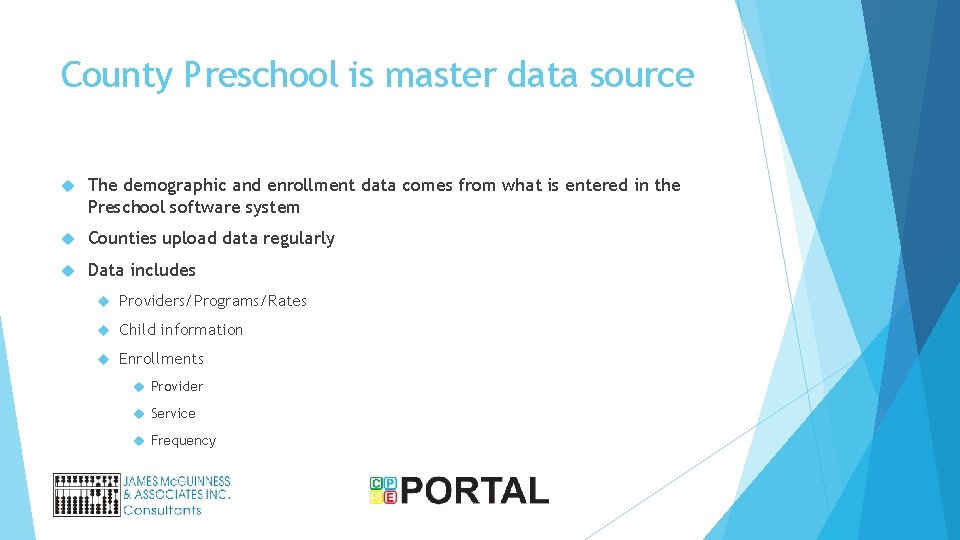
County Preschool is master data source The demographic and enrollment data comes from what is entered in the Preschool software system Counties upload data regularly Data includes Providers/Programs/Rates Child information Enrollments Provider Service Frequency
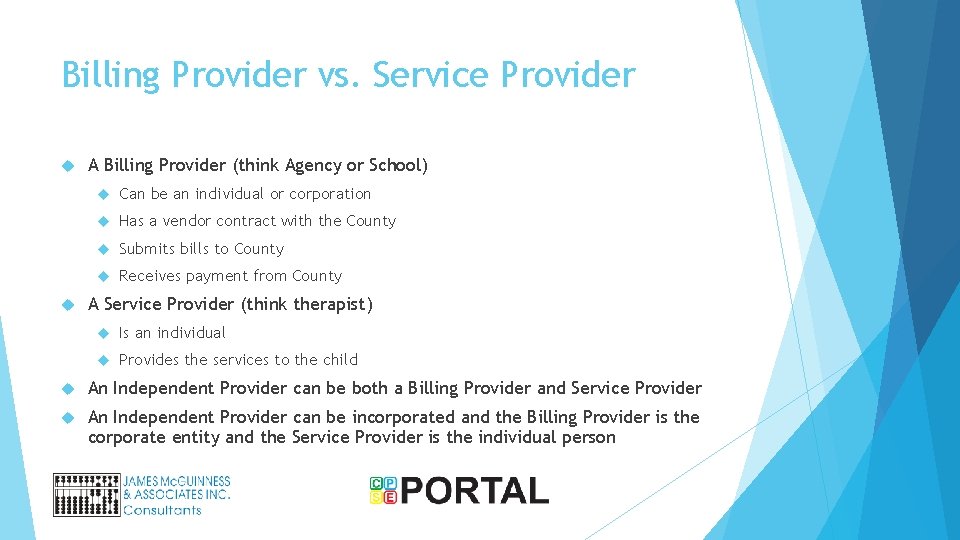
Billing Provider vs. Service Provider A Billing Provider (think Agency or School) Can be an individual or corporation Has a vendor contract with the County Submits bills to County Receives payment from County A Service Provider (think therapist) Is an individual Provides the services to the child An Independent Provider can be both a Billing Provider and Service Provider An Independent Provider can be incorporated and the Billing Provider is the corporate entity and the Service Provider is the individual person
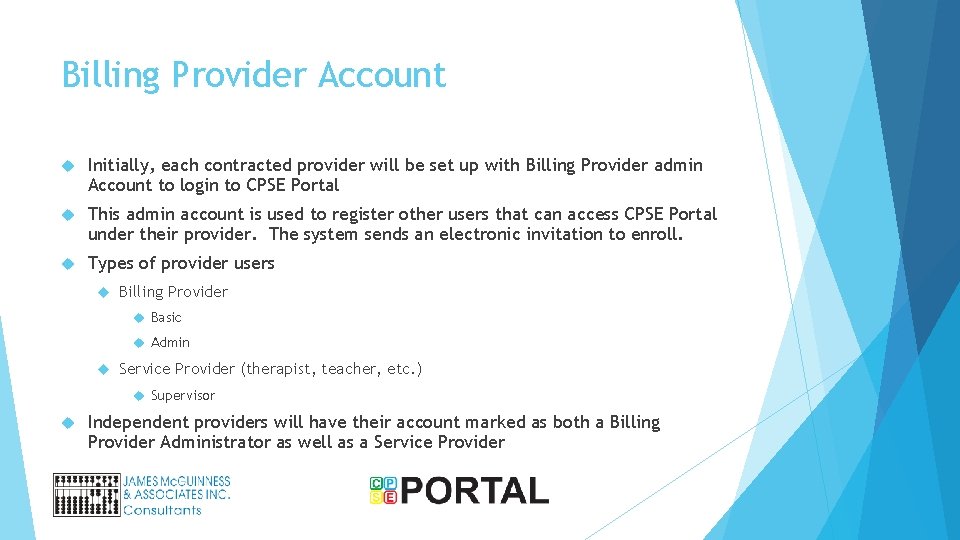
Billing Provider Account Initially, each contracted provider will be set up with Billing Provider admin Account to login to CPSE Portal This admin account is used to register other users that can access CPSE Portal under their provider. The system sends an electronic invitation to enroll. Types of provider users Billing Provider Basic Admin Service Provider (therapist, teacher, etc. ) Supervisor Independent providers will have their account marked as both a Billing Provider Administrator as well as a Service Provider
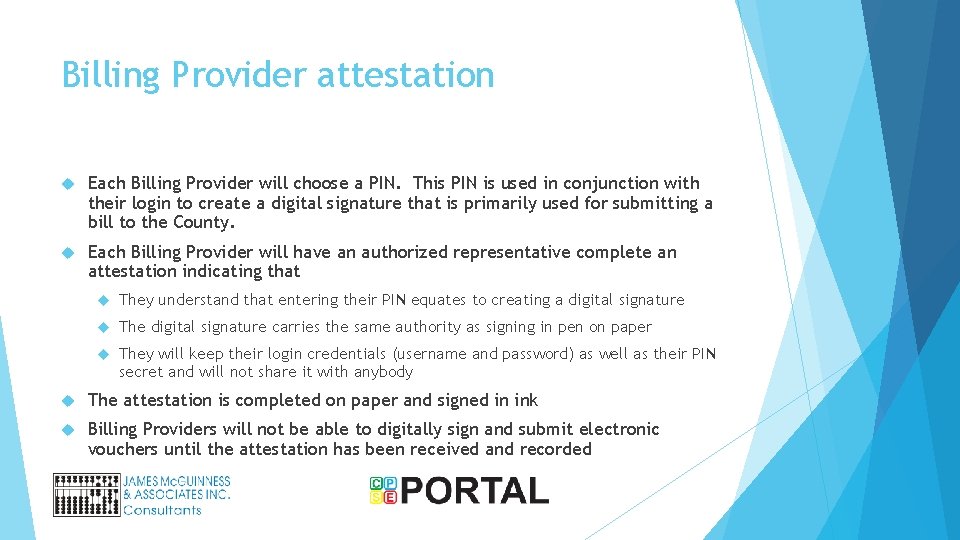
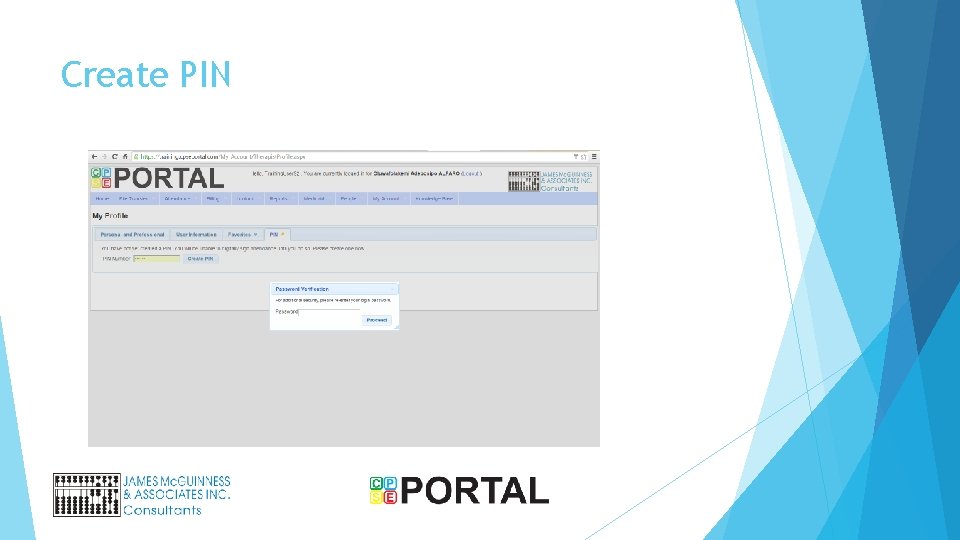
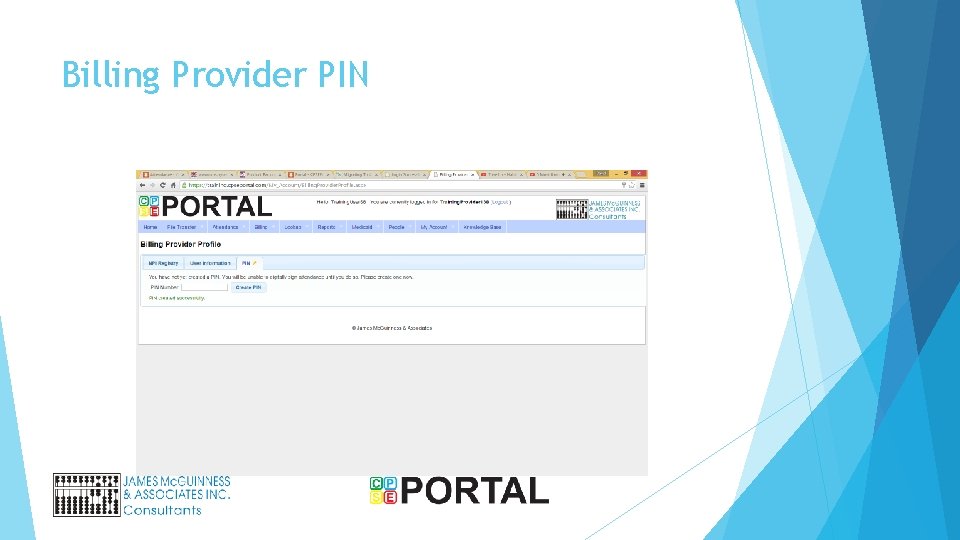
Billing Provider attestation Each Billing Provider will choose a PIN. This PIN is used in conjunction with their login to create a digital signature that is primarily used for submitting a bill to the County. Each Billing Provider will have an authorized representative complete an attestation indicating that They understand that entering their PIN equates to creating a digital signature The digital signature carries the same authority as signing in pen on paper They will keep their login credentials (username and password) as well as their PIN secret and will not share it with anybody The attestation is completed on paper and signed in ink Billing Providers will not be able to digitally sign and submit electronic vouchers until the attestation has been received and recorded
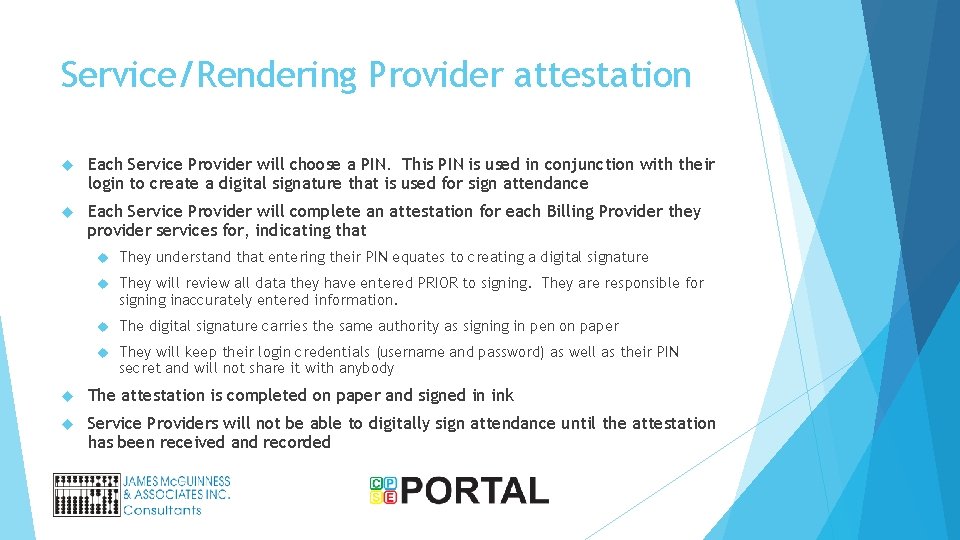
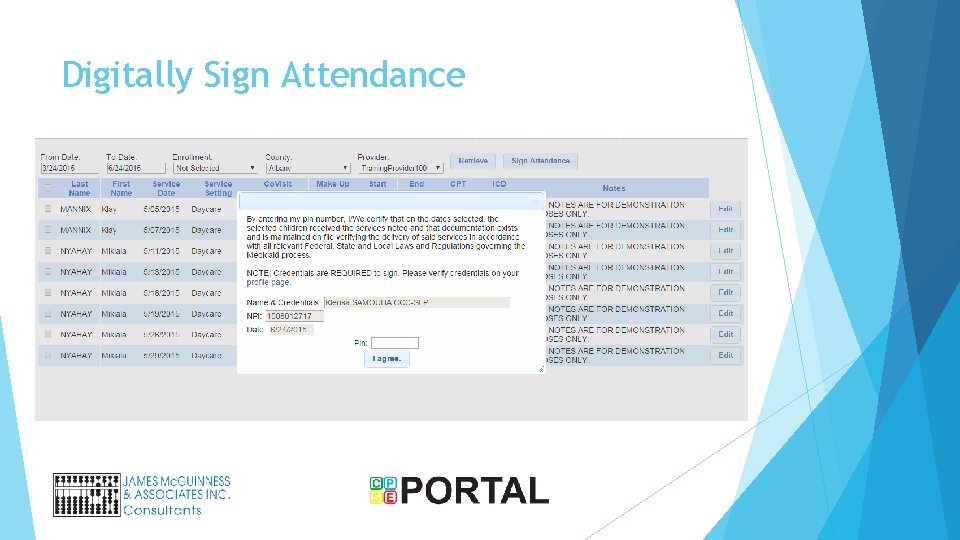
Service/Rendering Provider attestation Each Service Provider will choose a PIN. This PIN is used in conjunction with their login to create a digital signature that is used for sign attendance Each Service Provider will complete an attestation for each Billing Provider they provider services for, indicating that They understand that entering their PIN equates to creating a digital signature They will review all data they have entered PRIOR to signing. They are responsible for signing inaccurately entered information. The digital signature carries the same authority as signing in pen on paper They will keep their login credentials (username and password) as well as their PIN secret and will not share it with anybody The attestation is completed on paper and signed in ink Service Providers will not be able to digitally sign attendance until the attestation has been received and recorded
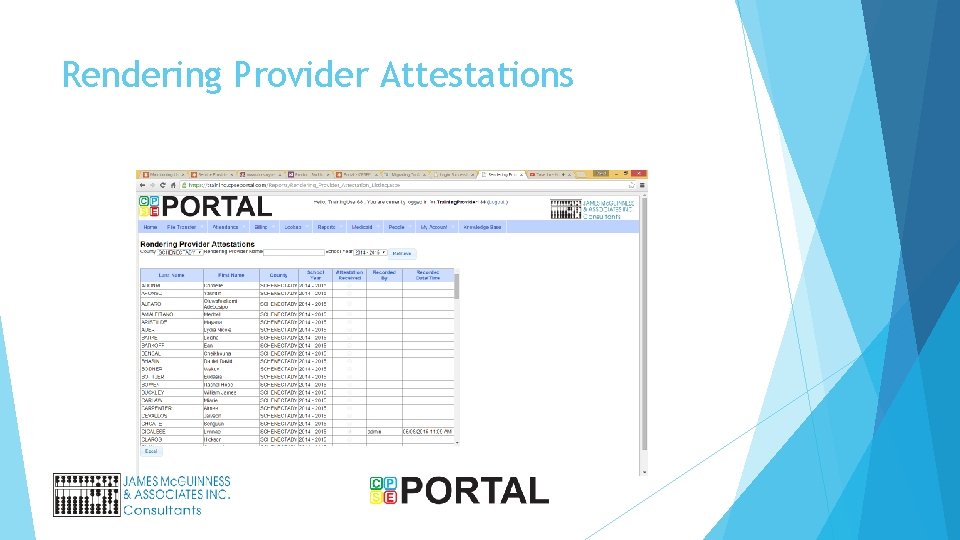
Rendering Provider Attestations
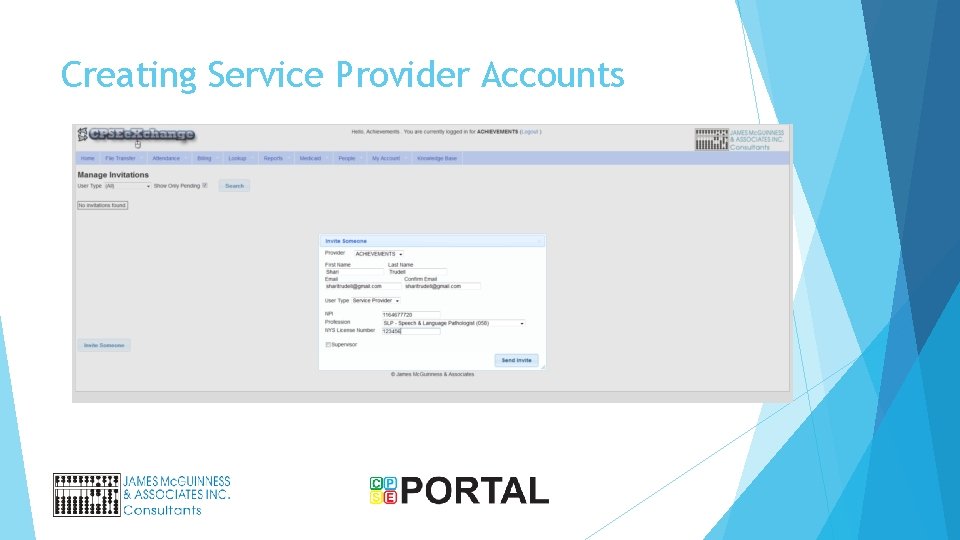
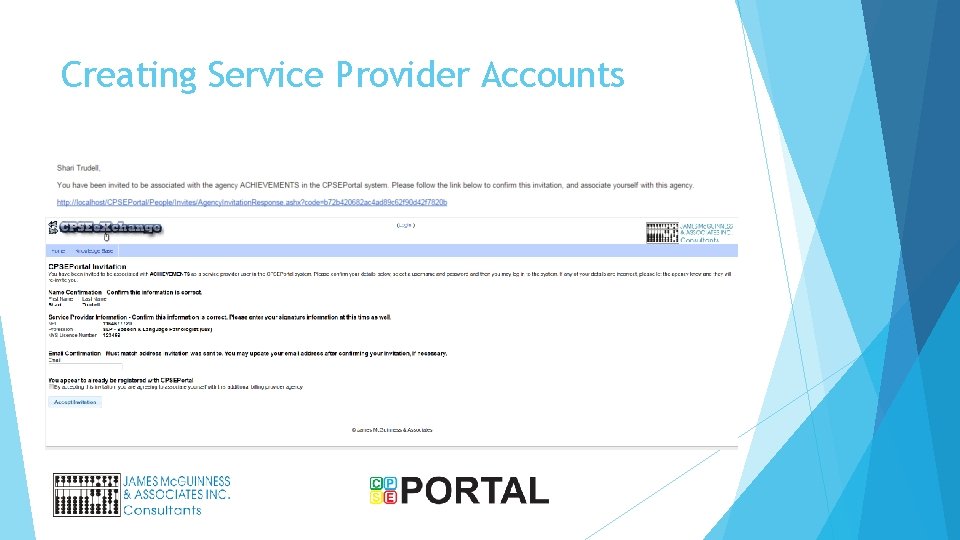
Creating Service Provider Accounts
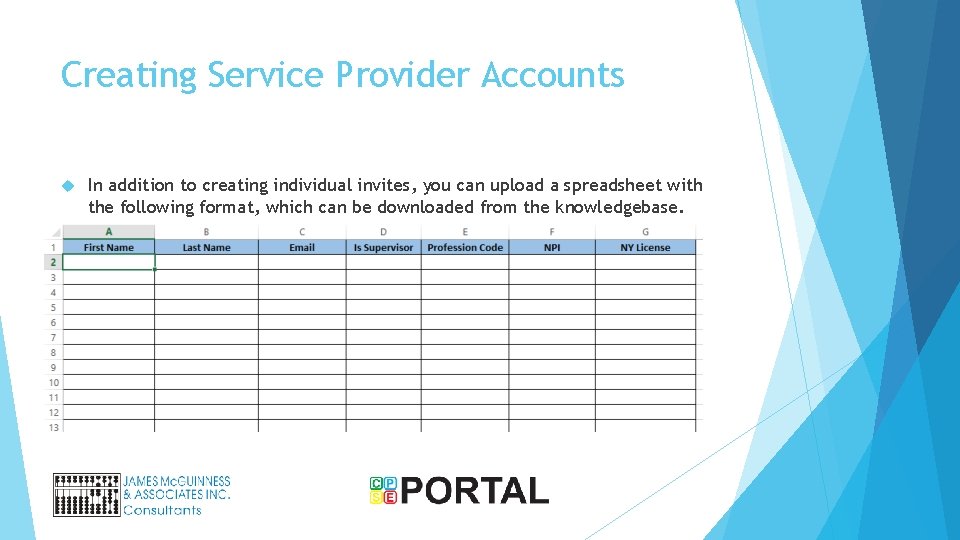
Creating Service Provider Accounts In addition to creating individual invites, you can upload a spreadsheet with the following format, which can be downloaded from the knowledgebase.
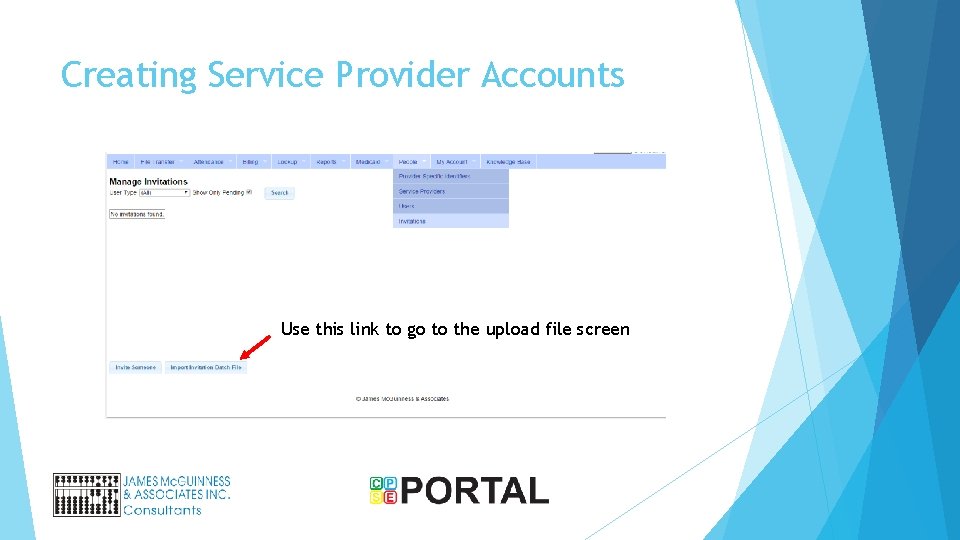
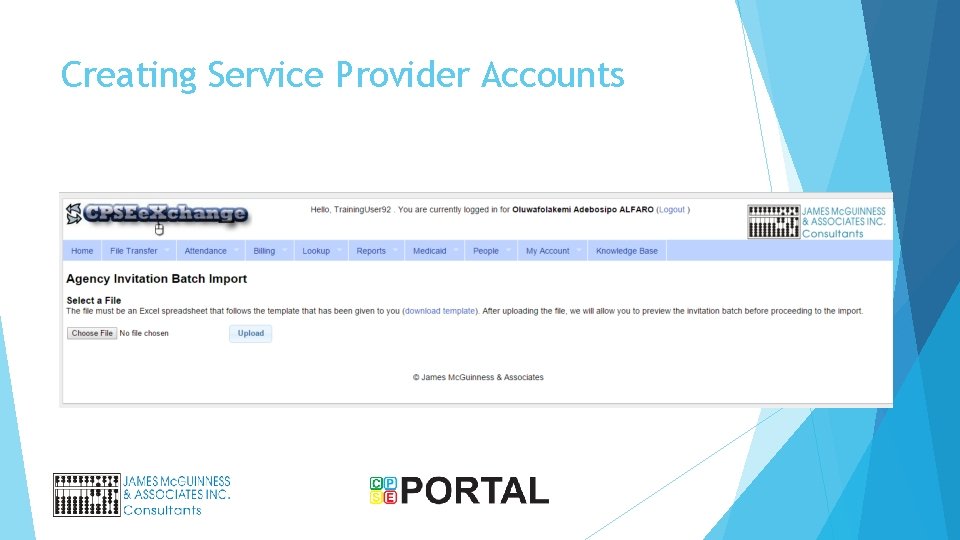
Creating Service Provider Accounts Use this link to go to the upload file screen
Creating Service Provider Accounts
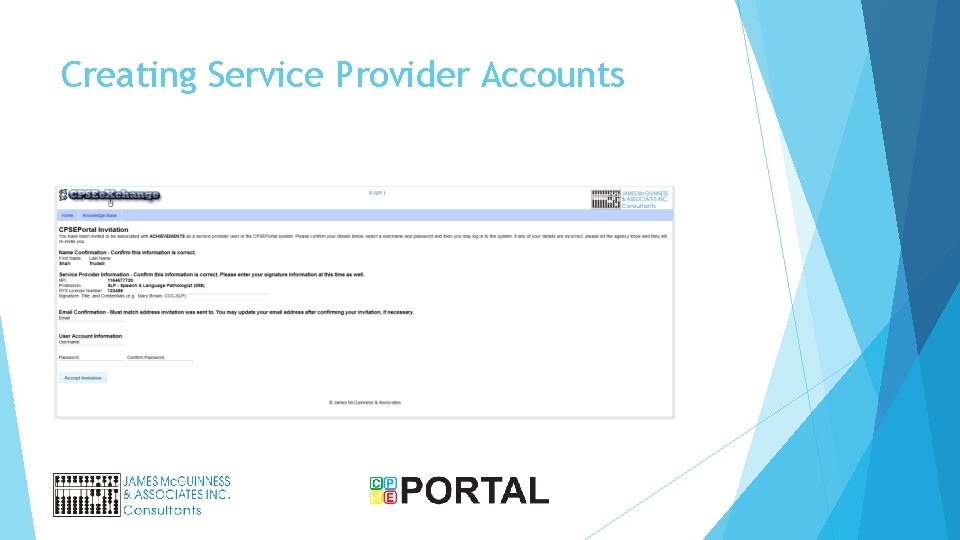
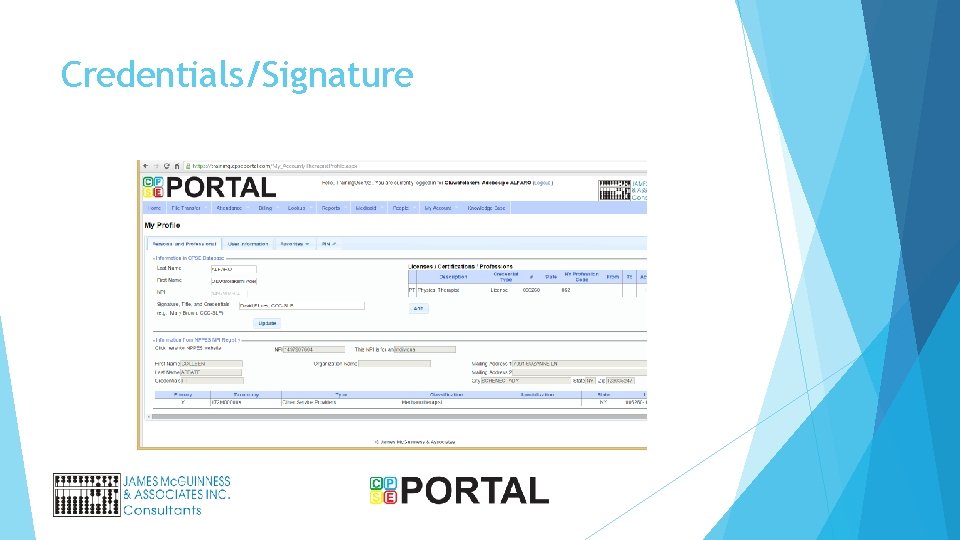
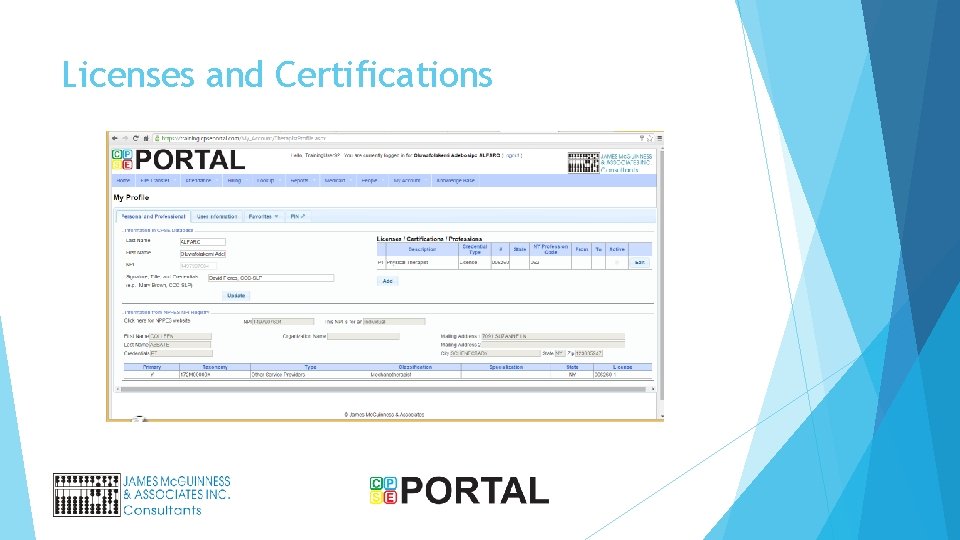
Service Provider accounts for agency Service Provider (teachers, therapists, etc. ) will receive an email inviting them to associate with the agency Users that already have an account (from a prior agency/ as an independent, etc. ) can associate their existing account to the agency New users will be able to choose username and password They will be asked to enter some basic information including License information Credentials to be used with digital signature
Creating Service Provider Accounts
Creating Service Provider Accounts
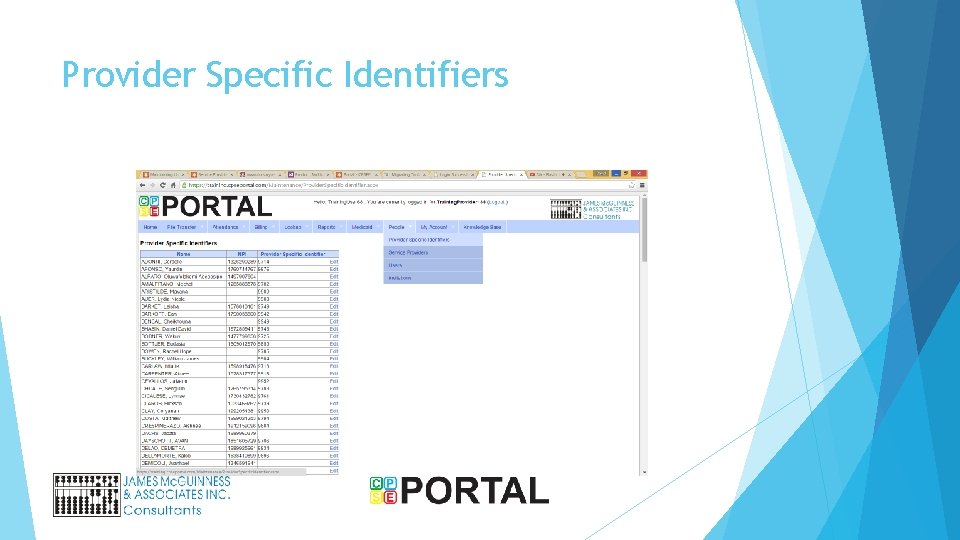
Provider Specific Identifiers
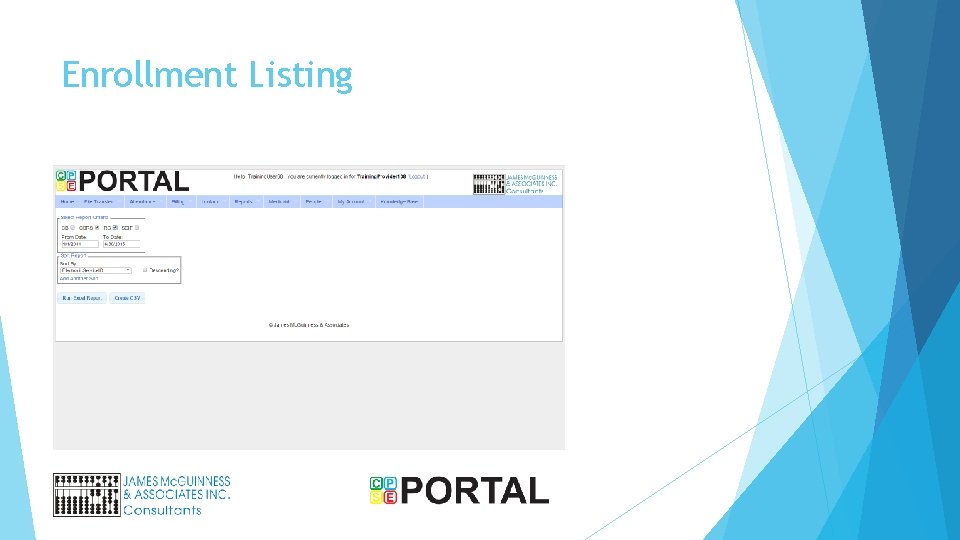
Enrollment Listing
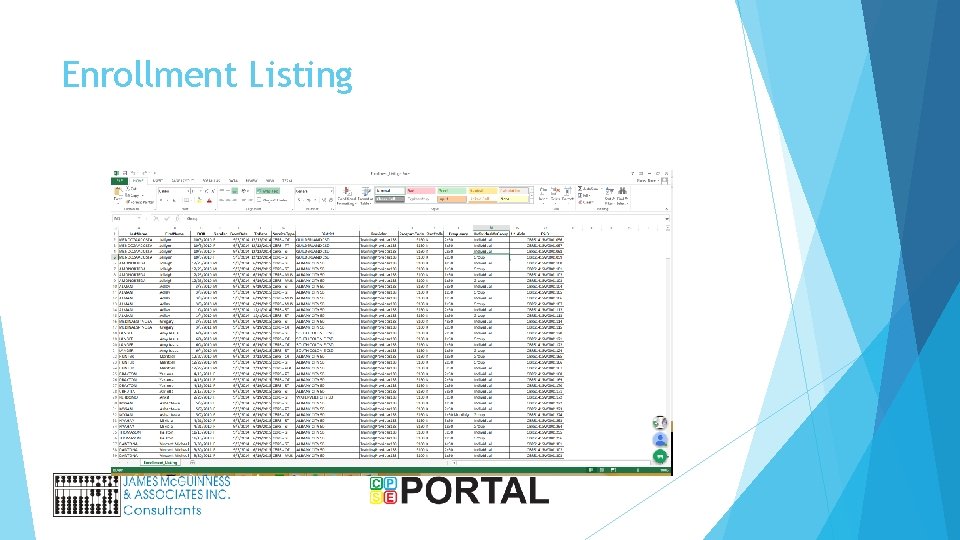
Enrollment Listing
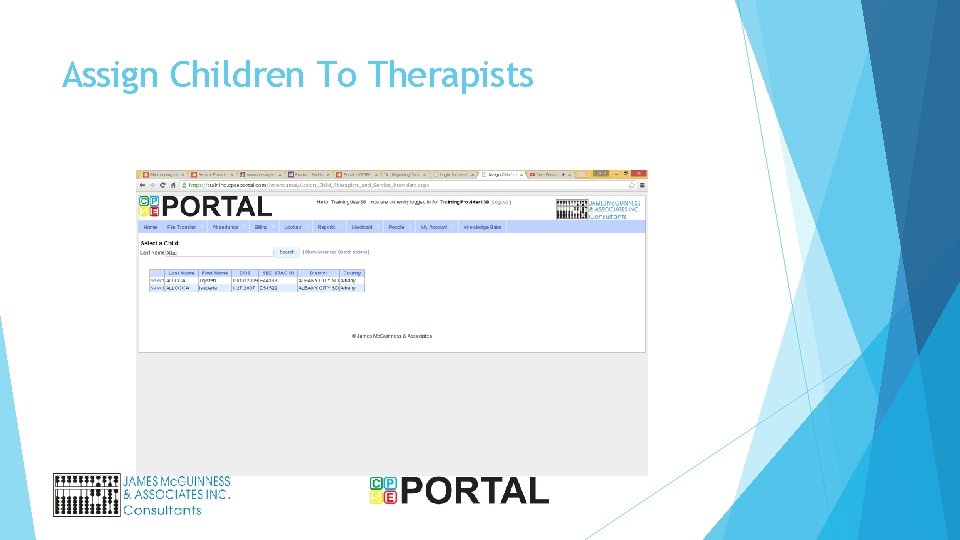
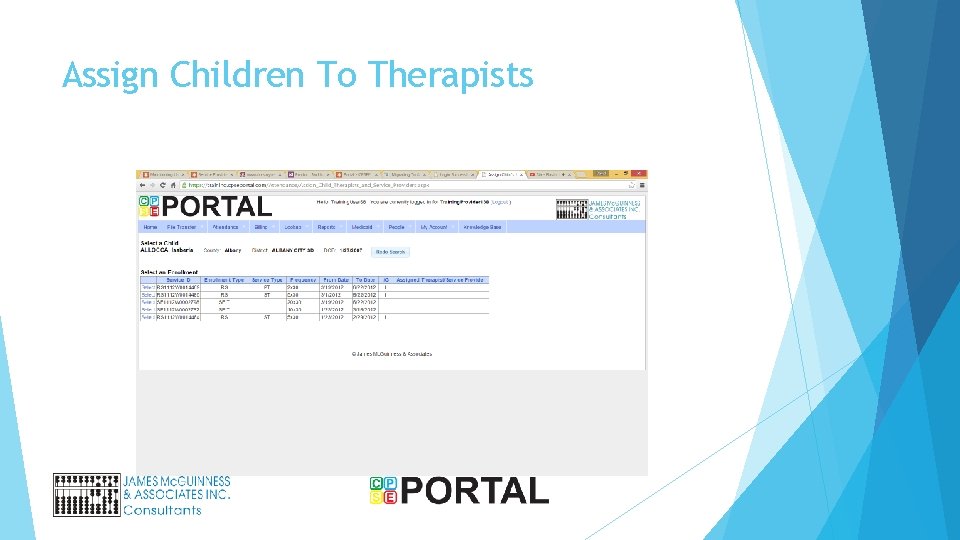
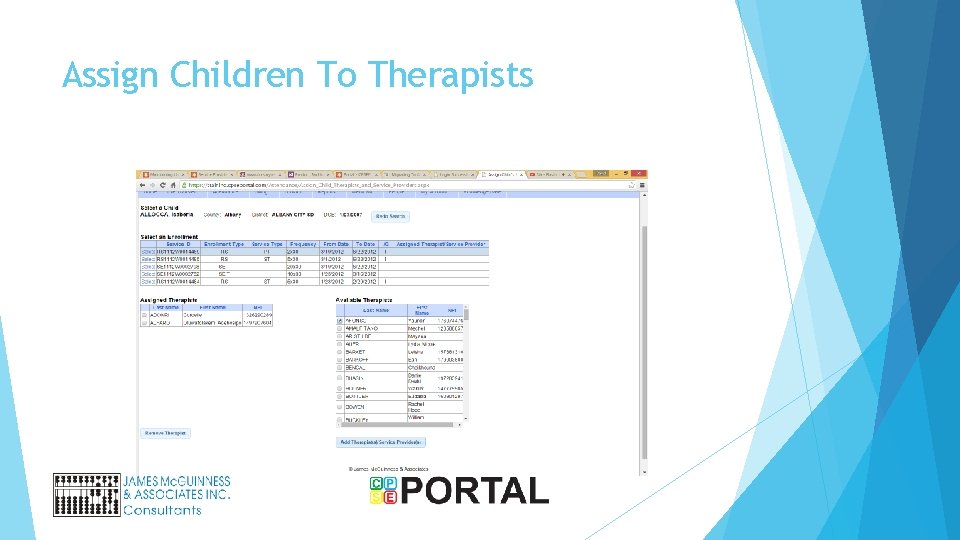
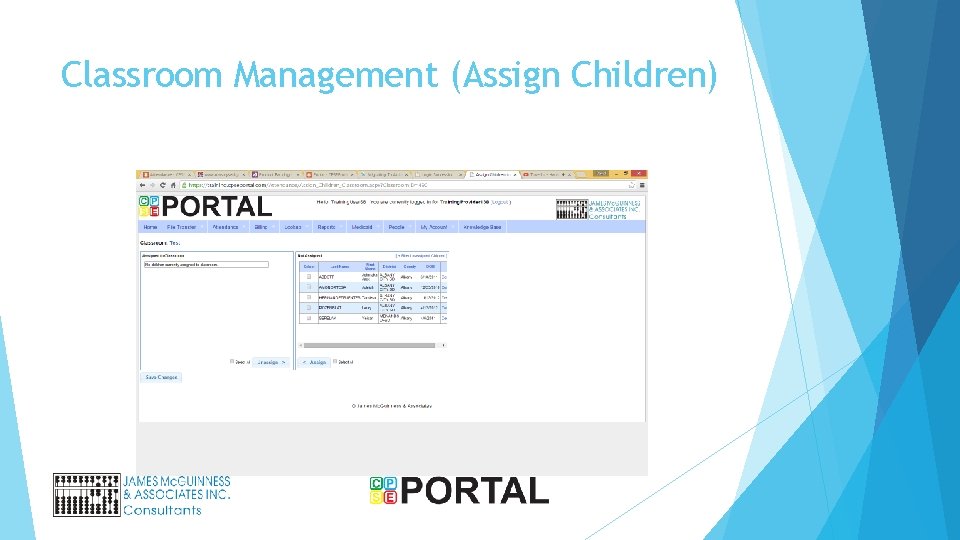
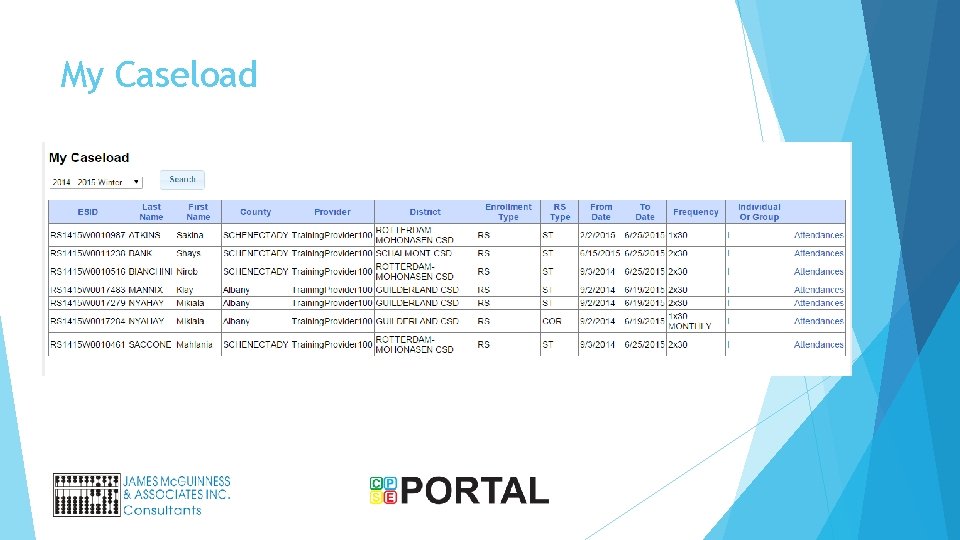
Assigning caseload (agencies only) Agency users will assign which service providers can enter attendance against which enrollments / children
Assign Children To Therapists
Assign Children To Therapists
Assign Children To Therapists
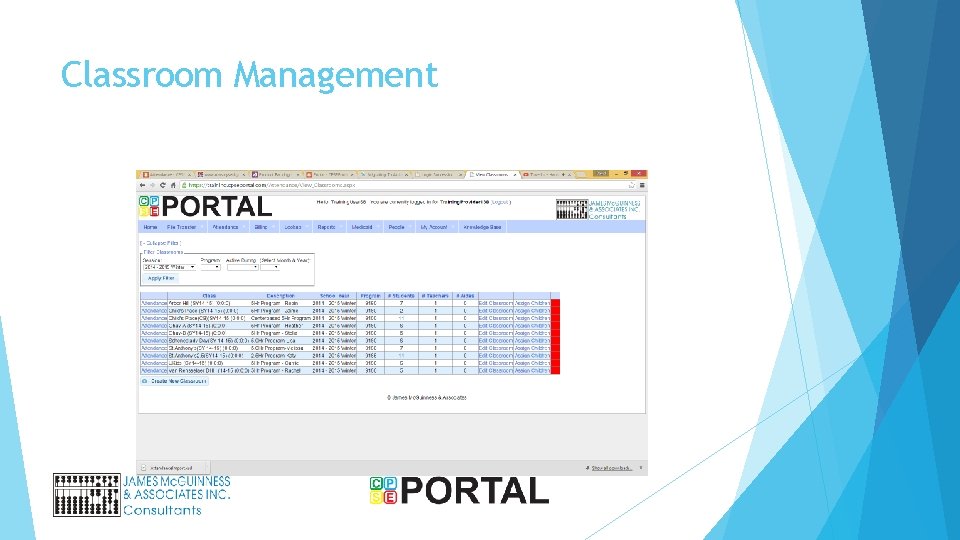
Classroom Management
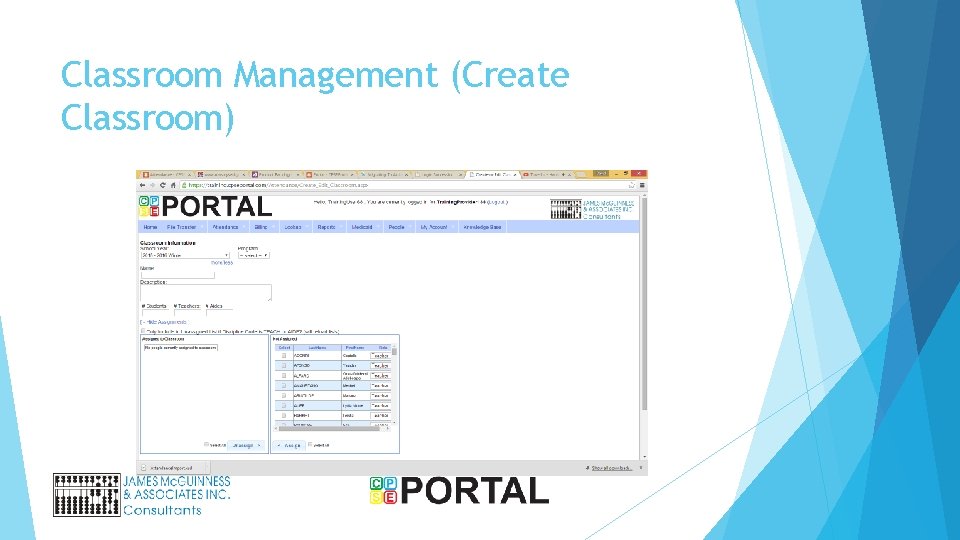
Classroom Management (Create Classroom)
Classroom Management (Assign Children)
Credentials/Signature
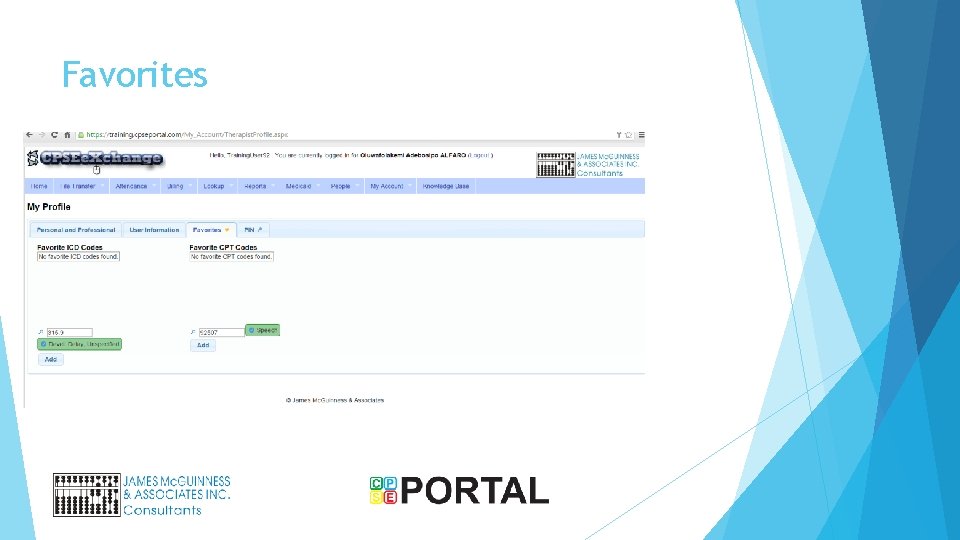
Favorites
Create PIN
Licenses and Certifications
My Caseload
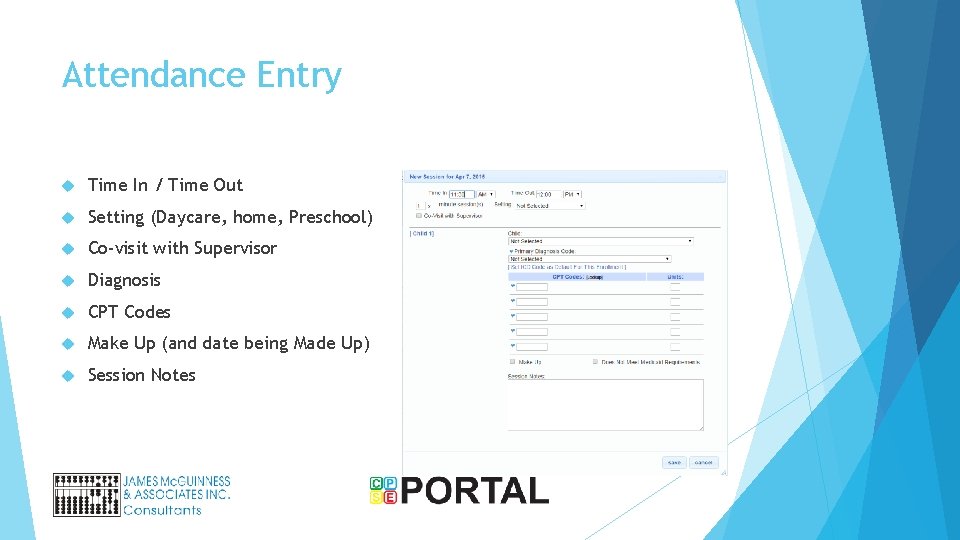
Attendance Entry Time In / Time Out Setting (Daycare, home, Preschool) Co-visit with Supervisor Diagnosis CPT Codes Make Up (and date being Made Up) Session Notes
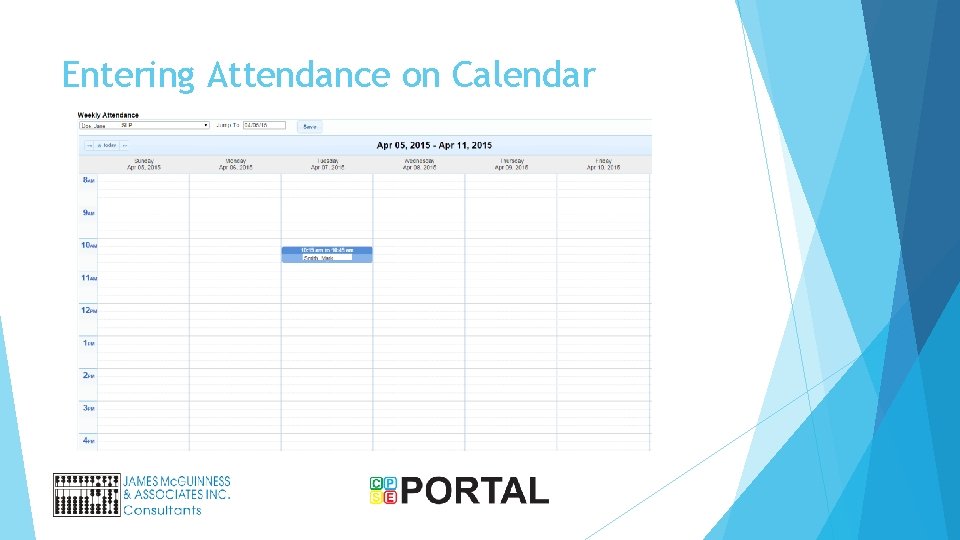
Entering Attendance on Calendar
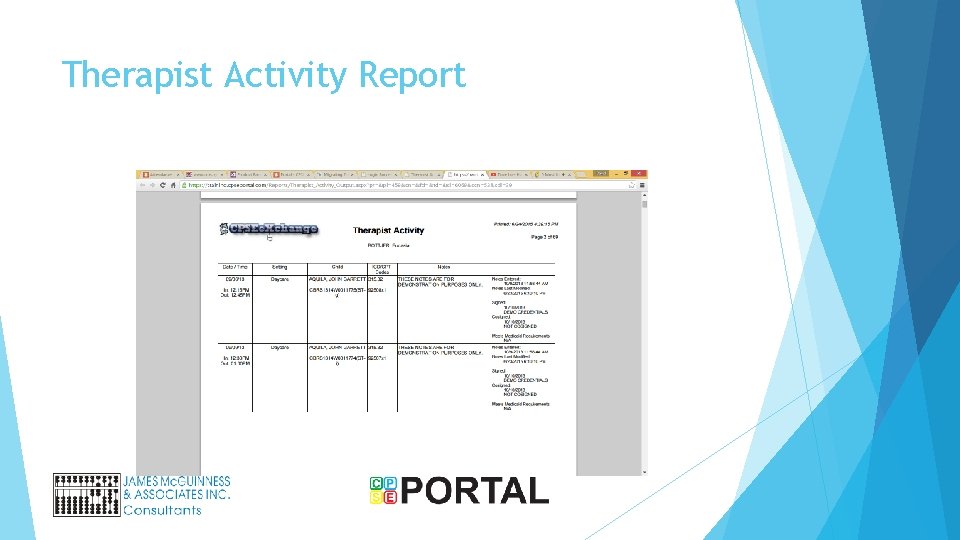
Therapist Activity Report
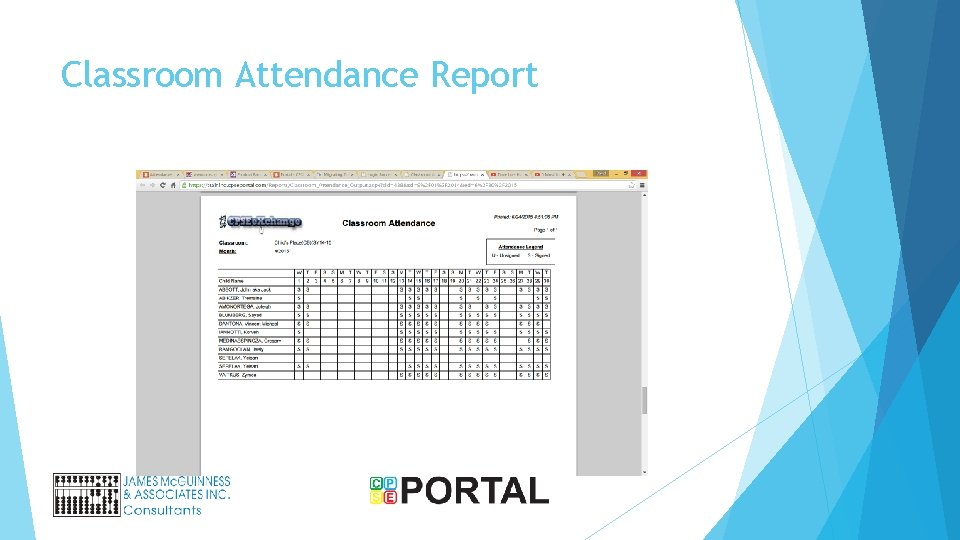
Classroom Attendance Report
Digitally Sign Attendance
Billing Provider PIN
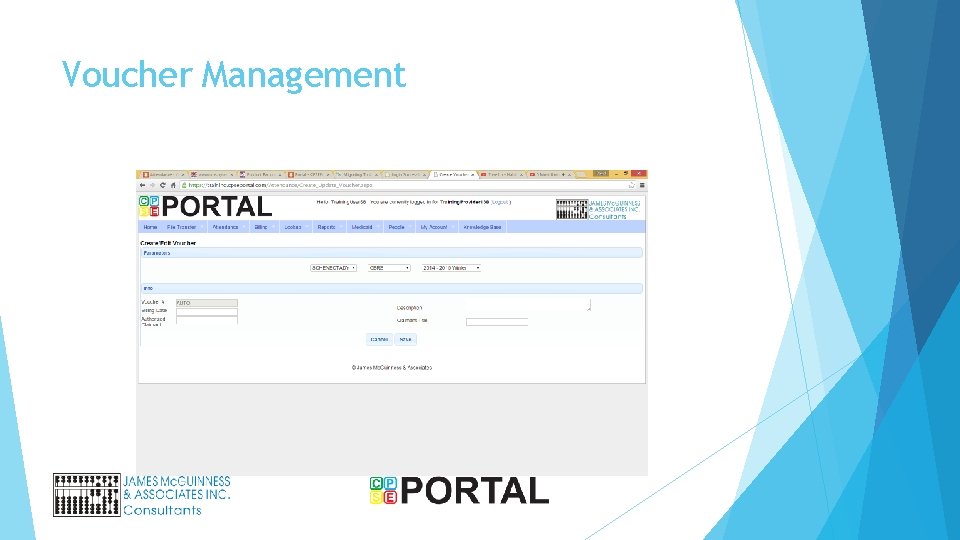
Voucher Management
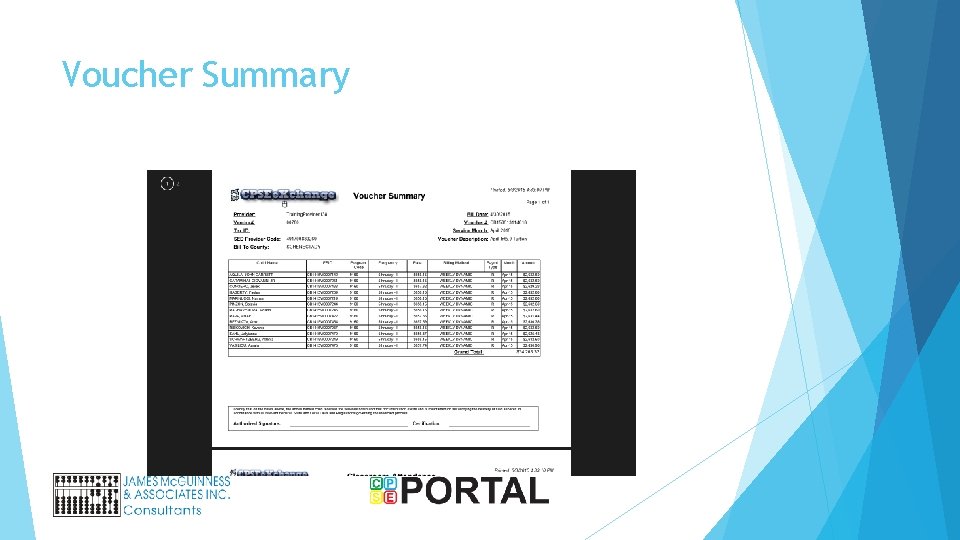
Voucher Summary
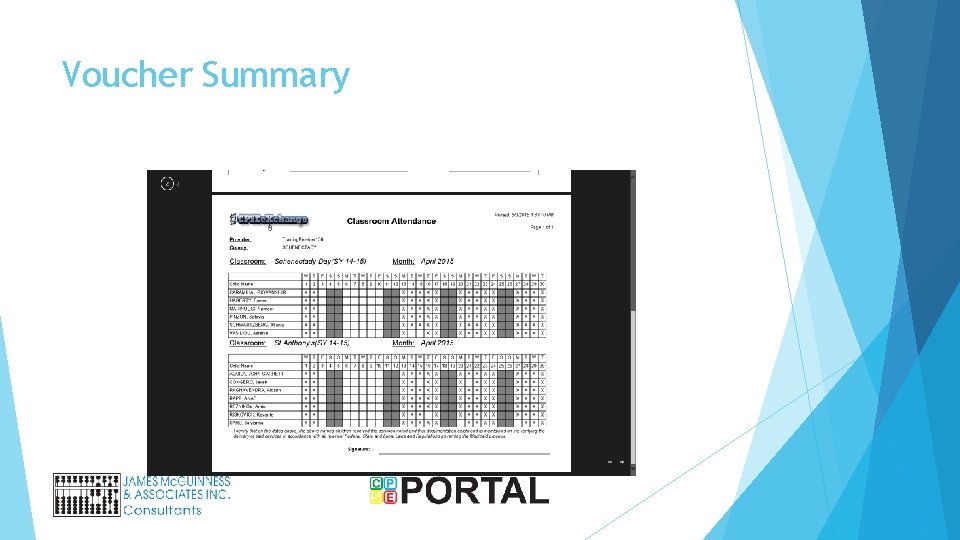
Voucher Summary
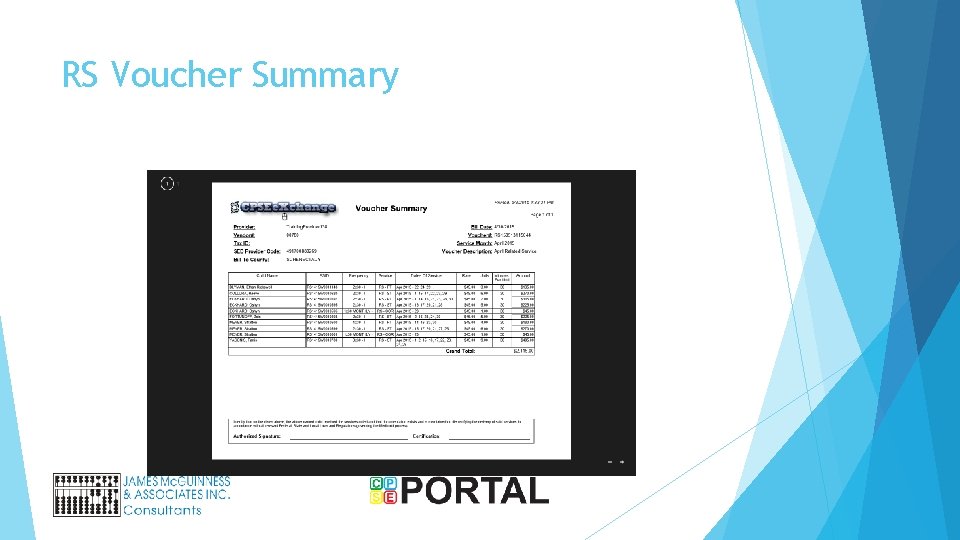
RS Voucher Summary
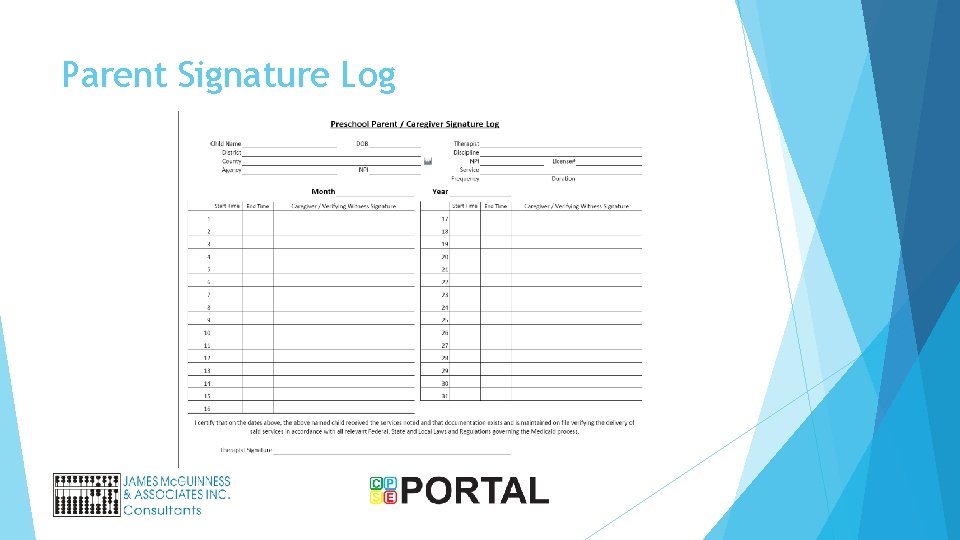
Parent Signature Log
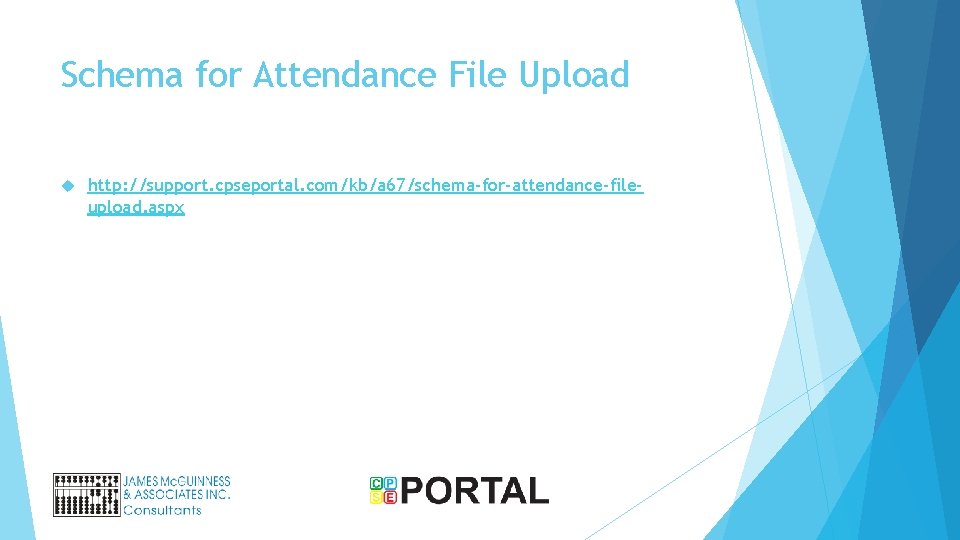
Schema for Attendance File Upload http: //support. cpseportal. com/kb/a 67/schema-for-attendance-fileupload. aspx
Webinars Independent Therapists My Profile Entering Attendance Tuesday June 30 th - 4 PM Thursday July 2 nd - 10 AM Monday June 6 th- 3 PM
Webinars Agencies office staff User setup / inviting users Assigning caseload Enrollments Monday June 29 th- 3 PM Tuesday July 7 th - 4 PM Wednesday July 8 th - 10 AM Thursday July 9 th - 3 PM
Claims Clients Additional Webinar from CLAIMS team showing how to upload from CLAIMS