
CPSC 581 Human Computer Interaction II Interaction Design






- Slides: 26
CPSC 581 Human Computer Interaction II Interaction Design Lecture /slide deck produced by Saul Greenberg, University of Calgary, Canada Notice: some material in this deck is used from other sources without permission. Credit to the original source is given if it is known,
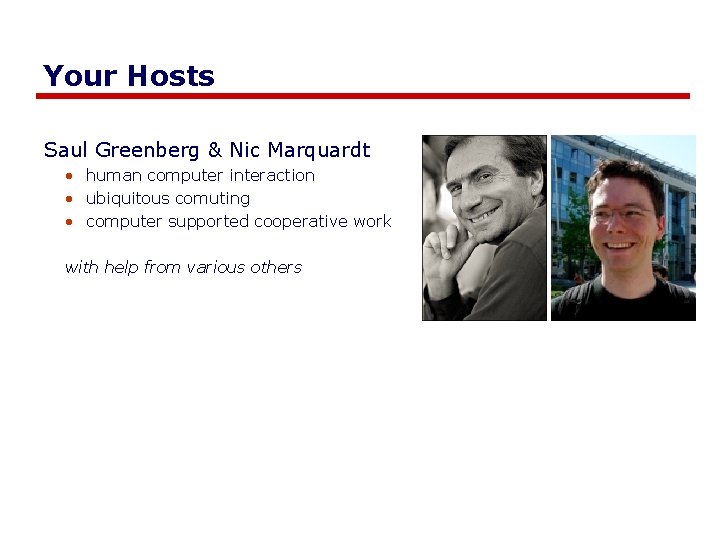
Your Hosts Saul Greenberg & Nic Marquardt • human computer interaction • ubiquitous comuting • computer supported cooperative work with help from various others
Your Hosts Contact information • saul. greenberg@ucalgary. ca or nicolai. marquardt@ucalgary. ca • MS 680 – Interactions Laboratory Office hours • by appointment: o email to arrange one • by email any time • drop in for urgent requests o but no guarantees!
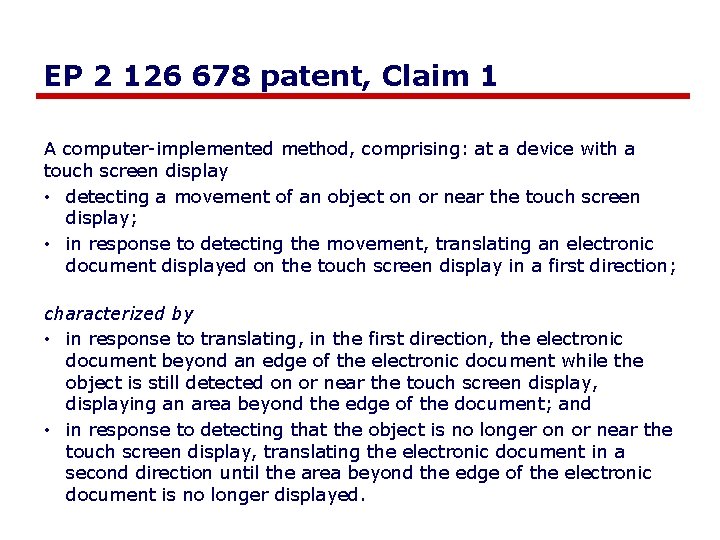
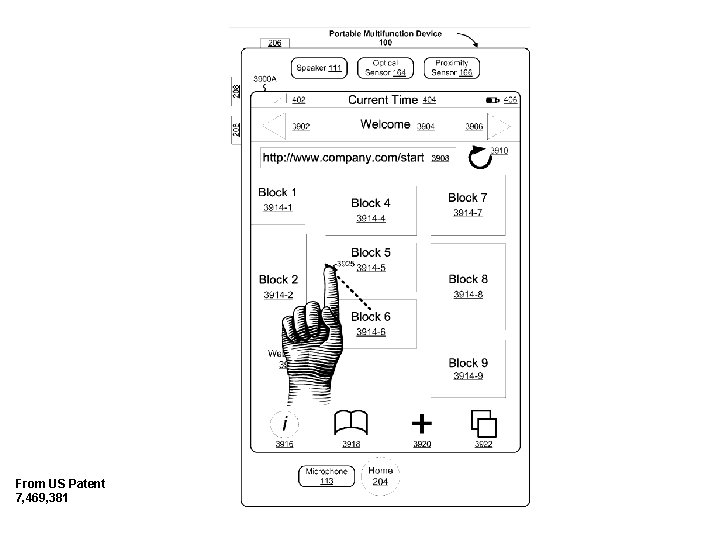
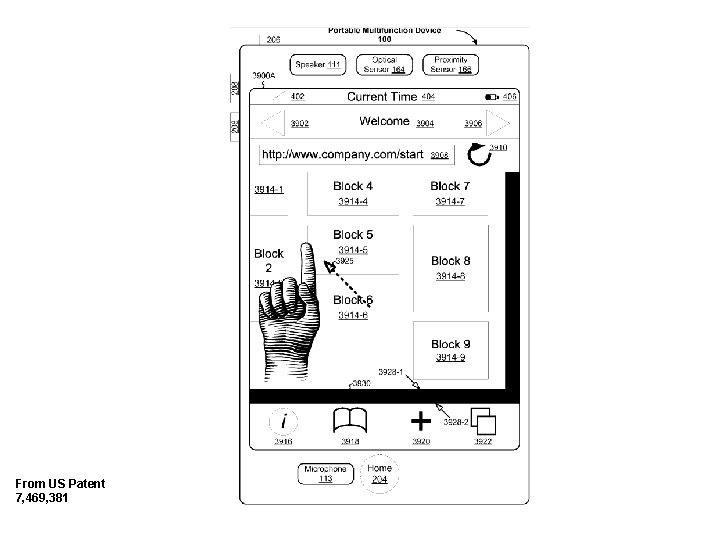
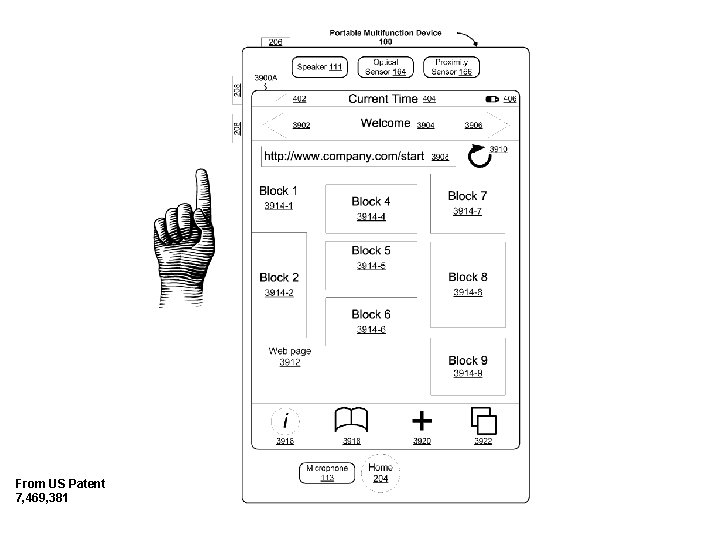
EP 2 126 678 patent, Claim 1 A computer-implemented method, comprising: at a device with a touch screen display • detecting a movement of an object on or near the touch screen display; • in response to detecting the movement, translating an electronic document displayed on the touch screen display in a first direction; characterized by • in response to translating, in the first direction, the electronic document beyond an edge of the electronic document while the object is still detected on or near the touch screen display, displaying an area beyond the edge of the document; and • in response to detecting that the object is no longer on or near the touch screen display, translating the electronic document in a second direction until the area beyond the edge of the electronic document is no longer displayed.
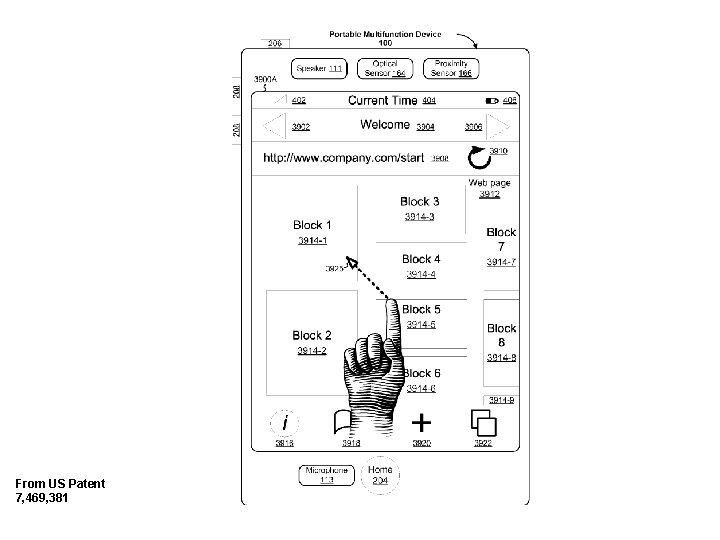
From US Patent 7, 469, 381
From US Patent 7, 469, 381
From US Patent 7, 469, 381
From US Patent 7, 469, 381
Do it differently
Course Description Advanced topics and applications in HCI • emphasis on developing design skills for highly interactive human -computer interfaces
Course Description Advanced topics and applications in HCI • emphasis on developing design skills for highly interactive human -computer interfaces • work within research GUI topics • challenge you to search for creative interaction design
Course Description Advanced topics and applications in HCI • emphasis on developing design skills for highly interactive human -computer interfaces likely topics selected from: • novel devices (smart phones, physical user interfaces) • novel interaction techniques (multi-touch, sensors, tangibles) • … other things you will learn • sketching and portfolio methods • C# / WPF / Visual Studio
Course Description Advanced topics and applications in HCI • emphasis on developing design skills for highly interactive human -computer interfaces incorporate ‘best practices’ of interface design into your everyday skills • • • creativity via applied exercises idea brainstorming via visual sketches sketch and prototype development implementation portfolio summaries critical analysis of interface designs
Do it differently
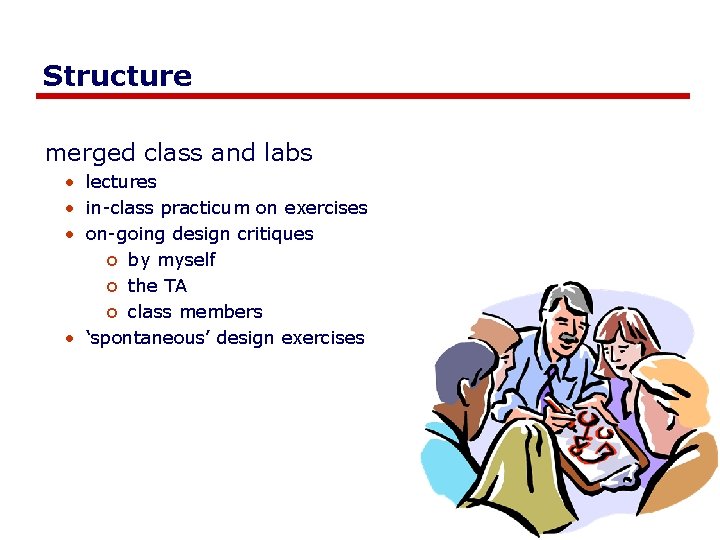
Structure merged class and labs • lectures • in-class practicum on exercises • on-going design critiques o by myself o the TA o class members • ‘spontaneous’ design exercises
Do it differently
How you will be evaluated 60% - 3 major projects o o o cycles over ~7 classes sketches critique implementations demonstrations portfolio
How you will be evaluated 20% - many exercises • series of sketching exercises o replicate sketching method o apply sketching method • interface design methodologies o apply a design method • Participation o class discussions and critiques o presentations of own work Exercises are ‘on demand’ vs. schedules
How you will be evaluated 10%: sketchbook • progressive descriptions of visual ideas • illustrates application of methods taught in class • habitual use – quantity!
How you will be evaluated 10%: portfolio • professional-looking visual summaries of designs • professional portfolio o illustrative of work o archives of code and supporting documents o summary of accomplishments. • 3 visual summaries (1 / project) • 1 professional portfolio (web plus print)
Do it differently
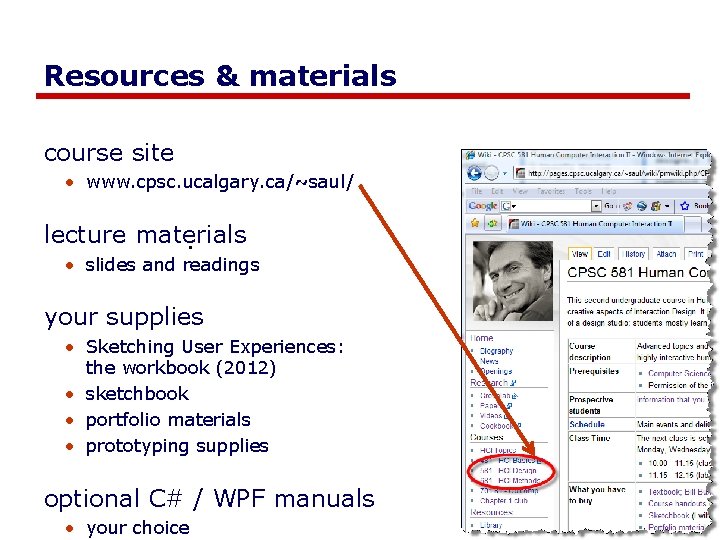
Resources & materials course site • www. cpsc. ucalgary. ca/~saul/ lecture materials. • slides and readings your supplies • Sketching User Experiences: the workbook (2012) • sketchbook • portfolio materials • prototyping supplies optional C# / WPF manuals • your choice
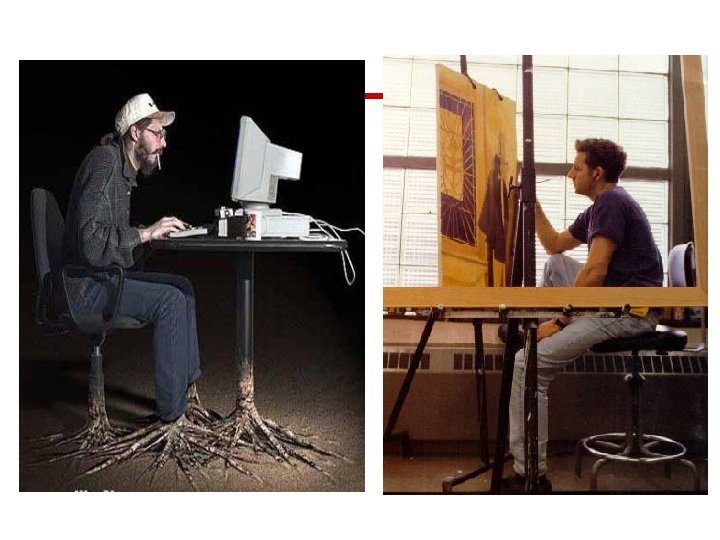
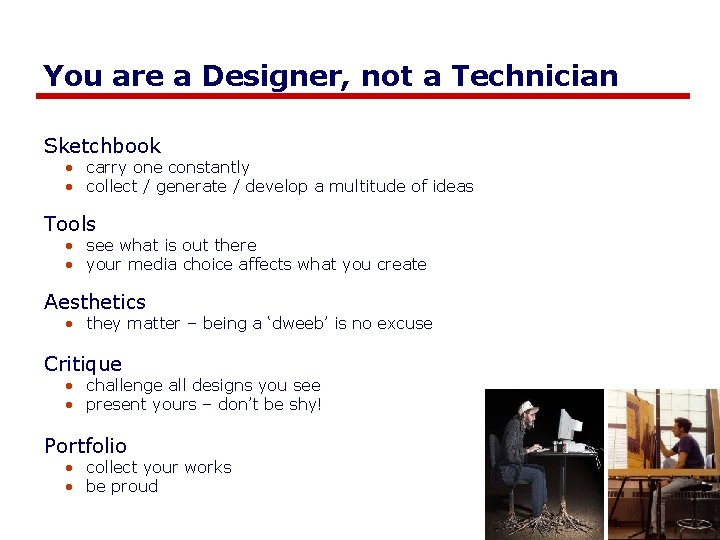
You are a Designer, not a Technician Sketchbook • carry one constantly • collect / generate / develop a multitude of ideas Tools • see what is out there • your media choice affects what you create Aesthetics • they matter – being a ‘dweeb’ is no excuse Critique • challenge all designs you see • present yours – don’t be shy! Portfolio • collect your works • be proud
Do it differently
Permissions You are free: • to Share — to copy, distribute and transmit the work • to Remix — to adapt the work Under the following conditions: Attribution — You must attribute the work in the manner specified by the author (but not in any way that suggests that they endorse you or your use of the work) by citing: “Lecture materials by Saul Greenberg, University of Calgary, AB, Canada. http: //saul. cpsc. ucalgary. ca/saul/pmwiki. php/HCIResources/HCILectures” Noncommercial — You may not use this work for commercial purposes, except to assist one’s own teaching and training within commercial organizations. Share Alike — If you alter, transform, or build upon this work, you may distribute the resulting work only under the same or similar license to this one. With the understanding that: Not all material have transferable rights — materials from other sources which are included here are cited Waiver — Any of the above conditions can be waived if you get permission from the copyright holder. Public Domain — Where the work or any of its elements is in the public domain under applicable law, that status is in no way affected by the license. Other Rights — In no way are any of the following rights affected by the license: • Your fair dealing or fair use rights, or other applicable copyright exceptions and limitations; • The author's moral rights; • Rights other persons may have either in the work itself or in how the work is used, such as publicity or privacy rights. Notice — For any reuse or distribution, you must make clear to others the license terms of this work. The best way to do this is with a link to this web page.