
Cpr E 185 Intro to Problem Solving using
Cpr. E 185: Intro to Problem Solving (using C) Instructor: Alexander Stoytchev http: //www. cs. iastate. edu/~alex/classes/2008_Fall_185/
Formatting Numbers Cpr. E 185: Intro to Problem Solving Iowa State University, Ames, IA Copyright © Alexander Stoytchev
Administrative Stuff • HW 3 is out • Due on Friday Sep 19 @ 8 pm § Electronic submission on Web. CT

Quick review of the last lecture
Expressions • An expression is a combination of one or more operators and operands • Arithmetic expressions compute numeric results and make use of the arithmetic operators: Addition Subtraction Multiplication Division Remainder + * / % • If either or both operands used by an arithmetic operator are floating point, then the result is a floating point © 2004 Pearson Addison-Wesley. All rights reserved
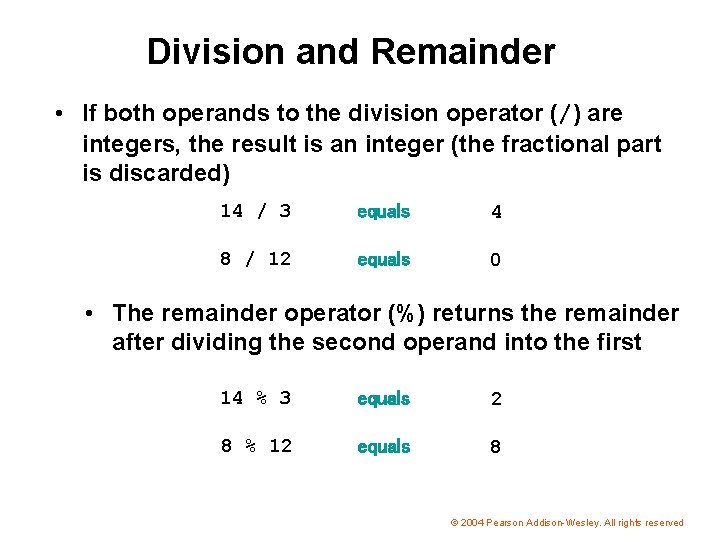
Division and Remainder • If both operands to the division operator (/) are integers, the result is an integer (the fractional part is discarded) 14 / 3 equals 4 8 / 12 equals 0 • The remainder operator (%) returns the remainder after dividing the second operand into the first 14 % 3 equals 2 8 % 12 equals 8 © 2004 Pearson Addison-Wesley. All rights reserved
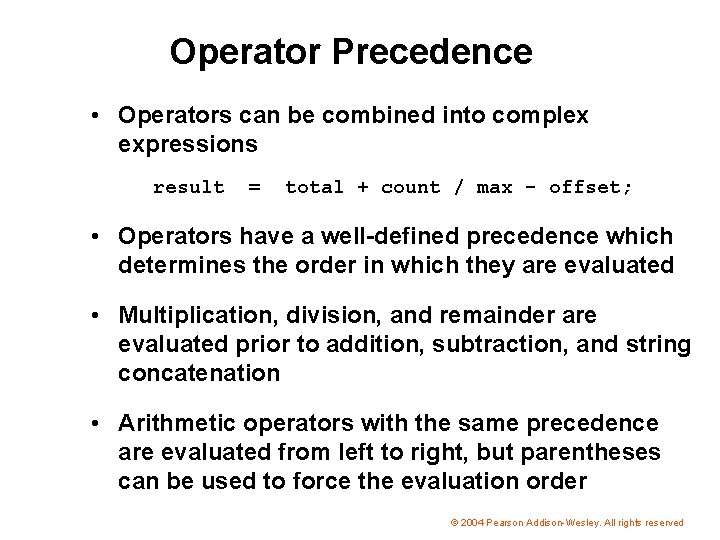
Operator Precedence • Operators can be combined into complex expressions result = total + count / max - offset; • Operators have a well-defined precedence which determines the order in which they are evaluated • Multiplication, division, and remainder are evaluated prior to addition, subtraction, and string concatenation • Arithmetic operators with the same precedence are evaluated from left to right, but parentheses can be used to force the evaluation order © 2004 Pearson Addison-Wesley. All rights reserved
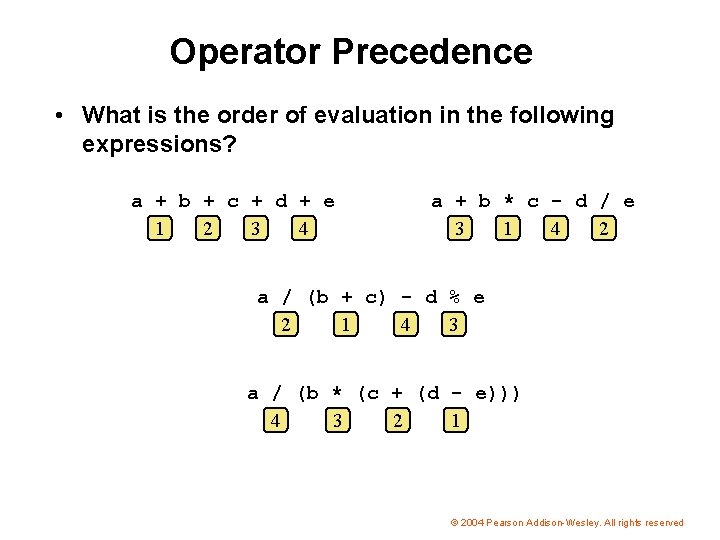
Operator Precedence • What is the order of evaluation in the following expressions? a + b + c + d + e 1 2 3 4 a + b * c - d / e 3 1 4 2 a / (b + c) - d % e 2 1 4 3 a / (b * (c + (d - e))) 4 3 2 1 © 2004 Pearson Addison-Wesley. All rights reserved
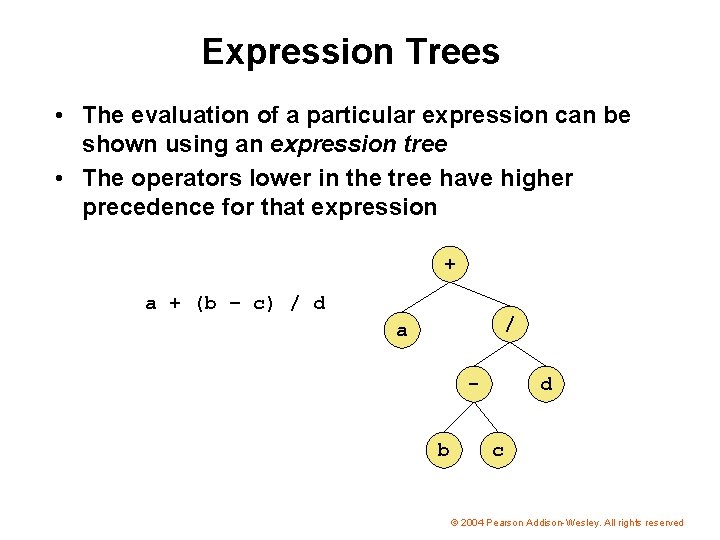
Expression Trees • The evaluation of a particular expression can be shown using an expression tree • The operators lower in the tree have higher precedence for that expression + a + (b – c) / d / a b d c © 2004 Pearson Addison-Wesley. All rights reserved
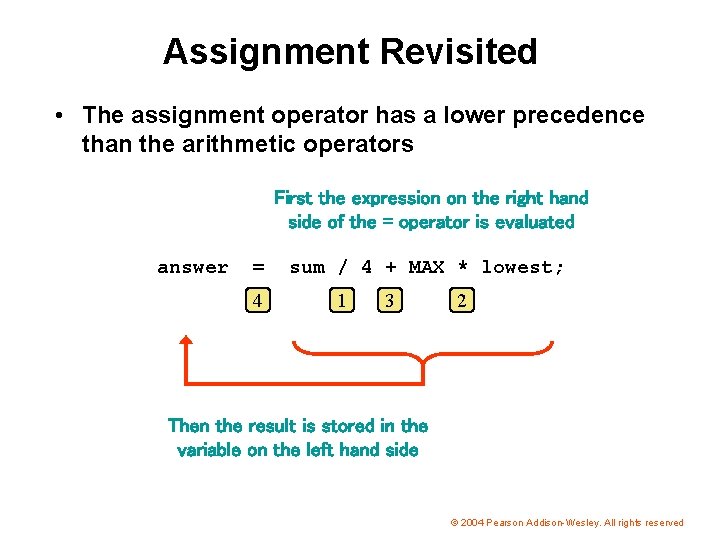
Assignment Revisited • The assignment operator has a lower precedence than the arithmetic operators First the expression on the right hand side of the = operator is evaluated answer = 4 sum / 4 + MAX * lowest; 1 3 2 Then the result is stored in the variable on the left hand side © 2004 Pearson Addison-Wesley. All rights reserved
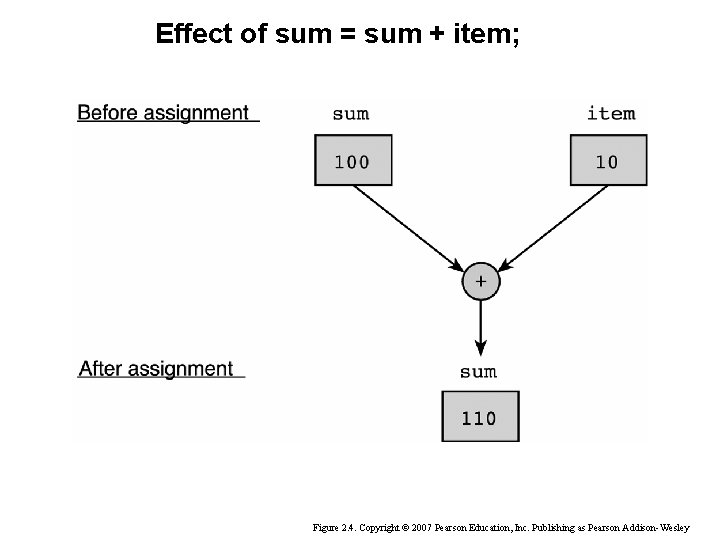
Effect of sum = sum + item; Figure 2. 4. Copyright © 2007 Pearson Education, Inc. Publishing as Pearson Addison-Wesley
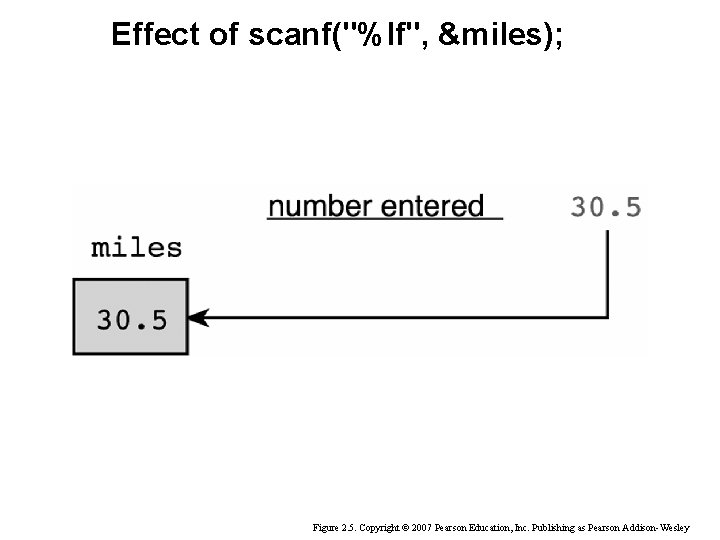
Effect of scanf("%lf", &miles); Figure 2. 5. Copyright © 2007 Pearson Education, Inc. Publishing as Pearson Addison-Wesley
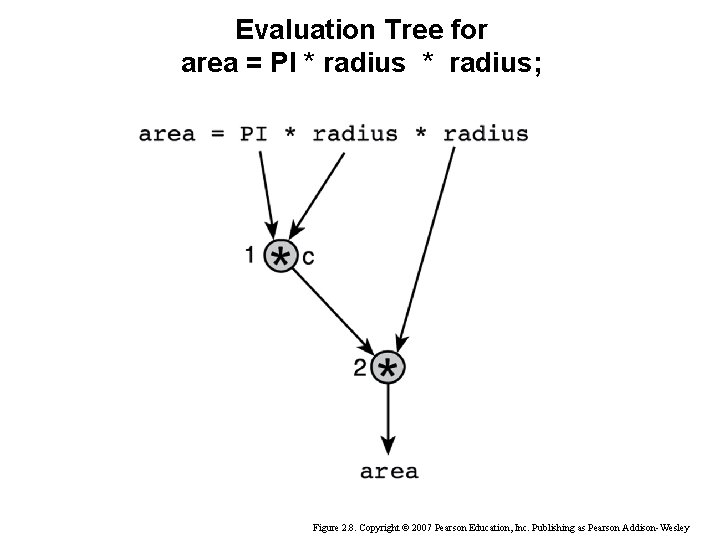
Evaluation Tree for area = PI * radius; Figure 2. 8. Copyright © 2007 Pearson Education, Inc. Publishing as Pearson Addison-Wesley
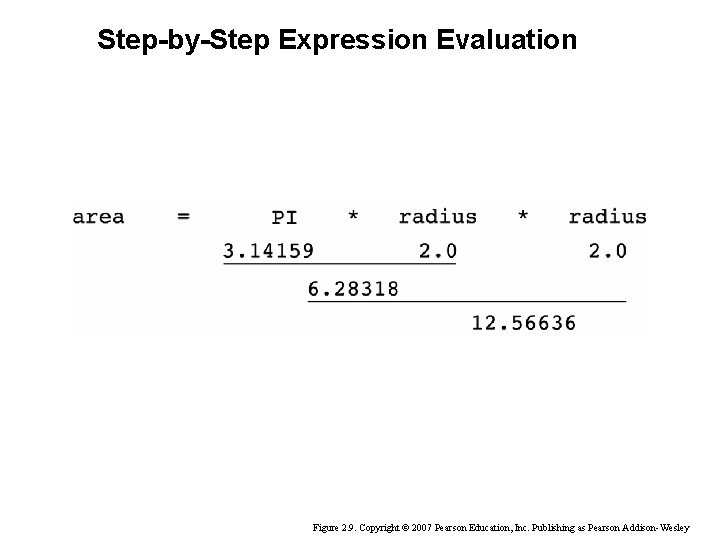
Step-by-Step Expression Evaluation Figure 2. 9. Copyright © 2007 Pearson Education, Inc. Publishing as Pearson Addison-Wesley
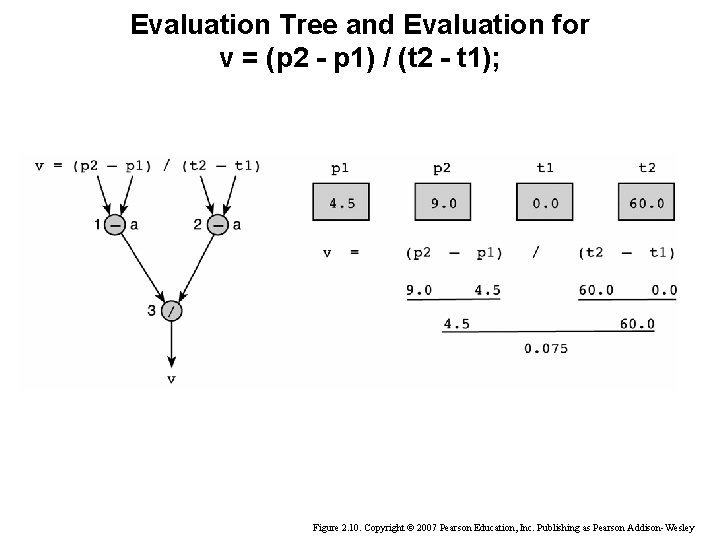
Evaluation Tree and Evaluation for v = (p 2 - p 1) / (t 2 - t 1); Figure 2. 10. Copyright © 2007 Pearson Education, Inc. Publishing as Pearson Addison-Wesley
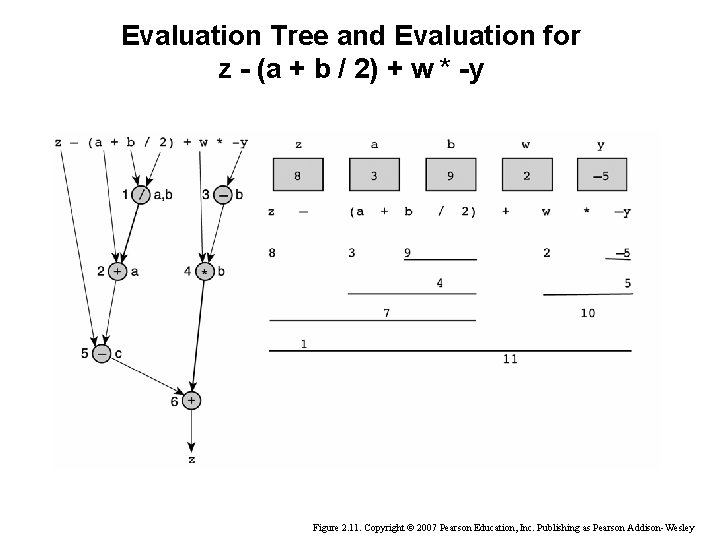
Evaluation Tree and Evaluation for z - (a + b / 2) + w * -y Figure 2. 11. Copyright © 2007 Pearson Education, Inc. Publishing as Pearson Addison-Wesley
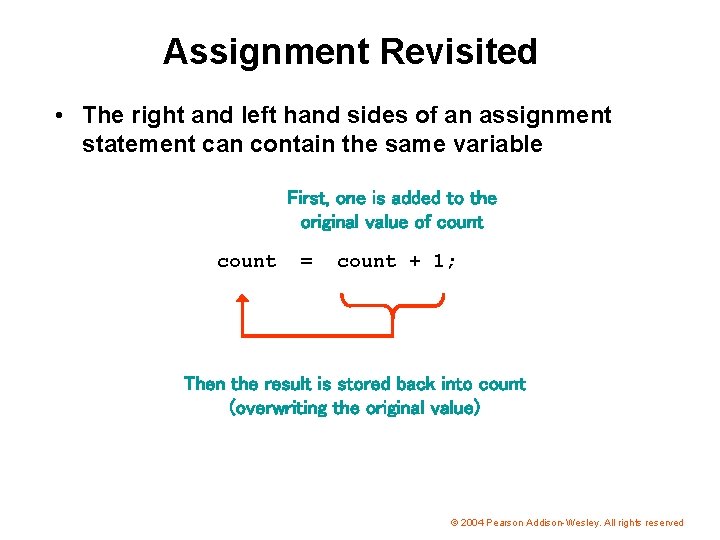
Assignment Revisited • The right and left hand sides of an assignment statement can contain the same variable First, one is added to the original value of count = count + 1; Then the result is stored back into count (overwriting the original value) © 2004 Pearson Addison-Wesley. All rights reserved
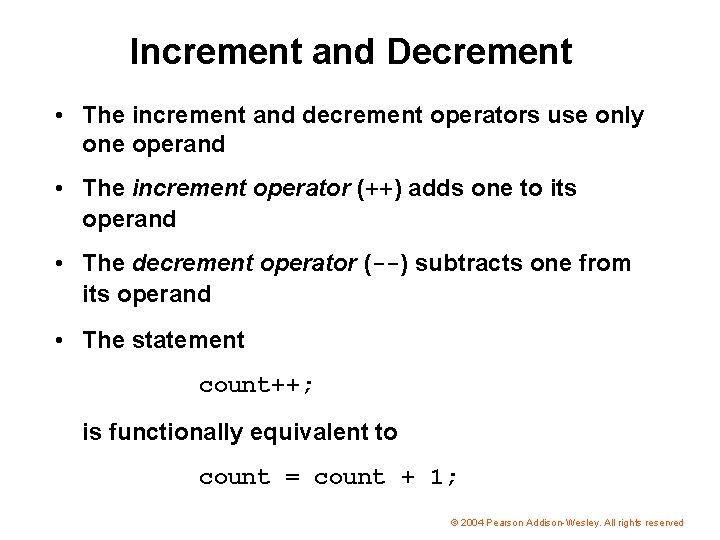
Increment and Decrement • The increment and decrement operators use only one operand • The increment operator (++) adds one to its operand • The decrement operator (--) subtracts one from its operand • The statement count++; is functionally equivalent to count = count + 1; © 2004 Pearson Addison-Wesley. All rights reserved
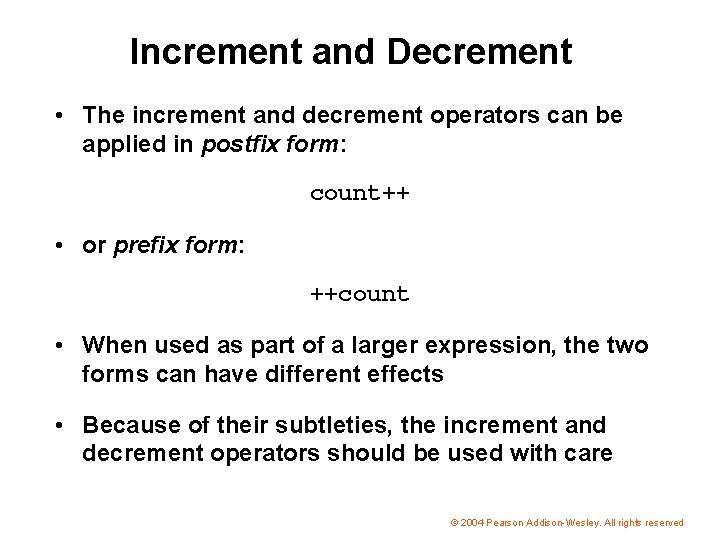
Increment and Decrement • The increment and decrement operators can be applied in postfix form: count++ • or prefix form: ++count • When used as part of a larger expression, the two forms can have different effects • Because of their subtleties, the increment and decrement operators should be used with care © 2004 Pearson Addison-Wesley. All rights reserved
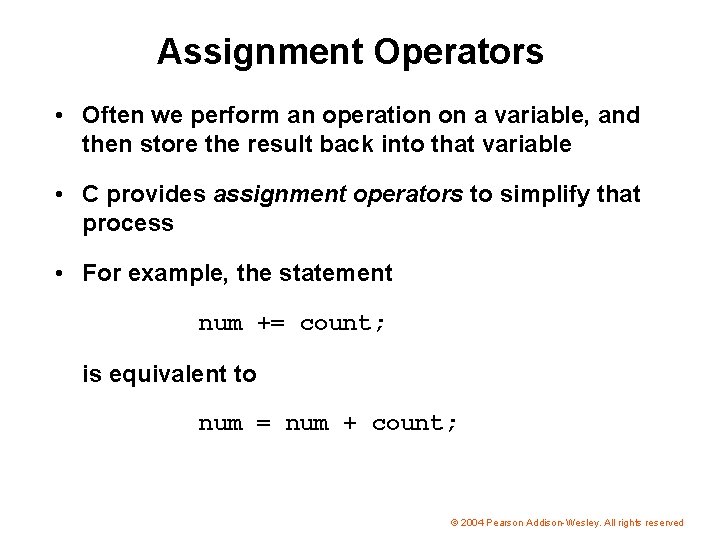
Assignment Operators • Often we perform an operation on a variable, and then store the result back into that variable • C provides assignment operators to simplify that process • For example, the statement num += count; is equivalent to num = num + count; © 2004 Pearson Addison-Wesley. All rights reserved
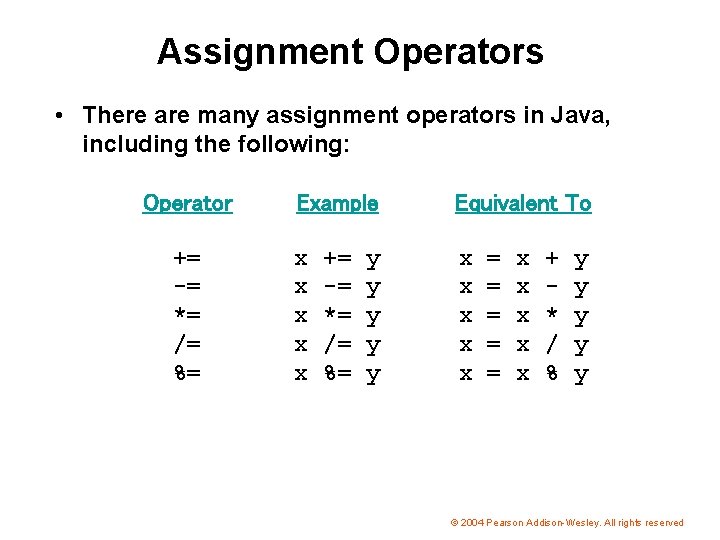
Assignment Operators • There are many assignment operators in Java, including the following: Operator += -= *= /= %= Example Equivalent To x x x x x += -= *= /= %= y y y = = = x x x + * / % y y y © 2004 Pearson Addison-Wesley. All rights reserved
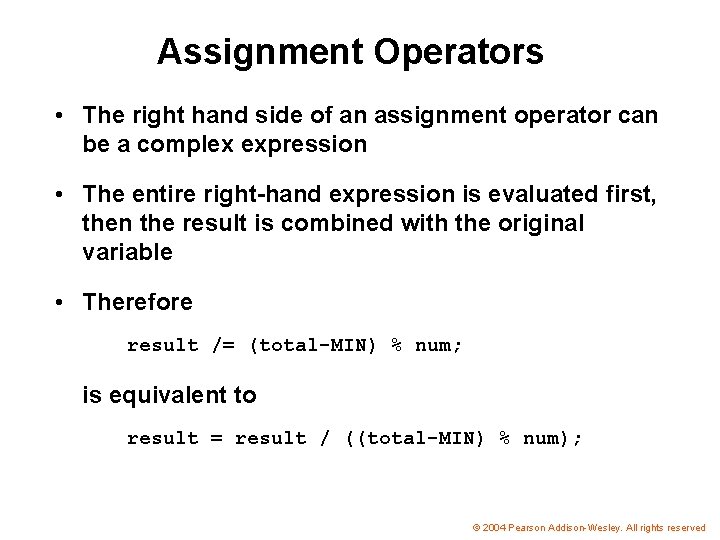
Assignment Operators • The right hand side of an assignment operator can be a complex expression • The entire right-hand expression is evaluated first, then the result is combined with the original variable • Therefore result /= (total-MIN) % num; is equivalent to result = result / ((total-MIN) % num); © 2004 Pearson Addison-Wesley. All rights reserved
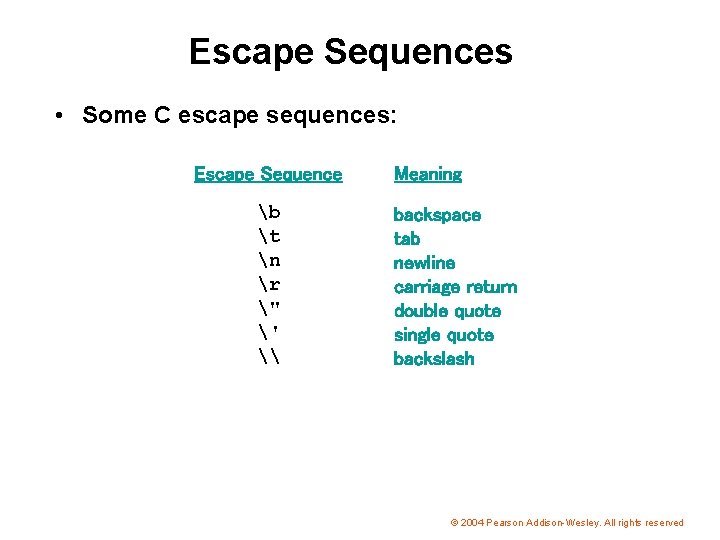
Escape Sequences • Some C escape sequences: Escape Sequence b t n r " ' \ Meaning backspace tab newline carriage return double quote single quote backslash © 2004 Pearson Addison-Wesley. All rights reserved
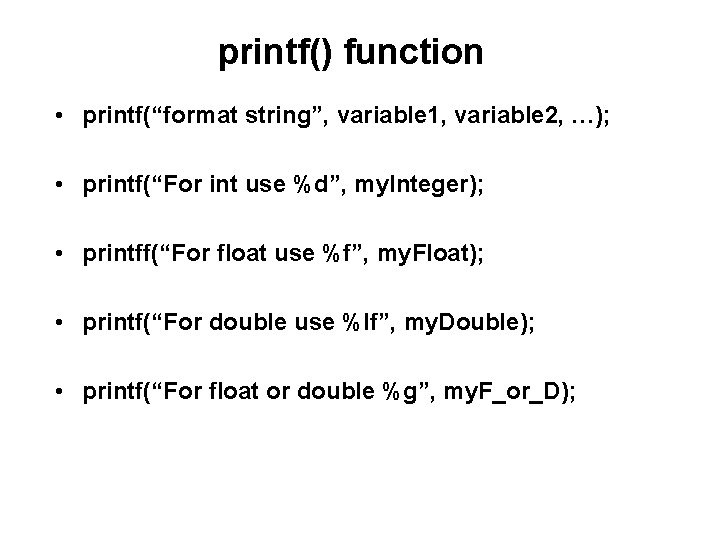
printf() function • printf(“format string”, variable 1, variable 2, …); • printf(“For int use %d”, my. Integer); • printff(“For float use %f”, my. Float); • printf(“For double use %lf”, my. Double); • printf(“For float or double %g”, my. F_or_D);
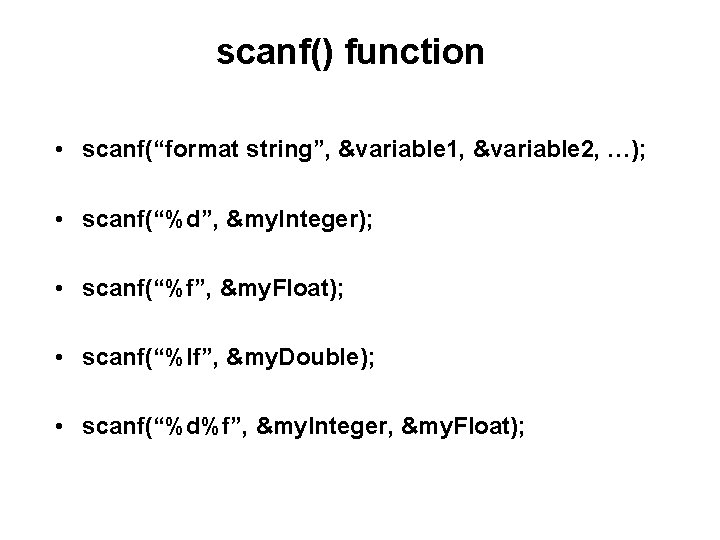
scanf() function • scanf(“format string”, &variable 1, &variable 2, …); • scanf(“%d”, &my. Integer); • scanf(“%f”, &my. Float); • scanf(“%lf”, &my. Double); • scanf(“%d%f”, &my. Integer, &my. Float);
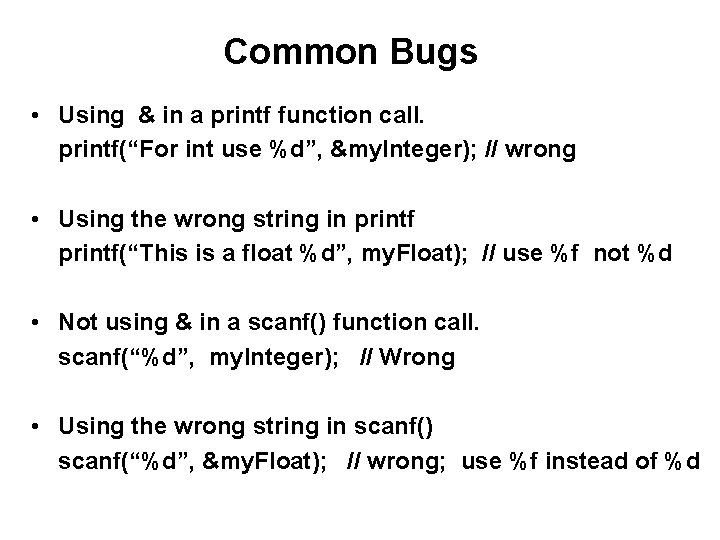
Common Bugs • Using & in a printf function call. printf(“For int use %d”, &my. Integer); // wrong • Using the wrong string in printf(“This is a float %d”, my. Float); // use %f not %d • Not using & in a scanf() function call. scanf(“%d”, my. Integer); // Wrong • Using the wrong string in scanf() scanf(“%d”, &my. Float); // wrong; use %f instead of %d
Why do we need to specify the format of the keyboard input before we can read it?
![printf() arguments • %[flags][width][. precision][length]specifier • http: //www. cplus. com/reference/clibrary/cstdio/printf. html](http://slidetodoc.com/presentation_image/e6c34ee15e0fb7a0c07505ce71d3c625/image-28.jpg "printf() arguments • %[flags][width][. precision][length]specifier • http: //www. cplus. com/reference/clibrary/cstdio/printf. html")
printf() arguments • %[flags][width][. precision][length]specifier • http: //www. cplus. com/reference/clibrary/cstdio/printf. html
Printing octal, hexadecimal and binary
Questions?
THE END
- Slides: 31