
CPE Naming Specification Outline CPE Core Team Brant
CPE Naming Specification Outline CPE Core Team: Brant Cheikes and Mary Parmelee (MITRE); Dave Waltermire, Paul Cichonski, Harold Booth and Chris Mc. Cormick (NIST); Jim Ronayne and Shane Shaffer (DOD); Seth Hanford (Cisco); Kent Landfield (Mc. Afee); Tim Keanini (n. Circle) 1 MITRE
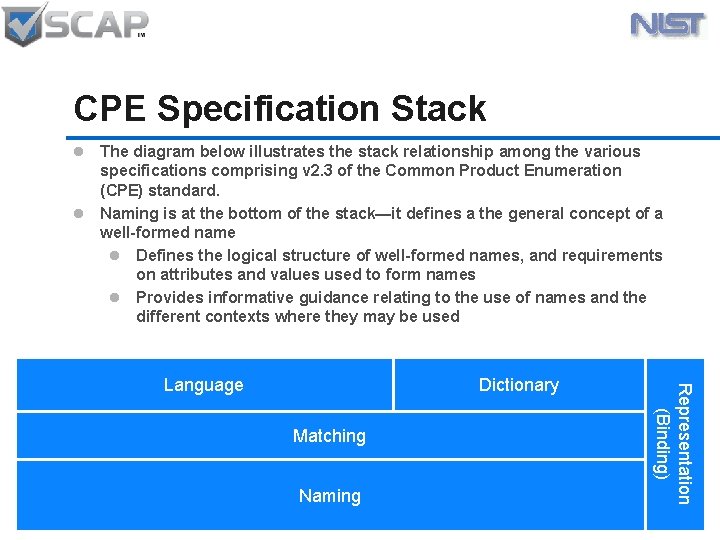
CPE Specification Stack l The diagram below illustrates the stack relationship among the various specifications comprising v 2. 3 of the Common Product Enumeration (CPE) standard. l Naming is at the bottom of the stack—it defines a the general concept of a well-formed name l Defines the logical structure of well-formed names, and requirements on attributes and values used to form names l Provides informative guidance relating to the use of names and the different contexts where they may be used Dictionary Matching Naming Representation (Binding) Language
CPE 2. 3 Naming Specification Executive Summary (1) l In v 2. 3 we introduce new features in CPE names that make those names nonconformant with the v 2. 2 specification – We distinguish “v 2. 2 conformant names” from “v 2. 3 conformant names” – We define a mechanical translation between versions of names l We define a Well-Formed Name (WFN) as a referring expression – Interpretation depends on context of use 3
CPE 2. 3 Naming Specification Executive Summary (2) l We define a WFN as a conceptual data structure which can be bound to a versionconformant machine-readable representation – We retain the URI binding for backward compatibility w/ CPE v 2. 2 and to facilitate interoperability with v 2. 2 conformant SCAP tools and content – We define a new formatted string binding for use by CPE v 2. 3 conformant SCAP tools and content 4
Naming Specification Scope l In scope: – The logical structure of Well-Formed CPE Names – Procedures for binding well-formed names to their encodings for exchange among machines – Procedures for translating between bindings l Out of scope: – Criteria for determining “correct” or “valid” values for attributes of products – Procedures for comparing/matching names 5
Well-Formed CPE Names 6 MITRE
Well-Formed CPE Names l A well-formed CPE name (WFN) is an unordered set of attribute-value pairs l Must satisfy these criteria: – Attributes selected from a fixed vocabulary – Each attribute appears at most once in a name – Values of attributes are character strings l Some reserved and special characters – Some attributes may have specified valid values, for most others we recommended that values be chosen from valid-values lists 7
WFNs: Conceptual Data Structures l WFN is a conceptual data structure – A kind of “normal form” for product identifiers and identifying expressions – There shall be no requirement that SCAP tools use WFNs internally l When discussing WFNs in the spec, we will use the following written representation: – [a 1=“v 1”, a 2=“v 2”, …] l Ex 1: [part=“a”, vendor=“adobe”, …] l Ex 2: [part=“o”, version=“ 3. *”] 8
WFNs: Legal Attributes (1/2) l Shall be no mandatory/optional distinction – All attributes are effectively optional l All seven v 2. 2 components become allowed attributes of WFNs in 2. 3: – Part, Vendor, Product, Version, Update, Edition and Language 9 l These will have the same meanings in v 2. 3 as in v 2. 2 l NB: the edition attribute will be deprecated in v 2. 3—its use allowed only under certain circumstances
WFNs: Legal Attributes (2/2) l WFNs shall allow four new legal attributes: – – sw_edition (“software edition”) target_sw (“target software platform”) target_hw (“target hardware platform”) other_edition (“other edition data not included elsewhere”) l We will not convert legacy dictionary content to use these new attributes l If any of these four attributes are used in a WFN, the (deprecated) edition attribute must not be used 10
WFNs: Attribute Values l Attributes values are character strings l US-ASCII character set – Excluding whitespace and CTRL characters l We will specify a maximum string length l Reserved characters: – colon (: ), fwd_slash (/), double-quote l These must be percent-encoded when embedded in value strings l Special characters: – Question-mark (? ), asterisk (*) 11
WFNs are Referring Expressions l A WFN is a kind of referring expression – It denotes something (or set of things) in the world l That which is denoted is called the referent l Determining the referent of a WFN depends on its context of use – Ex: “The president of the US” has different referents depending on temporal context l Upper-stack specifications may define contexts of use in which attribute values have special interpretations 12
Inventory Context l Inventory context is the context of use in which an asset inventory tool reports lists of names of products believed to be installed within an enterprise l Each WFN on the inventory list is intended to have a single product as its referent, but the inventory tool may only be able to provide a partial description of that product – In this context, a WFN is ambiguous if there is more than one possible referent 13
Catalog Context l Catalog context is the context of use in which an organization creates an authoritative listing of names of distinct products l Each WFN in the catalog is intended to have a single product as its referent, and is assumed to fully describe that product to the best knowledge of the catalog curator l No requirement that each product in the catalog exists either in the world or in the enterprise’s installed inventory 14
Applicability Context l Applicability context is the context of use in which two WFNs (a “source” and a “target”) are compared to determine whether the referents of the source and target are disjoint l Both the source and the target may be ambiguous—i. e. , have multiple referents in the world l Disjointness is determined by reference to a catalog – The catalog serves as a proxy for the world 15
Bindings 16 MITRE
Terms l To bind a name means: – Convert a WFN to a machine-readable representation suitable for interchange among SCAP applications l To unbind a name means: – To convert a machine-readable representation of a CPE identifier into a WFN 17
Overview (1/2) l For interoperability purposes, we will define two alternative bindings for a WFN: – A URI binding for use when exchanging CPE information with CPE 2. 2 conformant SCAP tools – A formatted string binding for use when exchanging CPE information with CPE 2. 3 conformant SCAP tools 18
Overview (2/2) l In general, the procedure for translating a CPE 2. 2 -conformant bound name to a CPE 2. 3 -conformant bound name takes two steps: – First unbind the name into a WFN – Bind the resulting WFN to the desired target binding 19
Binding a WFN to a formatted string (1/2) l The specified binding of WFN shall be a formatted string prefixed with “cpe-2. 3: /” l Iterate through WFN attributes in this order: – part, vendor, product, version, update, edition, sw_edition, target_sw, target_hw, other_edition, language l If edition attribute is used, treat as equivalent to sw_edition, and skip target_sw, target_hw, and other_edition; otherwise ignore edition 20
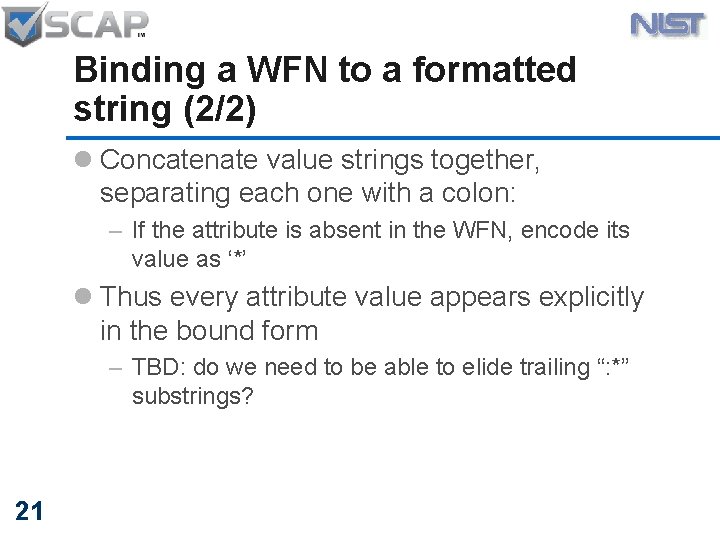
Binding a WFN to a formatted string (2/2) l Concatenate value strings together, separating each one with a colon: – If the attribute is absent in the WFN, encode its value as ‘*’ l Thus every attribute value appears explicitly in the bound form – TBD: do we need to be able to elide trailing “: *” substrings? 21
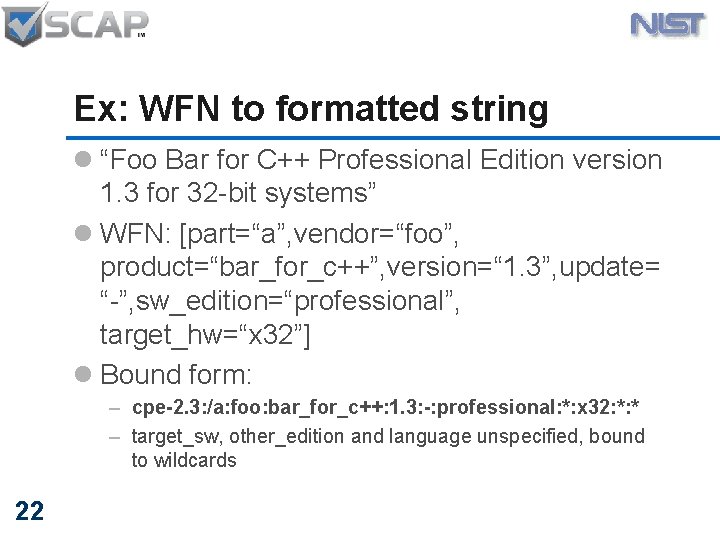
Ex: WFN to formatted string l “Foo Bar for C++ Professional Edition version 1. 3 for 32 -bit systems” l WFN: [part=“a”, vendor=“foo”, product=“bar_for_c++”, version=“ 1. 3”, update= “-”, sw_edition=“professional”, target_hw=“x 32”] l Bound form: – cpe-2. 3: /a: foo: bar_for_c++: 1. 3: -: professional: *: x 32: *: * – target_sw, other_edition and language unspecified, bound to wildcards 22
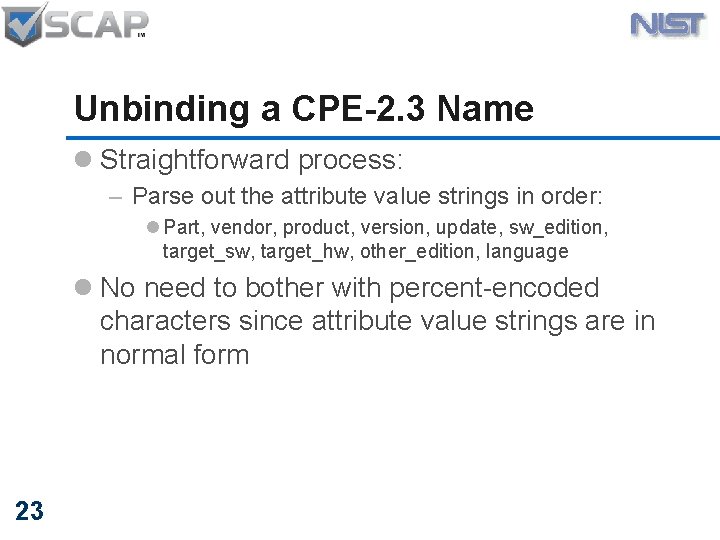
Unbinding a CPE-2. 3 Name l Straightforward process: – Parse out the attribute value strings in order: l Part, vendor, product, version, update, sw_edition, target_sw, target_hw, other_edition, language l No need to bother with percent-encoded characters since attribute value strings are in normal form 23
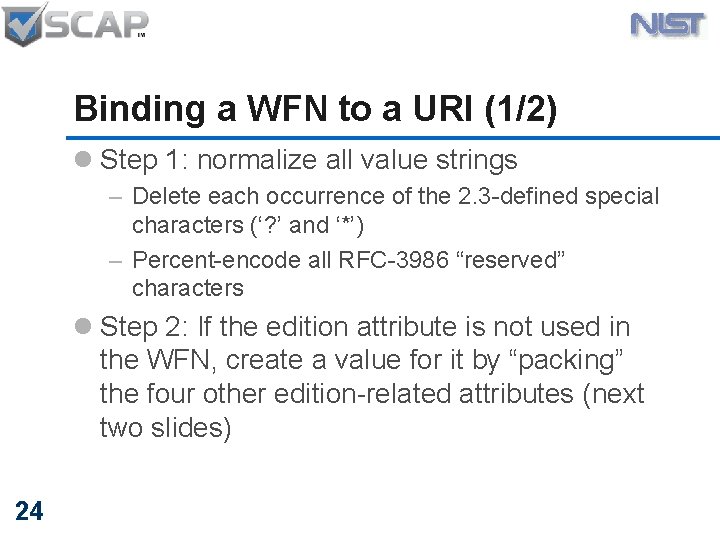
Binding a WFN to a URI (1/2) l Step 1: normalize all value strings – Delete each occurrence of the 2. 3 -defined special characters (‘? ’ and ‘*’) – Percent-encode all RFC-3986 “reserved” characters l Step 2: If the edition attribute is not used in the WFN, create a value for it by “packing” the four other edition-related attributes (next two slides) 24
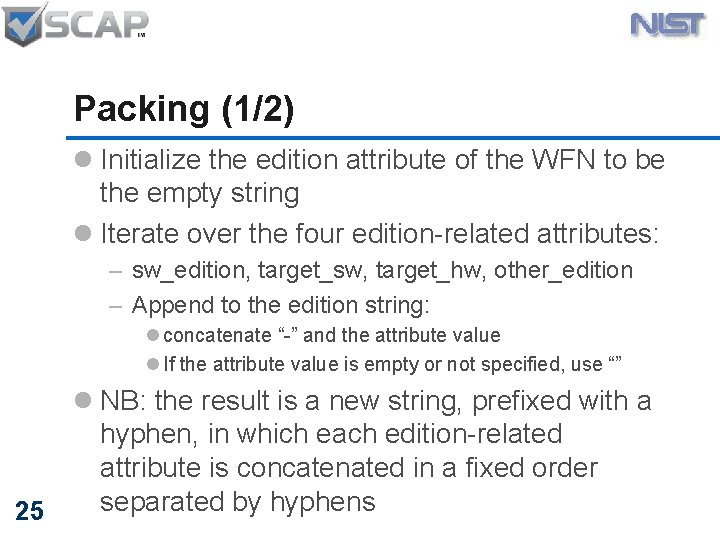
Packing (1/2) l Initialize the edition attribute of the WFN to be the empty string l Iterate over the four edition-related attributes: – sw_edition, target_sw, target_hw, other_edition – Append to the edition string: l concatenate “-” and the attribute value l If the attribute value is empty or not specified, use “” 25 l NB: the result is a new string, prefixed with a hyphen, in which each edition-related attribute is concatenated in a fixed order separated by hyphens
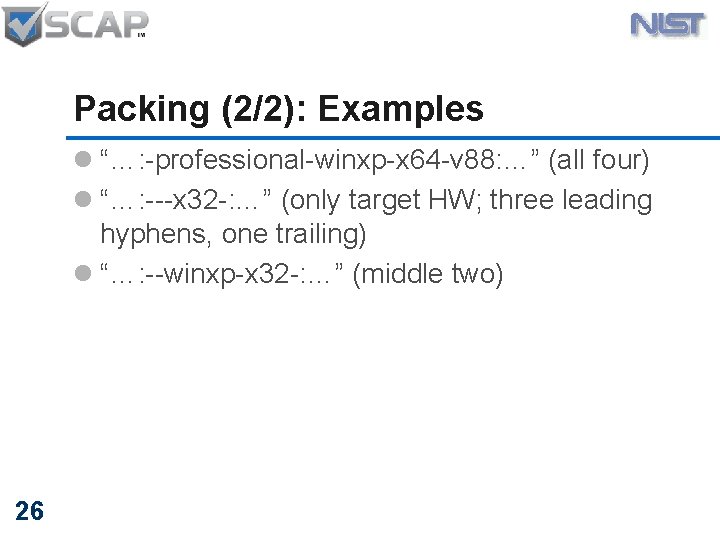
Packing (2/2): Examples l “…: -professional-winxp-x 64 -v 88: …” (all four) l “…: ---x 32 -: …” (only target HW; three leading hyphens, one trailing) l “…: --winxp-x 32 -: …” (middle two) 26
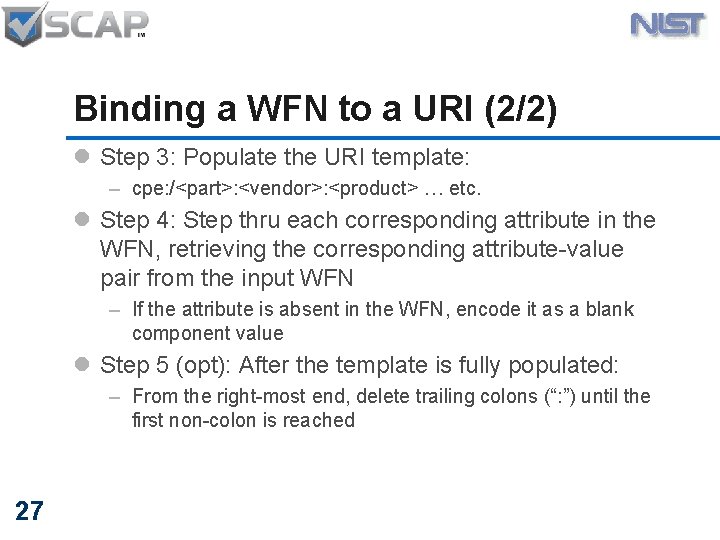
Binding a WFN to a URI (2/2) l Step 3: Populate the URI template: – cpe: /<part>: <vendor>: <product> … etc. l Step 4: Step thru each corresponding attribute in the WFN, retrieving the corresponding attribute-value pair from the input WFN – If the attribute is absent in the WFN, encode it as a blank component value l Step 5 (opt): After the template is fully populated: – From the right-most end, delete trailing colons (“: ”) until the first non-colon is reached 27
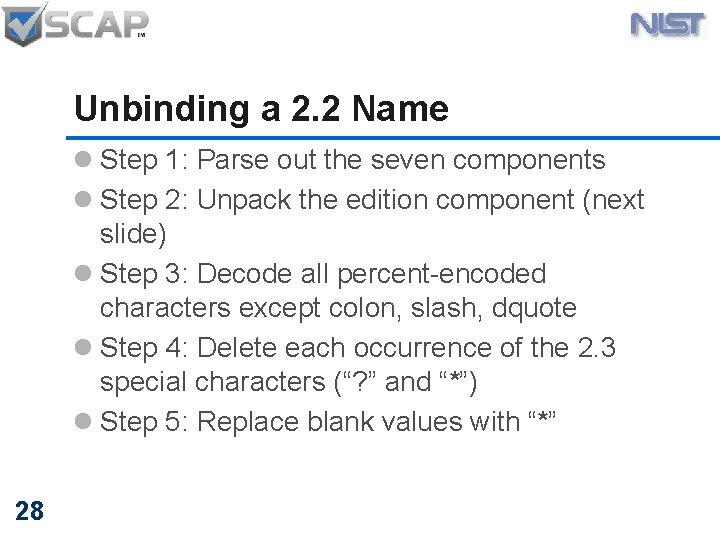
Unbinding a 2. 2 Name l Step 1: Parse out the seven components l Step 2: Unpack the edition component (next slide) l Step 3: Decode all percent-encoded characters except colon, slash, dquote l Step 4: Delete each occurrence of the 2. 3 special characters (“? ” and “*”) l Step 5: Replace blank values with “*” 28
Unpacking l Unpacking performed when unbinding a 2. 2 name into a WFN l The “edition” attribute of the 2. 2 name is inspected for a leading hyphen, and if present, the four subdelimited values are parsed out into the four 2. 3 edition-related attributes l If no leading hyphen is found, the 2. 2 edition attribute is simply copied to the (deprecated) 2. 3 edition attribute 29
![Example: WFN to URI l WFN: [vendor=“microsoft”, product=“c#”, update=“-”, target_hw=“x 64”] l Normalize the](http://slidetodoc.com/presentation_image/21fb25660ccfb6e93cee558c03569b6a/image-30.jpg "Example: WFN to URI l WFN: [vendor=“microsoft”, product=“c#”, update=“-”, target_hw=“x 64”] l Normalize the")
Example: WFN to URI l WFN: [vendor=“microsoft”, product=“c#”, update=“-”, target_hw=“x 64”] l Normalize the strings and pack the edition attribute: [vendor=“microsoft”, product=“c%23”, update=“-”, edition=“---x 64”] l URI after step 4: – cpe: /: microsoft: c%23: : -: ---x 64: l URI after step 5: 30 – cpe: /: microsoft: c%23: : -: ---x 64
Conclusion How does this solution address community issues? 31 MITRE
Does this provide a solution to community issues? l No prefix property—no defined hierarchical relationship among attributes l V 2. 2 URI binding supported l V 2. 3 introduces a formatted string binding l V 2. 3 names may incorporate special characters which may have special meanings l V 2. 3 names minimize the need for percent encoding l We’ve narrowly scoped the spec to focus on structure and format, leaving meanings and interpretations to upper-stack specs 32
- Slides: 32