
CPE 150 Introduction to Programming Chapter 1 Introduction

- Slides: 25
CPE 150: Introduction to Programming Chapter 1: Introduction to Computers and C++ Programming Copyright notice: 1 - care has been taken to use only those web images deemed by the instructor to be in the public domain. If you see a copyrighted image on any slide and are the copyright owner, please contact the instructor. It will be removed. 2 - These slides are inspired, based, and modified with permission from the authors of the C++ How to Program (4 th Edition) textbook
Topics To Be Covered In Chapter 1 1. 2 1. 6 1. 14 1. 21 1. 22 1. 23 1. 24 Introduction What is a Computer? Machine Languages, Assembly Languages, and High-Level Languages Basics of a Typical C++ Environment A Simple Program: Printing a Line of Text Another Simple Program: Adding Two Integers Memory Concepts Arithmetic
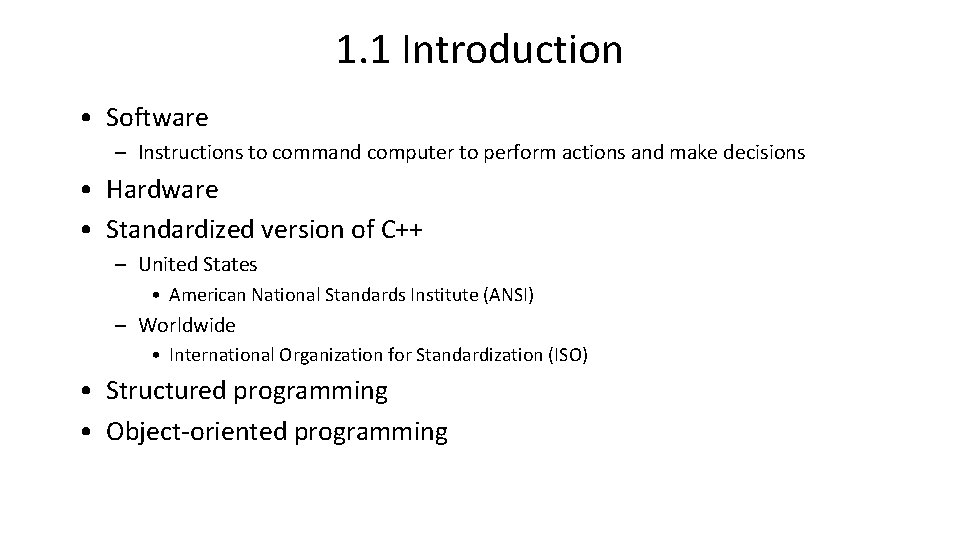
1. 1 Introduction • Software – Instructions to command computer to perform actions and make decisions • Hardware • Standardized version of C++ – United States • American National Standards Institute (ANSI) – Worldwide • International Organization for Standardization (ISO) • Structured programming • Object-oriented programming
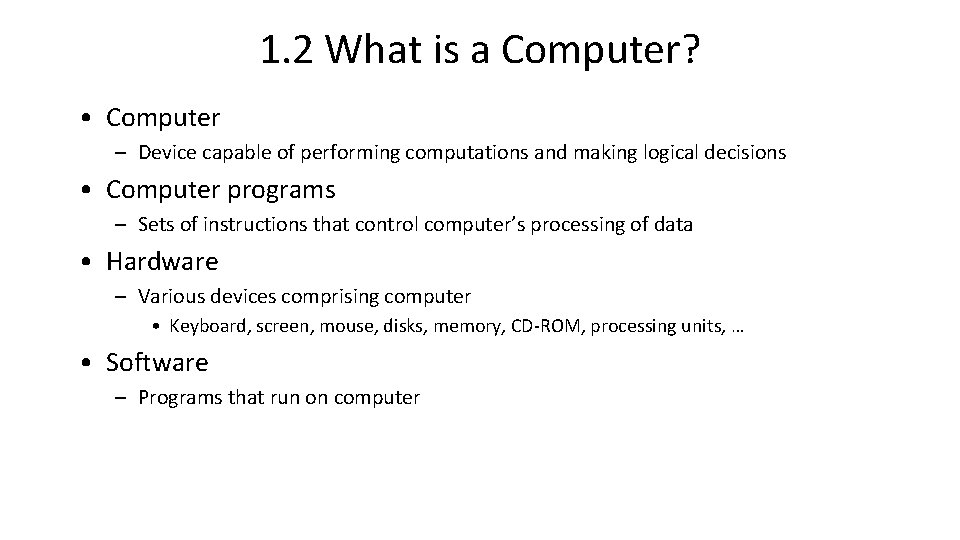
1. 2 What is a Computer? • Computer – Device capable of performing computations and making logical decisions • Computer programs – Sets of instructions that control computer’s processing of data • Hardware – Various devices comprising computer • Keyboard, screen, mouse, disks, memory, CD-ROM, processing units, … • Software – Programs that run on computer
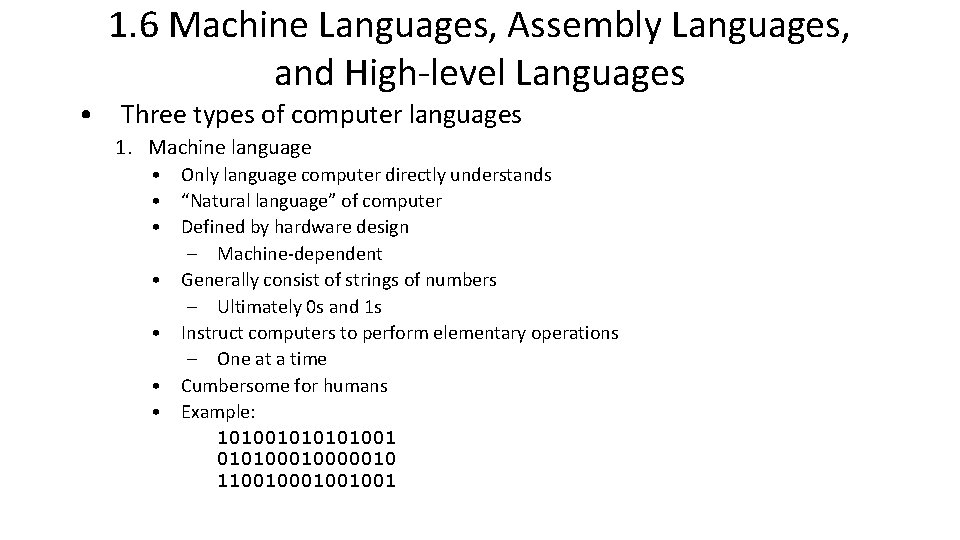
1. 6 Machine Languages, Assembly Languages, and High-level Languages • Three types of computer languages 1. Machine language • Only language computer directly understands • “Natural language” of computer • Defined by hardware design – Machine-dependent • Generally consist of strings of numbers – Ultimately 0 s and 1 s • Instruct computers to perform elementary operations – One at a time • Cumbersome for humans • Example: 10100101001 01010000010 11001001001
1. 6 Machine Languages, Assembly Languages, and High-level Languages • Three types of computer languages 2. Assembly language • English-like abbreviations representing elementary computer operations • Clearer to humans • Incomprehensible to computers – Translator programs (assemblers) • Convert to machine language • Example: LOAD BASEPAY ADD OVERPAY STORE GROSSPAY
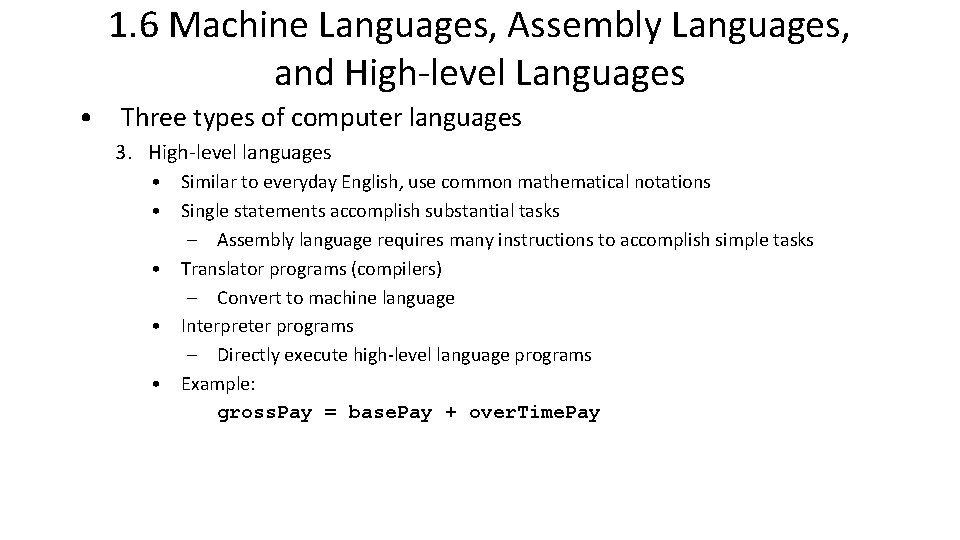
1. 6 Machine Languages, Assembly Languages, and High-level Languages • Three types of computer languages 3. High-level languages • Similar to everyday English, use common mathematical notations • Single statements accomplish substantial tasks – Assembly language requires many instructions to accomplish simple tasks • Translator programs (compilers) – Convert to machine language • Interpreter programs – Directly execute high-level language programs • Example: gross. Pay = base. Pay + over. Time. Pay
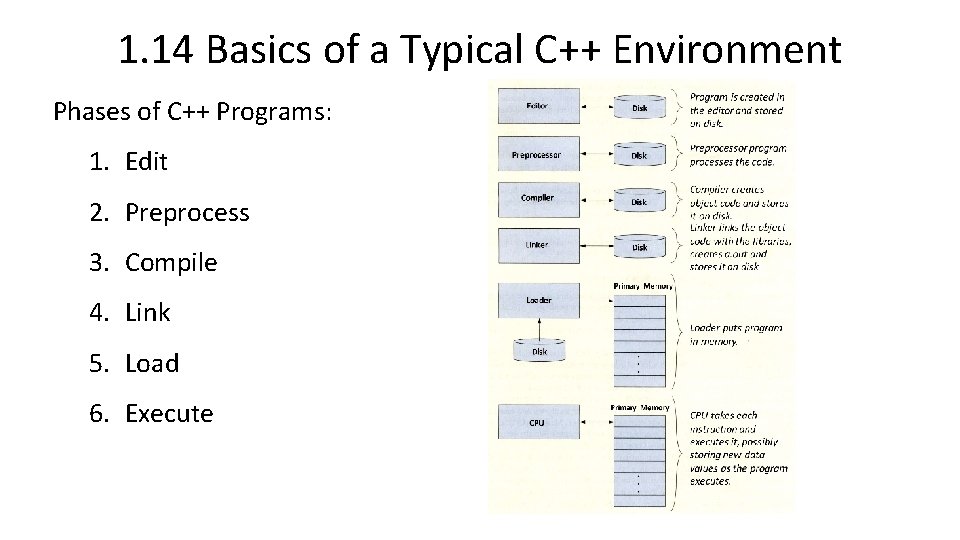
1. 14 Basics of a Typical C++ Environment Phases of C++ Programs: 1. Edit 2. Preprocess 3. Compile 4. Link 5. Load 6. Execute
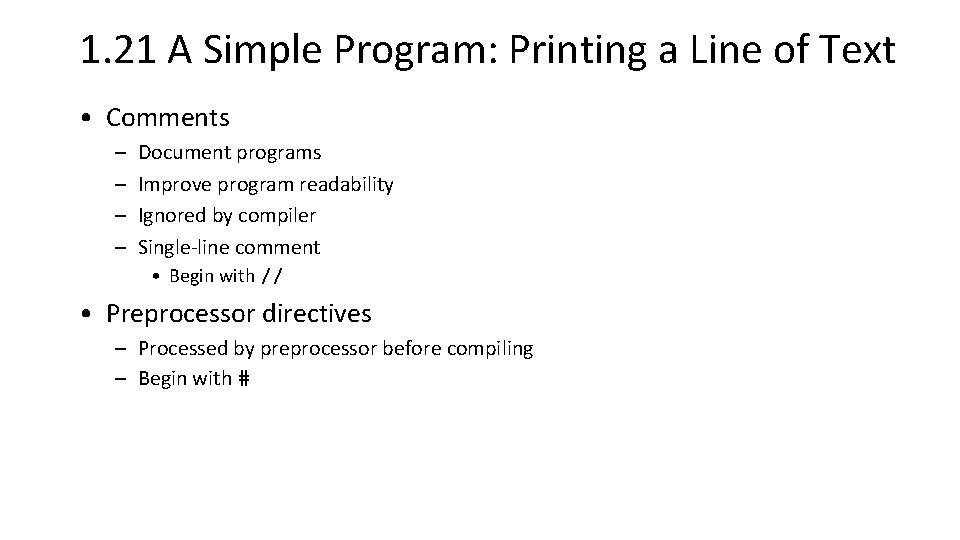
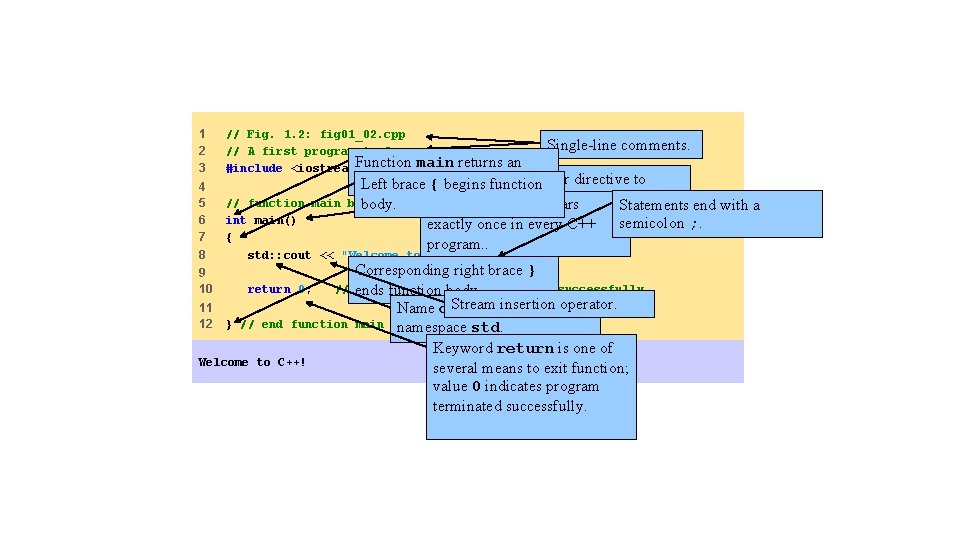
1. 21 A Simple Program: Printing a Line of Text • Comments – – Document programs Improve program readability Ignored by compiler Single-line comment • Begin with // • Preprocessor directives – Processed by preprocessor before compiling – Begin with #
1 2 3 // Fig. 1. 2: fig 01_02. cpp // A first program in C++. Function main #include <iostream> 4 5 6 7 8 // function main int main() { std: : cout << "Welcome to C++!n"; 9 10 11 12 Single-line comments. returns an directive to integer value. Left brace { begins Preprocessor function include input/output Statements stream begins execution Function main appears body. program end with a header file <iostream>. exactly once in every C++ semicolon ; . program. . return 0; // } // end function Welcome to C++! Corresponding right brace } indicate thatbody. program ended successfully ends function Stream insertion Name cout belongs to operator. main namespace std. Keyword return is one of several means to exit function; value 0 indicates program terminated successfully.
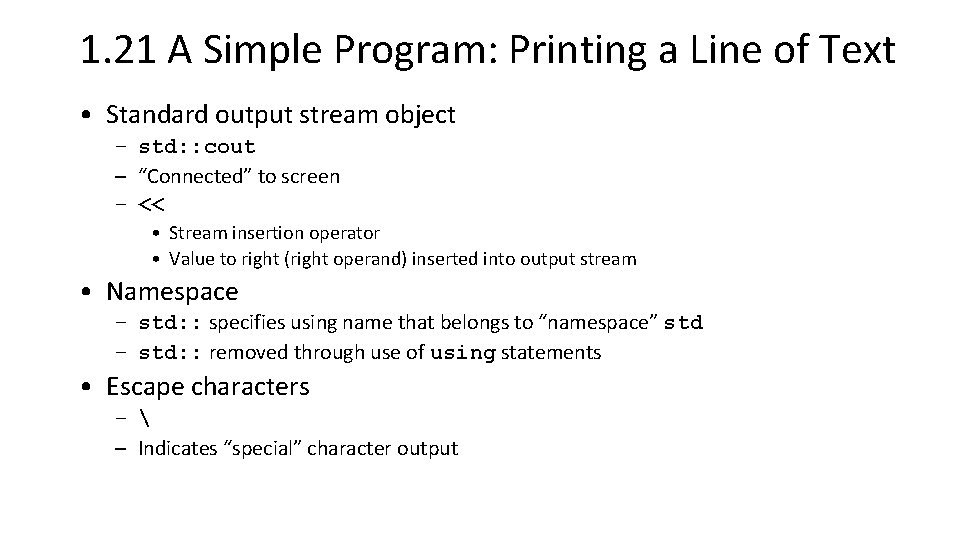
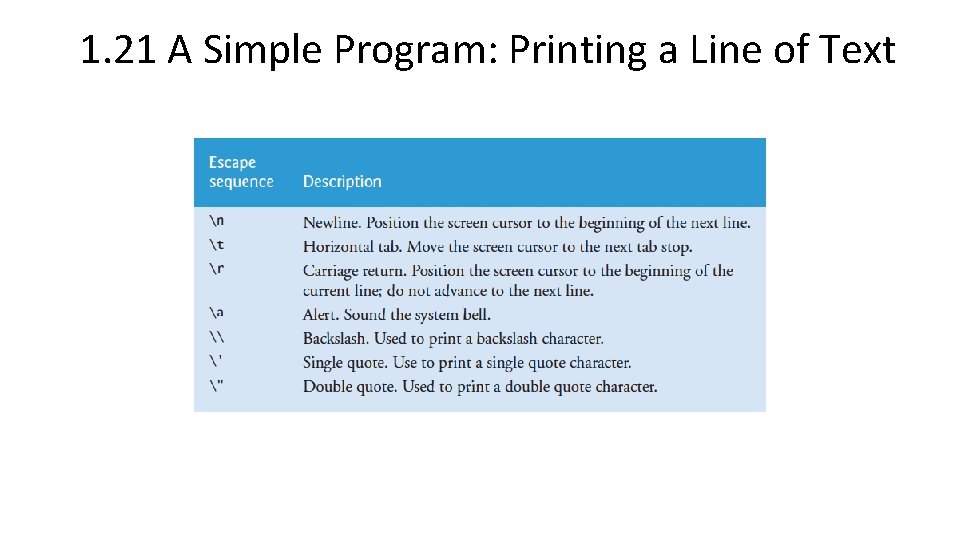
1. 21 A Simple Program: Printing a Line of Text • Standard output stream object – std: : cout – “Connected” to screen – << • Stream insertion operator • Value to right (right operand) inserted into output stream • Namespace – std: : specifies using name that belongs to “namespace” std – std: : removed through use of using statements • Escape characters – – Indicates “special” character output
1. 21 A Simple Program: Printing a Line of Text
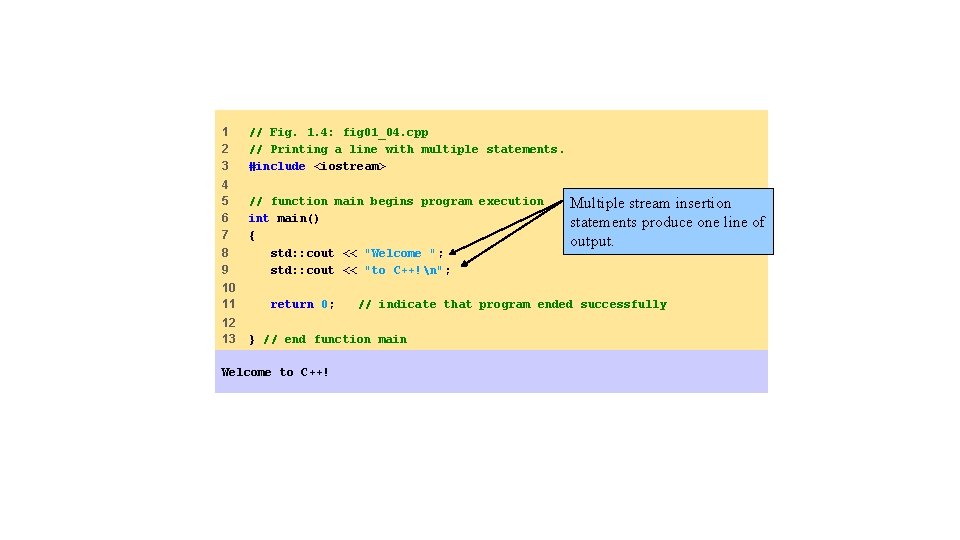
1 2 3 // Fig. 1. 4: fig 01_04. cpp // Printing a line with multiple statements. #include <iostream> 4 5 6 7 8 9 // function main begins program execution int main() { std: : cout << "Welcome "; std: : cout << "to C++!n"; 10 11 12 13 return 0; // indicate that program ended successfully } // end function main Welcome to C++! Multiple stream insertion statements produce one line of output.
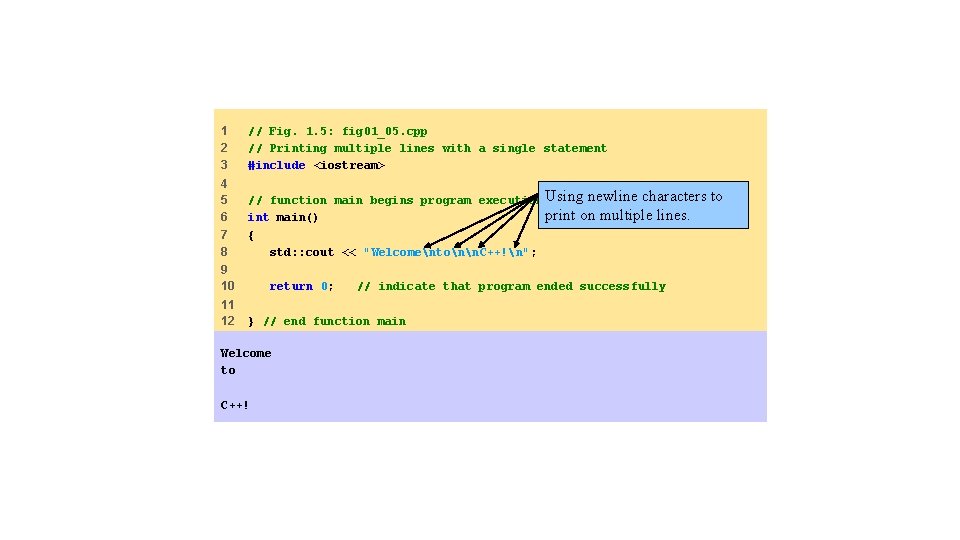
1 2 3 // Fig. 1. 5: fig 01_05. cpp // Printing multiple lines with a single statement #include <iostream> 4 5 6 7 8 // function main begins program execution Using newline characters print on multiple lines. int main() { std: : cout << "Welcomentonn. C++!n"; 9 10 11 12 return 0; // indicate that program ended successfully } // end function main Welcome to C++! to
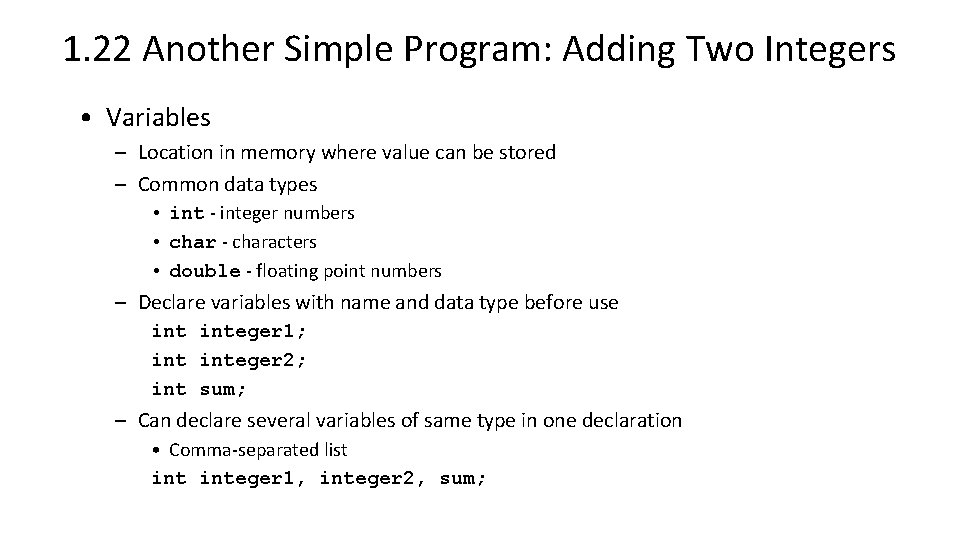
1. 22 Another Simple Program: Adding Two Integers • Variables – Location in memory where value can be stored – Common data types • int - integer numbers • char - characters • double - floating point numbers – Declare variables with name and data type before use integer 1; integer 2; int sum; – Can declare several variables of same type in one declaration • Comma-separated list integer 1, integer 2, sum;
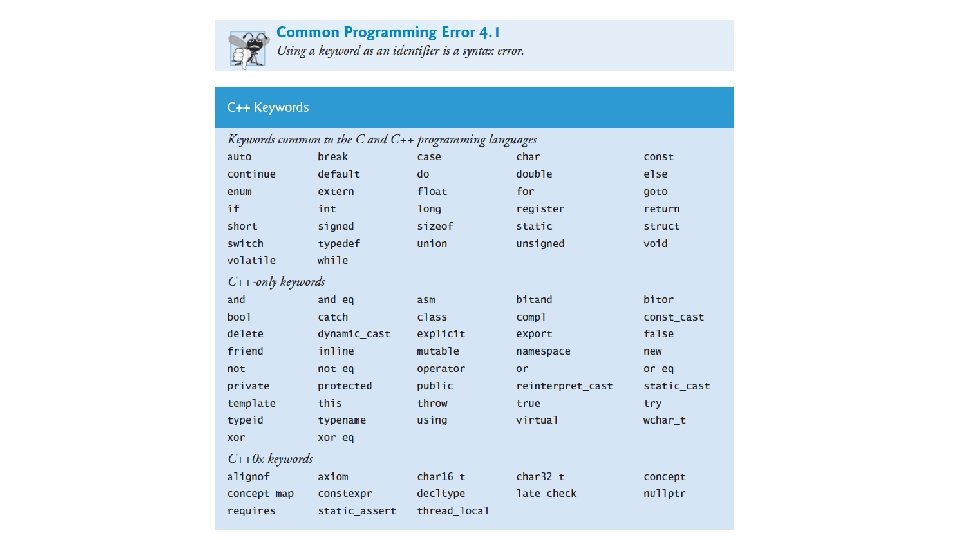
1. 22 Another Simple Program: Adding Two Integers • Variables – Variable names • Valid identifier – Series of characters (letters, digits, underscores) – Cannot begin with digit – Case sensitive • C++ keywords – Cannot be used as identifiers or variable names
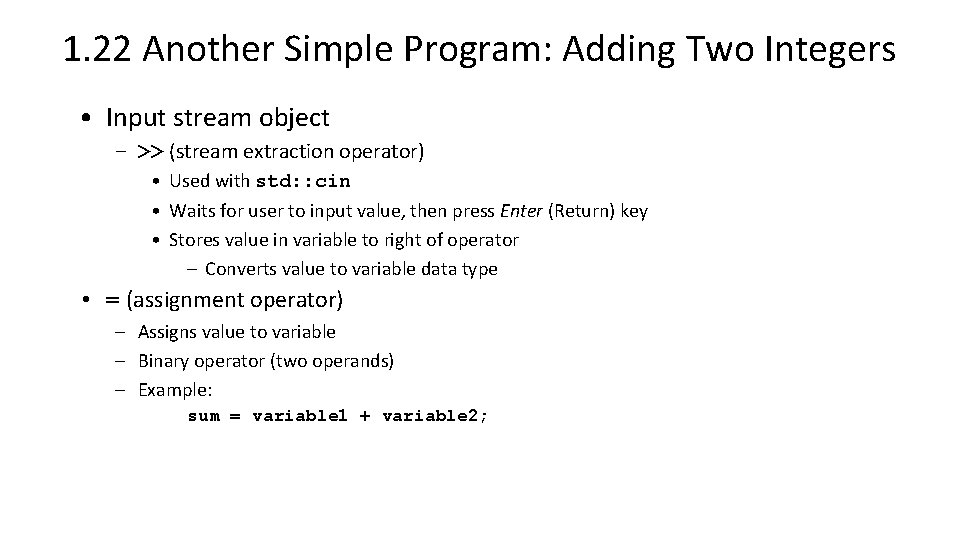
1. 22 Another Simple Program: Adding Two Integers • Input stream object – >> (stream extraction operator) • Used with std: : cin • Waits for user to input value, then press Enter (Return) key • Stores value in variable to right of operator – Converts value to variable data type • = (assignment operator) – Assigns value to variable – Binary operator (two operands) – Example: sum = variable 1 + variable 2;
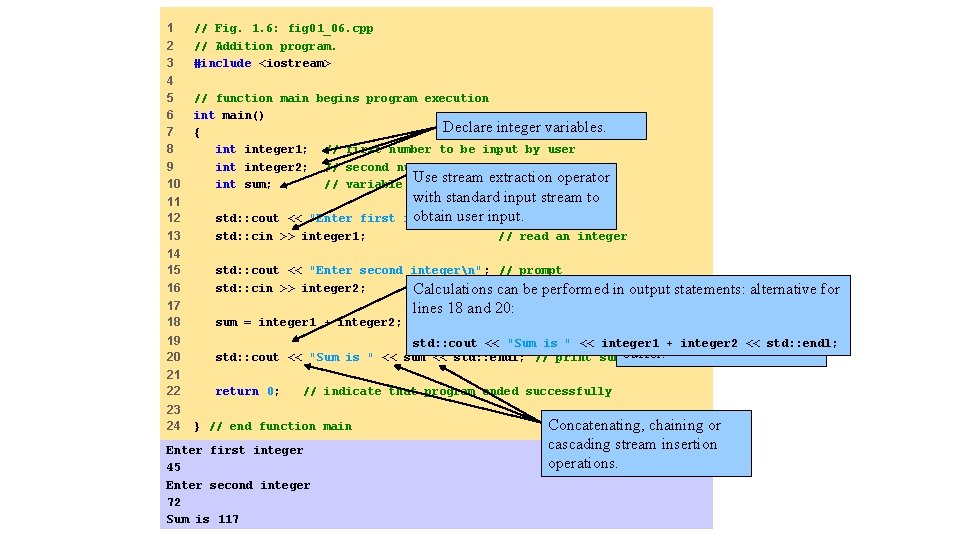
1 2 3 // Fig. 1. 6: fig 01_06. cpp // Addition program. #include <iostream> 4 5 6 7 8 9 10 // function main begins program execution int main() Declare integer variables. { integer 1; // first number to be input by user integer 2; // second number to be input by user Usewhich stream extraction int sum; // variable in sum will be operator stored with standard input stream to obtain user input. integern"; // prompt 11 12 13 std: : cout << "Enter first std: : cin >> integer 1; 14 15 16 std: : cout << "Enter second integern" ; // prompt std: : cin >> integer 2; // read an integer Calculations can be performed in output 17 18 sum = integer 1 + integer 2; 19 20 std: : cout << "Sum is " << sum << std: : endl; // print 21 22 return 0; 23 24 // read an integer lines 18 and 20: // assign result to sum statements: alternative for Stream manipulator std: : endl outputs a newline, then “flushes output integer 1 + integer 2 << std: : endl; sum buffer. ” // indicate that program ended successfully } // end function main Enter first integer 45 Enter second integer 72 Sum is 117 Concatenating, chaining or cascading stream insertion operations.
1. 23 Memory Concepts • Variable names – – Correspond to actual locations in computer's memory Every variable has name, type, size and value When new value placed into variable, overwrites previous value Reading variables from memory nondestructive
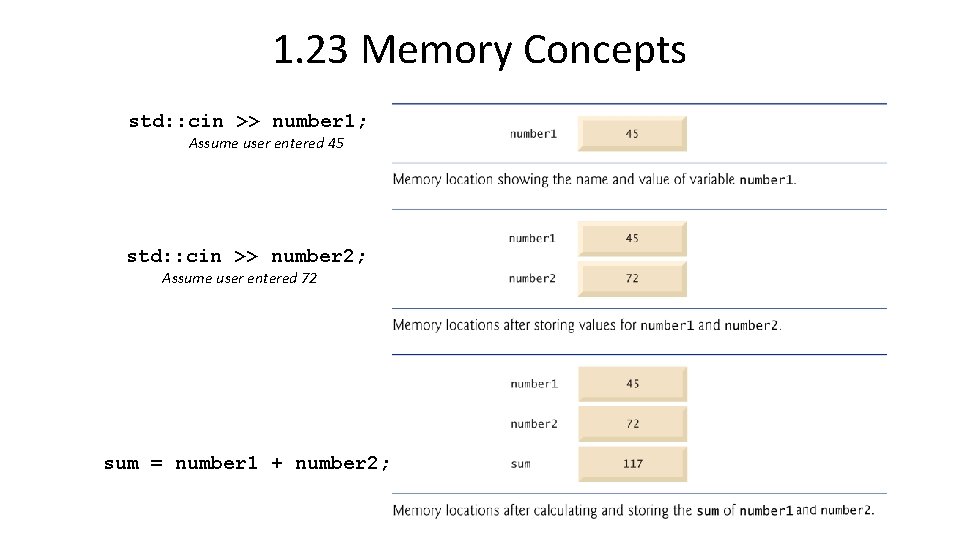
1. 23 Memory Concepts std: : cin >> number 1; Assume user entered 45 std: : cin >> number 2; Assume user entered 72 sum = number 1 + number 2;
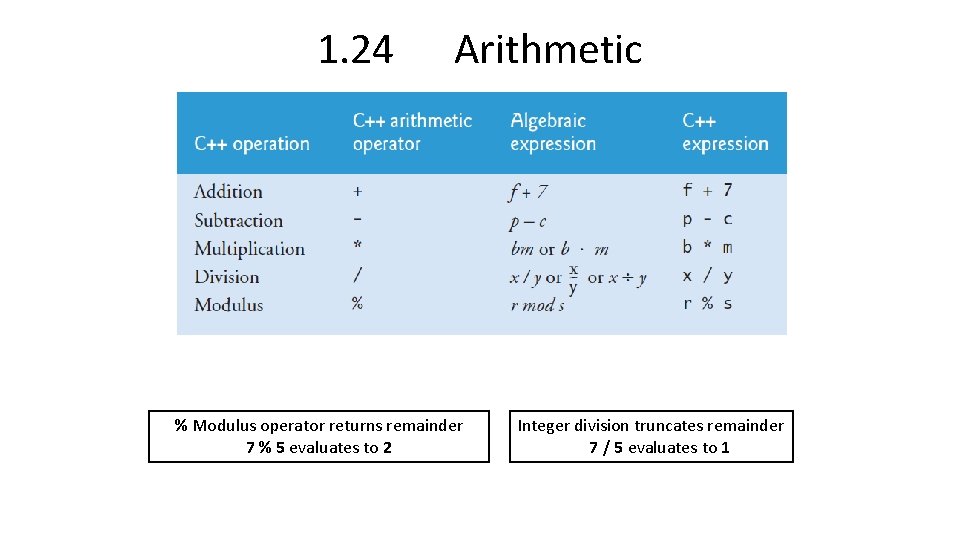
1. 24 Arithmetic % Modulus operator returns remainder 7 % 5 evaluates to 2 Integer division truncates remainder 7 / 5 evaluates to 1
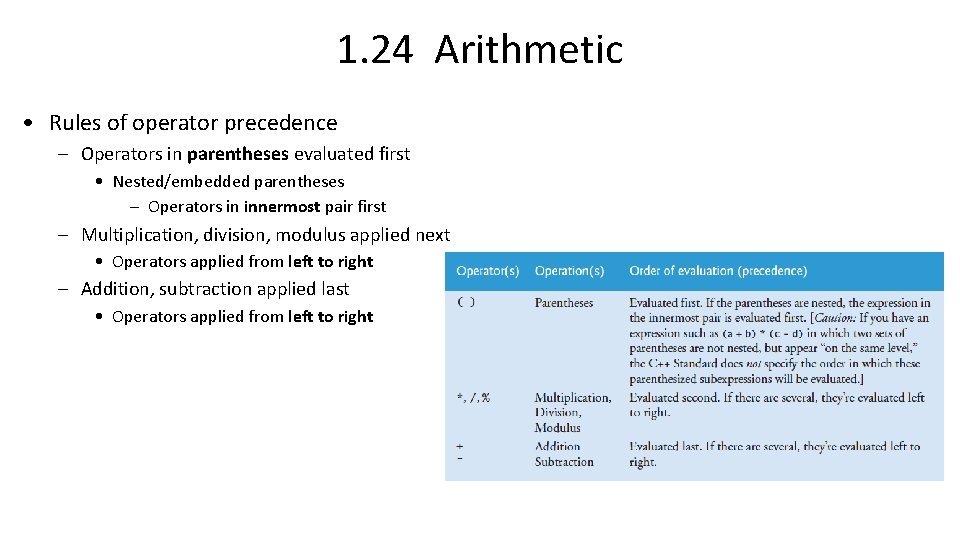
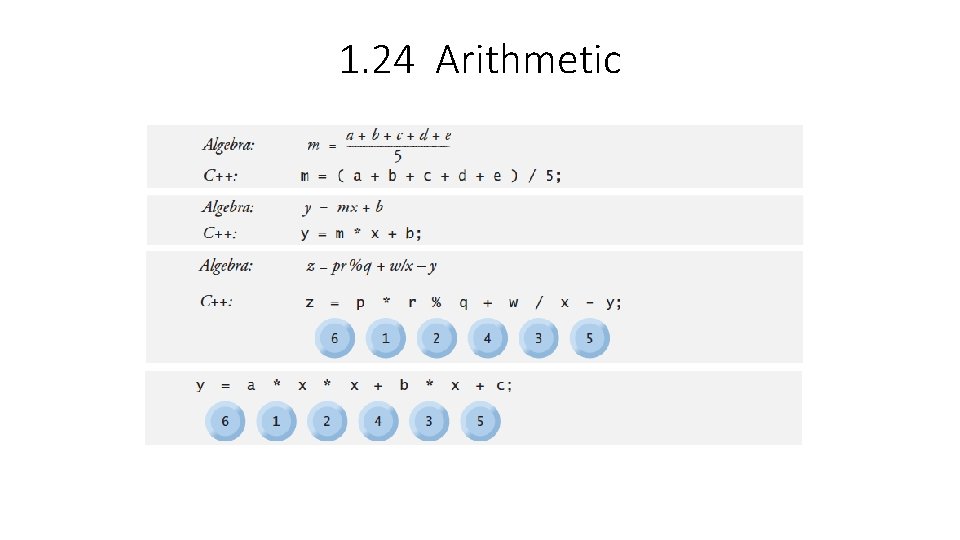
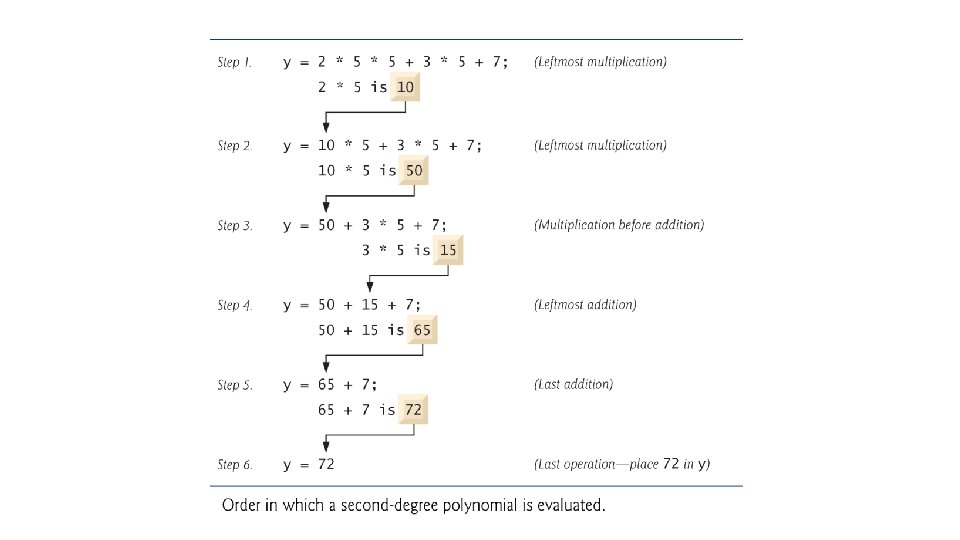
1. 24 Arithmetic • Rules of operator precedence – Operators in parentheses evaluated first • Nested/embedded parentheses – Operators in innermost pair first – Multiplication, division, modulus applied next • Operators applied from left to right – Addition, subtraction applied last • Operators applied from left to right
1. 24 Arithmetic