
COVID19 Immunization Entry Form Training and User Guide



- Slides: 9
COVID-19 Immunization Entry Form Training and User Guide DRAFT: December 18, 2020 1
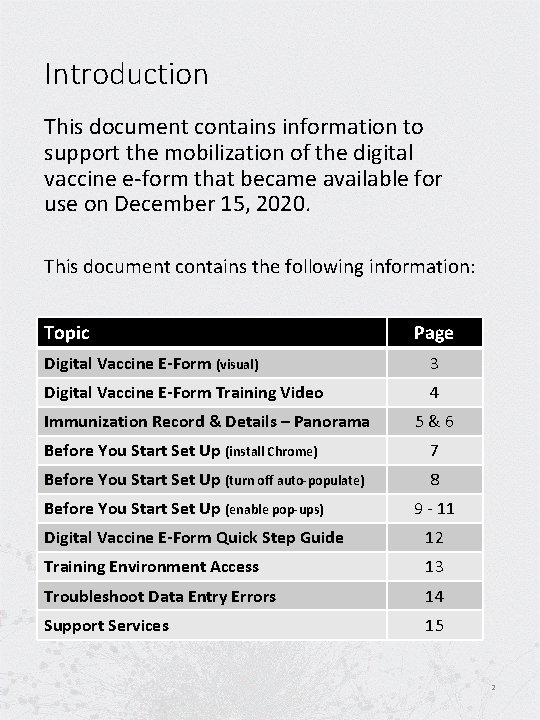
Introduction This document contains information to support the mobilization of the digital vaccine e-form that became available for use on December 15, 2020. This document contains the following information: Topic Page Digital Vaccine E-Form (visual) 3 Digital Vaccine E-Form Training Video 4 Immunization Record & Details – Panorama 5&6 Before You Start Set Up (install Chrome) 7 Before You Start Set Up (turn off auto-populate) 8 Before You Start Set Up (enable pop-ups) 9 - 11 Digital Vaccine E-Form Quick Step Guide 12 Training Environment Access 13 Troubleshoot Data Entry Errors 14 Support Services 15 2
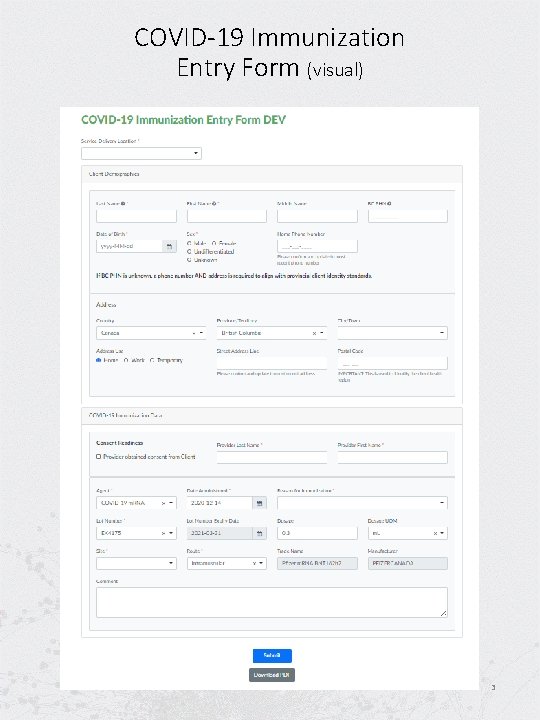
COVID-19 Immunization Entry Form (visual) 3
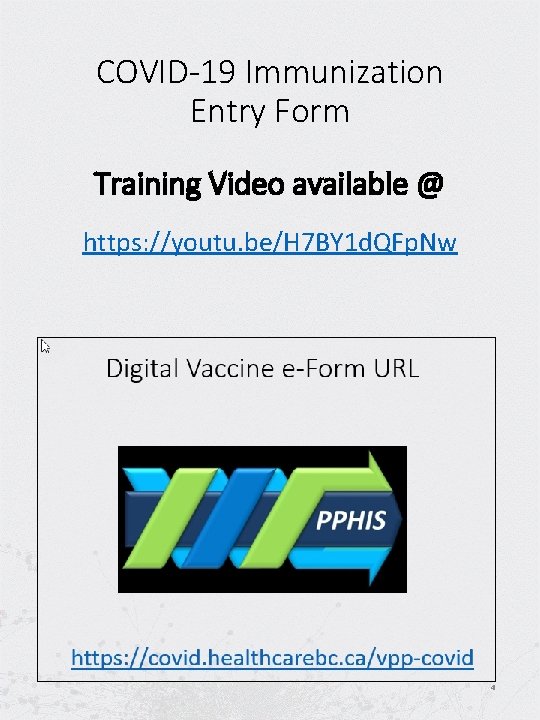
COVID-19 Immunization Entry Form Training Video available @ https: //youtu. be/H 7 BY 1 d. QFp. Nw 4
Before you start: Set-up your system install Chrome To use the e-forms application, you will need to have Chrome installed on your device. 5
6
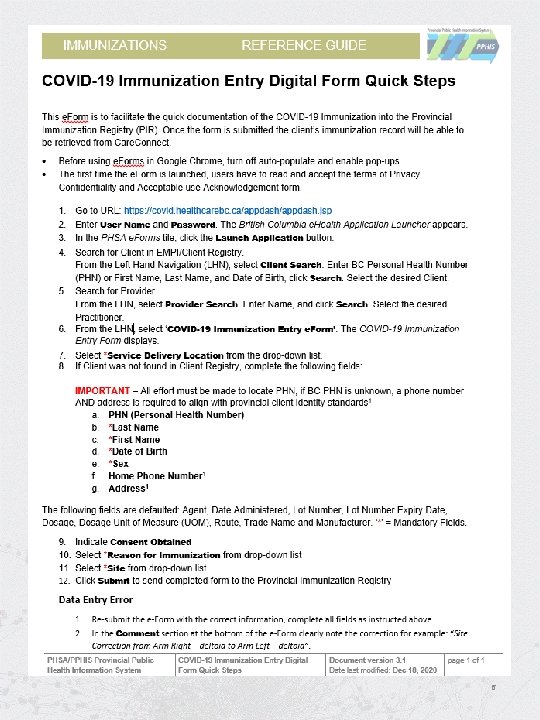
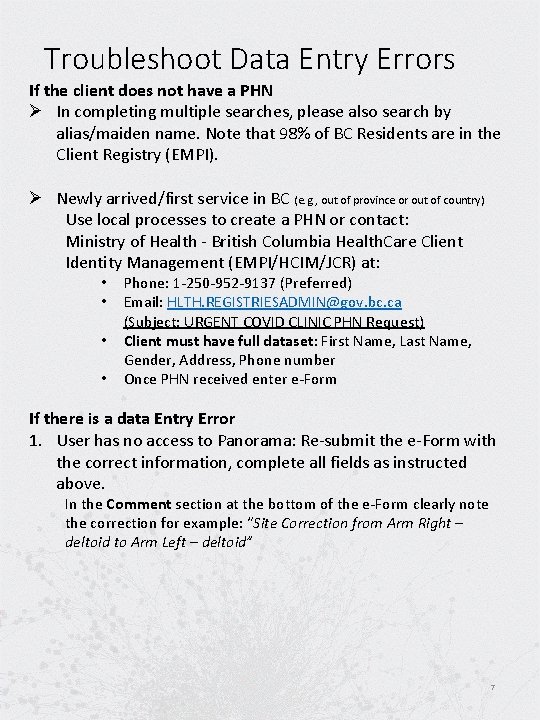
Troubleshoot Data Entry Errors If the client does not have a PHN Ø In completing multiple searches, please also search by alias/maiden name. Note that 98% of BC Residents are in the Client Registry (EMPI). Ø Newly arrived/first service in BC (e. g. , out of province or out of country) Use local processes to create a PHN or contact: Ministry of Health - British Columbia Health. Care Client Identity Management (EMPI/HCIM/JCR) at: • • Phone: 1 -250 -952 -9137 (Preferred) Email: HLTH. REGISTRIESADMIN@gov. bc. ca (Subject: URGENT COVID CLINIC PHN Request) Client must have full dataset: First Name, Last Name, Gender, Address, Phone number Once PHN received enter e-Form If there is a data Entry Error 1. User has no access to Panorama: Re-submit the e-Form with the correct information, complete all fields as instructed above. In the Comment section at the bottom of the e-Form clearly note the correction for example: “Site Correction from Arm Right – deltoid to Arm Left – deltoid” 7
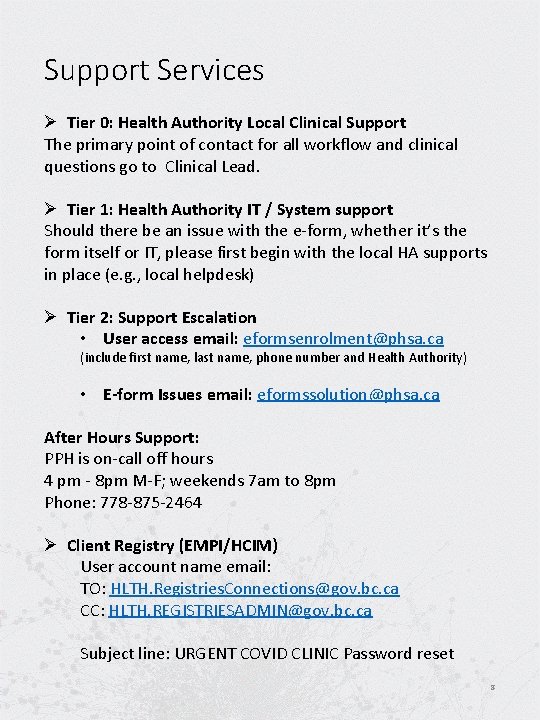
Support Services Ø Tier 0: Health Authority Local Clinical Support The primary point of contact for all workflow and clinical questions go to Clinical Lead. Ø Tier 1: Health Authority IT / System support Should there be an issue with the e-form, whether it’s the form itself or IT, please first begin with the local HA supports in place (e. g. , local helpdesk) Ø Tier 2: Support Escalation • User access email: eformsenrolment@phsa. ca (include first name, last name, phone number and Health Authority) • E-form Issues email: eformssolution@phsa. ca After Hours Support: PPH is on-call off hours 4 pm - 8 pm M-F; weekends 7 am to 8 pm Phone: 778 -875 -2464 Ø Client Registry (EMPI/HCIM) User account name email: TO: HLTH. Registries. Connections@gov. bc. ca CC: HLTH. REGISTRIESADMIN@gov. bc. ca Subject line: URGENT COVID CLINIC Password reset 8
9