
Course Topics Administering SQL Server 2012 Jump Start


- Slides: 38
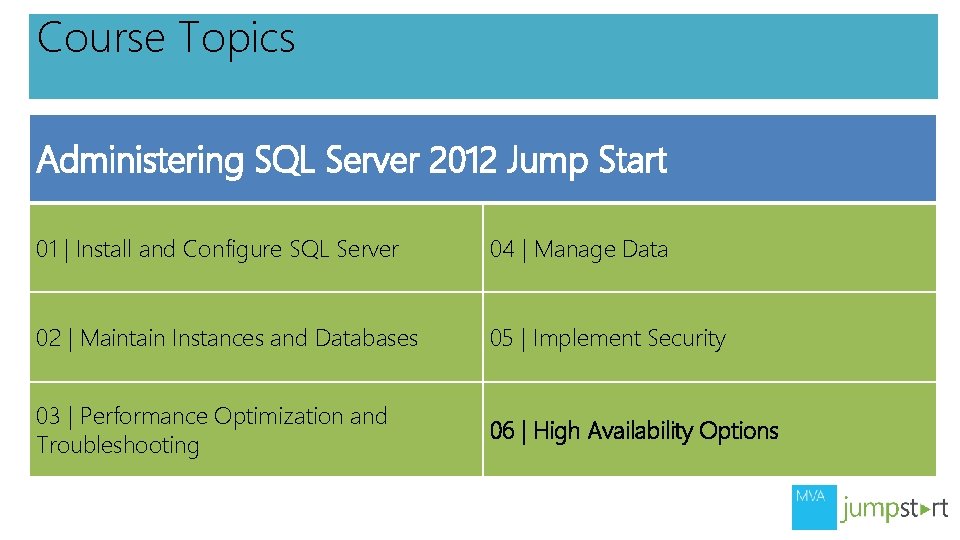
Course Topics Administering SQL Server 2012 Jump Start 01 | Install and Configure SQL Server 04 | Manage Data 02 | Maintain Instances and Databases 05 | Implement Security 03 | Performance Optimization and Troubleshooting 06 | High Availability Options
06 | High Availability Options George Squillace | Senior Technical Trainer – New Horizons Great Lakes Richard Currey | Senior Technical Trainer – New Horizons United
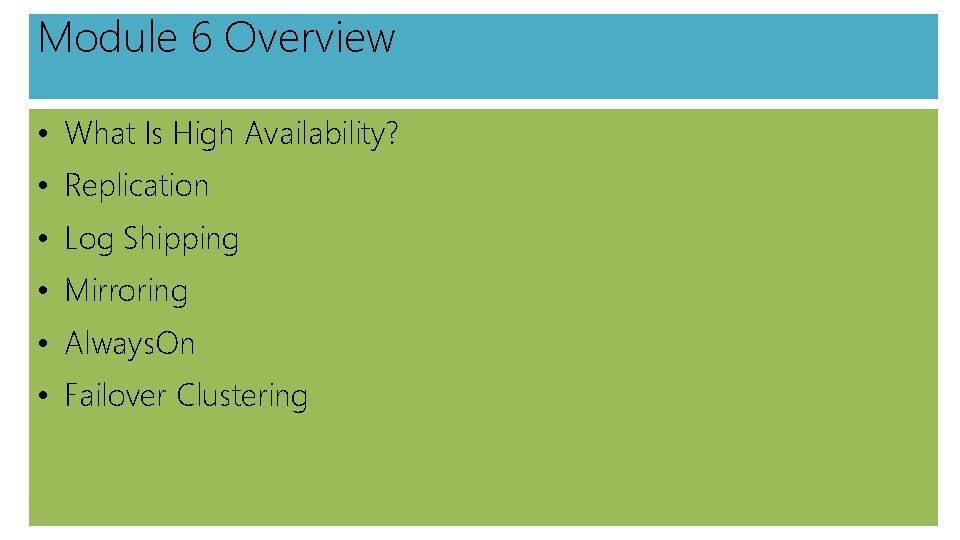
Module 6 Overview • What Is High Availability? • Replication • Log Shipping • Mirroring • Always. On • Failover Clustering
Topic: What Is High Availability?
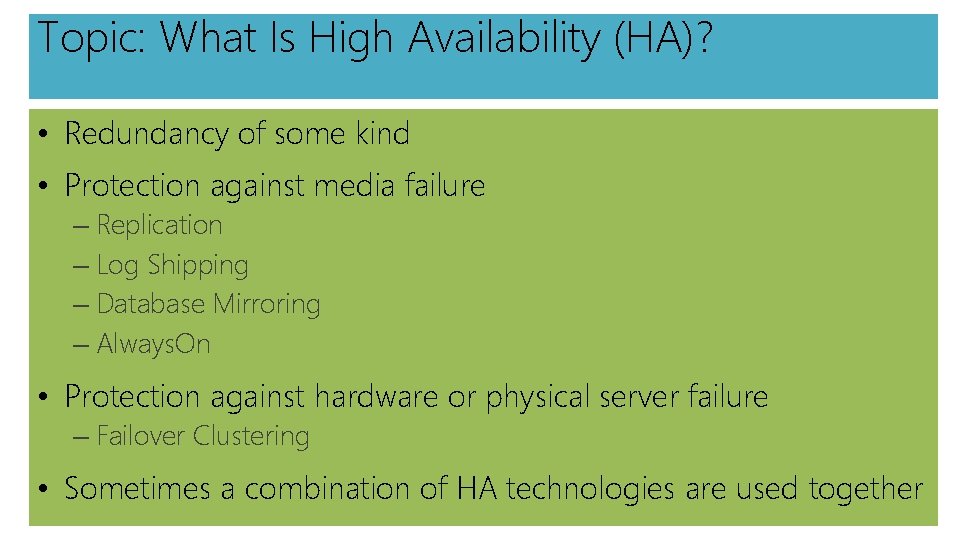
Topic: What Is High Availability (HA)? • Redundancy of some kind • Protection against media failure – Replication – Log Shipping – Database Mirroring – Always. On • Protection against hardware or physical server failure – Failover Clustering • Sometimes a combination of HA technologies are used together
Topic: Replication
Topic: Replication • The Basics • Types of Replication • Implementing Replication • Replication Strengths and Weaknesses
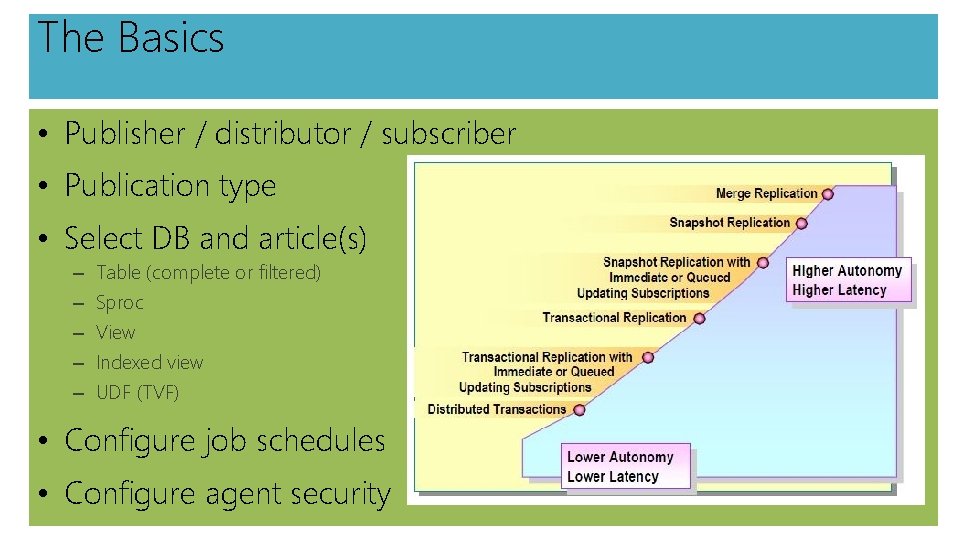
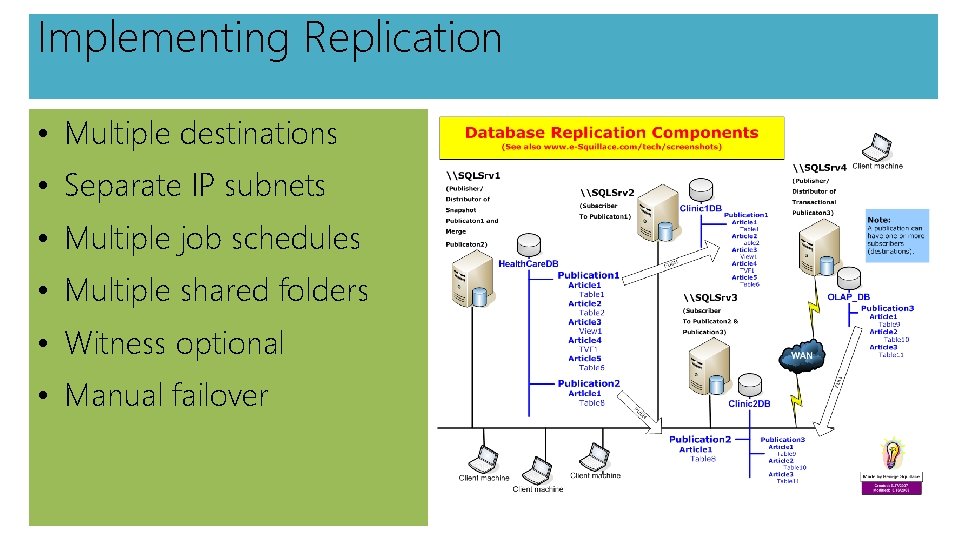
The Basics • Publisher / distributor / subscriber • Publication type • Select DB and article(s) – – – Table (complete or filtered) Sproc View Indexed view UDF (TVF) • Configure job schedules • Configure agent security
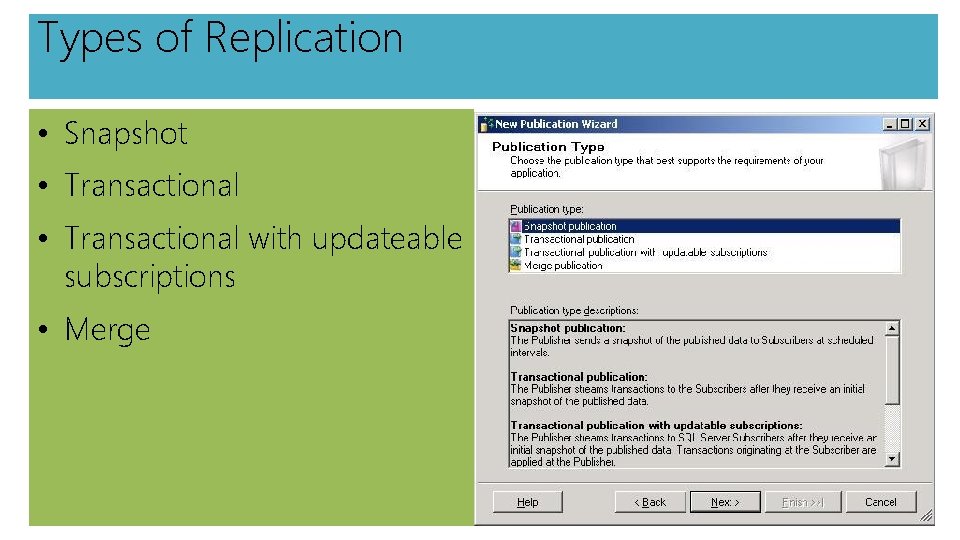
Types of Replication • Snapshot • Transactional with updateable subscriptions • Merge
Implementing Replication • Multiple destinations • Separate IP subnets • Multiple job schedules • Multiple shared folders • Witness optional • Manual failover
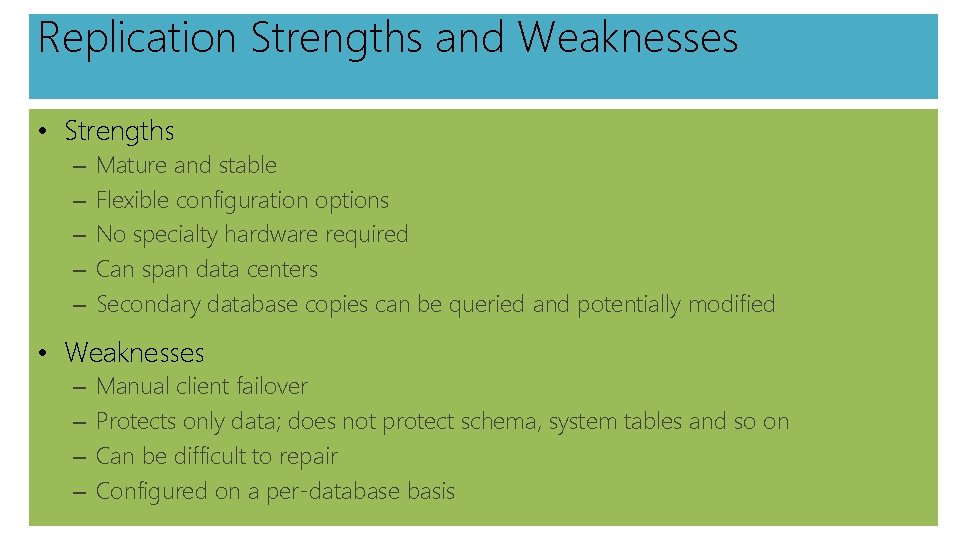
Replication Strengths and Weaknesses • Strengths – – – Mature and stable Flexible configuration options No specialty hardware required Can span data centers Secondary database copies can be queried and potentially modified • Weaknesses – – Manual client failover Protects only data; does not protect schema, system tables and so on Can be difficult to repair Configured on a per-database basis
DEMO Implementing Replication
Topic: Log Shipping
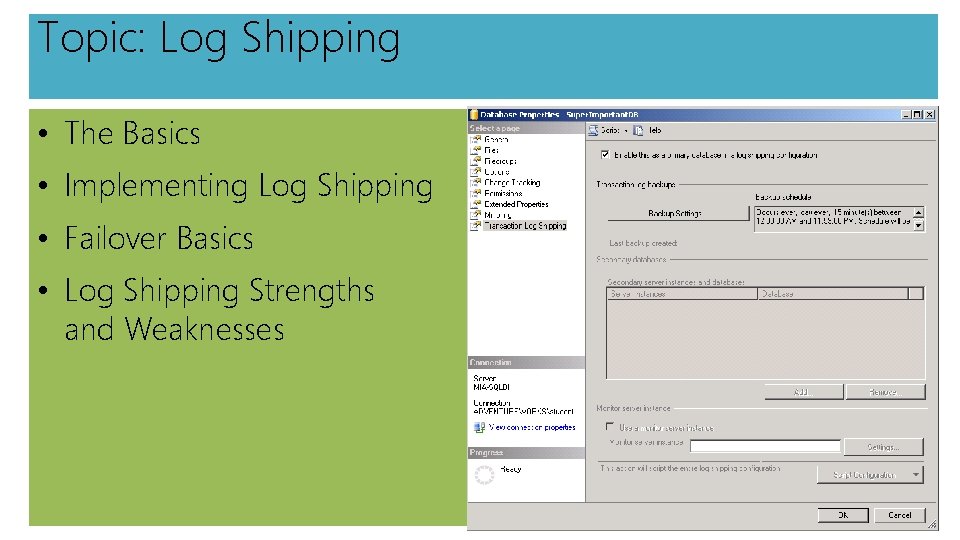
Topic: Log Shipping • The Basics • Implementing Log Shipping • Failover Basics • Log Shipping Strengths and Weaknesses
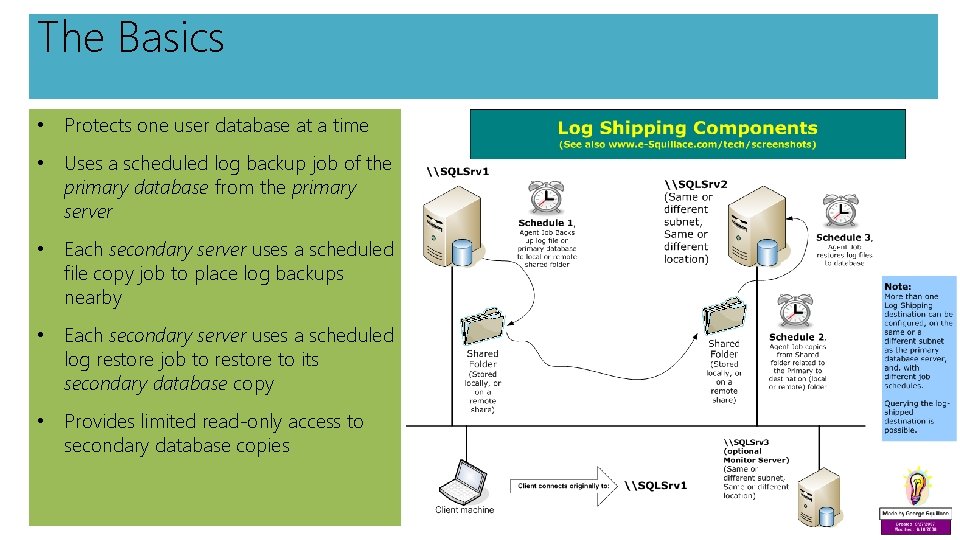
The Basics • Protects one user database at a time • Uses a scheduled log backup job of the primary database from the primary server • Each secondary server uses a scheduled file copy job to place log backups nearby • Each secondary server uses a scheduled log restore job to restore to its secondary database copy • Provides limited read-only access to secondary database copies
Implementing Log Shipping • SSMS • Stored procedures o sp_Add_Log_Shipping_Primary_Database o sp_Add_Job_Schedule o sp_Add_Log_Shipping_Secondary_Database o sp_Add_Log_Shipping_Alert_Job o sp_Add_Log_Shipping_Primary_Secondary o sp_Add_Log_Shipping_Secondary_Primary • Set DB recovery model full or bulk_logged • Create a backup job • Create copy job(s) • Create restore job(s) • Configure monitor (optional)
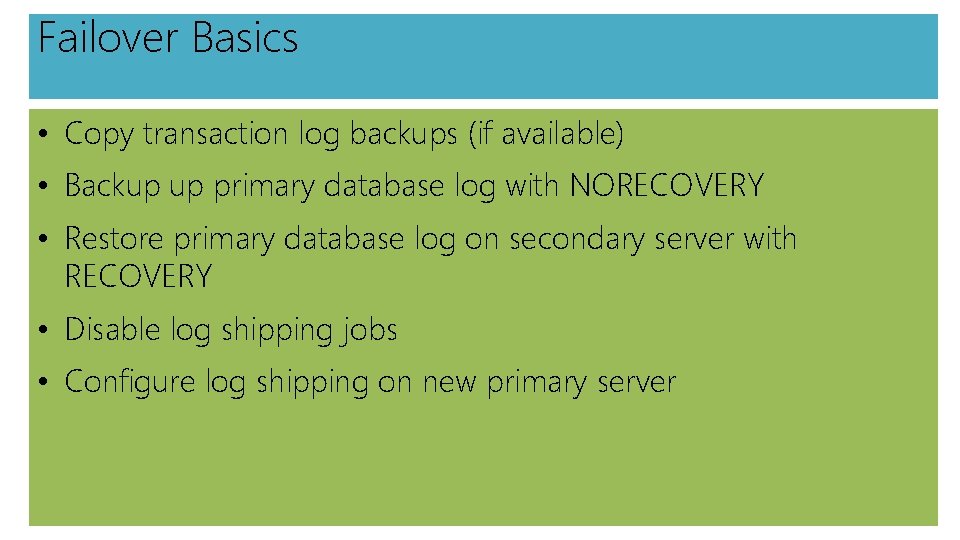
Failover Basics • Copy transaction log backups (if available) • Backup up primary database log with NORECOVERY • Restore primary database log on secondary server with RECOVERY • Disable log shipping jobs • Configure log shipping on new primary server
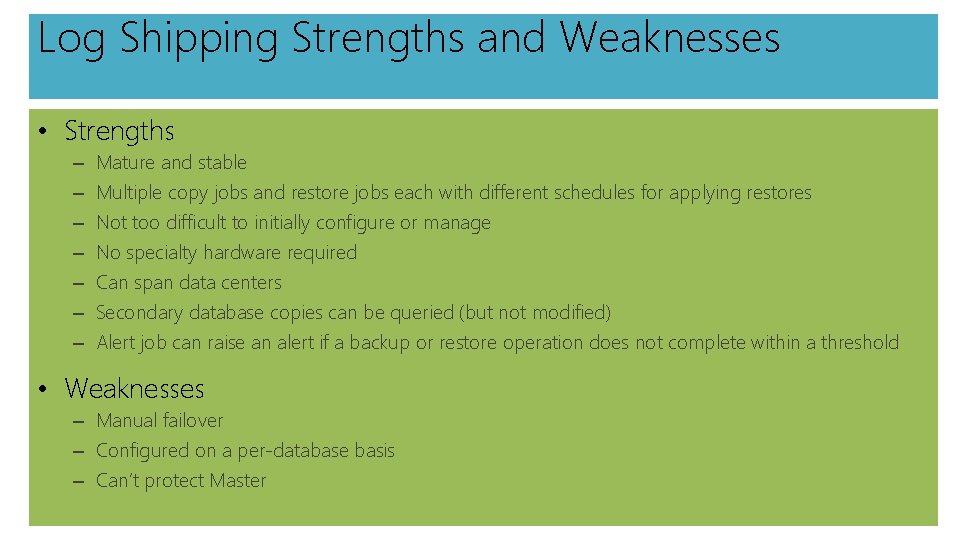
Log Shipping Strengths and Weaknesses • Strengths – – – – Mature and stable Multiple copy jobs and restore jobs each with different schedules for applying restores Not too difficult to initially configure or manage No specialty hardware required Can span data centers Secondary database copies can be queried (but not modified) Alert job can raise an alert if a backup or restore operation does not complete within a threshold • Weaknesses – Manual failover – Configured on a per-database basis – Can’t protect Master
DEMO Implementing Log Shipping
Topic: Mirroring
Topic: Mirroring • The Basics • Configuration Options • Handling Failover • Mirroring Strengths and Weaknesses
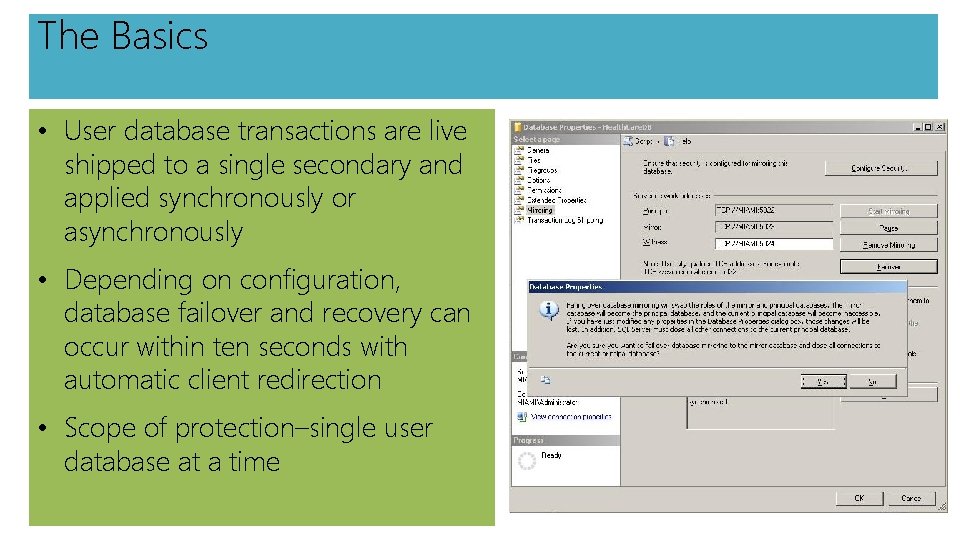
The Basics • User database transactions are live shipped to a single secondary and applied synchronously or asynchronously • Depending on configuration, database failover and recovery can occur within ten seconds with automatic client redirection • Scope of protection–single user database at a time
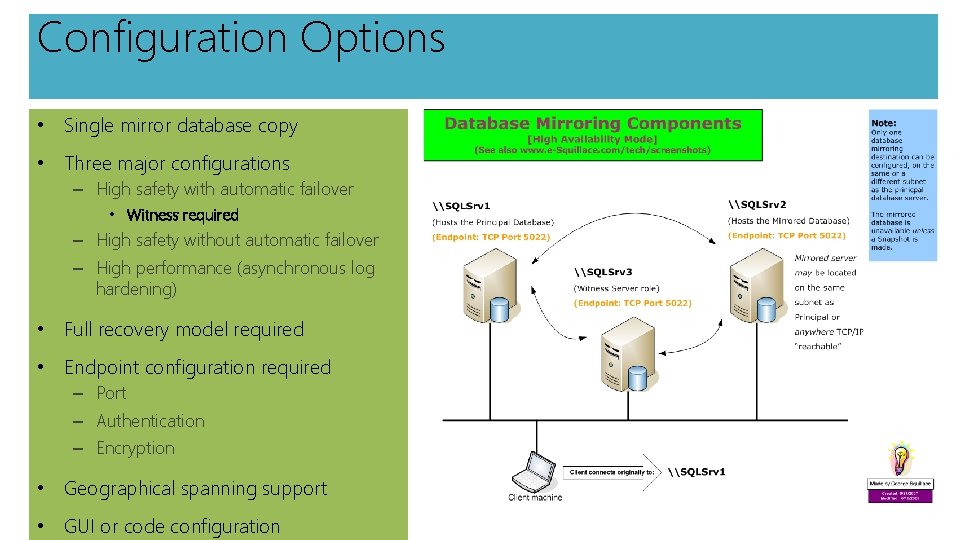
Configuration Options • Single mirror database copy • Three major configurations – High safety with automatic failover • Witness required – High safety without automatic failover – High performance (asynchronous log hardening) • Full recovery model required • Endpoint configuration required – Port – Authentication – Encryption • Geographical spanning support • GUI or code configuration
Mirroring Strengths and Weaknesses • Strengths – – Very fast and automatic database and client failover Not too difficult to initially configure or manage No specialty hardware required Can span data centers • Weaknesses – – – Deprecated Requires three servers in high-availability mode Cannot query the mirrored database unless database snapshots are implemented Configured on a per-database basis Does not protect system databases
DEMO Implementing Database Mirroring
Topic: Always. On
Topic: Always. On • The Basics • Implementing Always. On • Always. On Failover • Always. On Strengths and Weaknesses
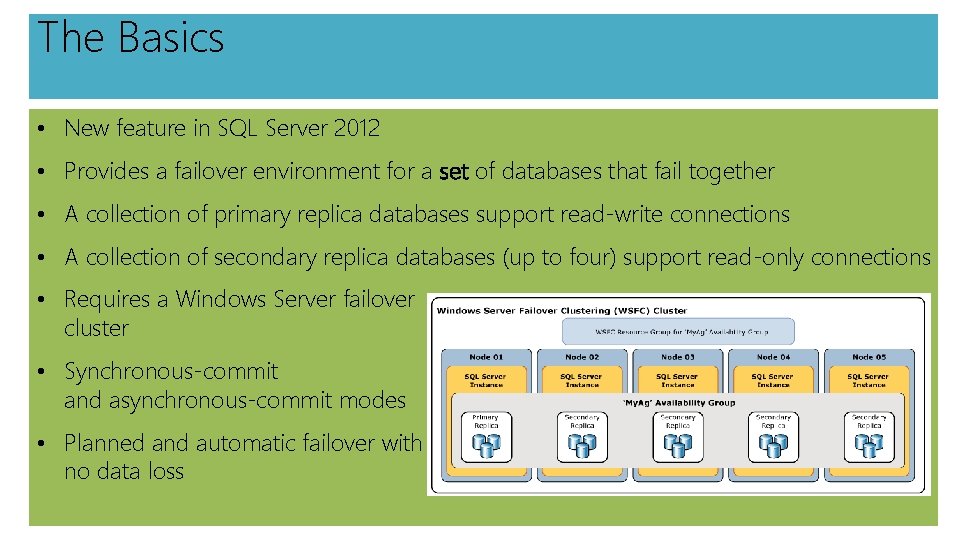
The Basics • New feature in SQL Server 2012 • Provides a failover environment for a set of databases that fail together • A collection of primary replica databases support read-write connections • A collection of secondary replica databases (up to four) support read-only connections • Requires a Windows Server failover cluster • Synchronous-commit and asynchronous-commit modes • Planned and automatic failover with no data loss
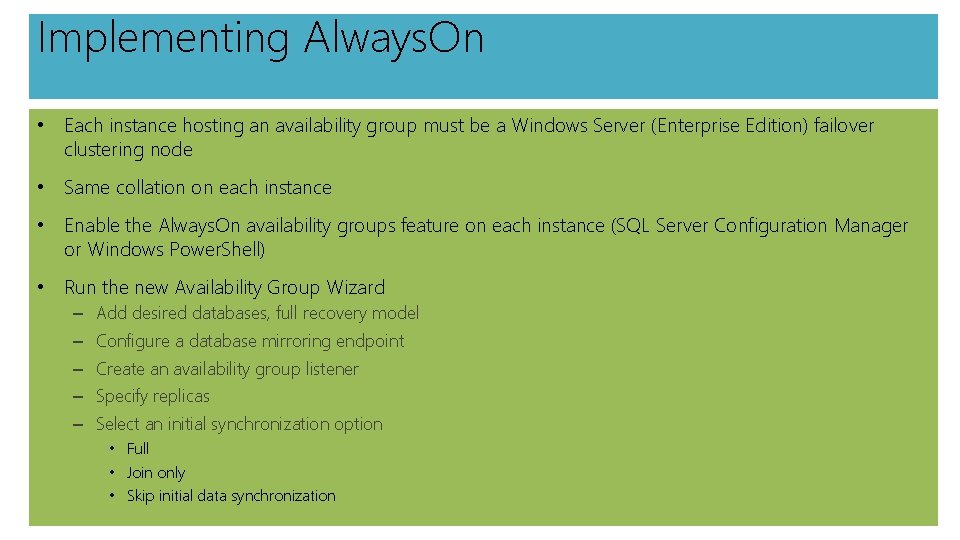
Implementing Always. On • Each instance hosting an availability group must be a Windows Server (Enterprise Edition) failover clustering node • Same collation on each instance • Enable the Always. On availability groups feature on each instance (SQL Server Configuration Manager or Windows Power. Shell) • Run the new Availability Group Wizard – – – Add desired databases, full recovery model Configure a database mirroring endpoint Create an availability group listener Specify replicas Select an initial synchronization option • Full • Join only • Skip initial data synchronization
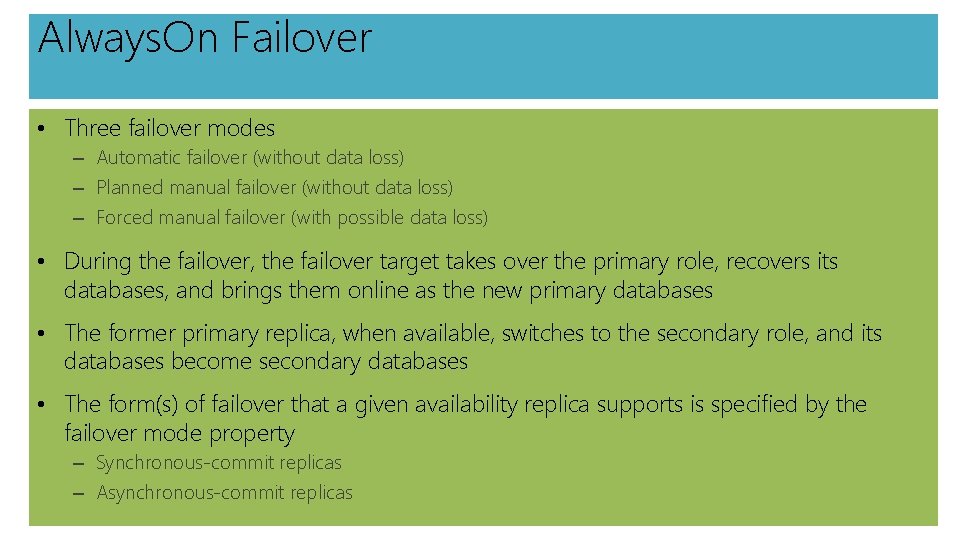
Always. On Failover • Three failover modes – Automatic failover (without data loss) – Planned manual failover (without data loss) – Forced manual failover (with possible data loss) • During the failover, the failover target takes over the primary role, recovers its databases, and brings them online as the new primary databases • The former primary replica, when available, switches to the secondary role, and its databases become secondary databases • The form(s) of failover that a given availability replica supports is specified by the failover mode property – Synchronous-commit replicas – Asynchronous-commit replicas
Always. On Strengths and Weaknesses • Strengths – – – Very fast and automatic database and client failover Very flexible configuration with multiple failover replicas Read-only access to replicas Can back up replicas to offload work No special hardware necessary Can span data centers • Weaknesses – Complex
Topic: Failover Clustering
Topic: Failover Clustering • The Basics • Implementing Failover Clustering • Failing Over with Failover Clustering • Failover Clustering Strengths and Weaknesses
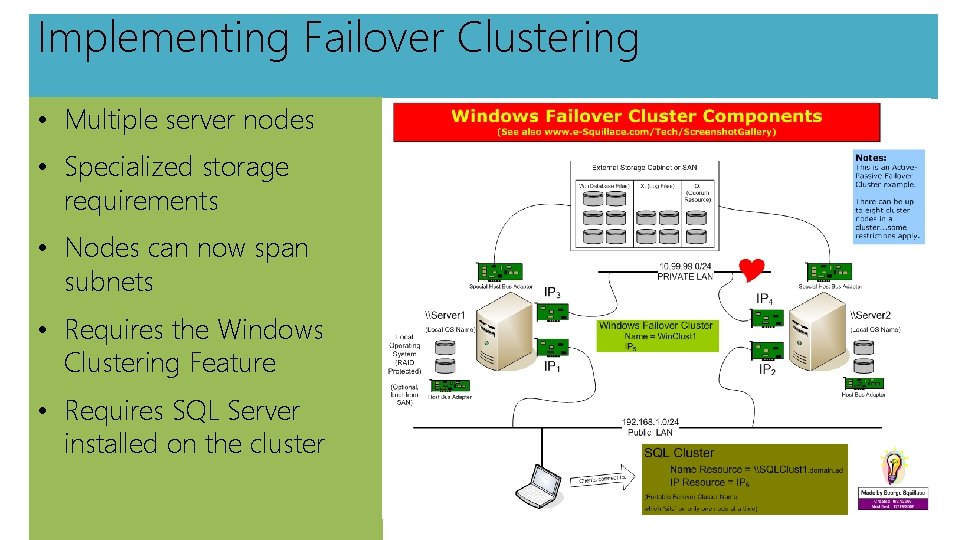
The Basics • Provides protection in the event of a catastrophic hardware (server) failure • Requires the Windows Server Failover Cluster service • Only supports cluster-aware services or applications such as Microsoft SQL Server or Microsoft Exchange Server • Requires shared disk storage (Fibre Channel or i. SCSI) • Clients connect to a virtual name hosted by one of the nodes in the cluster • Provides instance-level availability with automatic and manual failover
Implementing Failover Clustering • Multiple server nodes • Specialized storage requirements • Nodes can now span subnets • Requires the Windows Clustering Feature • Requires SQL Server installed on the cluster
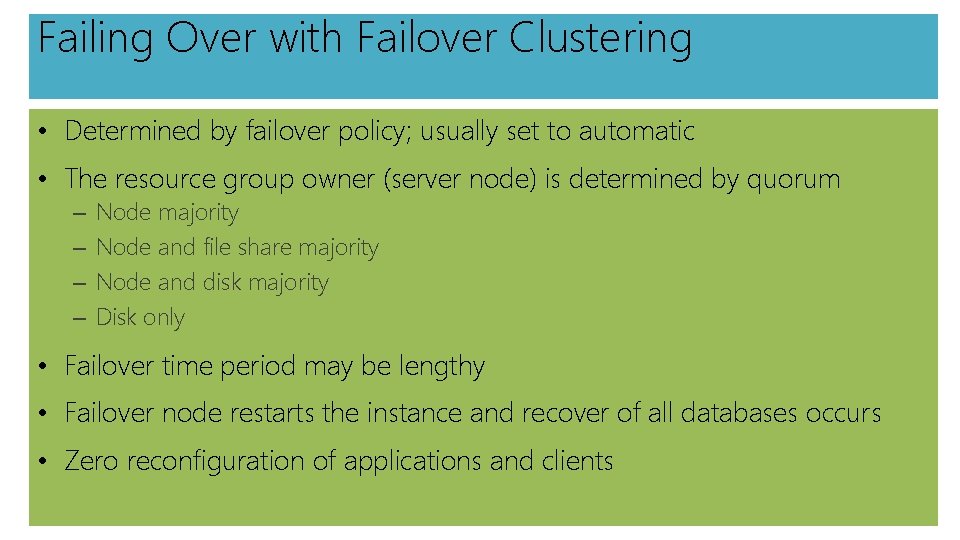
Failing Over with Failover Clustering • Determined by failover policy; usually set to automatic • The resource group owner (server node) is determined by quorum – – Node majority Node and file share majority Node and disk majority Disk only • Failover time period may be lengthy • Failover node restarts the instance and recover of all databases occurs • Zero reconfiguration of applications and clients
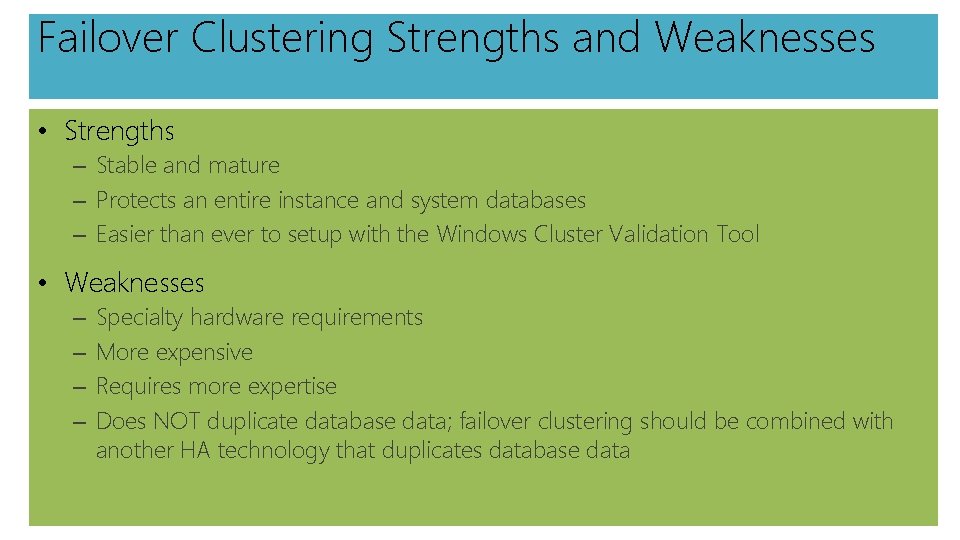
Failover Clustering Strengths and Weaknesses • Strengths – Stable and mature – Protects an entire instance and system databases – Easier than ever to setup with the Windows Cluster Validation Tool • Weaknesses – – Specialty hardware requirements More expensive Requires more expertise Does NOT duplicate database data; failover clustering should be combined with another HA technology that duplicates database data
© 2013 Microsoft Corporation. All rights reserved. Microsoft, Windows, Office, Azure, System Center, Dynamics and other product names are or may be registered trademarks and/or trademarks in the U. S. and/or other countries. The information herein is for informational purposes only and represents the current view of Microsoft Corporation as of the date of this presentation. Because Microsoft must respond to changing market conditions, it should not be interpreted to be a commitment on the part of Microsoft, and Microsoft cannot guarantee the accuracy of any information provided after the date of this presentation. MICROSOFT MAKES NO WARRANTIES, EXPRESS, IMPLIED OR STATUTORY, AS TO THE INFORMATION IN THIS PRESENTATION.