
Course Overview CMSC 15400 Introduction to Computer Systems
- Slides: 40
Course Overview CMSC 15400: Introduction to Computer Systems 1 st Lecture Reading: Chapter 1 Instructors: Prof. Haryadi S. Gunawi Prof. Junchen Jiang Prof. Yanjing Li CMSC 15400 1
What is a Computer System? CMSC 15400 2
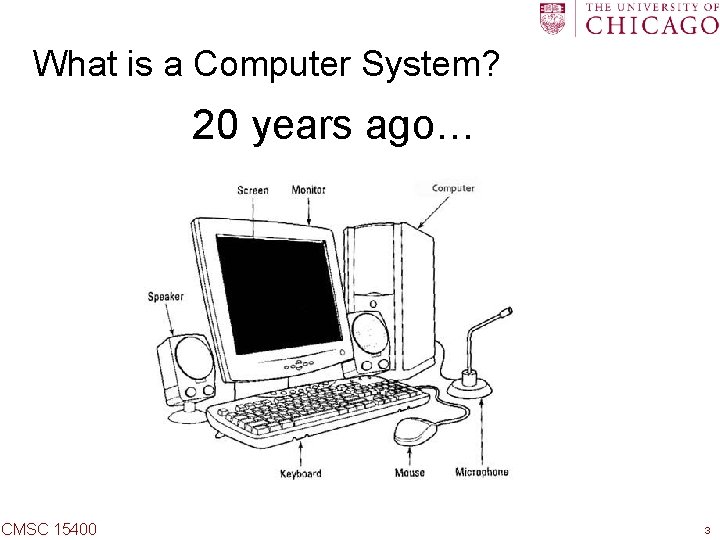
What is a Computer System? 20 years ago… CMSC 15400 3
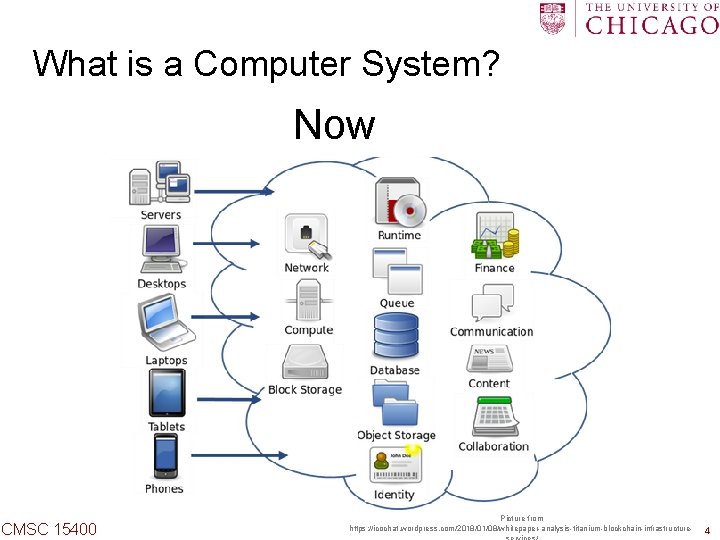
What is a Computer System? Now CMSC 15400 Picture from https: //icochat. wordpress. com/2018/01/08/whitepaper-analysis-titanium-blockchain-infrastructure- 4
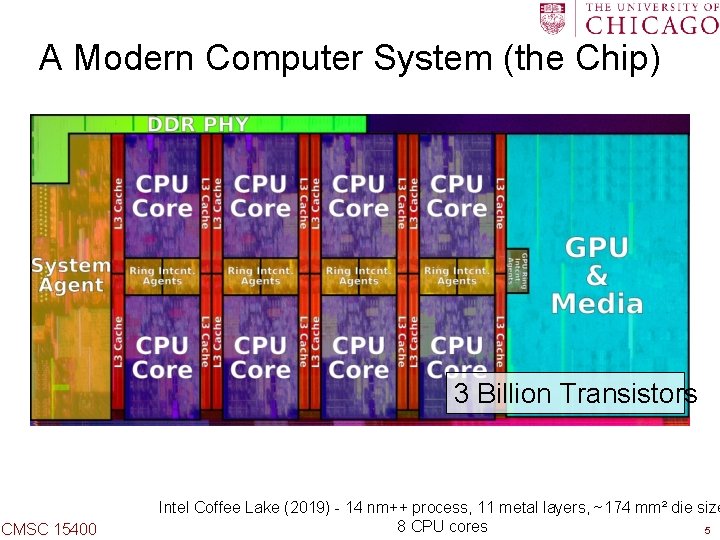
A Modern Computer System (the Chip) 3 Billion Transistors CMSC 15400 Intel Coffee Lake (2019) - 14 nm++ process, 11 metal layers, ~174 mm² die size 8 CPU cores 5
What is a Computer System? Software Application CMSC 15400 6
What is a Computer System? Application Physics CMSC 15400 7
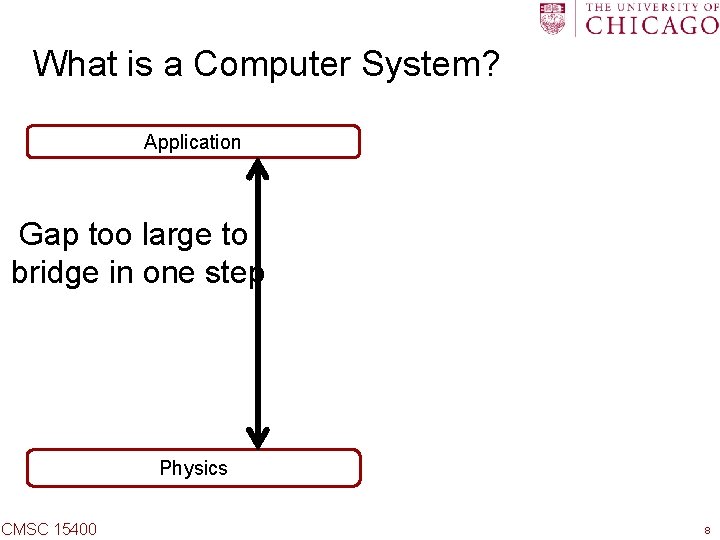
What is a Computer System? Application Gap too large to bridge in one step Physics CMSC 15400 8
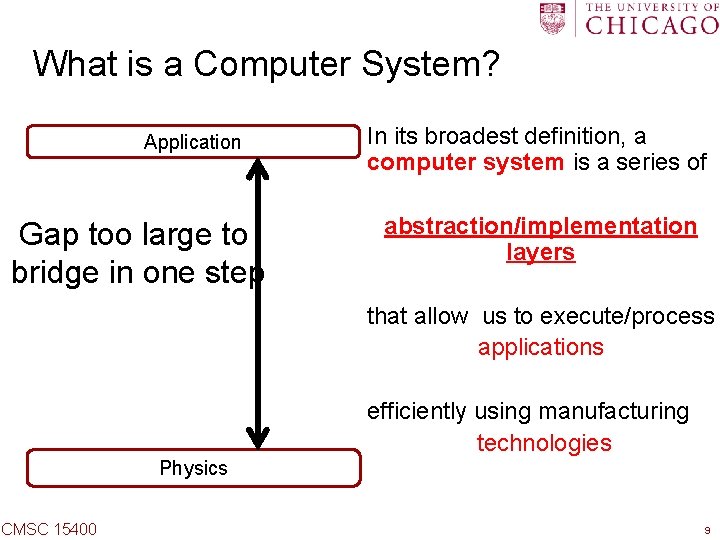
What is a Computer System? Application Gap too large to bridge in one step In its broadest definition, a computer system is a series of abstraction/implementation layers that allow us to execute/process applications efficiently using manufacturing technologies Physics CMSC 15400 9
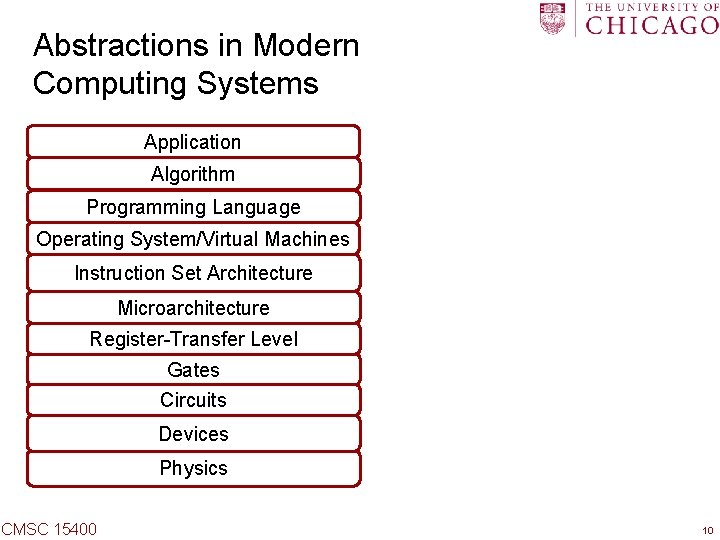
Abstractions in Modern Computing Systems Application Algorithm Programming Language Operating System/Virtual Machines Instruction Set Architecture Microarchitecture Register-Transfer Level Gates Circuits Devices Physics CMSC 15400 10
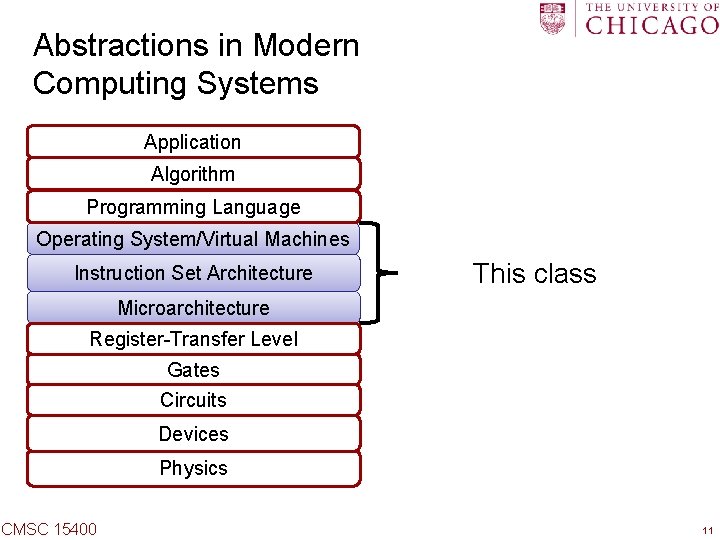
Abstractions in Modern Computing Systems Application Algorithm Programming Language Operating System/Virtual Machines Instruction Set Architecture This class Microarchitecture Register-Transfer Level Gates Circuits Devices Physics CMSC 15400 11
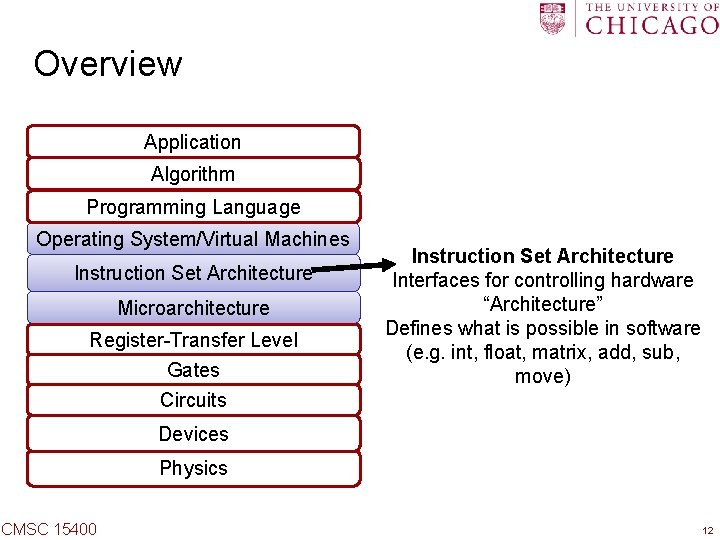
Overview Application Algorithm Programming Language Operating System/Virtual Machines Instruction Set Architecture Microarchitecture Register-Transfer Level Gates Instruction Set Architecture Interfaces for controlling hardware “Architecture” Defines what is possible in software (e. g. int, float, matrix, add, sub, move) Circuits Devices Physics CMSC 15400 12
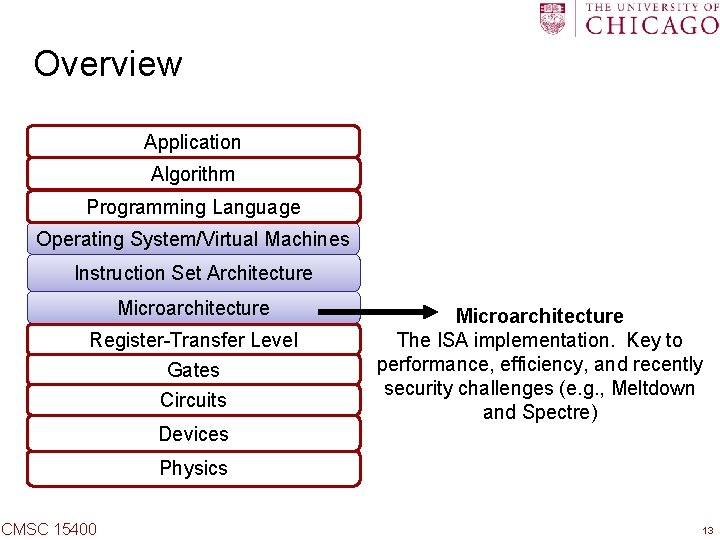
Overview Application Algorithm Programming Language Operating System/Virtual Machines Instruction Set Architecture Microarchitecture Register-Transfer Level Gates Circuits Devices Microarchitecture The ISA implementation. Key to performance, efficiency, and recently security challenges (e. g. , Meltdown and Spectre) Physics CMSC 15400 13
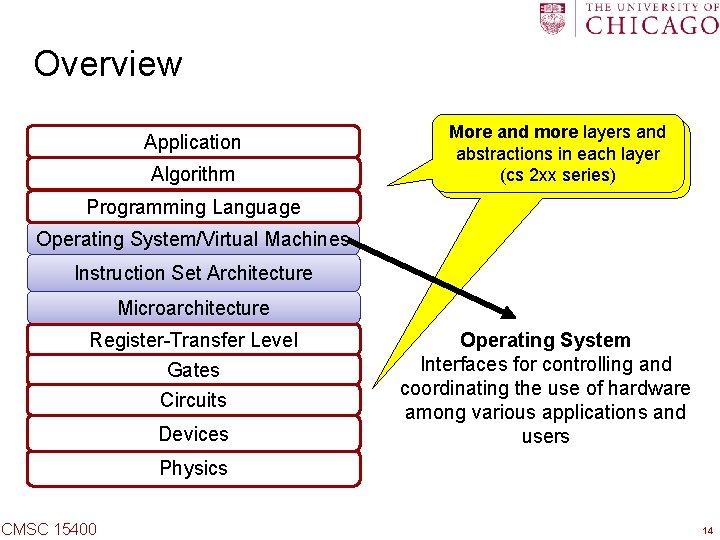
Overview Application Algorithm More and more layers and abstractions in each layer (cs 2 xx series) Programming Language Operating System/Virtual Machines Instruction Set Architecture Microarchitecture Register-Transfer Level Gates Circuits Devices Operating System Interfaces for controlling and coordinating the use of hardware among various applications and users Physics CMSC 15400 14
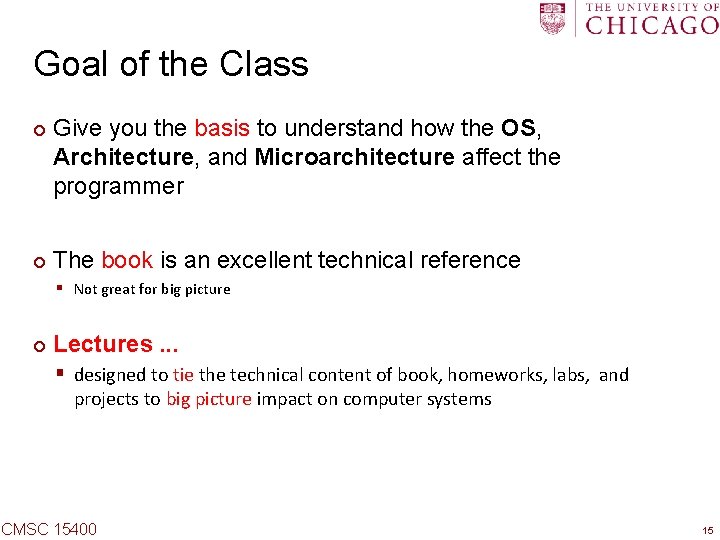
Goal of the Class ¢ ¢ Give you the basis to understand how the OS, Architecture, and Microarchitecture affect the programmer The book is an excellent technical reference § Not great for big picture ¢ Lectures. . . § designed to tie the technical content of book, homeworks, labs, and projects to big picture impact on computer systems CMSC 15400 15
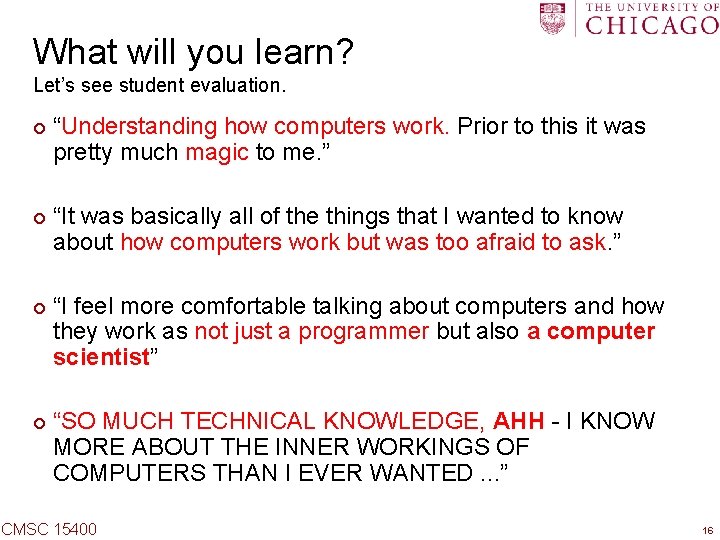
What will you learn? Let’s see student evaluation. ¢ ¢ “Understanding how computers work. Prior to this it was pretty much magic to me. ” “It was basically all of the things that I wanted to know about how computers work but was too afraid to ask. ” “I feel more comfortable talking about computers and how they work as not just a programmer but also a computer scientist” “SO MUCH TECHNICAL KNOWLEDGE, AHH - I KNOW MORE ABOUT THE INNER WORKINGS OF COMPUTERS THAN I EVER WANTED. . . ” CMSC 15400 16
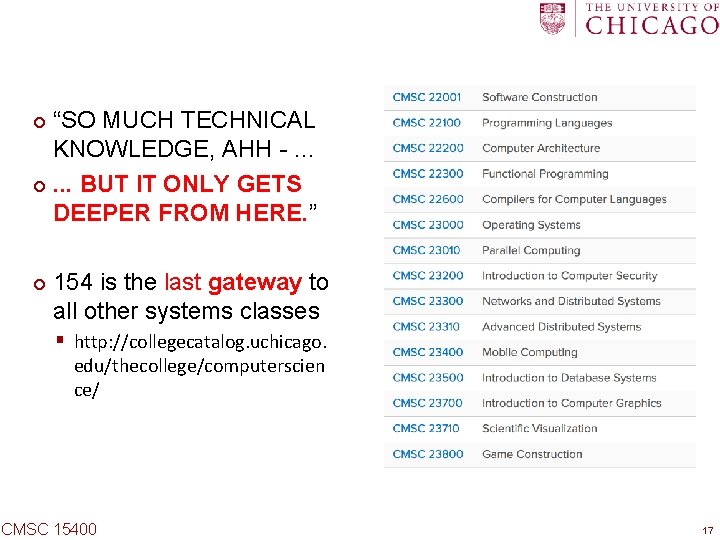
“SO MUCH TECHNICAL KNOWLEDGE, AHH -. . . ¢. . . BUT IT ONLY GETS DEEPER FROM HERE. ” ¢ ¢ 154 is the last gateway to all other systems classes § http: //collegecatalog. uchicago. edu/thecollege/computerscien ce/ CMSC 15400 17
Overview Course Theme and Roadmap ¢ Logistics ¢ Getting help ¢ CMSC 15400 18
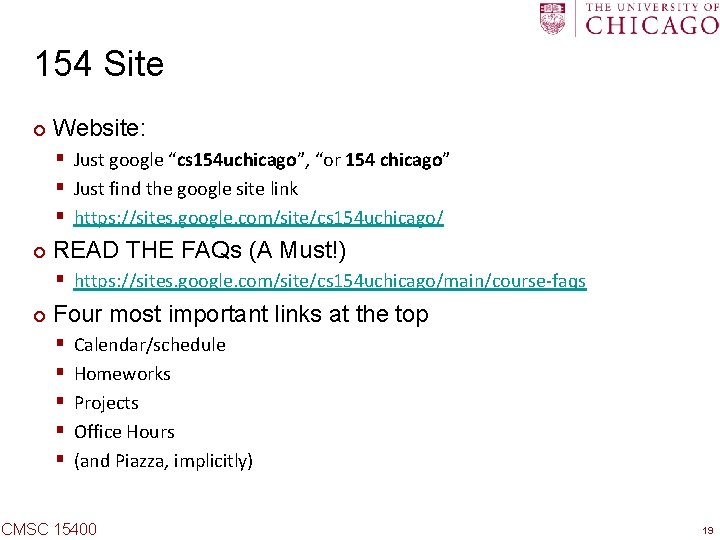
154 Site ¢ Website: § Just google “cs 154 uchicago”, “or 154 chicago” § Just find the google site link § https: //sites. google. com/site/cs 154 uchicago/ ¢ READ THE FAQs (A Must!) § https: //sites. google. com/site/cs 154 uchicago/main/course-faqs ¢ Four most important links at the top § § § Calendar/schedule Homeworks Projects Office Hours (and Piazza, implicitly) CMSC 15400 19
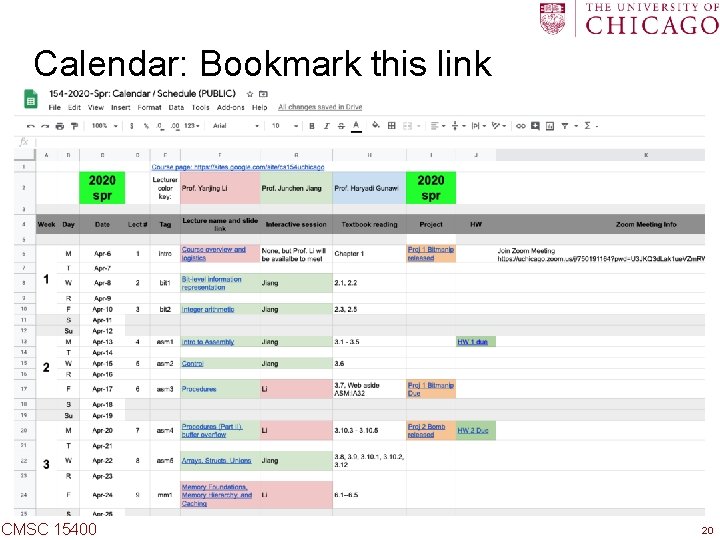
Calendar: Bookmark this link Bookmark the link ¢ Check each column ¢ § Due dates, reading list, ¢ Lecture Tags § § § bit asm mm os mem sync CMSC 15400 20
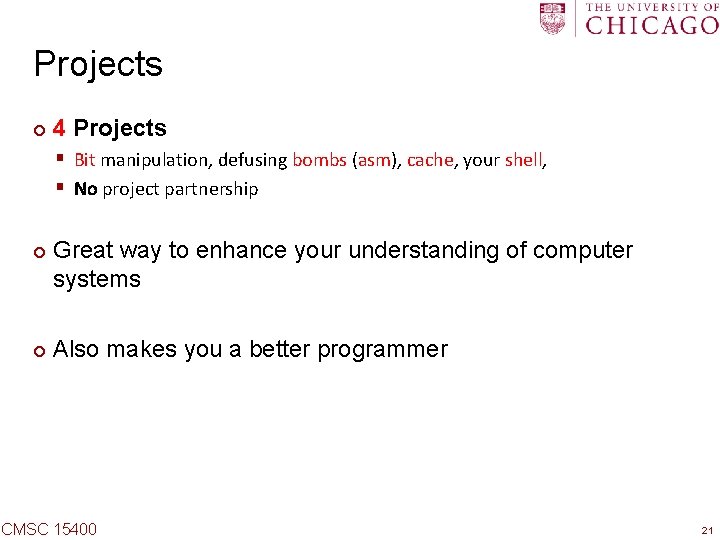
Projects ¢ 4 Projects § Bit manipulation, defusing bombs (asm), cache, your shell, § No project partnership ¢ ¢ Great way to enhance your understanding of computer systems Also makes you a better programmer CMSC 15400 21
Labs ¢ Labs are helpful for projects ¢ You could use lab hours to work on projects as well § TAs will be online CMSC 15400 22
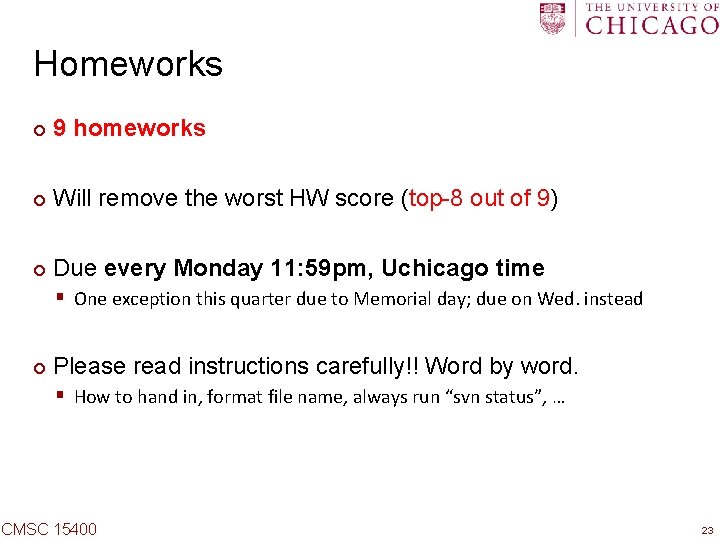
Homeworks ¢ 9 homeworks ¢ Will remove the worst HW score (top-8 out of 9) ¢ Due every Monday 11: 59 pm, Uchicago time § One exception this quarter due to Memorial day; due on Wed. instead ¢ Please read instructions carefully!! Word by word. § How to hand in, format file name, always run “svn status”, … CMSC 15400 23
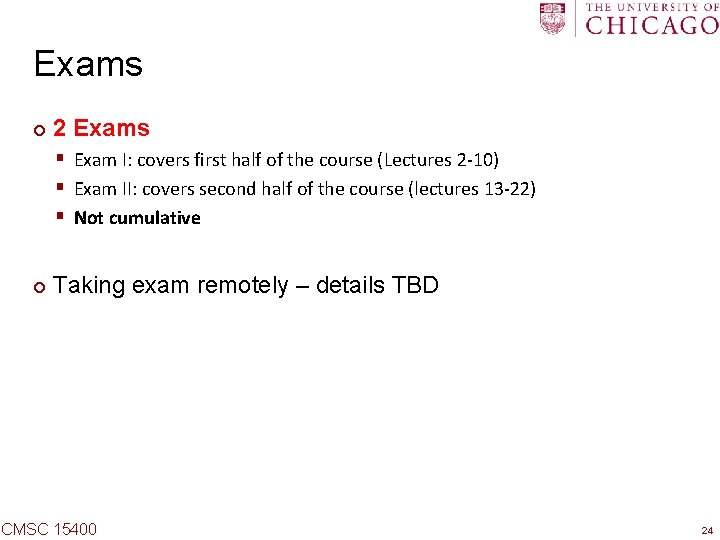
Exams ¢ 2 Exams § Exam I: covers first half of the course (Lectures 2 -10) § Exam II: covers second half of the course (lectures 13 -22) § Not cumulative ¢ Taking exam remotely – details TBD CMSC 15400 24
Overview Course Theme and Roadmap ¢ Logistics ¢ Getting help ¢ CMSC 15400 25
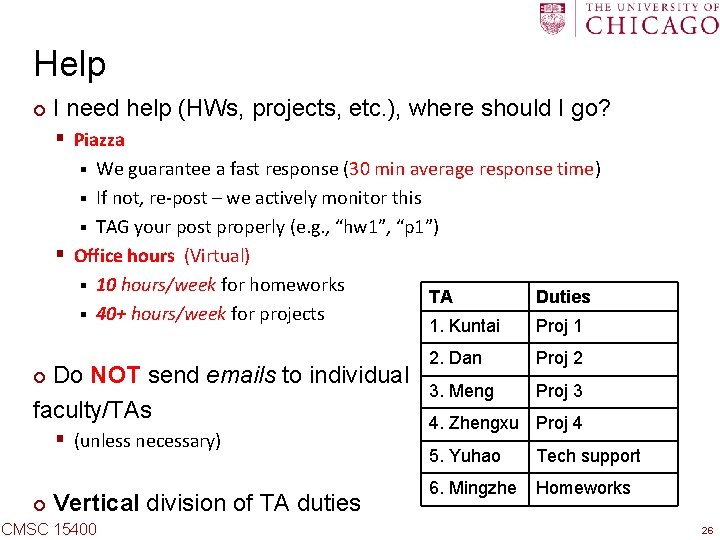
Help ¢ I need help (HWs, projects, etc. ), where should I go? § Piazza We guarantee a fast response (30 min average response time) § If not, re-post – we actively monitor this § TAG your post properly (e. g. , “hw 1”, “p 1”) § Office hours (Virtual) § 10 hours/week for homeworks TA Duties § 40+ hours/week for projects § Do NOT send emails to individual faculty/TAs ¢ § (unless necessary) ¢ Vertical division of TA duties CMSC 15400 1. Kuntai Proj 1 2. Dan Proj 2 3. Meng Proj 3 4. Zhengxu Proj 4 5. Yuhao Tech support 6. Mingzhe Homeworks 26
Help, Help!!!. . . START EARLY ¢ “Deadline is less than 24 hr, but I’m not getting enough help. ” § We’ll try our best, but … please start early! § We cannot help 180+ students who start late ¢ How to ask for help? § § Use Details -- “it doesn’t work” vs “I tried X, but got Y, then tried Z …” Help us help you -- svn commit code so far, so we can check it out Keep trying -- we will try to put you on the right path [Note: no feedback after projects submitted] § The best way to get feedback is in office hours CMSC 15400 27
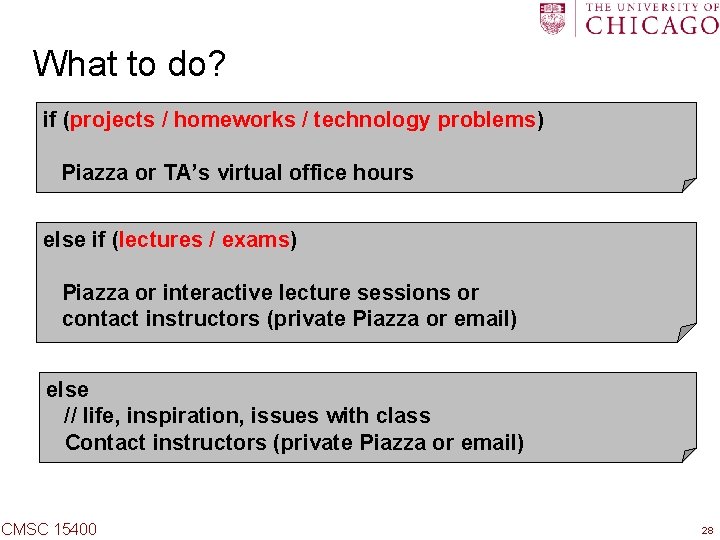
What to do? if (projects / homeworks / technology problems) Piazza or TA’s virtual office hours else if (lectures / exams) Piazza or interactive lecture sessions or contact instructors (private Piazza or email) else // life, inspiration, issues with class Contact instructors (private Piazza or email) CMSC 15400 28
Academic misconduct ¢ Well … don’t cheat! ¢ We run a very smart code comparator tool § We’ve discovered code duplications before [almost every year!] ¢ Involve department and university level, and potentially a Fail § Don’t ruin your good reputation ¢ Start early, go to office hours CMSC 15400 29
Special Accommodation Requests ¢ https: //disabilities. uchicago. edu. § links up for Spring-2020 specific accommodation requests ¢ We follow recommendations and guidelines from SDS CMSC 15400 30
Remote Teaching All information can be found on the course FAQ page: https: //sites. google. com/site/cs 154 uchicago/main/cours e-faqs These plans are subject to change. CMSC 15400 31
How is 154 Different from a Normal Quarter? ¢ ¢ ¢ Reduced workload to mitigate remote learning challenges 3 less lectures (21 vs. 24) 1 less project (4 vs. 5), less work for some projects, and more time per project § Deadlines are firm unless you obtain special exceptions which will be granted due to extenuating circumstances ¢ Exams… (TBD) CMSC 15400 32
What Remains Unchanged? ¢ ¢ You will still learn all core computer systems knowledge as promised, and be well-prepared for more advanced systems courses We are always very generous in terms of final grades § Only less than 5% get Cs in the past § No problem to give all As if everyone deserves it CMSC 15400 33
Lectures ¢ Lectures are pre-recorded and uploaded to Canvas § We will post lecture videos one day before the scheduled lecture time ¢ Interactive sessions using Zoom during scheduled lecture times § Mainly driven by students. We can go over any materials upon request, answer any questions you may have, etc. (a. k. a. instructor’s office hours) § We recommend that you attend the session you signed up for to balance attendance and traffic across the three sessions § Zoom meeting links are posted on course calendar § How to Ask Questions? § You should mute your microphone when you’re not speaking to minimize noises and interruptions for others § If you wish to speak, please raise your hand first, wait until your name is called, and then unmute CMSC 15400 34
TA’s Online Office Hours ¢ ¢ Zoom meetings, links posted in TA office hour google sheet Unlike lectures, TAs will meet students one-on-one during OH § So you can discuss your specific implementation, show your code, etc. , which should not be shared with other students ¢ Mechanism § When you sign in to TAs’ OH you will be placed in the waiting room. Please raise your hand or type your name in the chat box to claim your spot in the waiting queue immediately. This is important. The TA will go meet with students based on the order of the queue. § When it’s your turn, the TA will move you to a different room. If there are other students waiting, your time with the TA is limited to 10 minutes. § When your time is up, you may ask the TA to place you back in the waiting you if you need more time, and you need to claim a spot in the queue again. CMSC 15400 35
Zoom Online Meetings ¢ Secure measures § You must sign in to Zoom using your cnetid § You must provide a password (we use a central one for all 154 meetings this quarter, and it will be announced on Canvas) § The host may mute all participants. Unmute before you speak. ¢ Robustness handling § What if the host is disconnected and you cannot join the meeting any more? § We will try our bust to provide timely information § ¢ Through chat messages on Canvas For students with limited internet access: you can call in to a meeting using a phone CMSC 15400 36
How to Work on Projects / Labs? ¢ Preferred Method § Work on your programming tasks on uchicago CS machines through ssh or remote desktop connection § Detailed tutorials will be available ¢ Alternative Methods 1. Write your code on your local machine, push to SVN, and compile/debug on uchicago CS machines. 2. Implement and debug your code in your own computer. When it’s ready, push it to svn and make sure that it compiles/runs correctly on uchicago machines. We will also provide detailed tutorials on how to setup up the project environment on your computer. This is the fallback plan so please do not use this method unless it's absolutely necessary. CMSC 15400 37
Homework Assignments ¢ ¢ We do not anticipate issues for you to complete and submit homework assignments If you run into any problem, please bring it to our attention CMSC 15400 38
Summary: Tools ¢ Zoom § Interactive lecture sessions, online office hours ¢ Canvas § Lecture videos, security-sensitive information (e. g. , Zoom meeting password), real-time chats in case Zoom fails ¢ Piazza § All announcements and non-real-time Q&As (project, homework, exam, lecture, logistics, etc. ) § Same as previous quarters ¢ SSH, remote desktop connection, etc. § Project development ¢ ? ? § For exams, TBD CMSC 15400 39
Conclusion “Difficult but rewarding would sum up this course” Learn, enjoy, don’t stress, and don’t hesitate to ask for help We are also experimenting, so bear with us and provide feedback CMSC 15400 40